Organization types, contact roles and tags
On this page
Three short lists give the address book its vocabulary. Organization Types say what kind of body an organization is. Contact Roles say what a person is in an organization filed under him. Contact Tags sort any contact, person or company. All three are edited in place: you type in the line itself, with no form to open.
Before you start
- The Configuration menu of Contacts is shown to the Administrator role only. Every user reads the three lists through the fields that use them.
- The type and the role show on the cards of a person's Contacts section and in the Link Existing Organization window. In this version no form writes them, as Link a person to an existing organization explains.
Organization types
- Open . The list holds Company, Government, NGO, Association, Foundation, Institution and Cooperative.
- Click New. An empty line opens at the bottom of the list, ready for typing.
- Type the name and click Save.
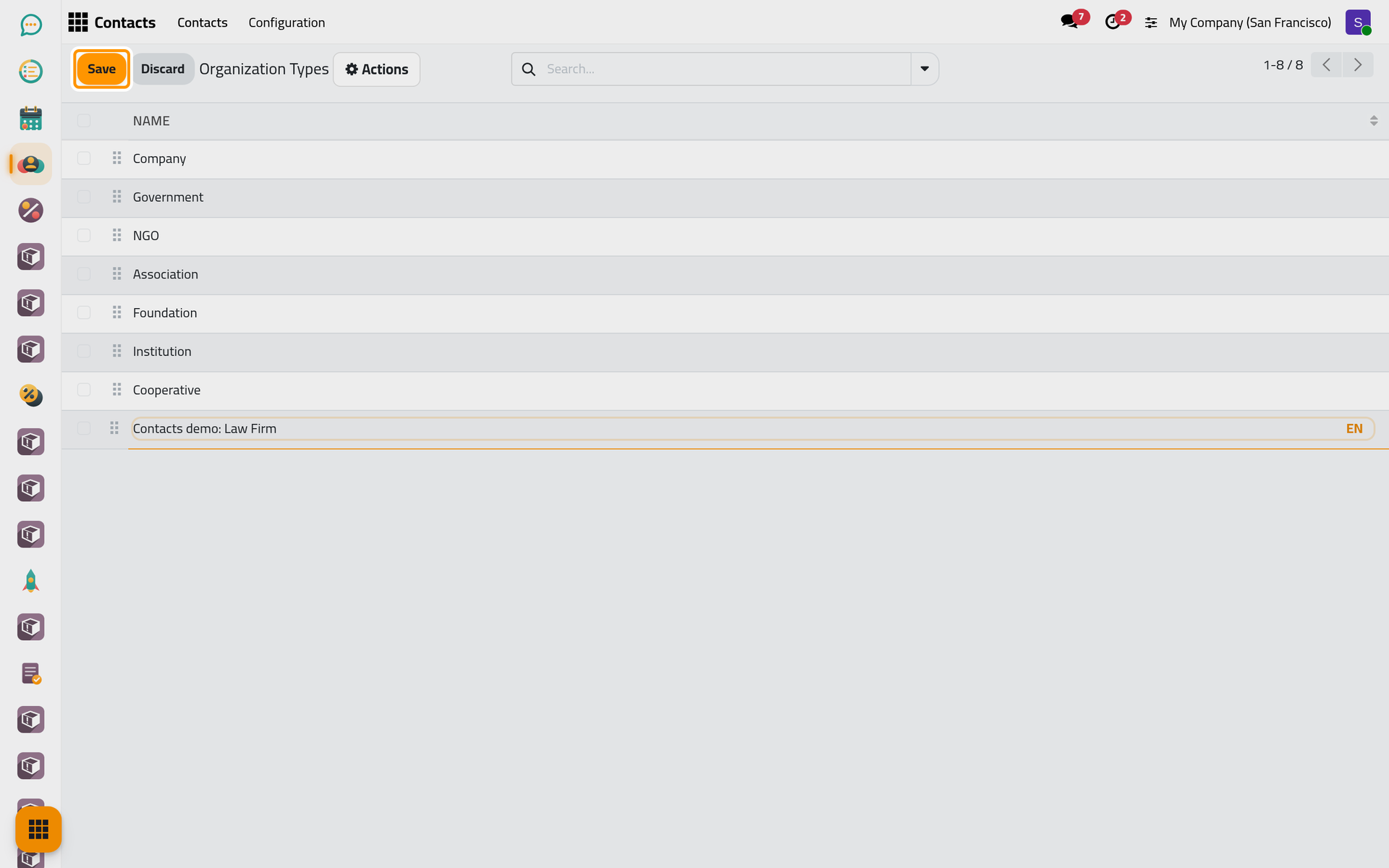
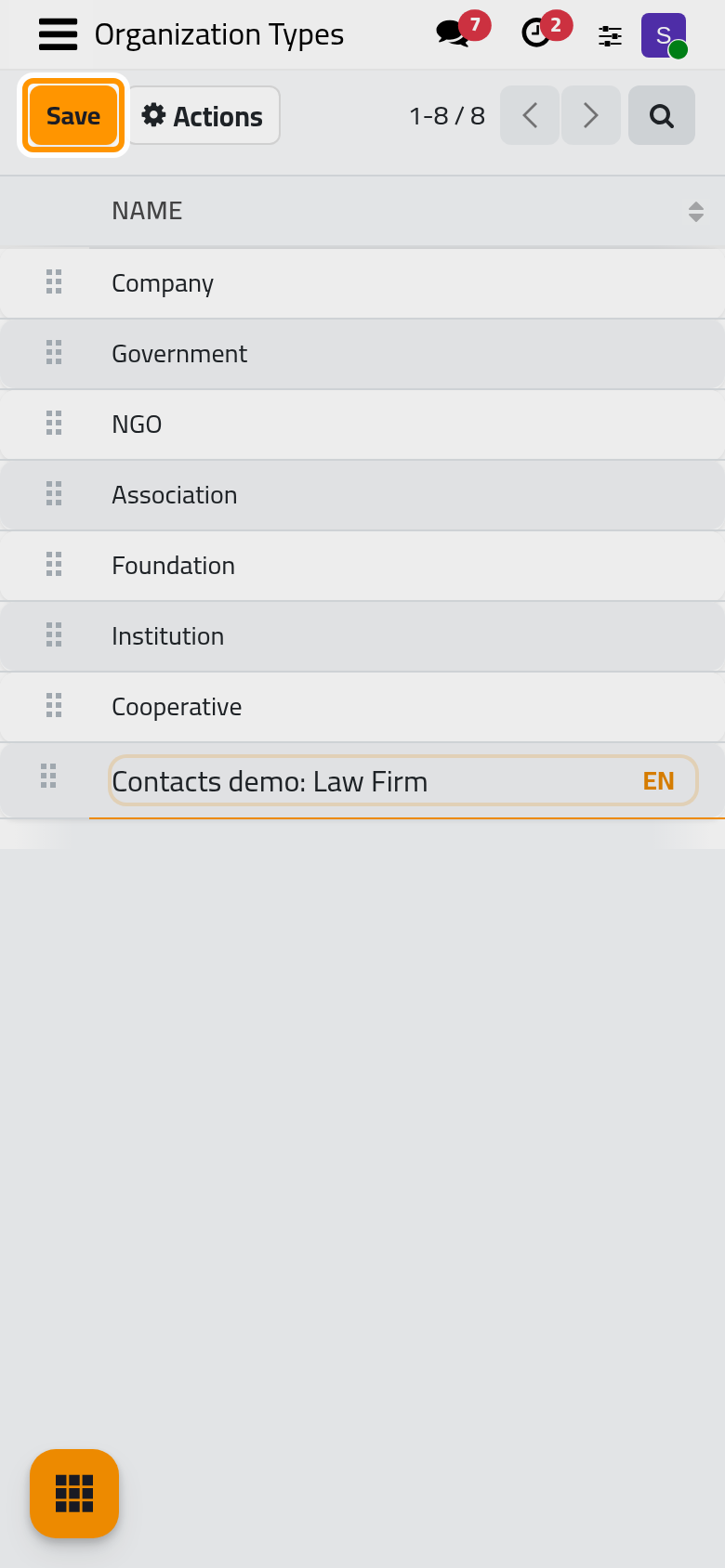
To rename a type, click its name, type the new one and click Save; organizations that carry it show the new name. To change the order, drag the handle at the start of a line: the window Link Existing Organization lists the types in that order.
Contact roles
- Open . The list holds Owner, Partner, Director, Manager, Accountant and Representative.
- Click New, type the name of the role and click Save.
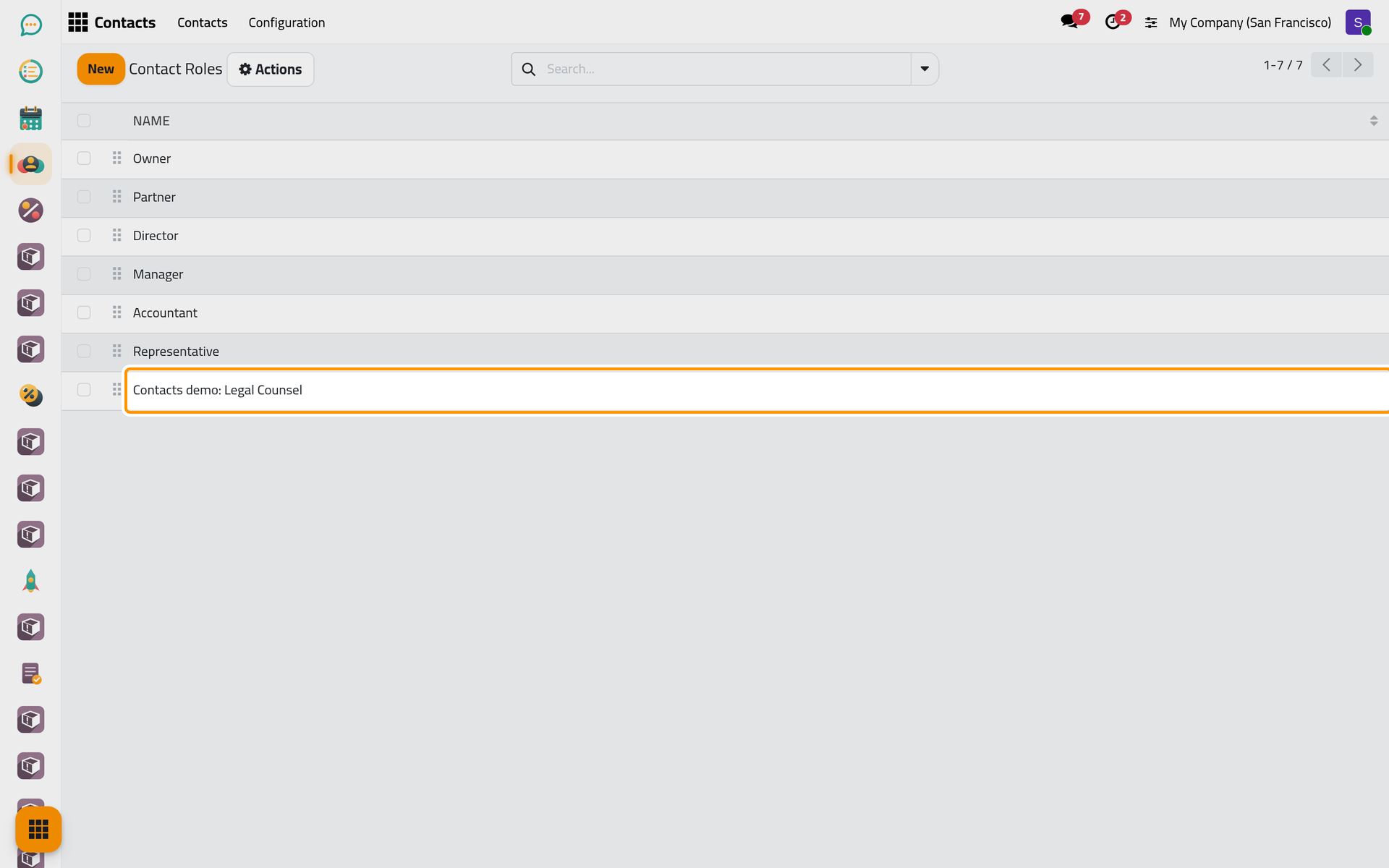
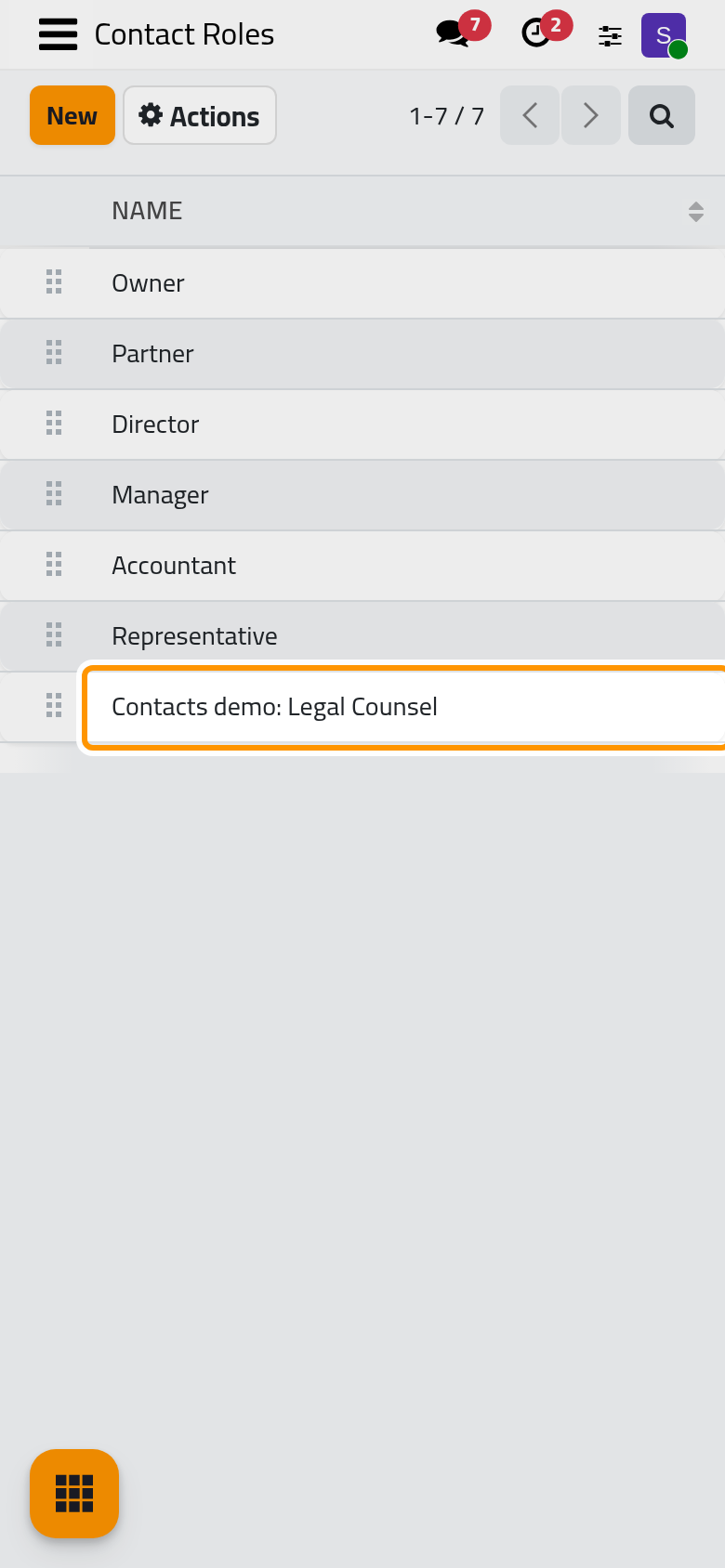
Renaming and ordering work as for the types.
Contact tags
- Open . Each tag has a Name, an optional Category, which is a parent tag, and a Color.
- Click New, type the name, choose a parent tag if the new tag belongs under one, pick a color and click Save.
A tag can also be created on the spot: in the Tags field of a contact, type a name that does not exist yet and choose the line that creates it. A tag under a parent shows as "Vendor / Office Supplies" in the choices.
Retire a line
- Tick the line, open Actions and choose Archive.
- Confirm with Archive.
The line leaves the list and the choices. Contacts that carry it keep it. The lists of types and roles have no Archived filter to bring a line back, so archive only a line you no longer use. Delete in the same menu removes the line and empties it on every contact that carried it.
FAQ
Two Arabic types read the same.
Foundation and Institution are both «مؤسسة» in Arabic. The names are translatable: while you edit a line, the language button at the end of the name box opens its translations, where one of them can take another Arabic name.
Who can change these lists?
Users with the Administrator role add, rename, order, archive and delete types and roles. Every user can read them.
Can a person have two roles in one organization?
No. The role is stored on the organization, one per organization, and describes the person it is filed under.
Where do I use the tags?
In the Tags field of the Optional Info tab of any contact, as Add a company and its people shows, and in the search bar of the contacts list.
Was this page helpful?
Thank you for your feedback.