Add a lawyer and give them an account
On this page
Every legal app picks its lawyers from one directory: the lawyer assigned to a case, the lawyers of a consultation, the default lawyers of client requests. A lawyer can exist without an account (an external lawyer you only record), or be linked to a user who signs in to Jaah and works on their files.
Before you start
- You need the Manager level on Lawyers (in the Legal Rights section of your user).
- Decide whether the lawyer will sign in. If yes, have their work email ready: it becomes their login.
- On a subscription with a user limit, a lawyer with an account is a user like any other and counts toward the limit.
Steps
- Open and click New.
- Type the lawyer's name. Add the Work Email and Work Phone if they will sign in or be reached by the firm.
- Pick their practice areas in Practice Area, and in Supervisor the user who reviews their work when the firm works with a hierarchy (a senior partner, for example); some approvals of the other legal apps go to that person.
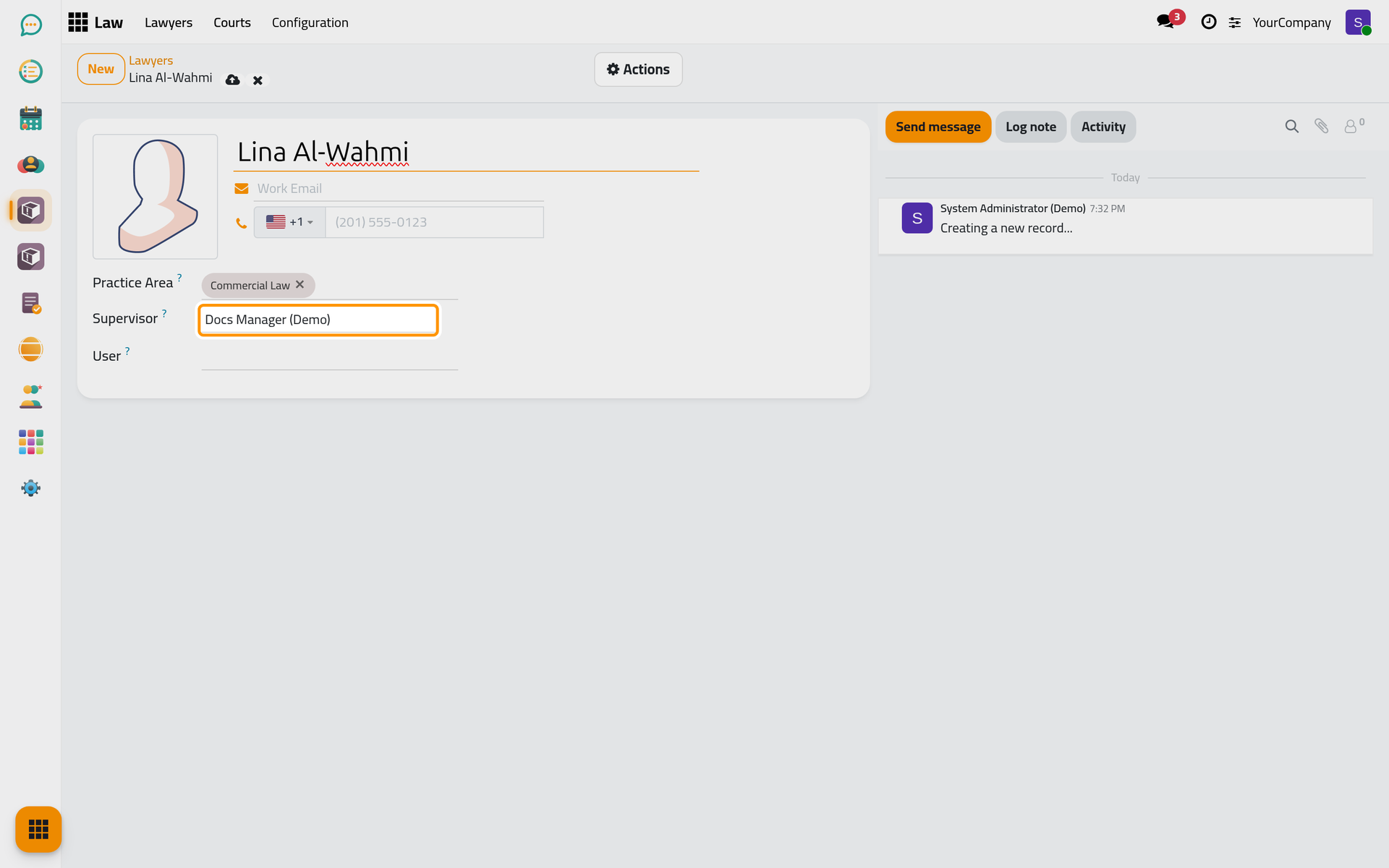
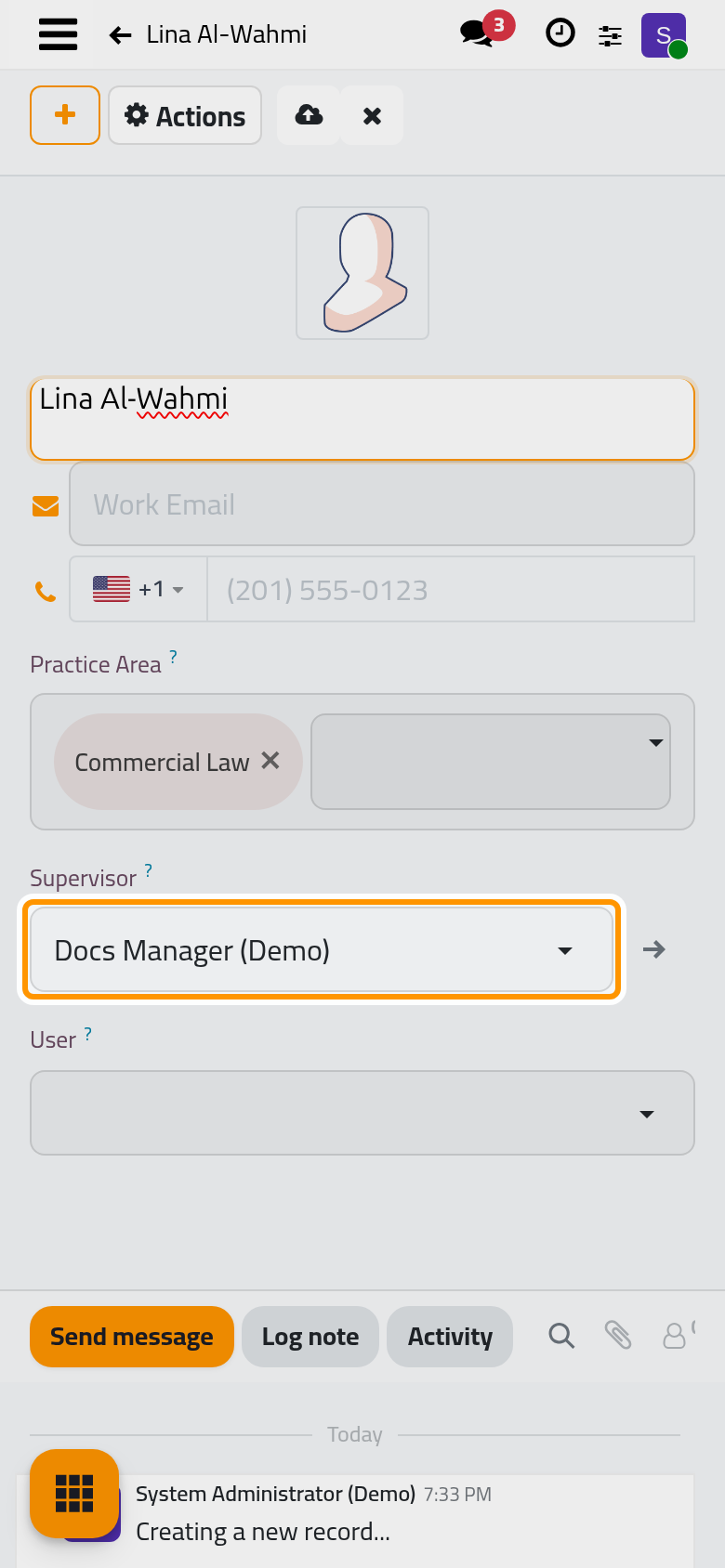
- Click the cloud icon Save manually, or simply leave the form. With a Work Email, saving creates the lawyer's user account: the login is the email, the account gets the Manager level on Lawyers, and the account is linked in the User field. If a user already signs in with that email, Jaah links that user instead of creating a second one.
- To set the password of a lawyer who has an account, open Actions › Set Password, type it twice and click Set Password. Otherwise the person uses the password reset of the login page.
To turn an existing user into a lawyer, open , open the user and choose Actions › Create Lawyer. The lawyer form opens with the user's name, email and phone, and the user linked in User.
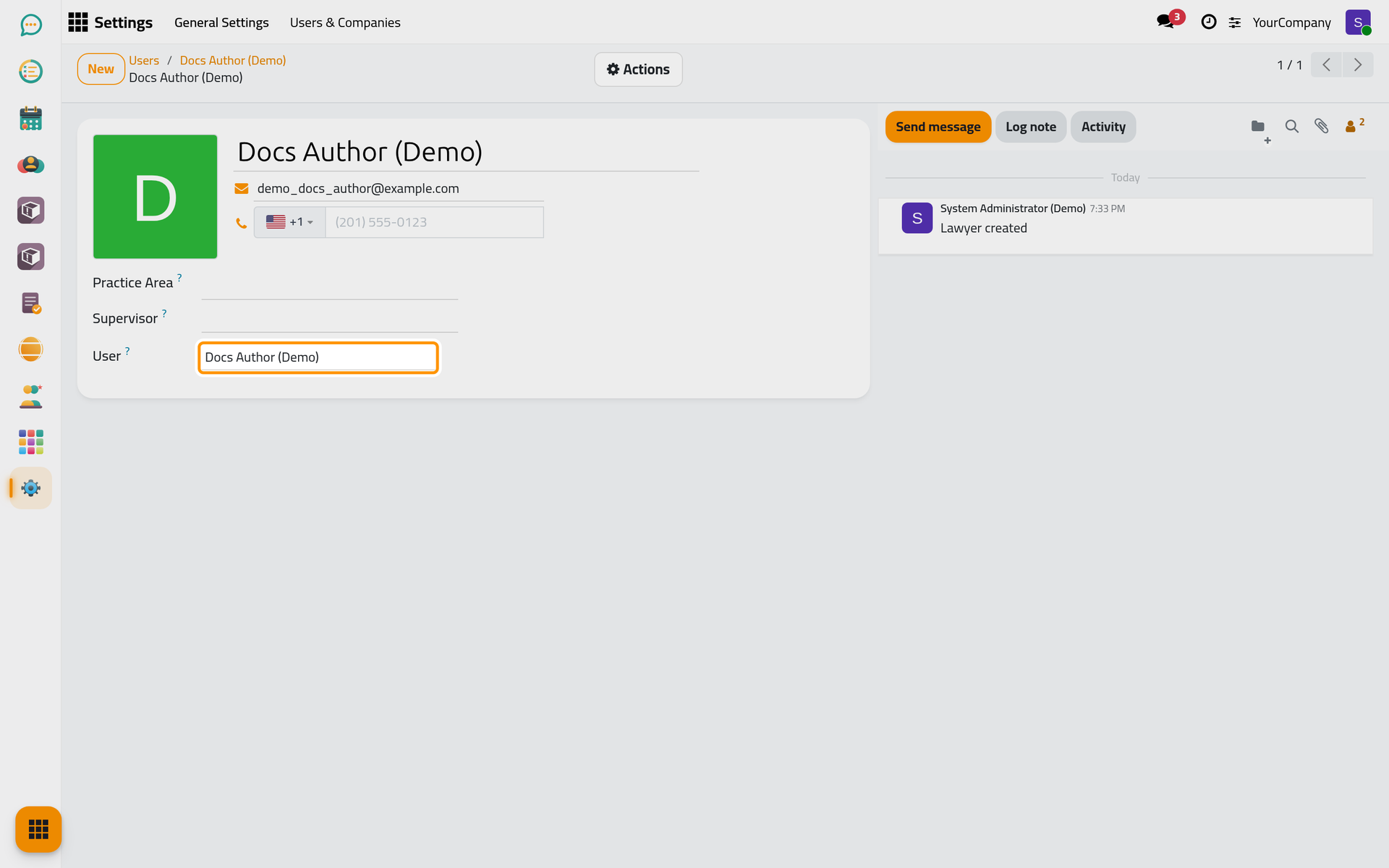
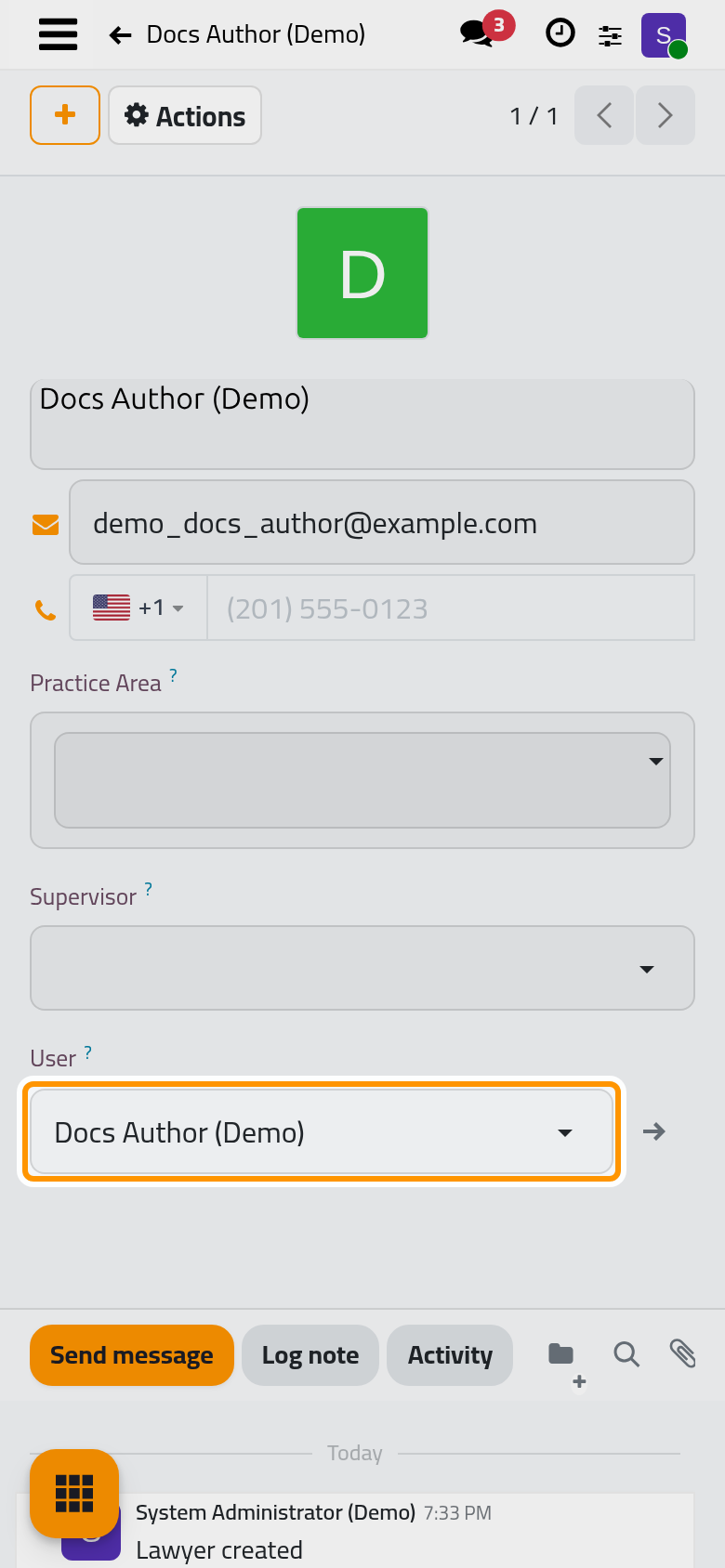
The user's details lead
While a lawyer is linked to a user, the name, work email and phone follow the user: changing them on the lawyer updates the user's login and contact details too.
Result
The lawyer appears in the directory and in every lawyer picker of the legal apps. A lawyer with an account signs in with their work email and sees the legal apps their levels allow.
FAQ
Why did a new user appear after I saved a lawyer?
Because the lawyer has a Work Email: the account is created so the lawyer can sign in. Leave the email empty to record a lawyer who does not use Jaah, such as a lawyer of another firm.
Can one user be two lawyers?
No. A user is linked to at most one lawyer; the user form shows it in its Lawyer button.
How do I remove a lawyer who left the firm?
Archive the lawyer from Actions › Archive, and archive their user from the Users list so they can no longer sign in. Their history in cases and consultations stays.
Was this page helpful?
Thank you for your feedback.