First steps with the legal foundation
On this page
The legal foundation is the part of Jaah that every legal app shares: the directory of the firm's lawyers, the courts where they plead, the judges and court circuits when the firm tracks them, and the practice areas that describe what each lawyer handles. Cases, consultations, executions, contracts and agencies all pick their lawyers and courts from here, so a few minutes spent on it now saves the same correction in every file later. You need a manager level on Lawyers and Courts; the person who manages users grants it (see Give a team member access to the legal apps).
What you will do
- Decide whether the firm records judges and court circuits.
- Look at the lawyers directory and what a lawyer record holds.
- Look at the courts directory.
- Review the practice areas that come with the app.
1. Switch on judges and court circuits
Open . The Law tab opens on two blocks: General and Client Requests.
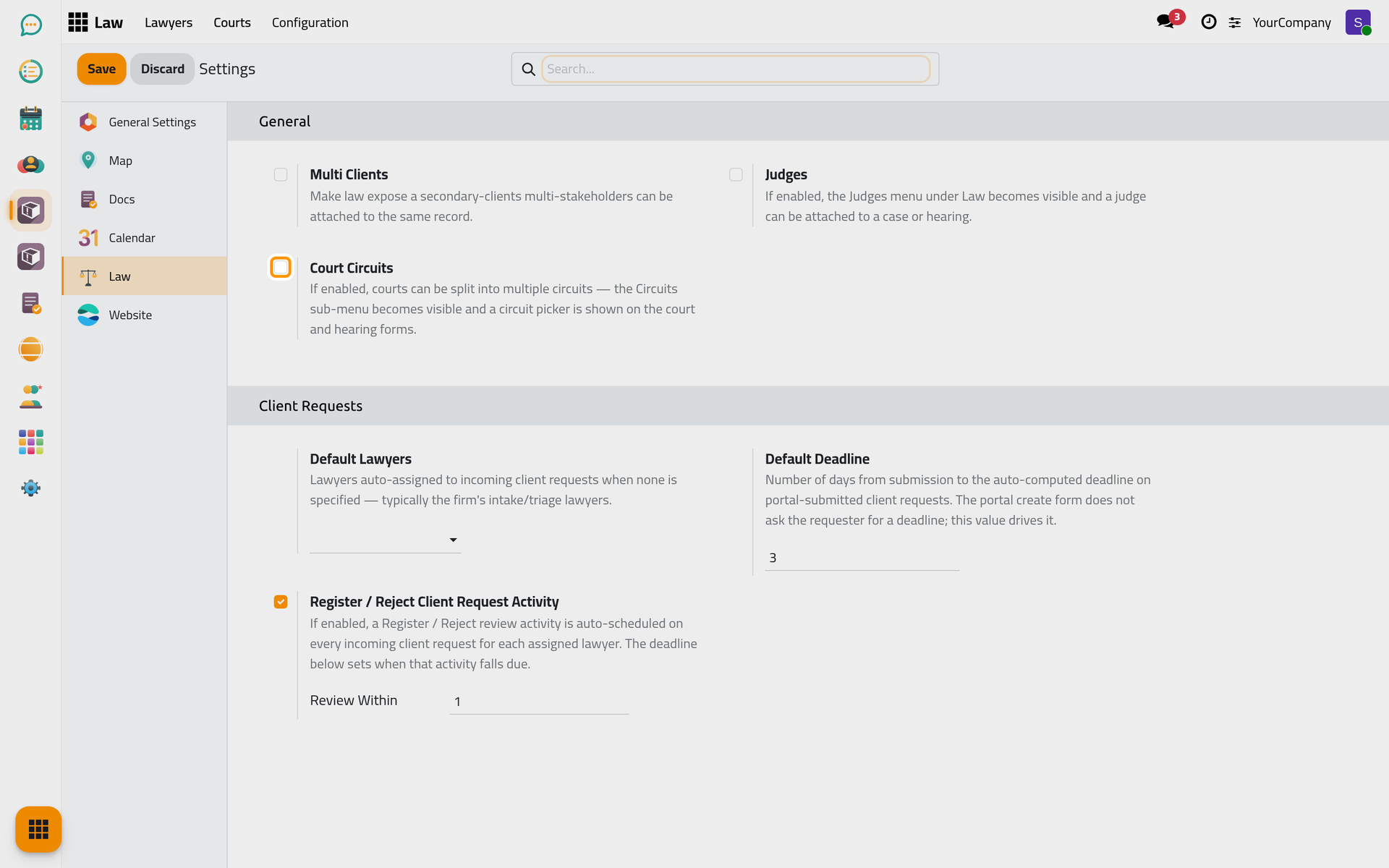
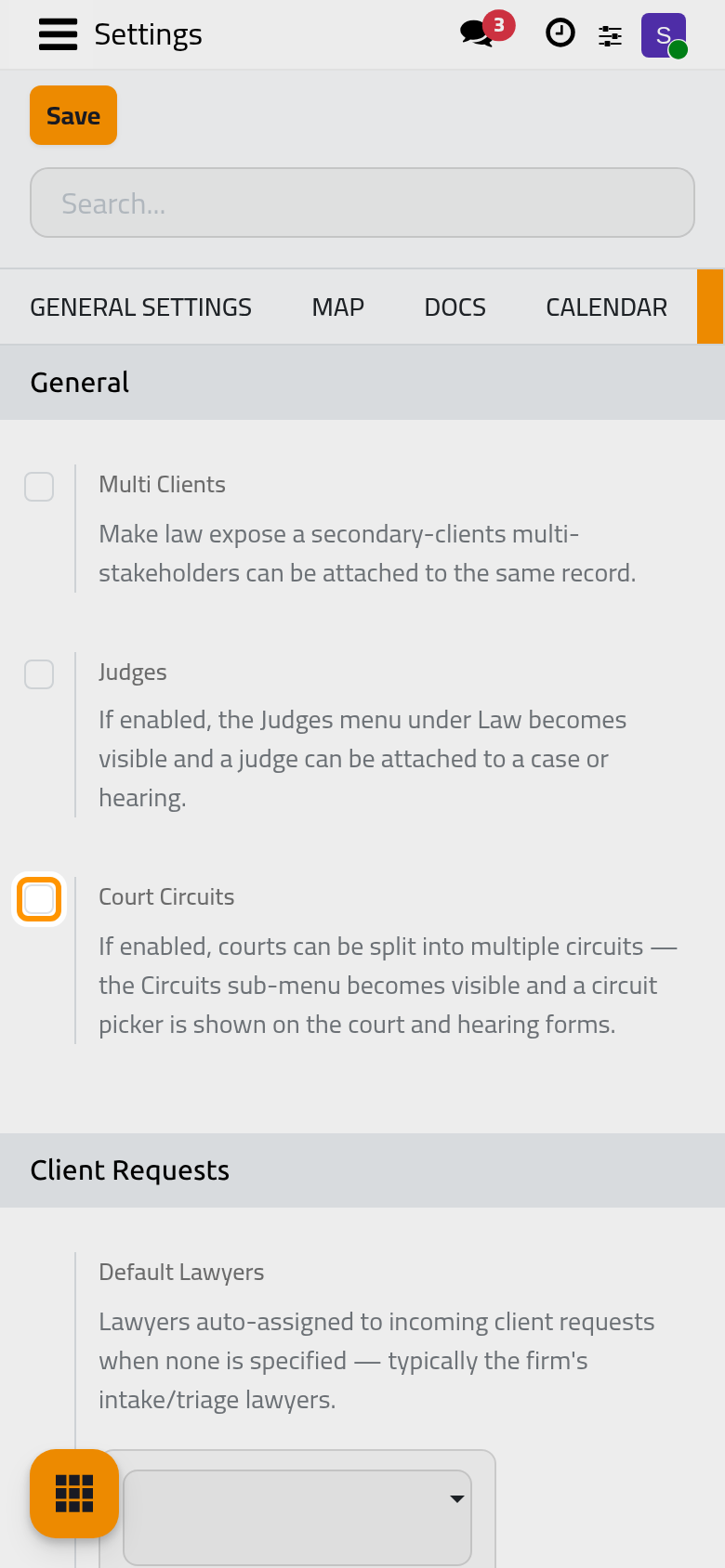
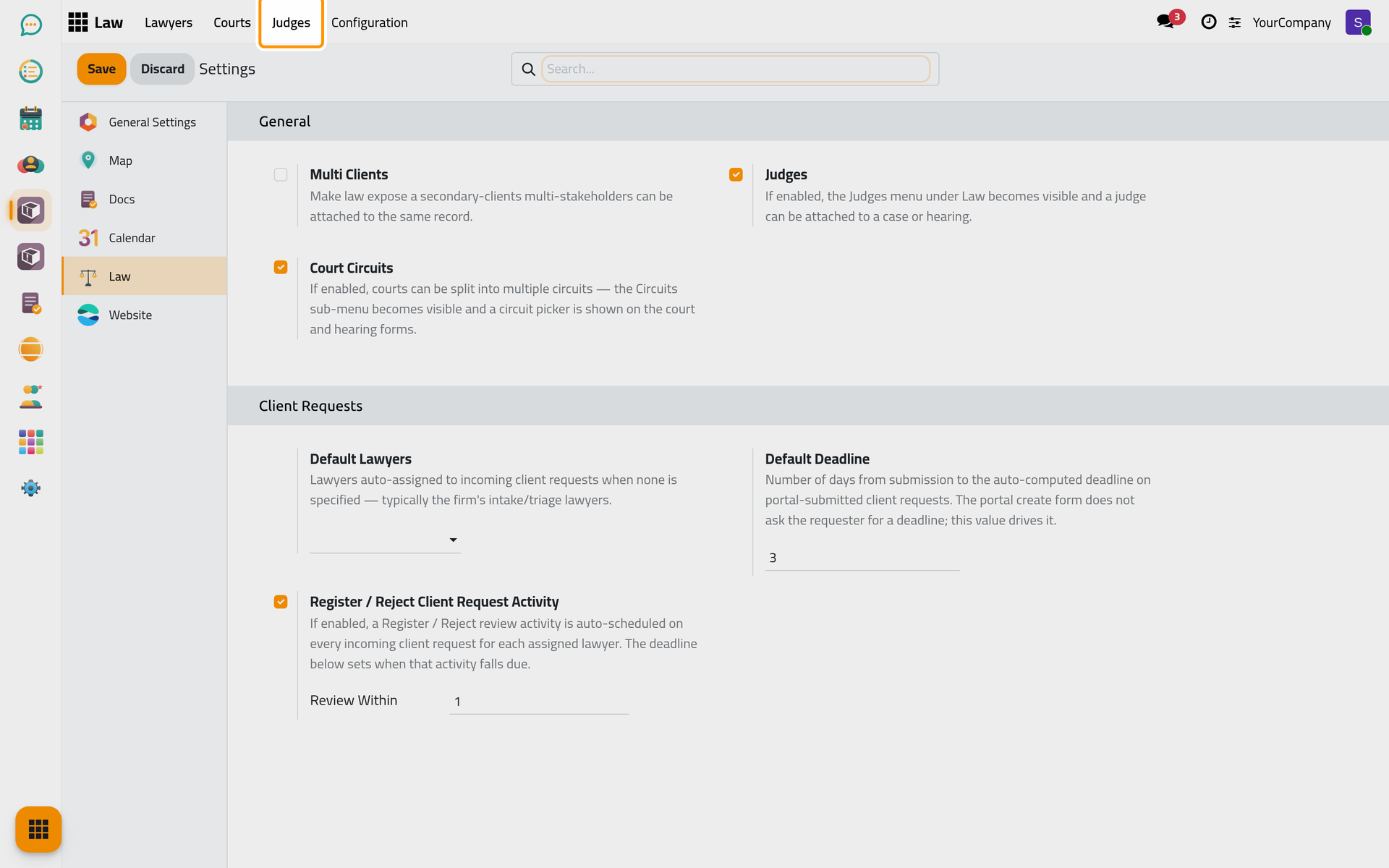
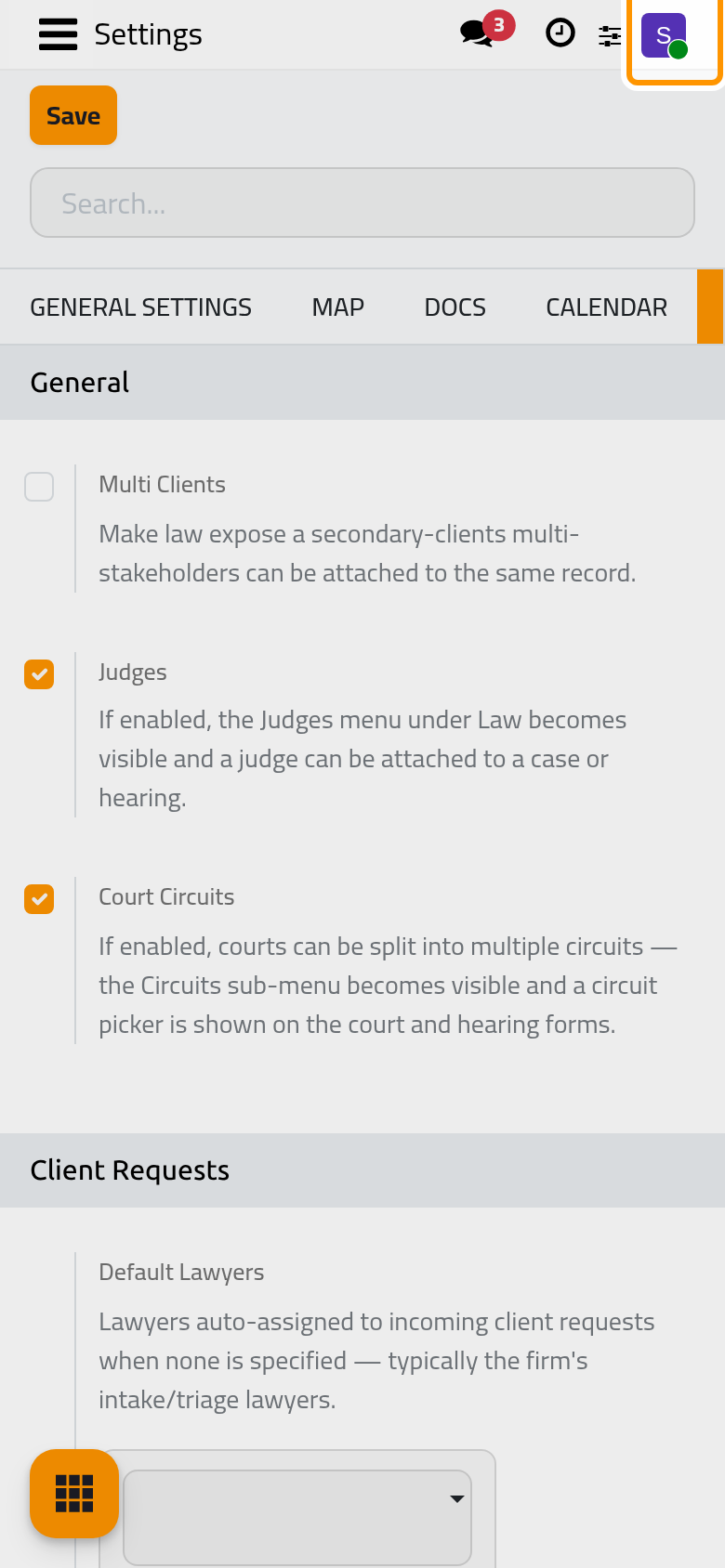
In General, tick Judges if the firm records the judge of a case or a hearing, and Court Circuits if its courts are split into circuits. Both are off at first, and their menus stay hidden until you tick them. Multi Clients lets a case or a consultation carry more than one client. Click Save: the Judges menu appears next to Lawyers and Courts.
2. Meet the lawyers directory
Open . Each card is a lawyer of the firm with their practice areas and their supervisor; New adds one.
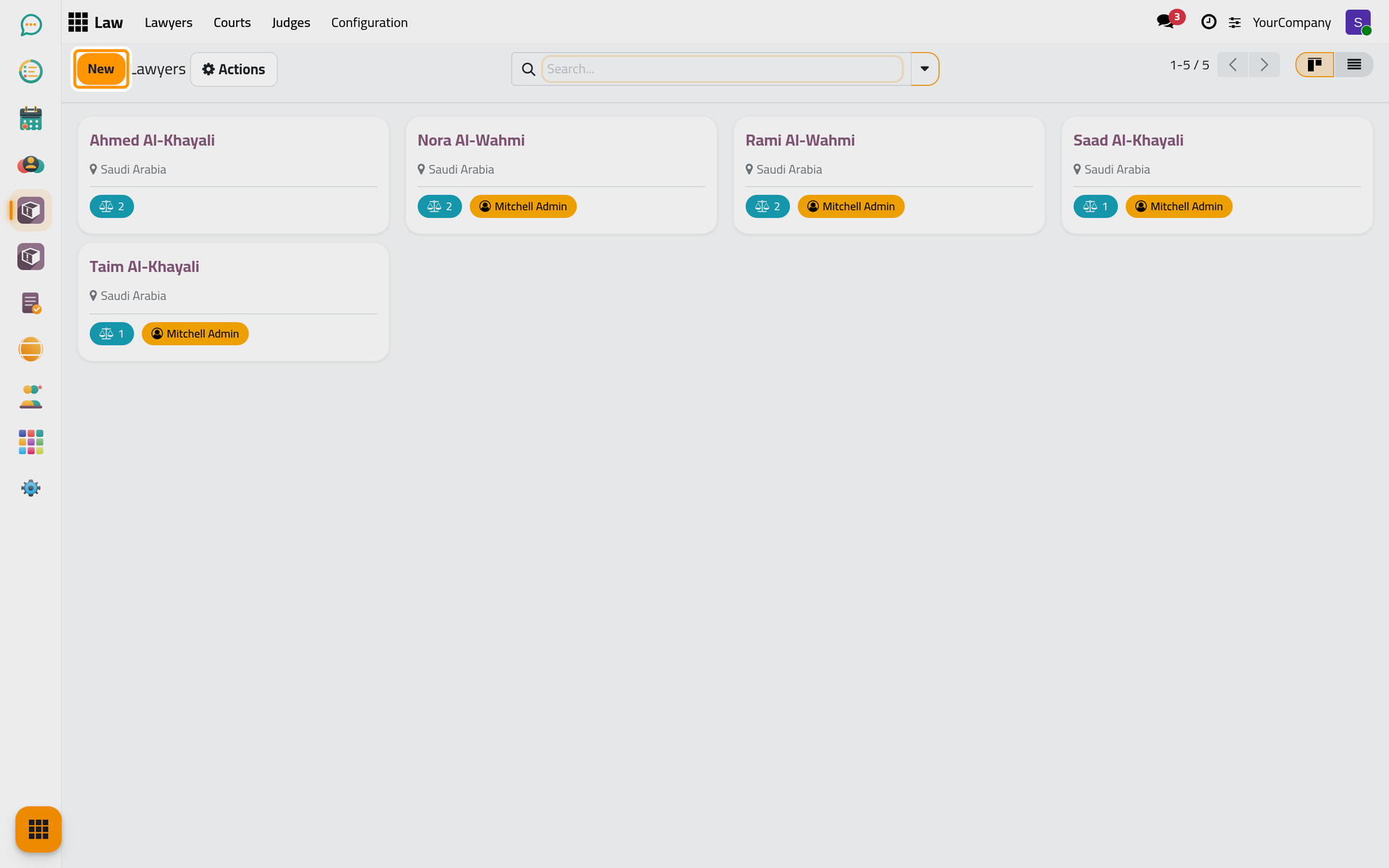
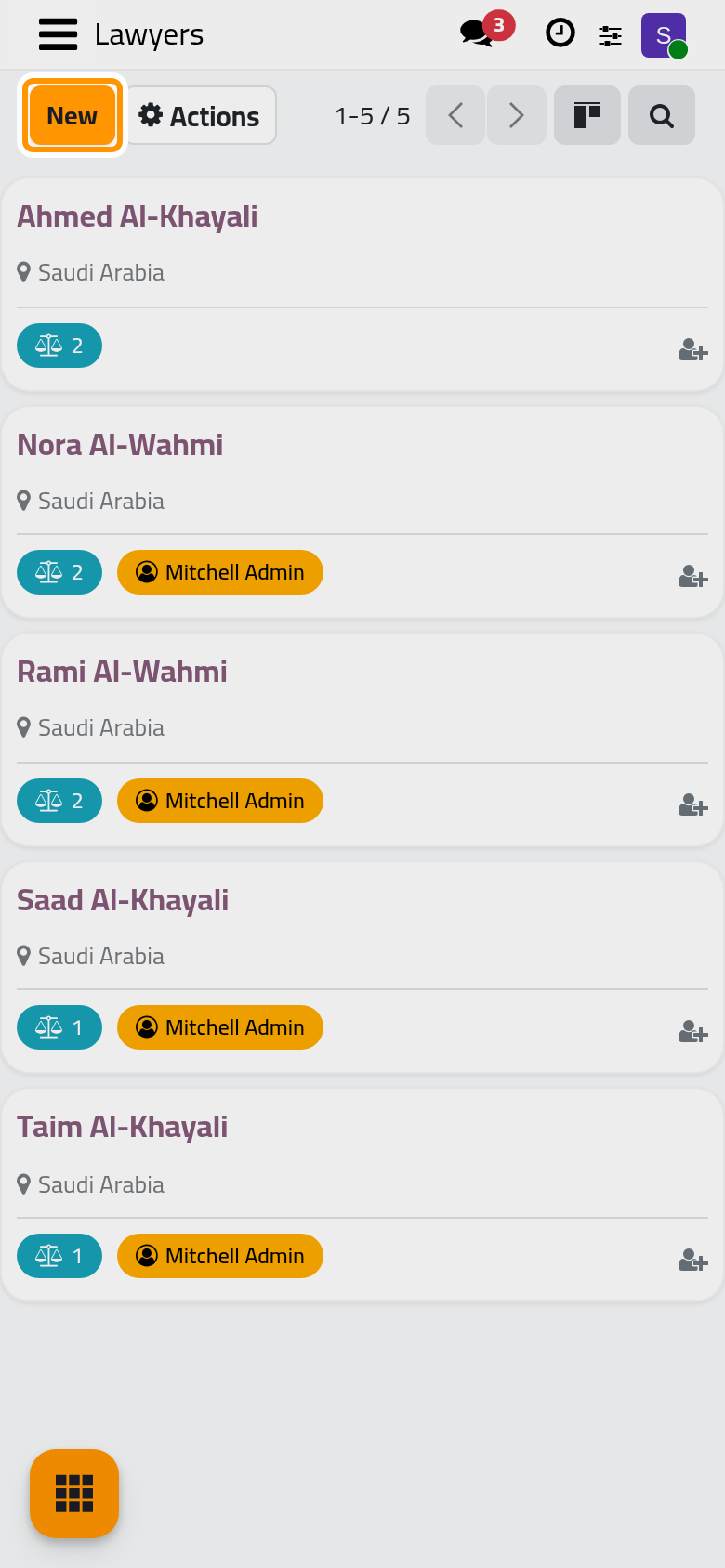
A lawyer does not need an account to appear here. When you give one a Work Email and save, Jaah creates their user account so they can sign in; Add a lawyer and give them an account shows both ways.
3. Look at the courts
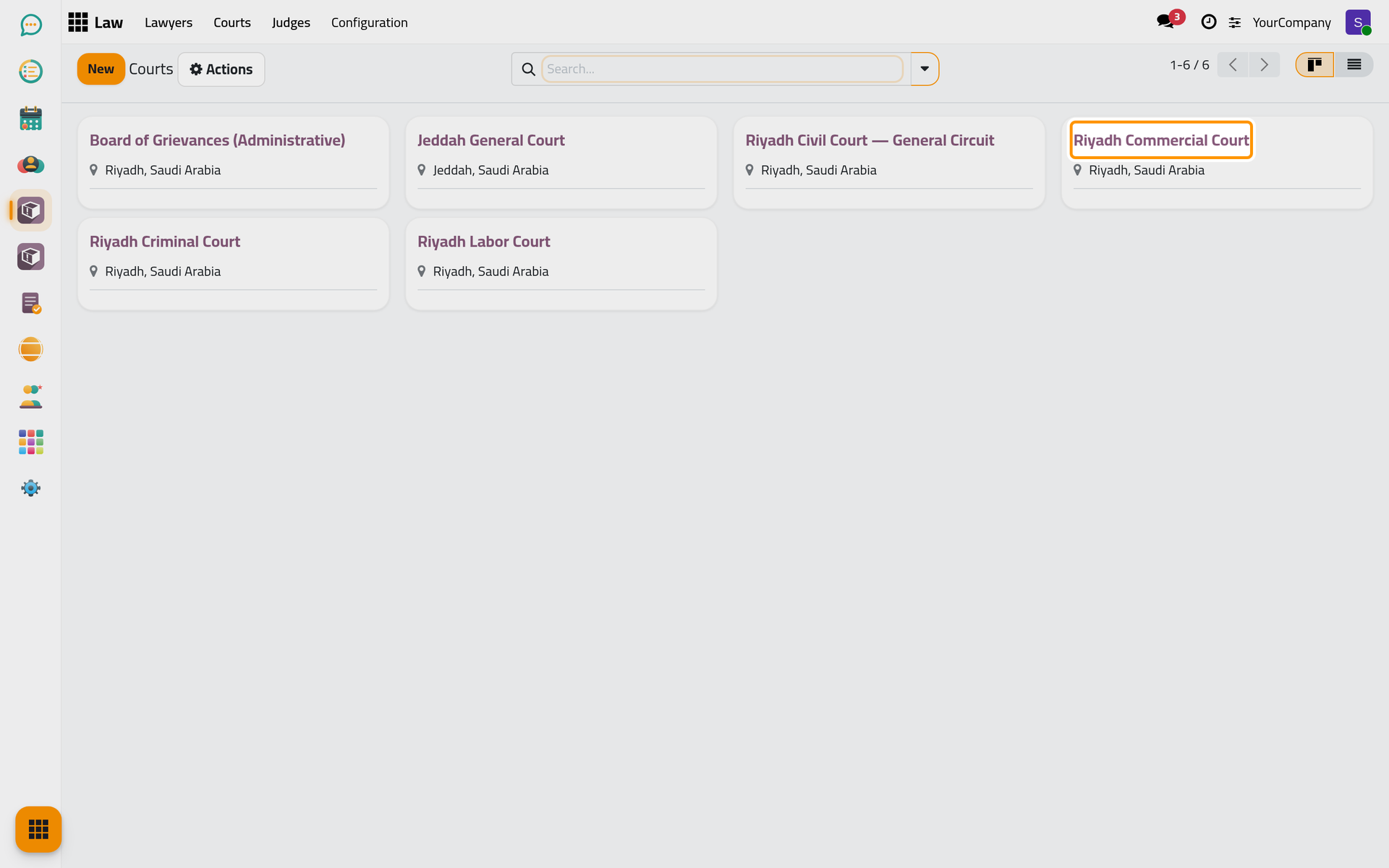
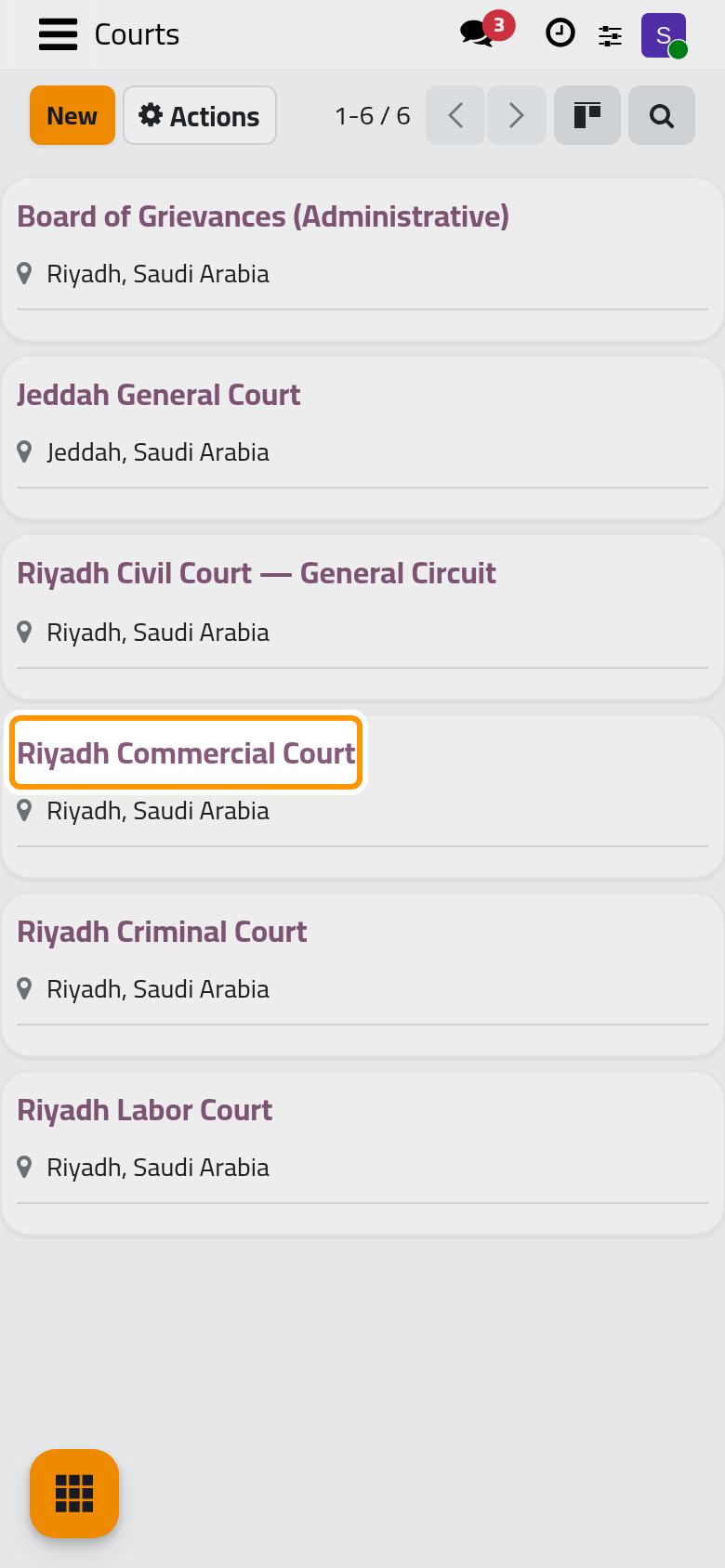
Open . The courts carry an address, a phone and an email, and with Court Circuits on, a Circuits tab lists the circuits of each court.
4. Review the practice areas
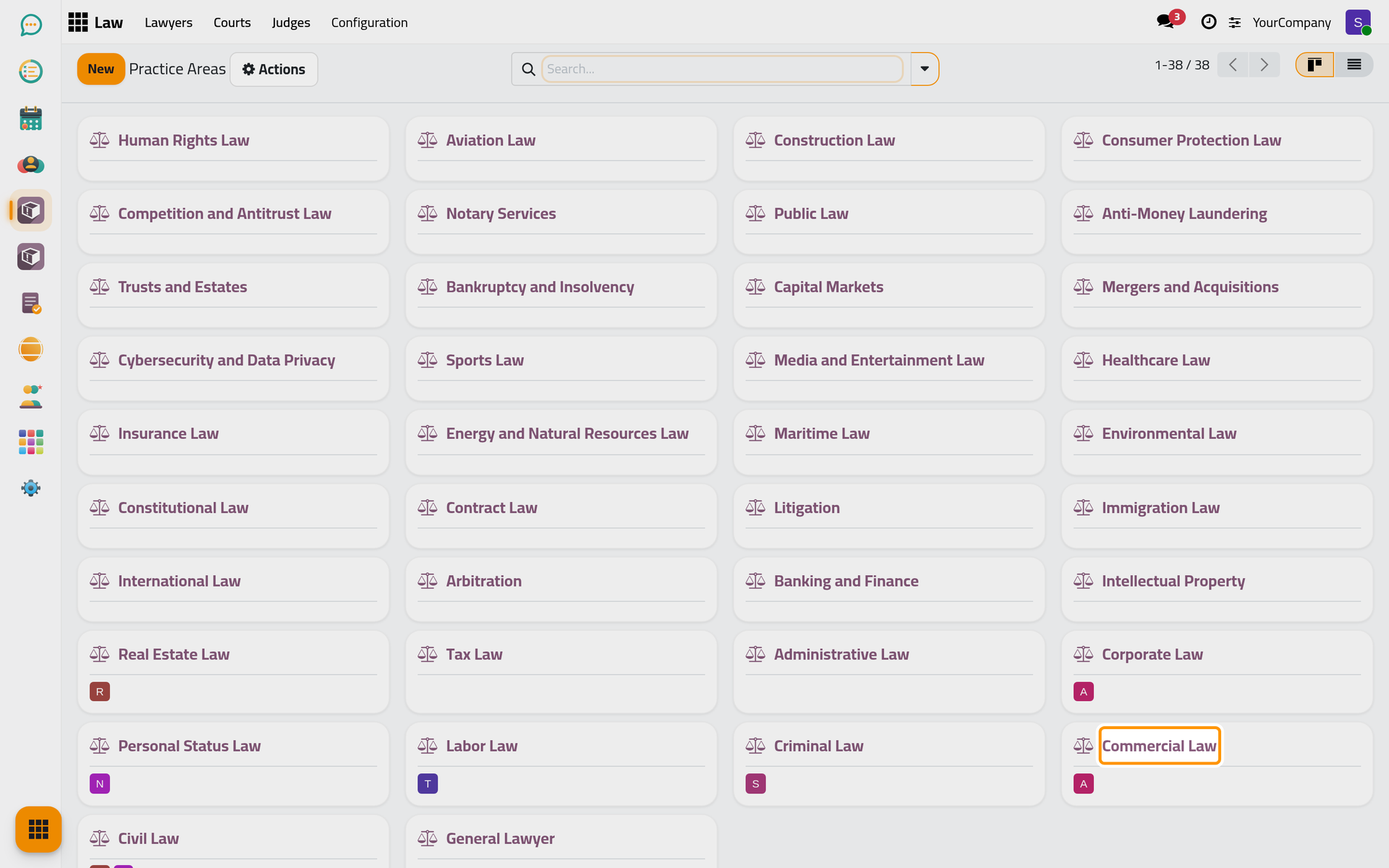
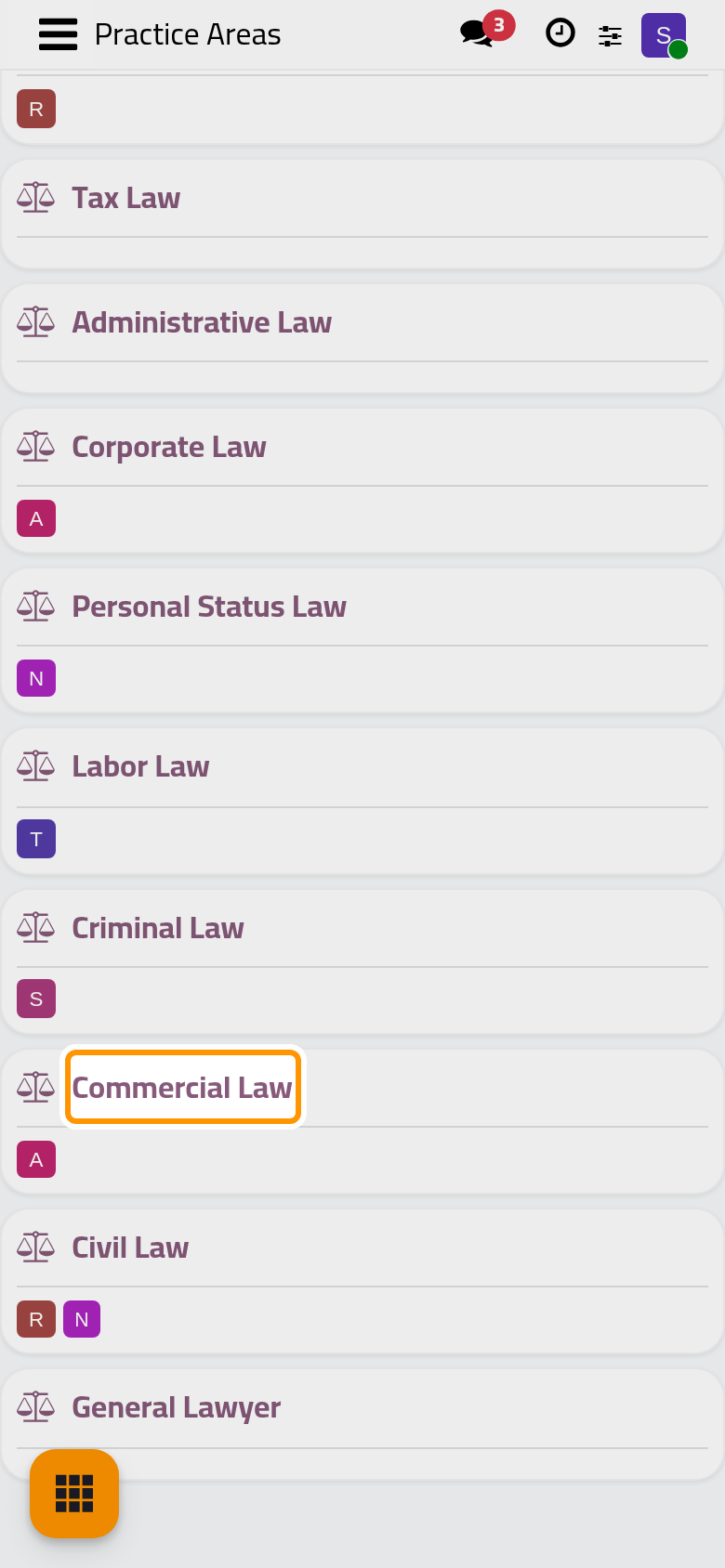
Open . The app comes with a list of practice areas (civil, commercial, criminal, labour law and more). Rename, archive or add areas so the list matches the firm; each area shows the lawyers who practise it.
Result
Judges and circuits are on or off as the firm works, the lawyers and courts directories are ready to be completed, and the practice areas describe the firm. Next, prepare the intake of client requests so requests from the website reach the right lawyers.
FAQ
Why do I not see the Law app?
The Law app appears to users with at least the Read-only level on Lawyers, Courts or Judges. Ask the person who manages users to set your level in the Legal Rights section of your user.
Can I switch judges or circuits off later?
Yes. Untick the setting and save: the menu disappears, and the judges and circuits already recorded stay in the database.
Was this page helpful?
Thank you for your feedback.