Give a team member access to the legal apps
On this page
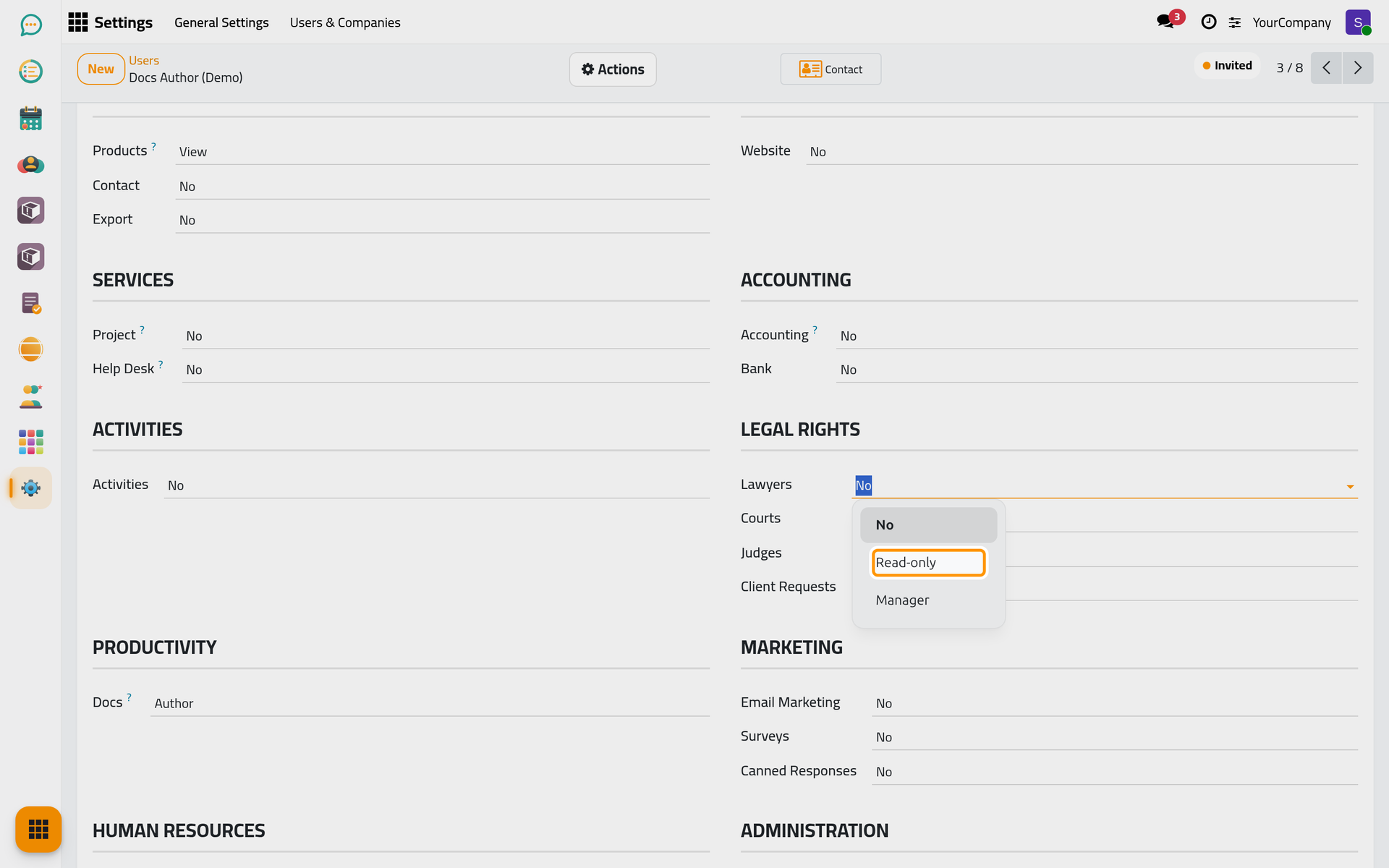
The legal foundation splits access by section rather than by app: a secretary may manage client requests and only read the lawyers directory, a partner may manage everything. Each section offers Read-only (see the records), Manager (create, change and archive them, and their configuration), and for client requests a middle level, User, that works on requests without configuring them.
Before you start
- You need the Administrator role or the Access Rights group to edit users.
- The user must exist; see the Users how-to in the General settings shelf.
Steps
- Open and open the user.
- In the Access Rights tab, find the Legal Rights section: Lawyers, Courts, Judges and Client Requests.
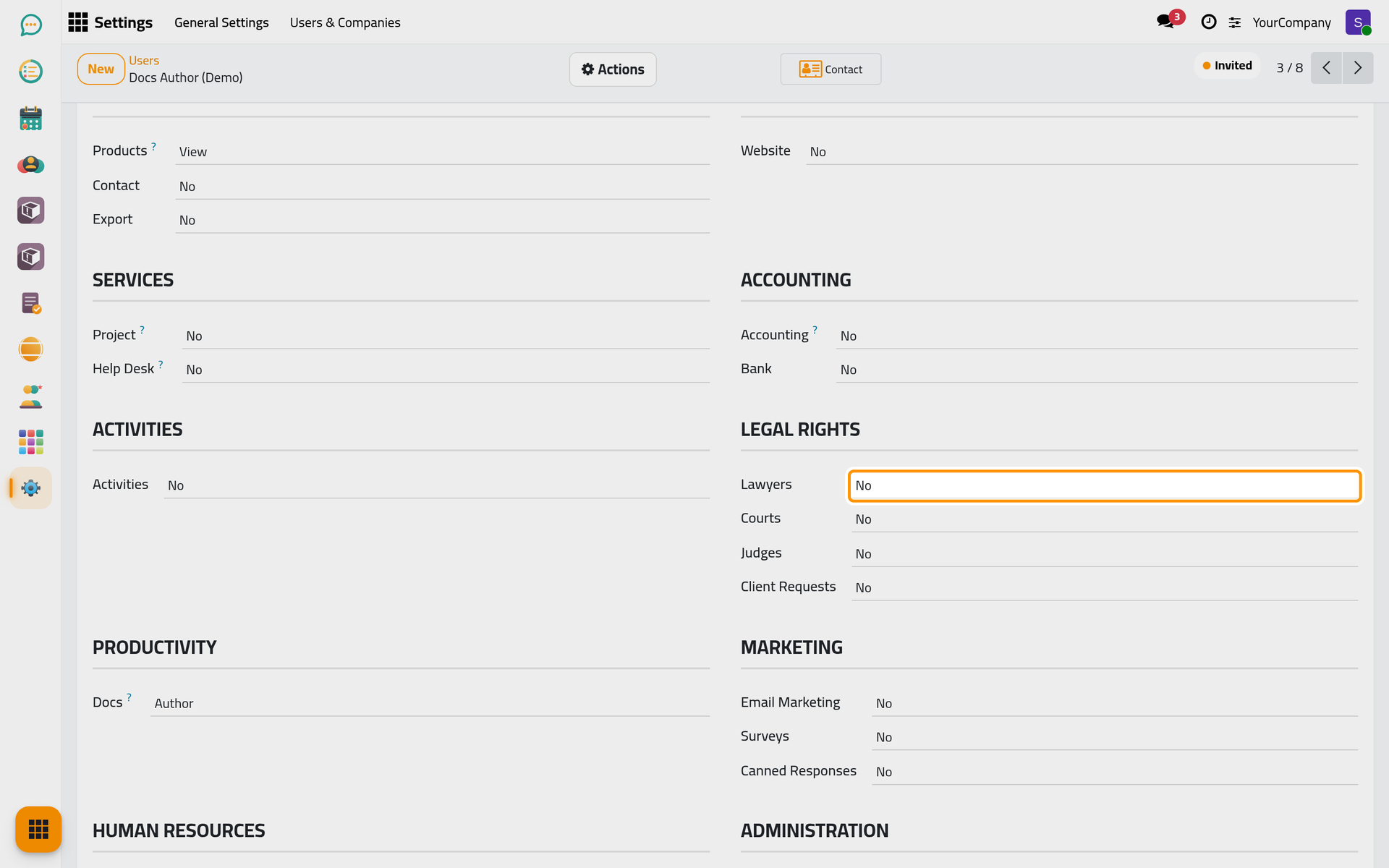
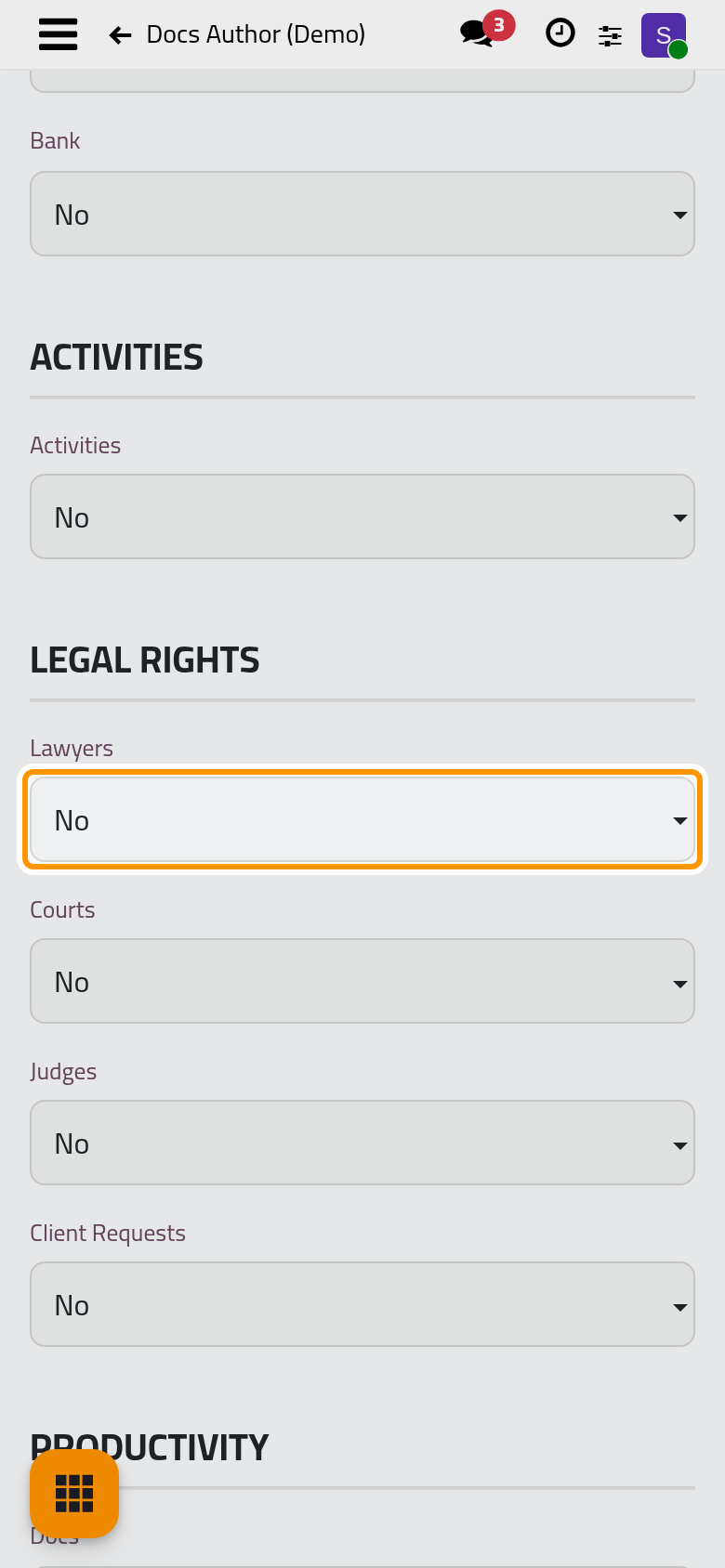
- Click the field of a section and choose its level.
- Save. The user sees the change the next time they reload the page.
Result
The user sees the Law app when they have a level on lawyers, courts or judges, and the Requests app when they have one on client requests. Configuration menus (practice areas, circuits, reject reasons, categories) appear with the Manager level of their section; the law settings themselves stay with administrators.
FAQ
Which level do lawyers get by default?
A lawyer whose account was created from the lawyer form gets the Manager level on Lawyers. Set the other sections by hand.
Does the Administrator role open the legal apps?
No. The Administrator role configures the system; access to the legal apps is set section by section here.
Was this page helpful?
Thank you for your feedback.