Prepare the intake of client requests
On this page
A client request is how new work reaches the firm: a client fills the request form on the website portal, or the firm records a call, and the request waits in the Requests app until a lawyer registers it as a consultation or a case, or rejects it. This page prepares that intake; registering a request is explained with the consultations and cases apps, which add the request types.
Before you start
- You need the Manager level on Client Requests, and the Administrator role for the settings.
- The lawyers who triage requests exist in the lawyers directory.
Steps
- Open . The Client Requests block holds the intake settings.
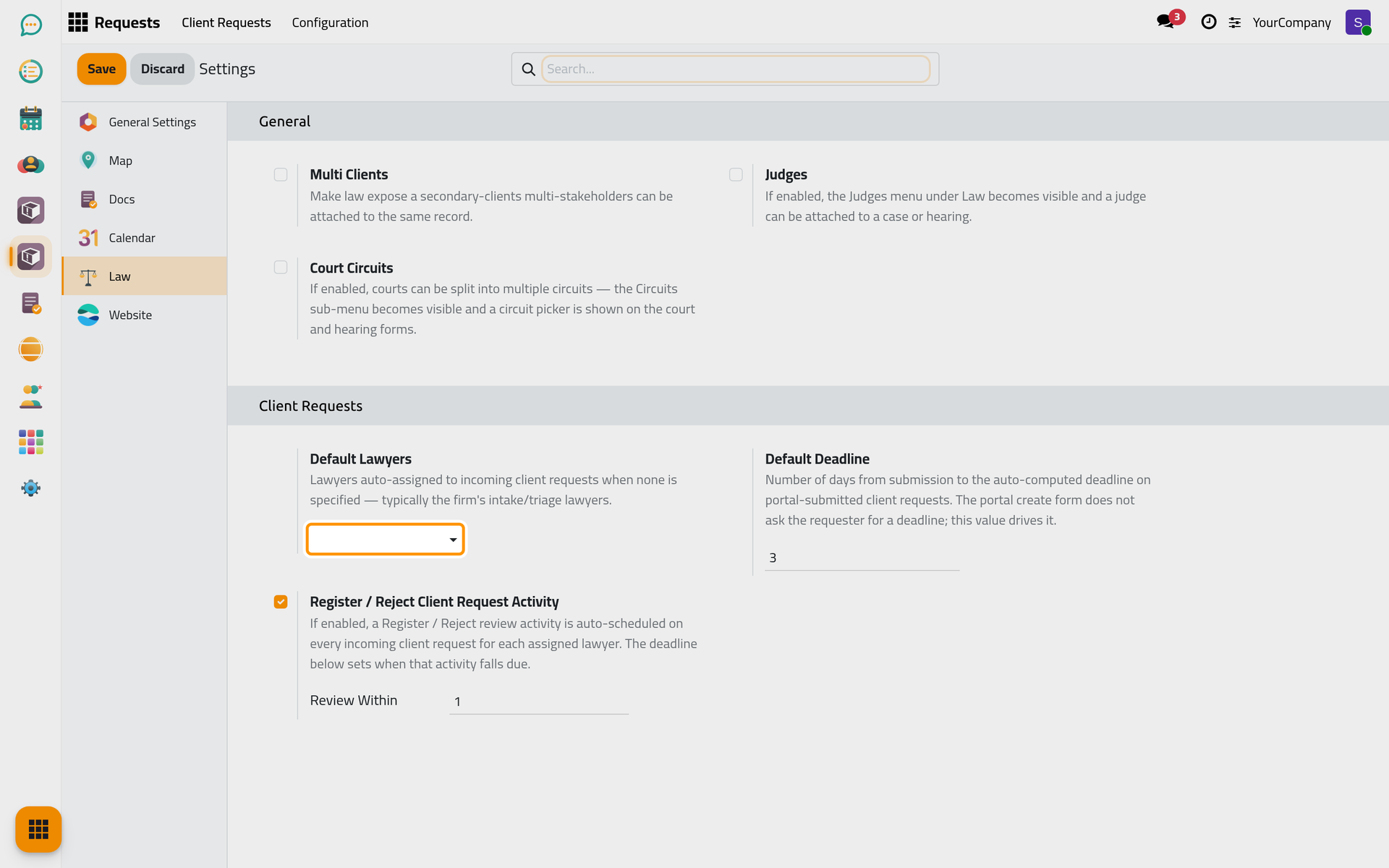
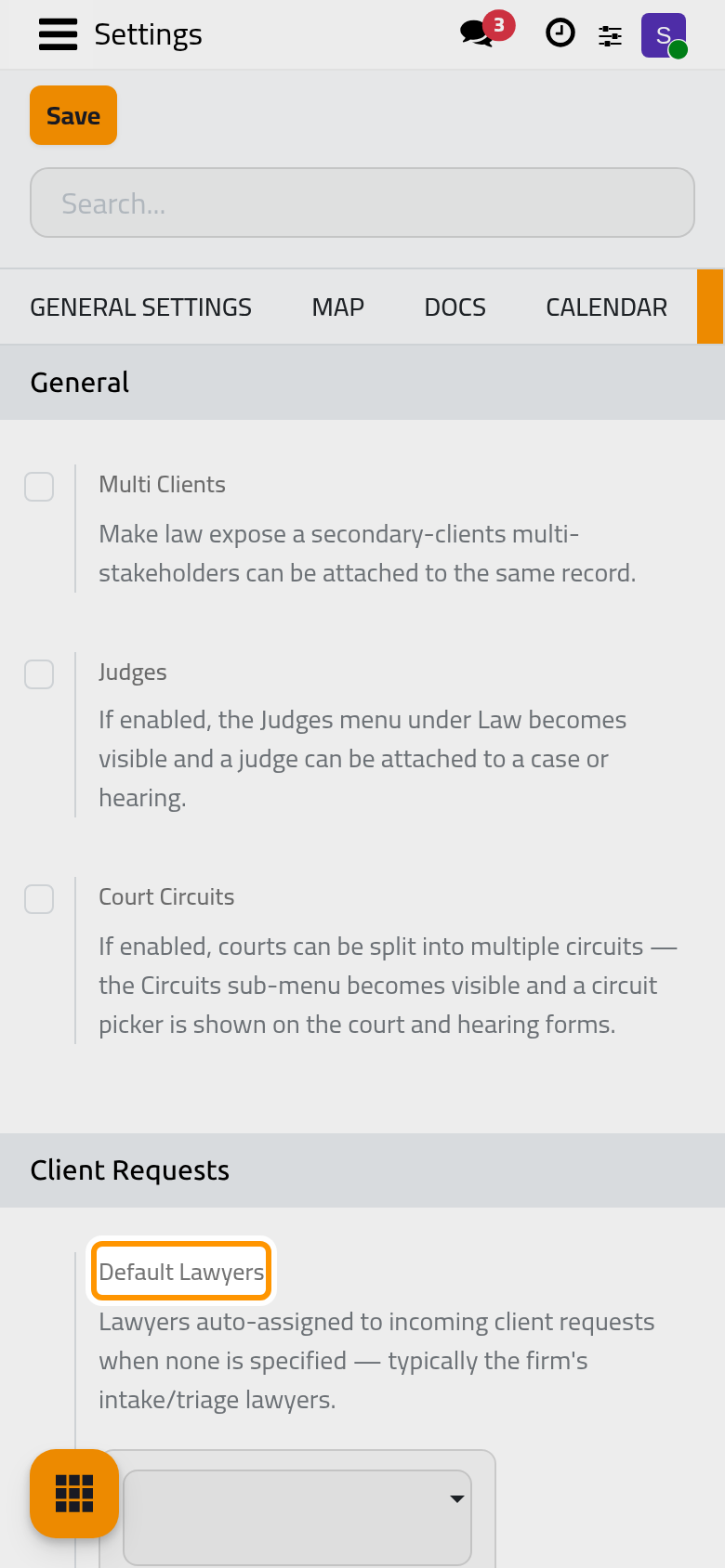
- In Default Lawyers, pick the lawyers who receive a request when nobody else is assigned, usually the intake or triage lawyers.
- Default Deadline sets in how many days a request submitted from the portal falls due; the portal form does not ask the client for a date.
- Keep Register / Reject Client Request Activity ticked to schedule a review activity for each assigned lawyer on every new request, due within the days of Review Within. Click Save.
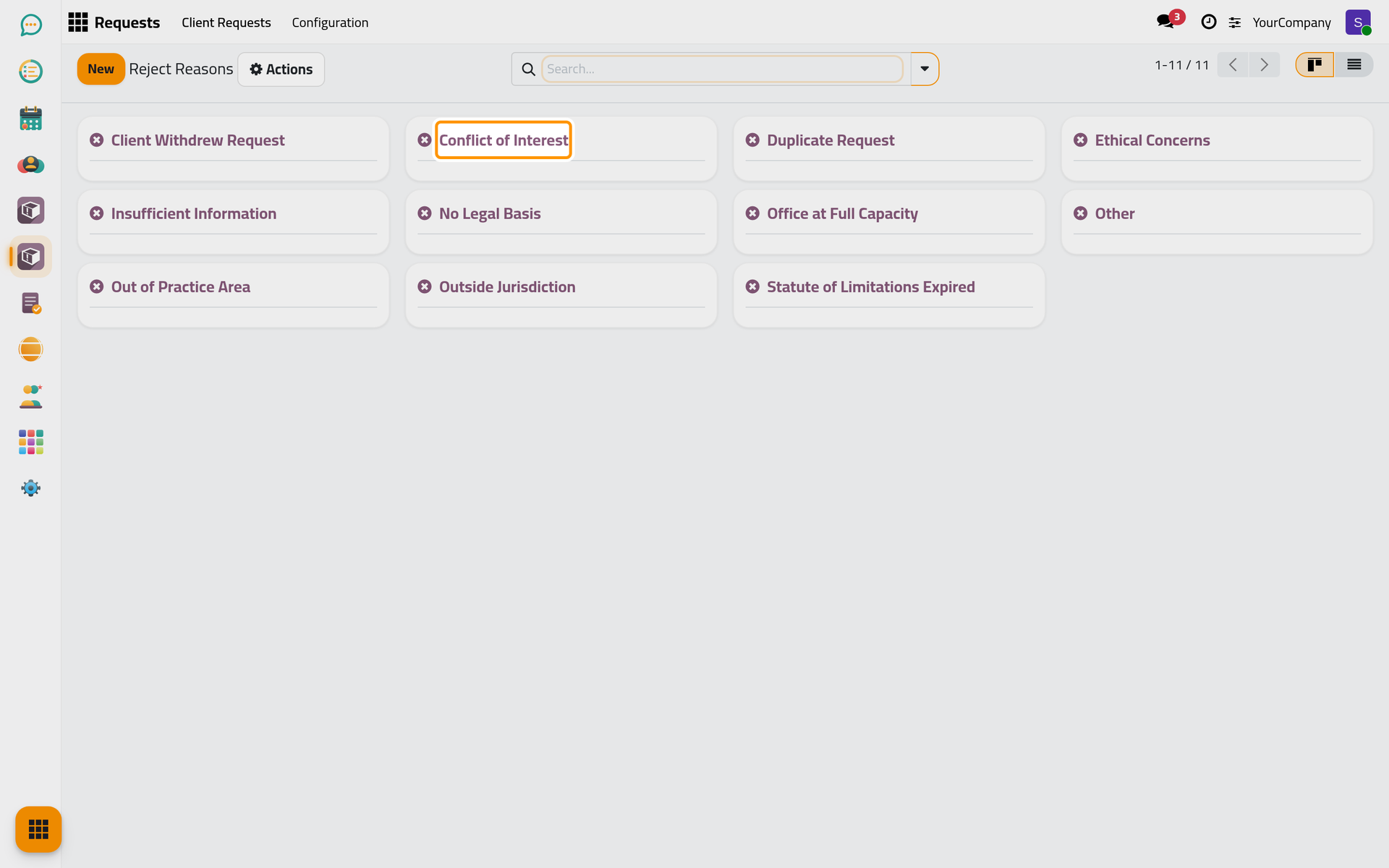
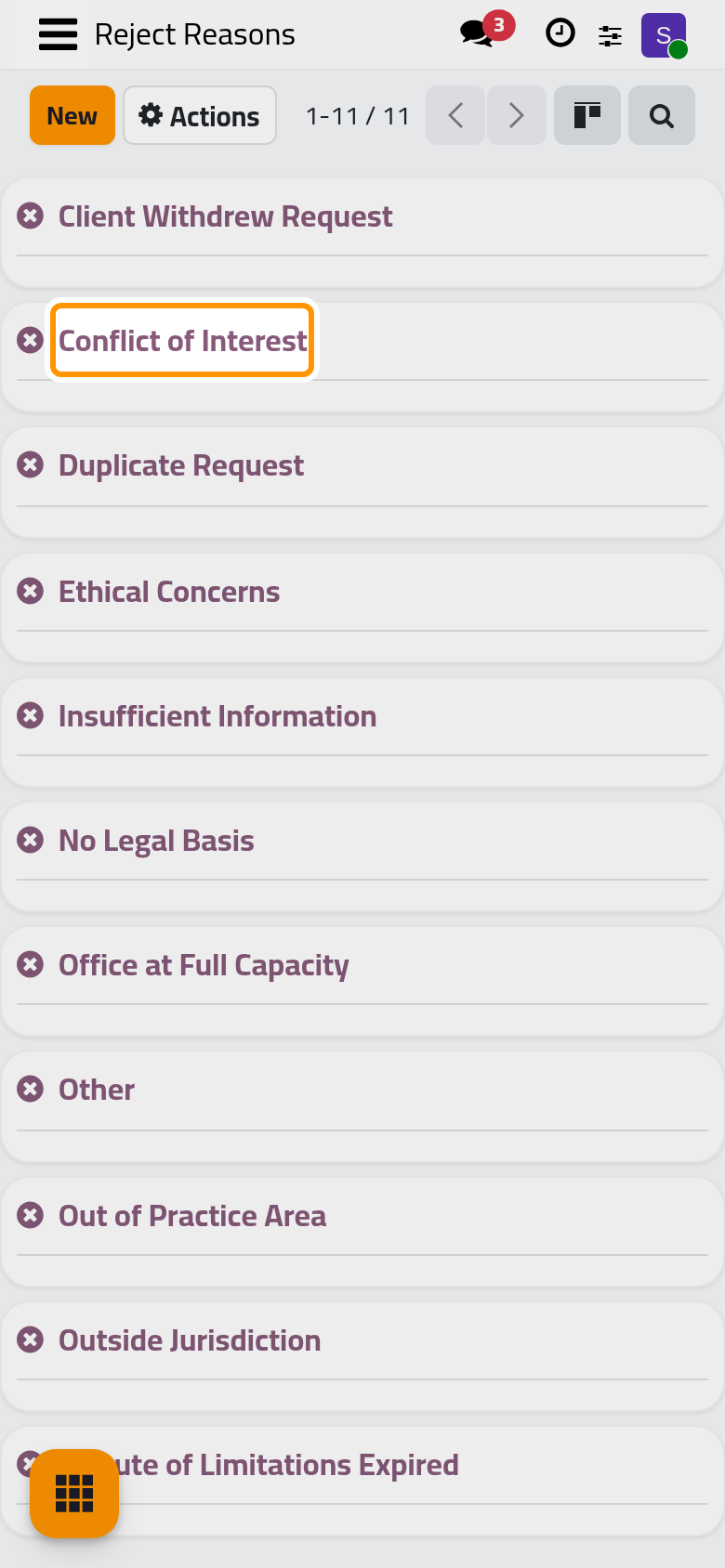
- Open . The app comes with common reasons (out of practice area, conflict of interest, insufficient information, duplicate request and more); add the firm's own, each with a description.
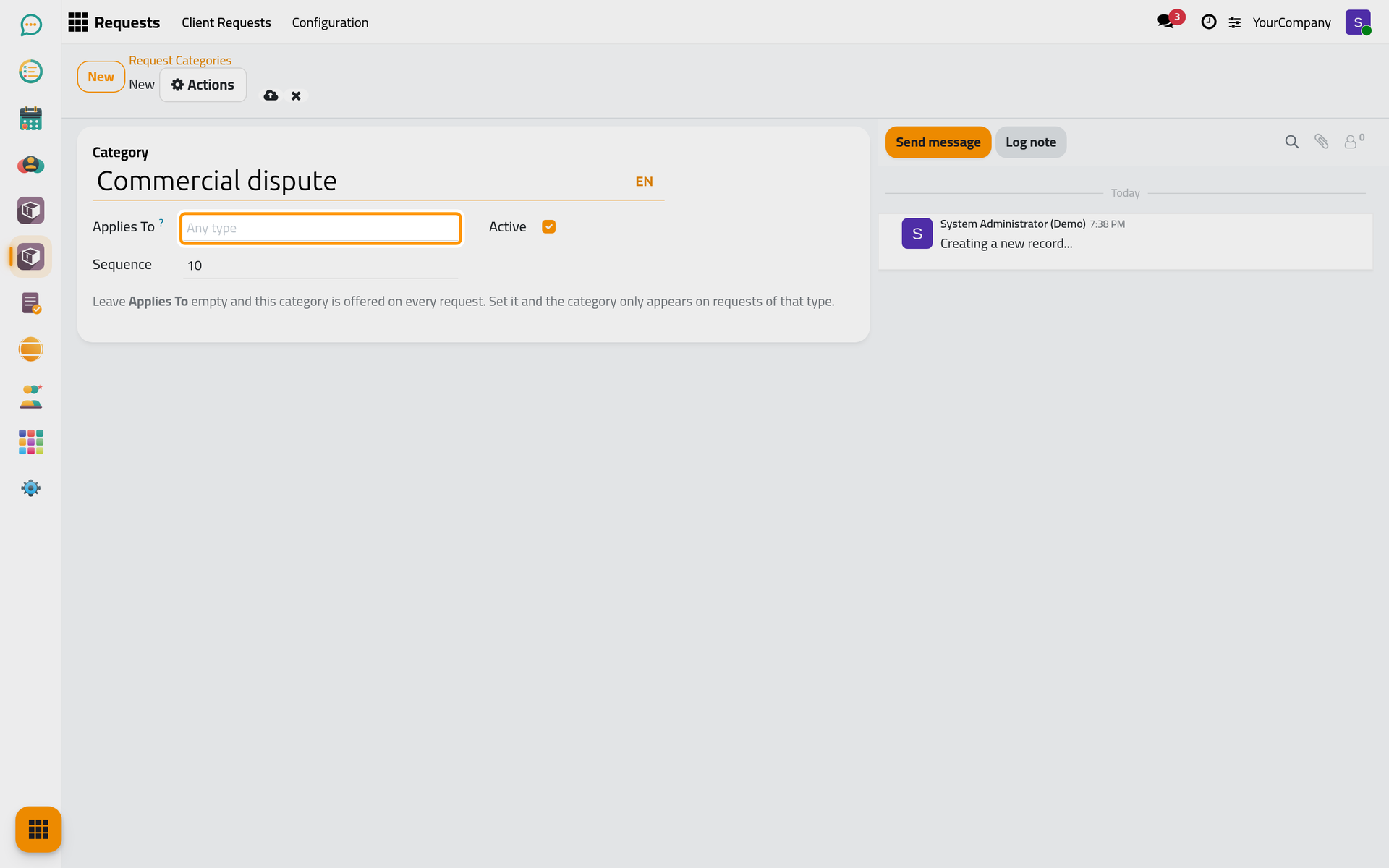
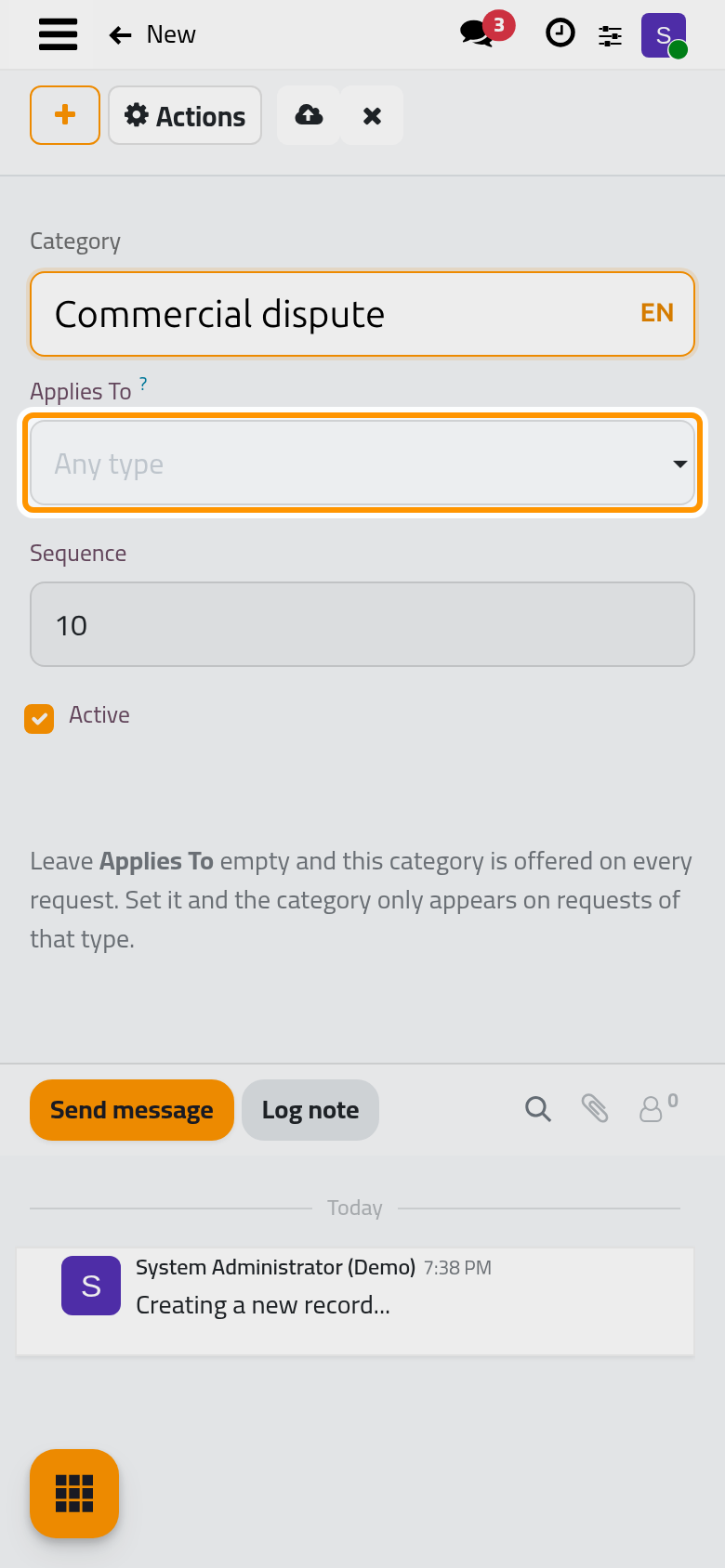
- Open and add the categories the firm sorts requests with, for example a commercial dispute or a labour claim; the lawyer sets the category on the request. Leave Applies To empty to offer a category on every request.
Result
New requests reach the default lawyers with a deadline and a review activity, a rejected request always carries a reason, and requests are sorted with the firm's categories. The requests themselves are listed in .
FAQ
Where do clients submit a request?
On the website portal: a signed-in client finds a Requests card in their account, with their requests and a form for a new one. The form takes the contact details from the client's account and asks for the type of request, the subject, the opposing party, a description and attachments; the deadline comes from Default Deadline.
Why can I not create a request yet?
A request needs a type, and the types come with the apps that handle them: consultations add the consultation type, cases add the case type. Install at least one of them.
What happens to a rejected request?
It keeps its reason and the date of the rejection, and the reject reason lists it in its Rejected Requests.
Was this page helpful?
Thank you for your feedback.