How-to
Record an agency
On this page
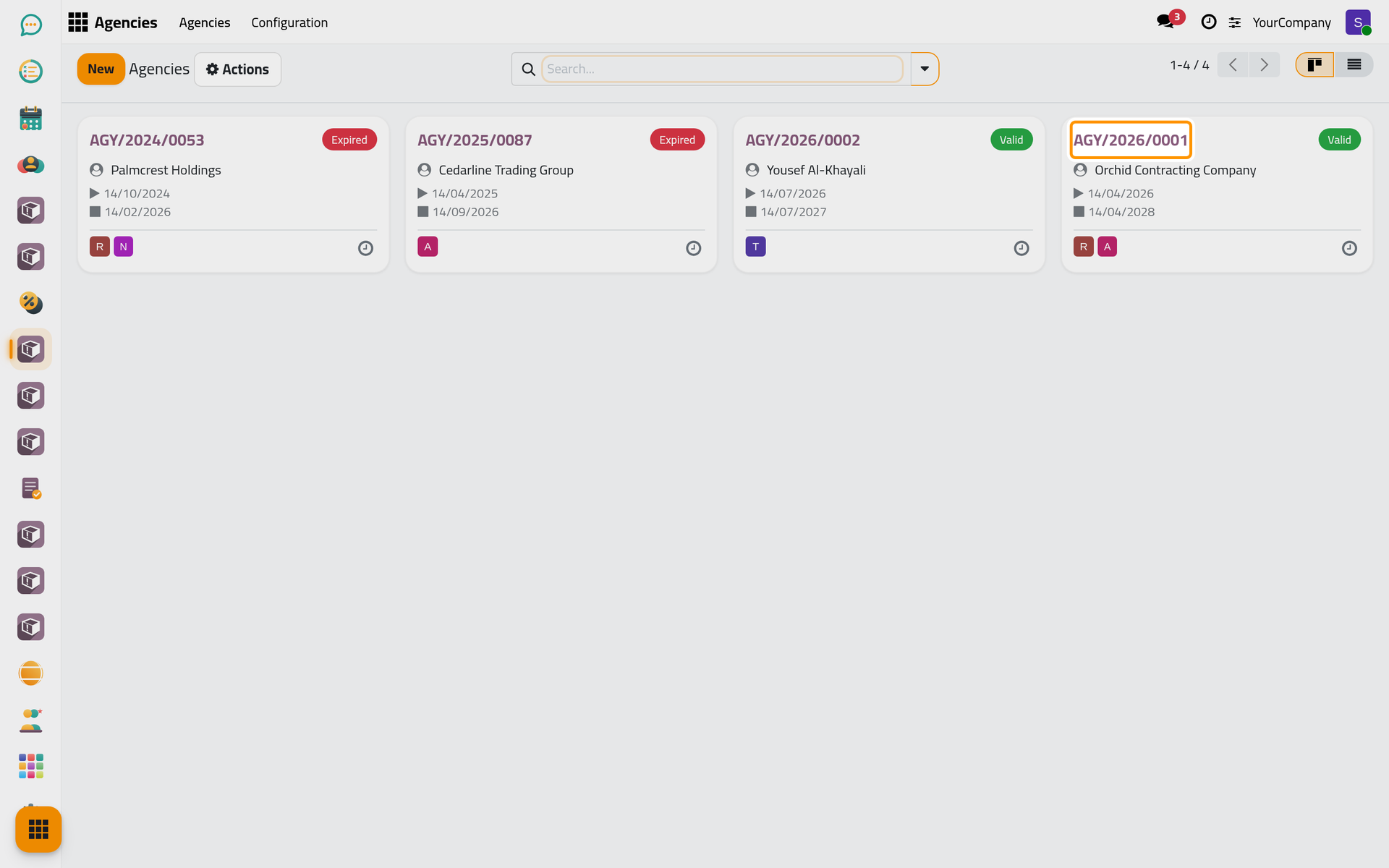
An agency is the document in which a principal authorizes agents to act on their behalf. The firm records each one it works under, so that cases and hearings can check it.
Before you start
- You need the User: Own Documents level or higher on Agencies.
- The principal and the agents exist as contacts. A lawyer of the firm is an agent through the contact of the lawyer's user.
Steps
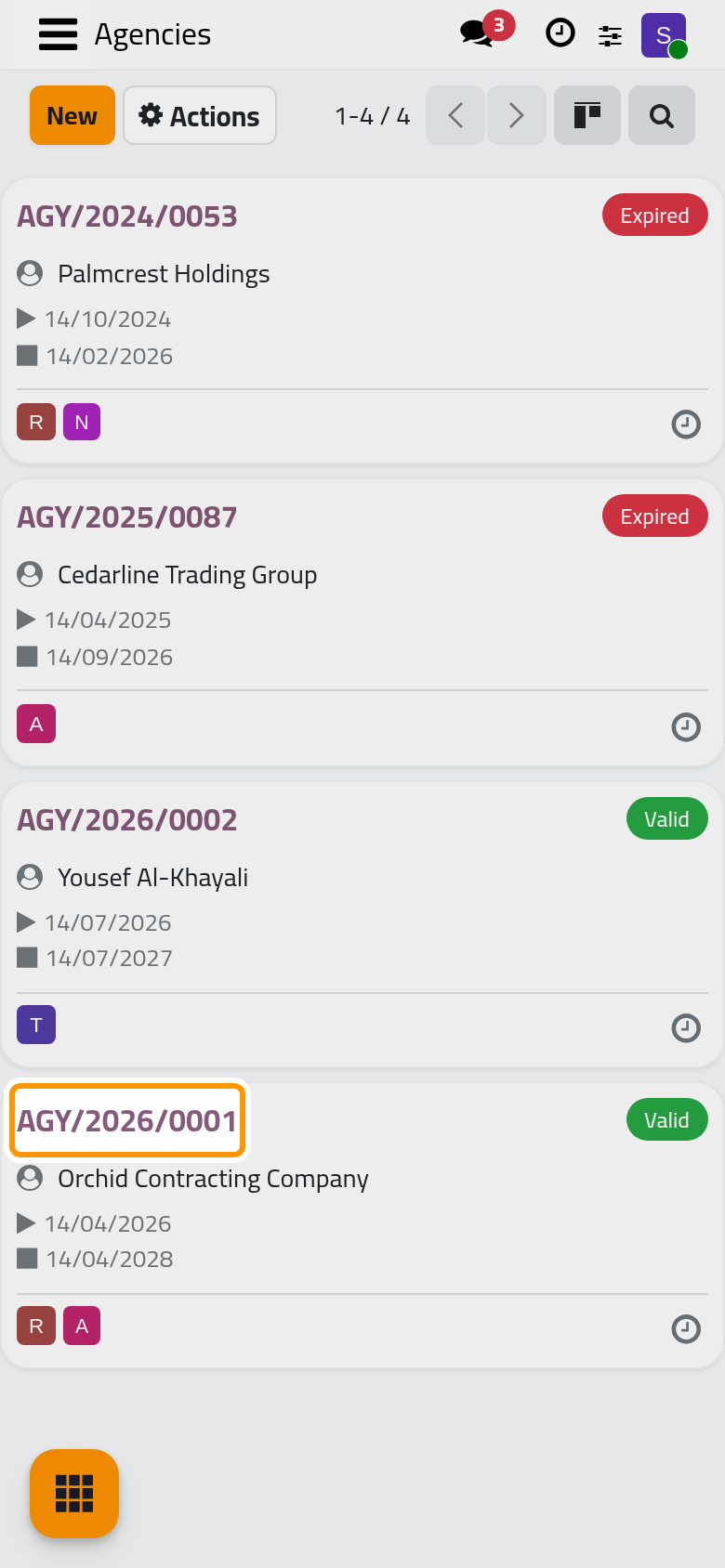
- Open and click New.
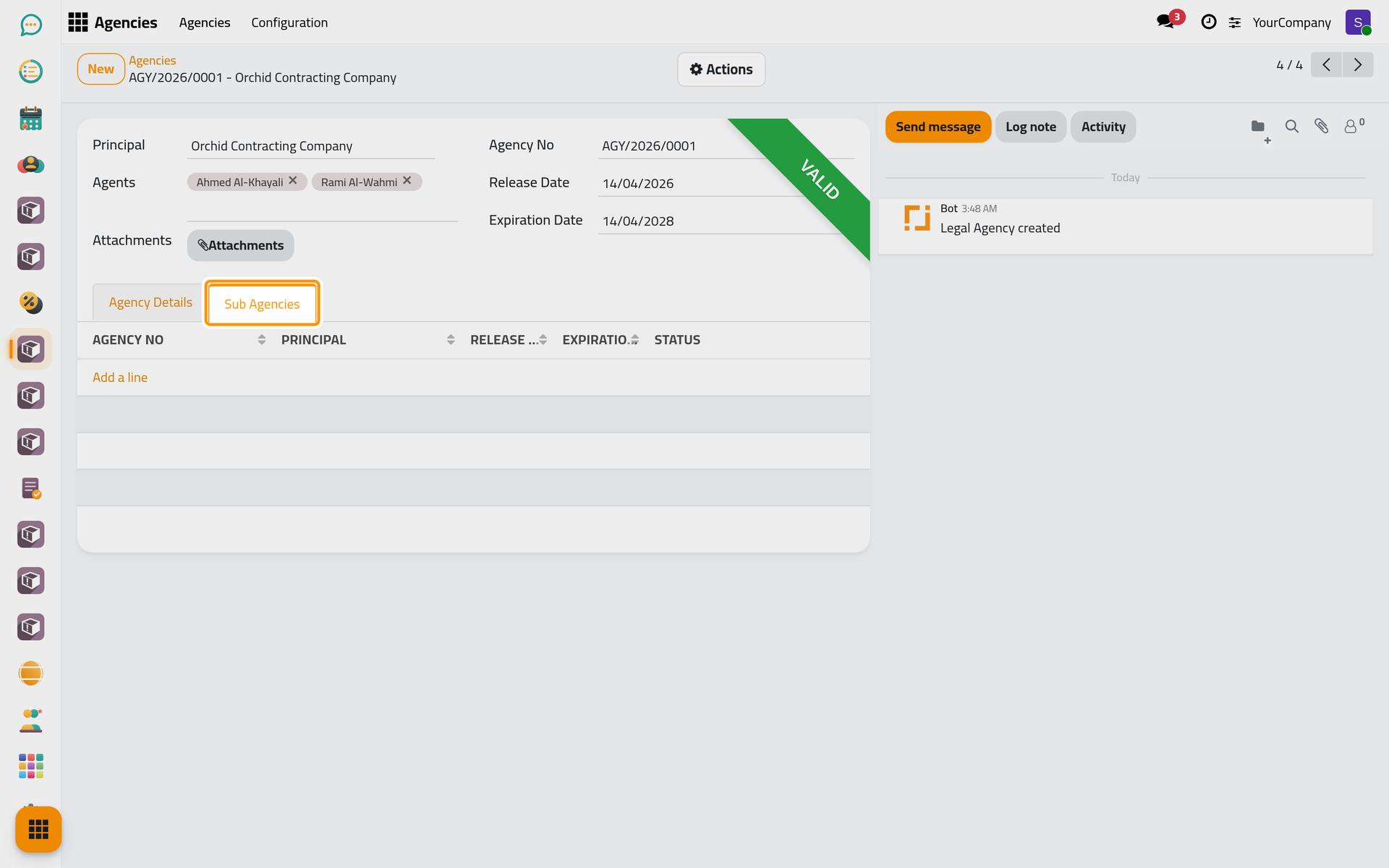
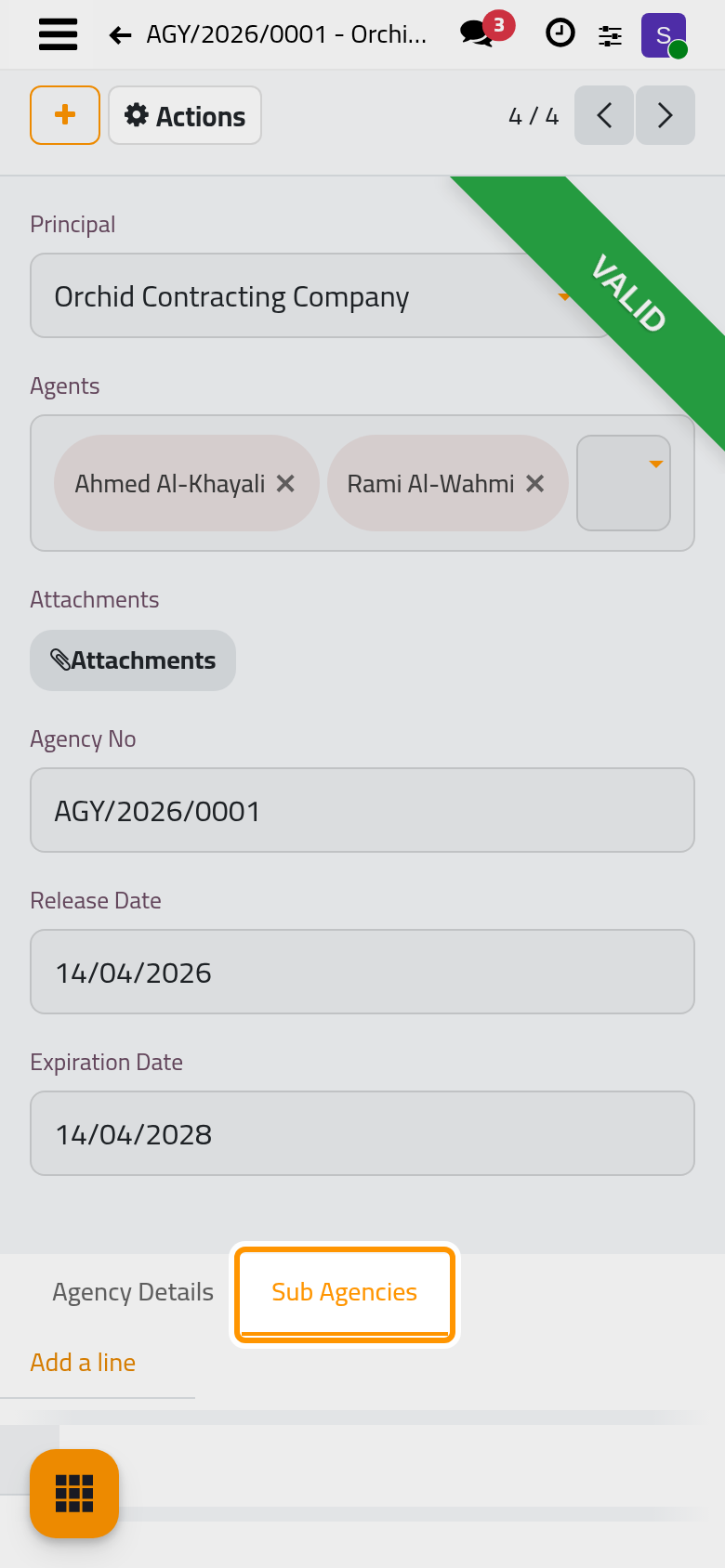
- Choose the Principal and the Agents. When Multi Clients is on in the law settings, Other Principals adds the other people who gave the same agency.
- Type the Agency No, the Release Date and the Expiration Date; all three are required. A number already used by another agency of the company is refused.
- Attach the scanned document with Attachments, and write anything worth keeping in Agency Details.
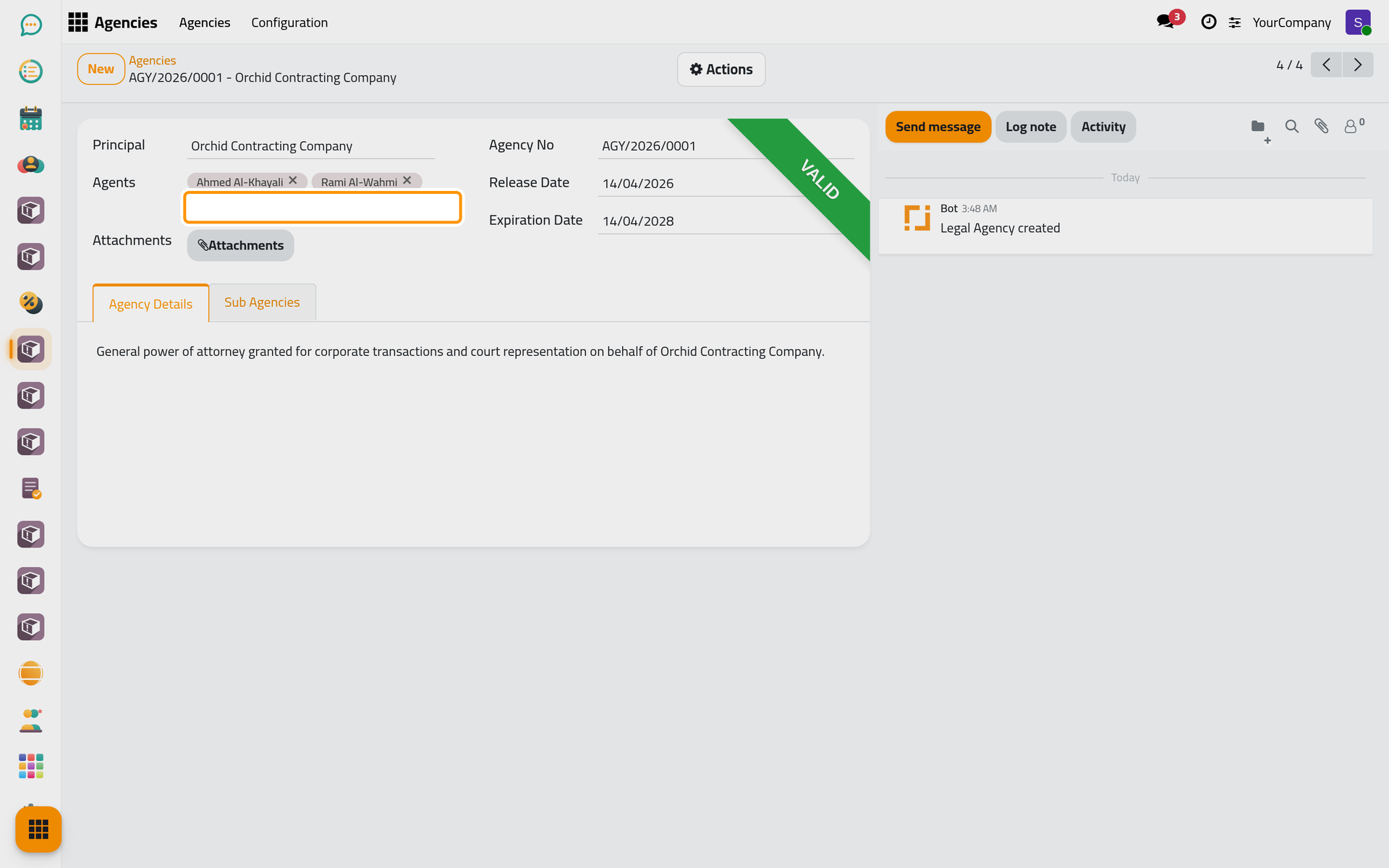
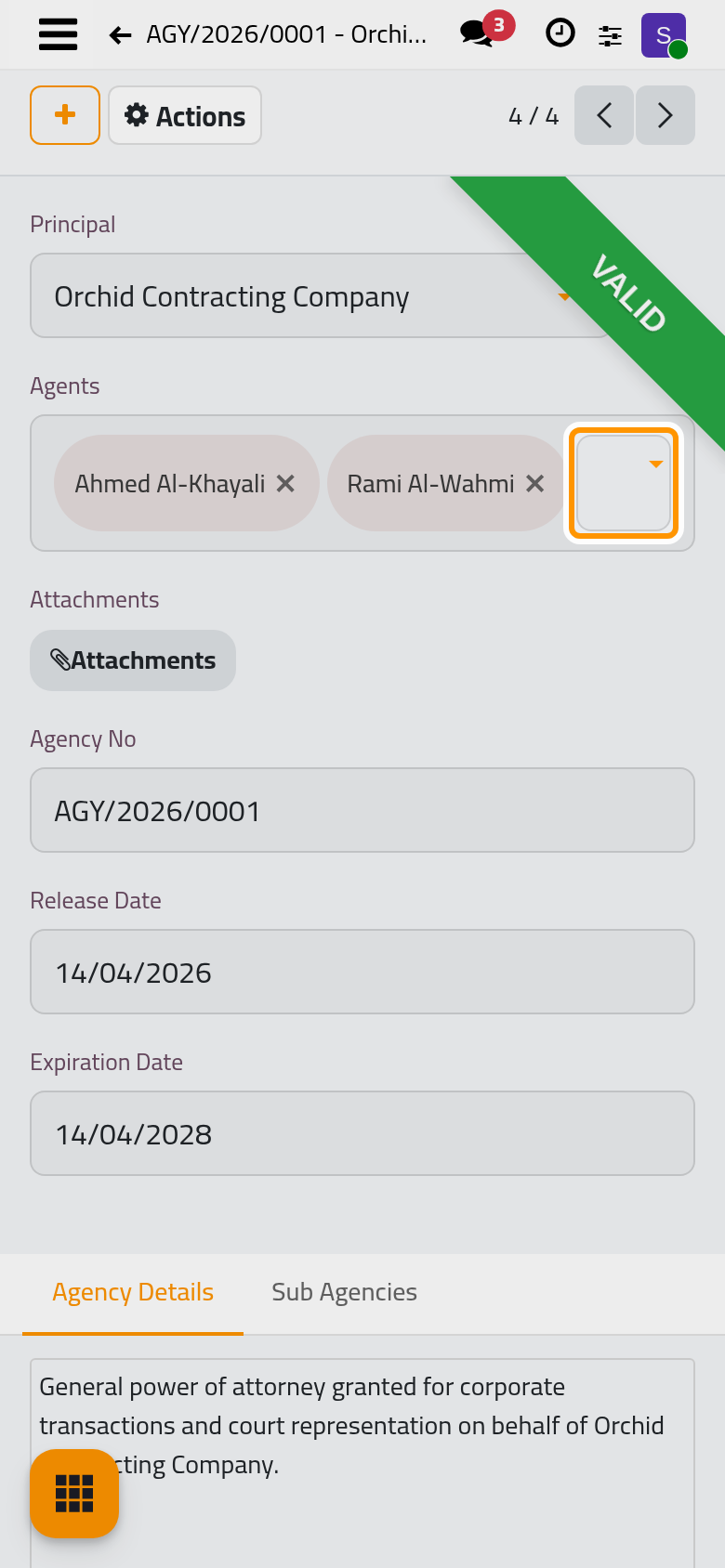
- In Sub Agencies, link the agencies issued under this one, for example when an agent passed the authority on to another lawyer.
- Click the cloud icon Save manually.
Find an agency
The ribbon of an agency says Valid or Expired. In the list, the Valid, Expired and My Agencies filters, and the groupings by Status, Principal or date, find the one you need. A contact's Agencies button opens the agencies where that contact is the principal.
FAQ
Why does the agency show Expired although it is not over yet?
The status is Valid only from the Release Date to the Expiration Date, both included. An agency whose release date is still ahead shows Expired until that day.
Was this page helpful?
Thank you for your feedback.