Follow agency expiry
On this page
An agency that expires in the middle of a case leaves its lawyers unable to act. The firm sees the state of each agency at a glance and receives a reminder before the end.
Before you start
- You need the Manager: All Documents level on Agencies to change the settings.
See the state of the agencies
Each agency shows Valid or Expired, following its dates day by day. In , the Expired filter lists the ones to renew, and grouping by Expiration Date shows what ends soon.
Turn on the reminder
- Open .
- Keep Reminder ticked, set Reminder Before to the number of days before the expiry date, and keep or change the Reminder Template.
- Click Save.
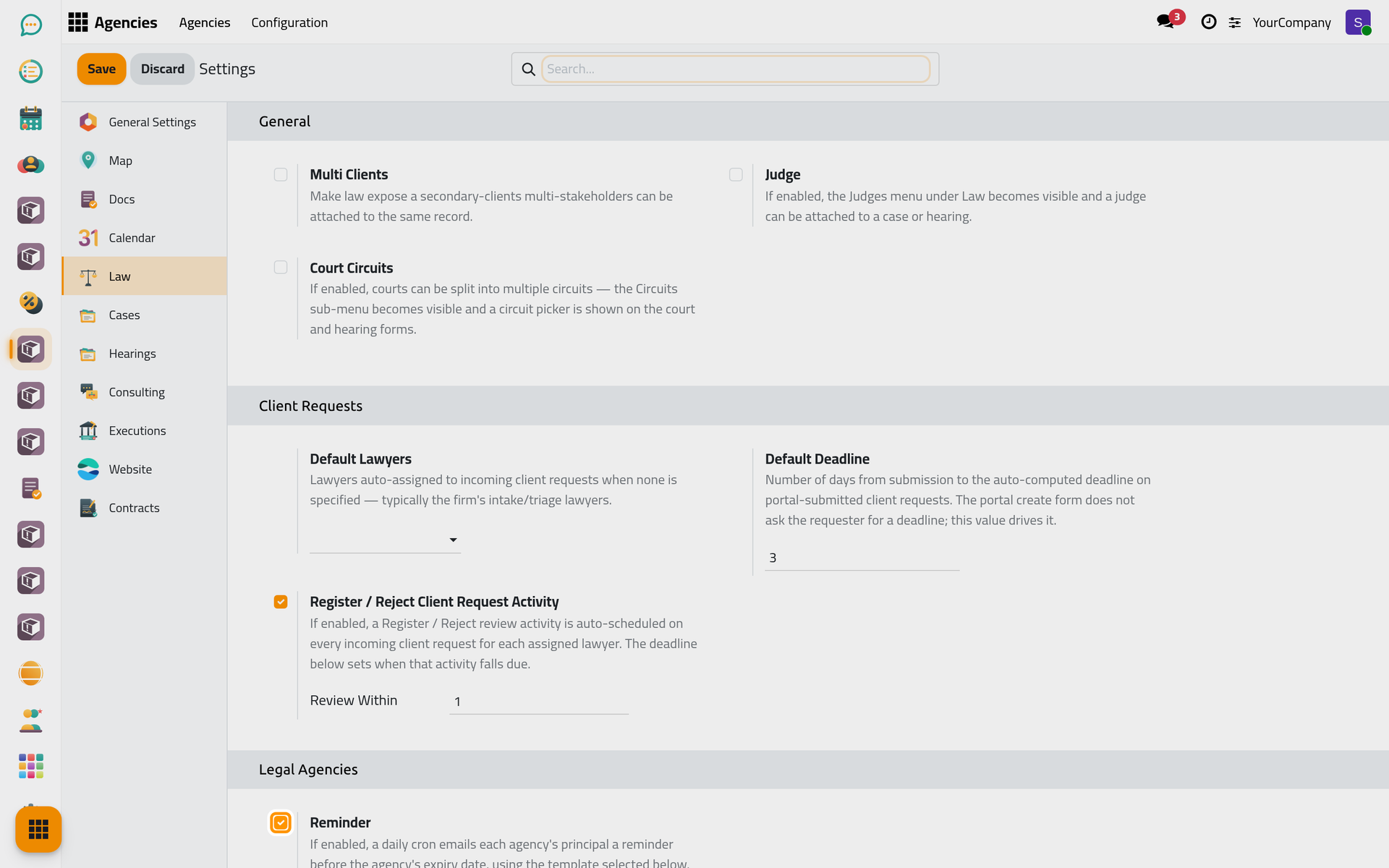
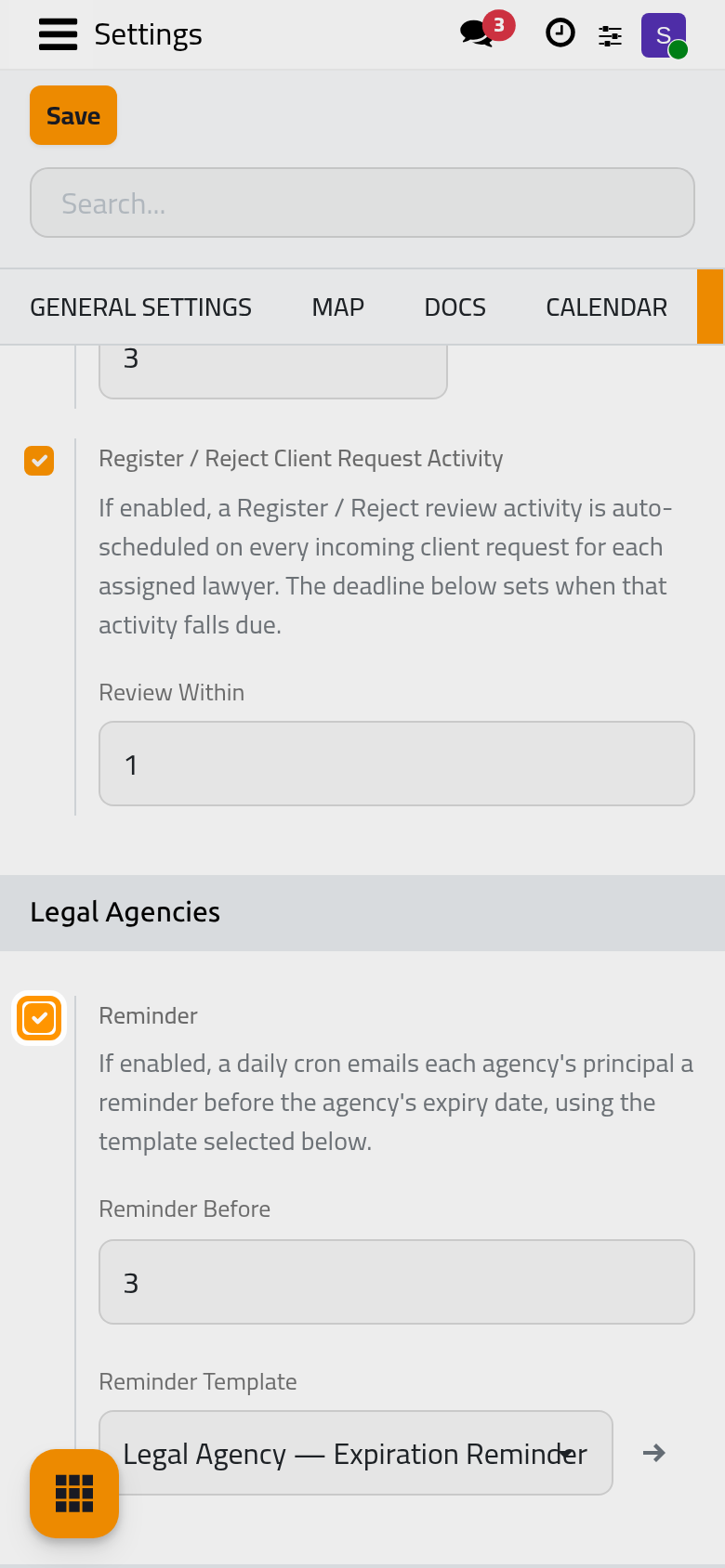
Once a day, the system e-mails the principal and the agents of every agency that reaches that point; when Multi Clients is on, the other principals receive it too. Each agency is reminded once for a given expiry date.
Renew an agency
When the principal renews the agency, open it and record the new Release Date and Expiration Date, or the new Agency No if the document changed. The status follows the new dates, and the reminder will come again before the new expiry.
FAQ
A principal says the reminder never came.
The reminder goes to the e-mail address of each contact: check that the principal and the agents have one, and that Reminder is on. An agency whose expiry date was already reminded is not reminded again unless its dates change.
Was this page helpful?
Thank you for your feedback.