Lend and return a document
On this page
An original leaves the office for a hearing, a review or a signature. Recording the loan tells everyone who holds it, and recording the return closes the loan in the document's log.
Before you start
- You need the Manager access right on Correspondence.
- Only a Registered document can be lent. The borrower must exist as a contact.
Lend the document
- Open the document, then open the Actions menu and choose Lend.
- Choose the Borrower. The Date is today; change it if the paper left earlier. A date in the future is refused.
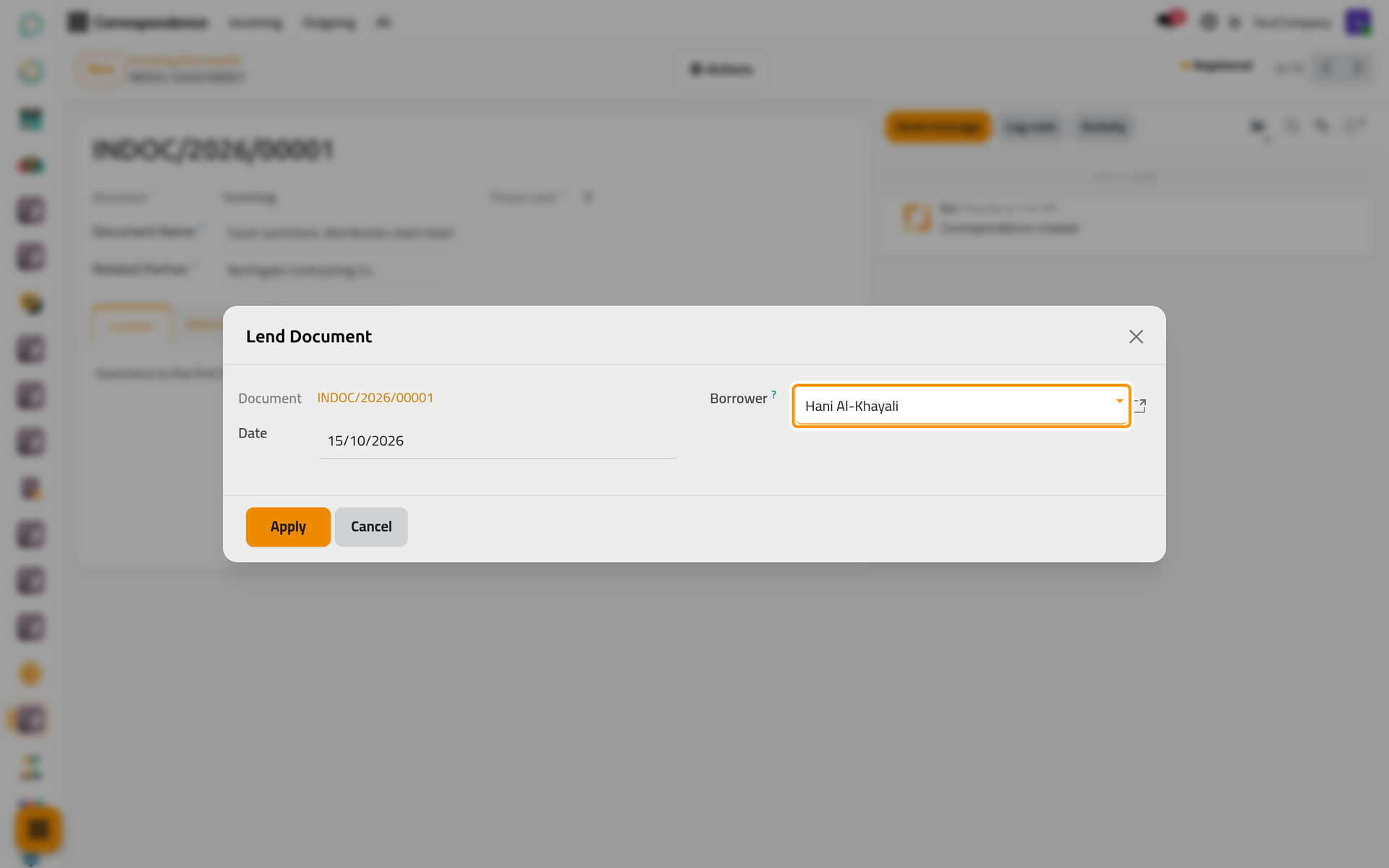
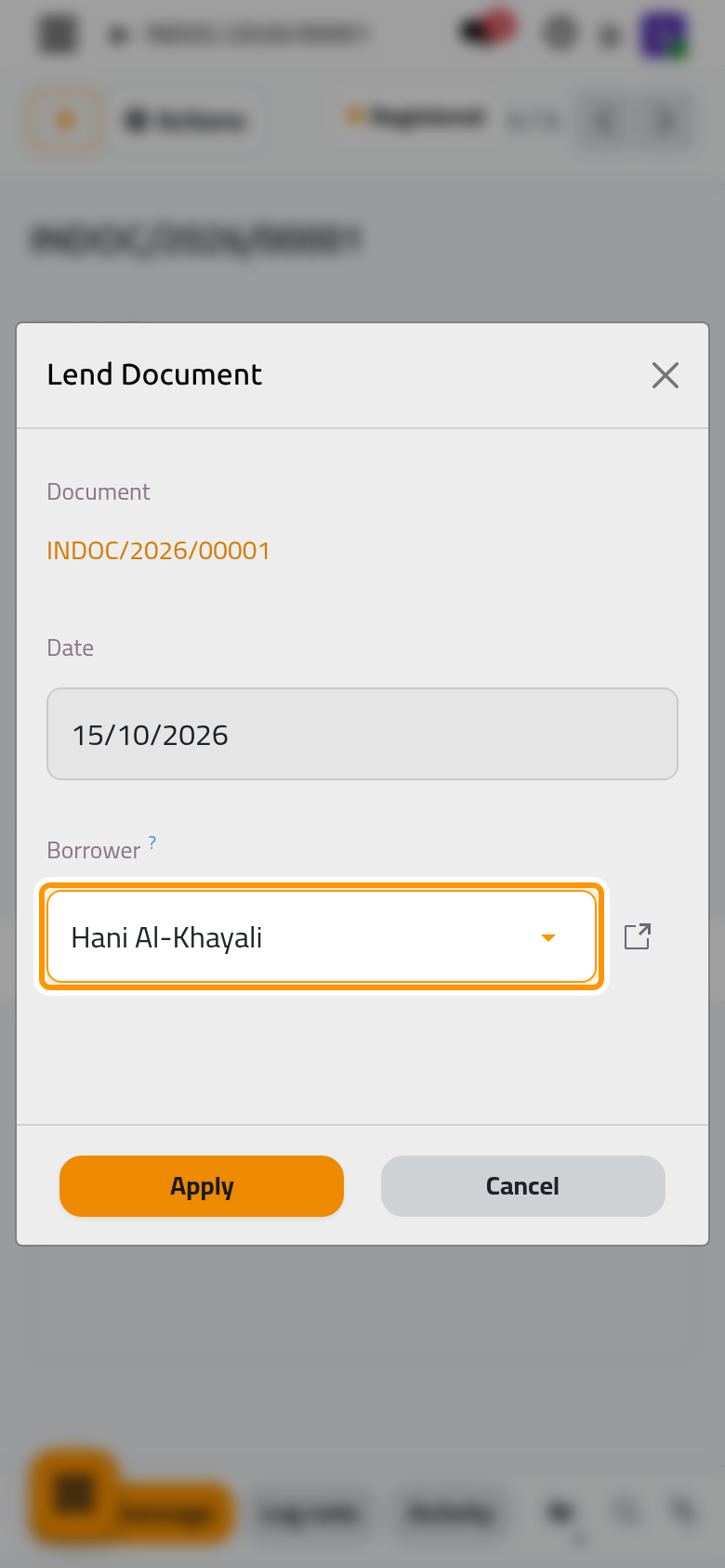
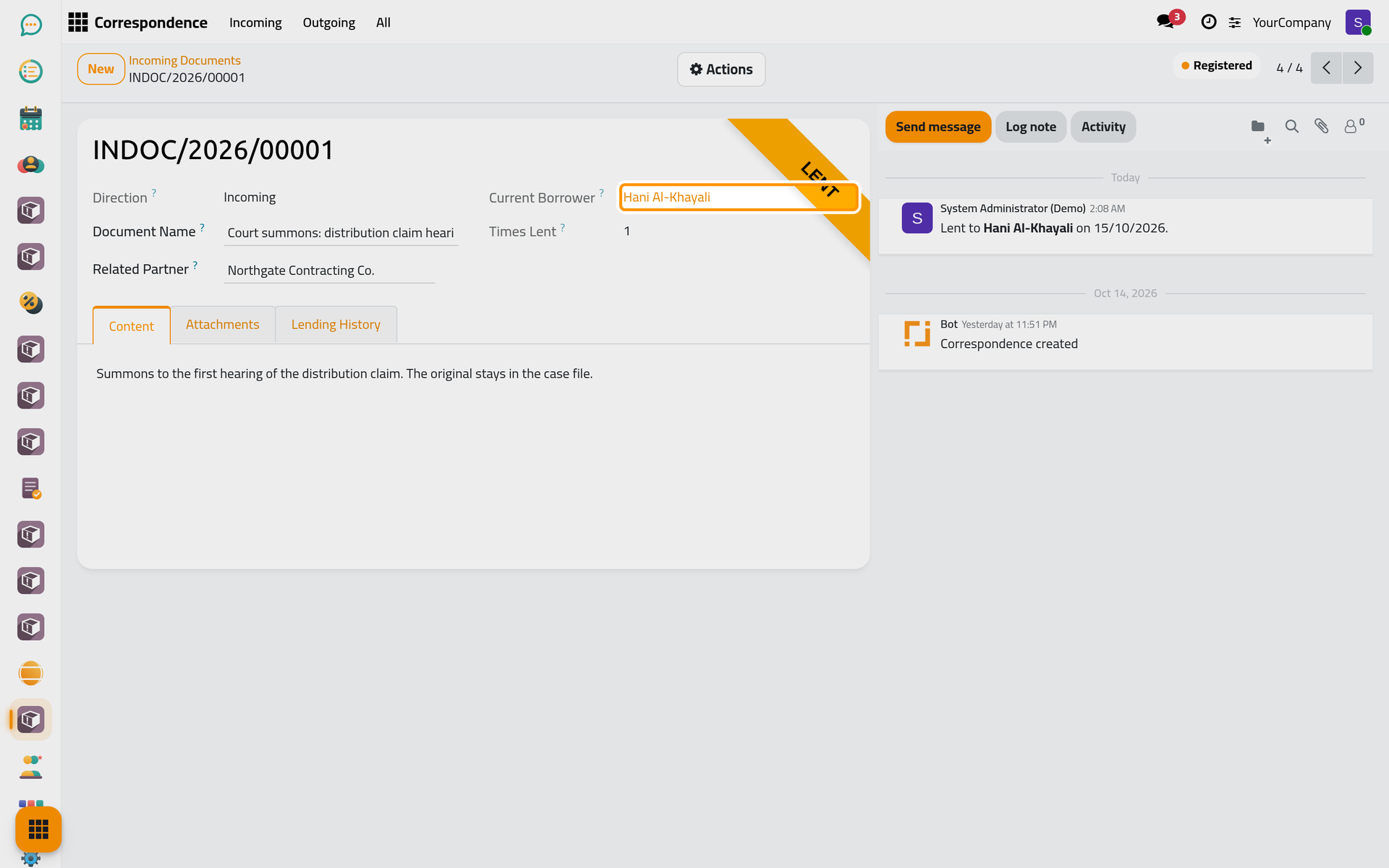
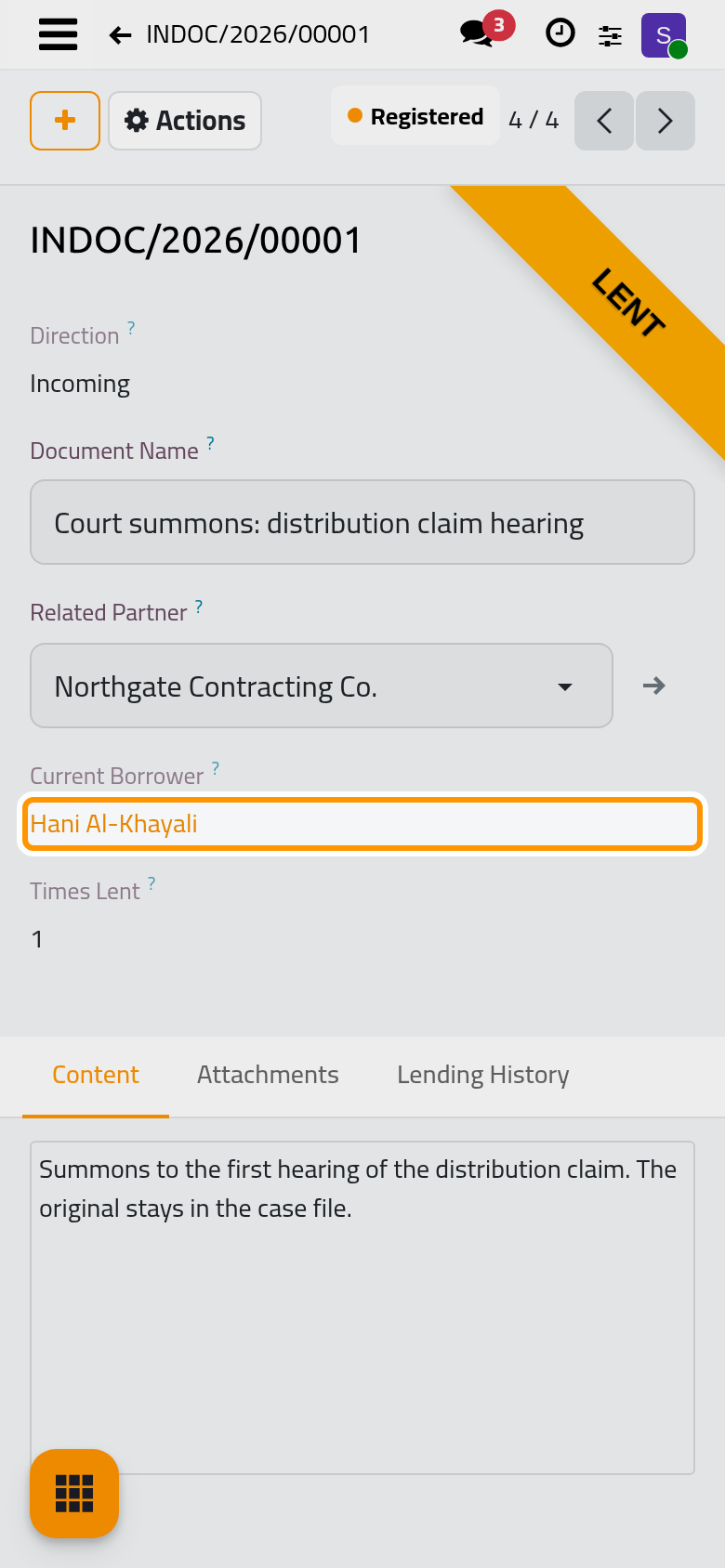
- Click Apply. A Lent ribbon covers the corner of the document, the Current Borrower shows who holds it, and Times Lent counts one more loan.
Read the lending log
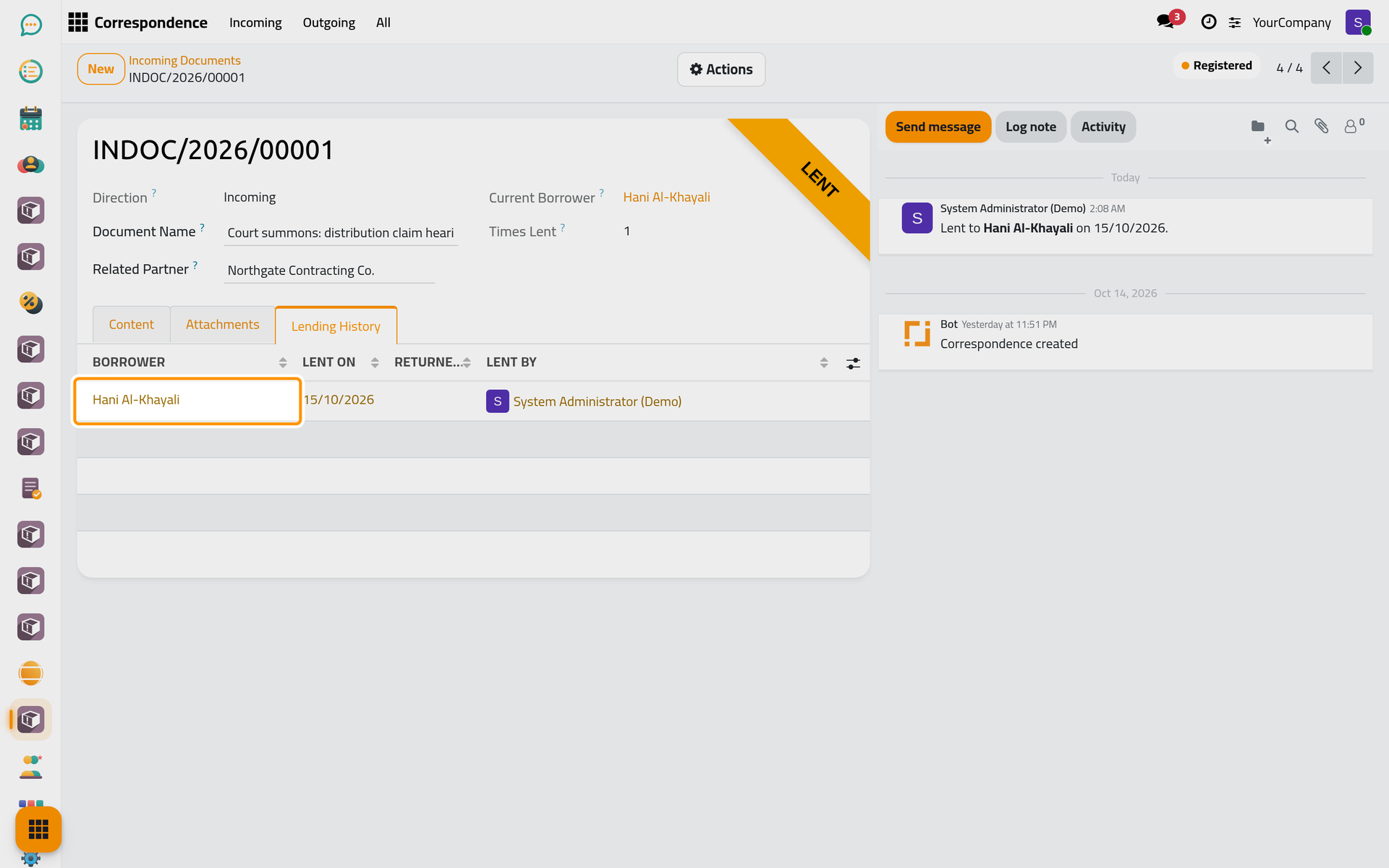
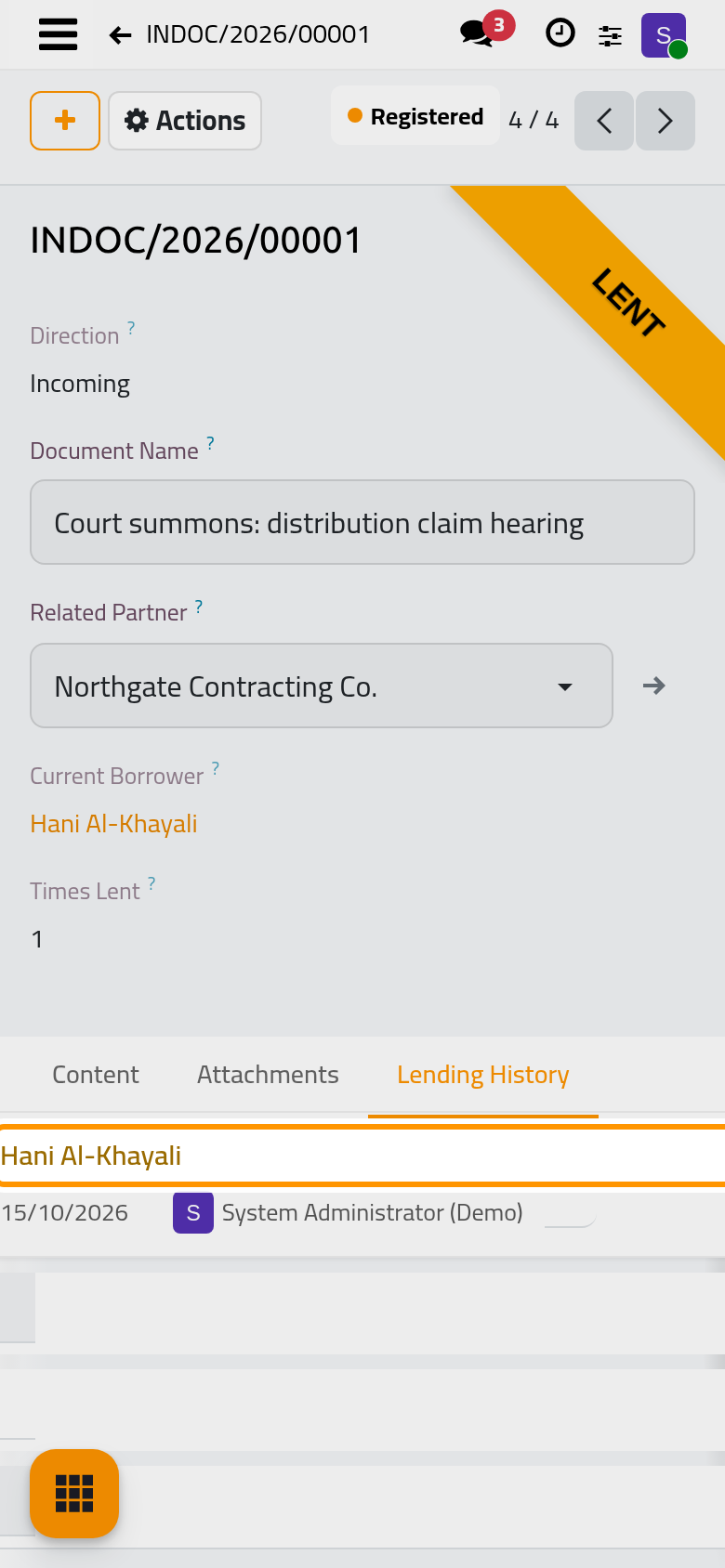
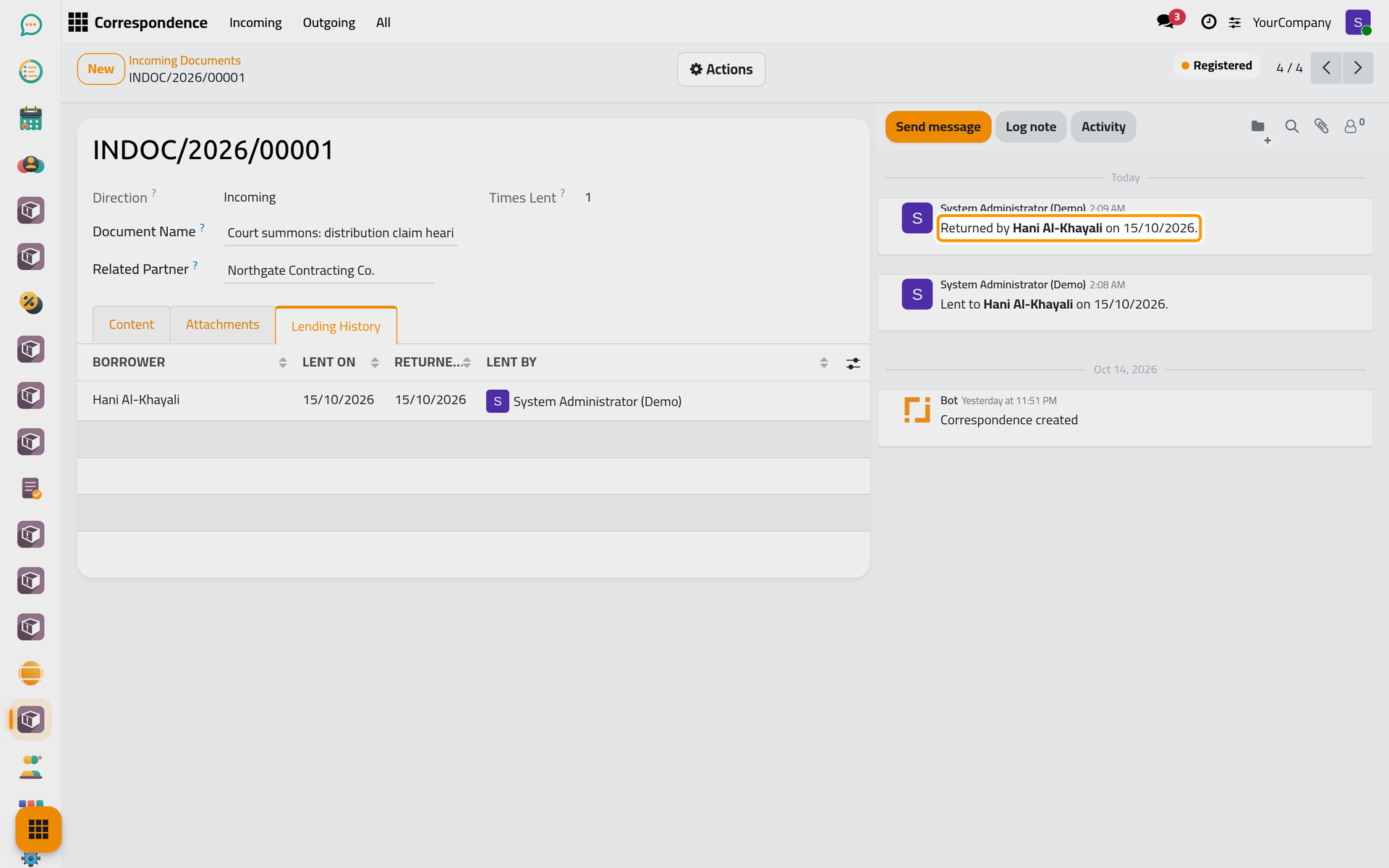
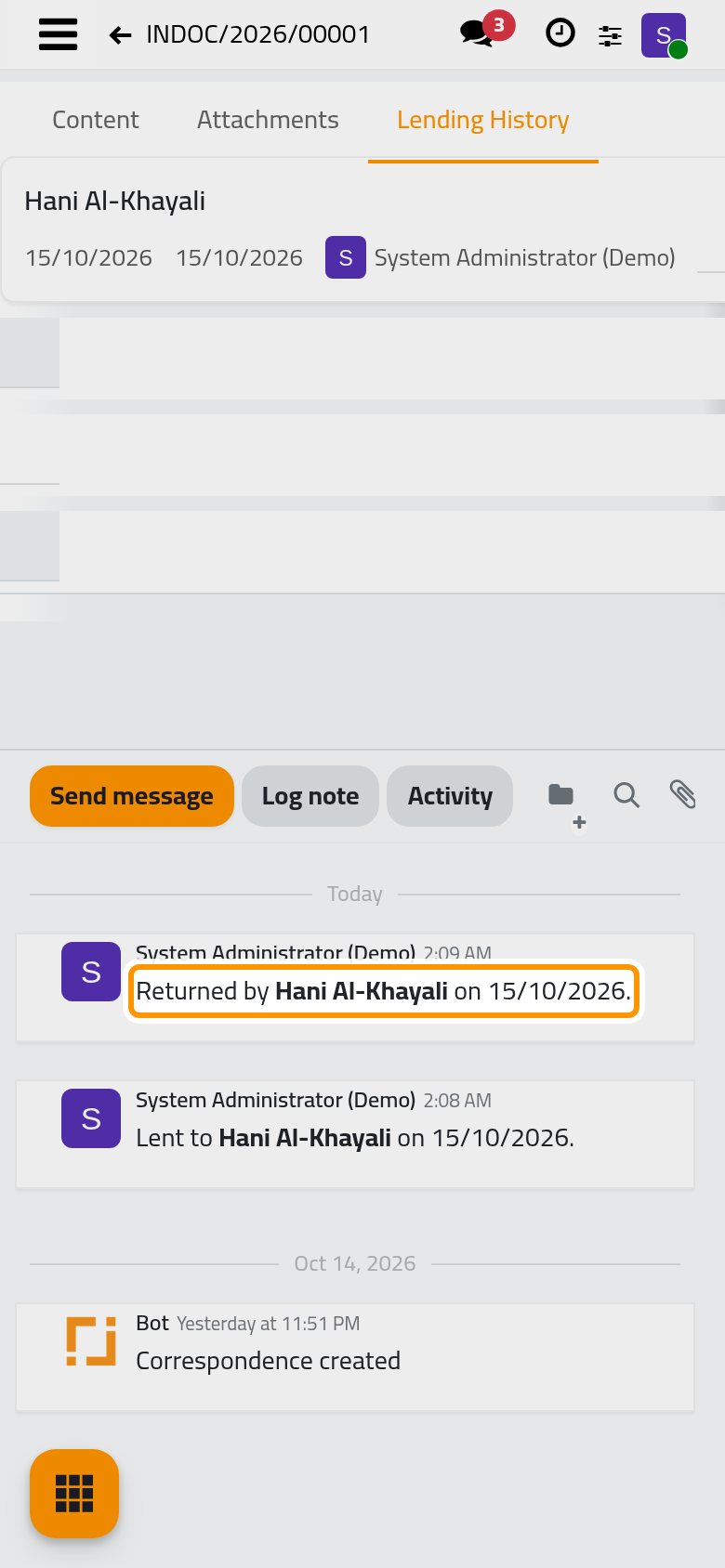
The Lending History tab lists every loan of the document: the borrower, the day it left, the day it came back and who recorded it. An open loan, with no return day yet, is highlighted.
Record the return
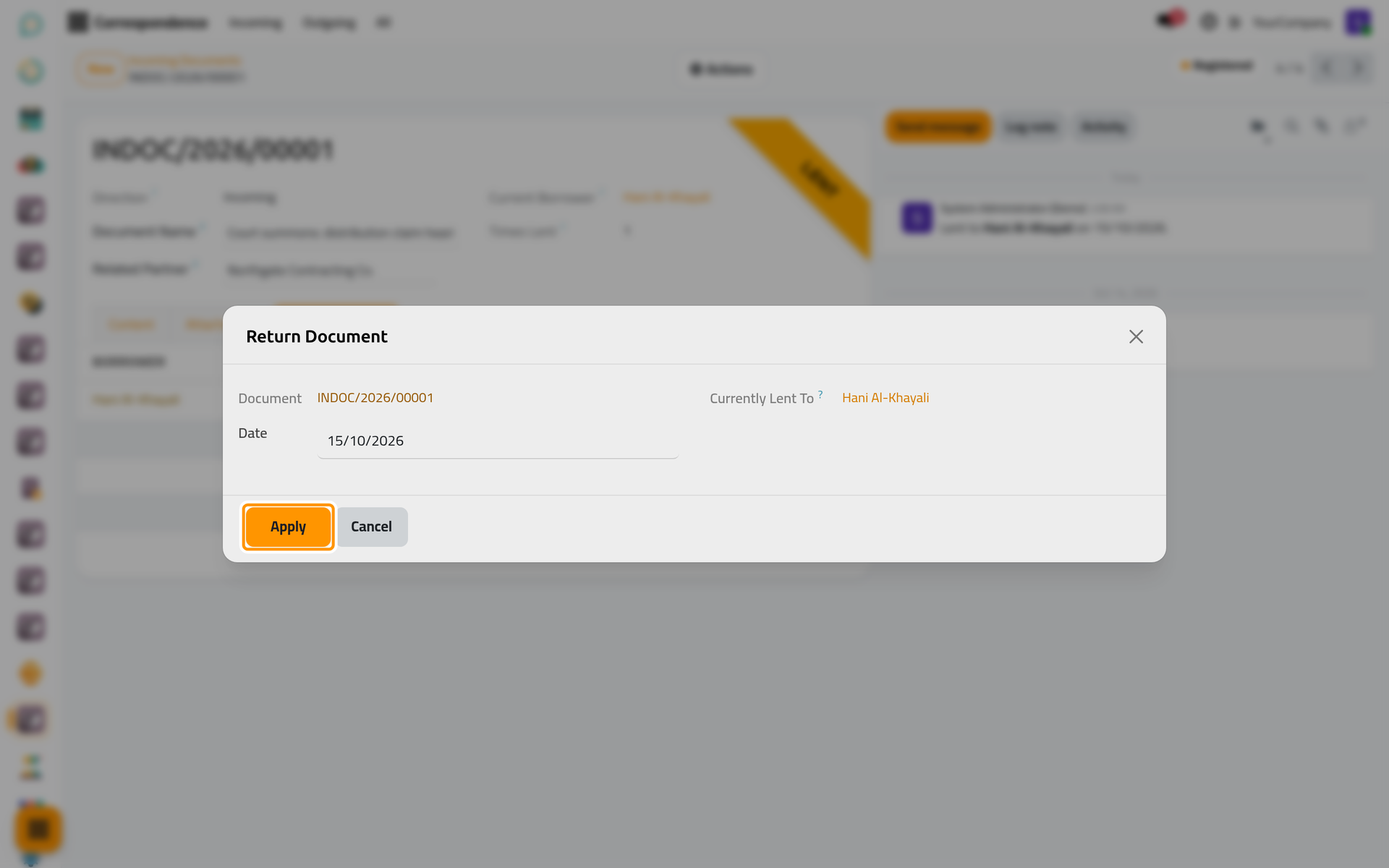
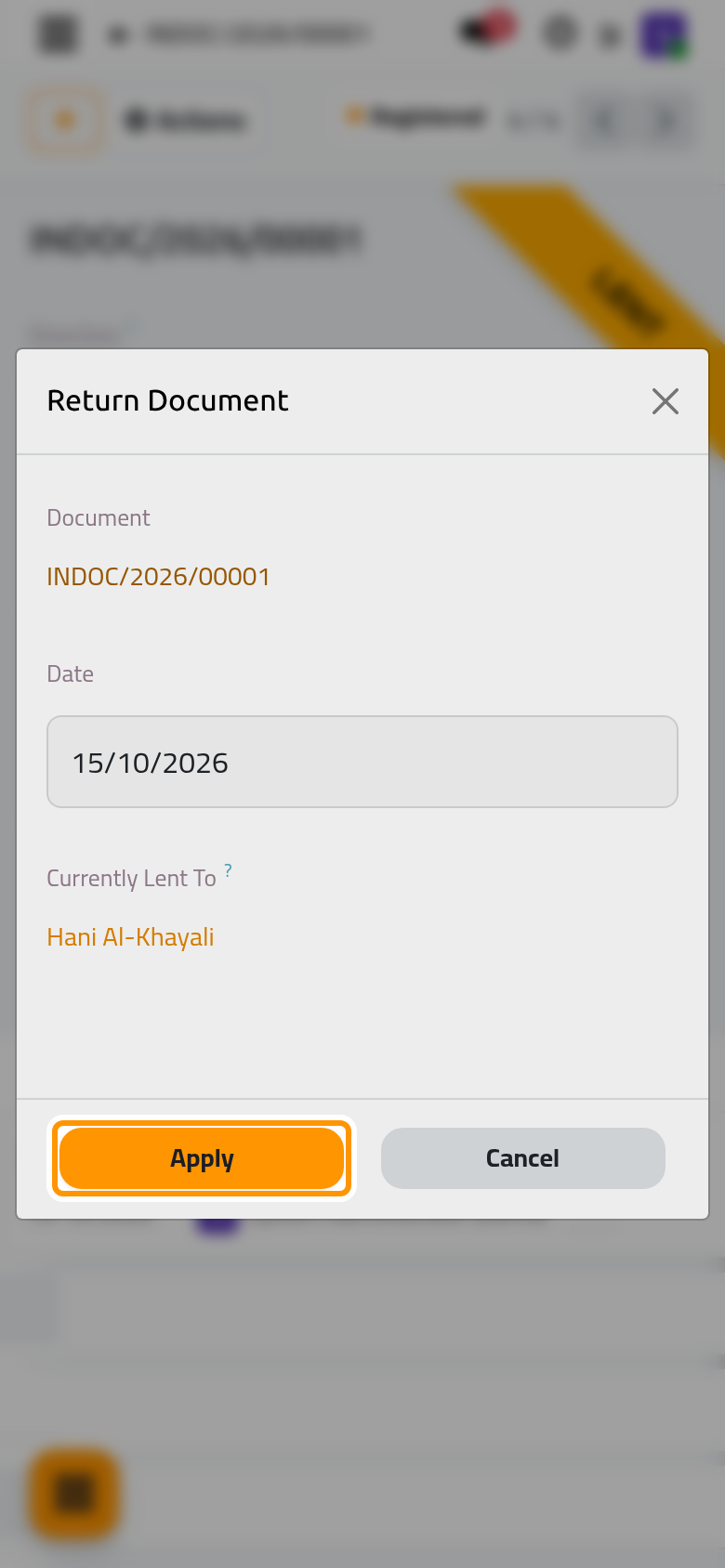
- Open the Actions menu and choose Return. The dialog shows who holds the document.
- Check the Date, which cannot fall before the day the document was lent, and click Apply.
The ribbon disappears, the loan is closed in the log and a note in the chatter records who returned it and when.
FAQ
I cannot find Lend in the Actions menu.
The document is either still a draft (register it first), already lent (record its return first) or no longer registered. A user with the Read-only access right sees no lending actions.
Can I lend the same document to two people at once?
No. A document has one holder at a time: record the return before lending it again.
Was this page helpful?
Thank you for your feedback.