Tutorial
Your first document
Every paper that reaches the office or leaves it is recorded in Correspondence: a court summons, a client's original contract, a memorandum sent to a court. This walk-through records one incoming document and registers it.
Before you start
- You need the Manager access right on Correspondence (in the Correspondence section of your user). The Read-only access right shows the documents without changing them.
Step 1: record the document
- Open and click New. The Direction is already Incoming.
- Type the Document Name, a short title that tells the paper apart.
- Choose the Related Partner, the client or the party the paper concerns.
- Optionally, write a summary in the Content tab and add the scanned copy in the Attachments tab.
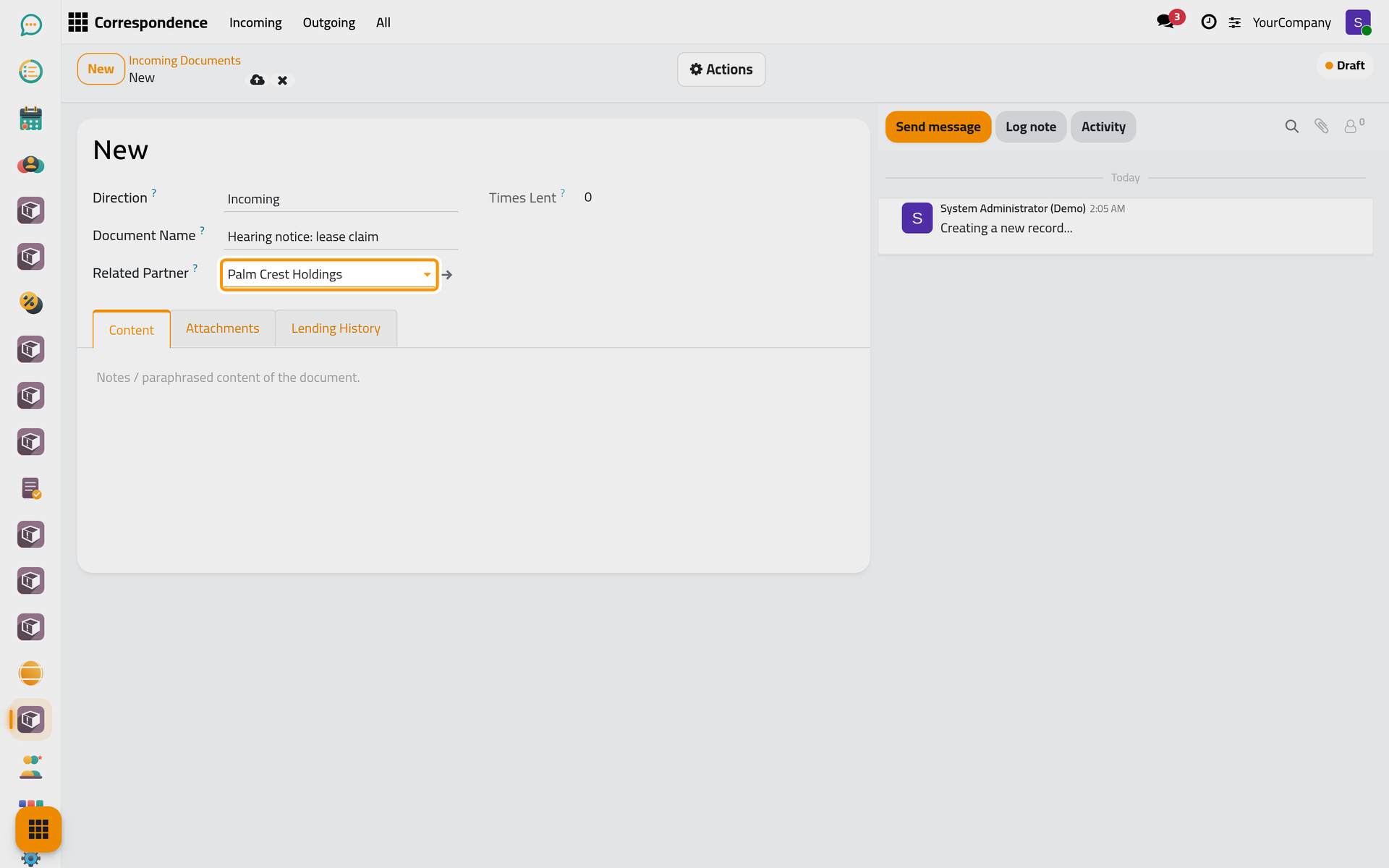
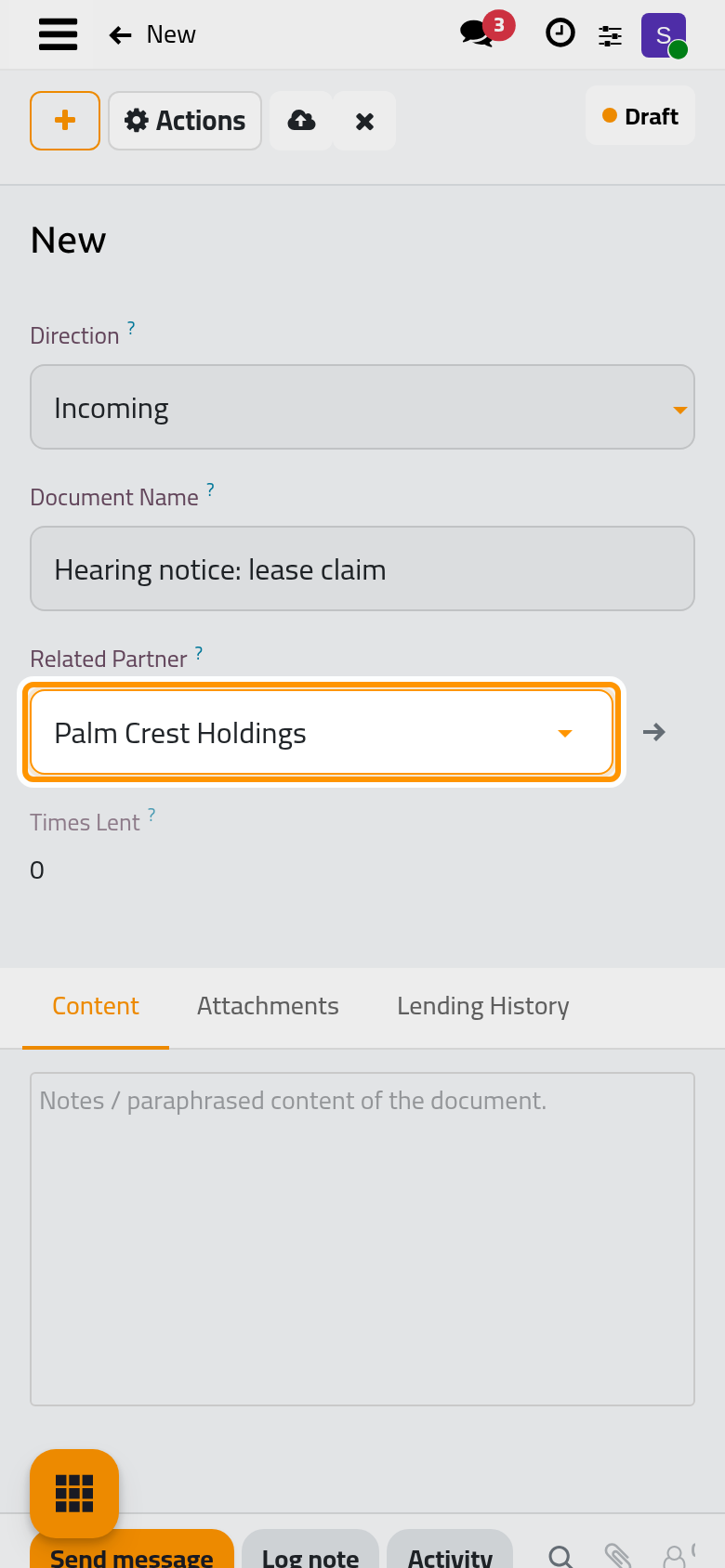
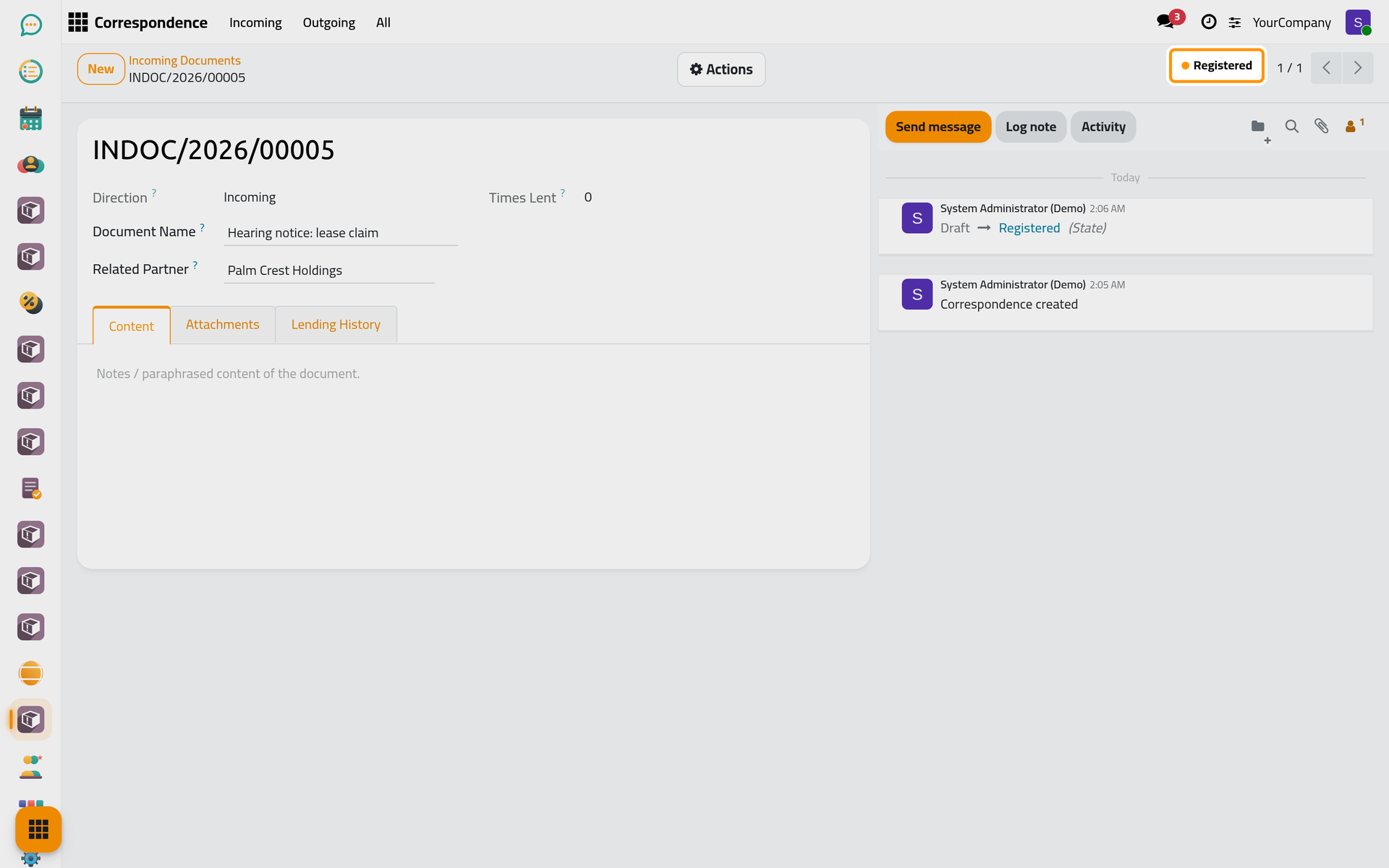
- Click the cloud icon Save manually. The document receives its number, for example
INDOC/2026/00005:INDOCfor incoming, then the year, then the order of the document in that year.
Step 2: register it
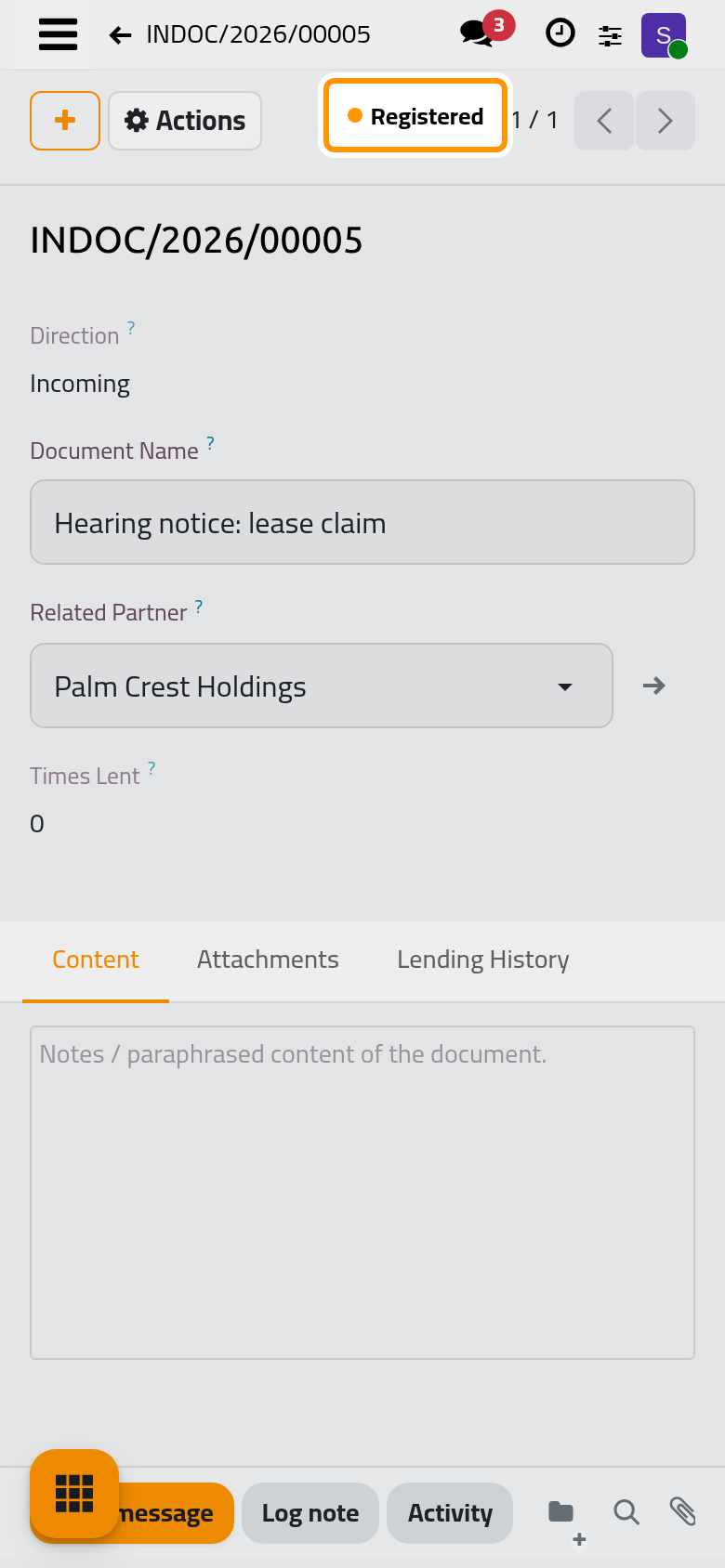
- Open the Actions menu and choose Register.
- The status moves from Draft to Registered.
What you have done
The paper now has a number, a status and a contact. On the documents' cards it shows In Office, and from now on it can be lent and returned, and every move is kept in its log.
Was this page helpful?
Thank you for your feedback.