Record a lost or damaged document
On this page
A paper can go missing or be damaged while in the office. Its record stays, with a status that says what happened, so the trail of the document is never lost.
Before you start
- You need the Manager access right on Correspondence.
- The document must be Registered and in the office. A lent document is not marked lost or damaged: record its return first, since a paper still with a borrower is a matter of a late return.
Mark a document lost
- Open the document, then open the Actions menu and choose Mark Lost.
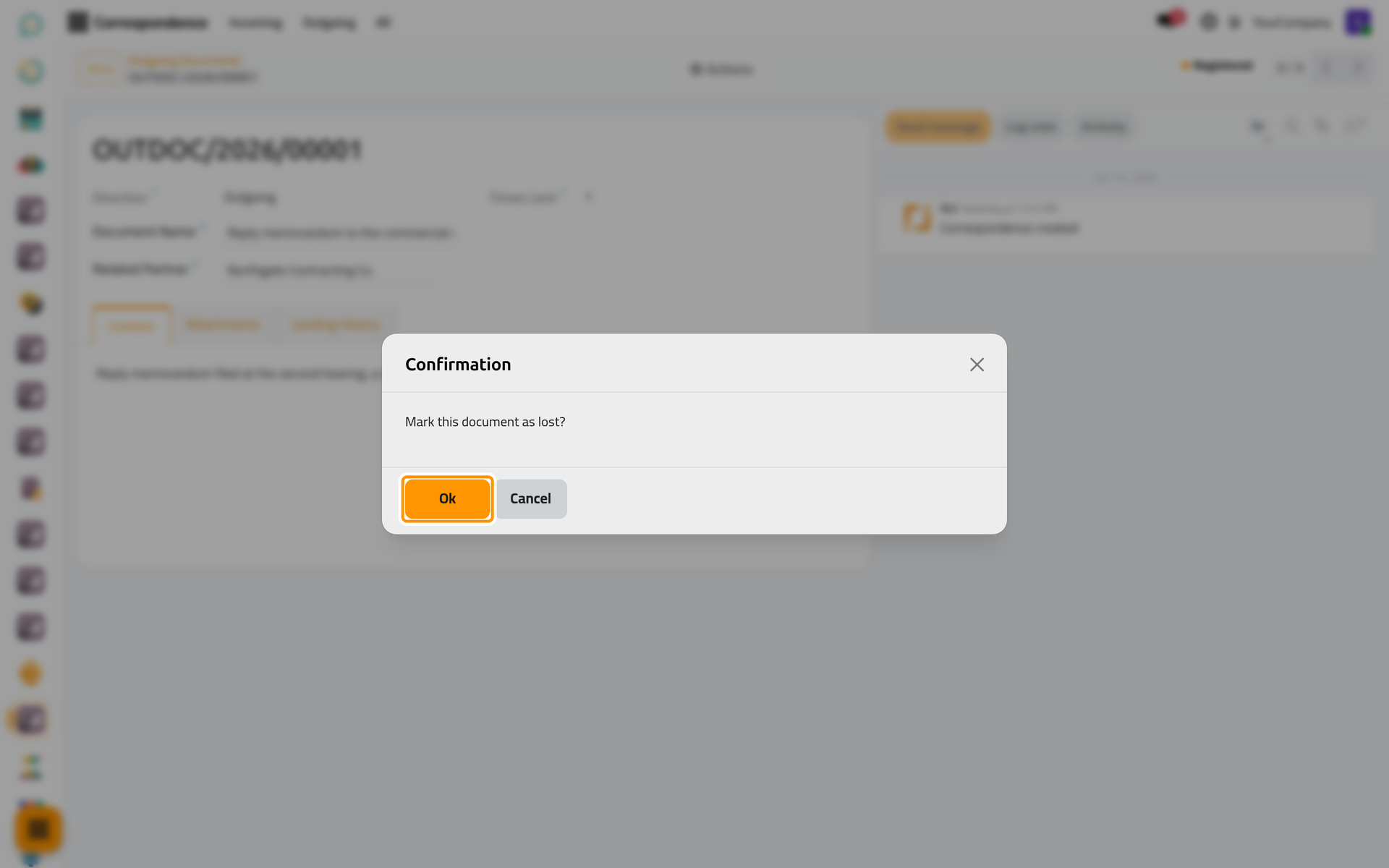
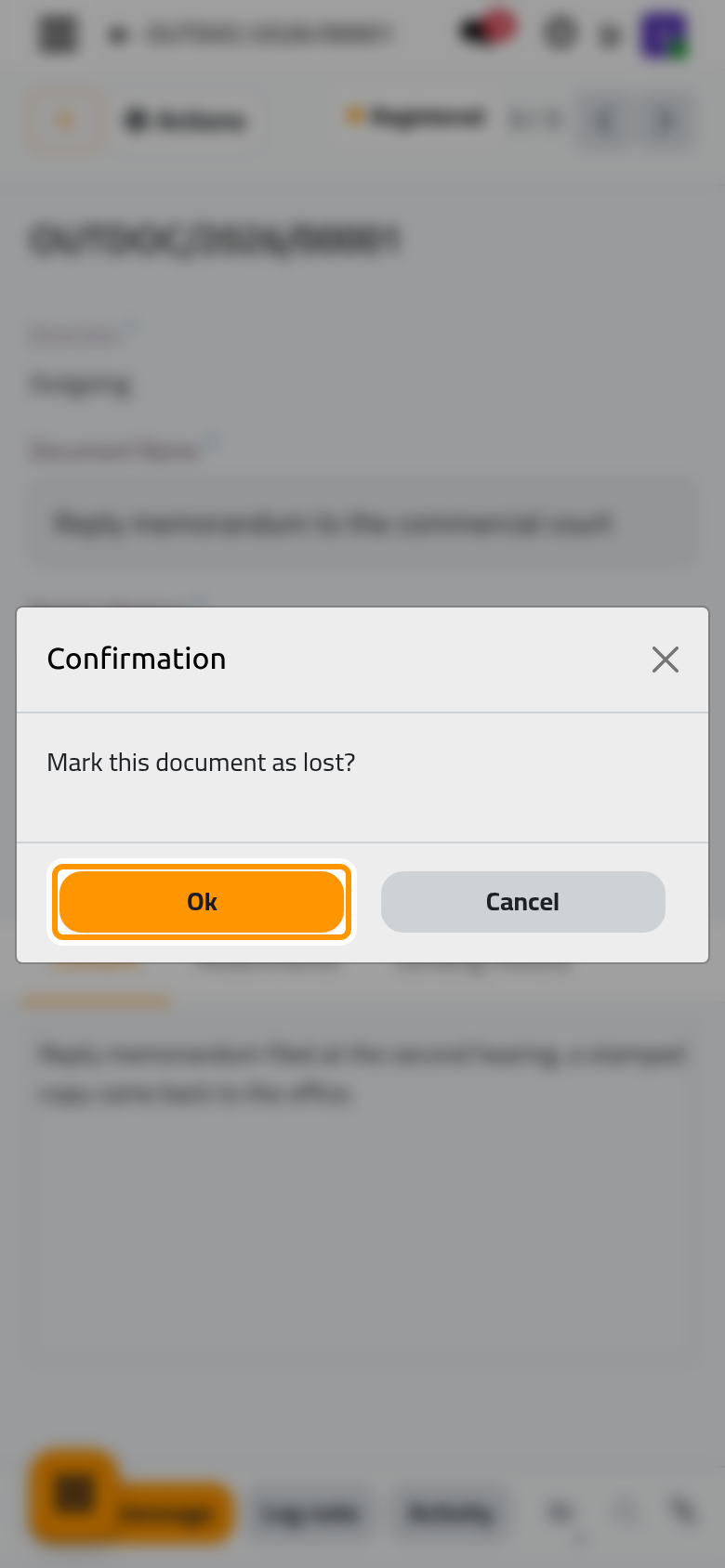
- Confirm in the dialog.
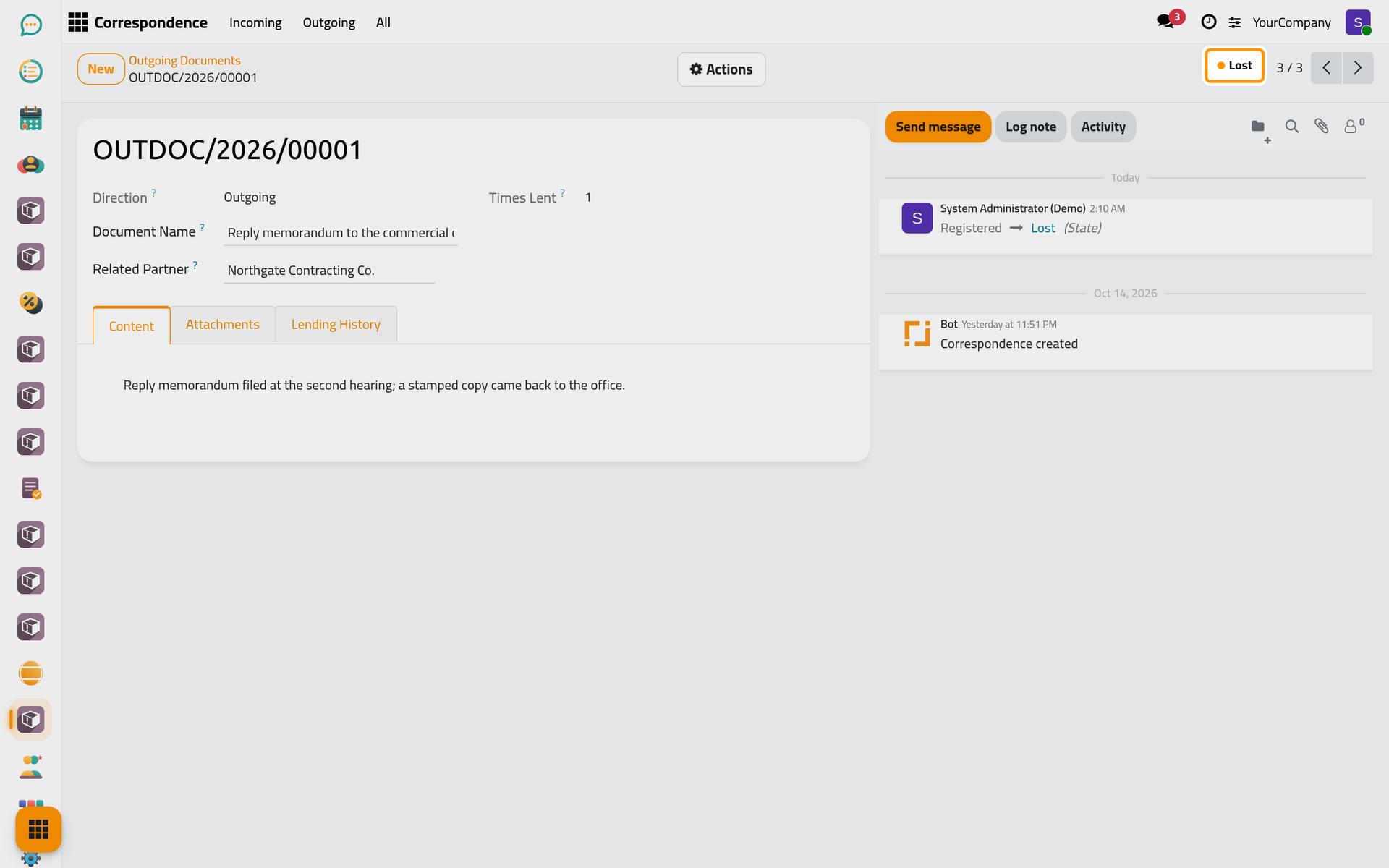
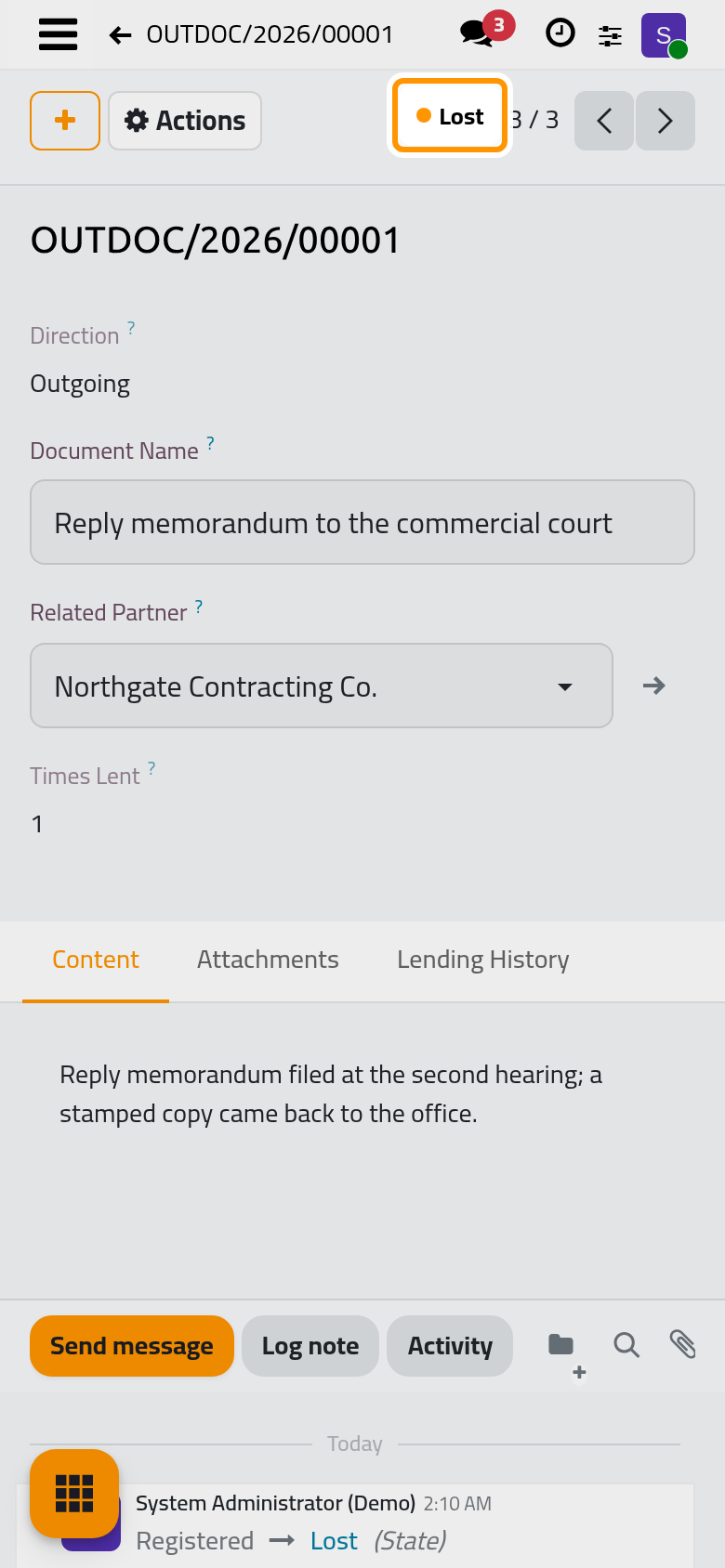
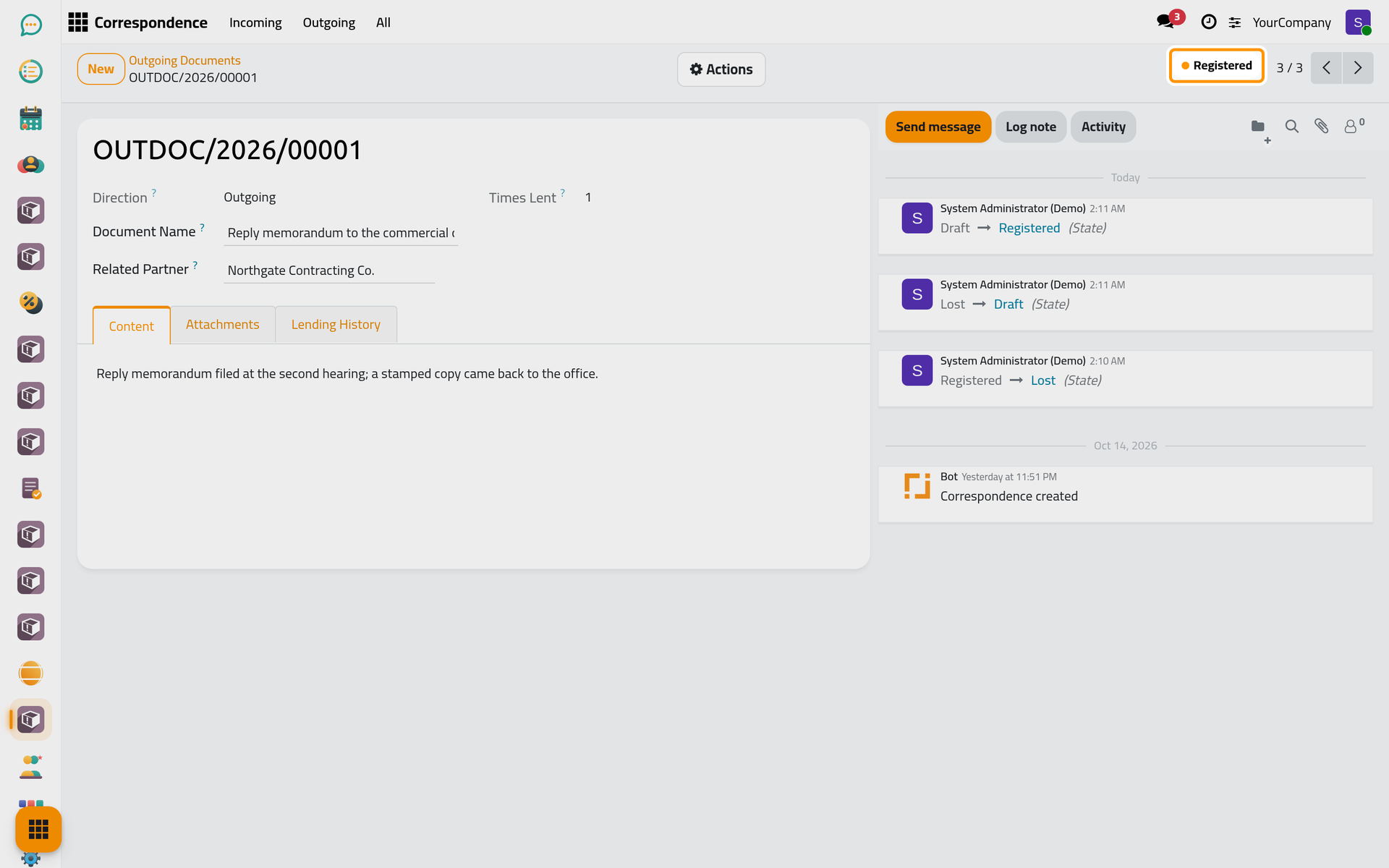
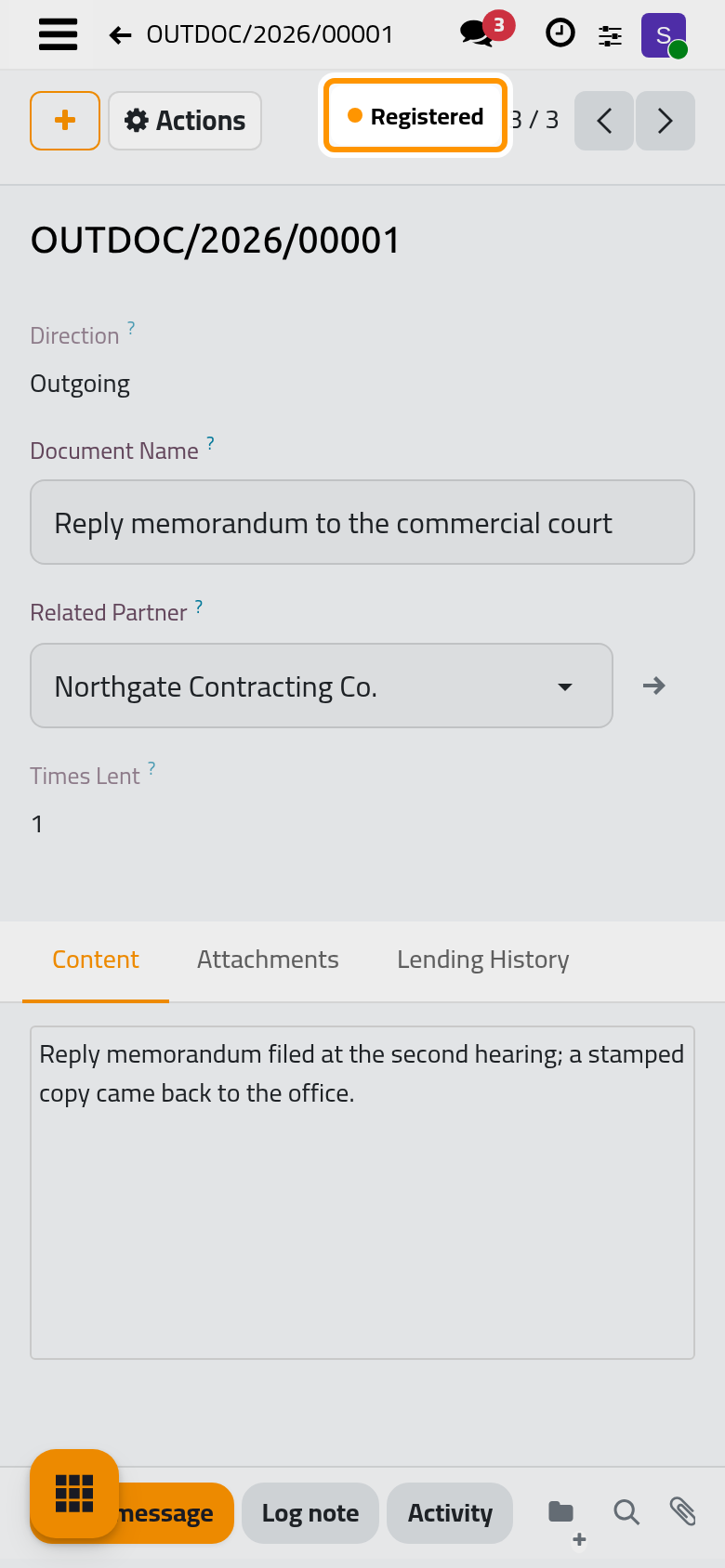
The status becomes Lost, and the change is kept in the chatter with its date and the user who made it.
Mark Damaged works the same way and sets the status to Damaged.
Cancel a document
A document recorded by mistake is cancelled with Cancel in the Actions menu, as long as it is a draft or registered and not lent. A draft can also be deleted; a registered document cannot be deleted, so its trail stays: archive it with Archive in the Actions menu to hide it from the lists.
Bring a document back
When a lost paper turns up or a cancellation was a mistake, choose Set to Draft in the Actions menu, then Register again. The document keeps its number and its lending log.
FAQ
Why can I not delete a registered document?
A registered document is part of the office's paper trail. Deleting it would erase its loans and its history; archiving hides it without losing anything.
Was this page helpful?
Thank you for your feedback.