How-to
Bill a consultation
On this page
Where accounting is installed, a consultation carries its own billing: the firm invoices its fees from the consultation, and the consultation shows what was invoiced and what is still unpaid.
Before you start
- The consultation is Approved, Late or Done.
- You need the invoicing rights of accounting besides your level on Consulting.
- The fees are billed under the product Consulting Fees, set by default. To use another one, open and choose it in Consulting Invoice Product under Invoicing.
Steps
- Open the consultation from .
- Open Actions and choose Create Invoice.
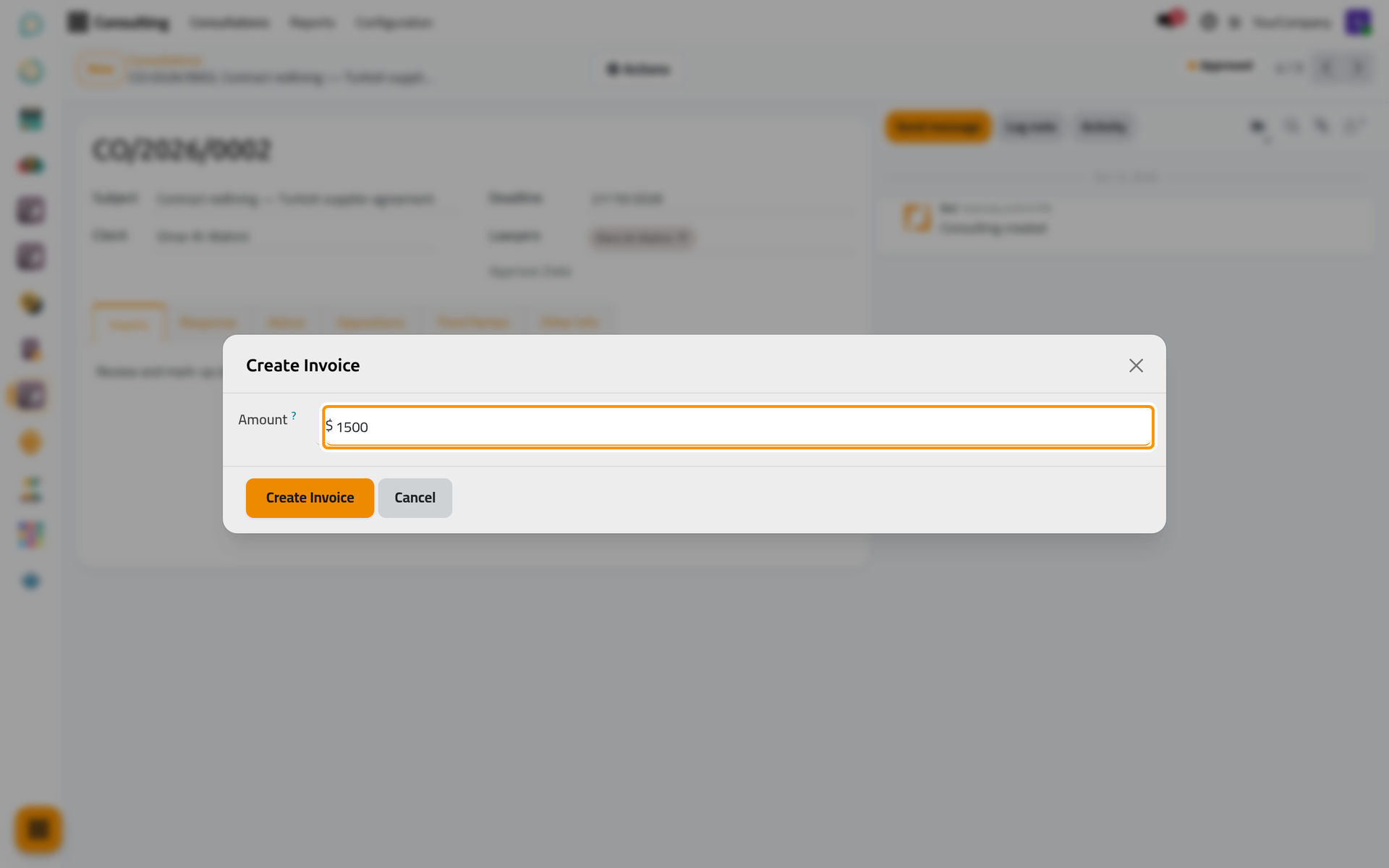
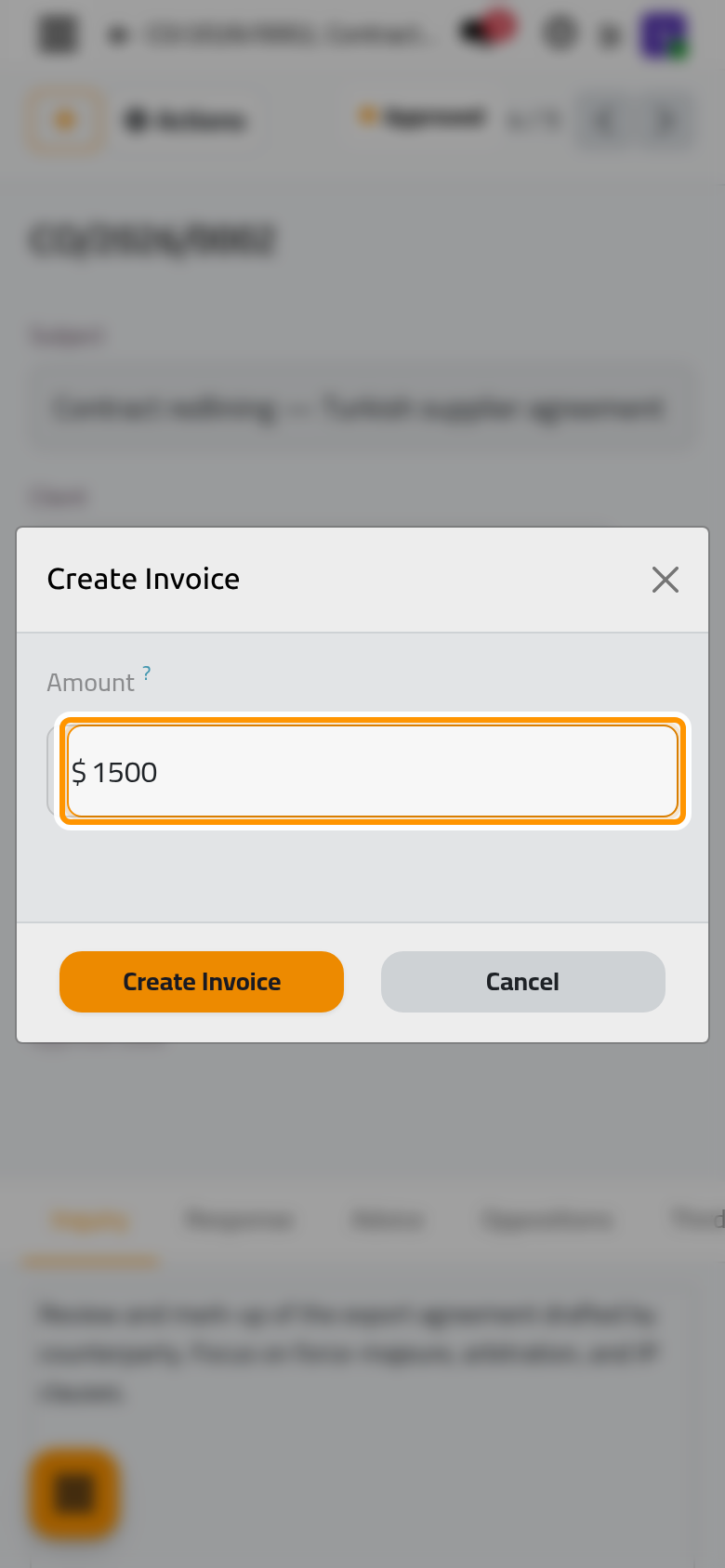
- In the window Create Invoice, type the Amount of the fees and click Create Invoice.
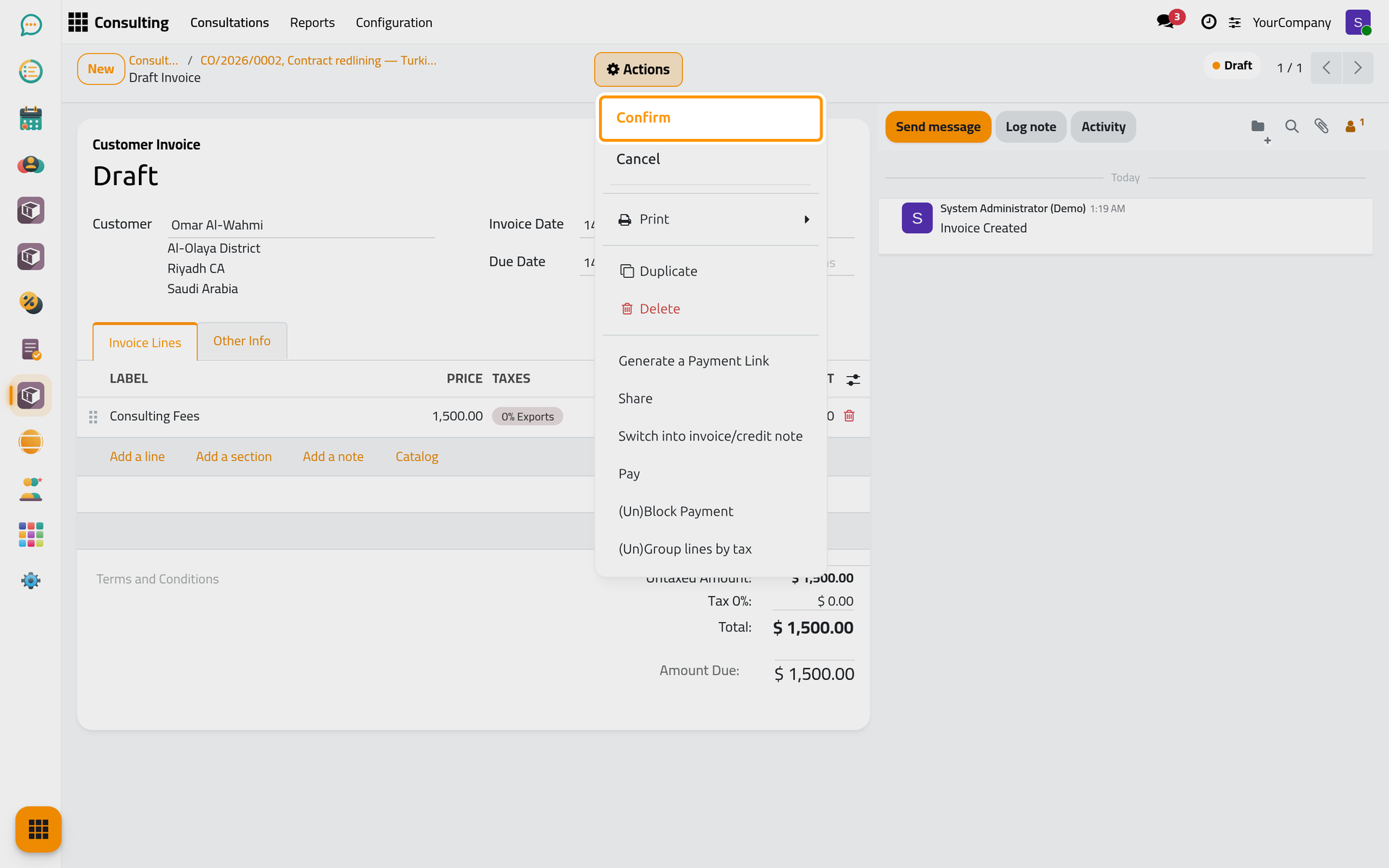
- A draft invoice opens: for the client of the consultation, dated today, with one line of the product and the amount, and the lawyers of the consultation. Check it, then choose Actions › Confirm.
Follow the billing
- The Invoices button on the consultation opens its invoices.
- In Other Info, Invoicing shows the amount invoiced and the amount still unpaid.
- On the cards of the consultations, the $ badge is pale yellow without invoice, red while an invoice is unpaid and green once everything is paid.
FAQ
Closing a consultation asks about an invoice.
Mark Done on a consultation that has no invoice asks whether to bill it: Create Invoice opens the window above, Mark Done Without Invoice closes it unbilled.
Can I bill a consultation in several invoices?
Yes. Each Create Invoice adds one invoice; Invoicing adds them up.
Was this page helpful?
Thank you for your feedback.