Approve or reject a consultation
On this page
A new consultation is a Draft until someone decides whether the firm takes it. Approving it starts the work; rejecting it closes it with a reason that stays on record.
Before you start
- You need the User: Own Documents level or higher on Consulting. Resetting a closed consultation to draft needs Manager: All Documents.
Approve
- Open the consultation from .
- Open Actions and choose Approve.
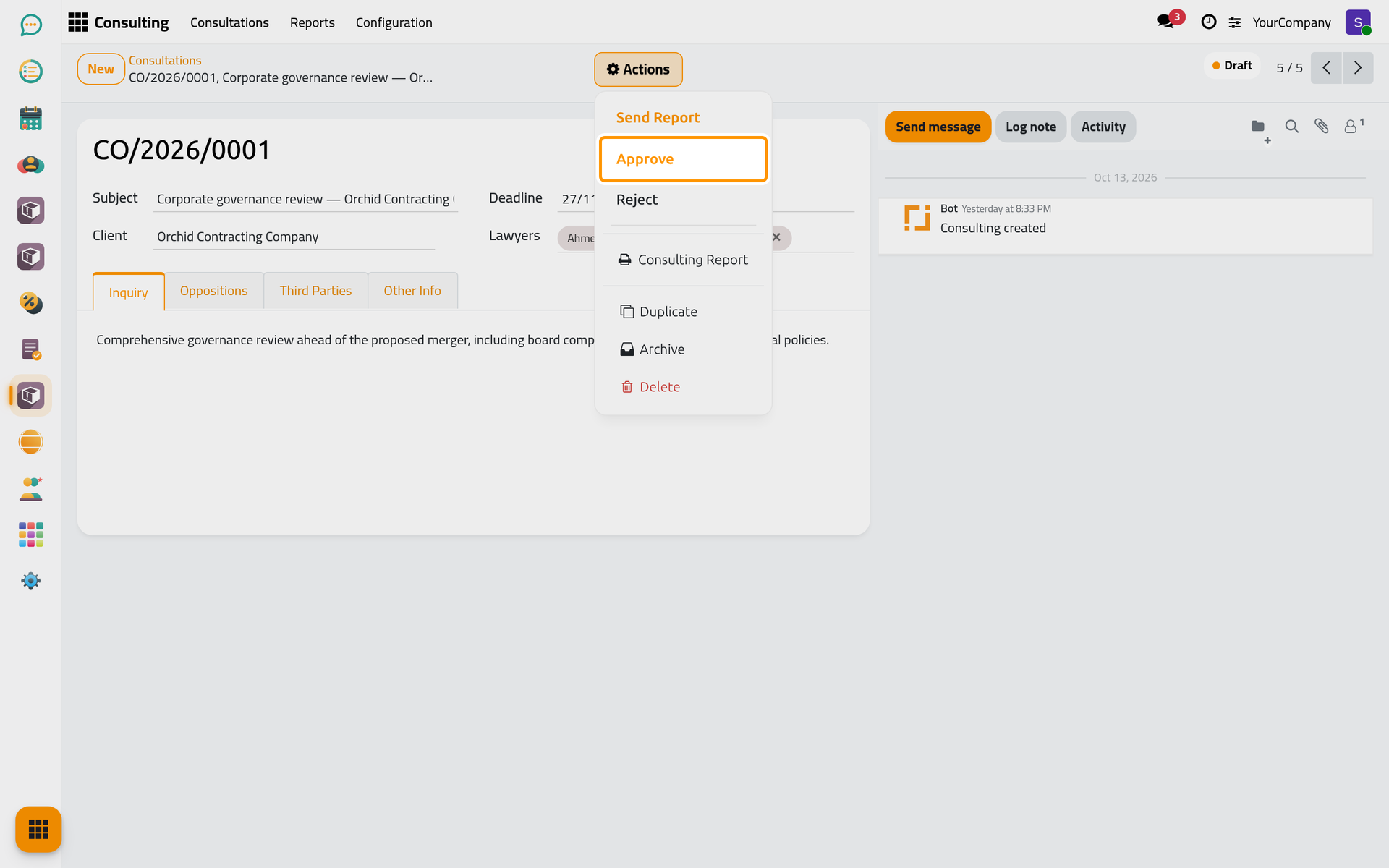
The state becomes Approved, the Response and Advice tabs appear, and when the firm uses the automatic activities, each lawyer gets a drafting activity (see Set deadlines and automatic activities).
Reject
- Open the consultation, then Actions › Reject.
- In the window Reject Consulting, pick a Reject Reason and click Reject.
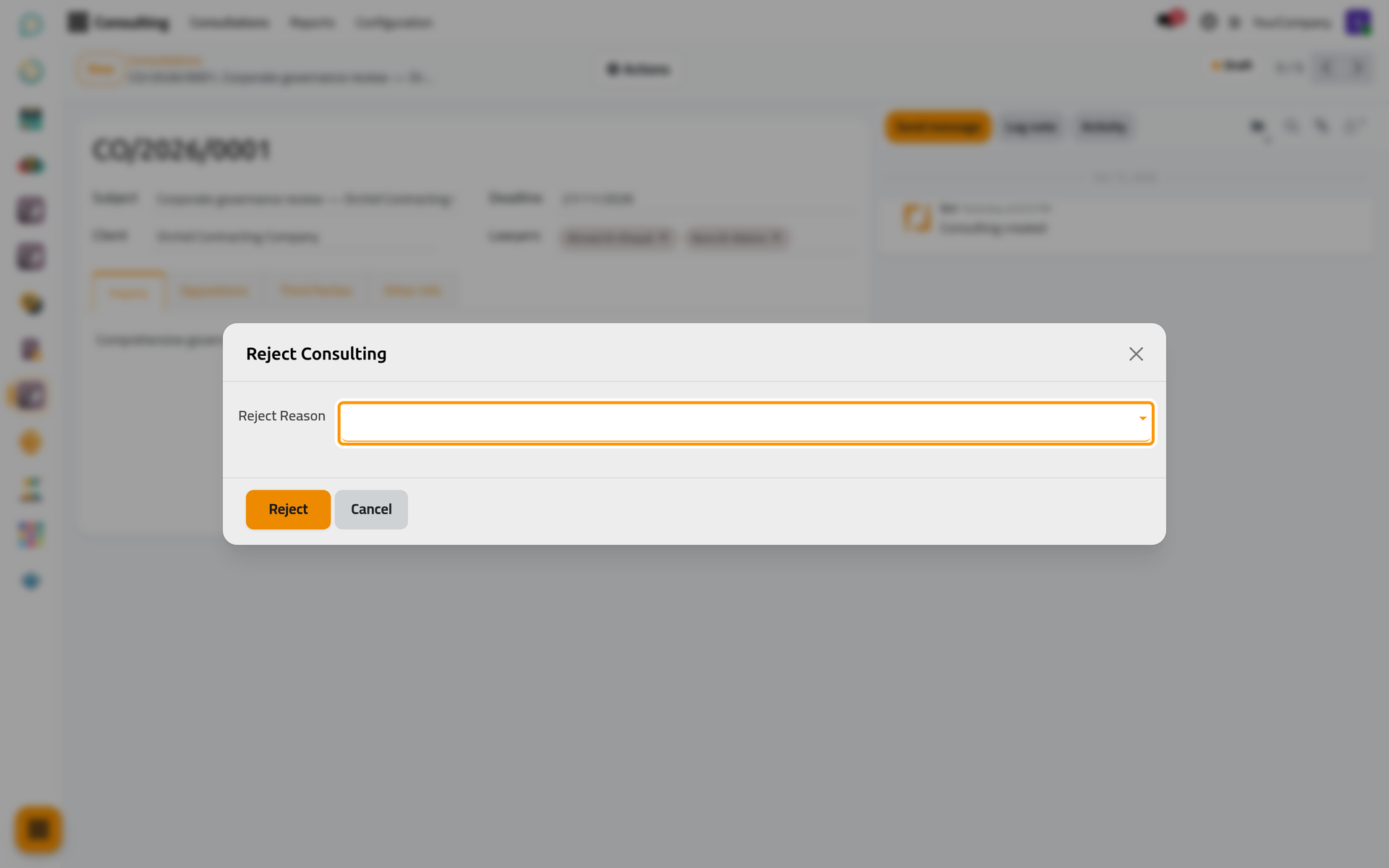
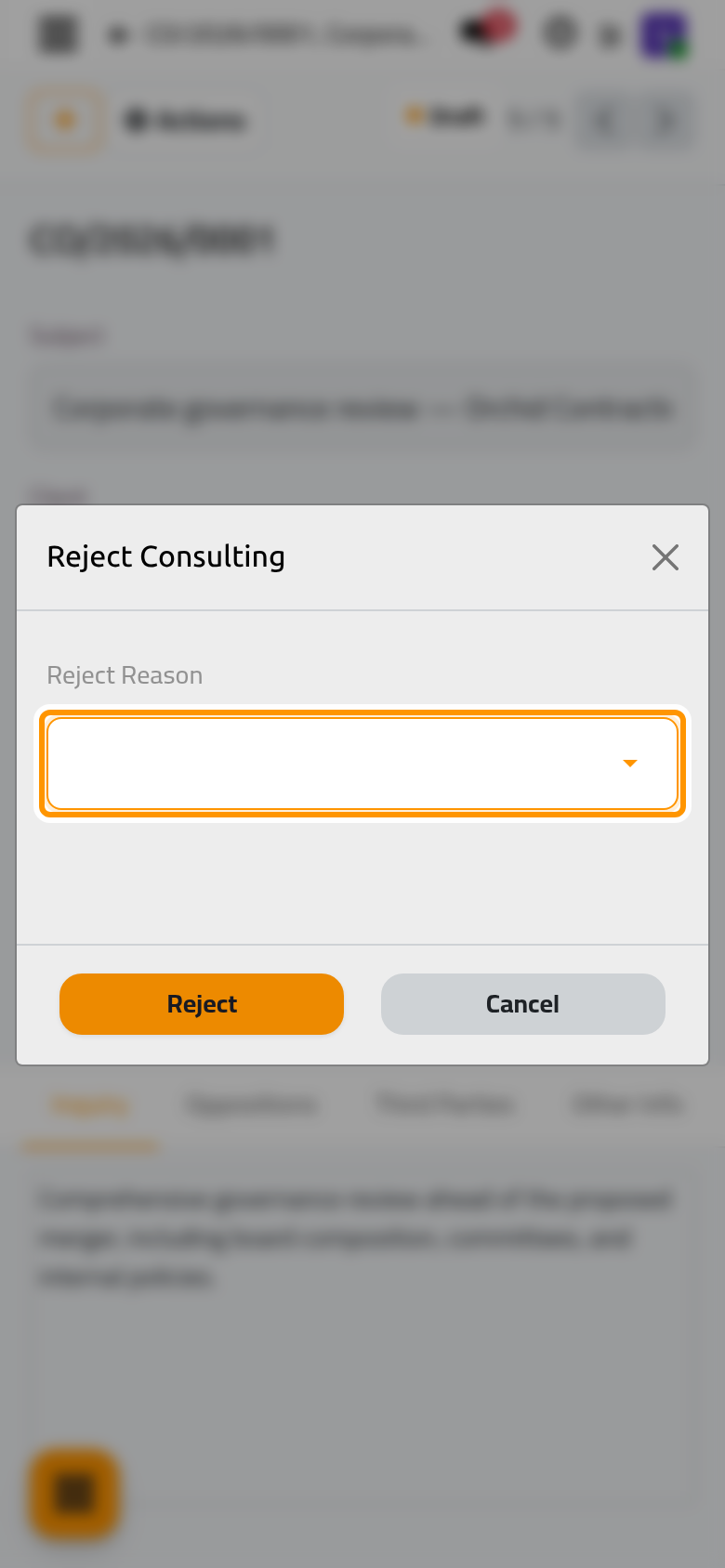
The state becomes Rejected; the reason and the date stay on the consultation.
Keep the list of reasons
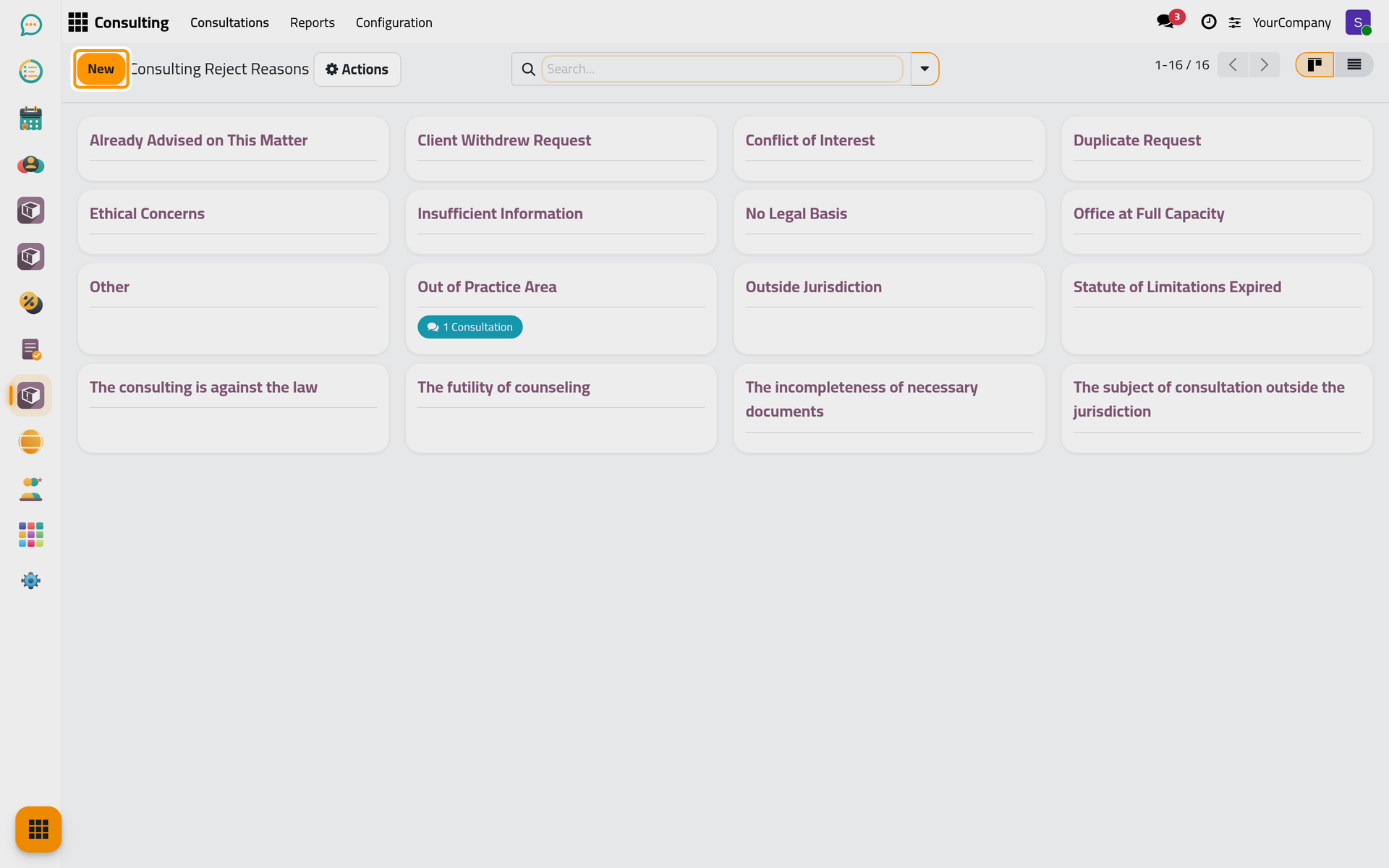
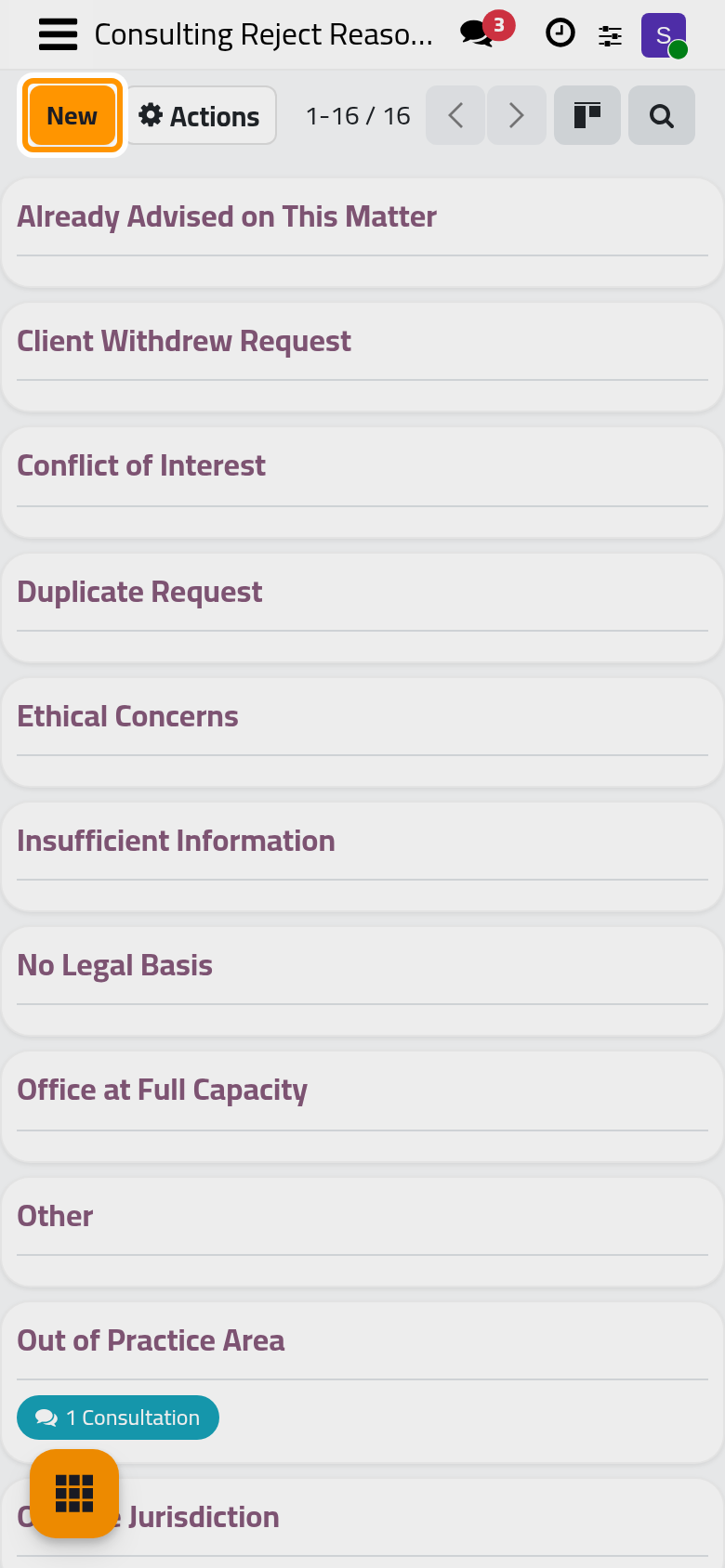
Open (shown to the Manager: All Documents level). Jaah ships five reasons (out of practice area, conflict of interest, insufficient information, duplicate request, no legal basis); add, rename or archive them here.
FAQ
Can a rejected consultation be taken after all?
Yes. A manager opens it and chooses Actions › Reset to Draft, then approves it.
Does the client see the reason?
The reason stays internal, on the consultation. To tell the client, write to them from the chatter of the consultation.
Was this page helpful?
Thank you for your feedback.