How-to
Set deadlines and automatic activities
Consultations follow two dates: the deadline promised to the client, and the internal steps on the way there. Jaah turns both into reminders, so nothing waits unseen.
Before you start
- The Configuration menu of the app is shown to the Manager: All Documents level, and saving settings needs the administration rights.
- The reminders go to lawyers who sign in: a lawyer linked to a user.
Steps
- Open . The Consulting settings open on the Automation block.
- Tick Approve / Reject Consulting Activity to give each lawyer of a new consultation an activity Approve / Reject Consulting, due after the days in Approve Within (counted from the creation).
- Tick Drafting Consulting Activity to give each lawyer an activity Drafting the Consultation when the consultation is approved, due after the days in Draft Within.
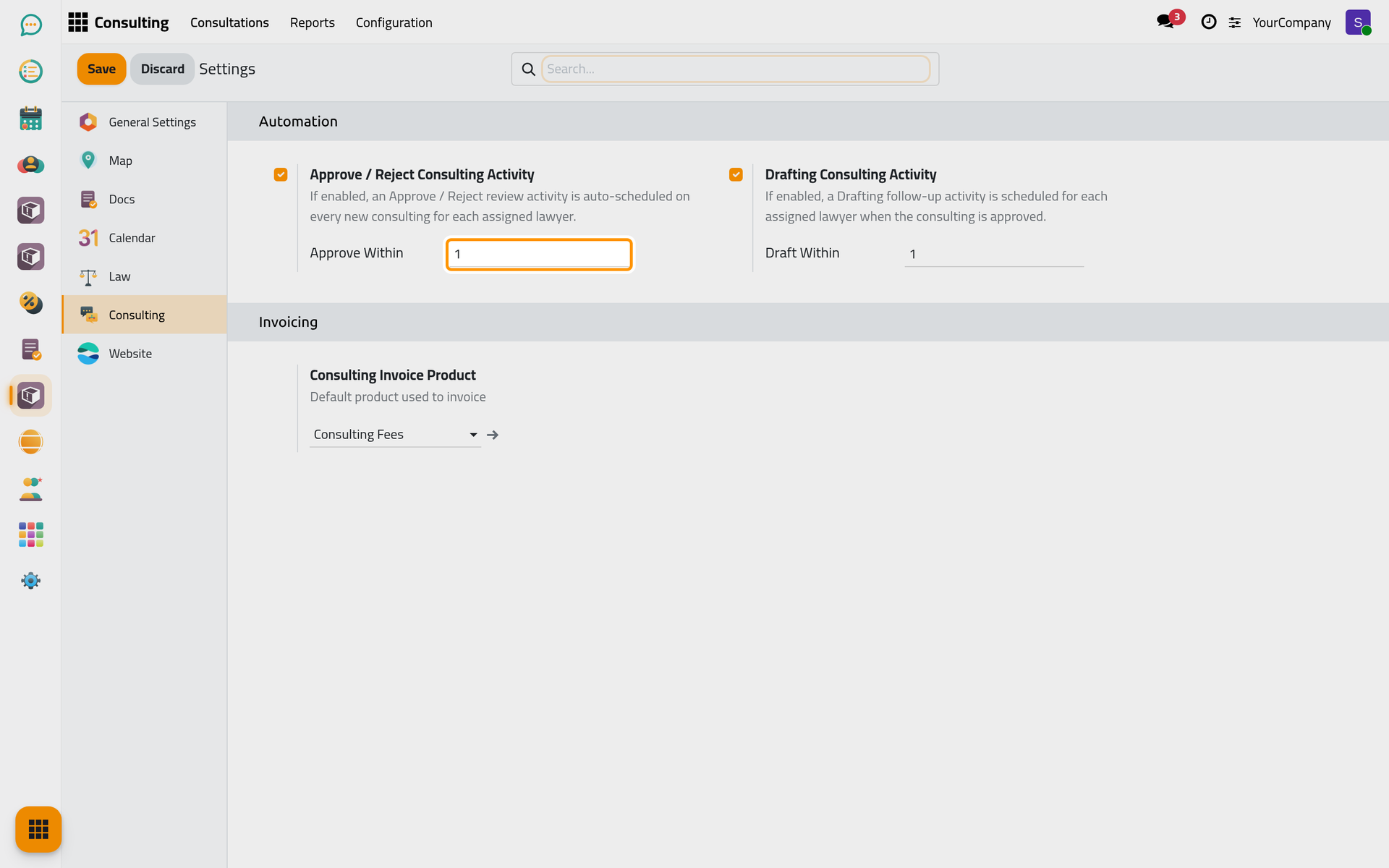
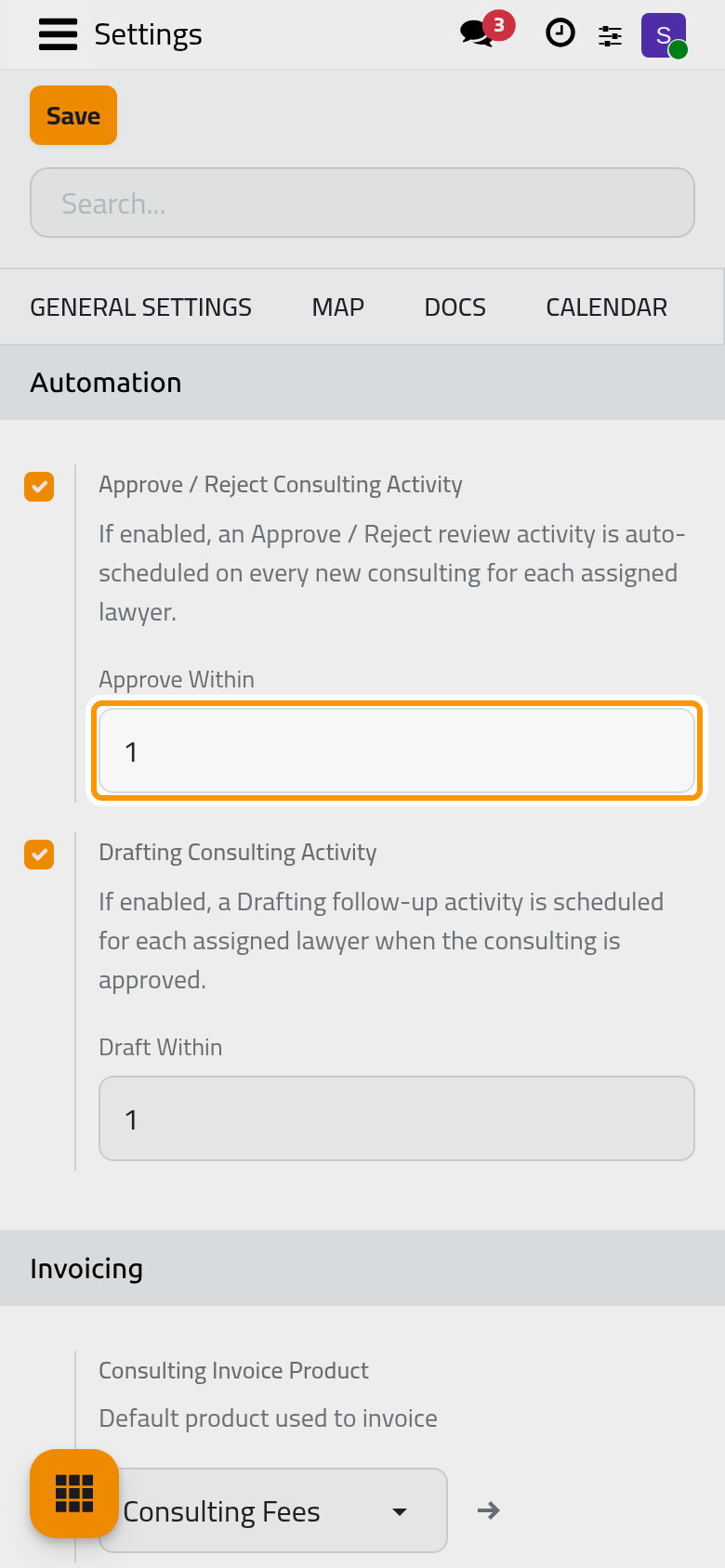
- Click Save.
What happens on its own
- The activities close themselves: approving or rejecting closes the review activity, marking done closes the drafting one, and changing the lawyers moves the open activities to the new lawyers.
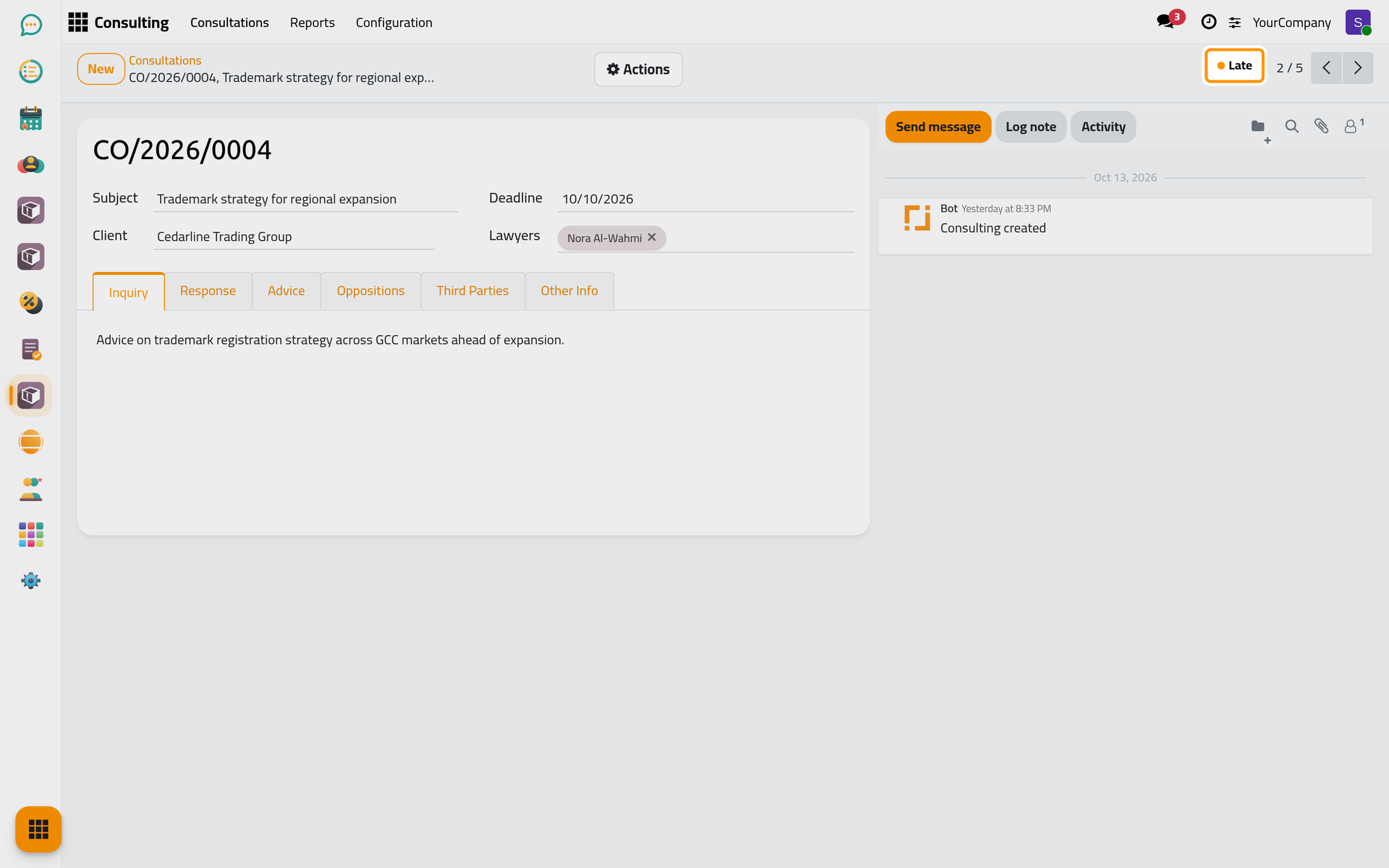
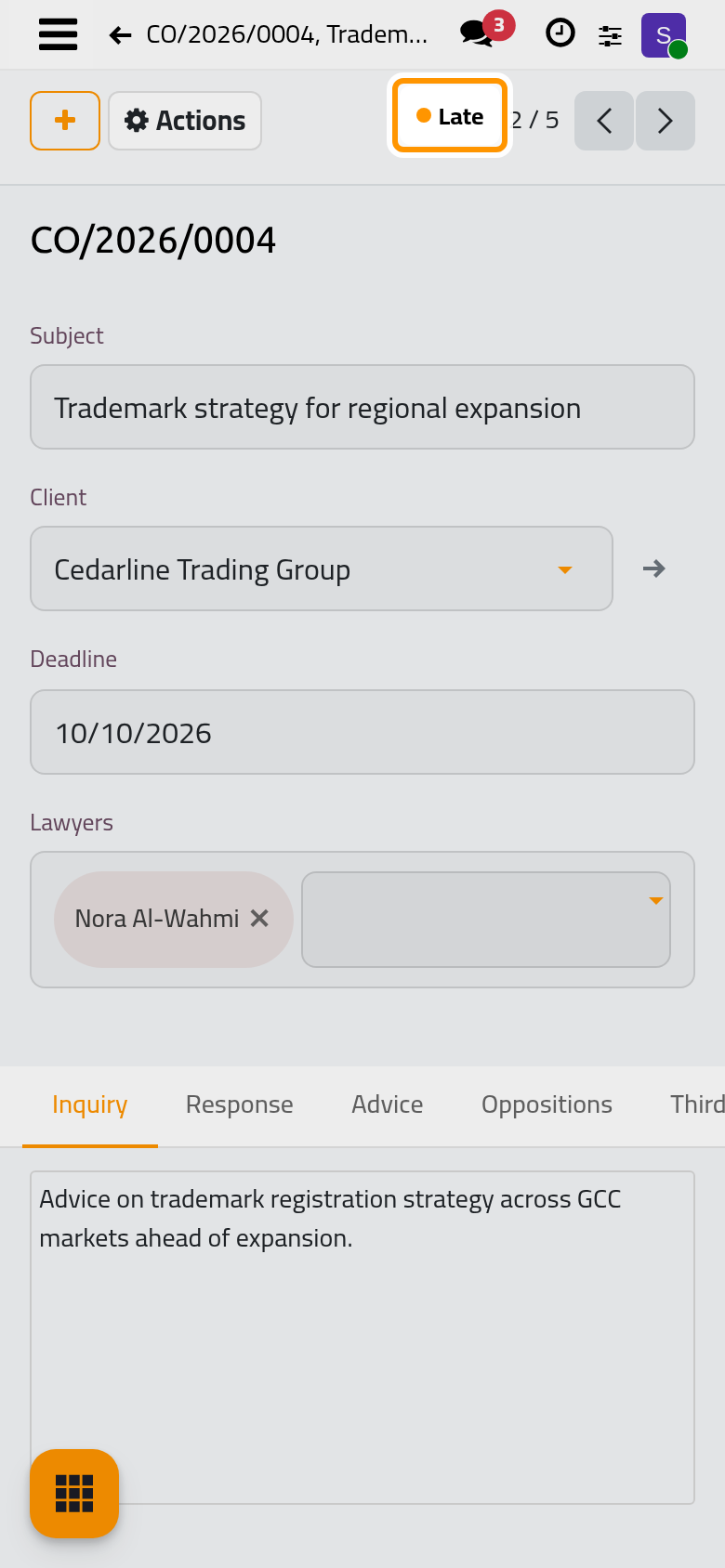
- Every day, an approved consultation whose Deadline has passed becomes Late. Moving the deadline to a later date returns it to Approved; setting a past date on an approved one makes it late at once.
FAQ
A lawyer gets no activity.
The lawyer has no user: link the lawyer to a user in the lawyers directory, or the activity has nobody to go to.
Was this page helpful?
Thank you for your feedback.