Record a consultation
On this page
A consultation is a legal question the firm answers in writing, by a deadline. It names the client who asked, the lawyers who answer, the question itself and, when there are any, the opposing parties and third parties.
Before you start
- You need the User: Own Documents level or higher on Consulting (in the Legal Rights section of your user).
- The client exists as a contact, and the lawyers in the lawyers directory.
Steps
- Open and click New.
- Fill in Subject, Client, Deadline (required) and Lawyers. When the setting Multi Clients of the legal apps is on, a field for more clients appears next to Client.
- Write the question in Inquiry.
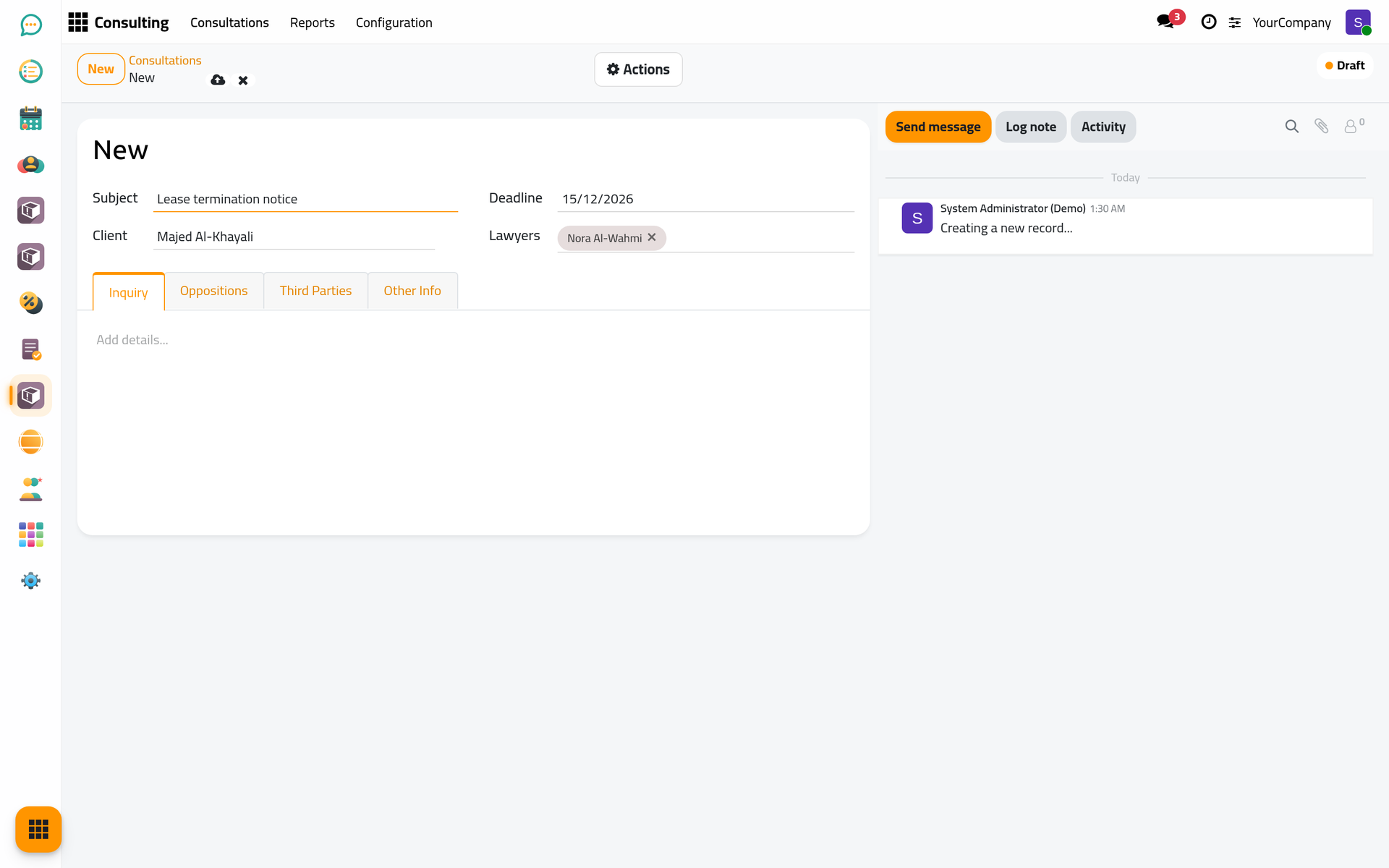
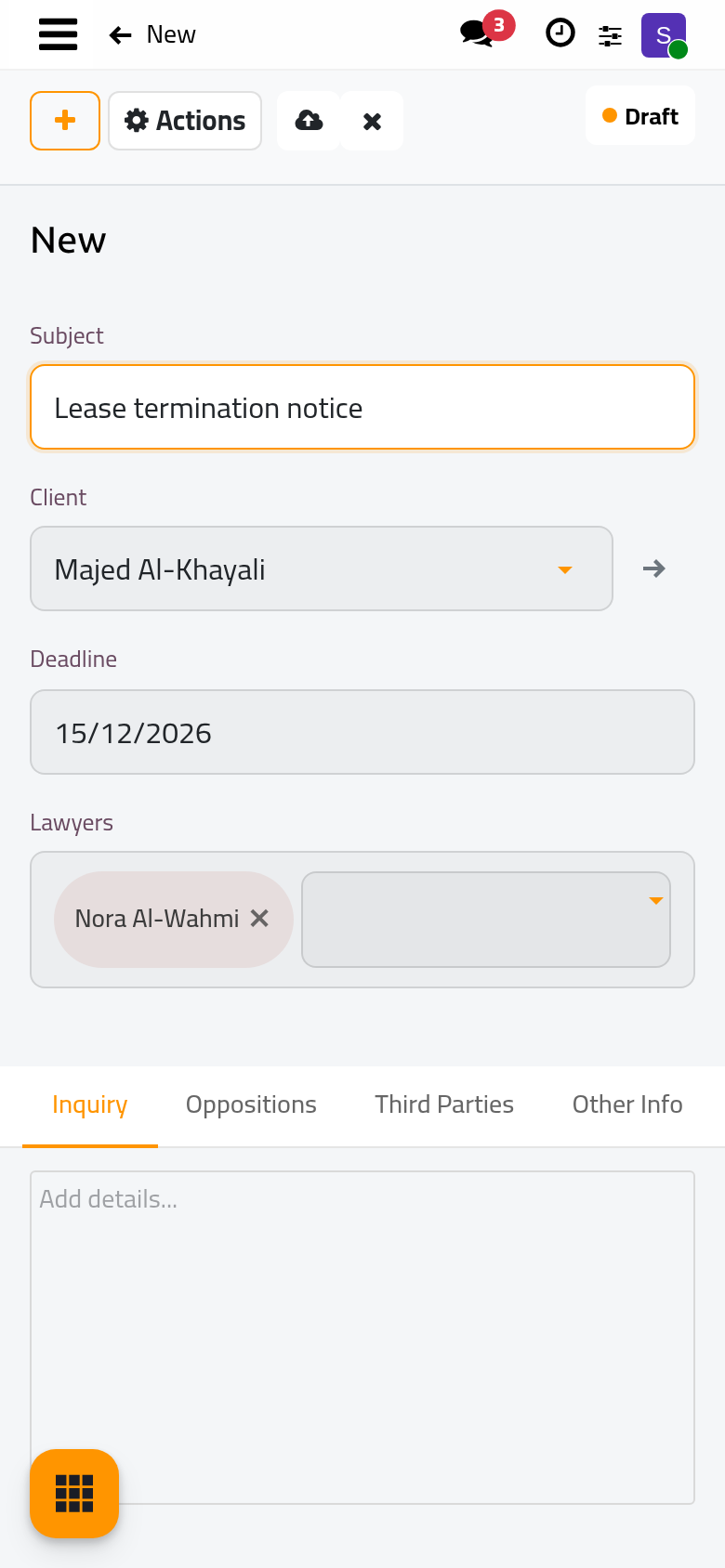
- In Oppositions, add the opposing parties; in Third Parties, anyone else involved.
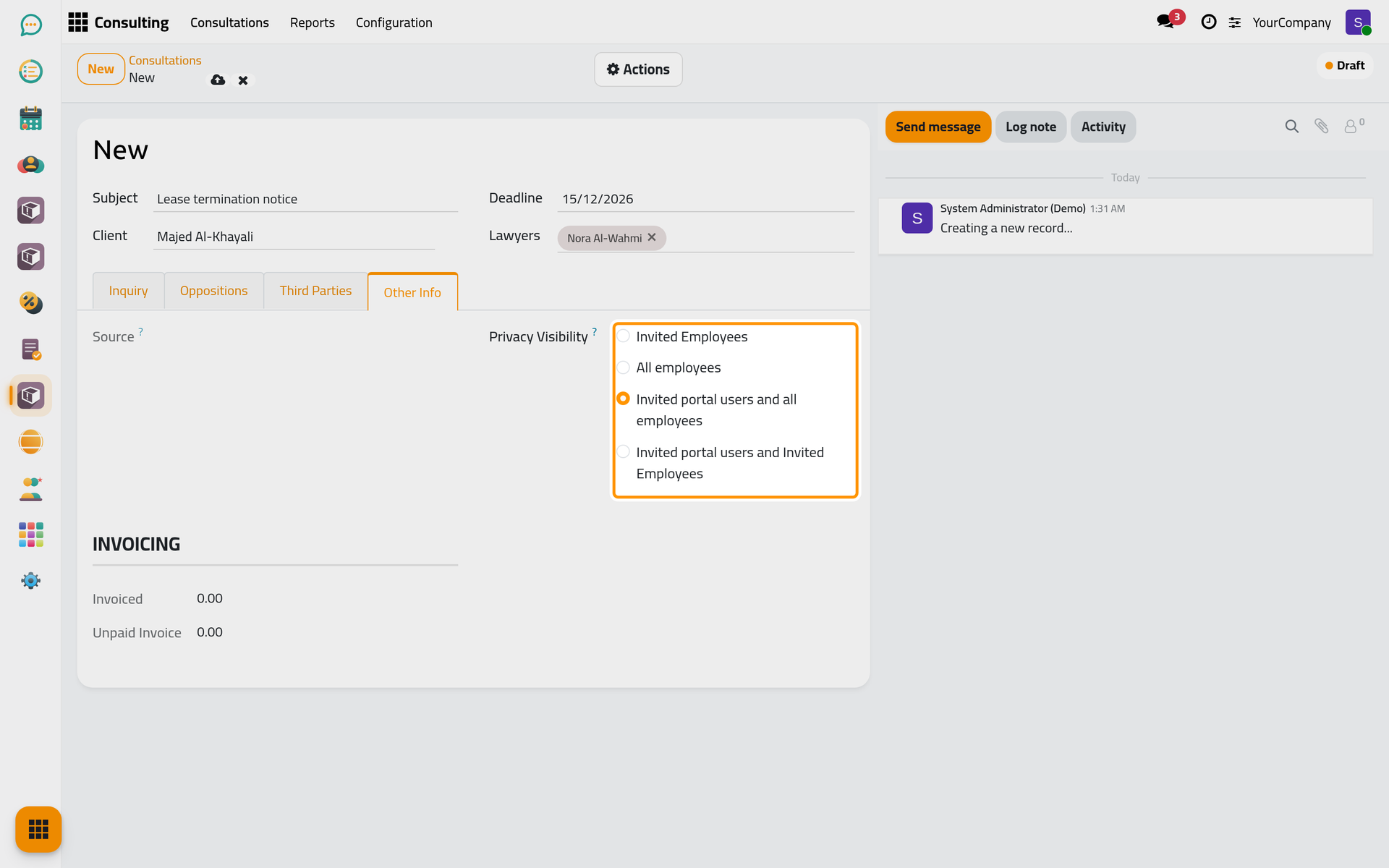
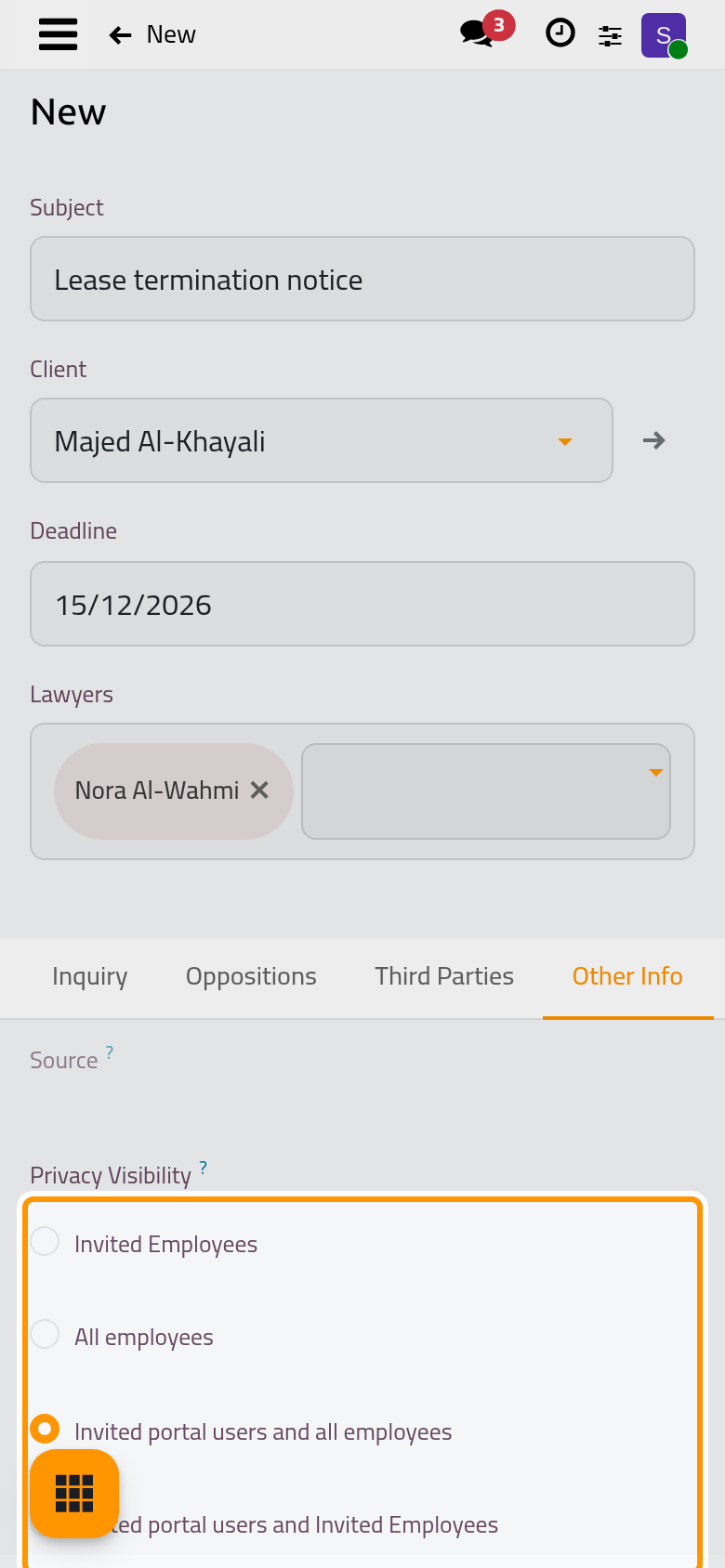
- In Other Info, Privacy Visibility decides who sees the consultation (see below). Source shows the request it came from, if any.
- Click the cloud icon Save manually. The consultation gets its number (for example CO/2026/0006) and starts as a Draft.
Who sees a consultation
| Privacy Visibility | Who sees it |
|---|---|
| Invited Employees | Only the internal users who follow it, usually its lawyers. |
| All employees | Every internal user of the firm. |
| Invited portal users and all employees | The client, through the customer portal, and every internal user. This is the default. |
| Invited portal users and Invited Employees | Only its followers, including the client on the portal: for sensitive matters. |
From a client request
A question that arrives as a client request becomes a consultation from the request itself: open the request, set Type to Consulting and click Approve. A new consultation opens with the subject, client, lawyers and deadline of the request, and the request number in Source. Save it; the request then shows a Consultations button that opens it.
FAQ
Why can I not save without a deadline?
Every consultation is answered by a date, and that date drives the rest: the consultation turns Late on its own once it passes. Set the date the firm promised the client.
Why does the list not show a consultation I just created?
The list opens on My Consultations, the ones where you are a lawyer. Click Remove on the filter, or add yourself to Lawyers.
Was this page helpful?
Thank you for your feedback.