Answer a consultation and close it
On this page
Once a consultation is approved, its lawyers write the answer on the consultation itself. The client receives it as the consultation report, by email or printed, and the consultation is closed.
Before you start
- The consultation is Approved or Late.
- You need the User: Own Documents level or higher on Consulting.
Steps
- Open the consultation from .
- Write the answer in Response and the firm's recommendation in Advice.
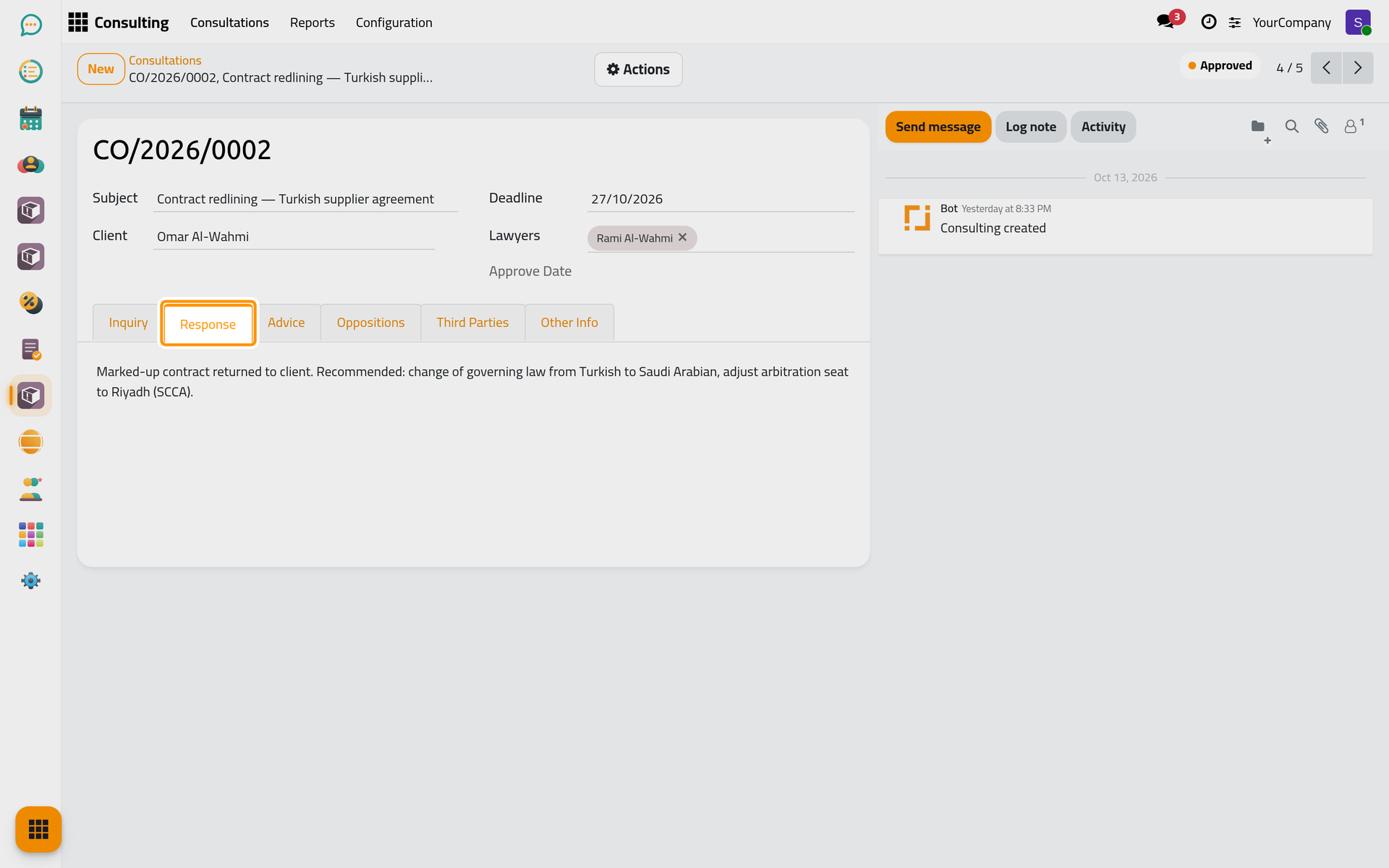
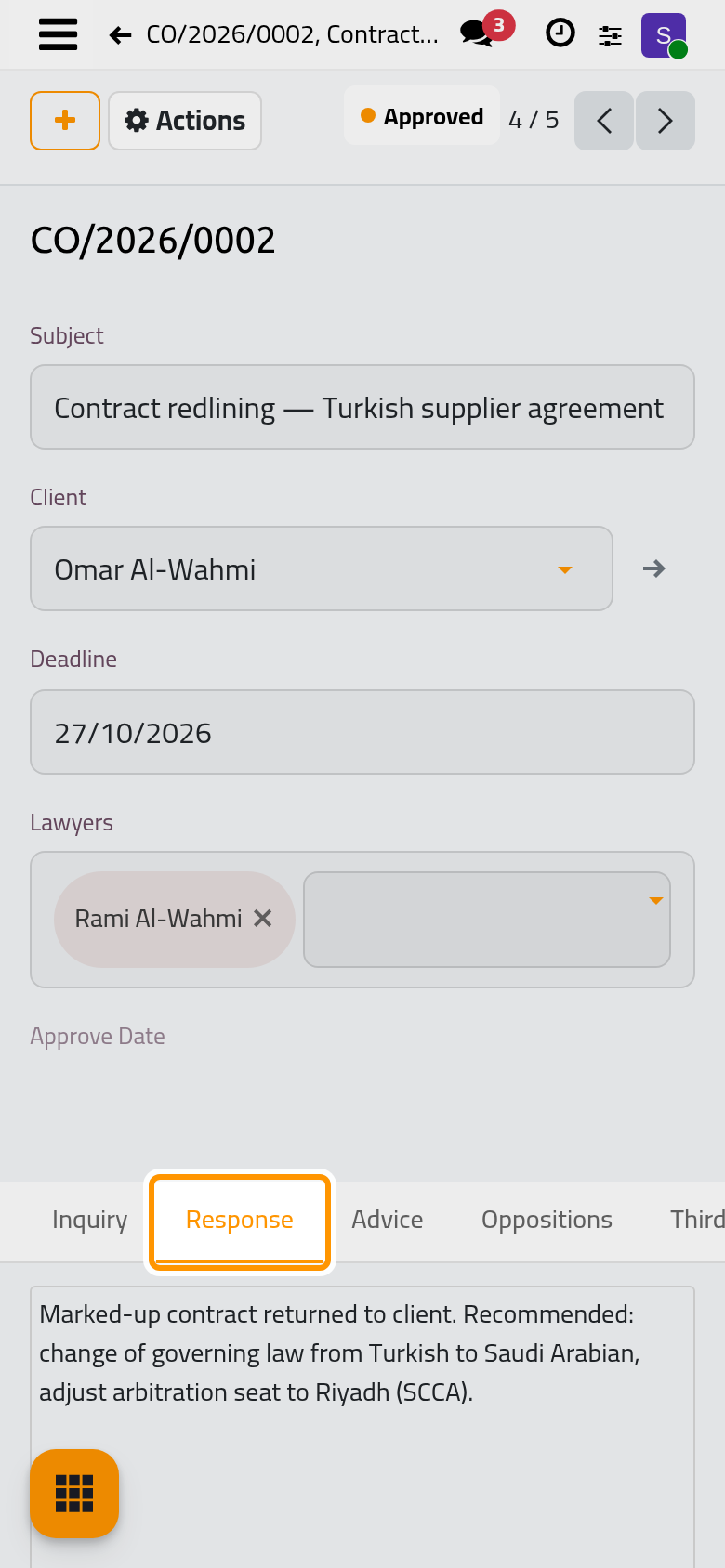
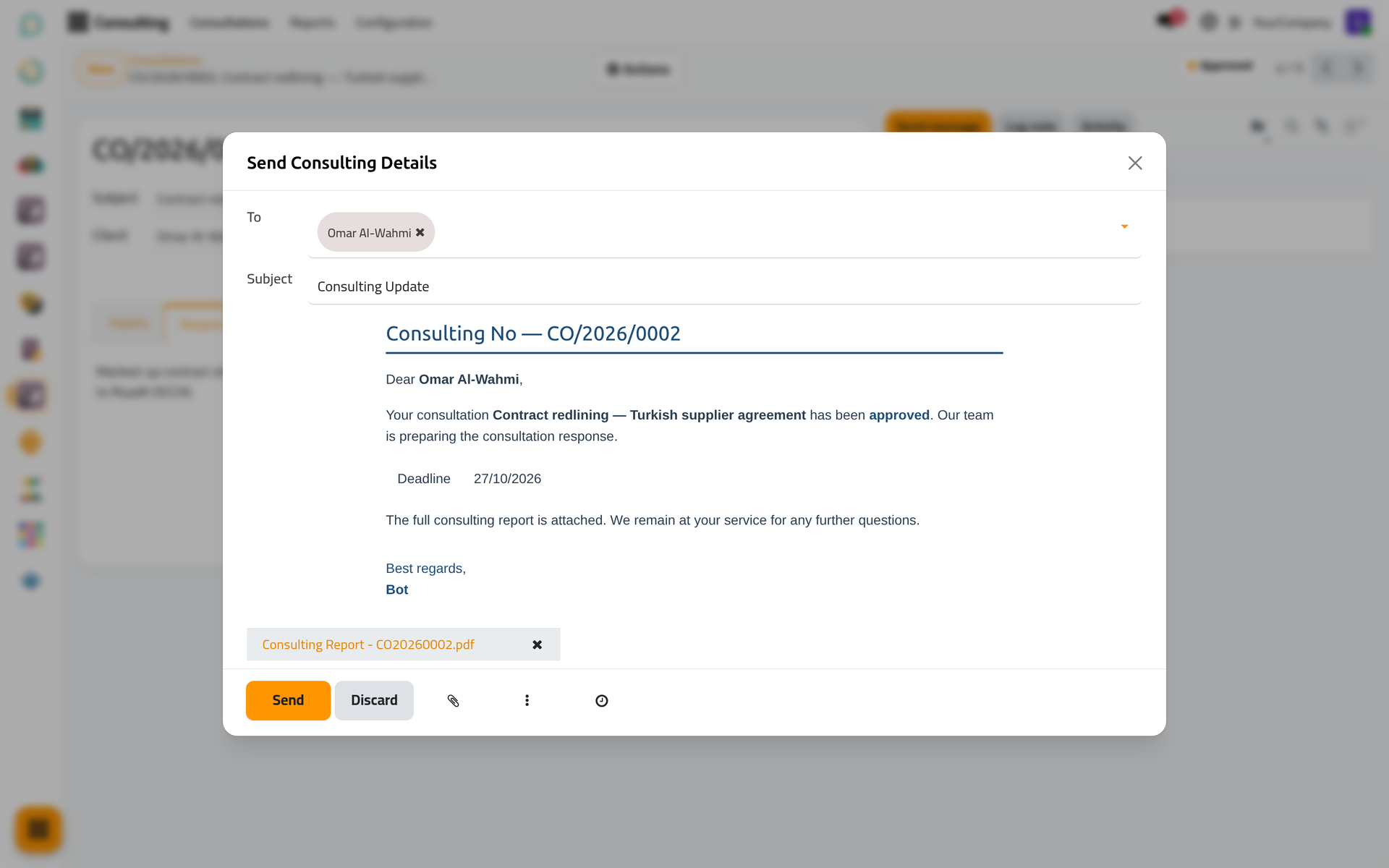
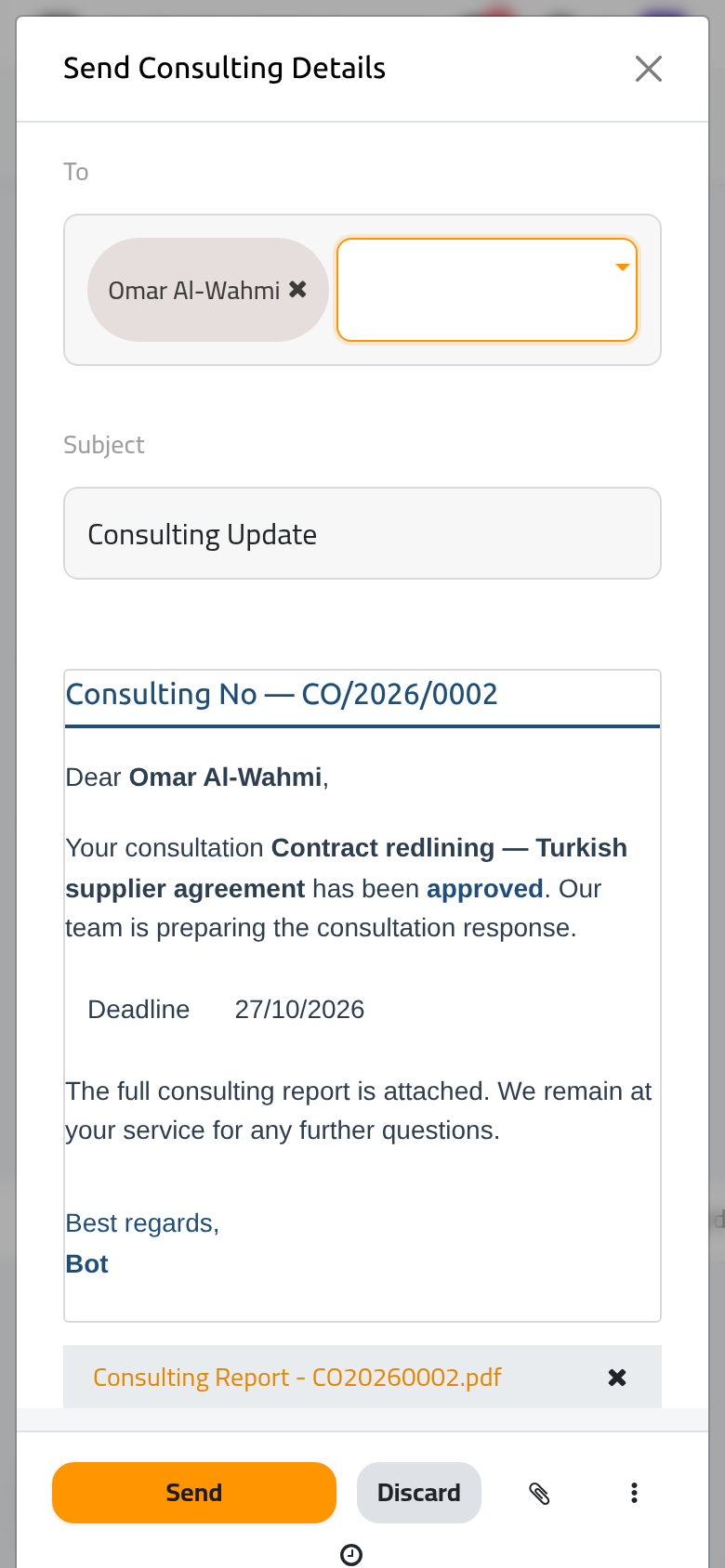
- To send it, open Actions › Send Report. The window Send Consulting Details opens with the consultation report attached and the client (and the other clients, if any) as recipients; review it and click Send, or Discard. To print it instead, choose Actions › Print report: Consulting Report.
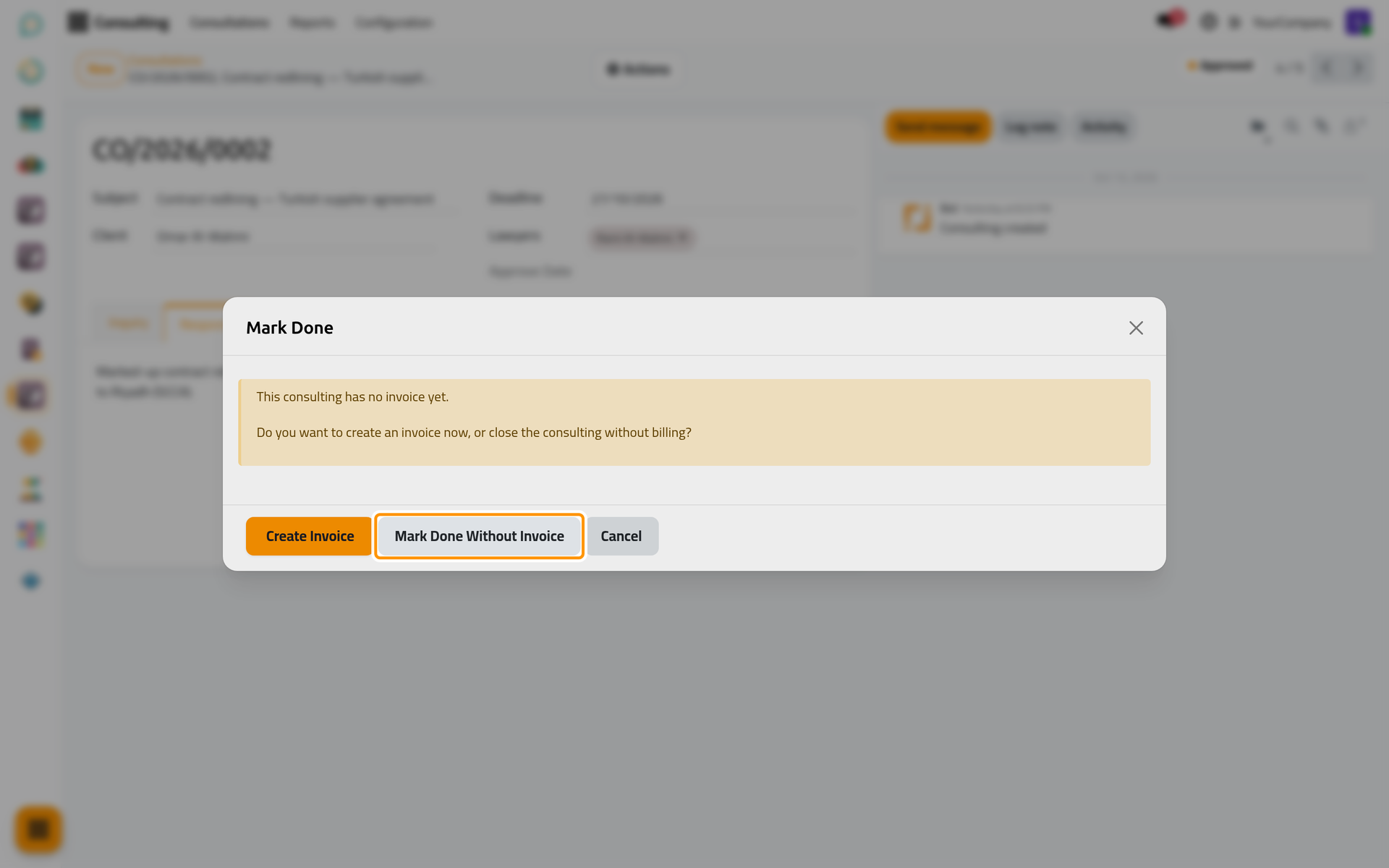
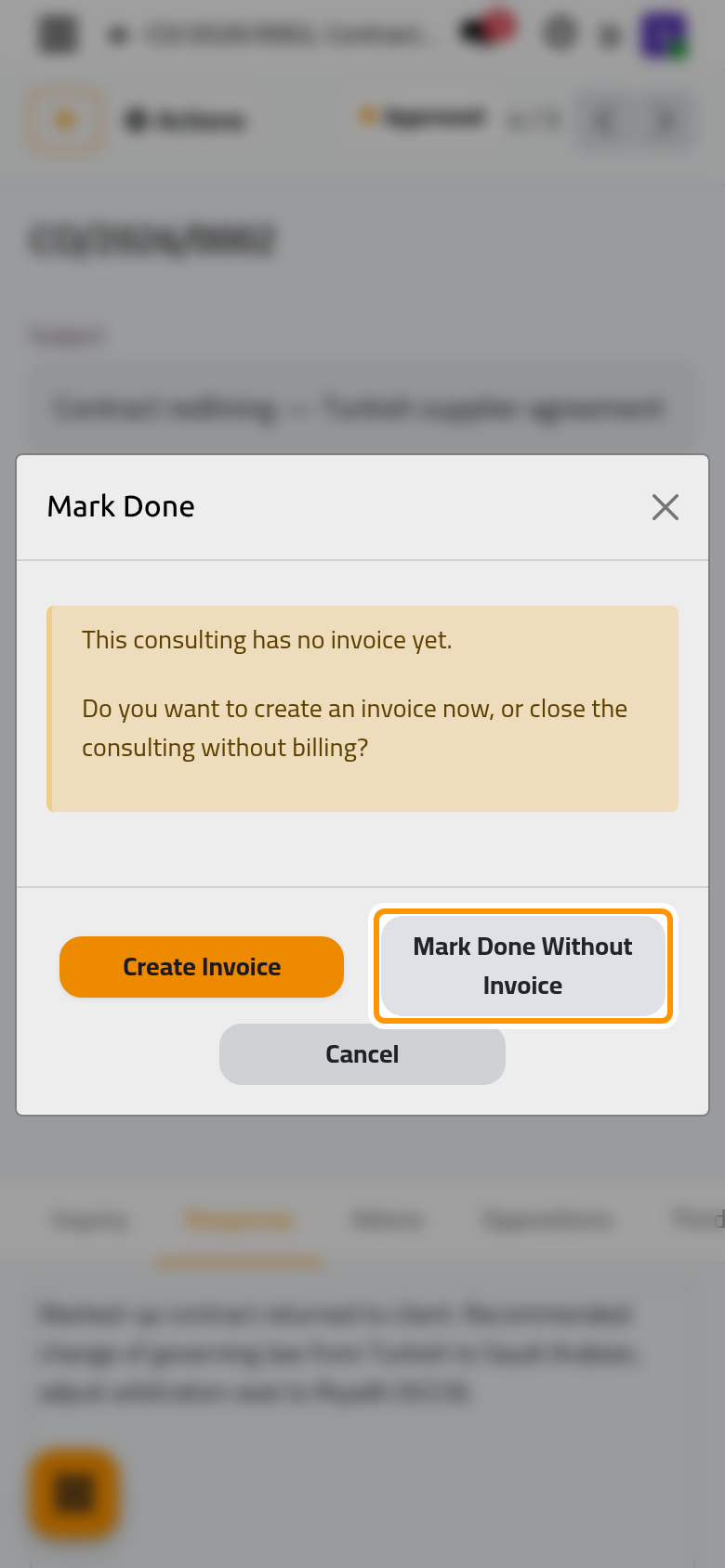
- Open Actions and choose Mark Done. When the consultation has no invoice yet, a window asks first: Create Invoice to bill it now (see Bill a consultation), Mark Done Without Invoice to close it unbilled, or Cancel.
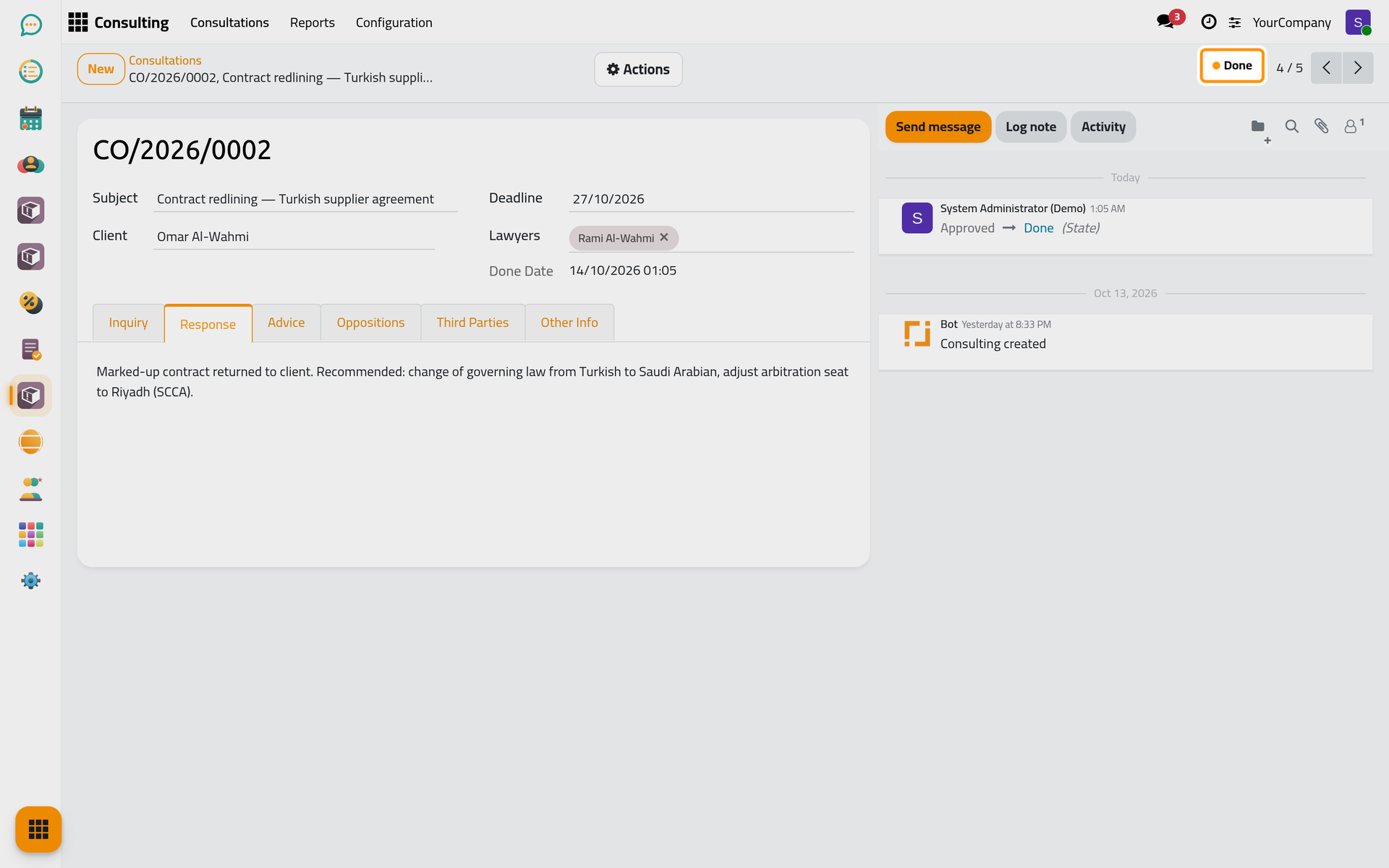
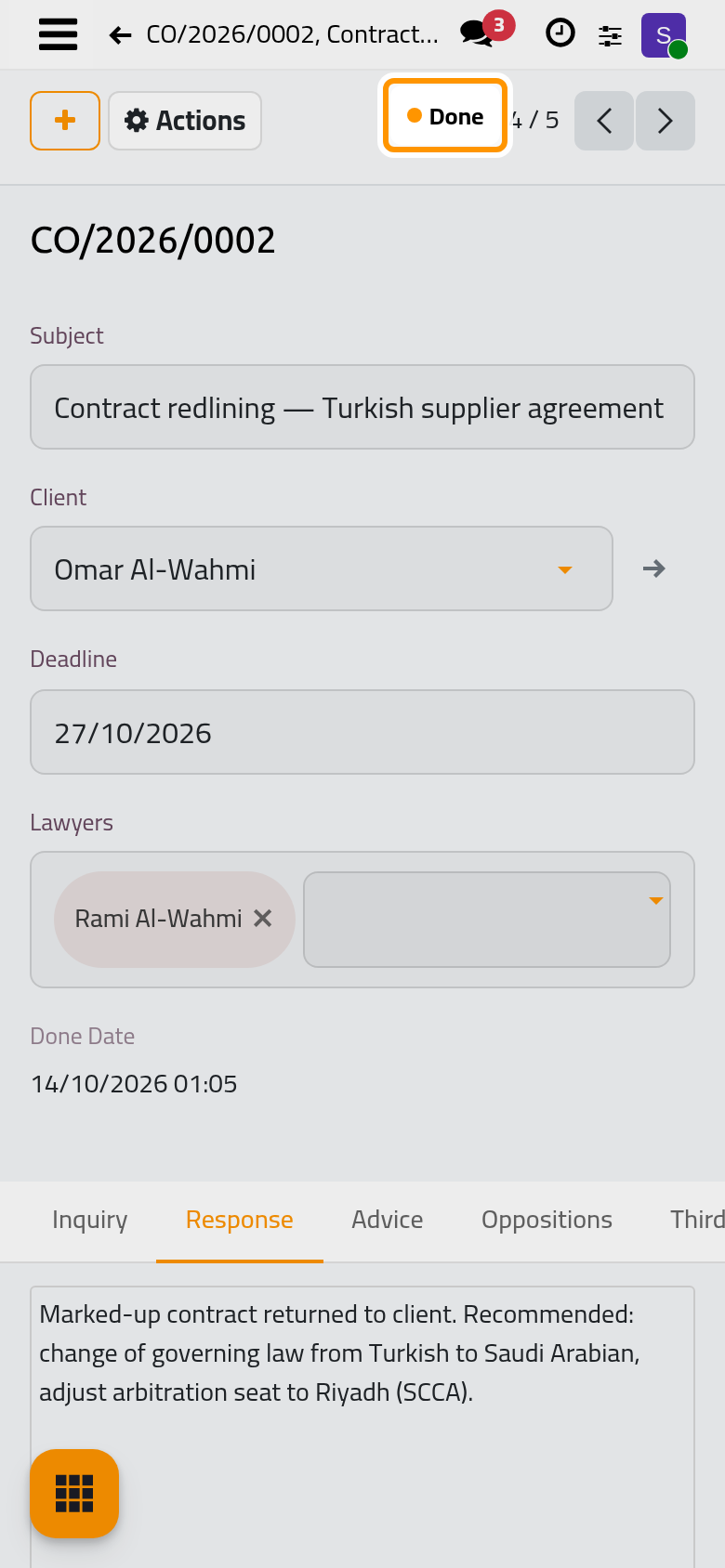
The state becomes Done and the date is recorded.
Result
The consultation is closed with its question, response and advice in one record, and the email sent to the client stays in its chatter.
FAQ
The answer needs a change after it was closed.
A manager (Manager: All Documents) opens it and chooses Actions › Reset to Draft. It then goes through approval again.
The recipients are empty.
The report goes to the email address of the client. Add it on the client's contact, then send again.
Does the client see the answer on the portal?
When Privacy Visibility lets portal users in (the default), the client who has a portal account sees the consultation, its state and its report under Consultations on the portal.
Was this page helpful?
Thank you for your feedback.