Create, edit and delete a record
On this page
A record is one line of a list: a contact, an invoice, a request. Its form is where you create and change it, and the Actions menu of the form is where you duplicate, archive or delete it. Forms save themselves on Jaah, so this page also explains when a change is written and how to undo it. The example is a contact: reading contacts needs only a user account, while creating, editing or deleting them needs the Contact access right at Creation; other apps have their own rights.
Before you start
- Open .
- Check that the list shows New at the top: without the right to create, the button is absent.
- Prefer archiving to deleting whenever the record may be needed again: a deleted record cannot be recovered.
Steps
- Click New. An empty form opens, with the breadcrumbs ending in "New".
- Choose Company or Person with the radio at the top, then type the name in the large field (placeholder e.g. Lumber Inc for a company, e.g. Brandon Freeman for a person). Fill the other fields you know, such as Email and Phone; the tabs below, Contacts and Notes among others, hold the rest.
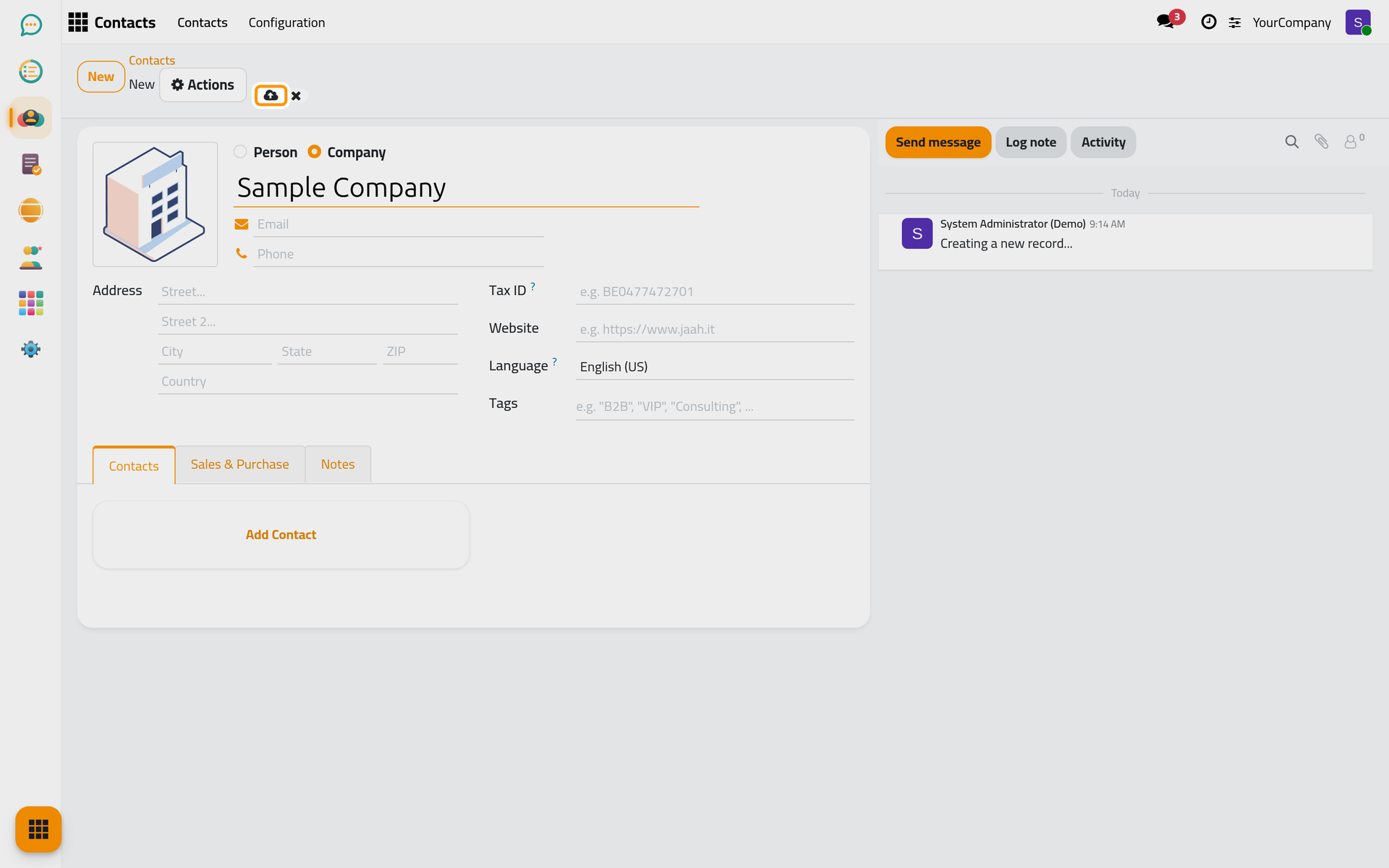
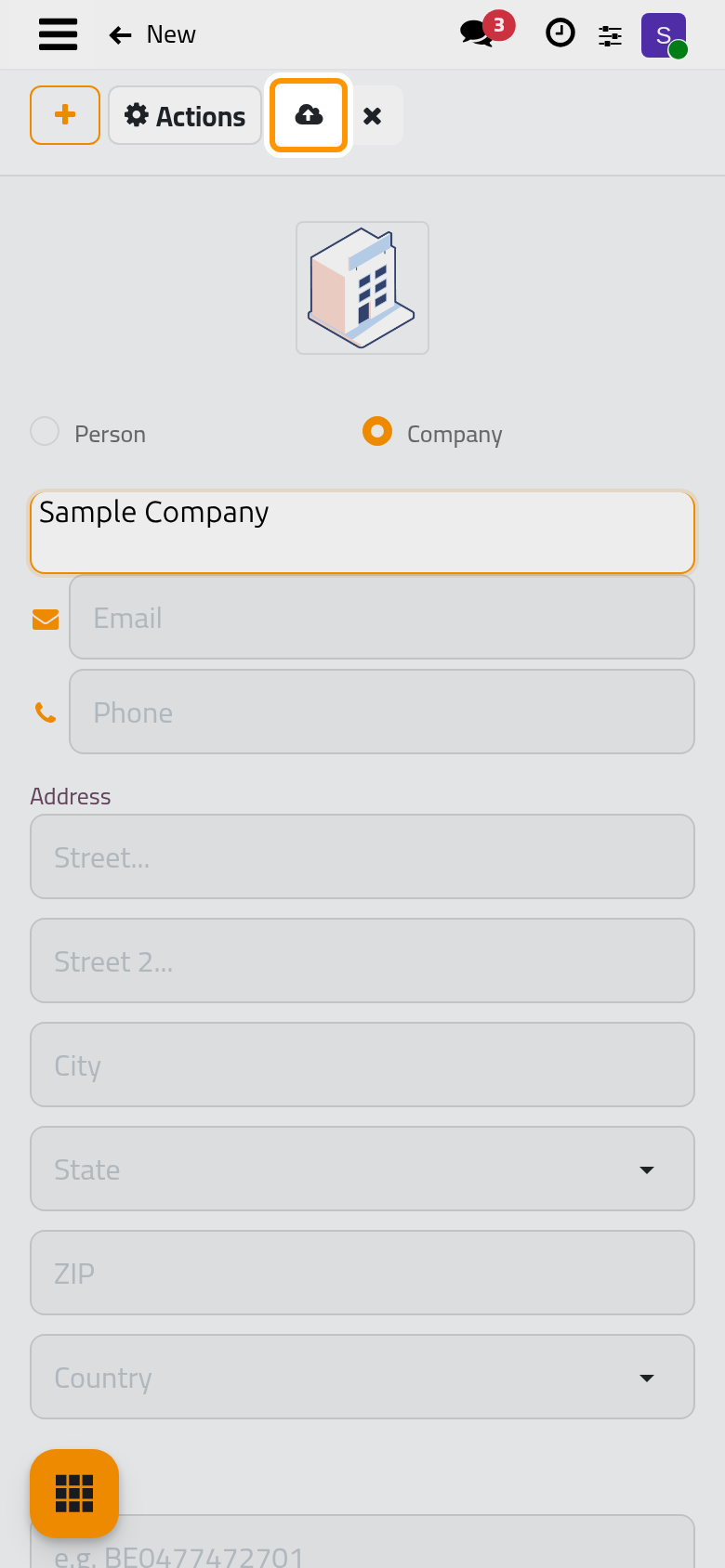
- Save. The form is written when you open another record, click a menu or leave the page. To write it now, click the cloud icon Save manually next to the breadcrumbs. The cross next to it, Discard all changes, throws away everything typed since the last save. A field that cannot be saved turns red and keeps the form open until you fix it or discard the changes.
- To edit a record later, open it from the list and type directly in the fields; the same save rules apply, and the chatter keeps a trace of the changes on tracked fields.
- Open the Actions menu, the gear button next to the breadcrumbs. On a form it offers Duplicate, Archive and Delete; apps add their own entries and reports here.
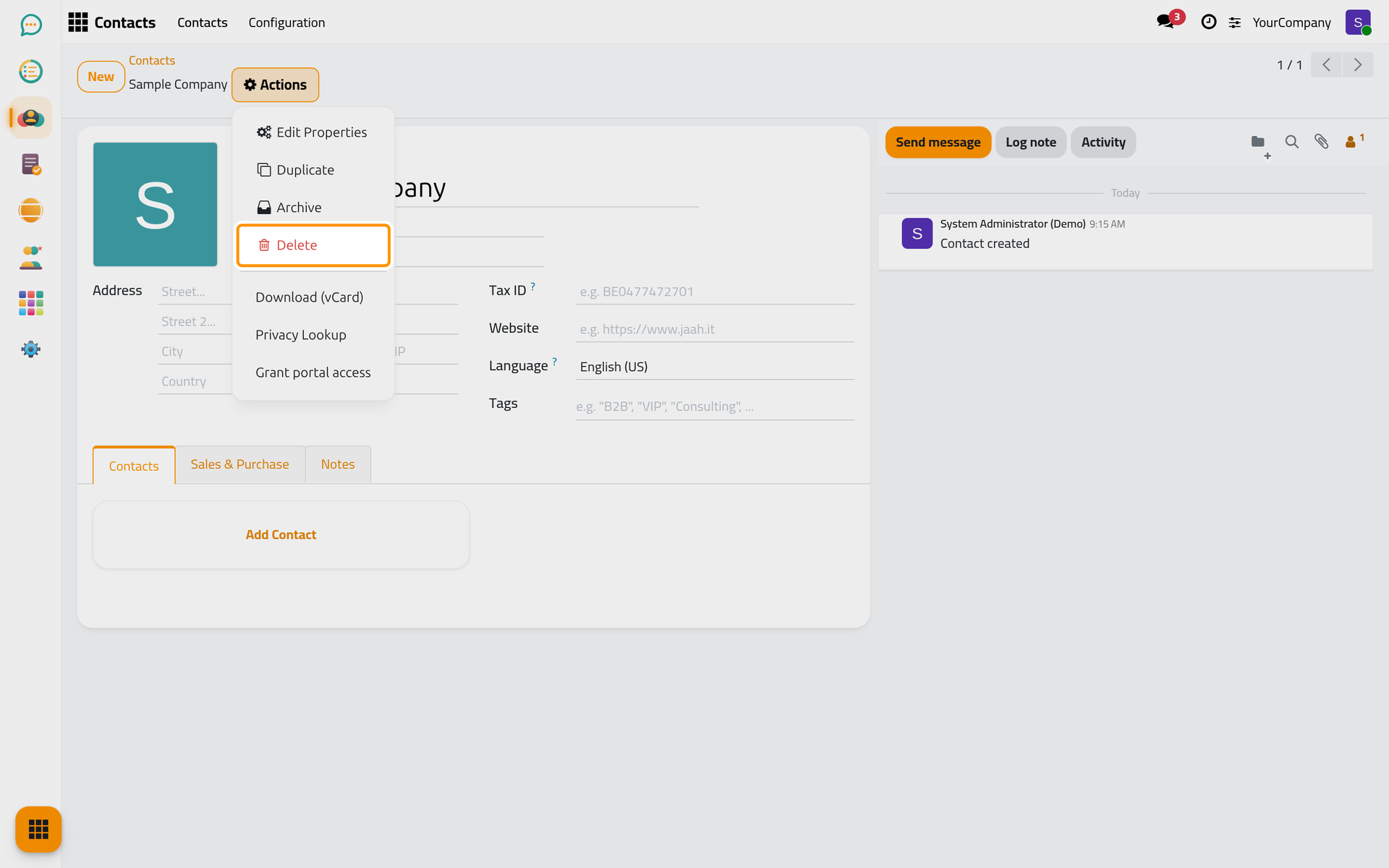
- Click Delete. The dialog Bye-bye, record! asks for a confirmation; Delete removes the record for good, No, keep it closes the dialog.
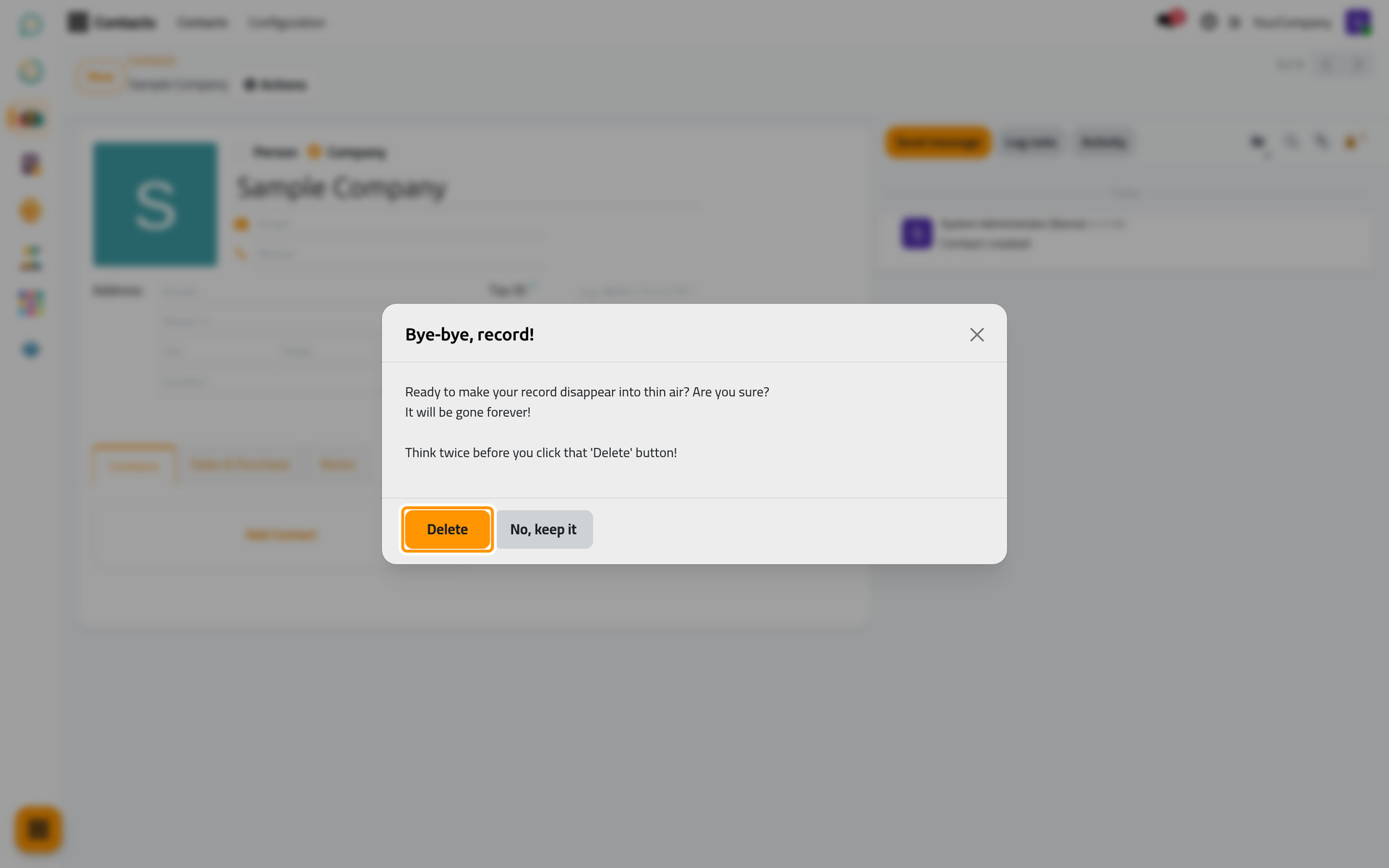
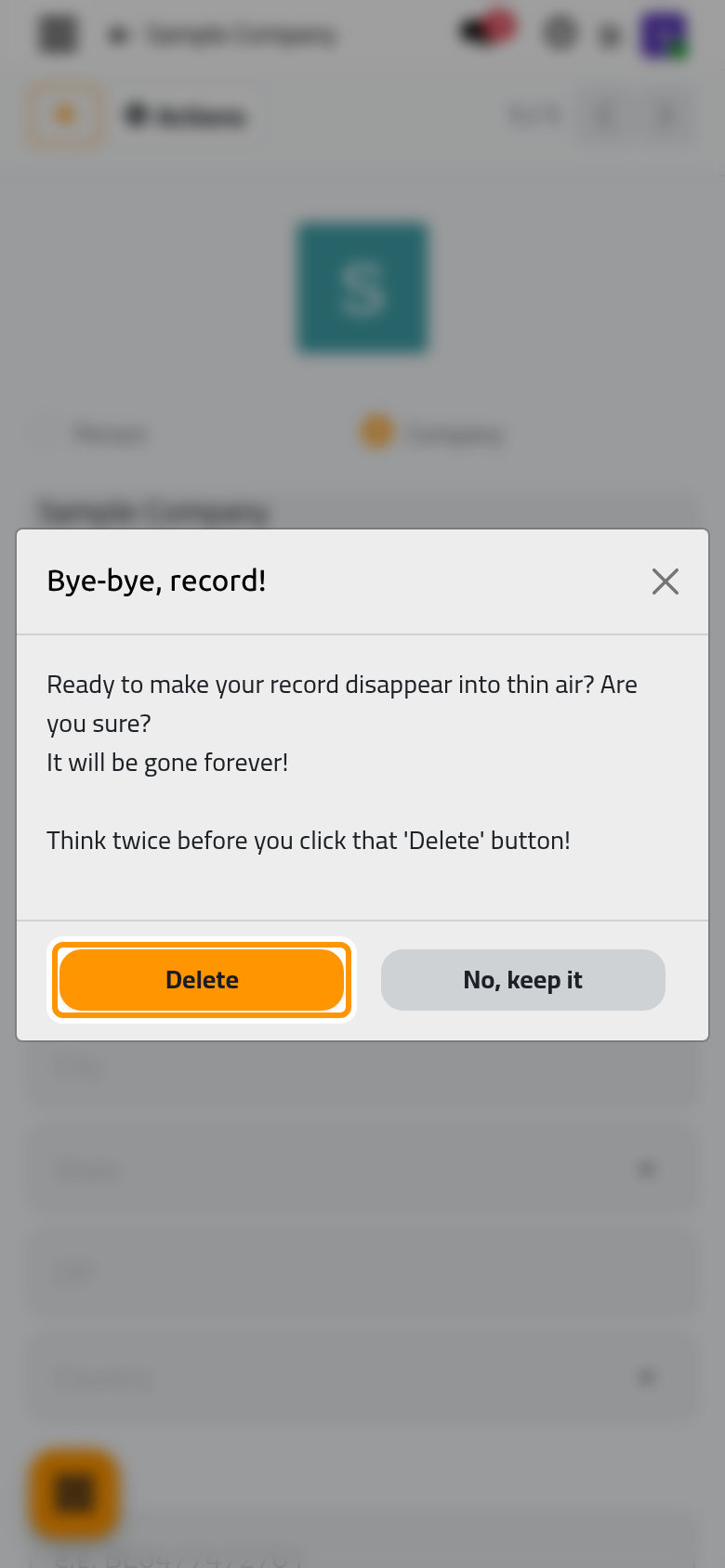
- After the deletion you are back on the list. To hide a record without destroying it, choose Archive instead: it disappears from the lists until someone ticks the Archived filter and chooses Unarchive.
Result
You created a record, saw it save itself, found the Actions menu, and deleted or archived the record with its confirmation.
FAQ
Where is the Save button?
There is none: the form saves itself when you leave it. The cloud icon Save manually saves immediately, and the cross Discard all changes cancels the unsaved edits. Both icons appear only while something is unsaved.
Why is Delete missing from the Actions menu?
Either you do not have the right to delete this kind of record, or the record is not saved yet. The platform may also refuse a deletion because other records depend on this one; the message names them, and archiving is then the way.
Can I act on several records at once?
Yes. In the list, tick the boxes at the start of the lines, or Select all, then open Actions: Export, Duplicate, Archive, Unarchive and Delete apply to the selection, with the question "Are you sure you want to delete these records?" before a deletion.
What is the difference between Duplicate and New?
Duplicate creates a copy of the open record with its fields already filled, and opens it so you can adjust it. New starts from an empty form.
Was this page helpful?
Thank you for your feedback.