Agencies settings
On this page
The agencies options sit in the Legal Agencies box of the legal settings. They decide whether the firm is warned before an agency expires, how early, and with which e-mail.
Before you start
- Changing settings needs the Administrator role (Role on the user's Access Rights tab).
Open the settings
Open and find the Legal Agencies box.
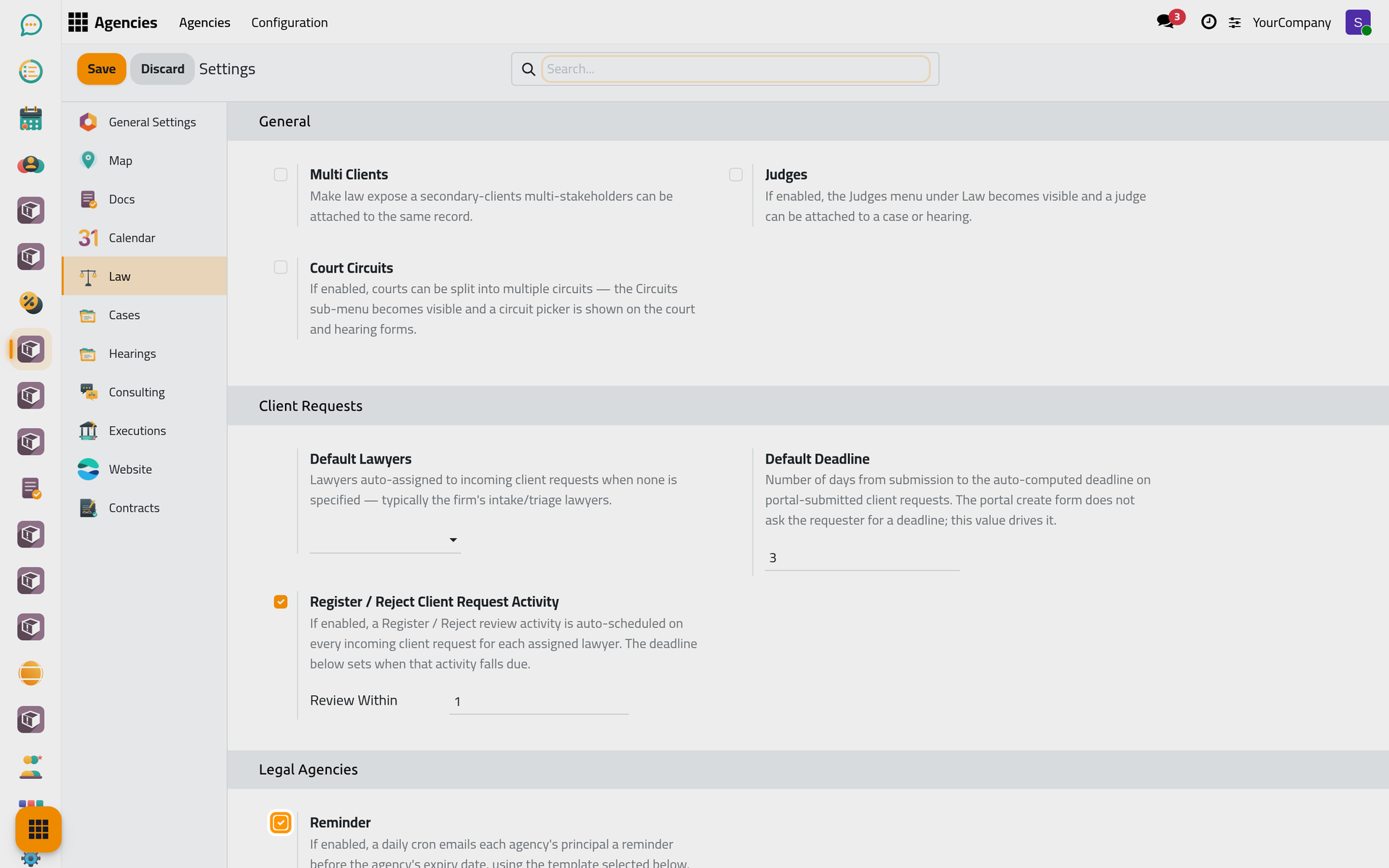
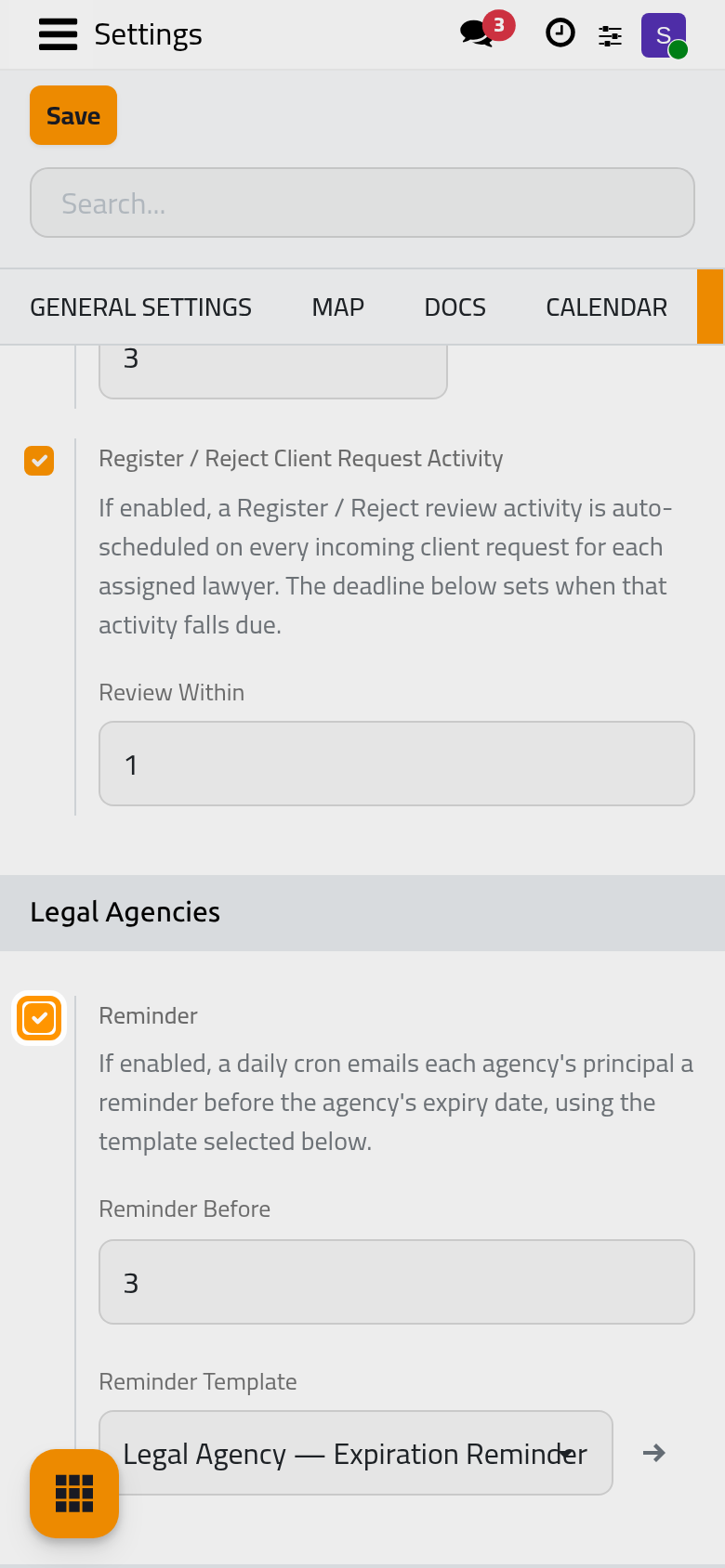
The options
Reminder
On by default. While it is on, the system checks every day which agencies are about to expire and e-mails their principal and agents a reminder. Turn it off if the firm follows expiries in another way: the agencies keep showing Valid or Expired either way. The two options below appear only while it is on.
Reminder Before
How many days before the Expiration Date the reminder goes out: 3 by default. Give the client enough time to renew: 30 days, for instance, leaves a month.
Reminder Template
The e-mail the reminder sends. The template shipped with Agencies is chosen by default; pick another template made for agencies to change its wording. Without a template, no reminder is sent.
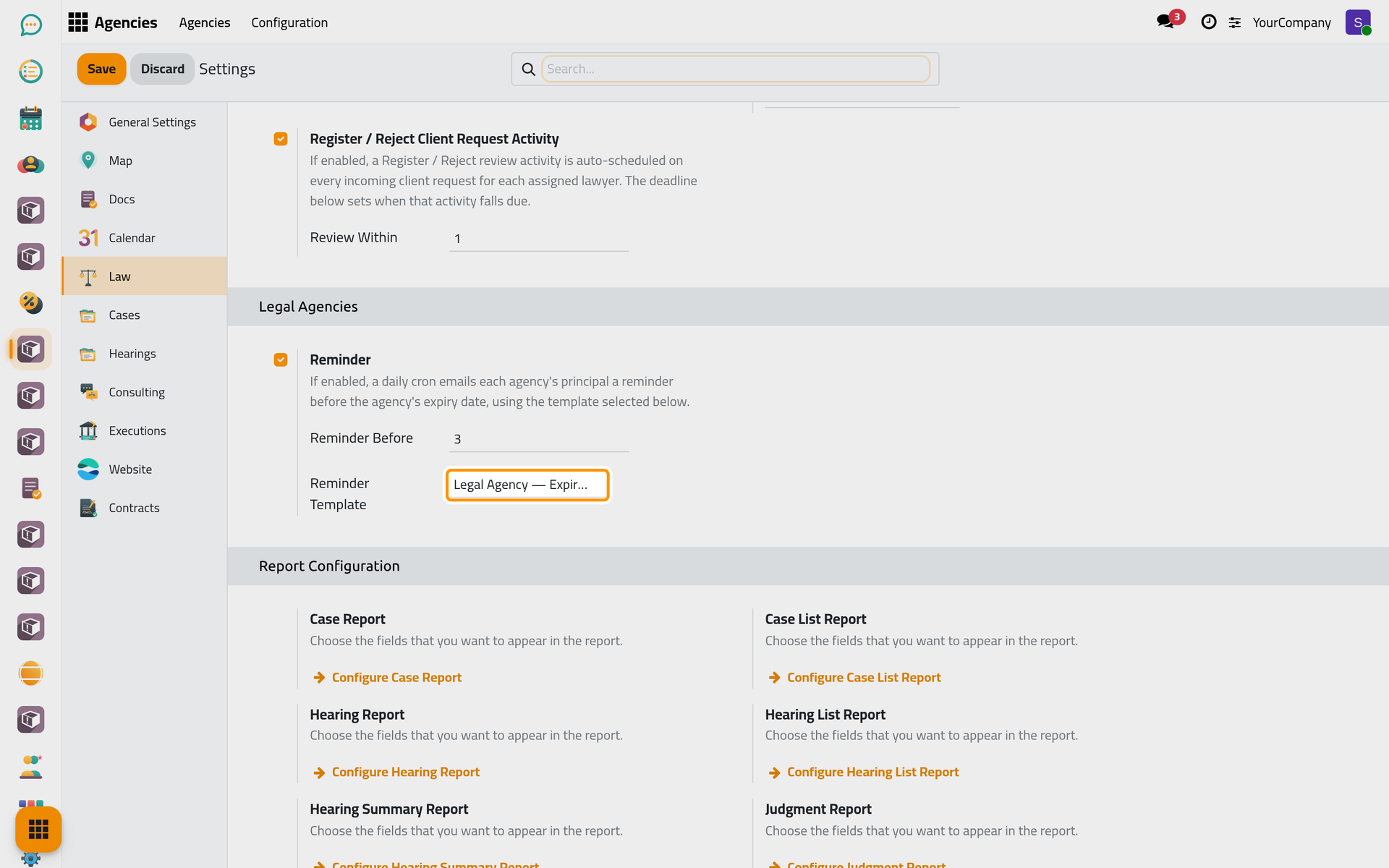
Click Save to apply your changes.
FAQ
Who receives the reminder?
The principal and the agents of the agency. When Multi Clients is on in the legal settings, the other principals of the agency receive it too. The page Agencies automations explains when the reminder runs.
I changed the number of days: will an agency be reminded twice?
No. Each agency is reminded once for a given expiration date. It is reminded again only after its dates change, when it is renewed.
Was this page helpful?
Thank you for your feedback.