Legal settings
On this page
The legal settings are shared by all the legal apps. Each app adds its own box; this page explains the two boxes of the legal base: General and Client Requests.
Before you start
- Changing settings needs the Administrator role (Role on the user's Access Rights tab).
Open the settings
Open . The General box comes first.
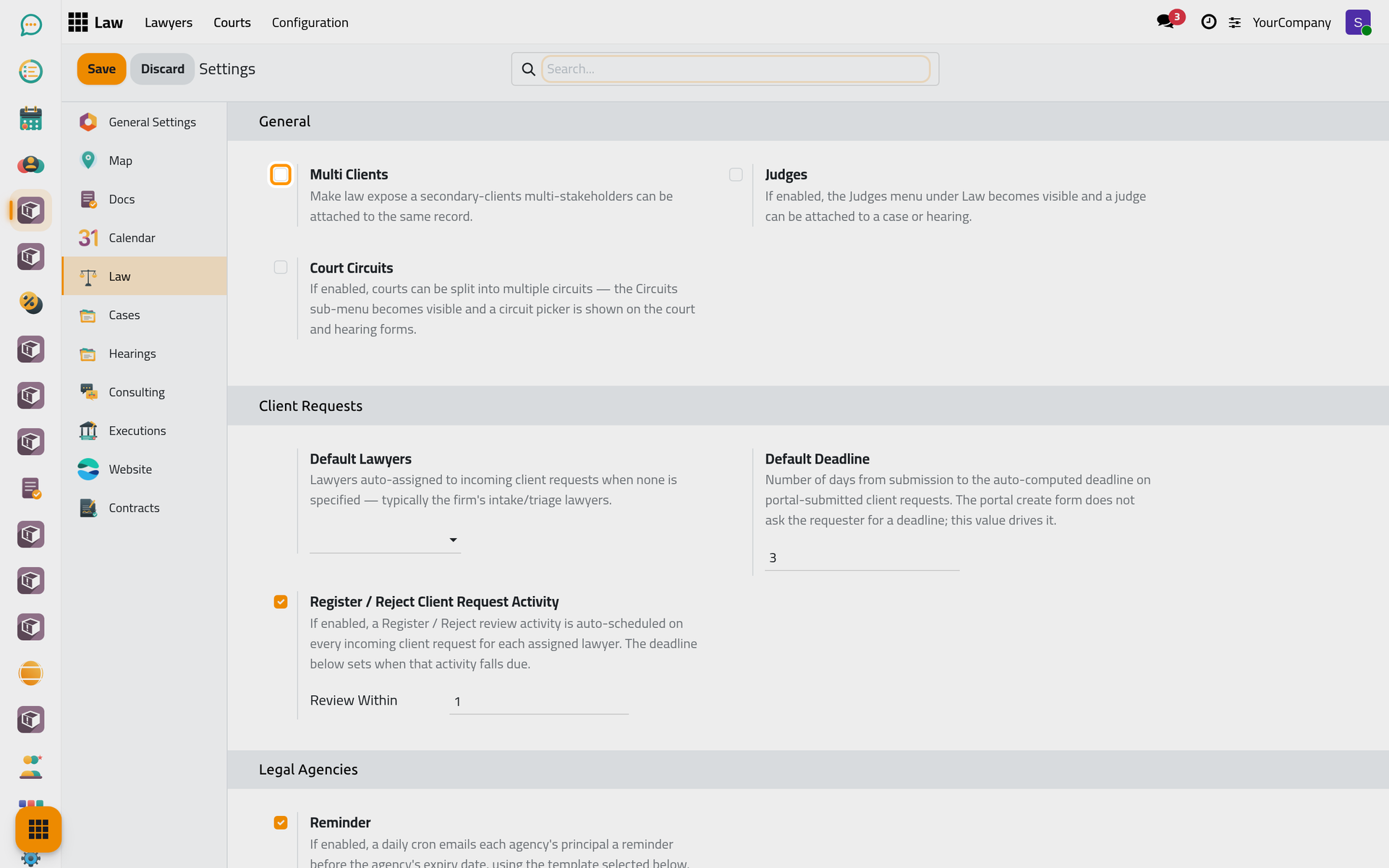
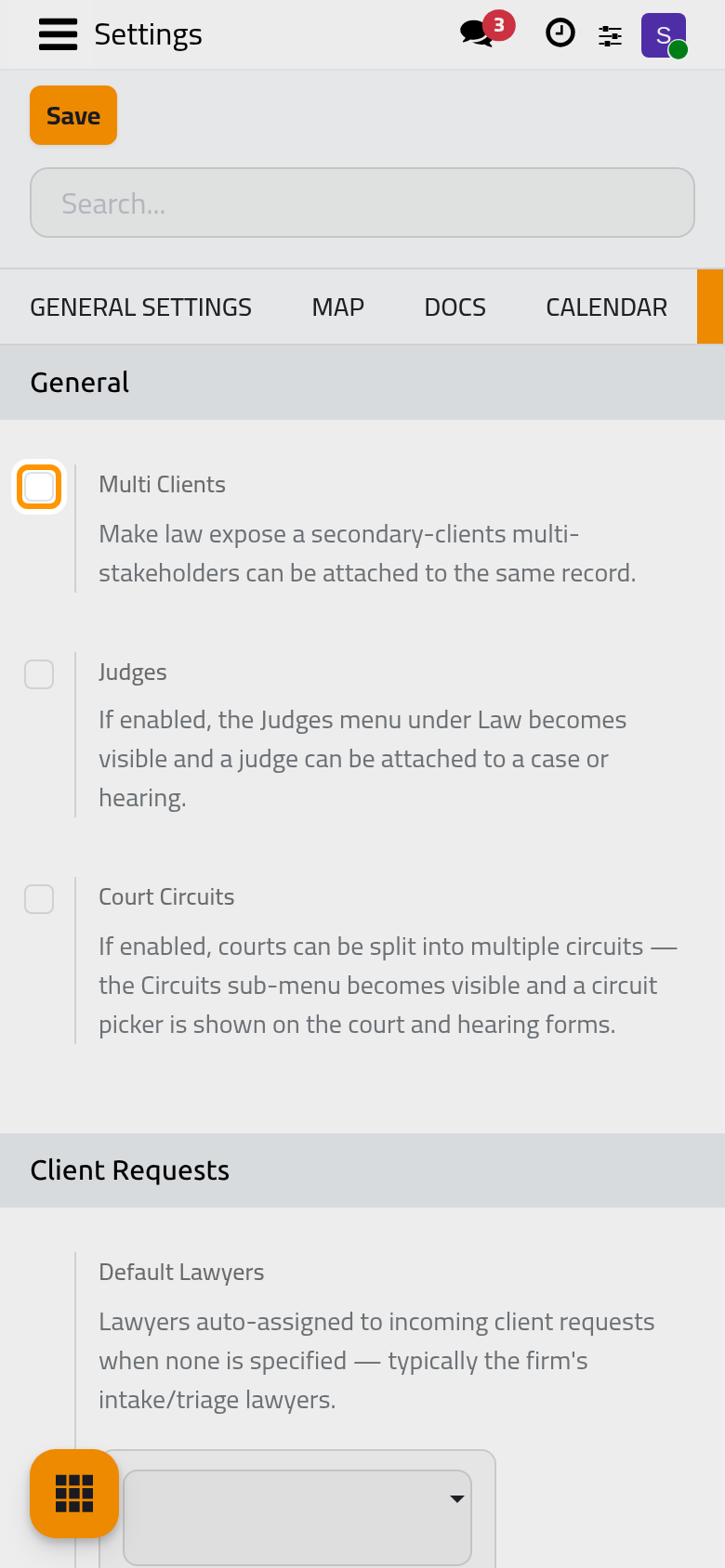
General
Multi Clients
Off by default. Turn it on when a case, a hearing, a consultation, a client request or an agency can concern several clients: those records then show a field for the other clients, next to the main one. The agency expiry reminder also goes to every principal of the agency.
Judges
Off by default. Turn it on to record judges: the Judges menu appears under the legal menus, and a judge can be named on a hearing.
Court Circuits
Off by default. Turn it on when a court sits in several circuits: the Circuits menu appears, and the circuit can be chosen on the court and on the hearing.
Client Requests
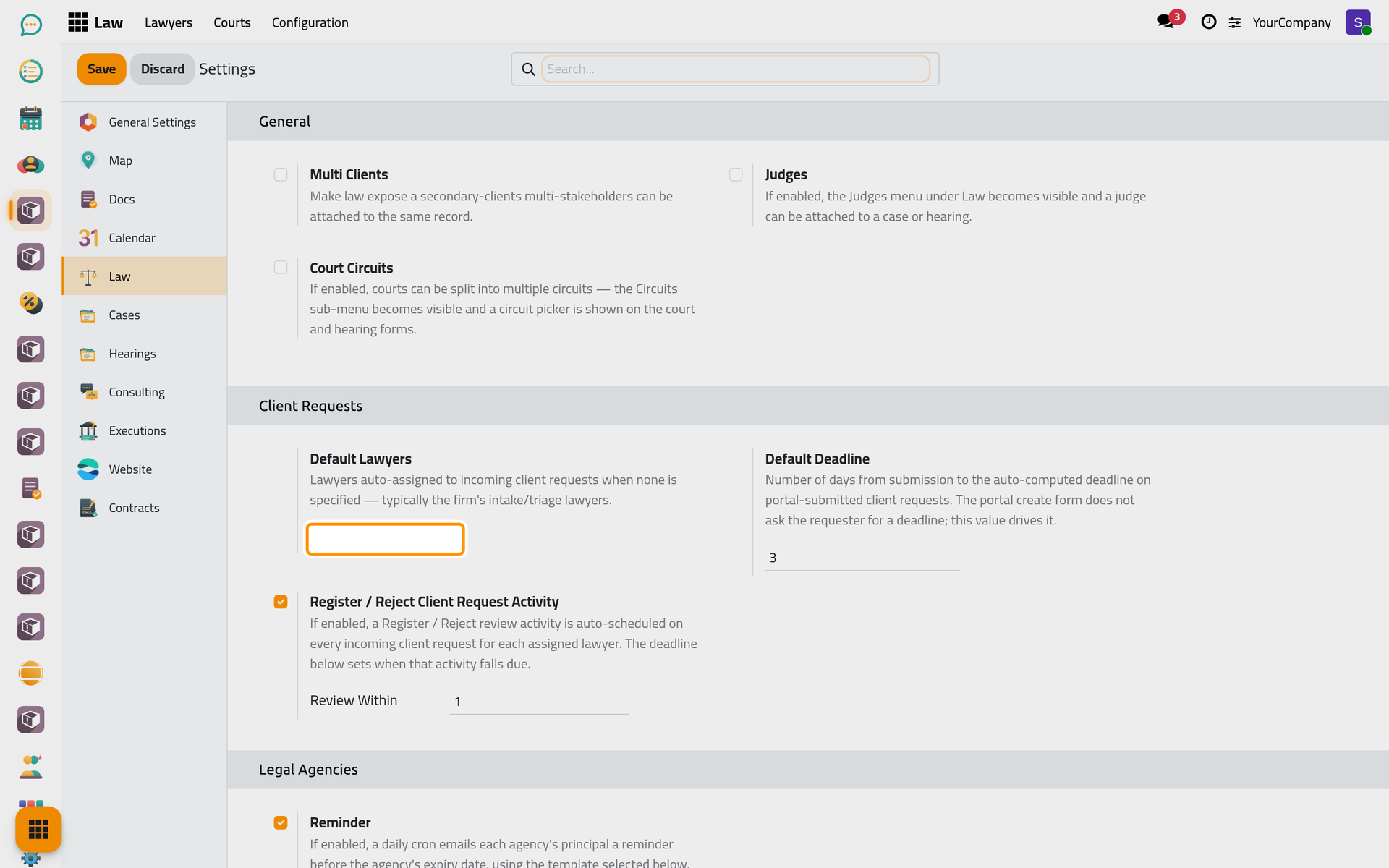
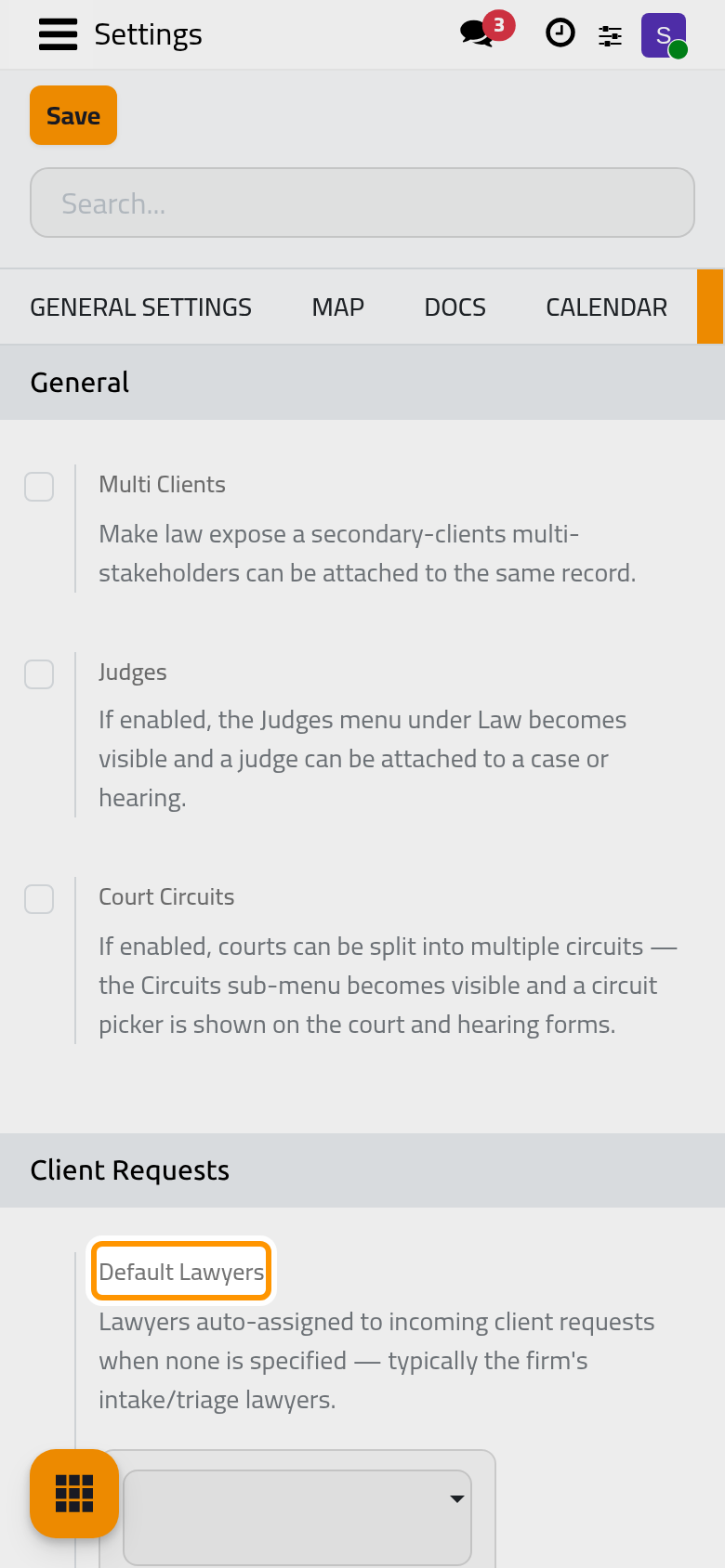
Default Lawyers
The lawyers who receive a new client request when nobody chose one, typically the lawyers who sort incoming requests. A client who has lawyers of his own on his contact gets those first; these default lawyers come next.
Default Deadline
How many days after a request arrives its deadline falls, 3 by default. The client does not pick a deadline when sending a request from the portal, so this number sets it.
Register / Reject Client Request Activity
On by default. Each new request then puts a to-do in the planner of every assigned lawyer, asking them to register or reject it. A lawyer without a user in the system gets no to-do.
Review Within
How many days that to-do leaves the lawyer, 1 by default. It appears only while the option above is on.
Click Save to apply your changes.
FAQ
I turned on Judges but the menu does not show.
The menus follow the setting once it is saved: click Save, then open the legal menus again.
Where are the other options of the legal settings?
Each legal app explains its own box: cases, consultations, executions, agencies and contracts each have a settings page in their user guide.
Was this page helpful?
Thank you for your feedback.