How-to
Bill a contract
On this page
The Auto Invoicing tab of a contract lists its instalments. Each line says what triggers its invoice and how much it bills; the system turns the due lines into draft invoices for the billing team.
Before you start
- You need the User: Own Documents level or higher on Contracts, and invoicing rights in Accounting as well as your access to contracts.
- The contract is Valid: only valid contracts are invoiced.
Add the instalments
- Open the contract and its Auto Invoicing tab, then click Add a line.
- Choose the Trigger:
- Date invoices the line on its Due Date;
- Consulting, on a consultation contract, invoices each consultation linked to the contract;
- On Progress, on a project contract, invoices the line once the project reaches the Project Progress Threshold.
- Type the Amount. The Service Product comes from the contract settings. The lines together cannot exceed the contract's amount.
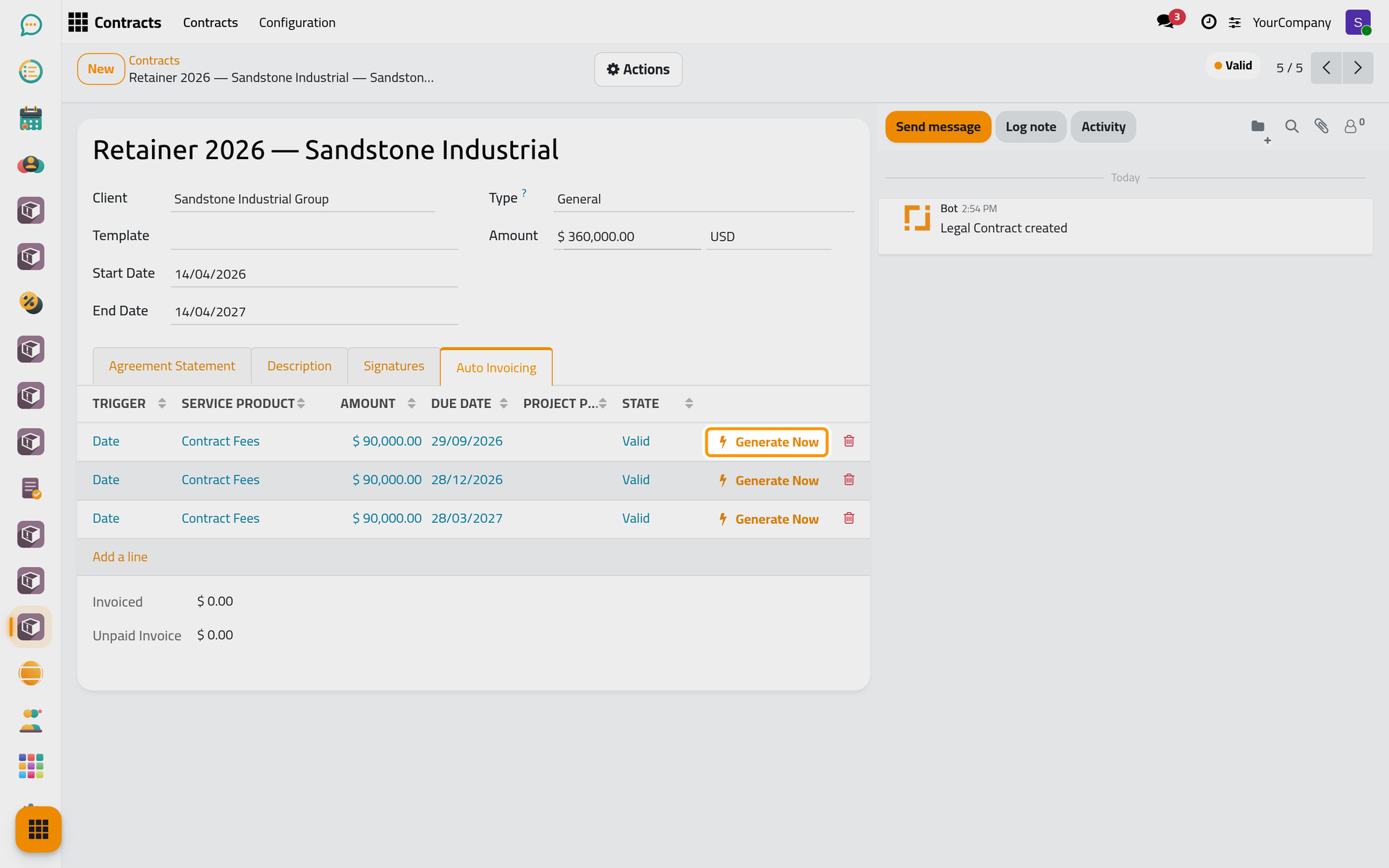
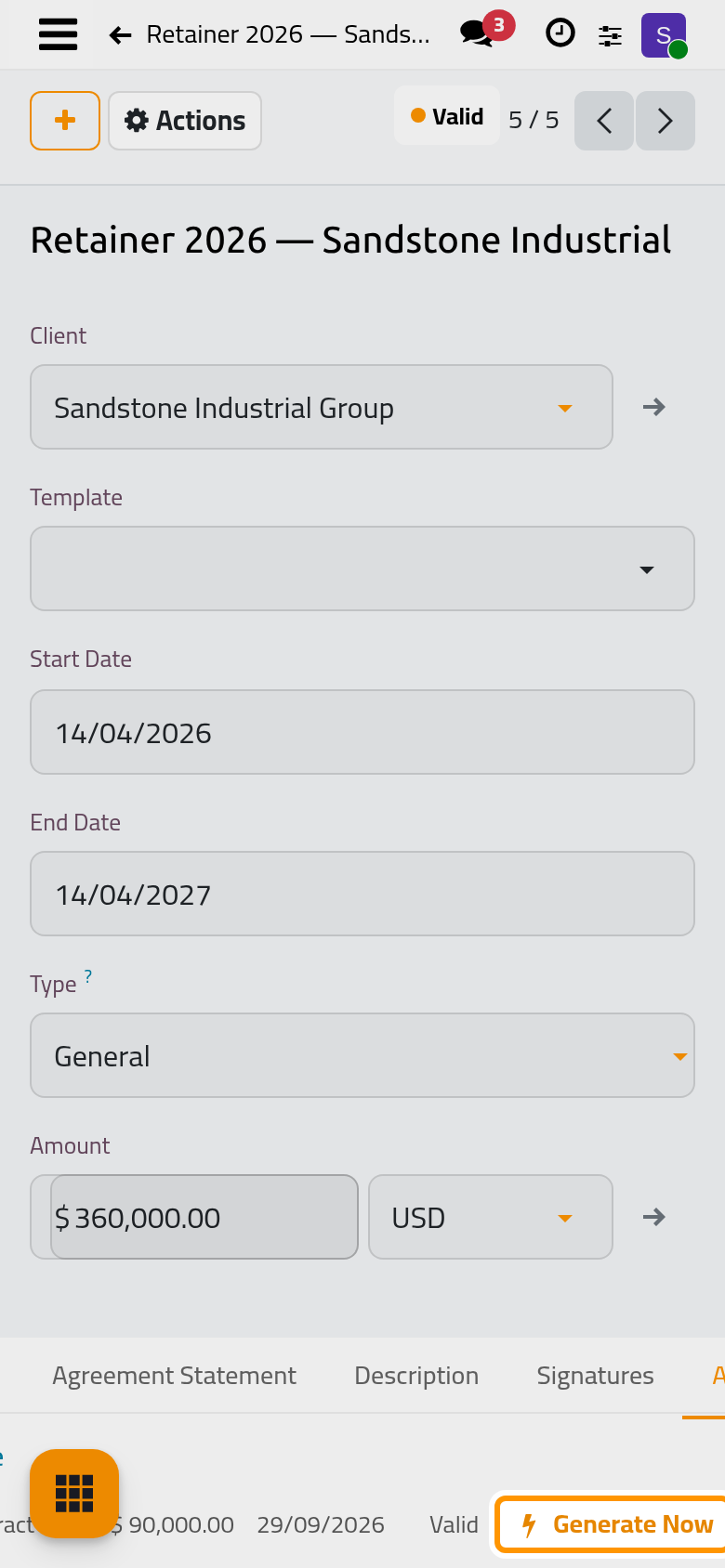
Invoice
Every hour, the system creates a draft invoice for each line whose trigger is met, and the line becomes Invoiced. To invoice a line at once, click its Generate Now button.
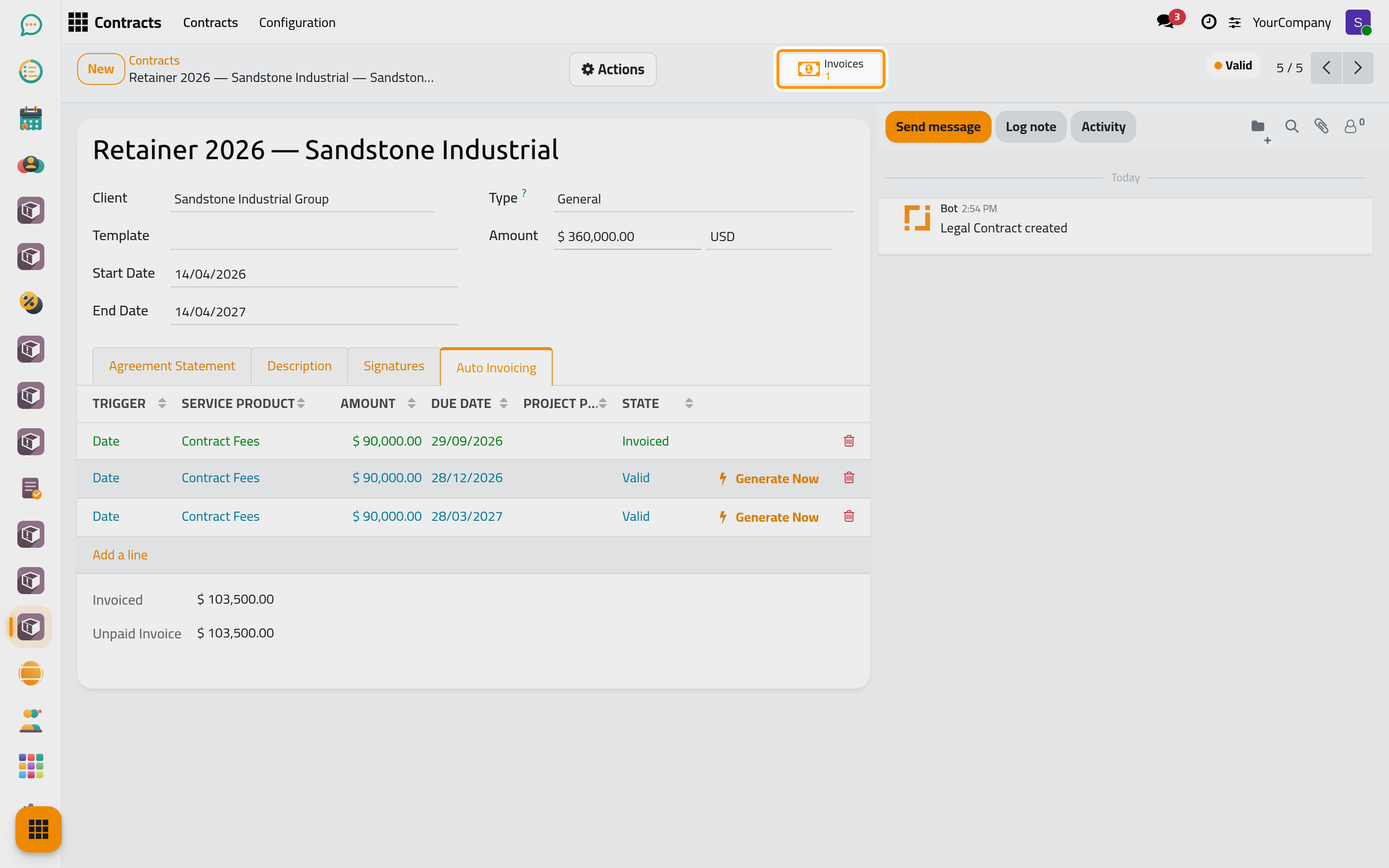
The Invoices button of the contract opens its invoices, to check and confirm. On a phone, the button sits behind the lightning button at the top.
FAQ
Generate Now refuses an On Progress line.
The project has not reached the line's threshold yet. Update the progress of the contract, or wait until the project gets there.
Was this page helpful?
Thank you for your feedback.