Sign and validate a contract
On this page
A contract is signed while it is Draft. Once the client and the firm have both signed, it becomes Valid on its own.
Before you start
- You need the User: Own Documents level or higher on Contracts.
- The contract is Draft: from Drafting, use Actions › Mark Drafted.
Send it to the client
- Actions › Send Report opens an e-mail with the full contract as a PDF.
- Actions › Send Formula opens an e-mail with the one-page formula of the contract.
Both e-mails carry the link to the contract on the portal, where the client reads it and signs.
Collect the signatures
Open the Signatures tab. The client signs on the portal or here in Client Signature, and the firm signs in Company Signature. Each signature records its date.
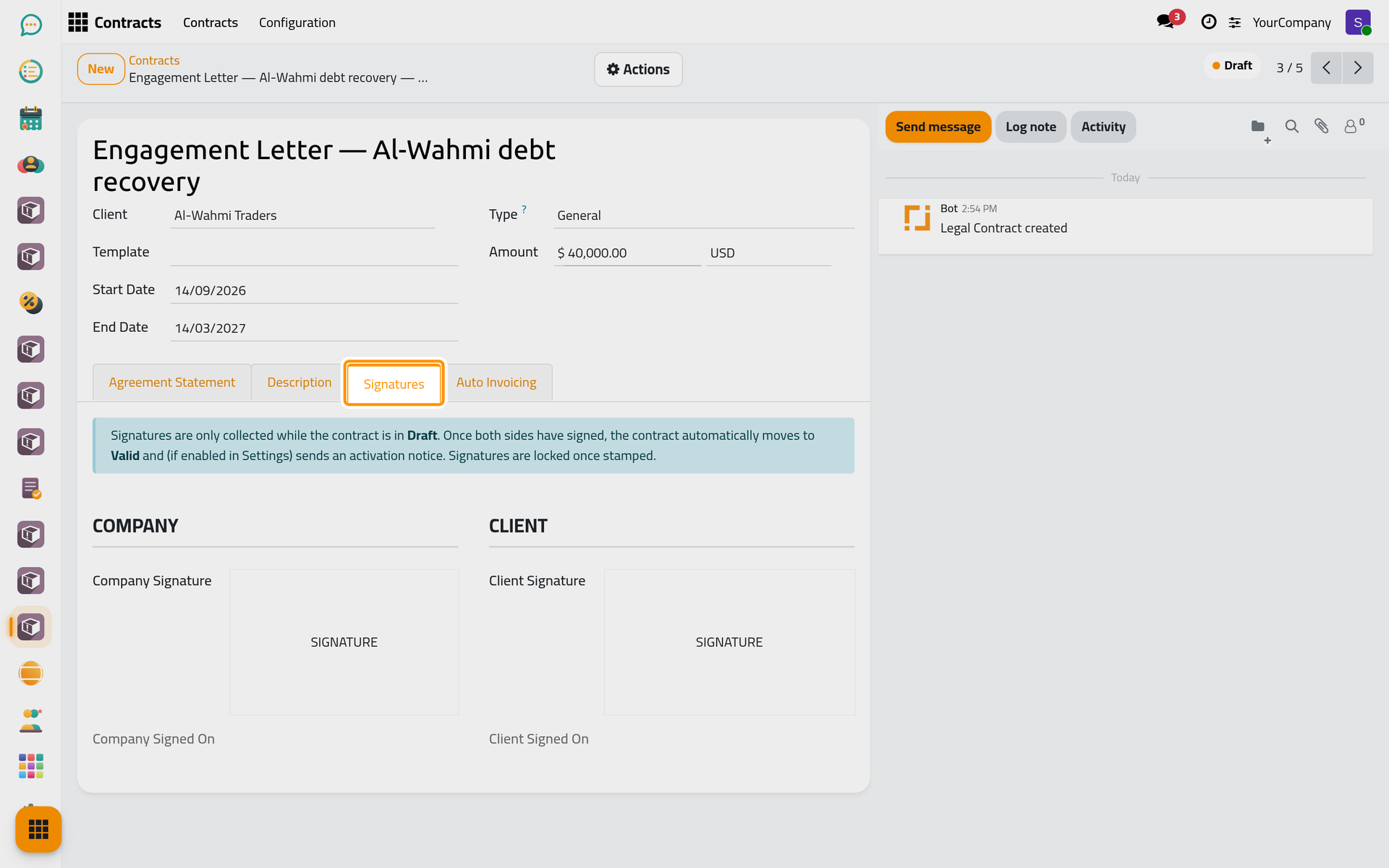
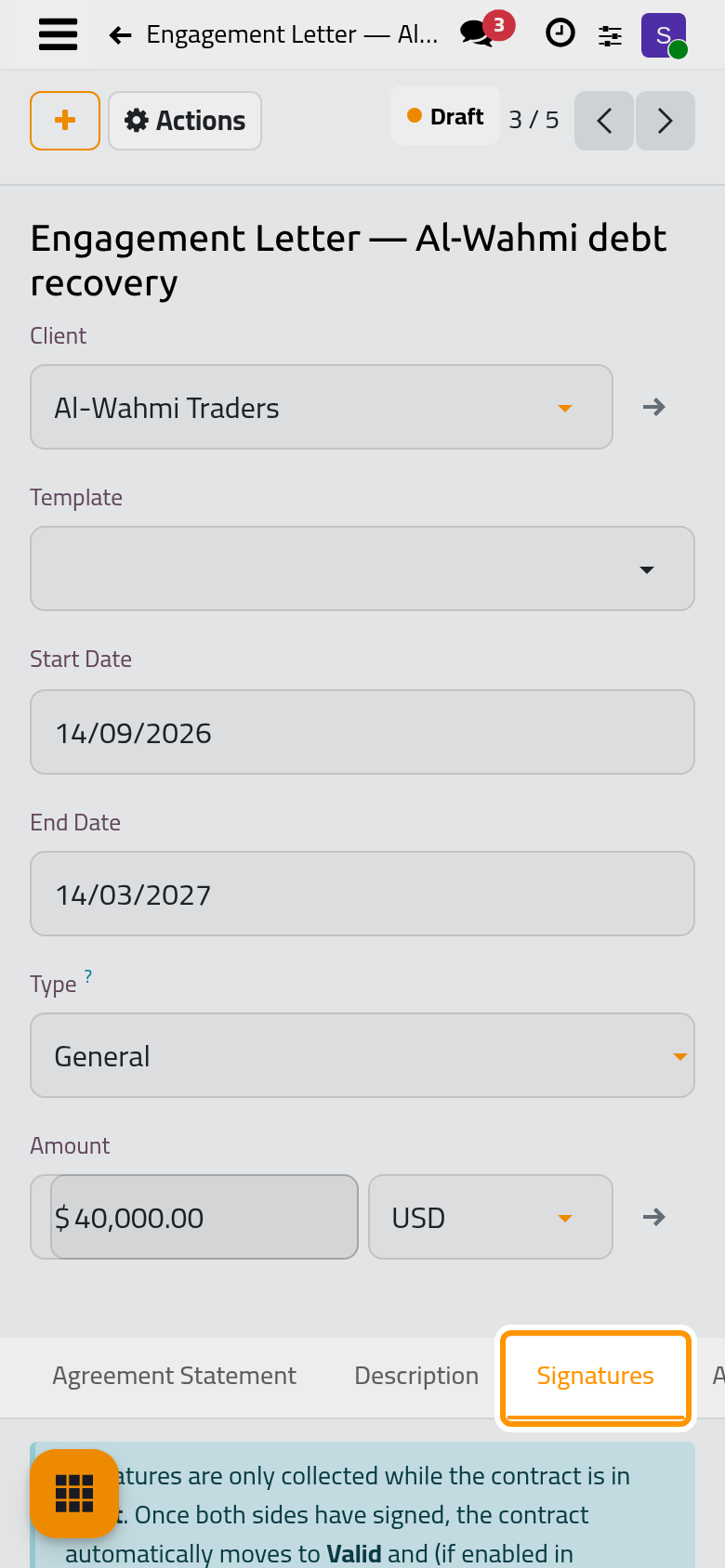
When both are in, the contract becomes Valid. When Send Activation Notice is on in the contract settings, an e-mail then announces it to the client, the followers or the people chosen there.
Validate without signatures
When the contract was signed on paper, Actions › Set Valid makes it Valid directly.
FAQ
Why can I not sign?
Signatures are open only in Draft, and each one only once. A contract in Drafting must be marked as draft first.
Was this page helpful?
Thank you for your feedback.