How-to
Prepare contract templates
On this page
A template holds the text of an agreement the firm signs often, such as an annual retainer or an engagement letter. A contract made from it starts with that text, already addressed to its client.
Before you start
- You need the Manager: All Documents level on Contracts to open the configuration.
Steps
- Open and click New, or open a template to change it.
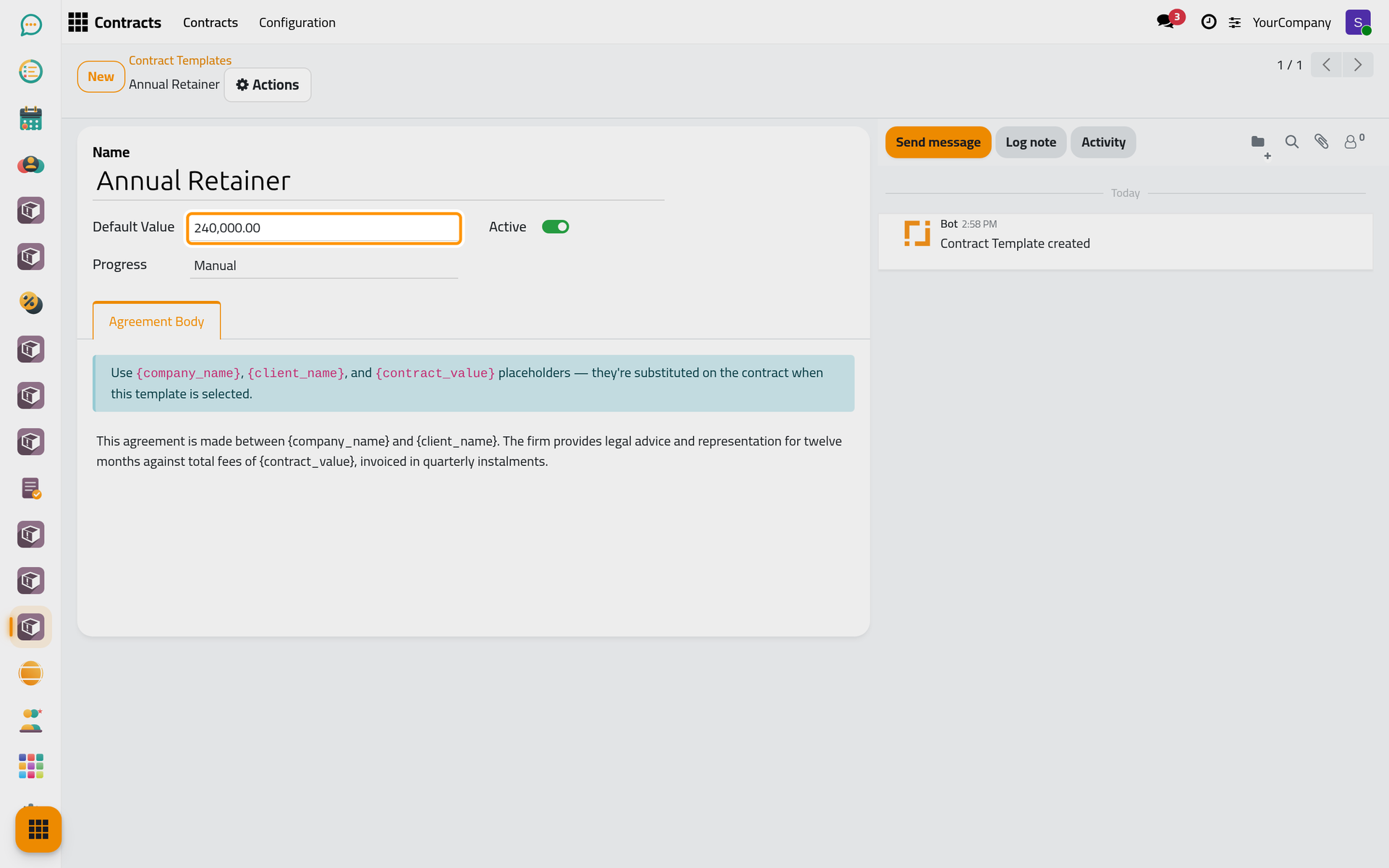
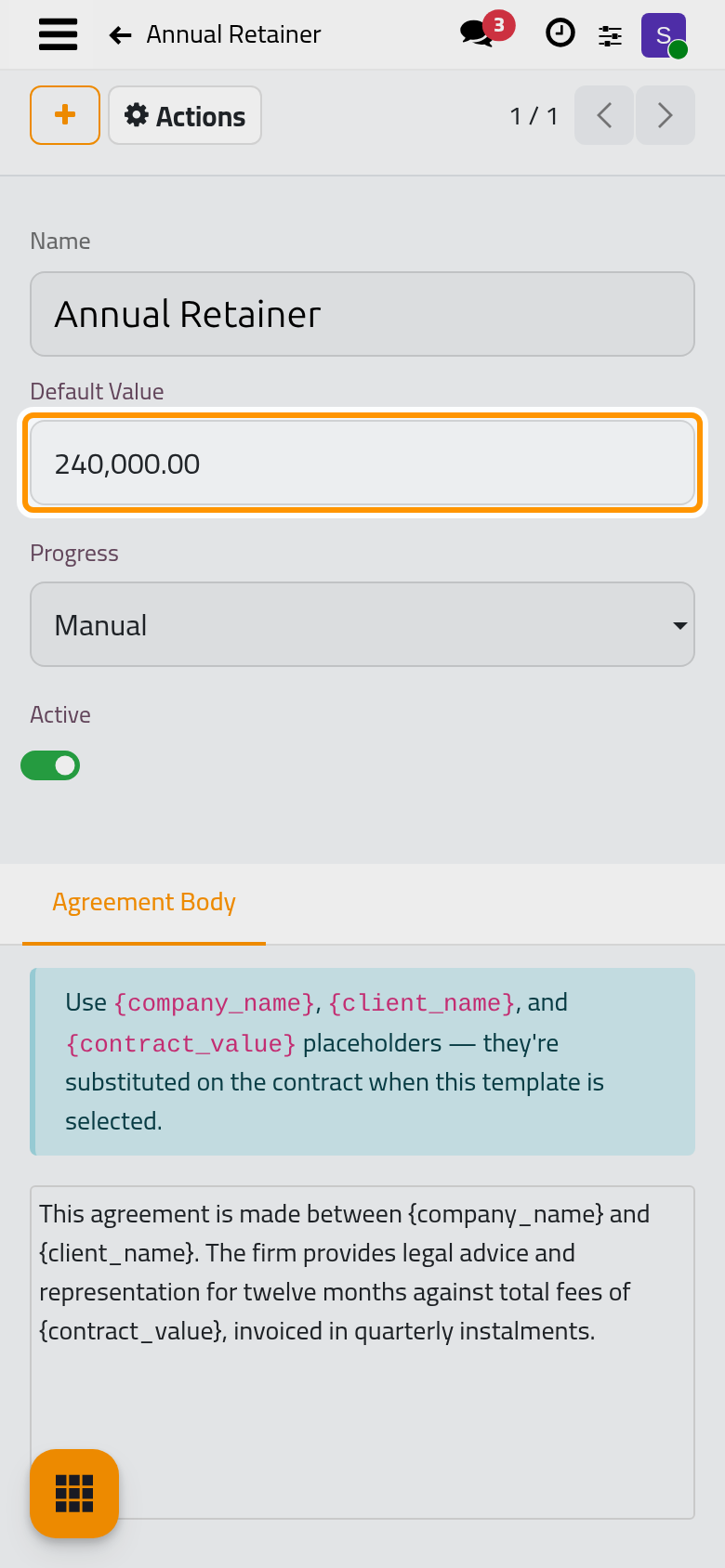
- Give it a Name and a Default Value, the amount a contract takes when it uses the template.
- Write the agreement in Agreement Statement. Three placeholders are replaced in the contract when the template is chosen:
{company_name}for the firm,{client_name}for the client,{contract_value}for the amount with its currency.
- Save the template.
FAQ
The client's name is missing from the agreement.
The placeholders are filled when the template is chosen. Choose the Client of the contract first, then the Template; if the order was reversed, choose the template again.
Does changing a template change the contracts made from it?
No. A contract keeps the text it received; edit its Agreement Statement if it must change.
Was this page helpful?
Thank you for your feedback.