Link a contract to its work
On this page
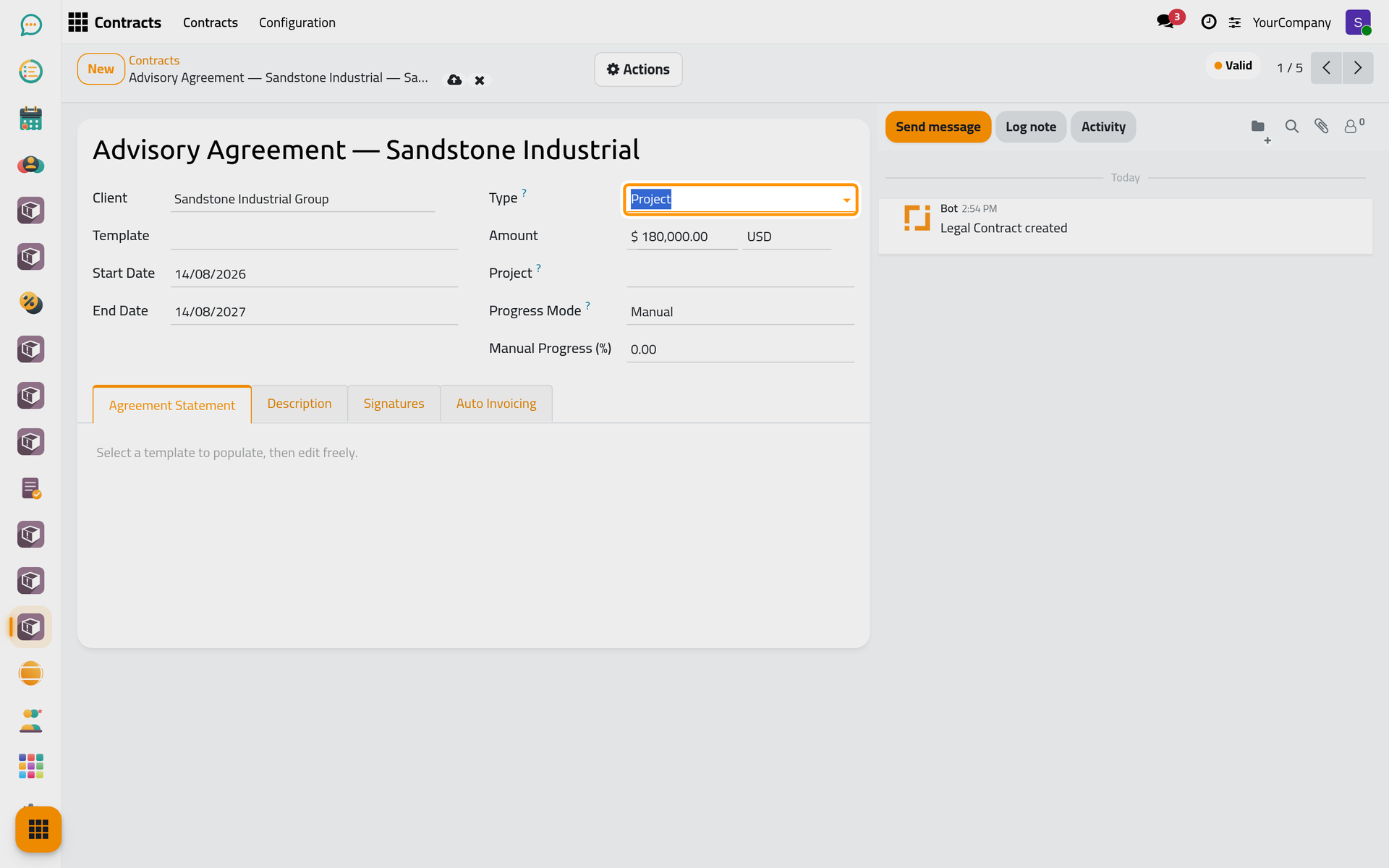
A contract usually covers work the firm tracks elsewhere: the cases of a client, its consultations, or a project. The contract's Type says which, and each kind of work names its contract.
Before you start
- You need the User: Own Documents level or higher on Contracts, and on the work you link.
- The Type field appears when the cases, consultations or projects apps are installed with contracts.
Set the type
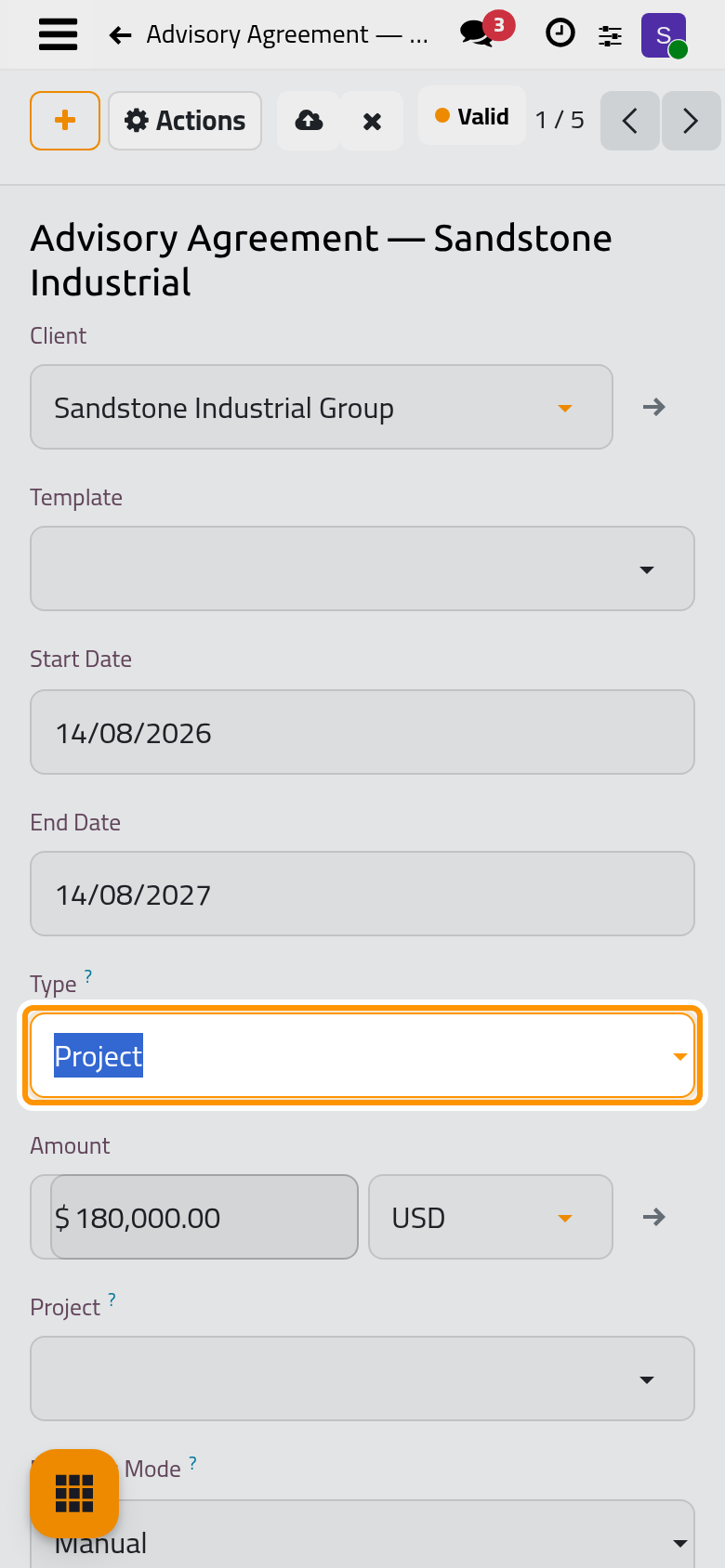
Open the contract and choose its Type: General, Cases, Consulting or Project. The type decides which invoicing triggers the contract offers.
Cases and consultations
A case or a consultation names its contract in its Contract field, next to the client. The list offers only the Valid contracts of the same client. The contract then shows a button that counts and opens them, and a consultation contract can invoice each linked consultation.
Once a case is won, lost or canceled, its contract can no longer be changed, so the history stays true.
Projects
A Project contract names its Project and follows its progress. With Progress Mode set to Manual, type the Manual Progress (%); with Auto, the contract computes it from the time elapsed or from the project's tasks. On Progress instalments are invoiced when the progress reaches their threshold.
Was this page helpful?
Thank you for your feedback.