How-to
Close, cancel or renew a contract
On this page
A contract ends in one of three ways: it is cancelled before its term, closed when the work is done, or it expires at its end date.
Before you start
- You need the User: Own Documents level or higher on Contracts.
- Cancelling needs at least one reason in ; the module ships none, so the firm adds its own.
Cancel a contract
- Open the contract and click Actions › Cancel.
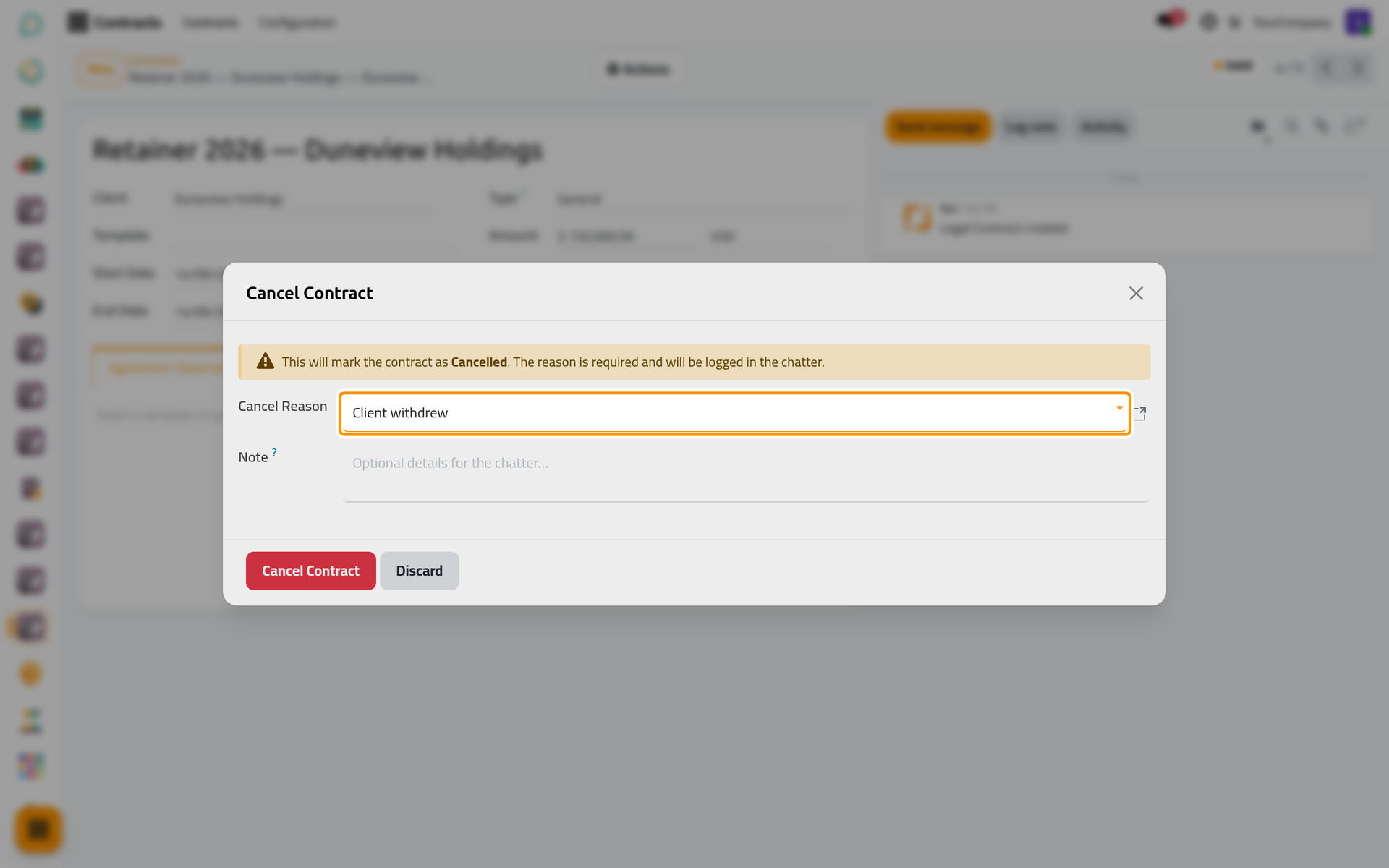
- Choose the Cancel Reason, add a note if useful, and click Cancel Contract.
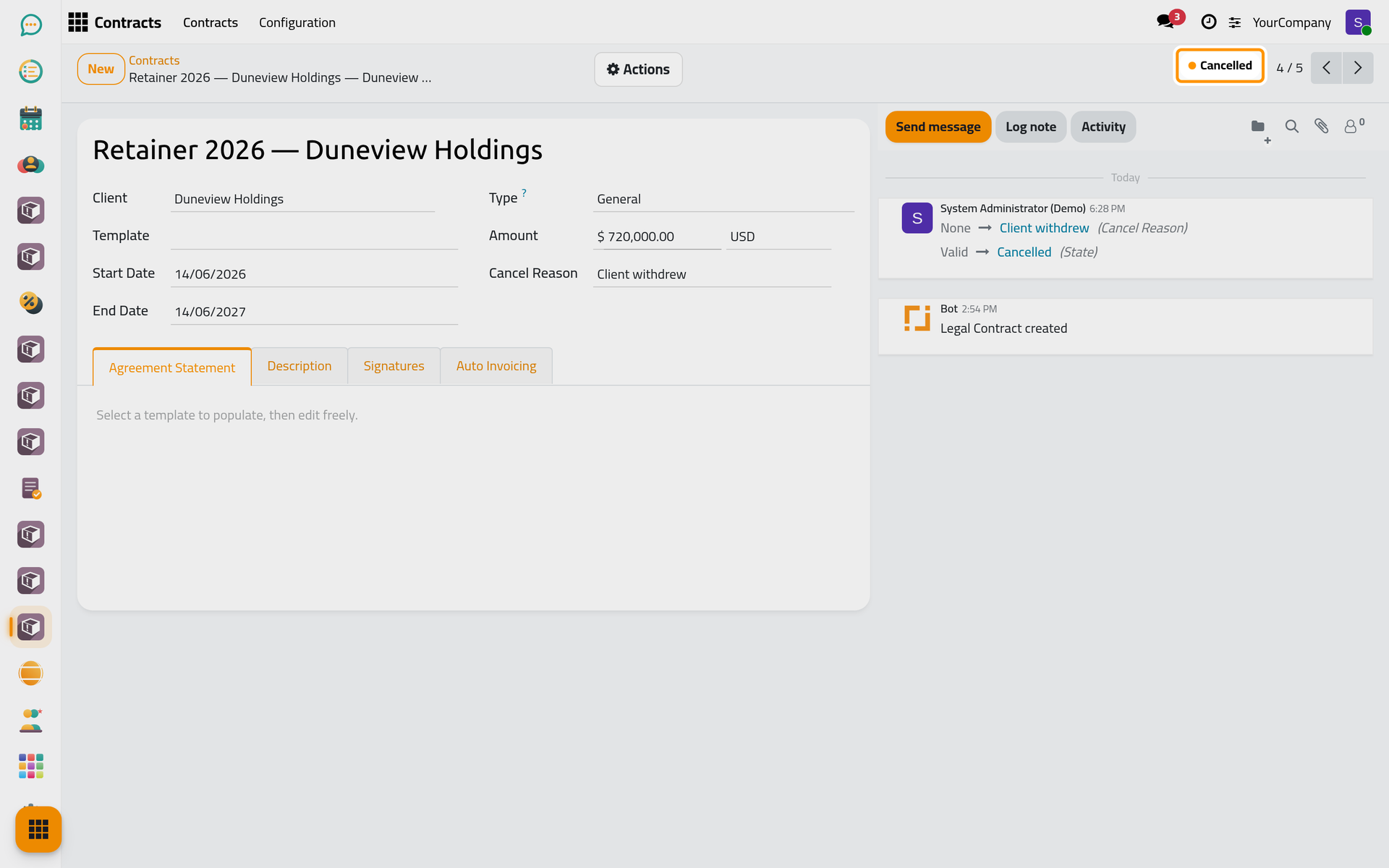
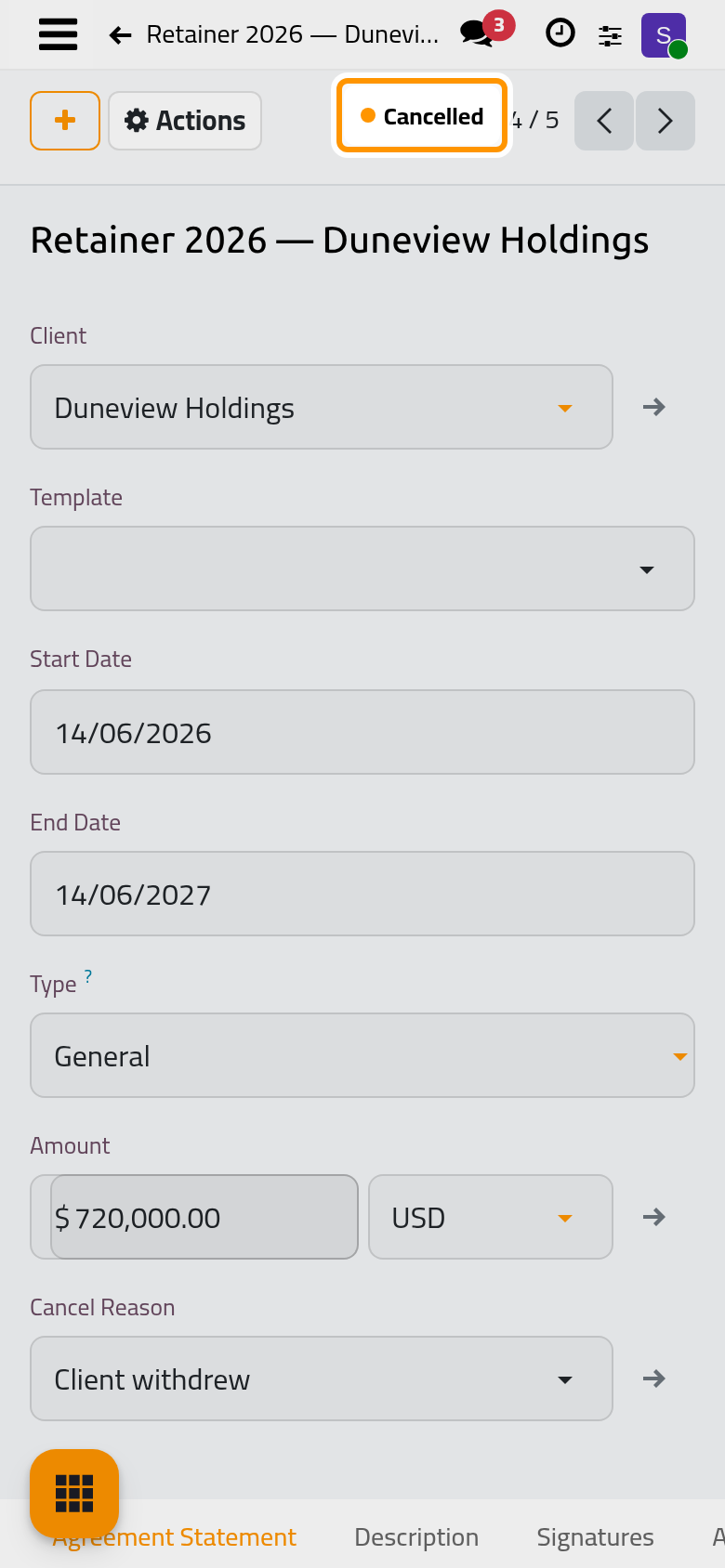
The contract becomes Cancelled, with the reason and the note in its chatter.
Close a contract
When the work under a Valid or Expired contract is done, Actions › Close makes it Closed.
Expiry and reminders
Every day, a valid contract whose End Date has passed becomes Expired. When Auto Contract Reminder is on in the contract settings, the firm is reminded Default Reminder Days before the end, and the Reminder Activity Assignee receives a to-do.
Renew a contract
- For a new term, open Actions › Duplicate: the copy starts in Drafting with its own sequence and no signatures. Set its new dates and take it to Valid.
- To change a contract before it is valid again, Actions › Set to Draft reopens it.
Was this page helpful?
Thank you for your feedback.