How-to
Add evidence to a case
On this page
Evidence is what the firm relies on before the court: a contract, a correspondence, a report. Each piece is recorded on its case, with the party it concerns, so the lawyers find the file of the case in one place.
Before you start
- The case is In Progress or in Appeals.
- You need the User: Own Documents level or higher on Cases.
Steps
- Open the case from , then Actions › Add Evidence. The evidence opens for this case.
- Type a short Summary. Concerned Party is the client of the case; change it when the evidence concerns another party.
- Describe the evidence in Description, and attach its files with the paperclip of the chatter.
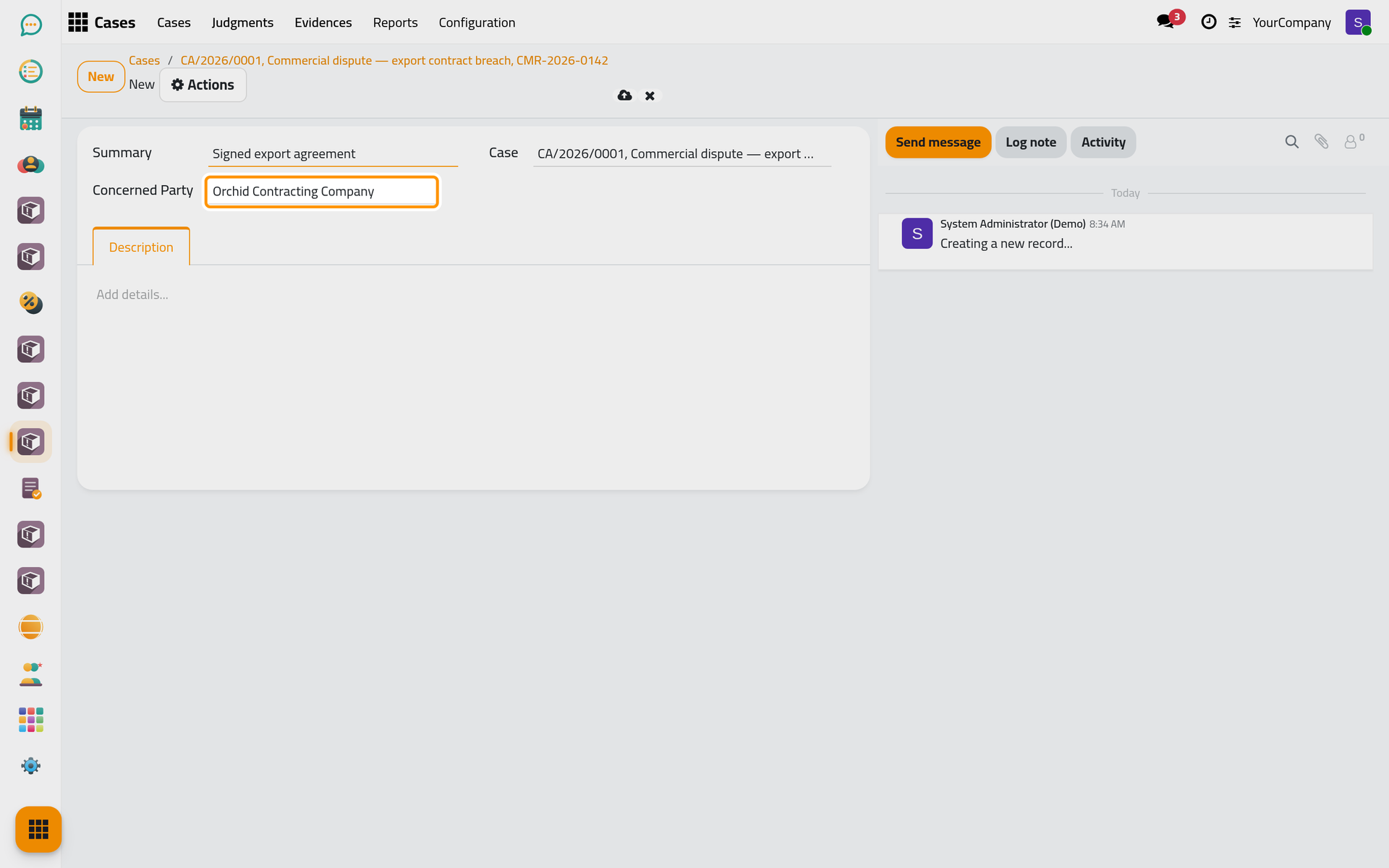
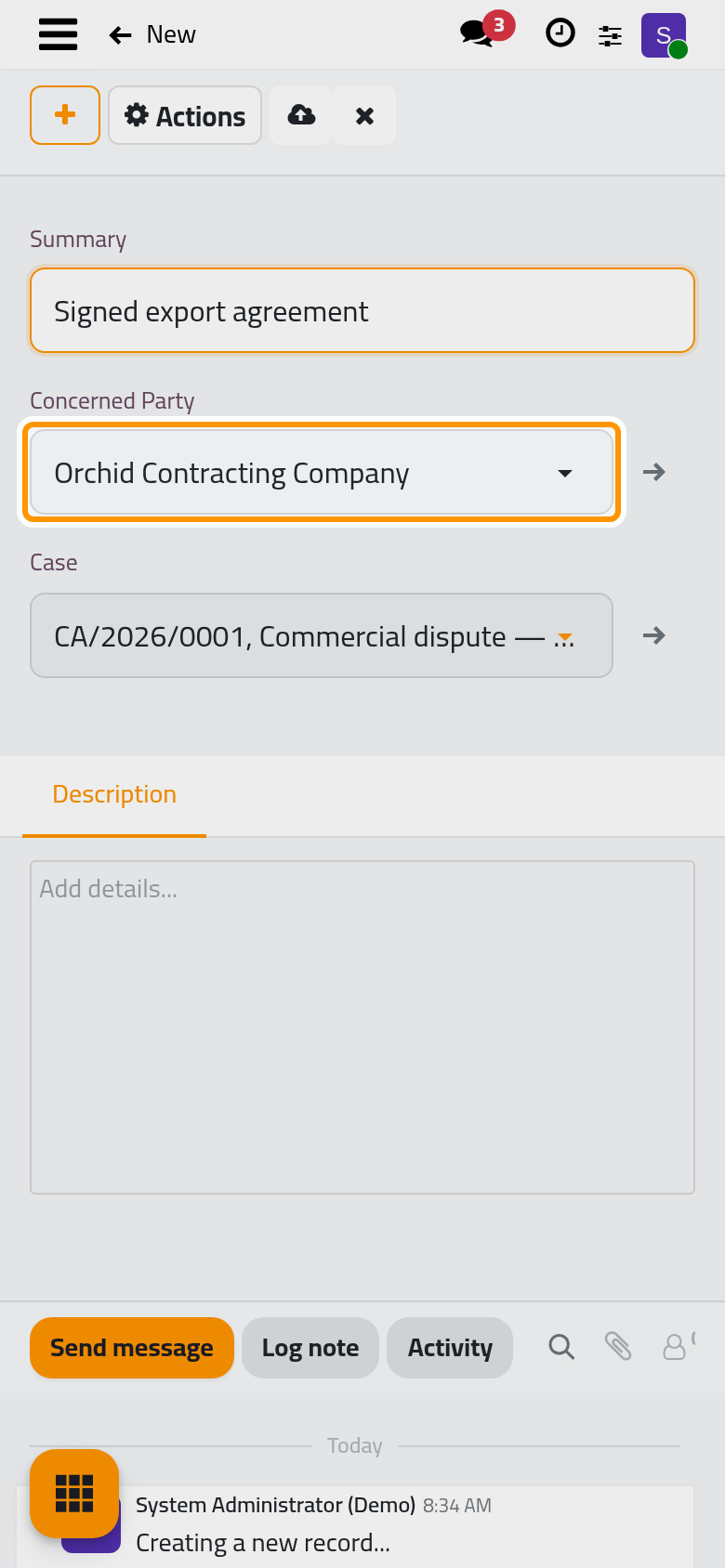
- Click Save manually.
Find the evidence
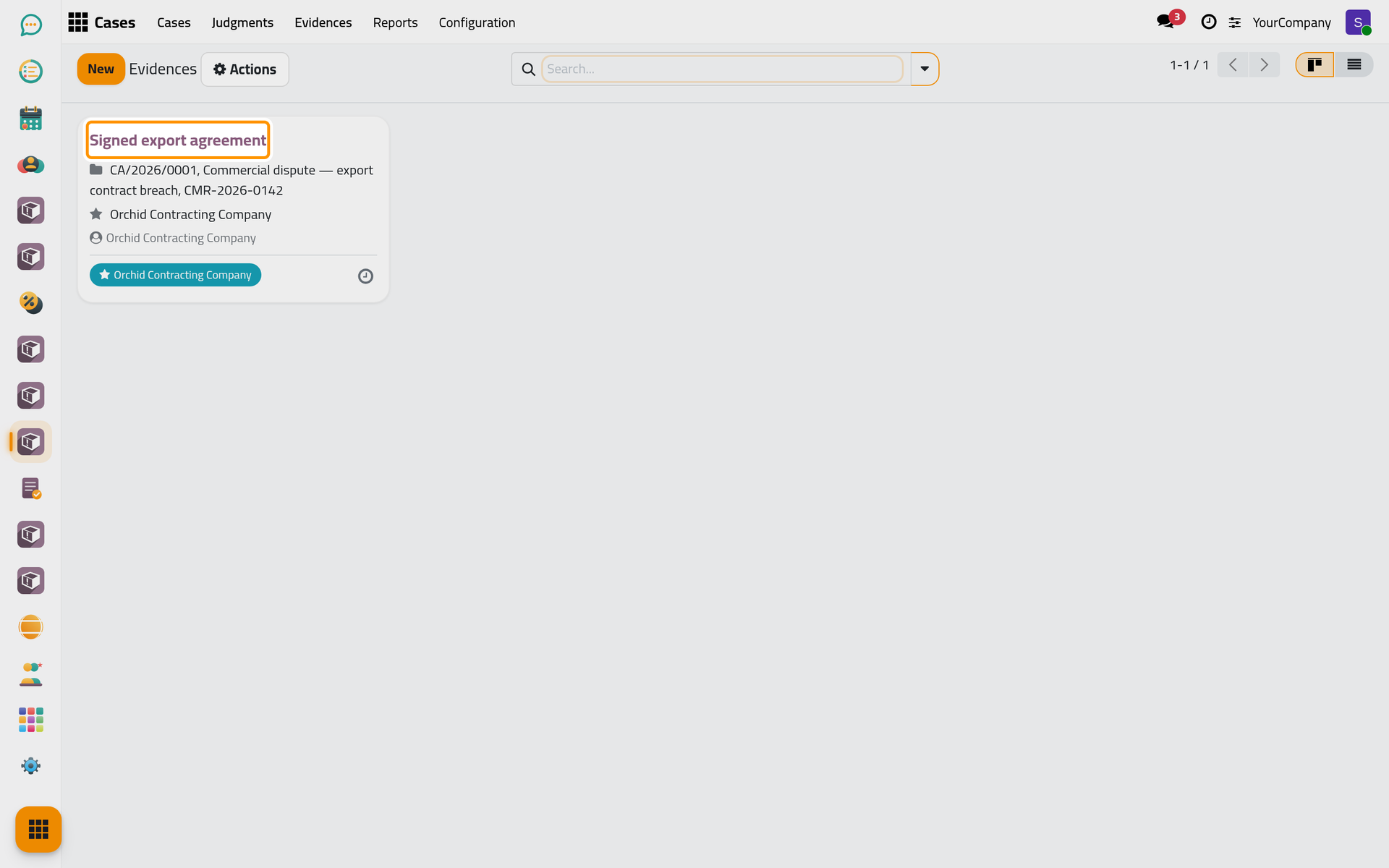
The evidence of a case opens from the button at the top of the case. lists the evidence of every case, searchable by case or party.

FAQ
Can I add evidence to a closed case?
No. Add Evidence is offered while the case is in progress or in appeals; reopen the work first if new evidence arrives.
Does the client see the evidence?
Evidence is an internal record of the firm, seen by the users who see the case, according to their level on Cases. What the firm wants the client to see, it sends from the chatter of the case.
Was this page helpful?
Thank you for your feedback.