How-to
Record a judgment
On this page
A judgment records what the court decided. Its stage tells where it stands in the appeals chain, and its outcome decides the state of the case.
Before you start
- The case is In Progress or in Appeals, and none of its hearings is still in progress: close them first.
- You need the User: Own Documents level or higher on Cases.
Steps
- Open the case from , then Actions › Add Judgment.
- Choose the Stage: Primitive (first instance), Appeal or Final. Type the Number of the judgment and set its Date.
- Choose the Outcome: Won, Lost, or Petition for a decision that does not end the case. A Lost judgment also needs its Reason, picked from the list in .
- Attach the decree with Attach Judgment Decree (a PDF file).
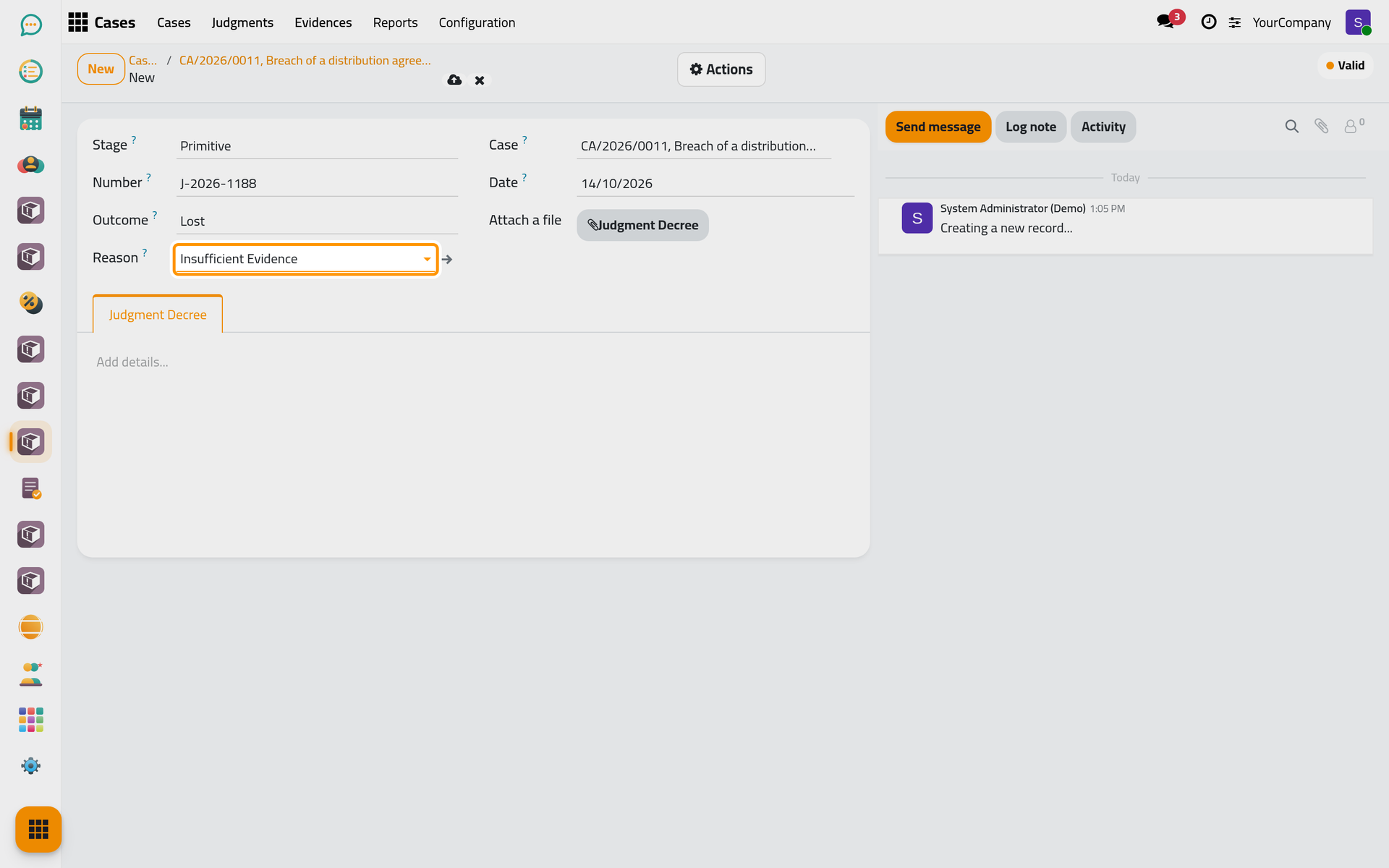
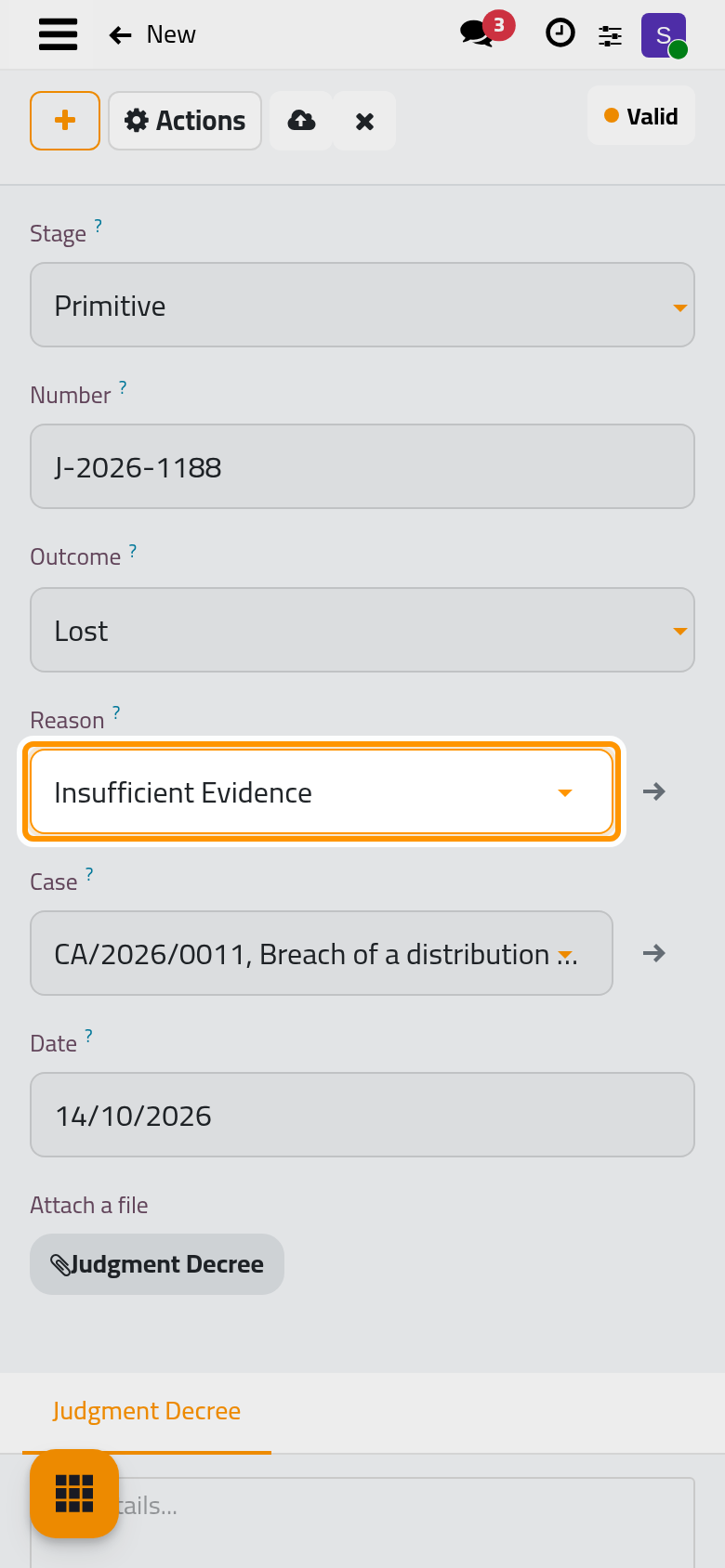
- Click Save manually.
What the judgment changes
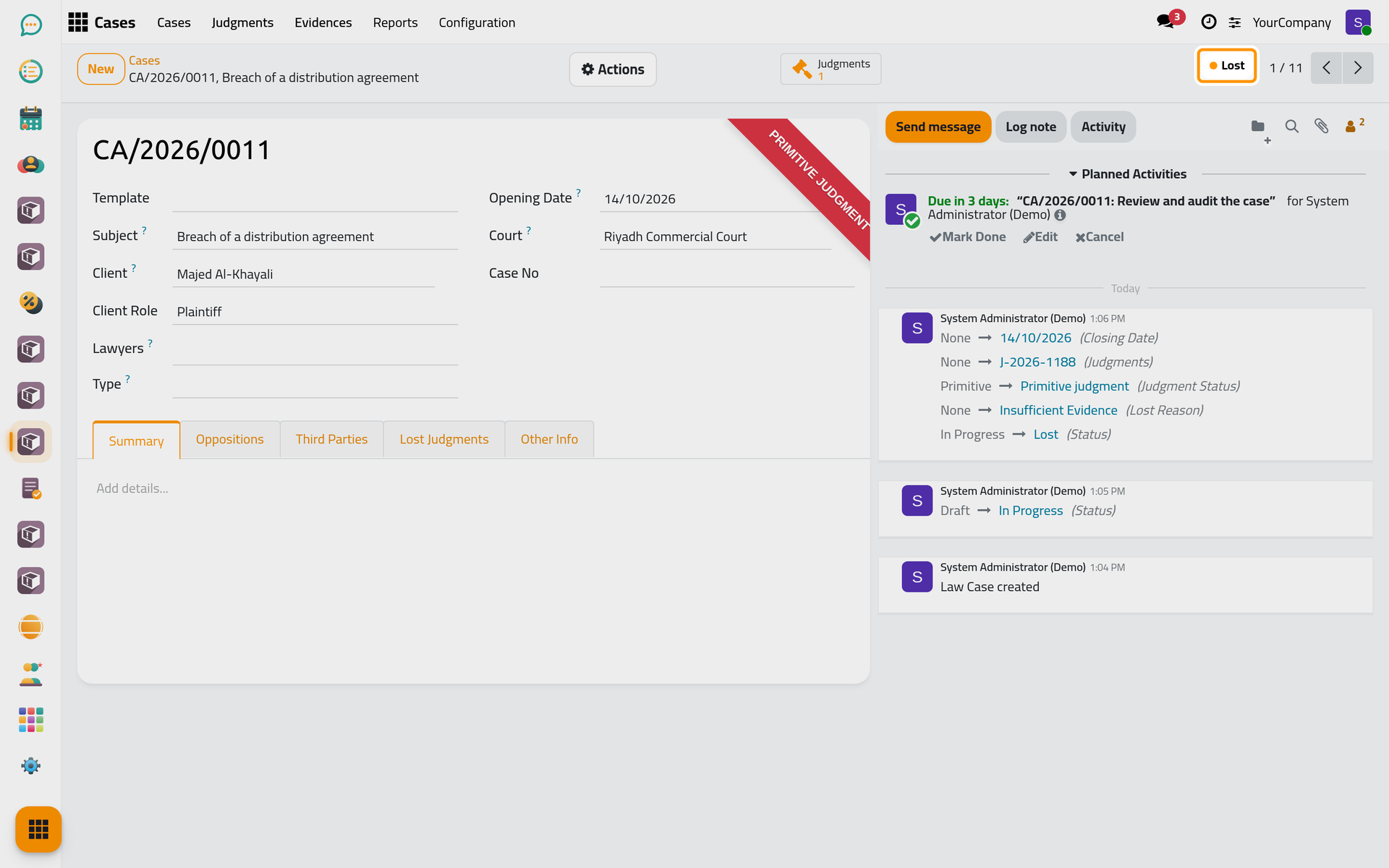
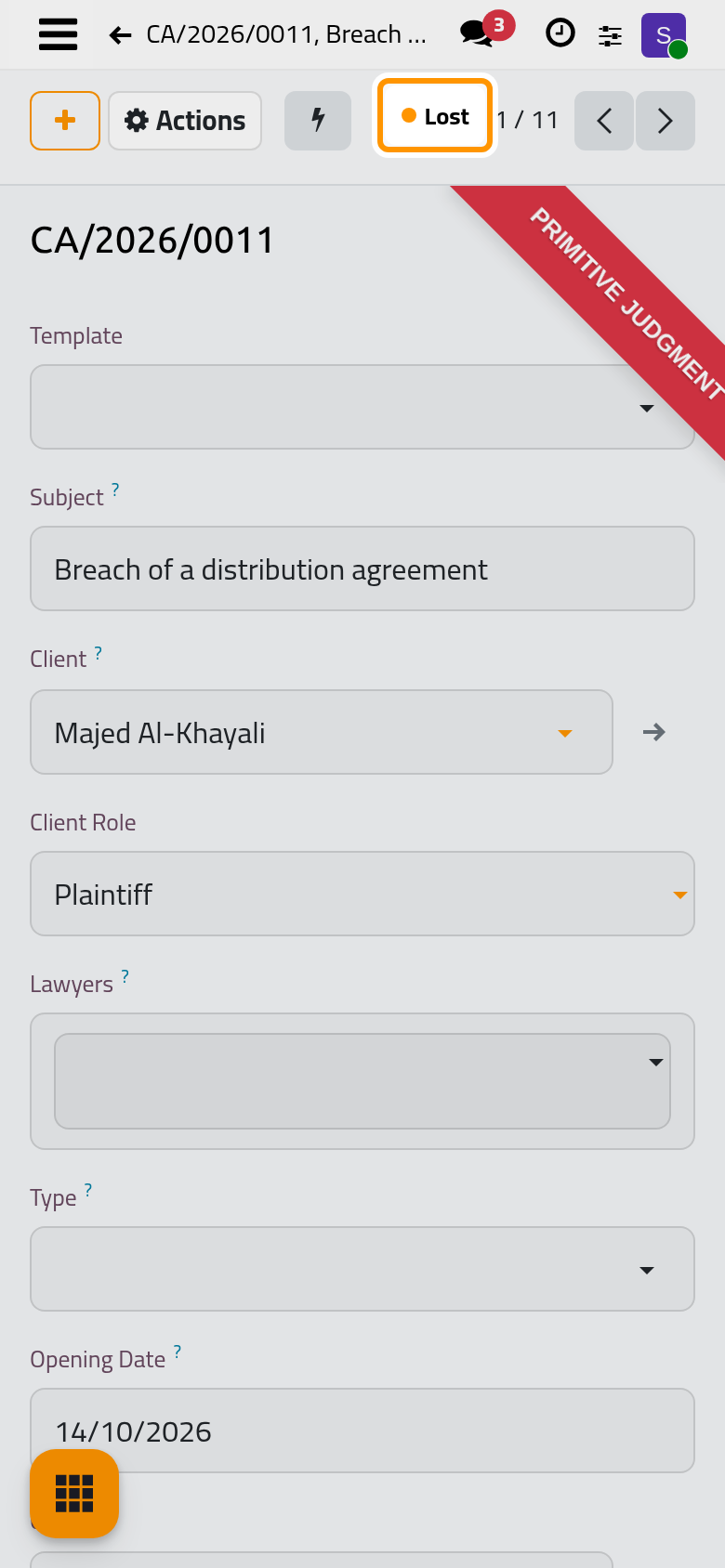
- A Won or Lost judgment sets the case to Won or Lost, and marks it as having a primitive, appeal or final judgment.
- A lost judgment can open a deadline: when the firm uses these activities, the lawyers get an appeal deadline after a primitive judgment, or a revocation deadline after an appeal judgment, after the number of days set in the settings.
- Lost judgments are listed in the Lost Judgments tab of the case; every judgment of the firm is in .
FAQ
Can a hearing carry more than one judgment?
No. A judgment recorded on a hearing is the only one of that hearing.
Was this page helpful?
Thank you for your feedback.