How-to
Open a case
On this page
A case is a dispute the firm takes to court for a client. It names the client and whether the client is the plaintiff or the defendant, the lawyers who handle it, the court and the number the court gave it, and the other parties.
Before you start
- You need the User: Own Documents level or higher on Cases (in the Legal Rights section of your user).
- The client exists as a contact, the lawyers in the lawyers directory and the court in the courts of the legal foundation.
Steps
- Open and click New.
- Fill in Subject, Client and Client Role (Plaintiff or Defendant), Lawyers, Court and the Case No of the court. Type classifies the case; Template, when the firm uses case templates, fills the case from a model.
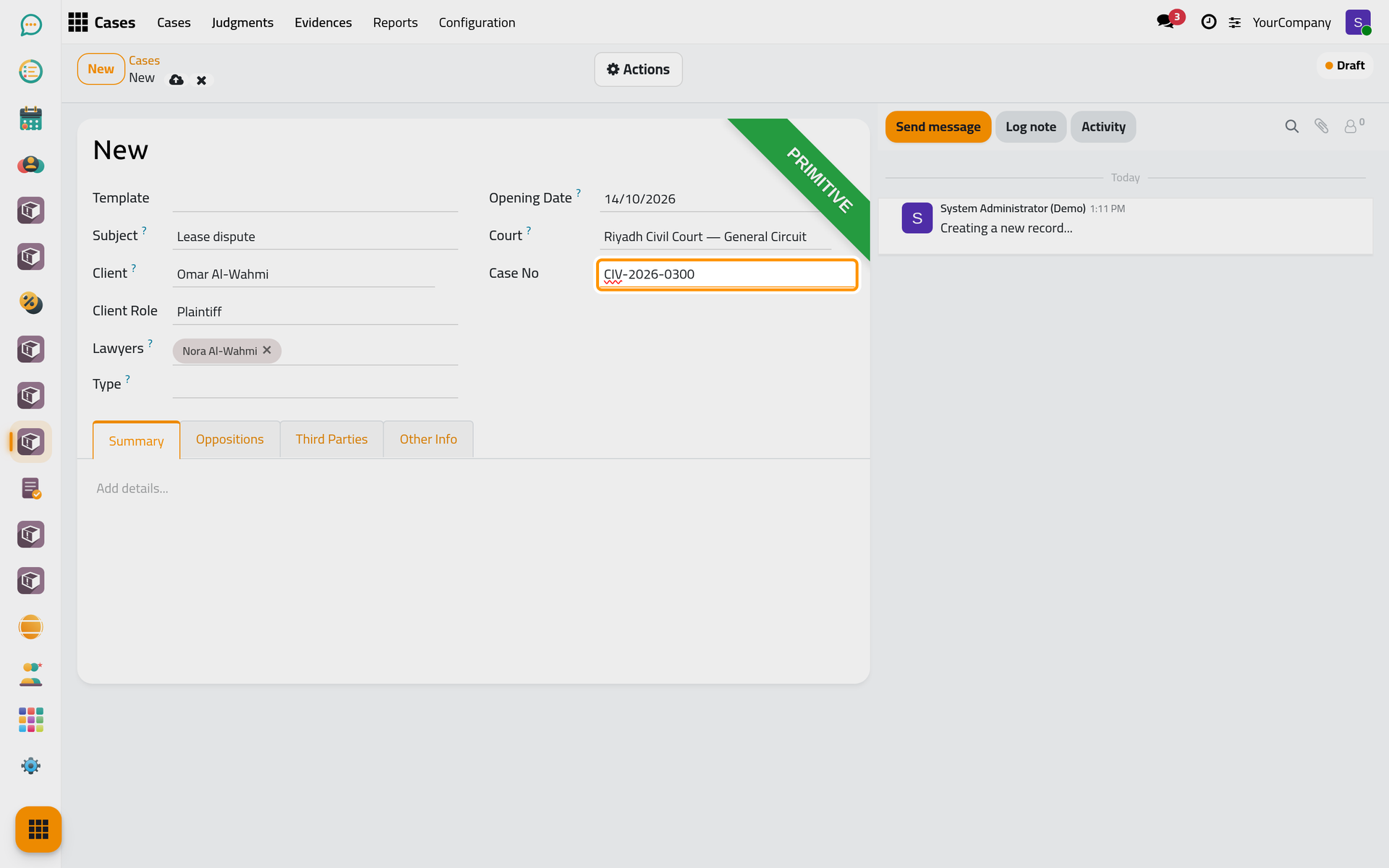
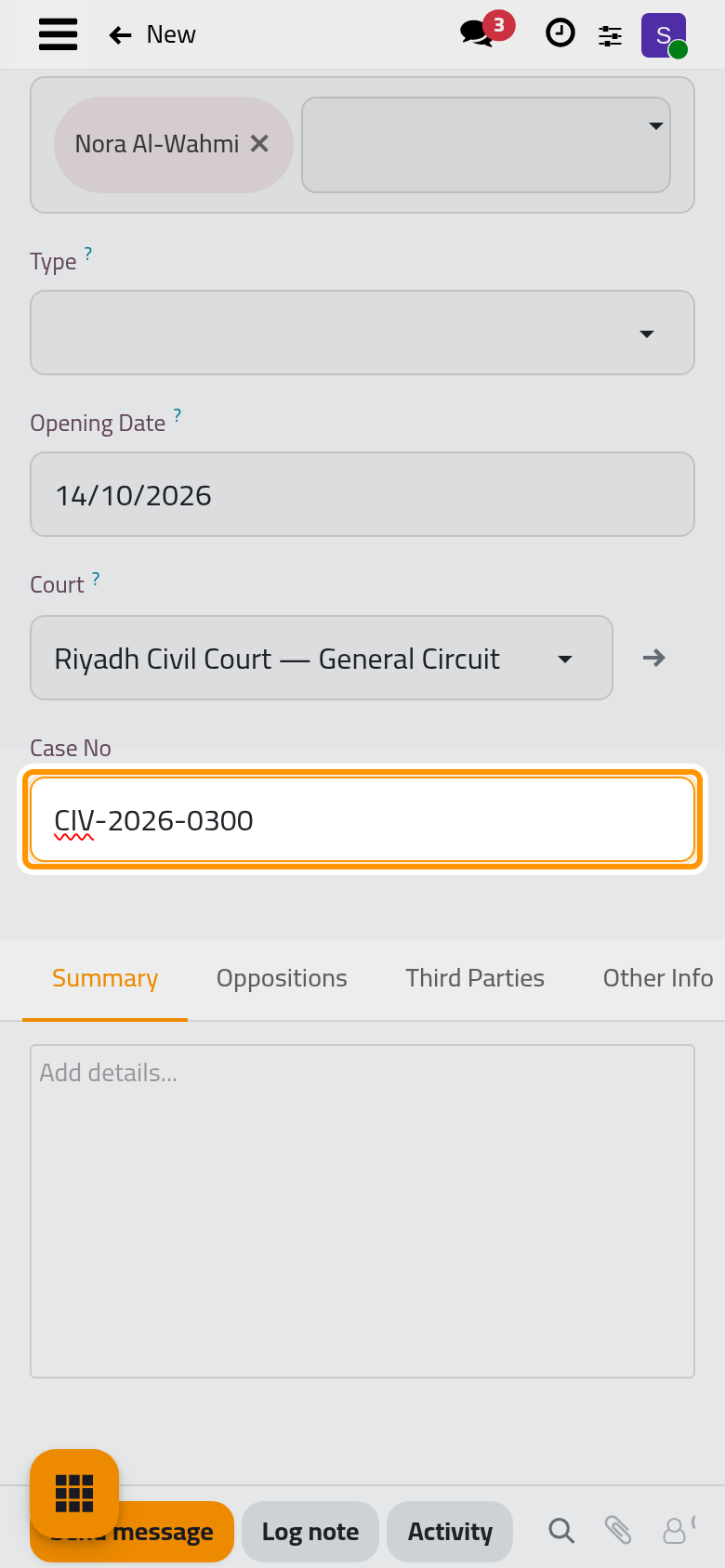
- In Summary, write the facts; in Oppositions and Third Parties, add the other parties.
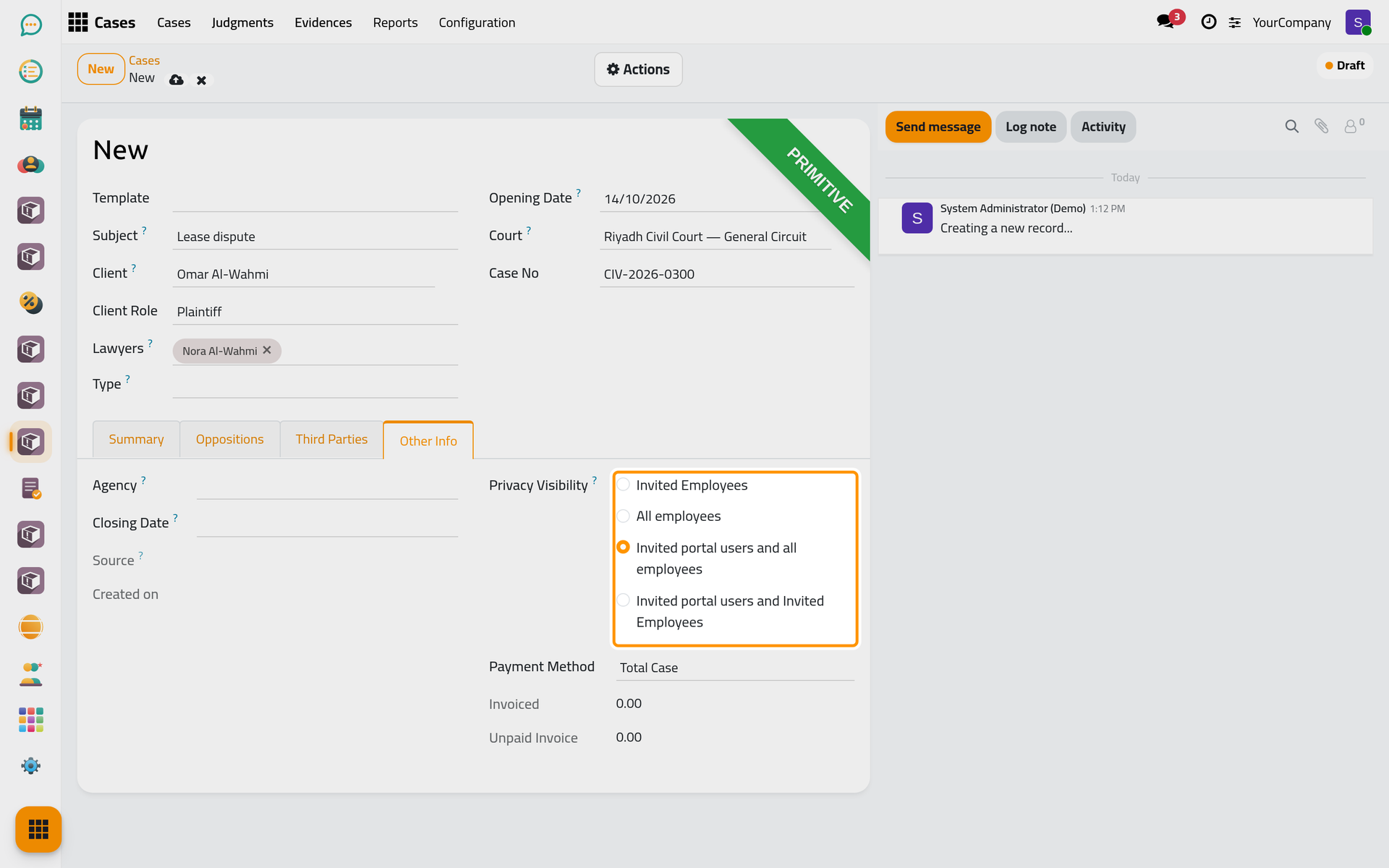
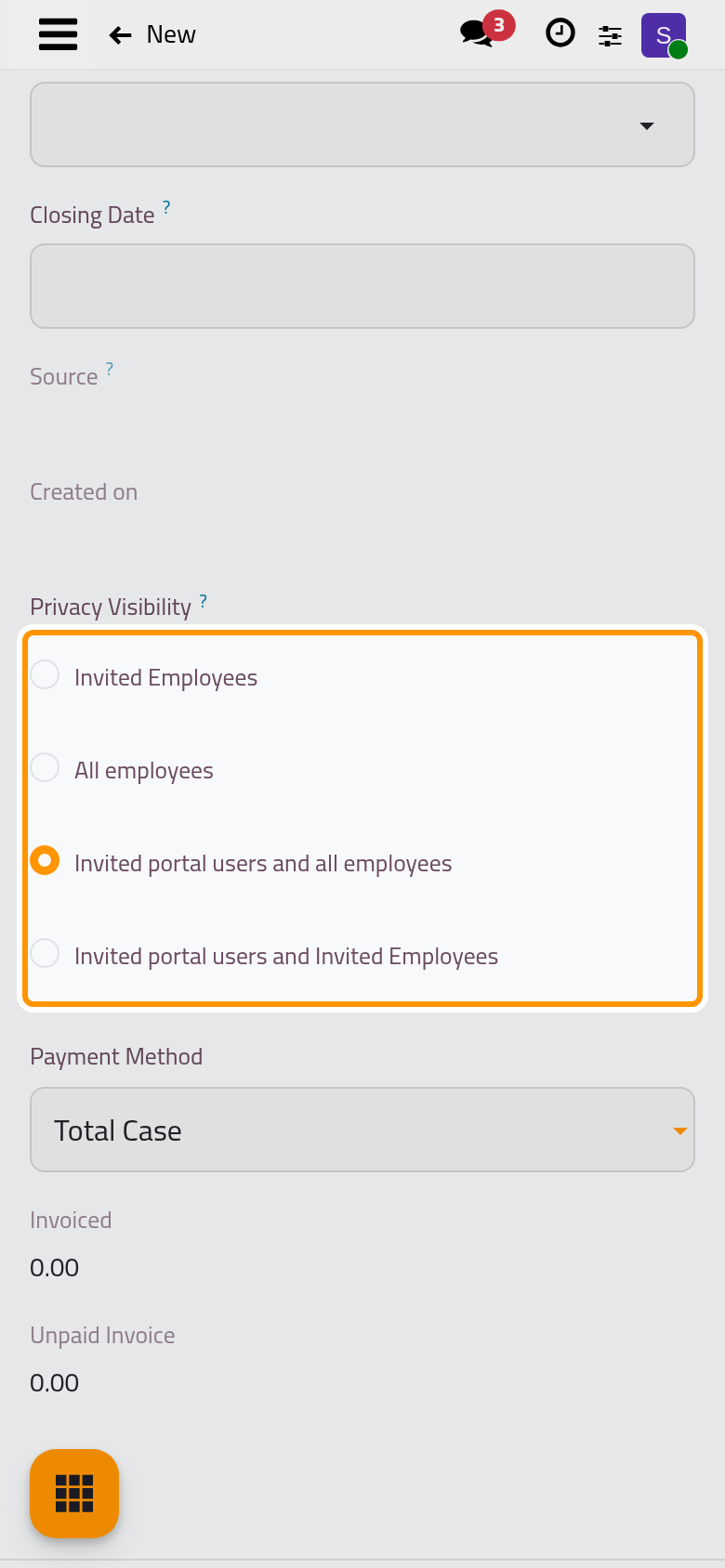
- In Other Info, Privacy Visibility decides who sees the case, as for consultations: only its followers, every employee, or the client on the portal too.
- Click the cloud icon Save manually. The case gets its number and starts as a Draft; Actions › In Progress starts the work.
From a client request
A dispute that arrives as a client request becomes a case from the request: open the request, set its Type to Case, and click Approve. A new case opens, filled from the request.
Cancel a case, or change its client
- Actions › Cancel asks for a confirmation, then for the reason, from the list kept in . The case becomes Canceled.
- Actions › Change Client moves the case to another client in one step.
FAQ
Where do the hearings, evidence and judgments of a case appear?
On the case itself: the buttons at the top open its hearings, evidence and judgments, and the Lost Judgments tab lists the judgments that went against the client.
Was this page helpful?
Thank you for your feedback.