Appeal, reconsider or revoke a judgment
On this page
A judgment can be challenged. Jaah follows the chain on the case itself: a primitive judgment can be appealed or reconsidered, an appeal judgment can be revoked, and each step brings the case back into work.
Before you start
- The case is Won or Lost with a recorded judgment (see Record a judgment).
- You need the User: Own Documents level or higher on Cases.
Appeal or revoke
- Open the case, then Actions › Appeal after a primitive judgment, or Actions › Revoke after an appeal judgment.
- In the window Change Case Court, pick the Court that hears the appeal or the revocation and click Submit.
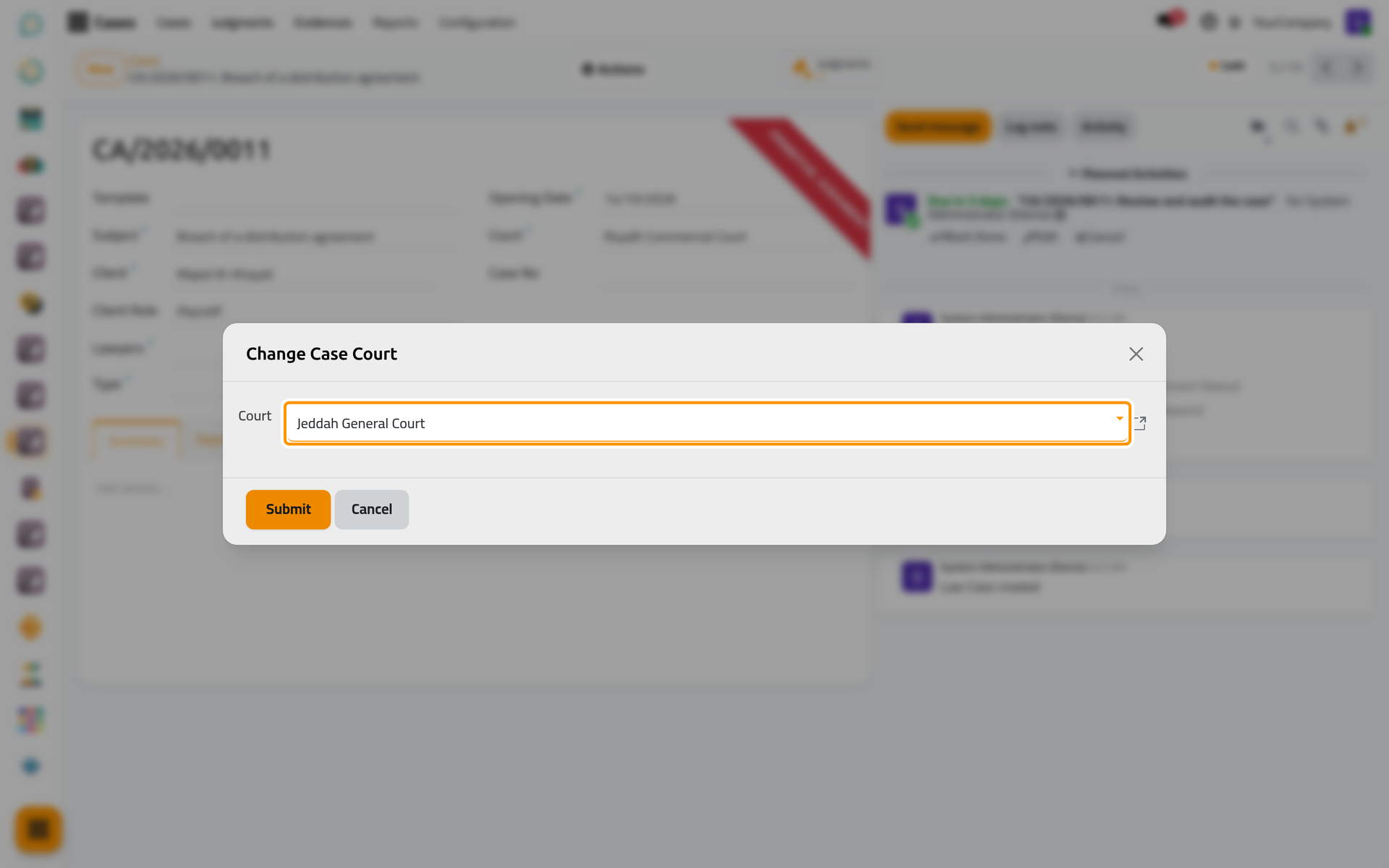
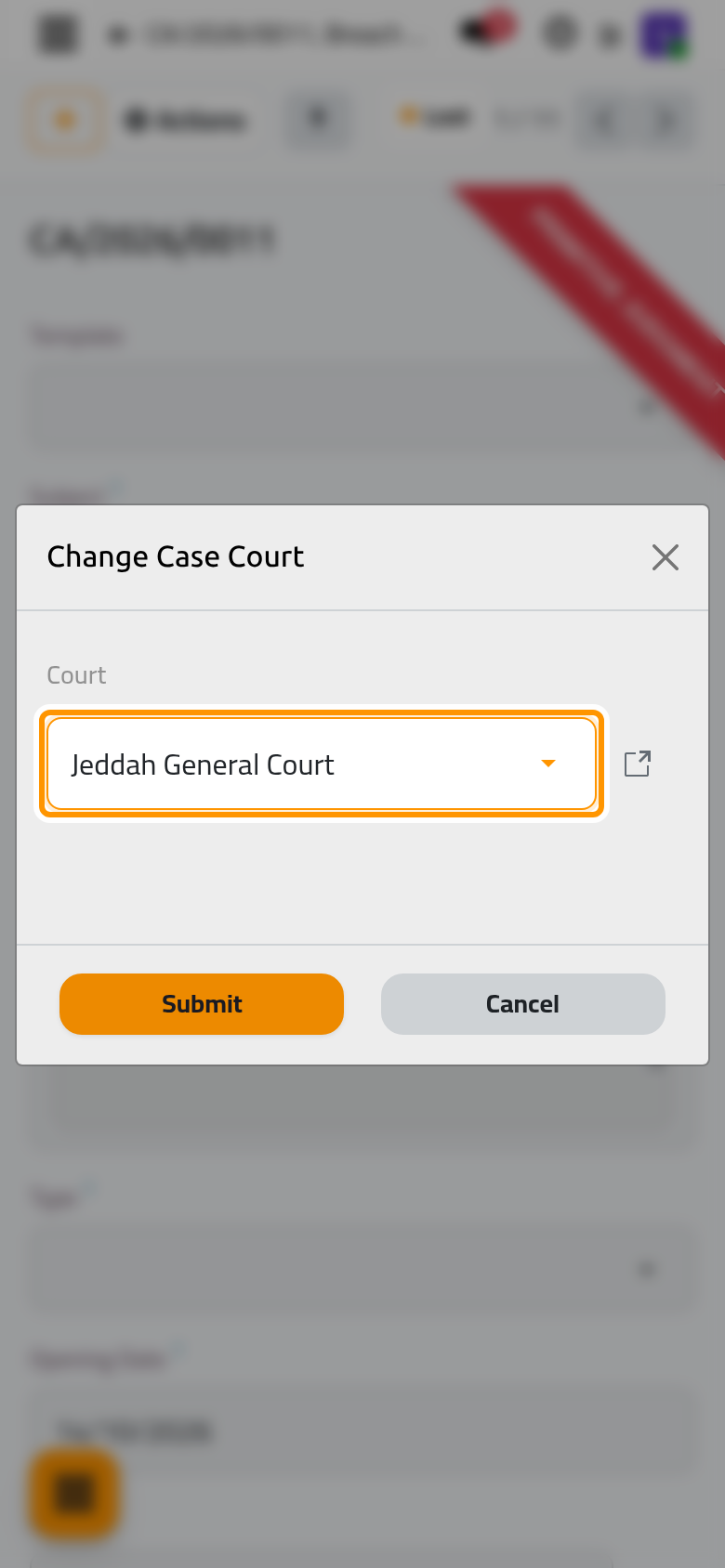
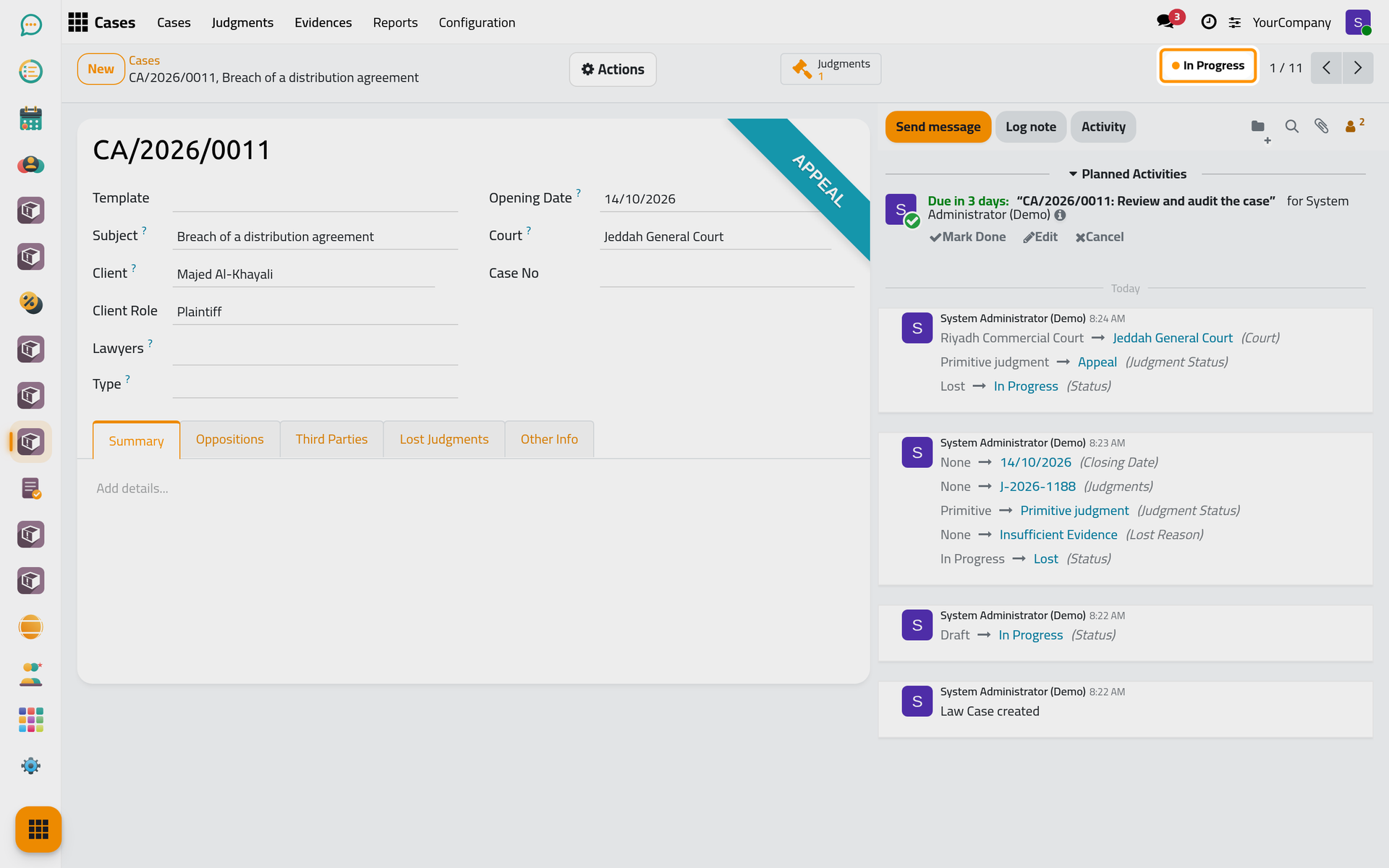
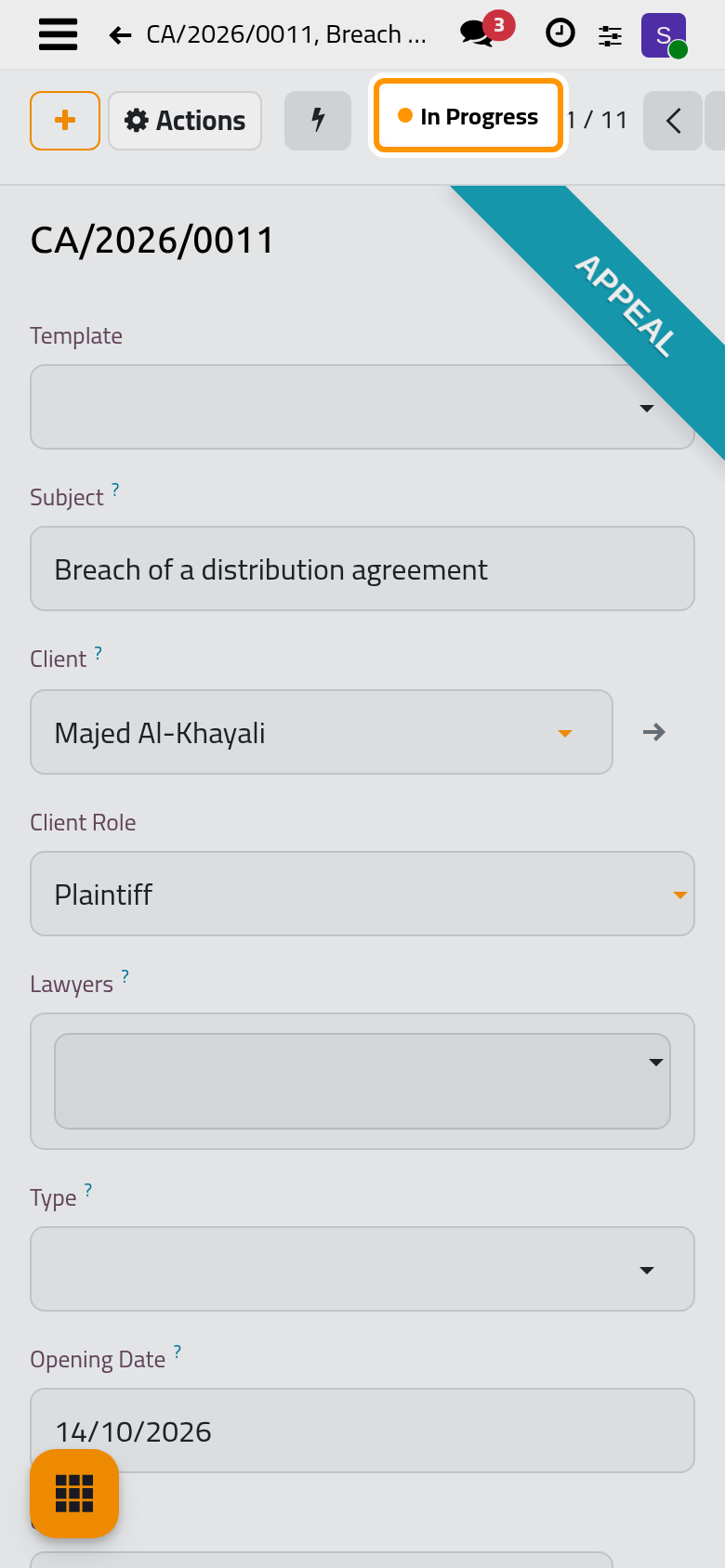
The case goes back In Progress before the new court, at the appeal or final stage; any open appeal or revocation deadline activity is closed.
Request a reconsideration
After a primitive judgment, Actions › Reconsideration brings the case back In Progress before the same court, at the reconsideration stage.
Choose the next step
Choosing In Progress on a case that already has a primitive or appeal judgment opens a window that suggests the right next step (Appeal, Reconsideration or Revoke), or keeps the case In Progress as it is.
FAQ
The case was lost for good.
Leave it Lost. To pursue the client's claim in a new case, Actions › Redirect Case opens a new case for the same client.
Was this page helpful?
Thank you for your feedback.