Tutorial
Your first case
On this page
This tutorial follows one case through its first steps: the firm takes a client's dispute to court, records it, starts working on it and schedules the first hearing. You need the User: Own Documents level or higher on Cases (in the Legal Rights section of your user), and at least one lawyer, one client and one court in Jaah.
What you will do
- Open the cases and record a new one.
- Put it in progress.
- Schedule its first hearing.
- Find the hearings, evidence and judgments of the case.
1. Record the case
- Open and click New.
- Type the Subject, pick the Client and its Client Role (the plaintiff, the defendant), and pick one or more Lawyers.
- Pick the Court, and type the Case No the court gave, when it has one. The Opening Date is today unless you change it.
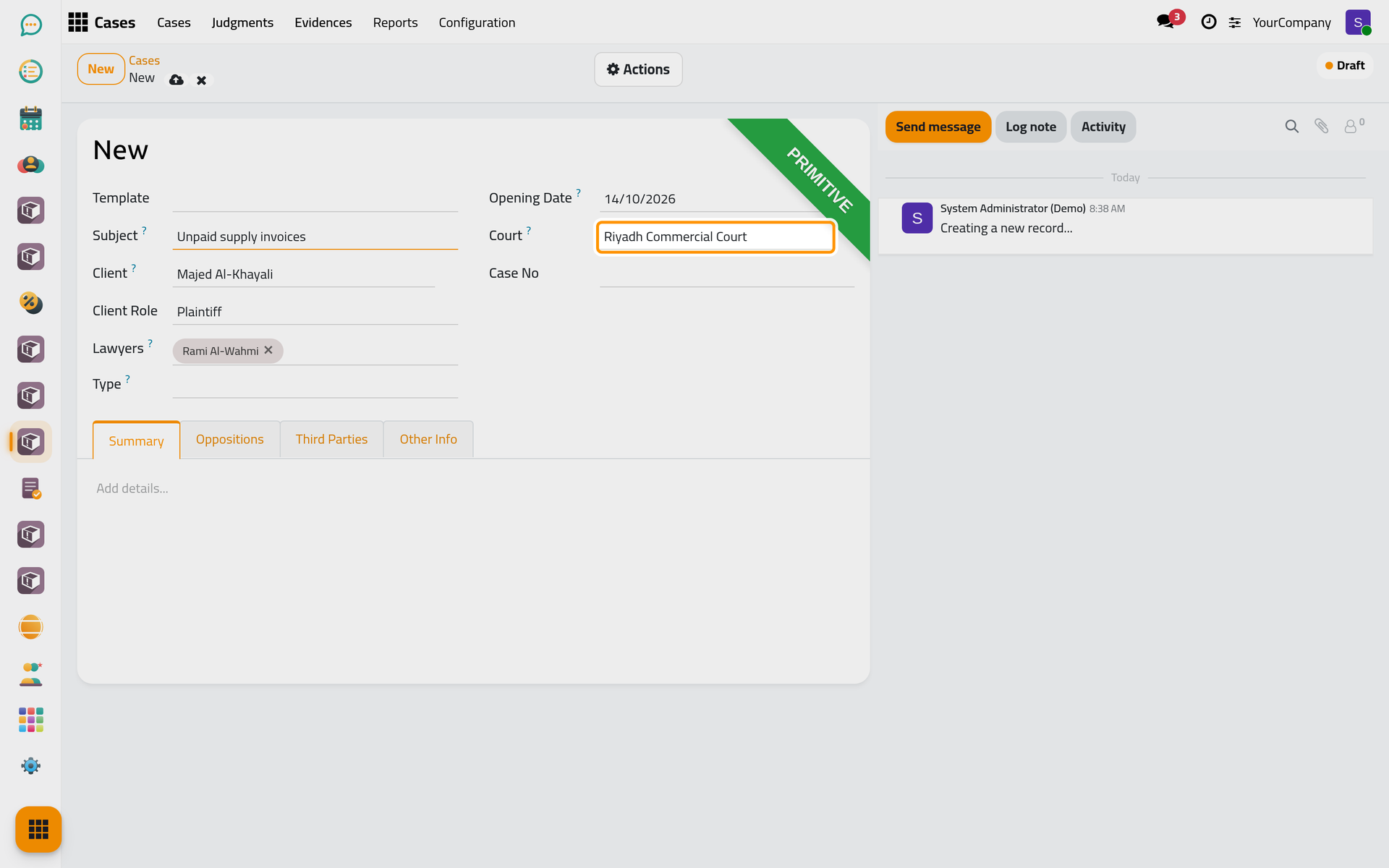
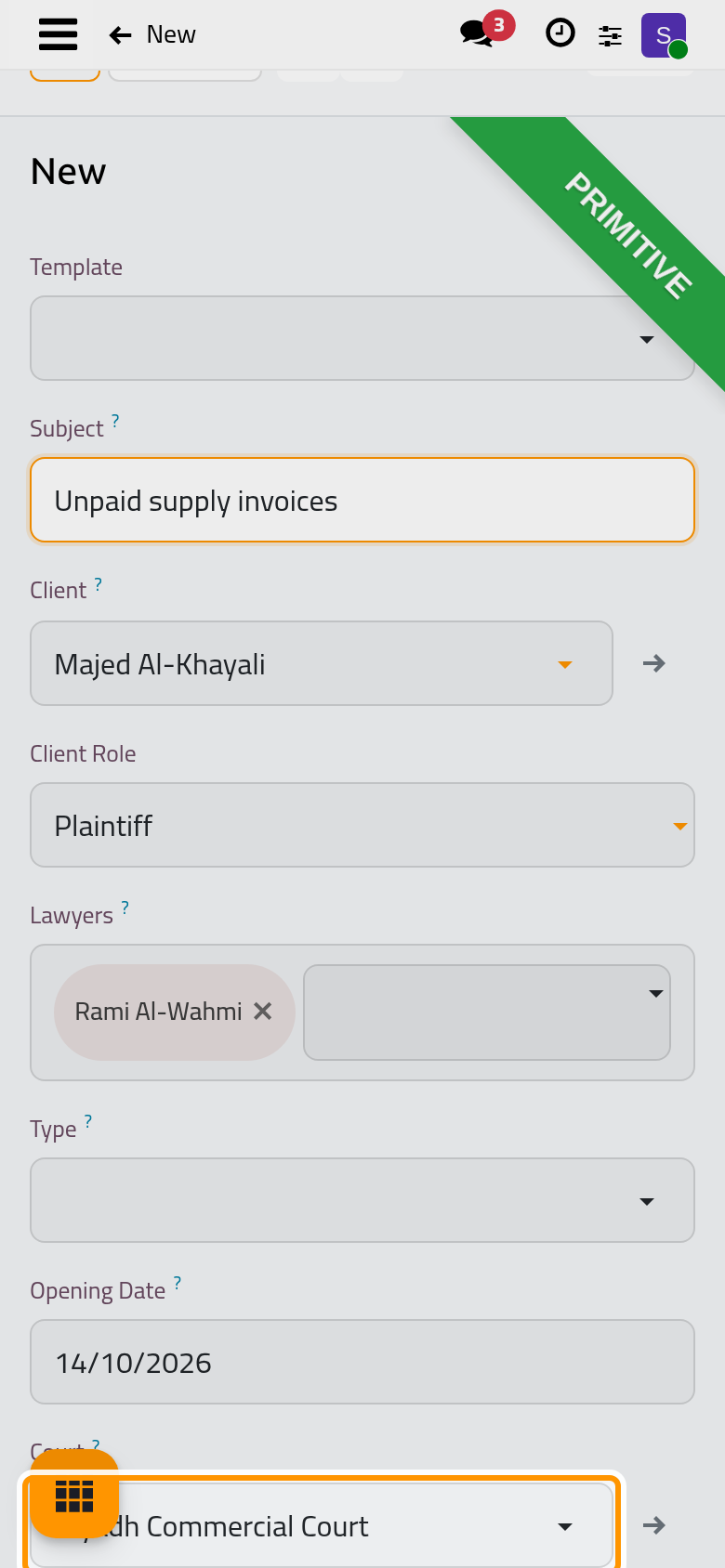
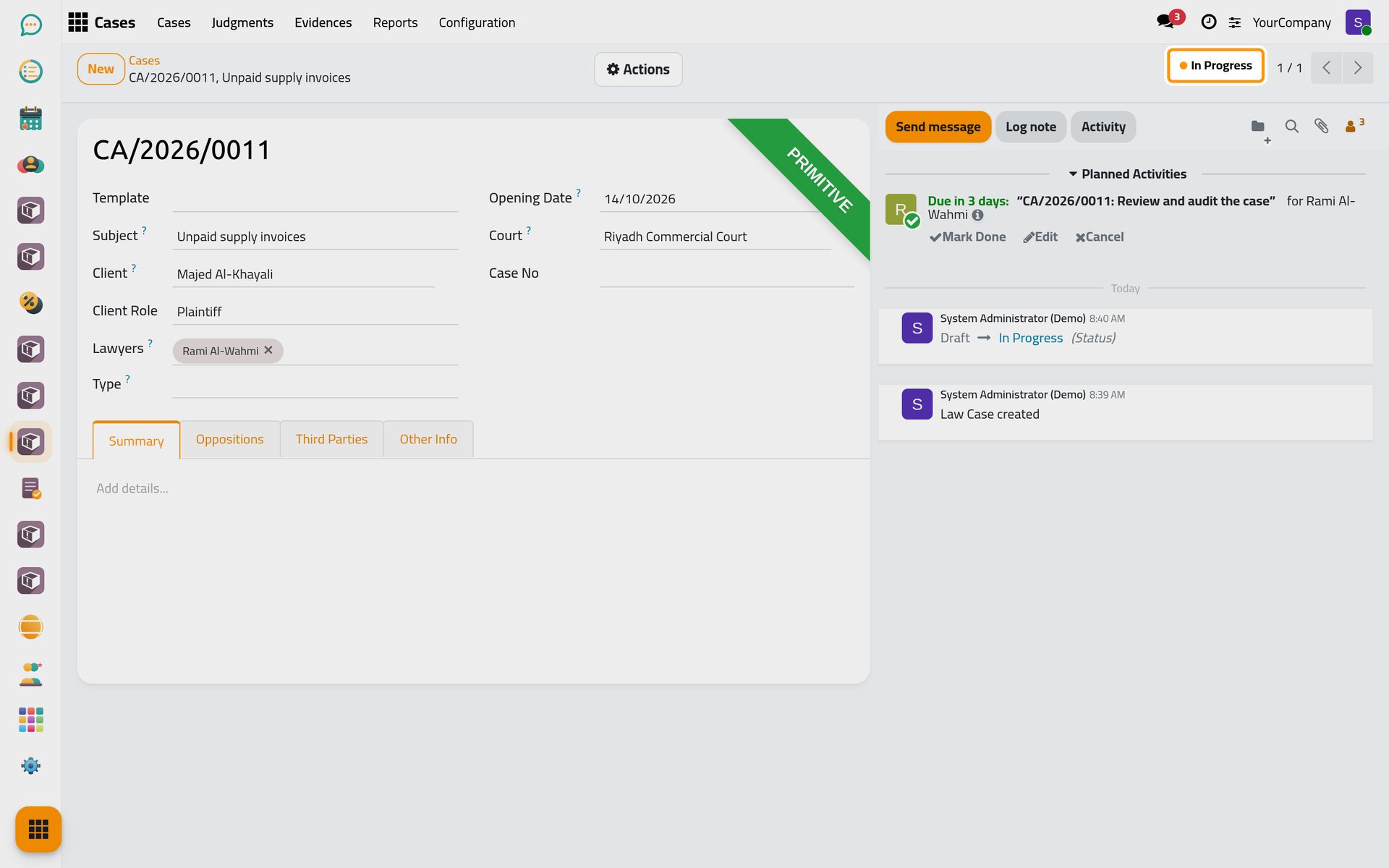
- Click the cloud icon Save manually. The case gets its number (CA/2026/0011, for example) and starts as a Draft.
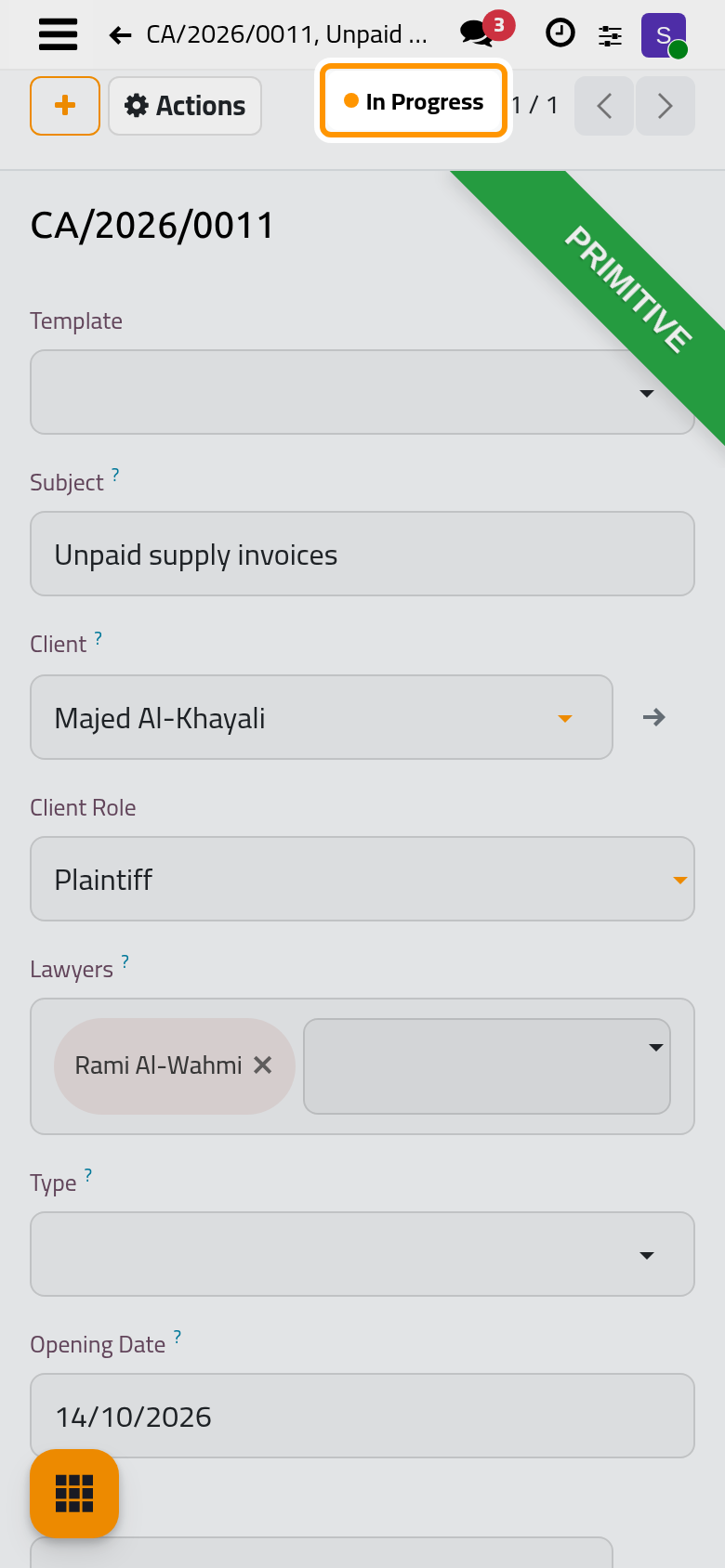
2. Put it in progress
Open Actions and choose In Progress. The case is now worked on: Actions offers Add Hearing, Add Evidence and Add Judgment.
3. Schedule its first hearing
- Open Actions and choose Add Hearing. A hearing opens for this case, with its court.
- Pick the Lawyers who attend, set the Date and time of the hearing, and click Save manually.
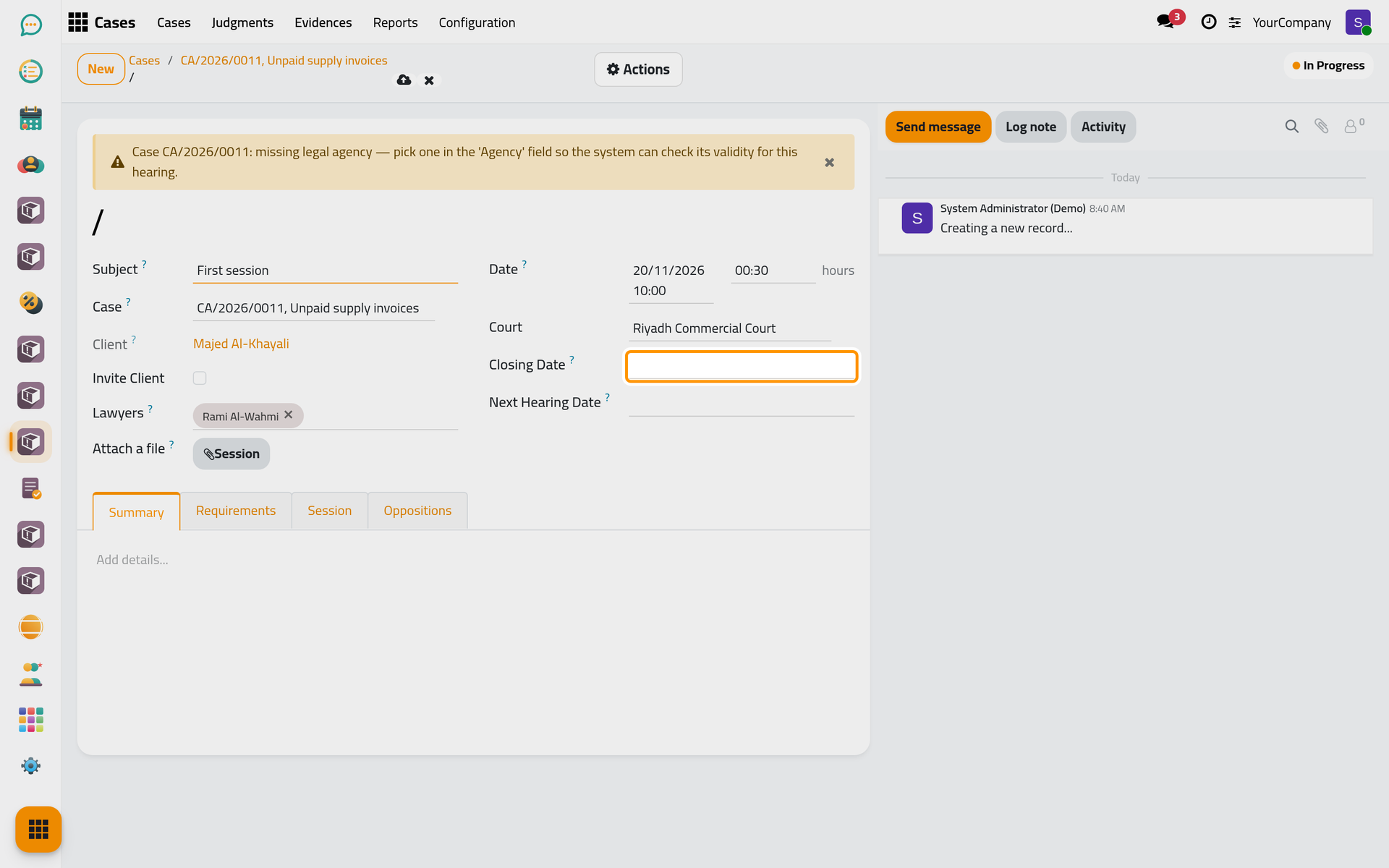
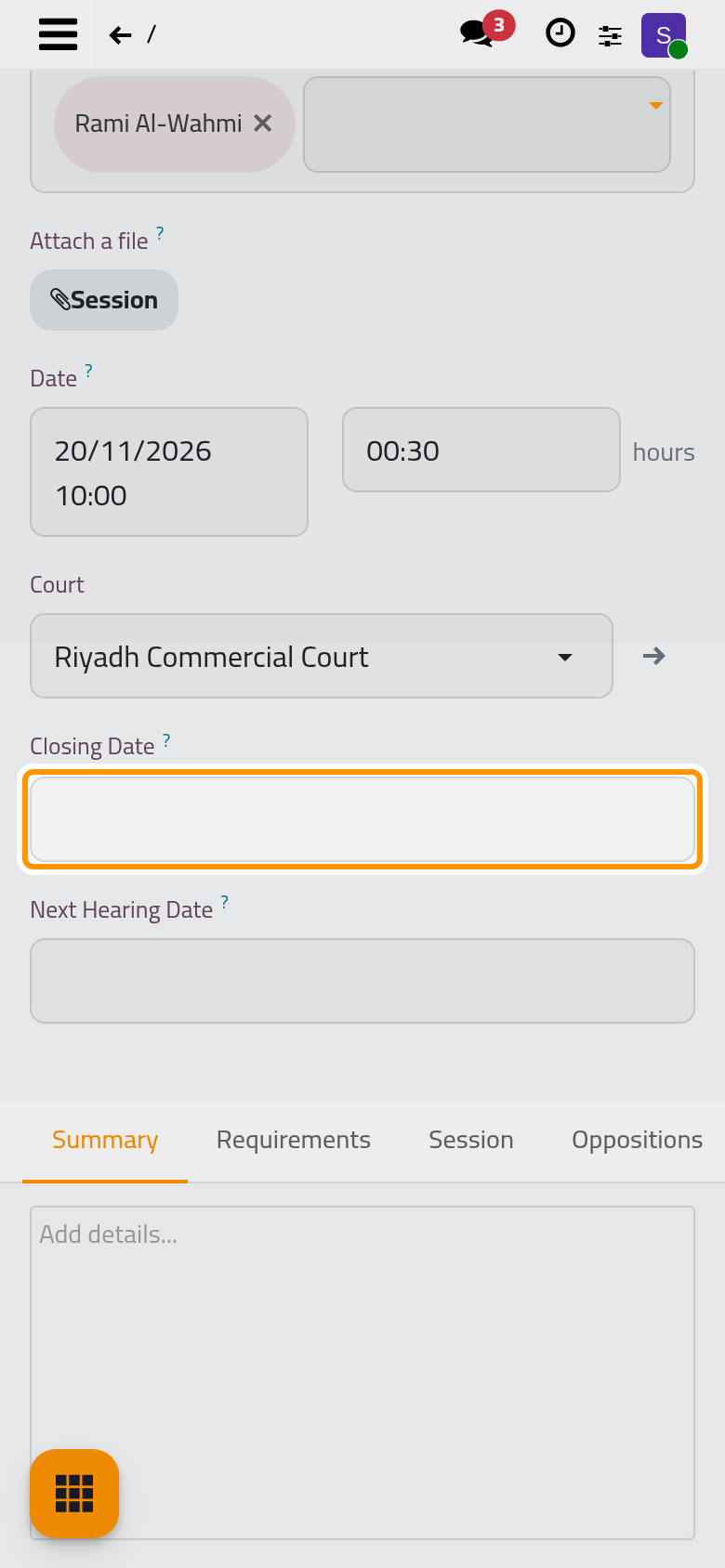
The hearing appears under the Hearings button of the case, and in the calendar of its lawyers who sign in to Jaah.
Next steps
- Open a case, including one that starts from a client request.
- Schedule a hearing and record its minutes.
- Record a judgment, then appeal, reconsider or revoke.
Was this page helpful?
Thank you for your feedback.