Contracts settings
On this page
The contracts options sit in three boxes of the legal settings: Expiration Reminder, Invoicing and Activation Notice. The reminder and the notice are off until you turn them on.
Before you start
- Changing settings needs the Administrator role (Role on the user's Access Rights tab).
Expiration Reminder
Open . The options under the first box appear once it is ticked.
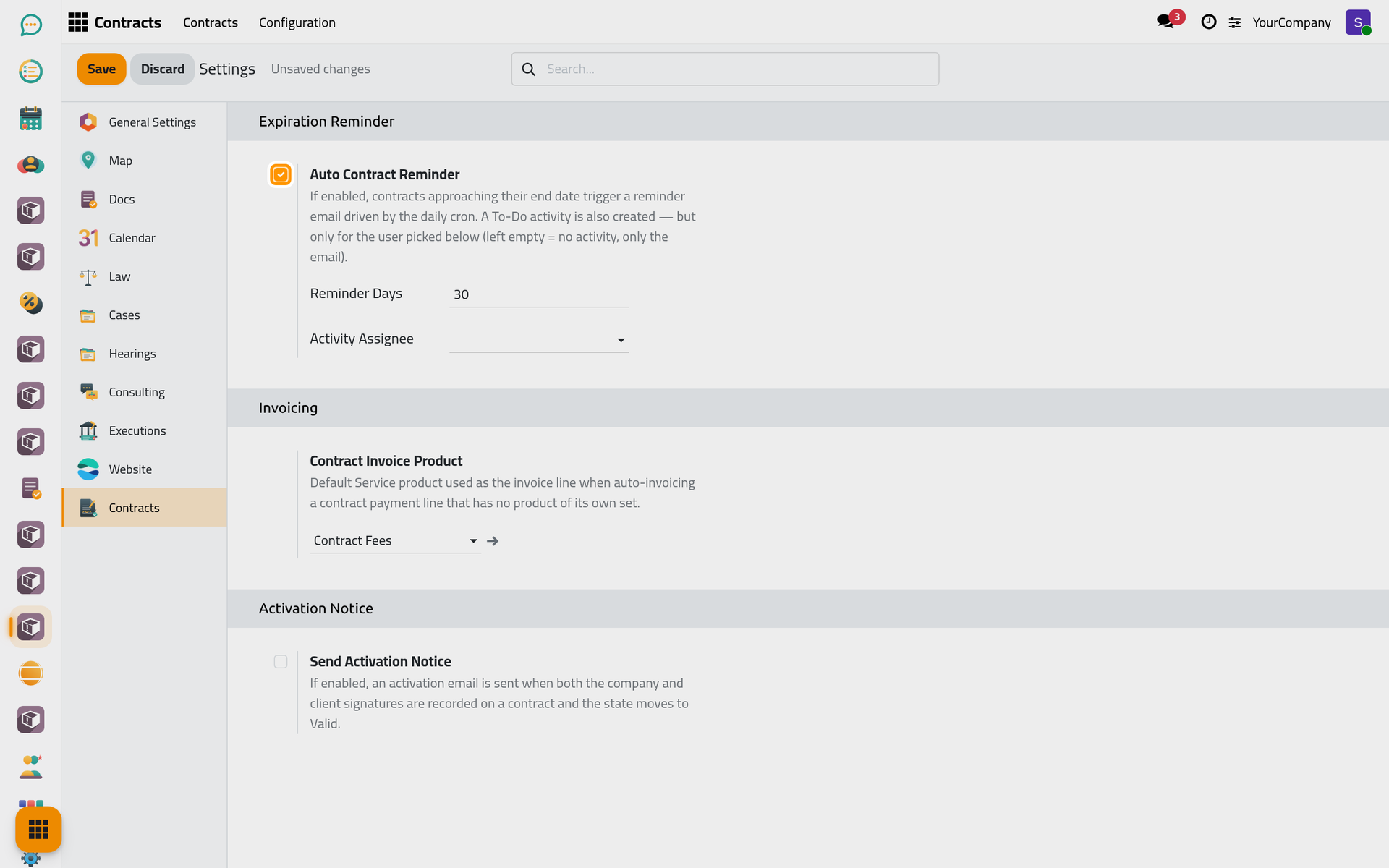
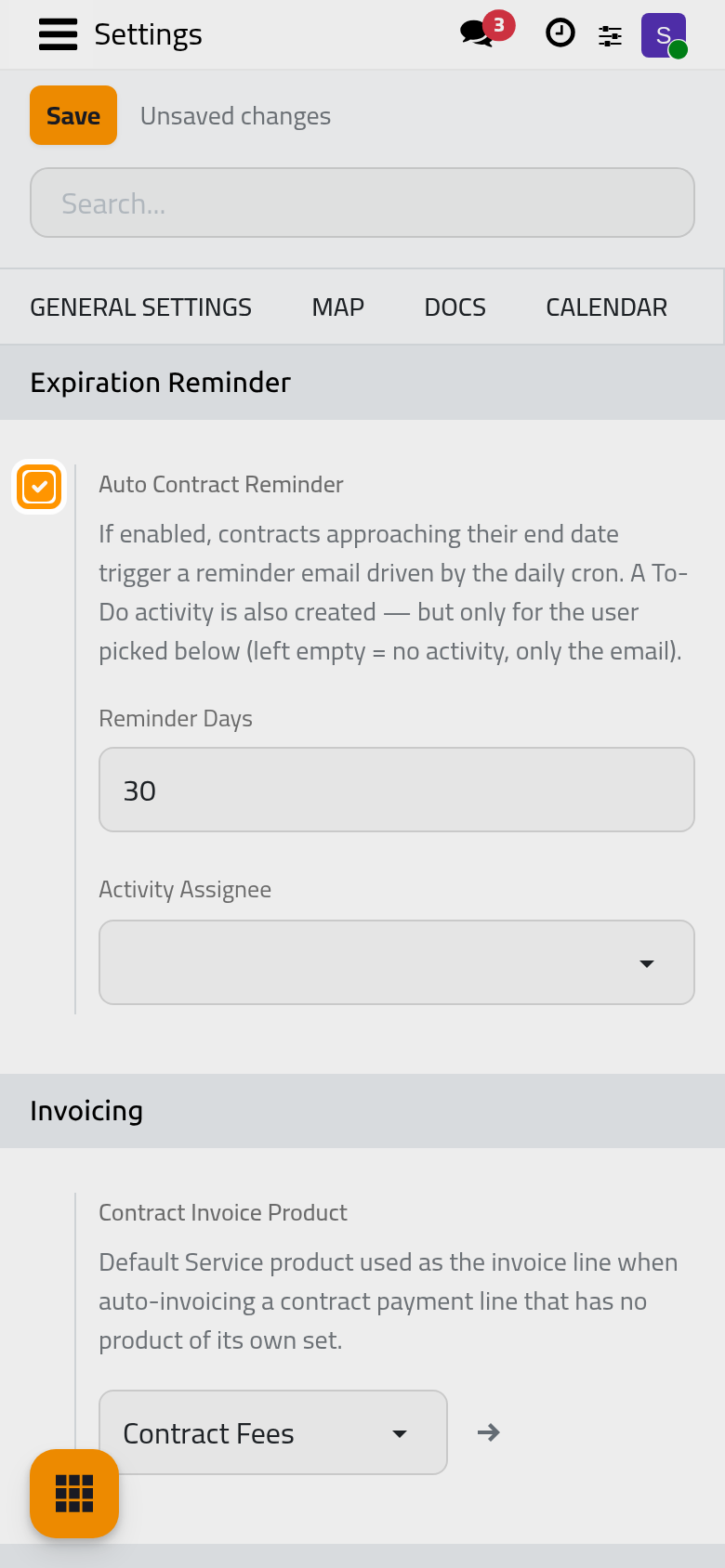
Auto Contract Reminder
Off by default. Turn it on to be warned before a valid contract ends: the client receives a reminder e-mail, once for each end date.
Reminder Days
How many days before the End Date the reminder goes out: 30 by default.
Activity Assignee
The user who also receives a to-do "Contract expires in N day(s)" with each reminder, typically the person who renews contracts. Leave it empty to send only the e-mail.
Invoicing
Contract Invoice Product
The service the invoice of a contract instalment bills when the instalment names no product of its own. Choose the service your accountant uses for contract fees; without it, invoicing an instalment that has no product is refused with a message pointing here.
Activation Notice
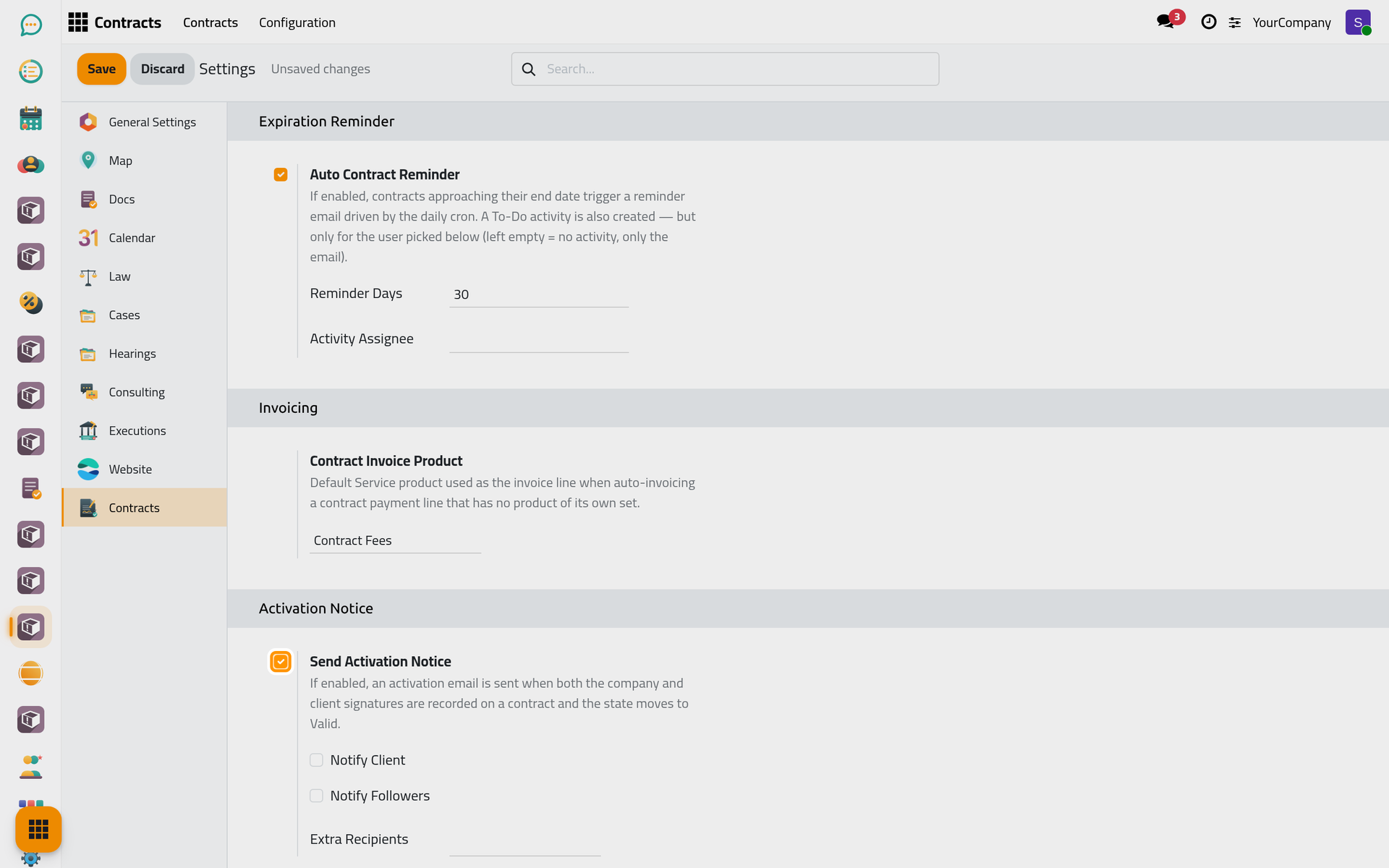
Send Activation Notice
Off by default. Turn it on to send an e-mail when a contract becomes Valid, that is when both the firm's and the client's signatures are recorded. The three options below choose who receives it.
Notify Client
The contract's Client receives the e-mail, if the client has an e-mail address.
Notify Followers
Everyone who follows the contract receives it.
Extra Recipients
Other contacts who always receive it, such as the accountant who starts billing.
Click Save to apply your changes.
FAQ
The client received no reminder.
Check that Auto Contract Reminder is on, that the contract is Valid with an End Date, and that the client has an e-mail address. A contract is reminded once for a given end date; renewing it with a new end date brings a new reminder. The page Contracts automations explains when the reminder runs.
Was this page helpful?
Thank you for your feedback.