Finish, suspend or reject a file
On this page
A file in progress ends in one of three ways: it is finished, suspended for a while, or rejected by the court. Each asks for its reason, from the lists in .
Before you start
- You need the User: Own Documents level or higher on Executions.
- The file is In Progress: the three actions appear only then.
Suspend a file
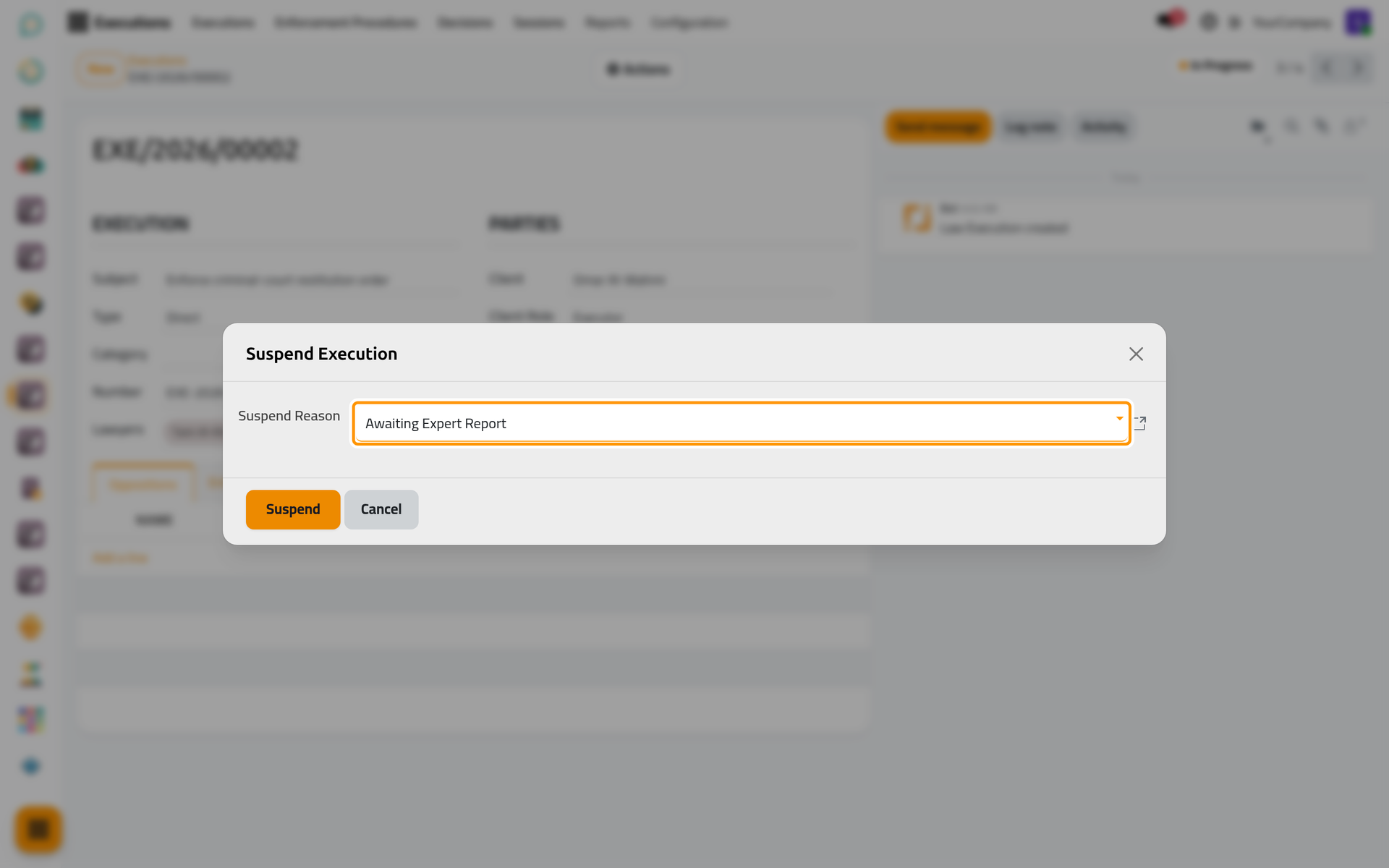
- Open the file and click Actions › Suspend.
- Choose the Suspend Reason and click Suspend.
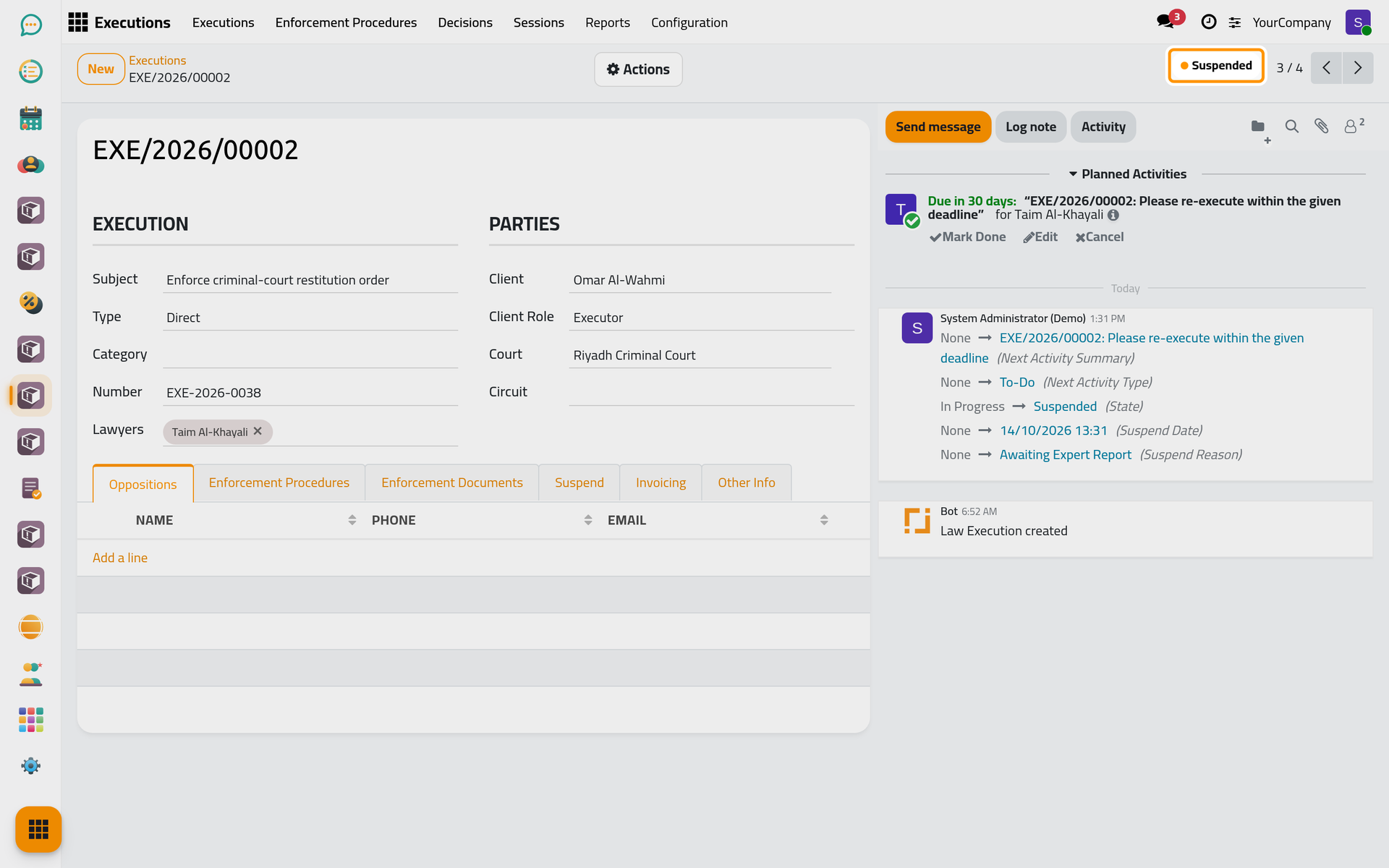
The file becomes Suspended, with its reason and date in the Suspend tab. Each lawyer of the file gets a to-do to resume it, due after the number of days set in the execution settings (30 by default).
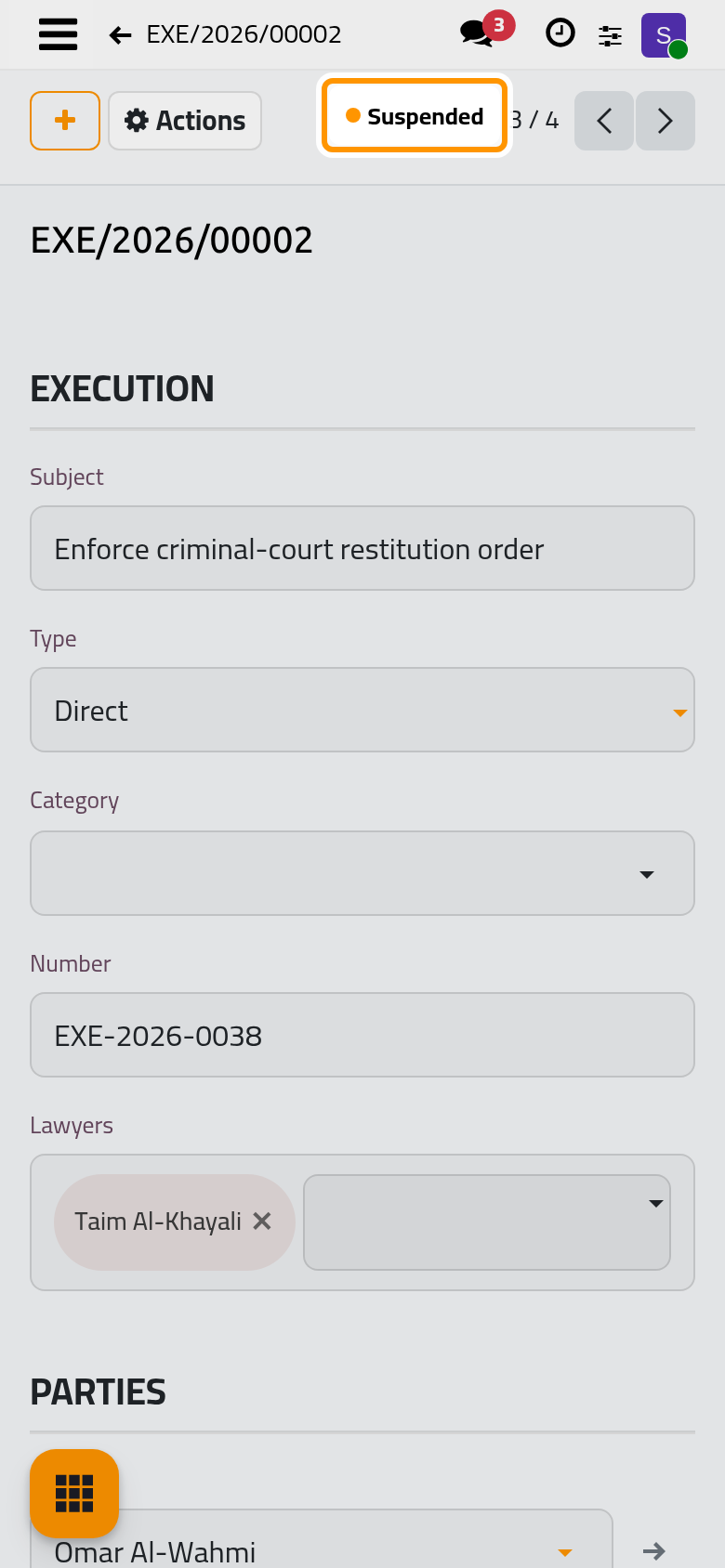
To resume the file, click Actions › In Progress.
Finish a file
- Click Actions › Finish.
- Choose the Finish Reason, such as Full Payment or Settlement Reached, and click Finish.
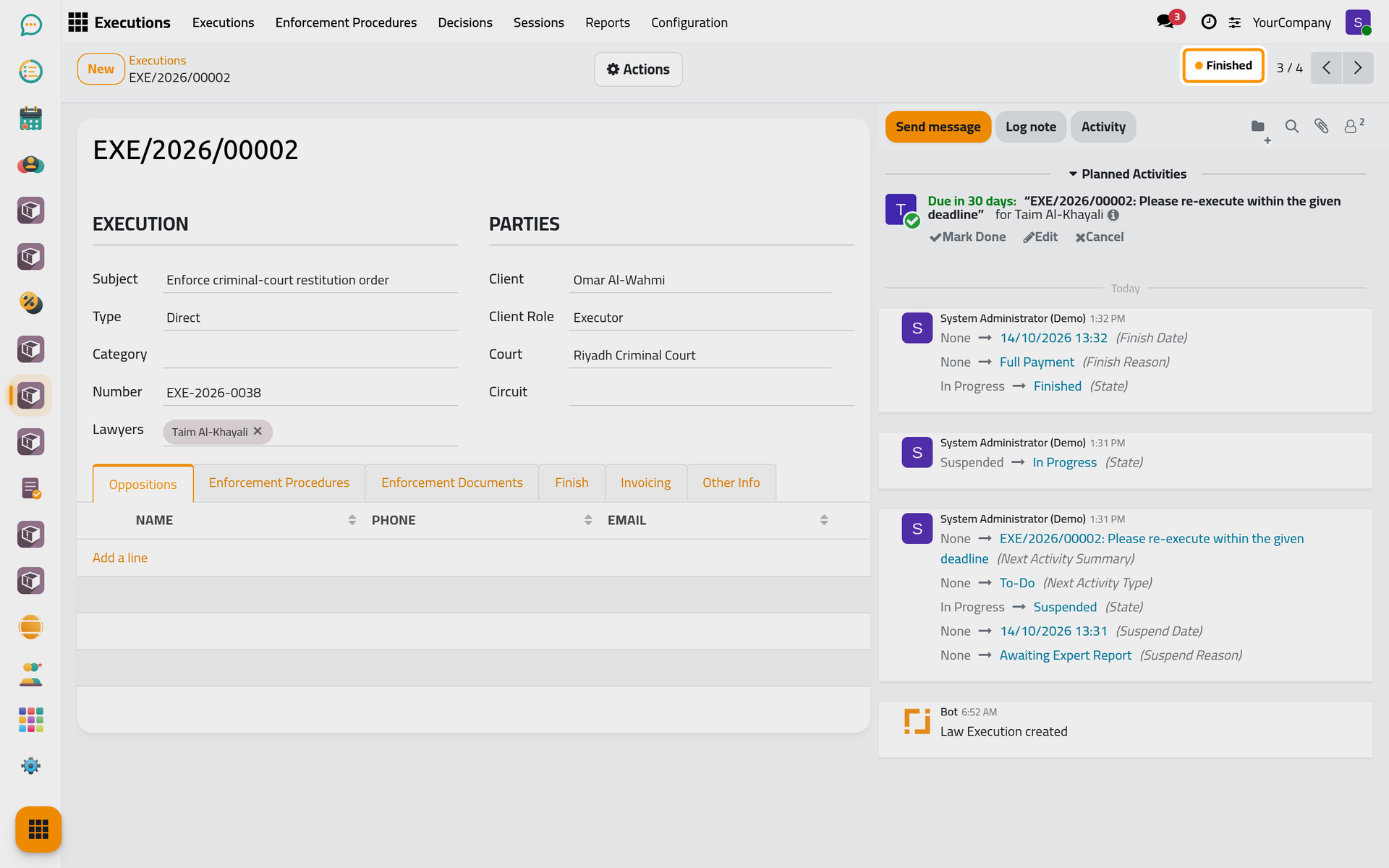
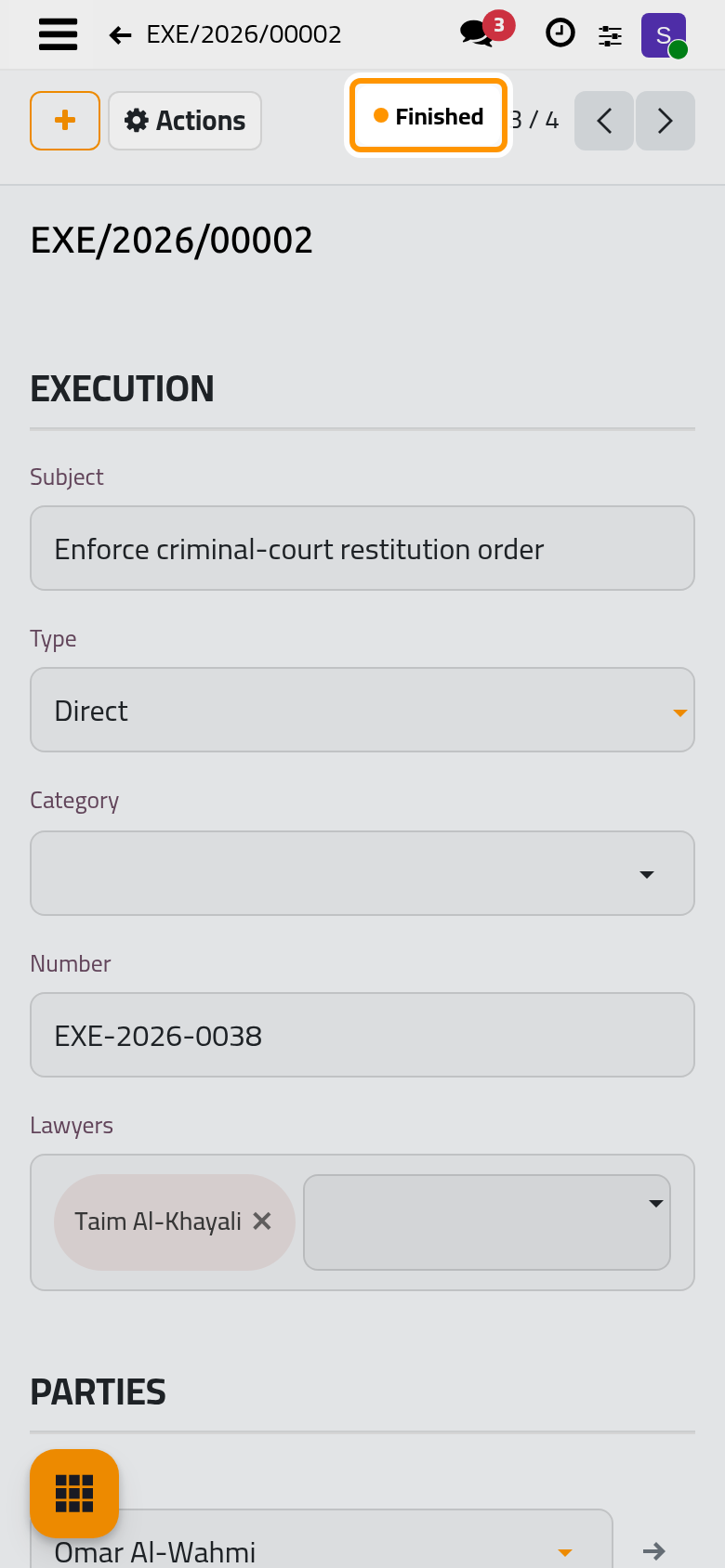
The file becomes Finished, with its reason and date in the Finish tab.
Reject a file
Actions › Reject records that the court refused the request: choose the Reject Reason, such as Incomplete Documents or Lack of Jurisdiction, and click Reject. The file becomes Rejected.
FAQ
Suspend says that a lawyer has no related user.
Suspending gives each lawyer of the file a to-do, so each lawyer needs a user. Give the lawyer a work e-mail in the lawyers directory, which creates the user, or remove the lawyer from the file. The firm can also turn off Re-execution Activity in .
Does the client hear about the new state?
When State Change Emails is on in the execution settings, the clients of the file who have an e-mail address receive the template chosen for the new state.
Was this page helpful?
Thank you for your feedback.