How-to
Track enforcement procedures
On this page
An enforcement procedure is one request in a file: freezing the debtor's accounts, seizing a property, a travel ban. Each has its number and subject, and a state that follows the court.
Before you start
- You need the User: Own Documents level or higher on Executions.
- The file exists and is in progress.
Add a procedure
- Open the file and its Enforcement Procedures tab.
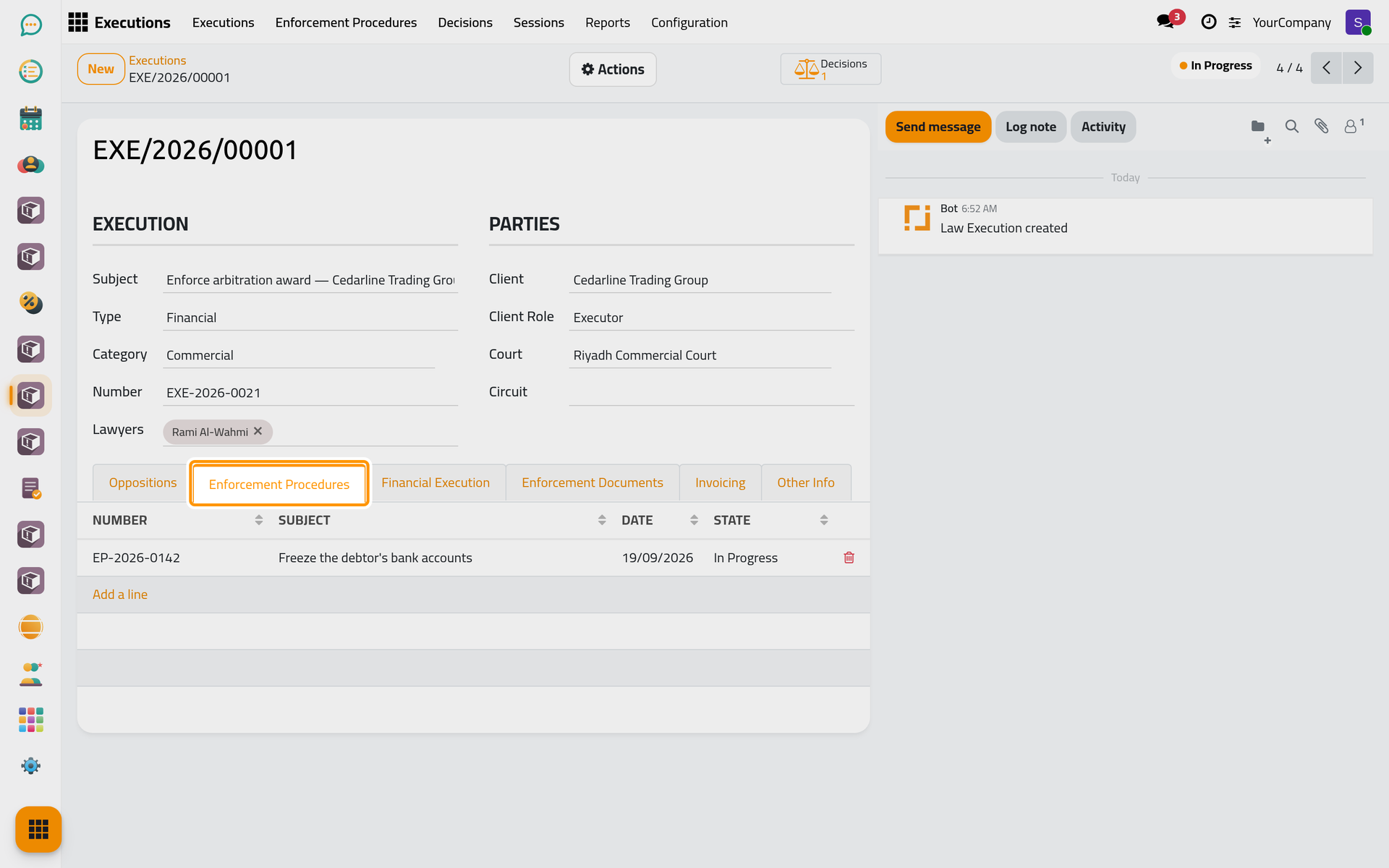
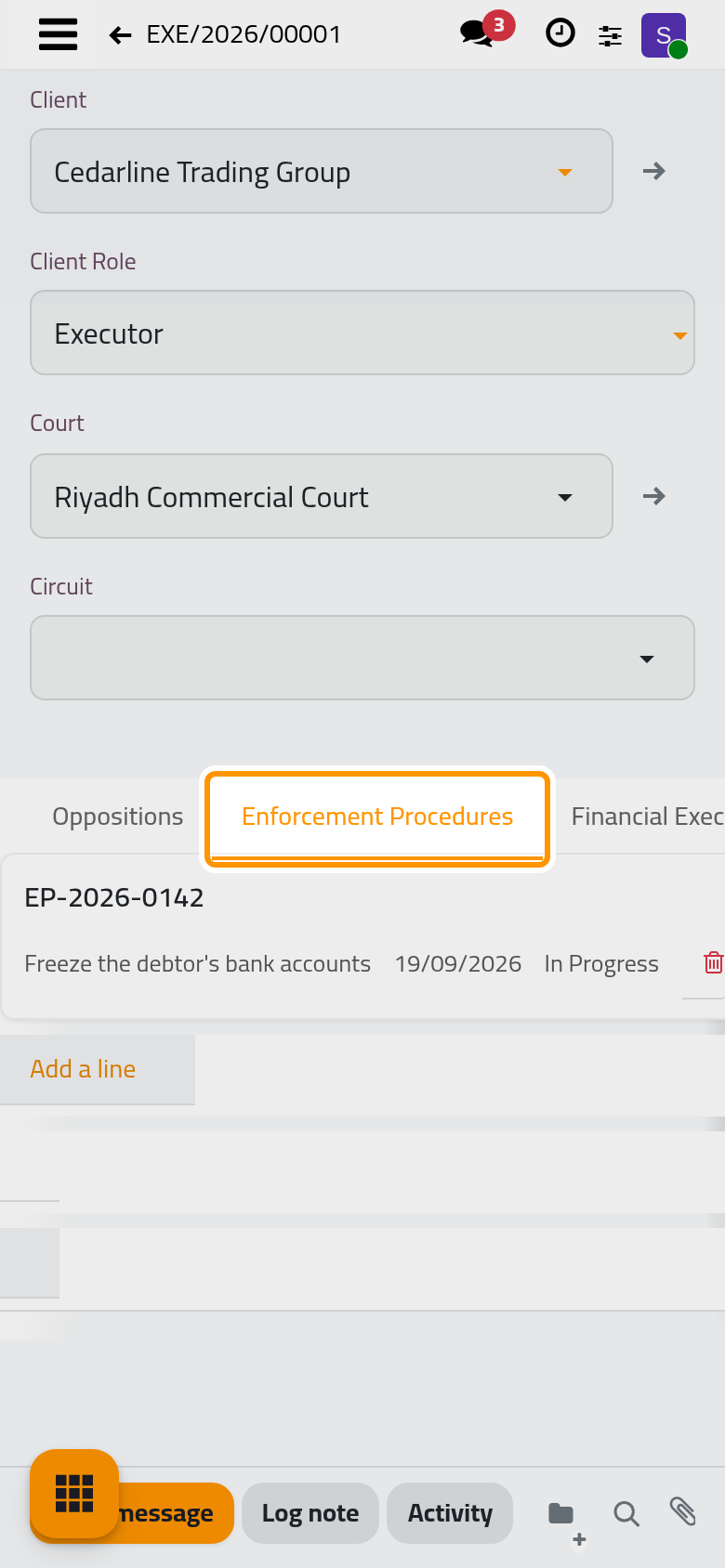
- Click Add a line, type the Number and the Subject; the Date is today unless you change it. Describe the request in Description.
- Click Save & Close. The procedure starts in Review.
Follow the court's answer
Open the procedure from the tab. Its buttons move it on:
- In Progress when the court accepts the request and starts acting on it.
- Finished when the court has carried it out.
- Reject when the court refuses it; it asks for the reason, from the list in .
Write what the court answered in Response, with its Response Date.
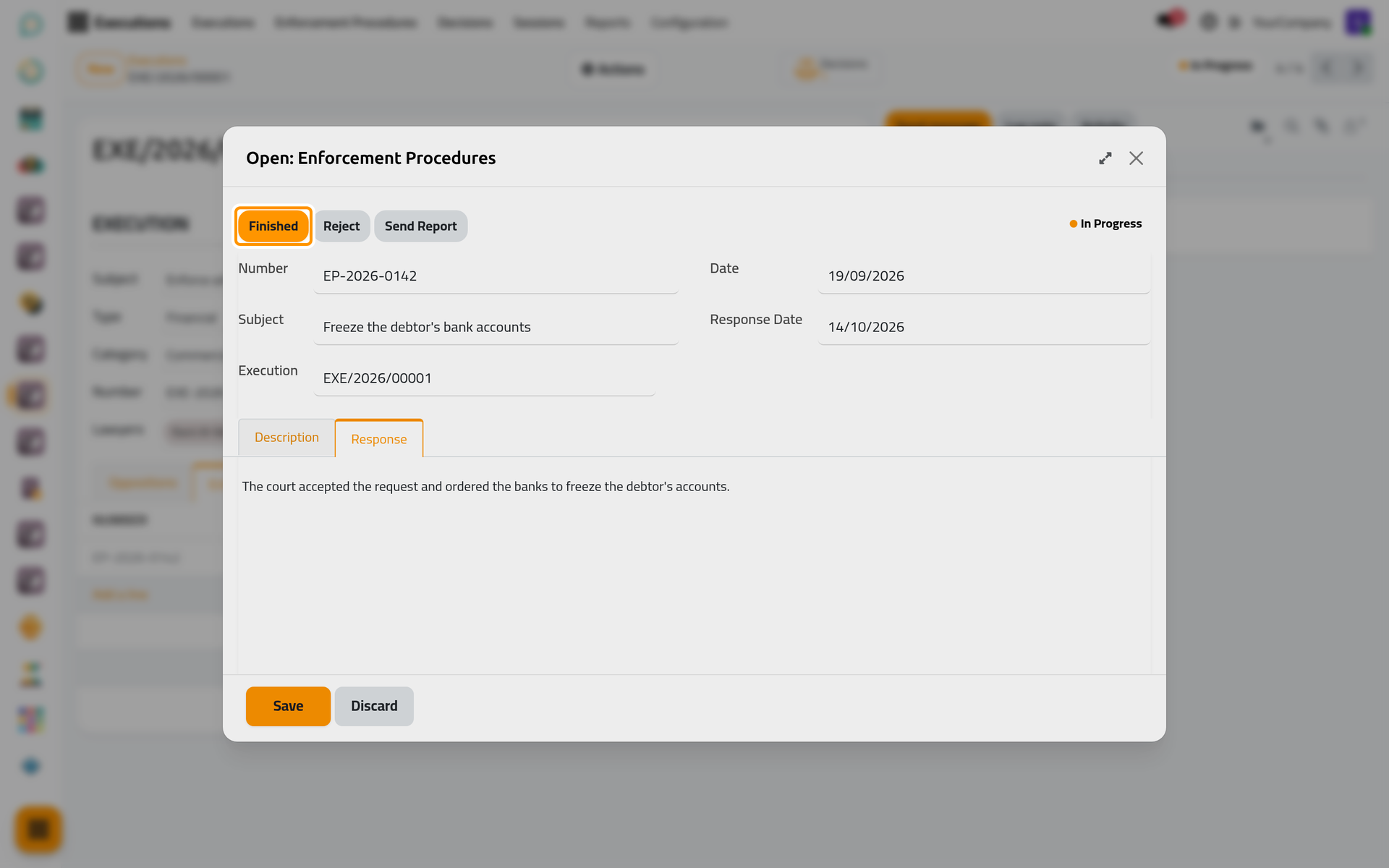
Send Report opens an e-mail with the procedure for the clients of the file, ready to send.
FAQ
Where do I see the procedures of every file?
In : one list for the firm, which you can filter by state or by file.
Does the client hear about a new procedure?
When Procedure Emails is on in the execution settings and a template is chosen for it, the clients of the file who have an e-mail address receive one for each new procedure.
Was this page helpful?
Thank you for your feedback.