How-to
Print execution reports
On this page
Two printable reports give the firm a quick view of its execution work: the list of files, and the files nobody has touched for a while.
Before you start
- You need the Read-only level or higher on Executions. A report lists only the files you may see.
The list of files
- Open .
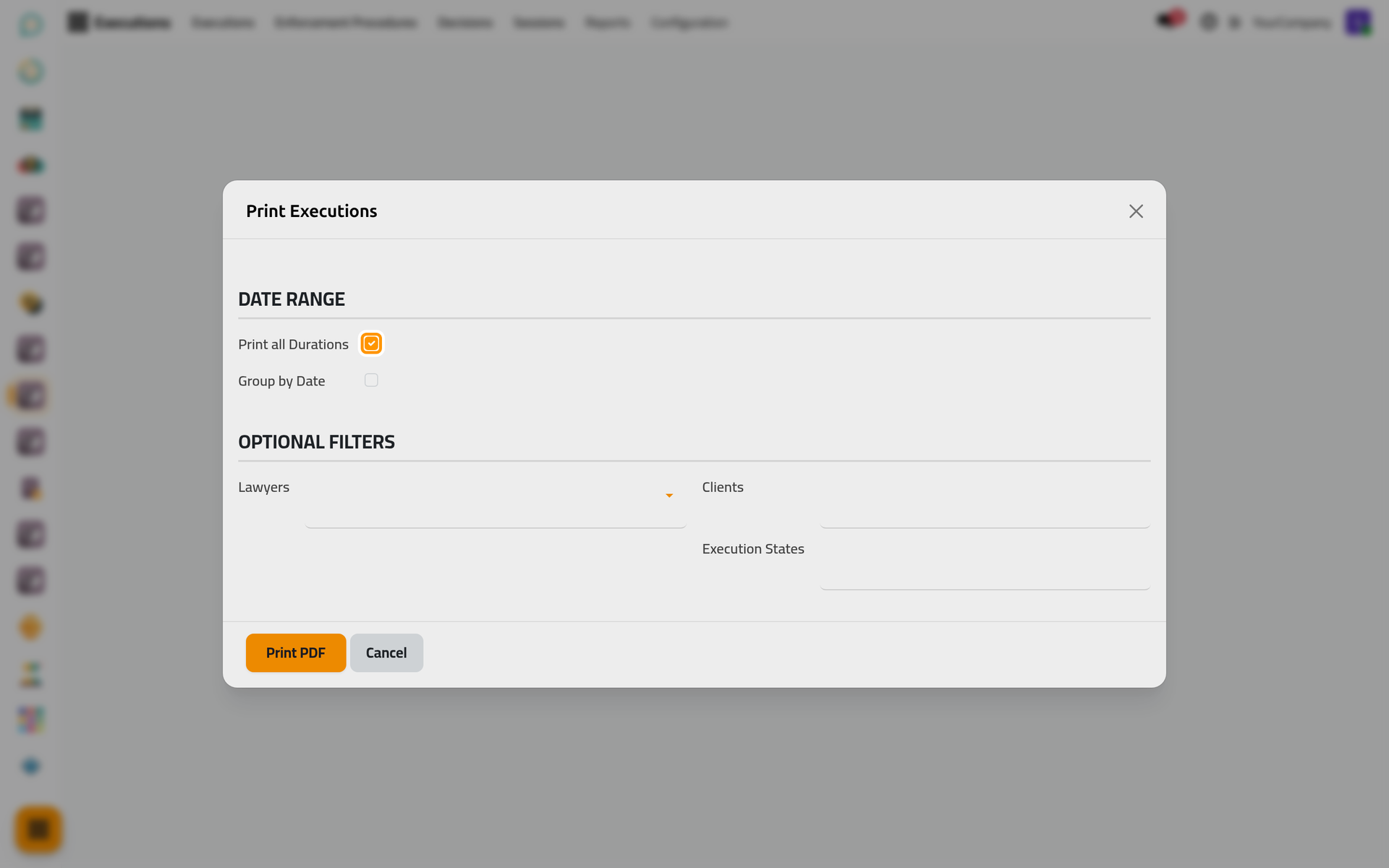
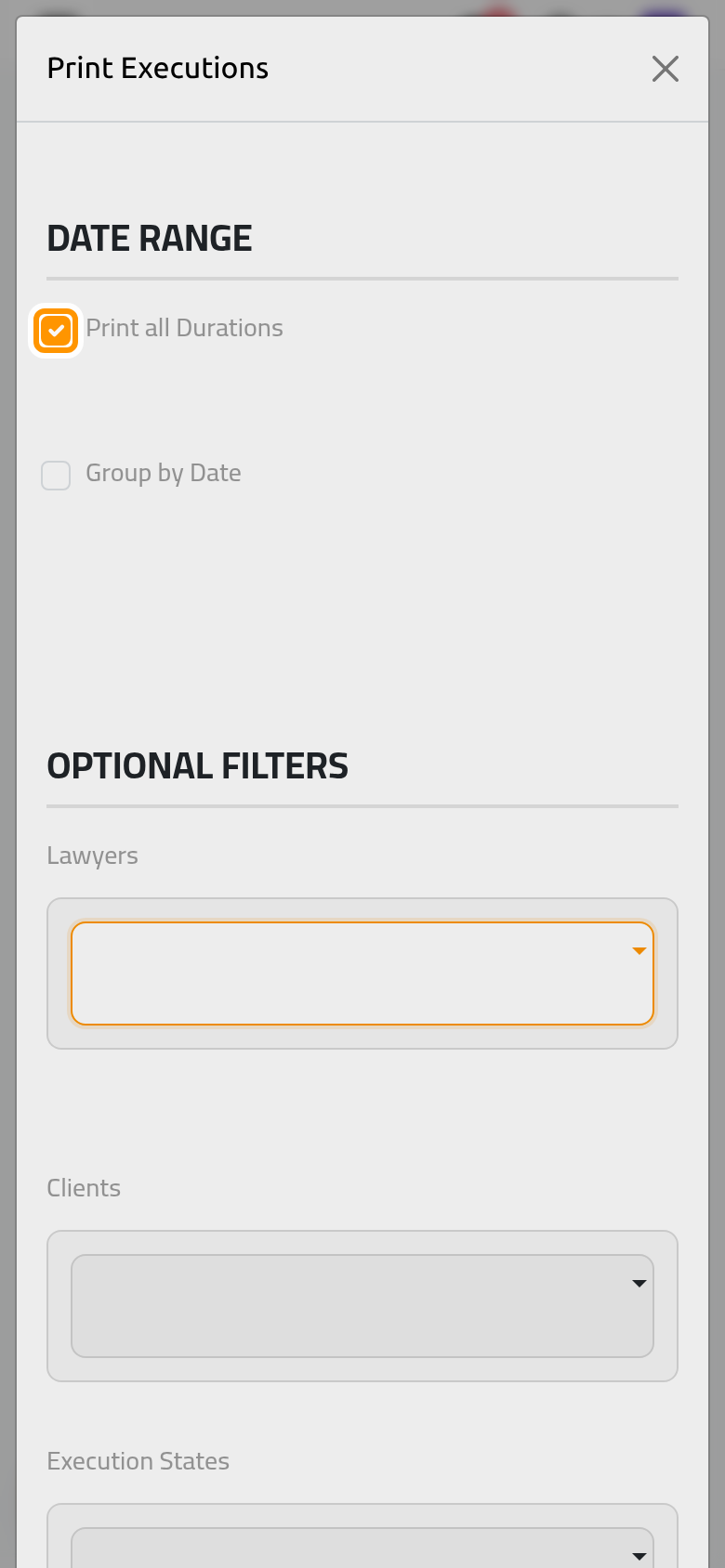
- Keep Print all Durations ticked for every date, or untick it and choose the period; Group by Date groups the lines by date.
- Narrow the list with Lawyers, the states and Clients, or leave them empty for all, then click Print PDF.
The neglected files
- Open .
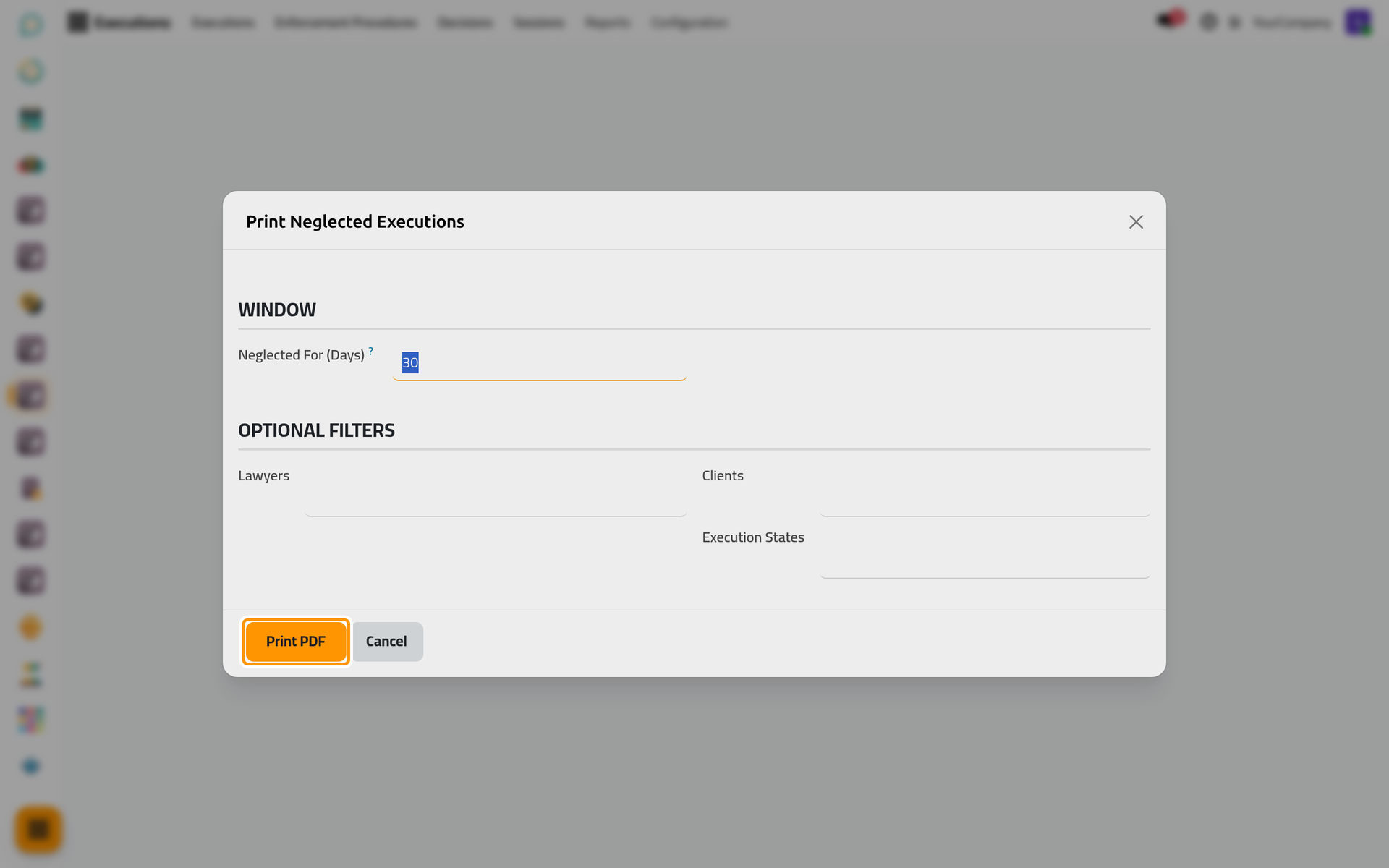
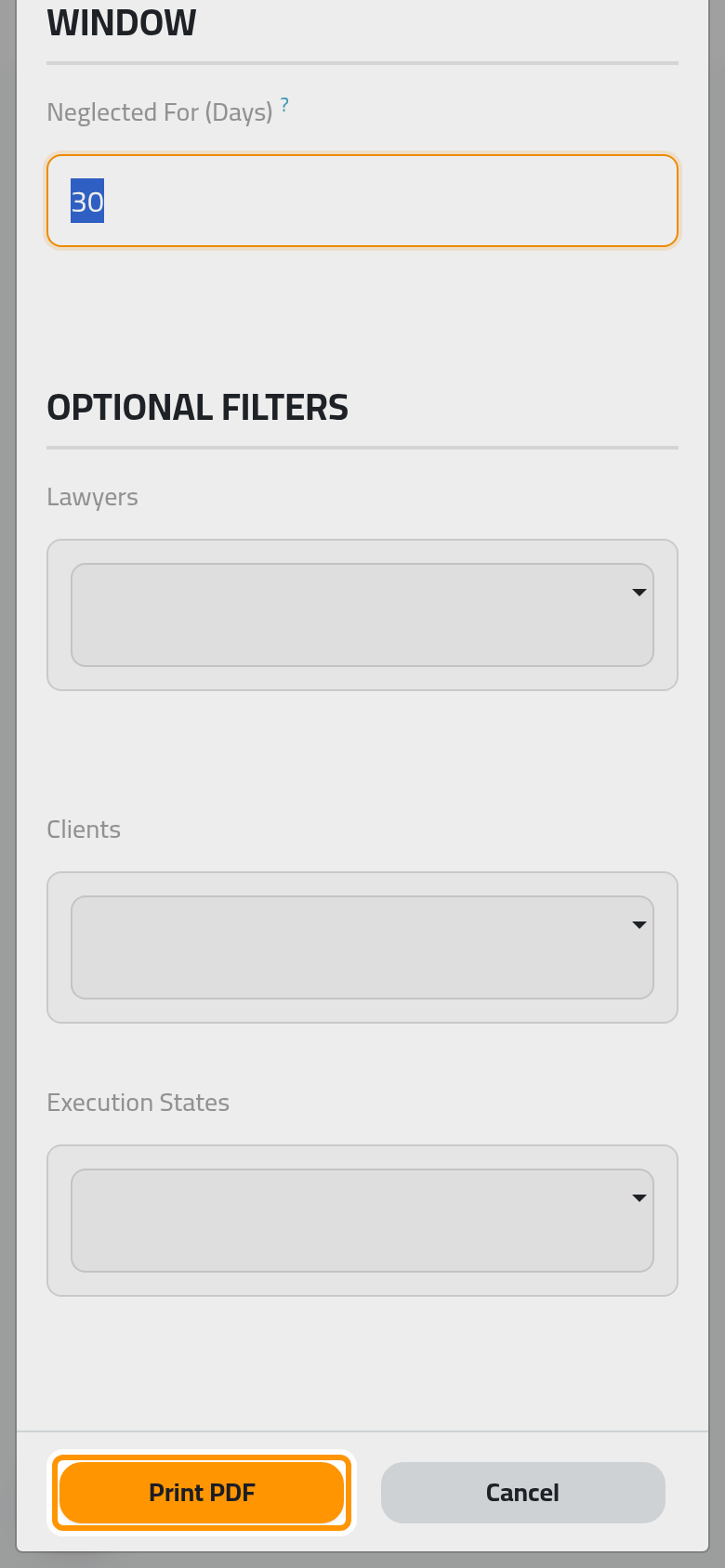
- Type the number of days: a file is neglected when nobody changed it for that long. Narrow it if needed and click Print PDF; the oldest come first.
A neglected file is often one waiting for the court's answer to a procedure, or a payment nobody recorded; the list gives the weekly review of the firm a clear starting point.
FAQ
Why is a file missing from the report?
The report applies the same access as the list: with User: Own Documents, you see the files where you are a lawyer or a follower, and with Manager: All Documents every file of the firm.
Was this page helpful?
Thank you for your feedback.