Your first execution file
On this page
This walk-through follows one execution file from its opening to its first enforcement procedure. The client won a judgment on a supply contract, and the firm now asks the execution court to enforce it.
Before you start
- You need the User: Own Documents level or higher on Executions (in the Legal Rights section of your user).
- The client exists as a contact, the lawyer in the lawyers directory, and the court in with Execution Court ticked.
Step 1: open the file
- Open and click New.
- Write the Subject, choose the Type (Financial here, since the judgment awards money), the Client and its Client Role: Executor when the client asks for the enforcement.
- Choose the Lawyers, the Court and type the Number the court gave the file. The Court list shows only the execution courts.
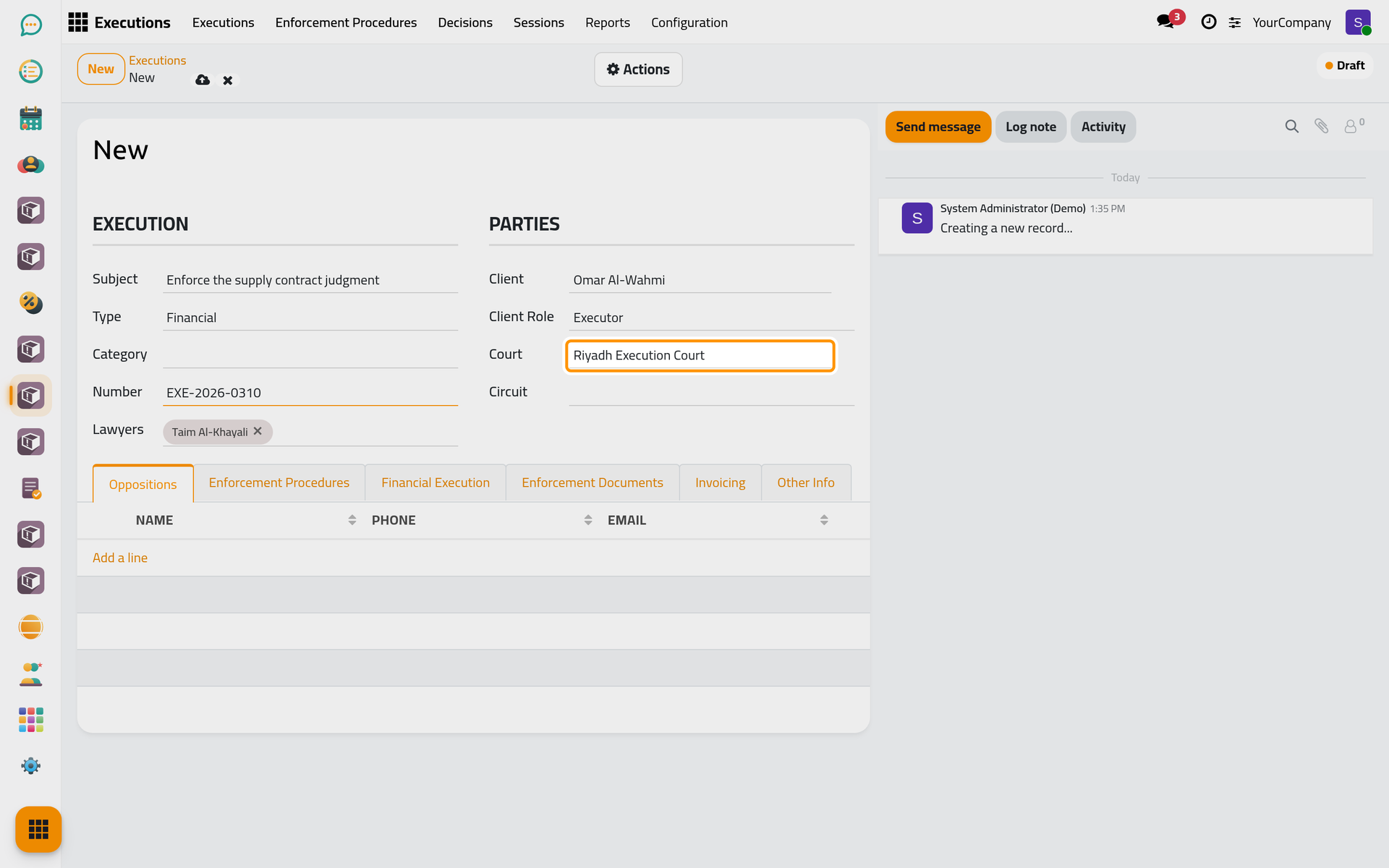
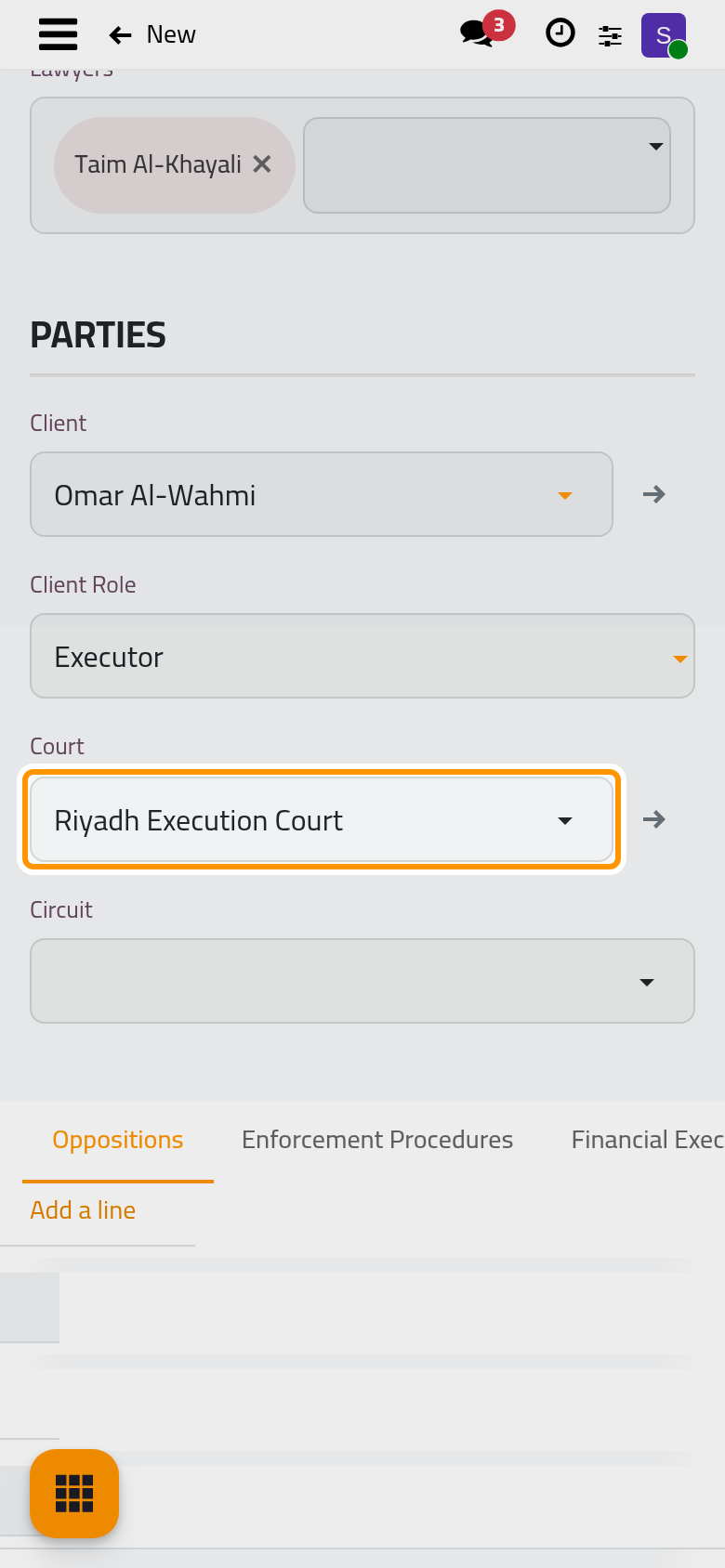
- Click the cloud icon Save manually. The file takes its sequence and starts as a Draft.
Step 2: start the work
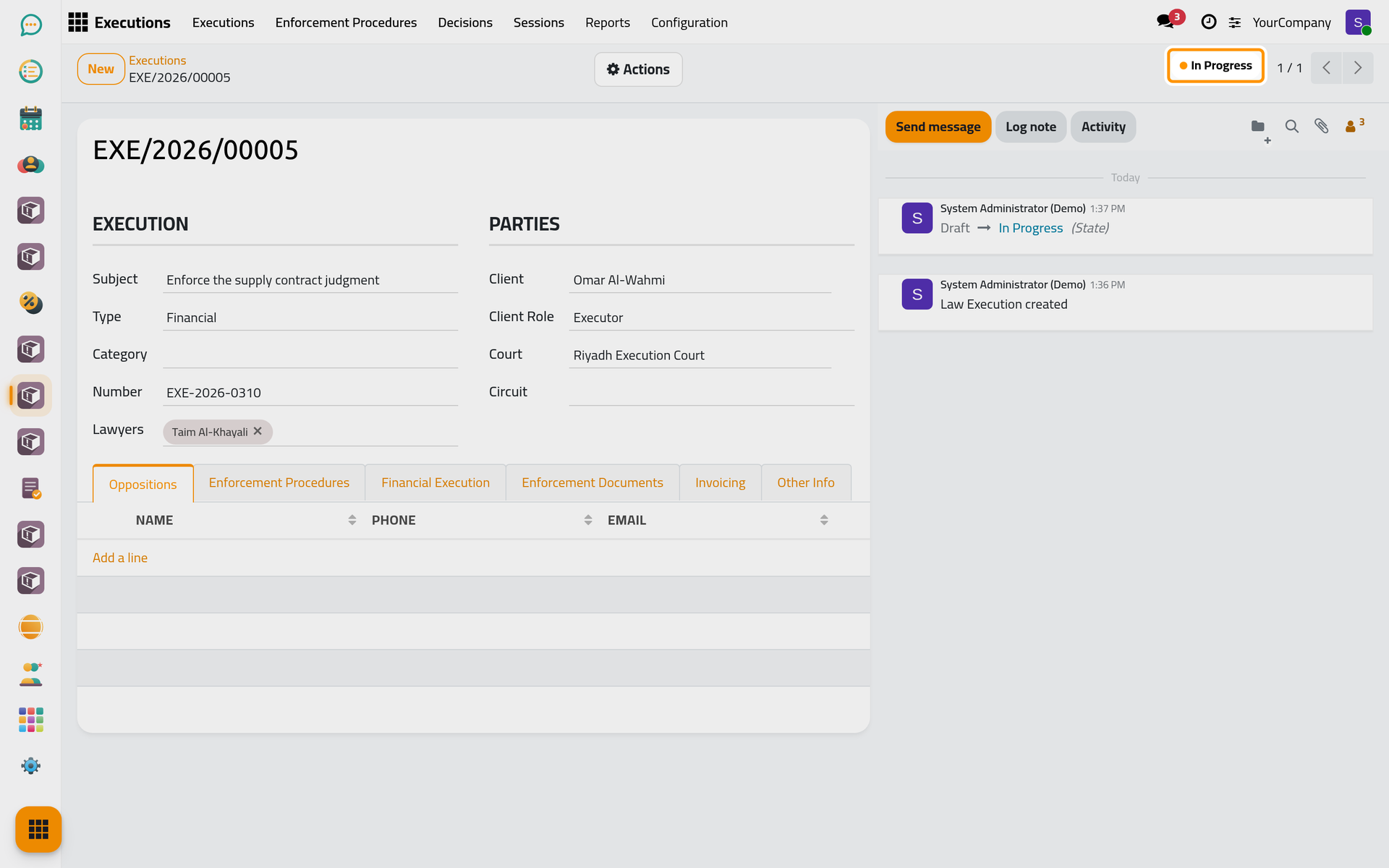
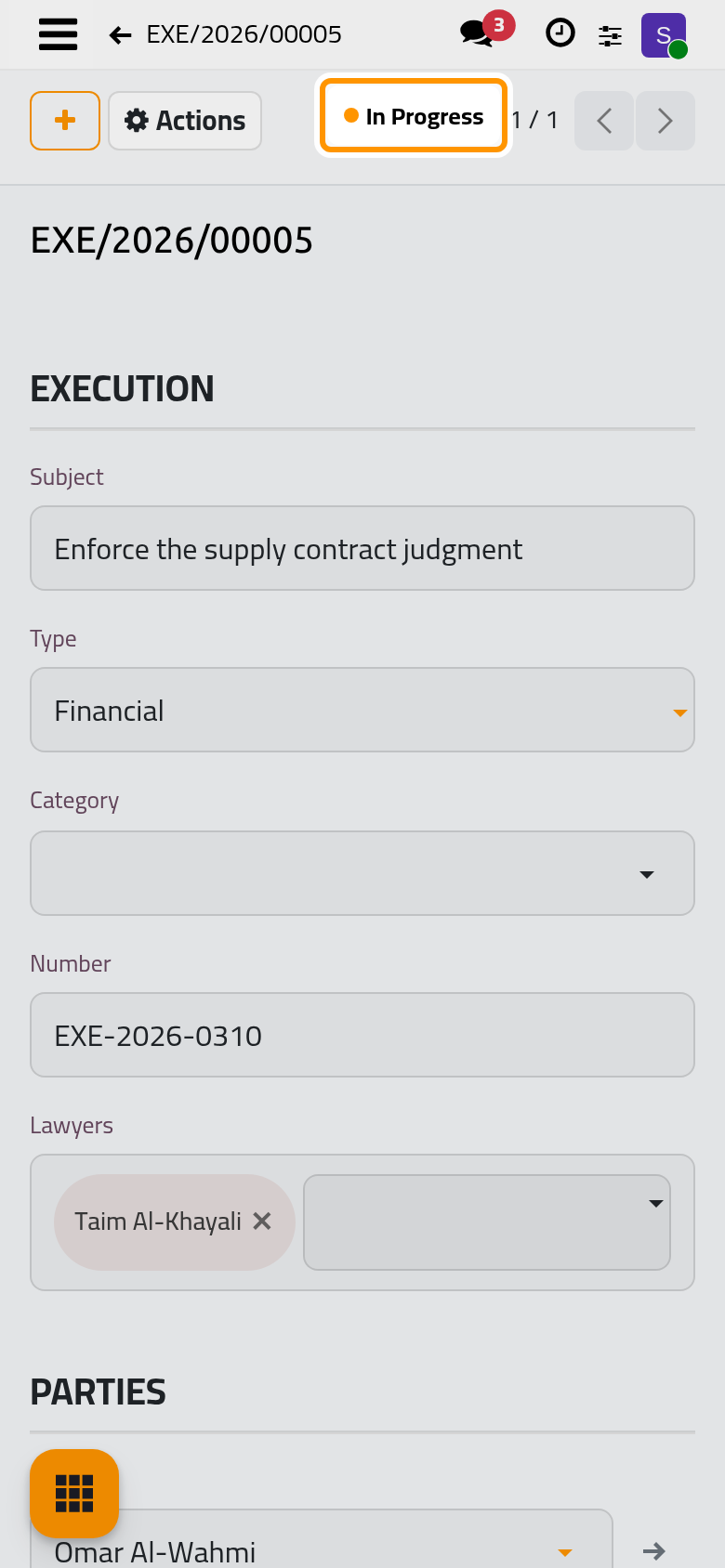
Open Actions › In Progress. The file is now in progress, and its Actions add hearings, decisions and sessions, finish, suspend or reject it.
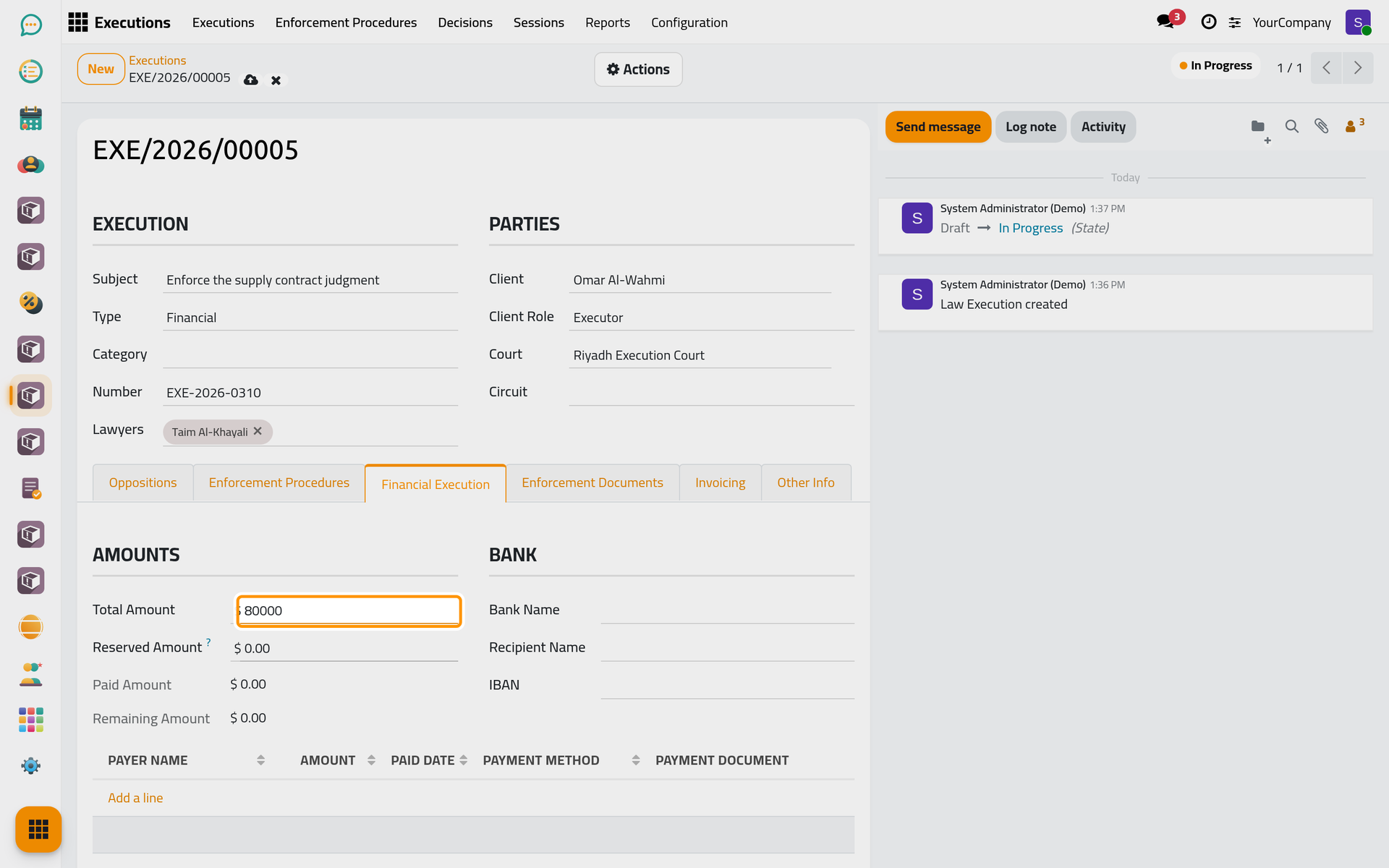
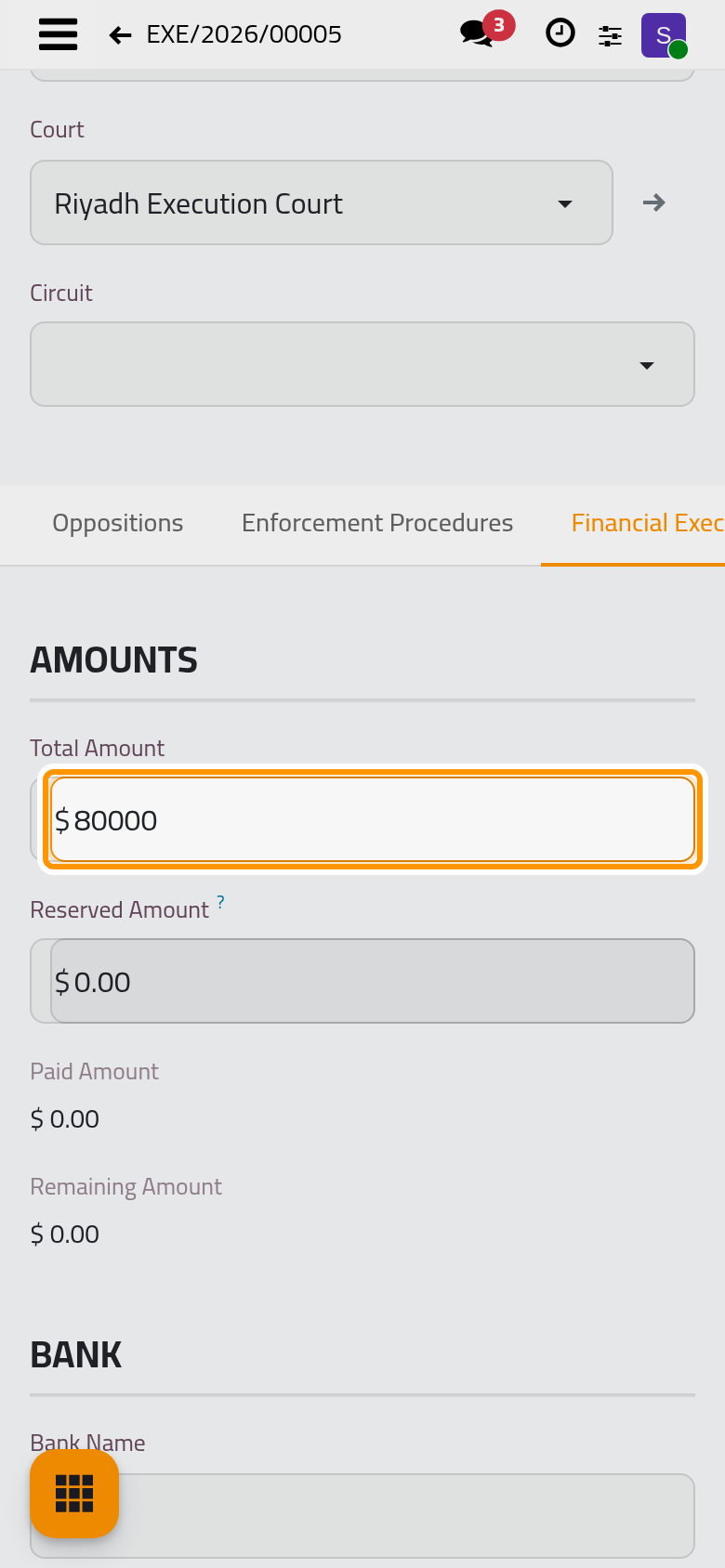
Step 3: record the amount awarded
In the Financial Execution tab, type the Total Amount the judgment awards. Each payment collected later is added below it, and the file computes what is paid and what remains.
Step 4: add the first procedure
- In the Enforcement Procedures tab, click Add a line.
- Type the Number and the Subject of the request filed with the court, then click Save & Close.
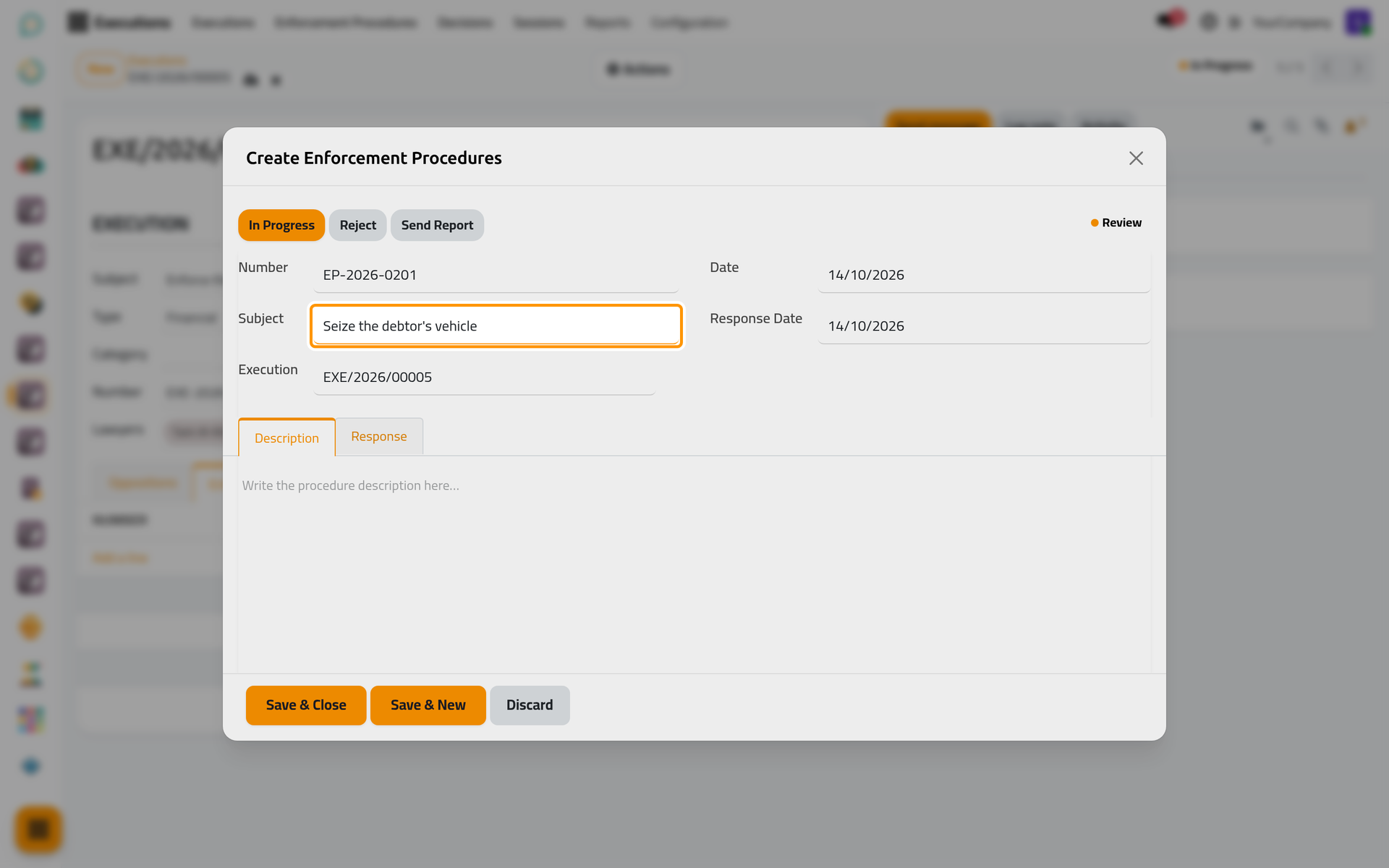
The procedure starts under review; its In Progress, Finished and Reject buttons follow the court's answer. Click Save manually to keep the file.
What you have done
The file exists with its parties, court and amount, it is in progress, and its first procedure waits for the court. Next, follow the procedure, record the court's decisions and the money collected, and close the file when the judgment is fully enforced.
Was this page helpful?
Thank you for your feedback.