How-to
Open an execution file
On this page
An execution file follows the enforcement of a judgment or another enforceable document before the execution court: who asks for it, against whom, in which court, and what has been done and collected so far.
Before you start
- You need the User: Own Documents level or higher on Executions (in the Legal Rights section of your user).
- The court is marked as an execution court: open it in and tick Execution Court. The Court of a file lists only those courts.
Steps
- Open and click New.
- Fill in Subject and Type: Financial for an amount of money, Direct for an act to carry out, Family Matters for personal status. Category classifies the file further.
- Choose the Client and its Client Role: Executor when the client asks for the enforcement, Executor against him when the judgment is enforced against the client. When the client has default lawyers, choosing the client fills Lawyers.
- Choose the Court and, if needed, its Circuit, then type the Number the court gave the file.
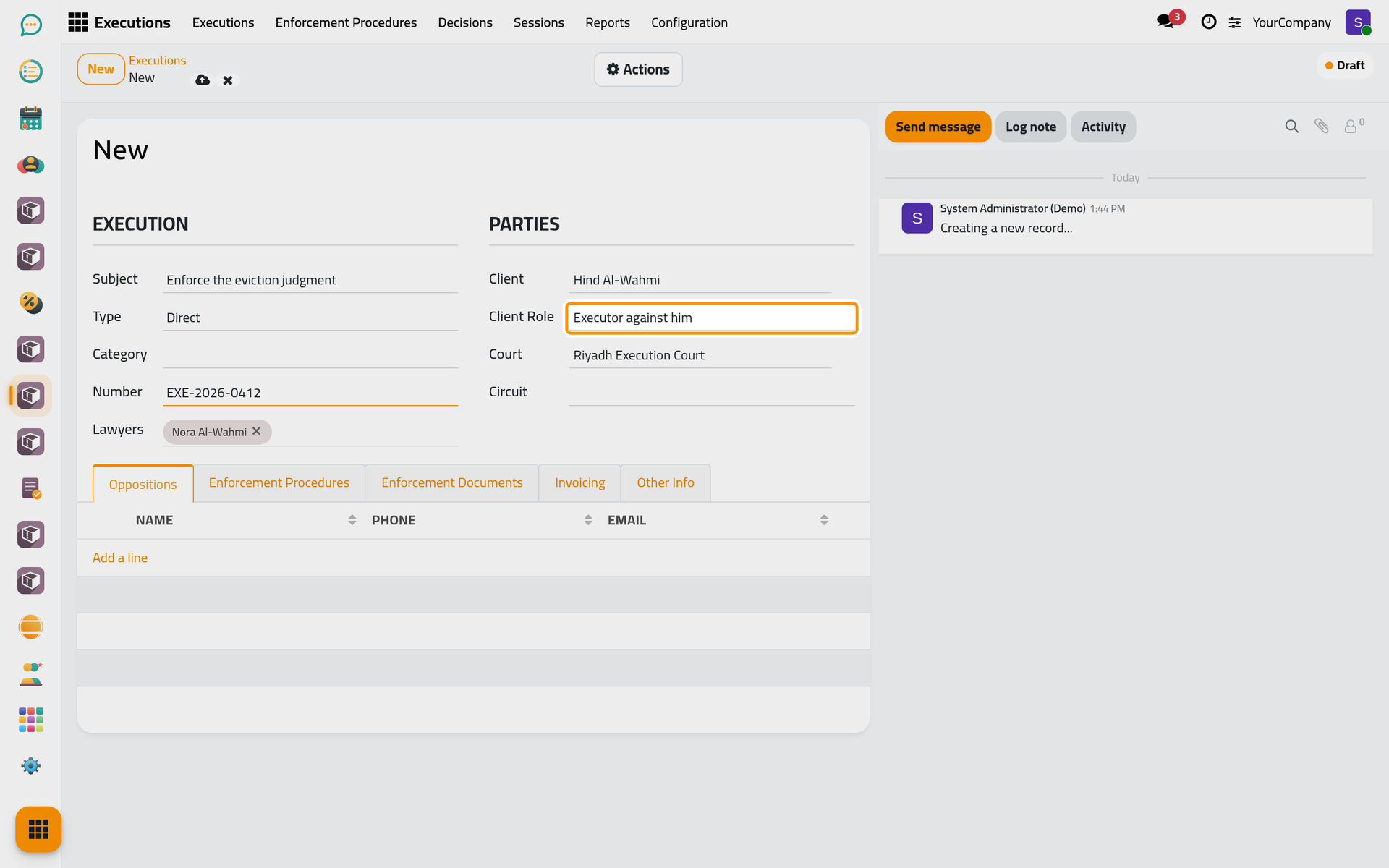
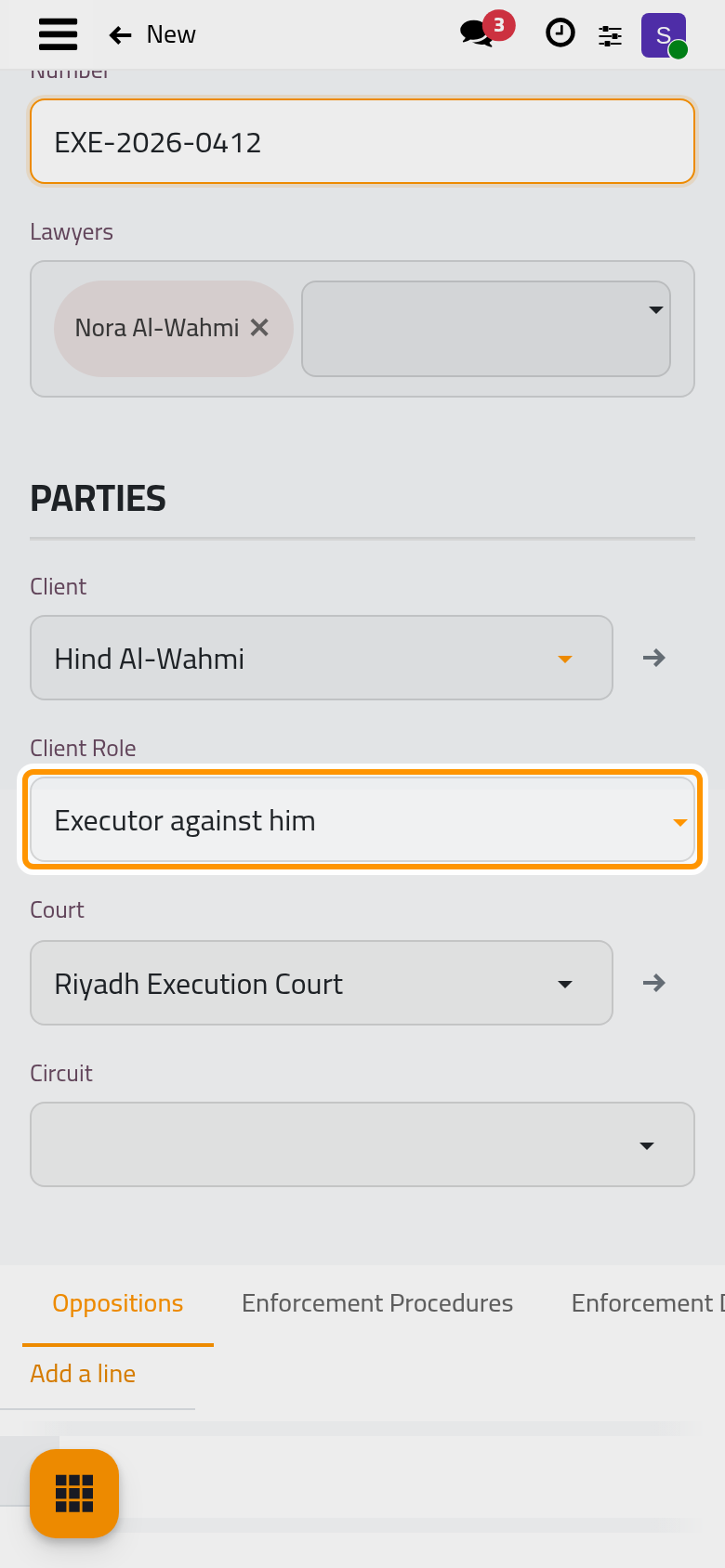
- In Oppositions, add the other parties; in Enforcement Documents, attach the judgment or the enforceable document.
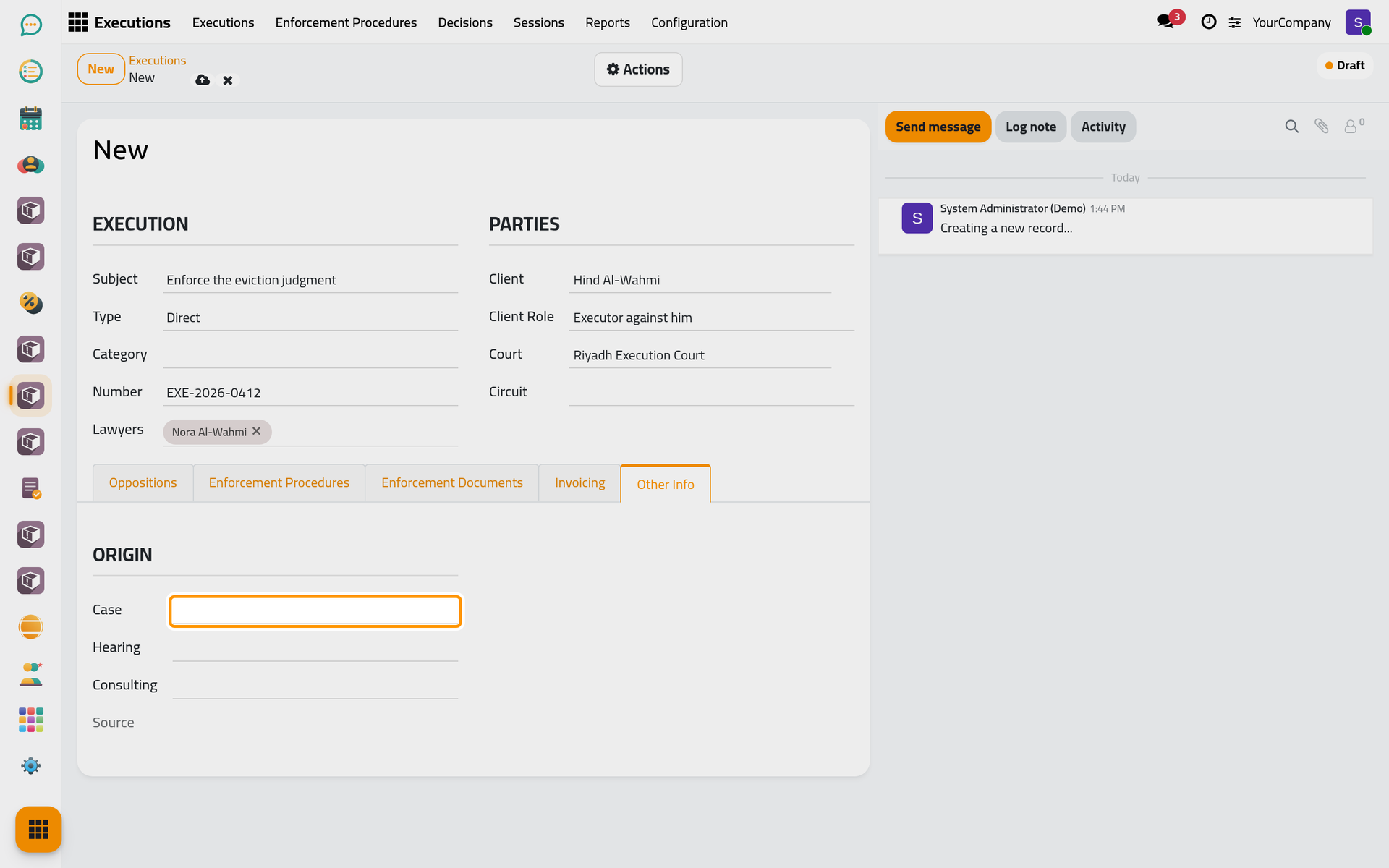
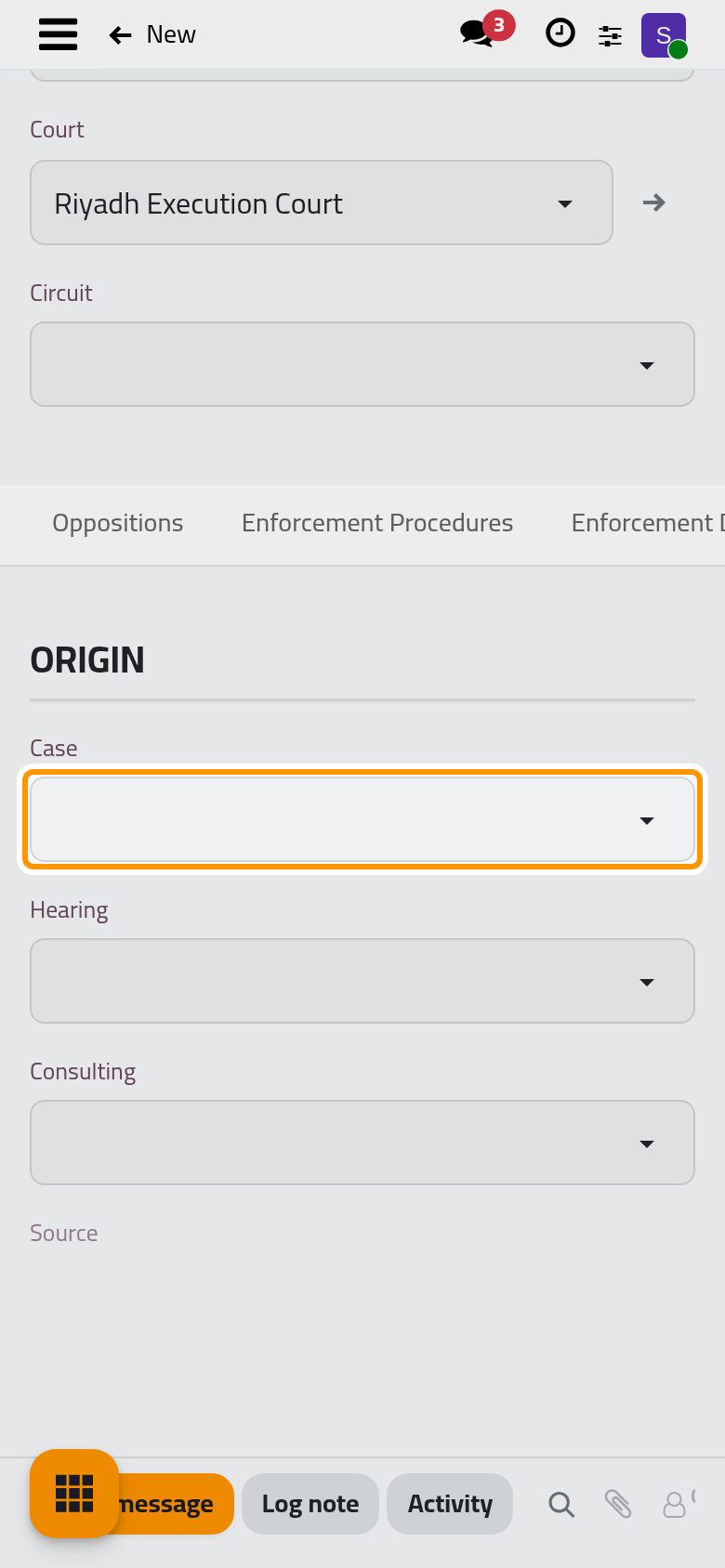
- In Other Info, link the file to the Case, Hearing or Consulting it comes from. A linked case also brings its oppositions to the file.
- Click the cloud icon Save manually. The file takes its sequence and starts as a Draft; Actions › In Progress starts the work.
From a case, a consultation or a client request
- A case shows Add Execution once it has a primitive or final judgment that is won or lost, or once it is canceled. The new file opens with the case and its client.
- A consultation shows Add Execution at any time.
- A client request of Type Execution opens a new file, filled from the request, when you click Approve.
The Executions button of the case, consultation or request then opens its files.
FAQ
Why is my court missing from the list?
Court lists only the courts marked Execution Court. Tick it on the court, or ask the person who manages the courts to do it.
Why does the file refuse the case I chose?
A case goes to execution only when it has a won or lost primitive or final judgment, or when it was canceled.
Was this page helpful?
Thank you for your feedback.