Create a journal
On this page
A journal is a book for entries of one kind: customer invoices in a sales journal, vendor bills in a purchase journal, one journal per bank account or cash box. The package creates the usual ones; add a journal when a new bank account or a cash box appears.
Before you start
- You need the Administrator access right on Accounting.
Create the journal
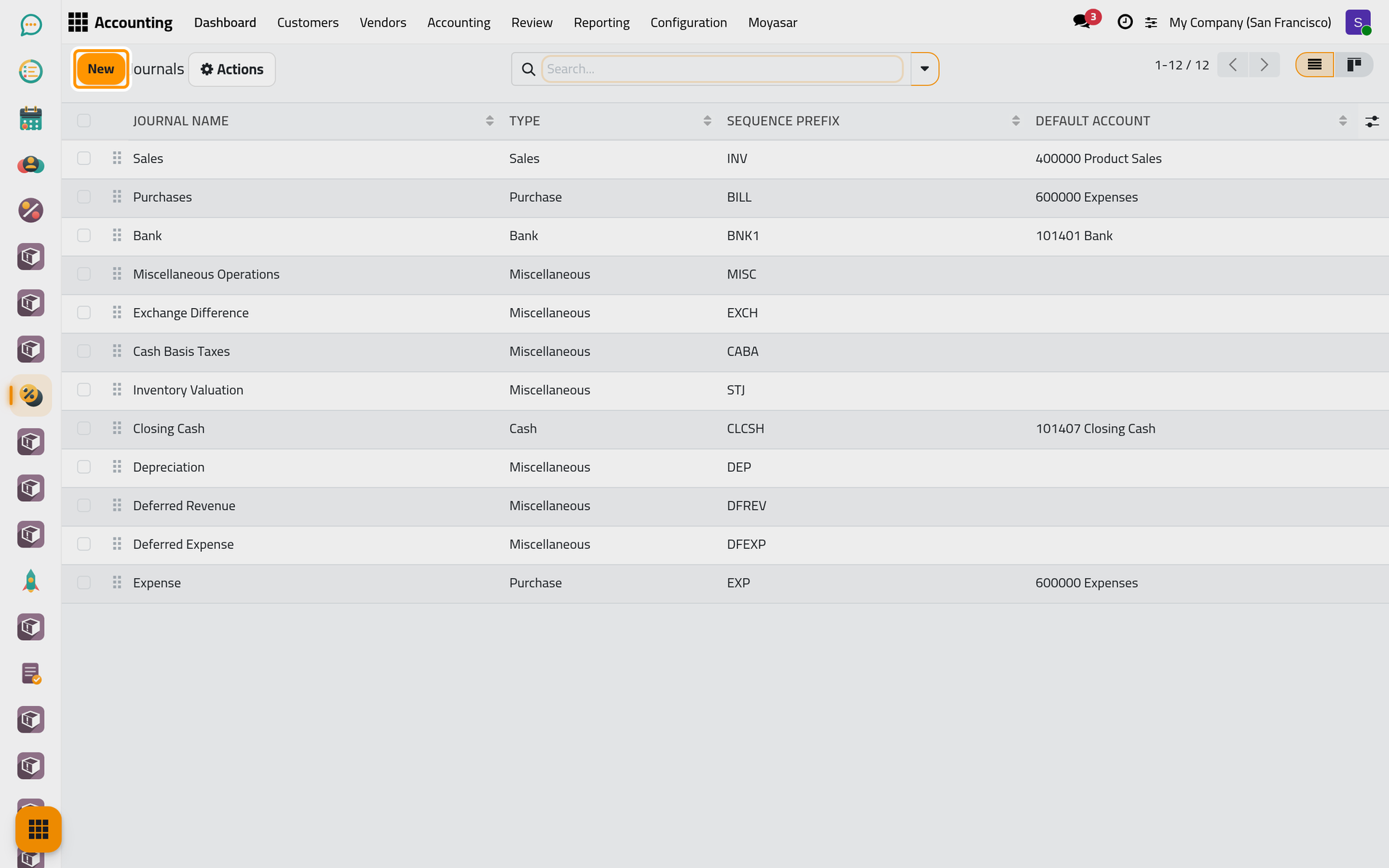
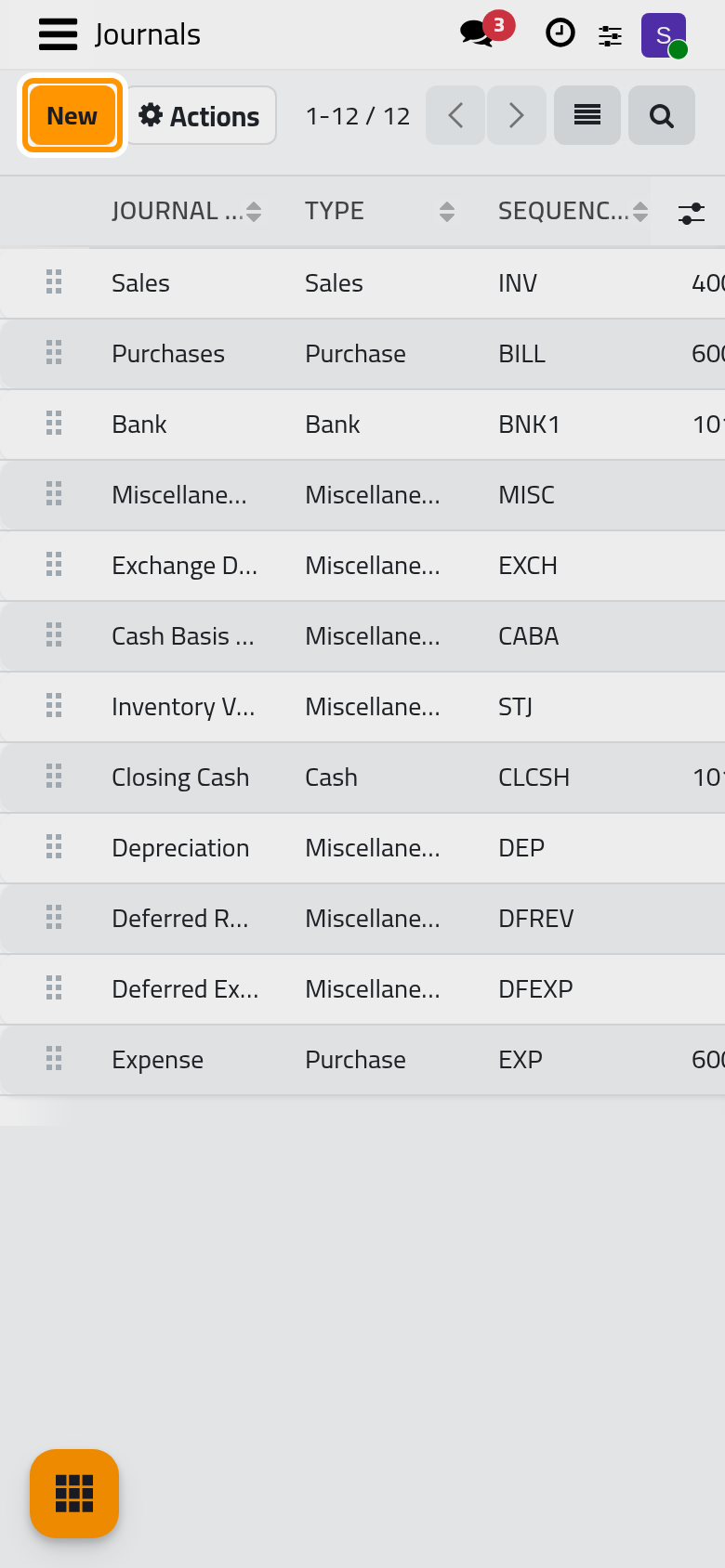
- Open and click New.
- Give the journal a Journal Name people recognise, such as the bank's name or the place of the cash box.
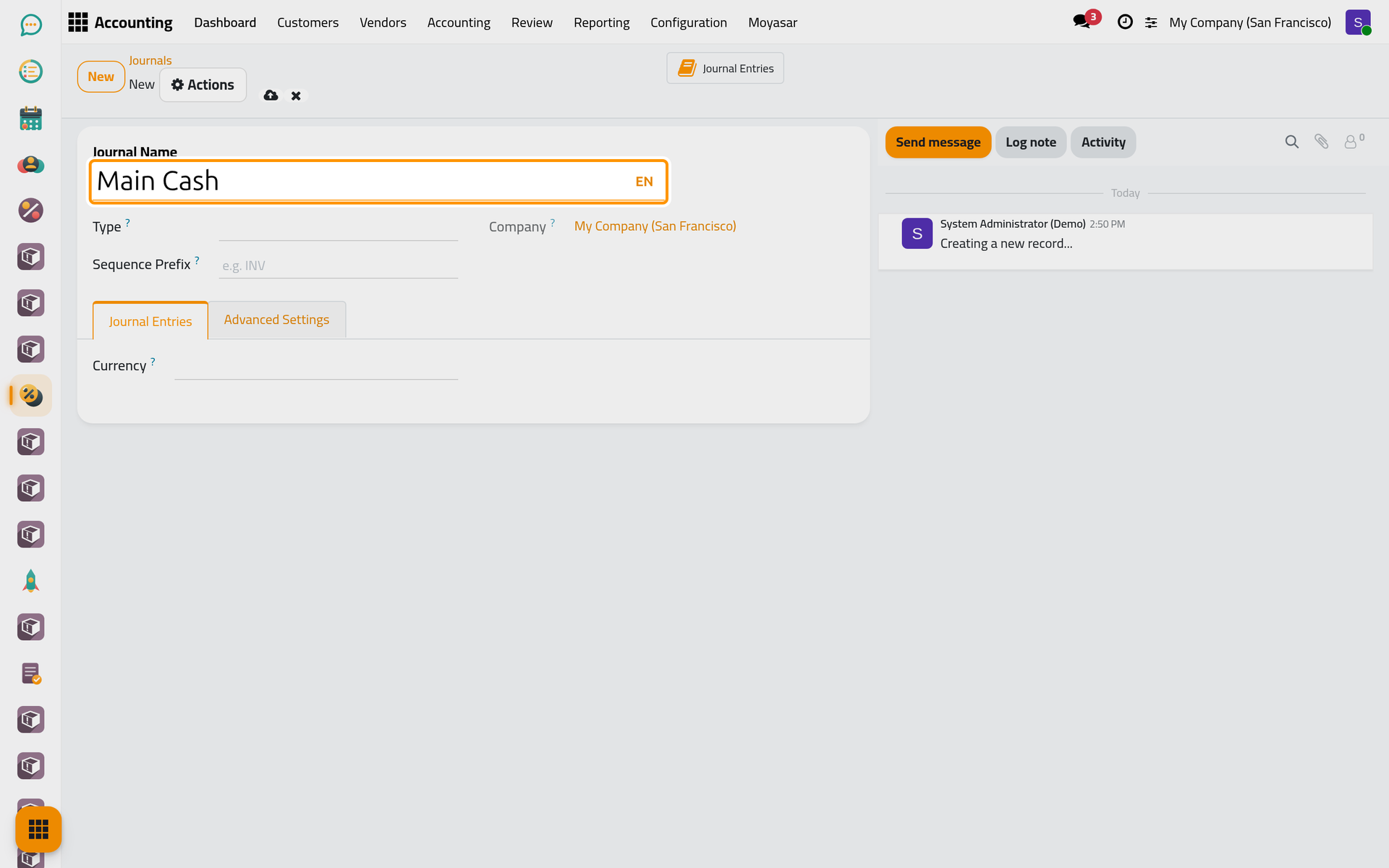
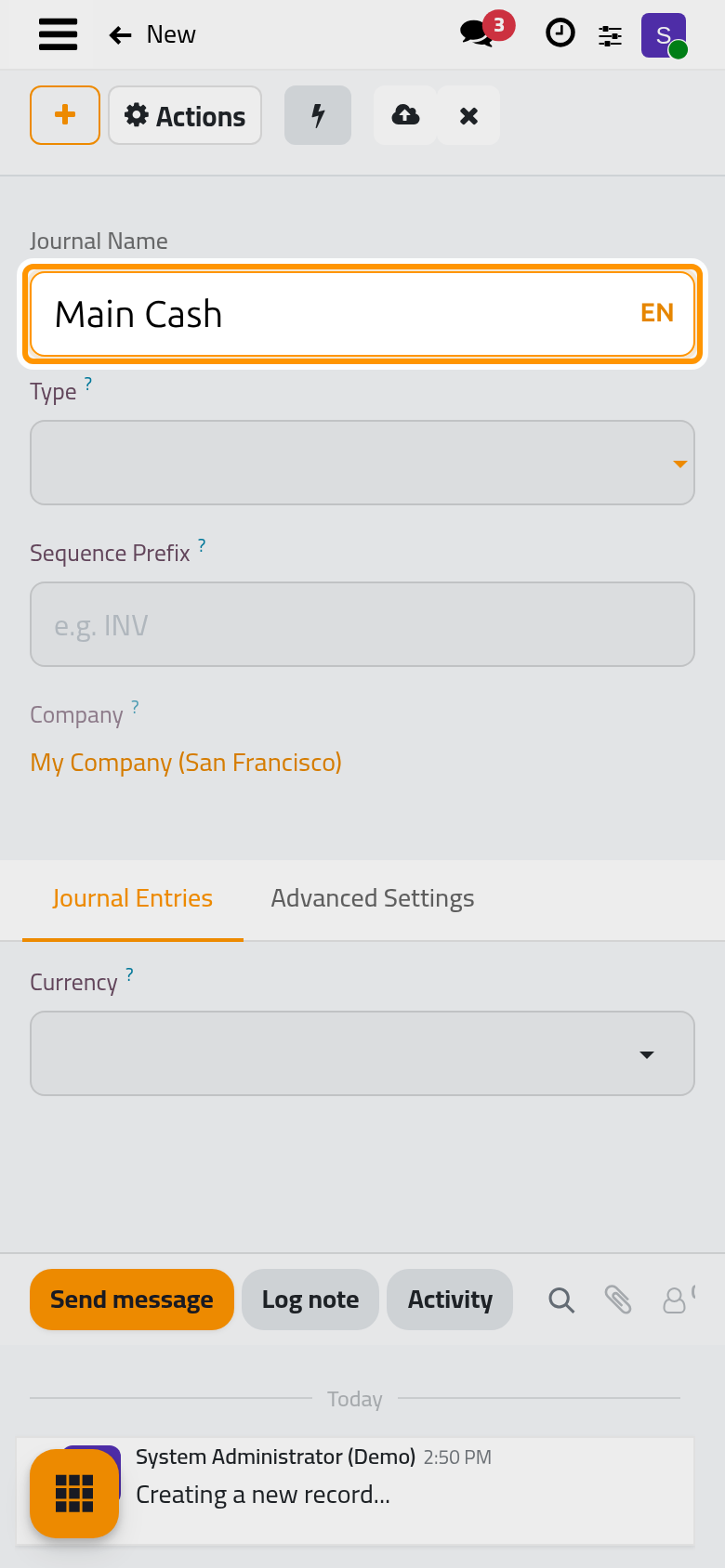
- Choose a Type: Bank for a bank account, Cash for a cash box, Sales for customer invoices, Purchase for vendor bills, Miscellaneous for everything else. The fields of the form follow the type: a bank journal asks for the bank account, a cash journal for its account.
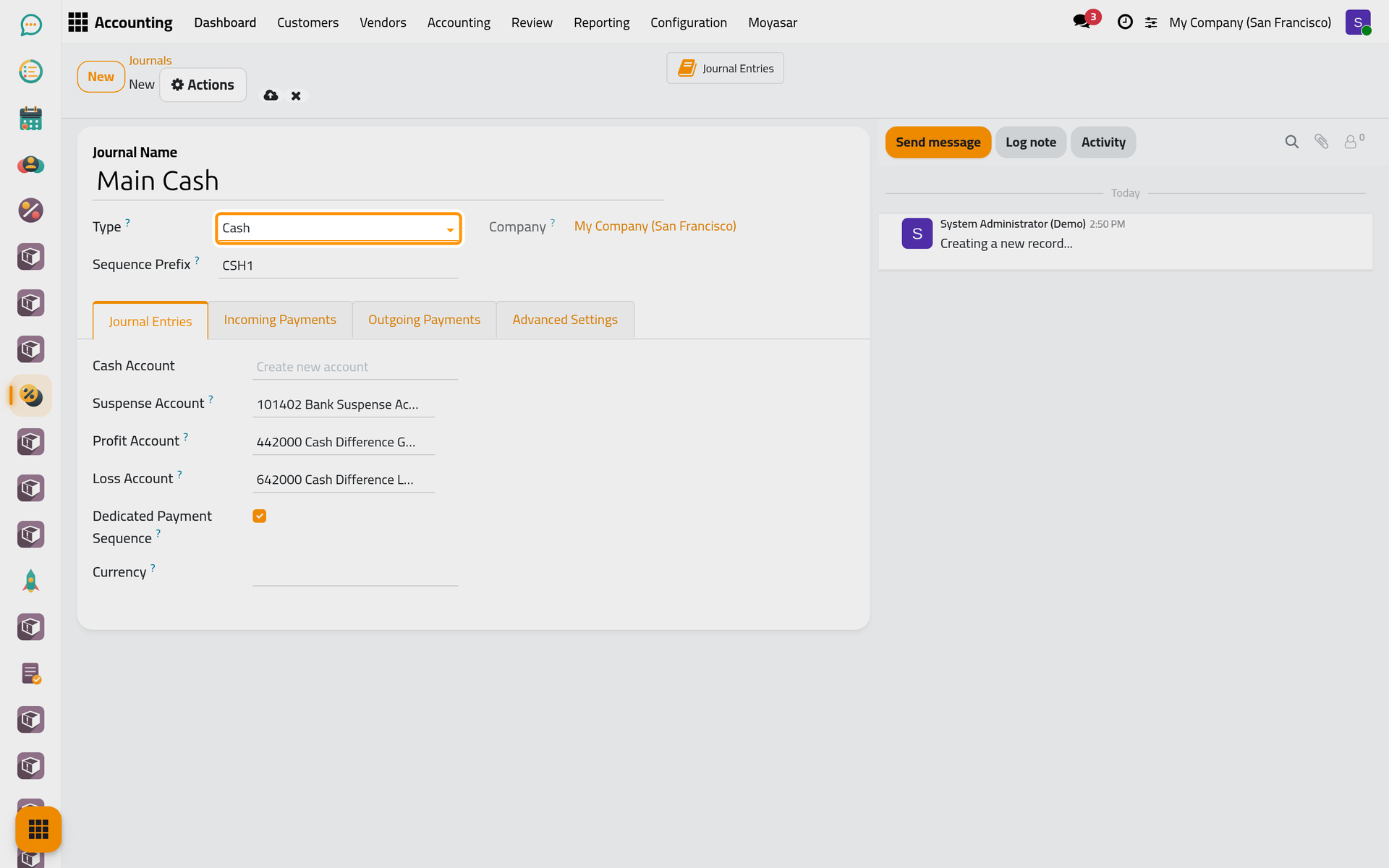
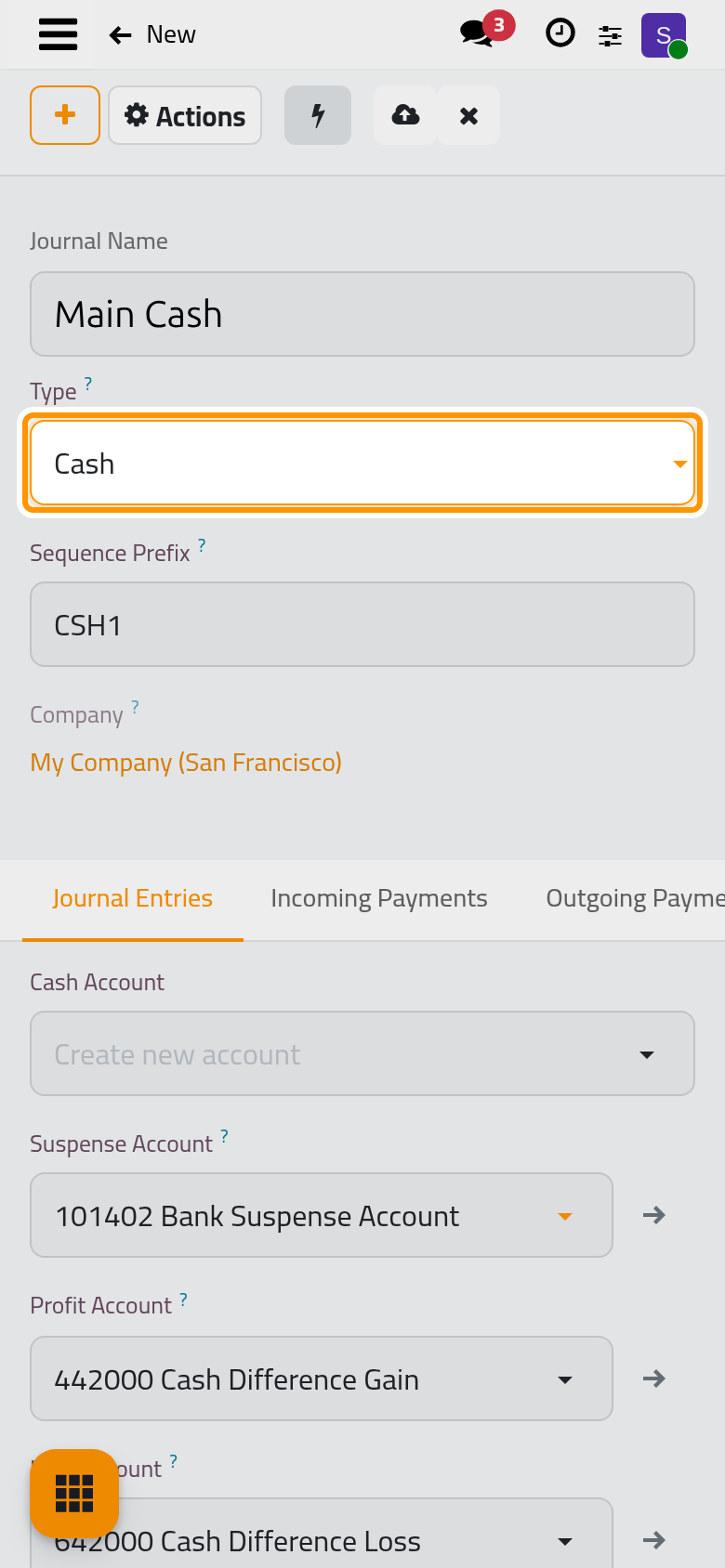
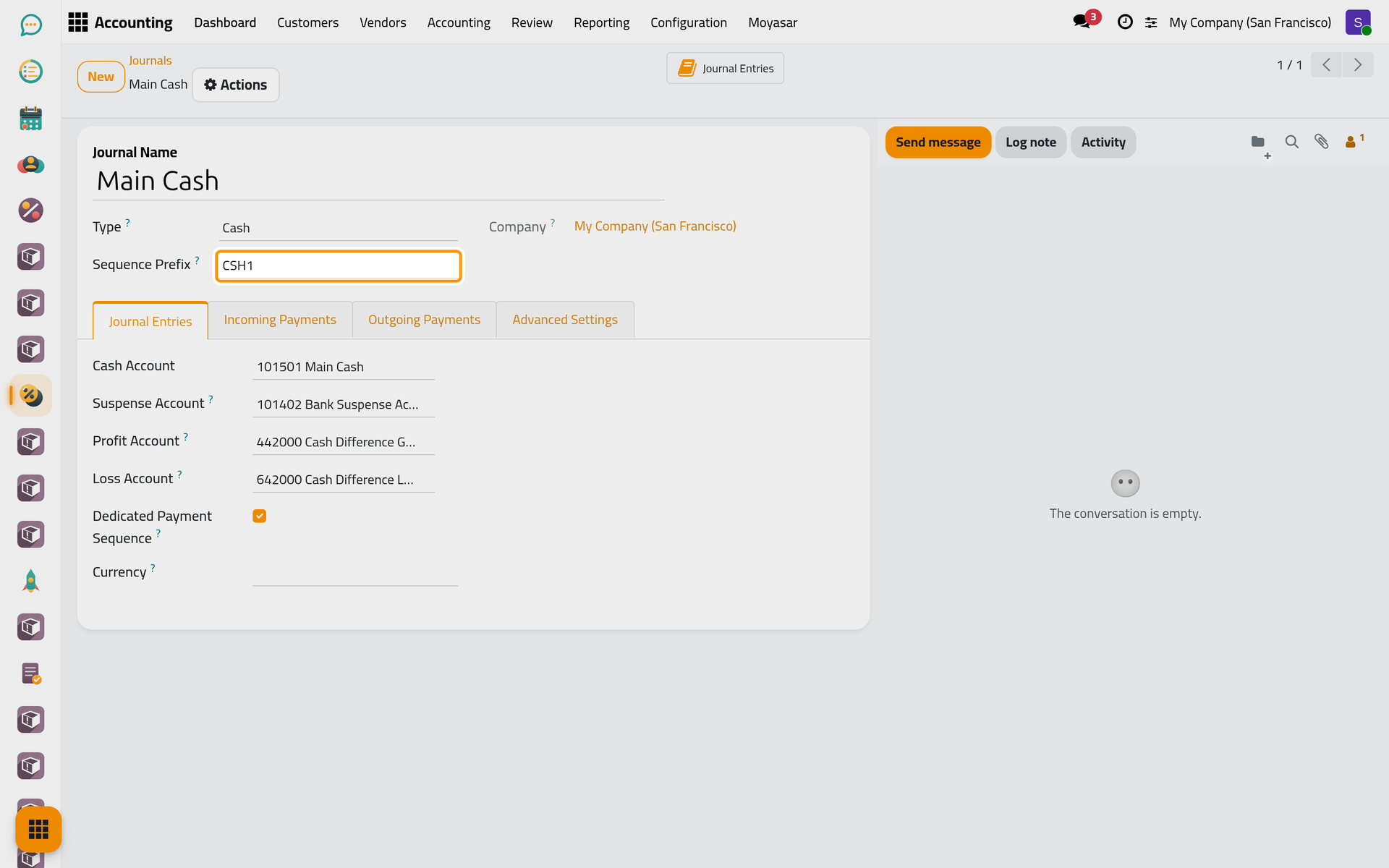
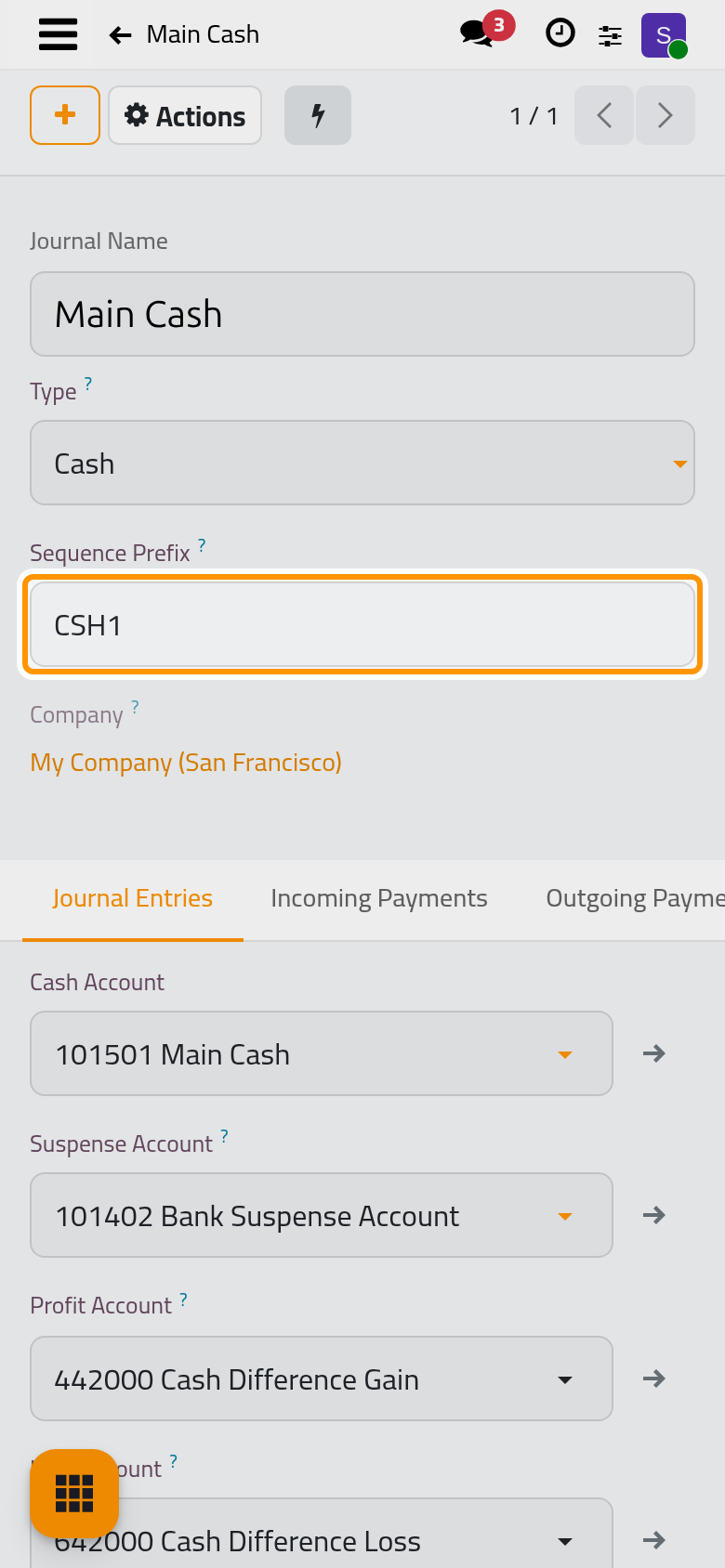
- Click the cloud icon Save manually. The Sequence Prefix (the letters that start the numbers of its entries) is filled from the type as soon as you choose it: CSH1 for a cash journal, BNK1 for a bank journal, INV, BILL and MISC for sales, purchase and miscellaneous; change it now if you want another one, before the first entry is posted.
Find it in the list
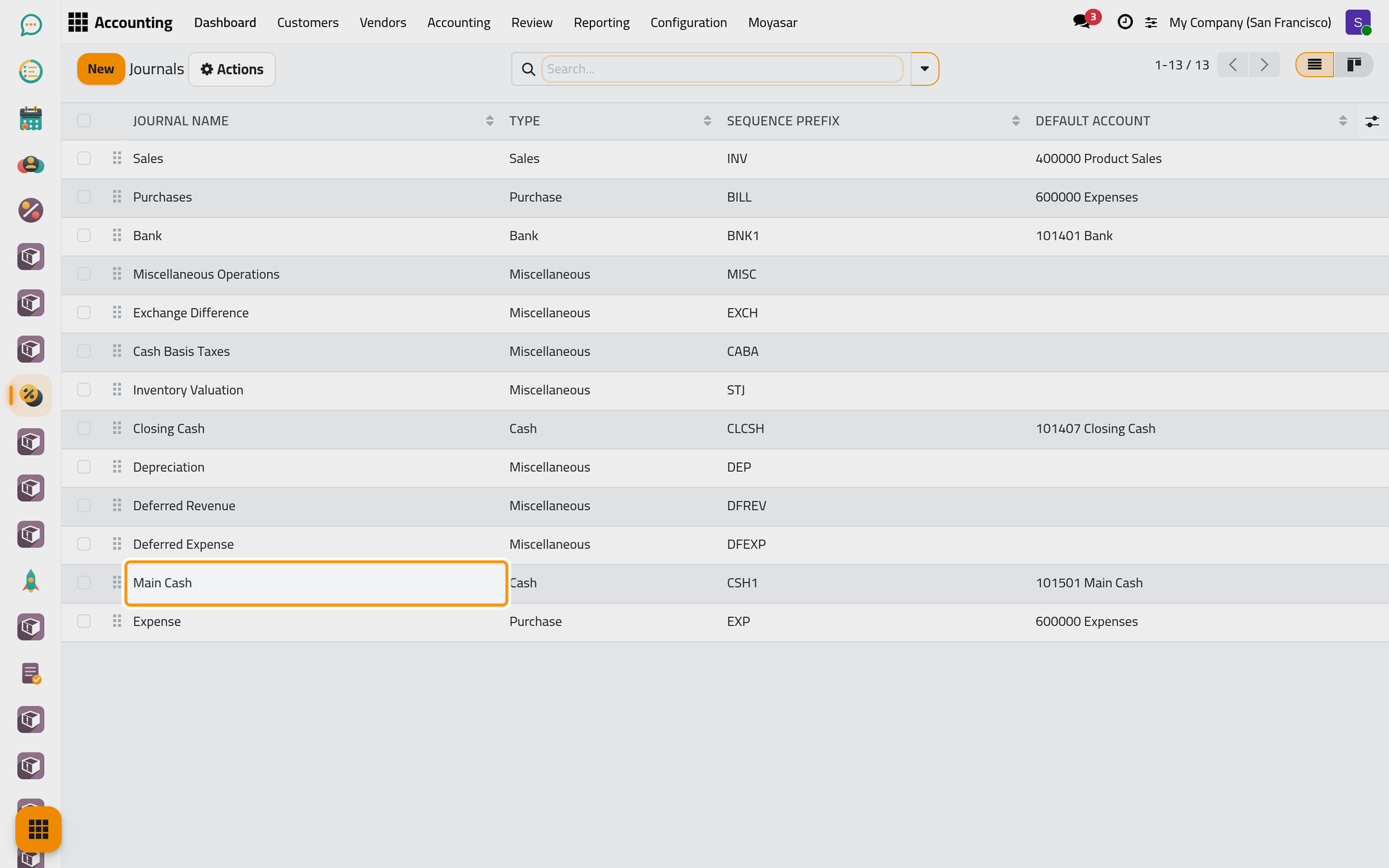
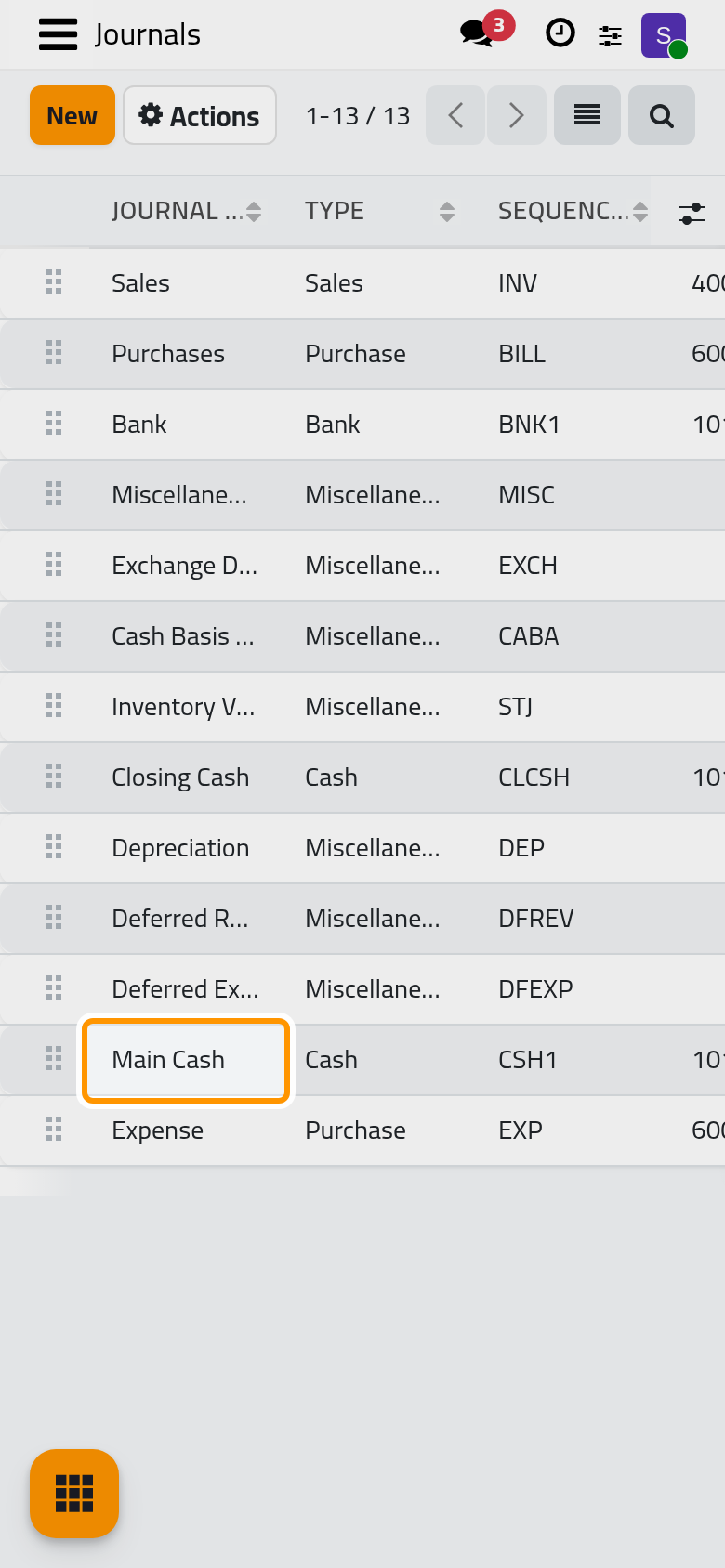
Open . The new journal, Main Cash in the example, is there with its Type, its Sequence Prefix and its Default Account. Drag the handle at the left of a line to change the order of the cards on the dashboard.
FAQ
Can I rename a journal or change its prefix?
Open it from the journals list. The Journal Name can change at any time; change the Sequence Prefix before the first entry is posted, so that the numbering stays continuous.
Can I delete a journal?
Only while it has no entries. A journal that was used is archived instead and keeps its history.
Was this page helpful?
Thank you for your feedback.