The first minute in Accounting
On this page
Accounting keeps the company's books: its accounts, its taxes, its journals and, later, its invoices and payments. This walk-through opens the screens you will use first and changes nothing.
Before you start
- You need the Administrator access right on Accounting (in the Accounting section of your user). The Invoicing access rights open customers and vendors, not the configuration.
- The company already has a chart of accounts: Jaah installs one with the localization package of the company's country.
Step 1: the dashboard
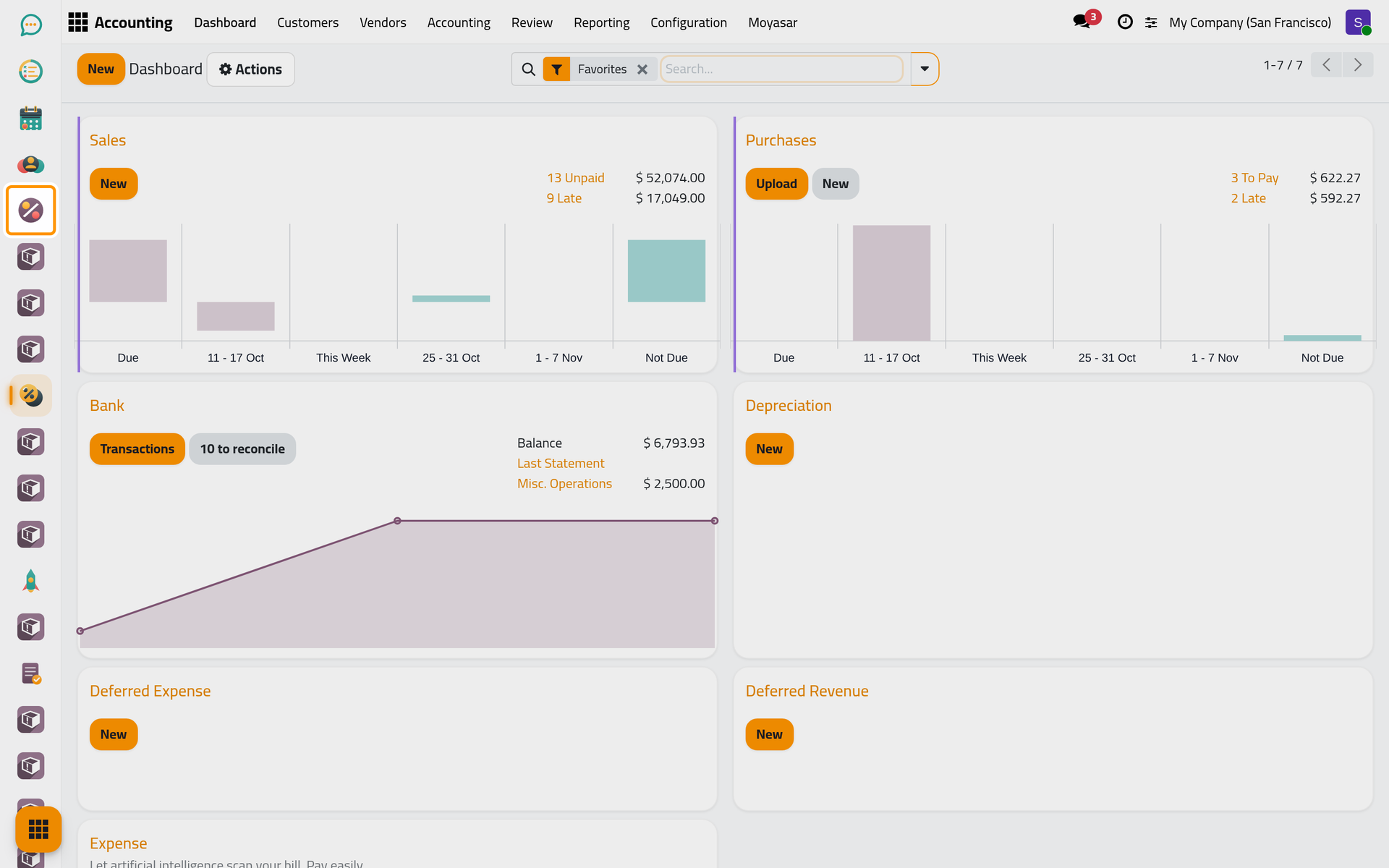
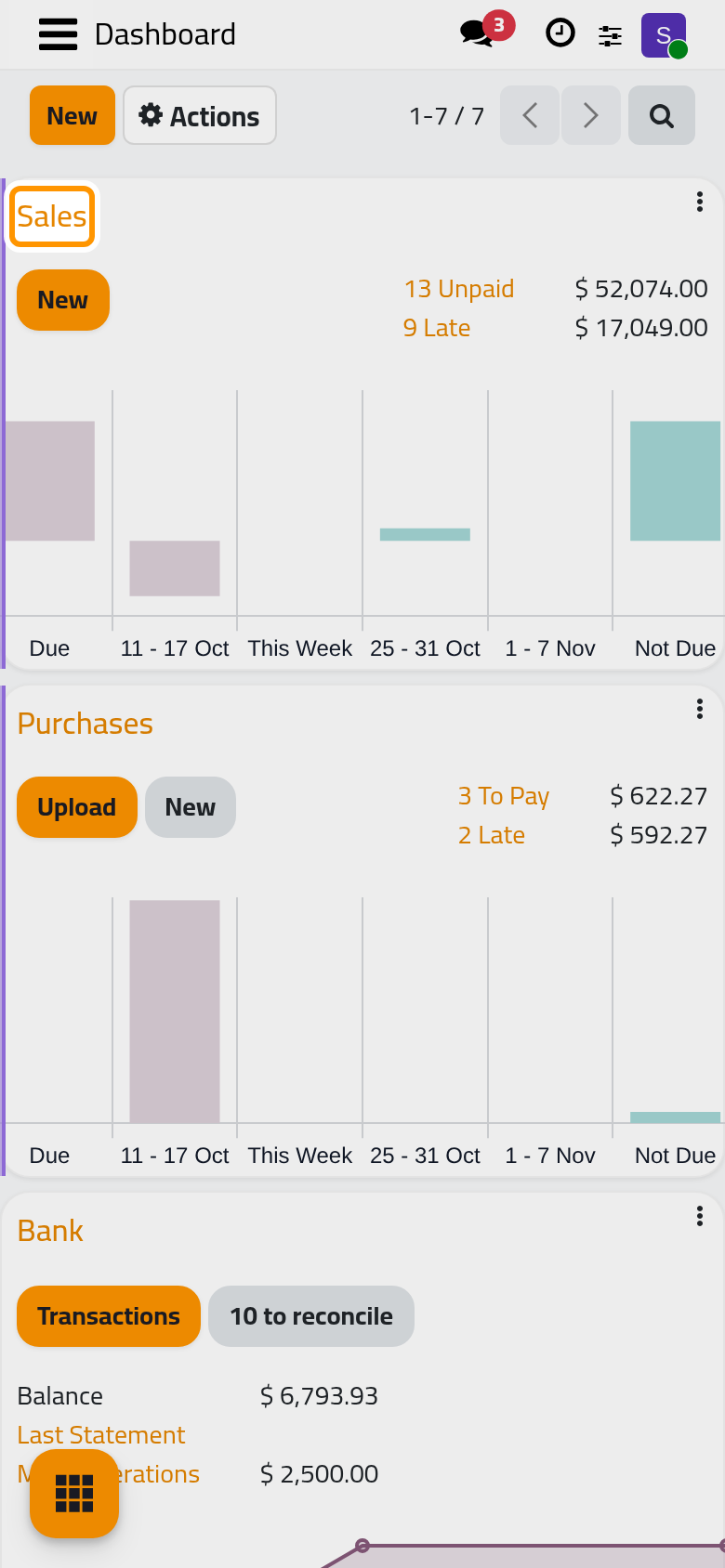
Open . Each card is a journal shown on the dashboard: Sales, Purchases, Bank. A card shows what waits in that journal and opens its entries; a journal kept off the dashboard, such as Miscellaneous Operations, is still in the journals list. Create a journal shows how to add one.
Step 2: the chart of accounts
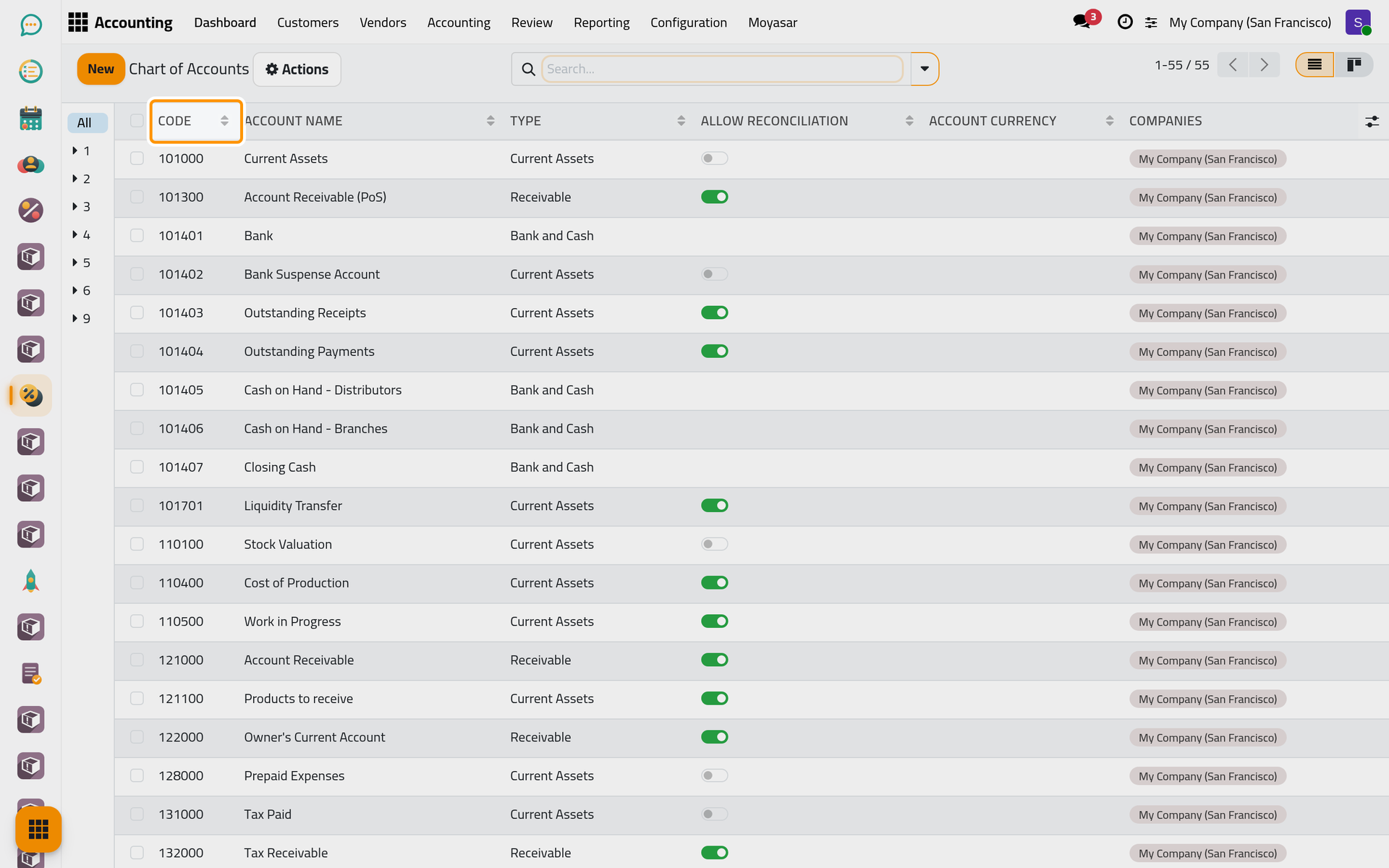
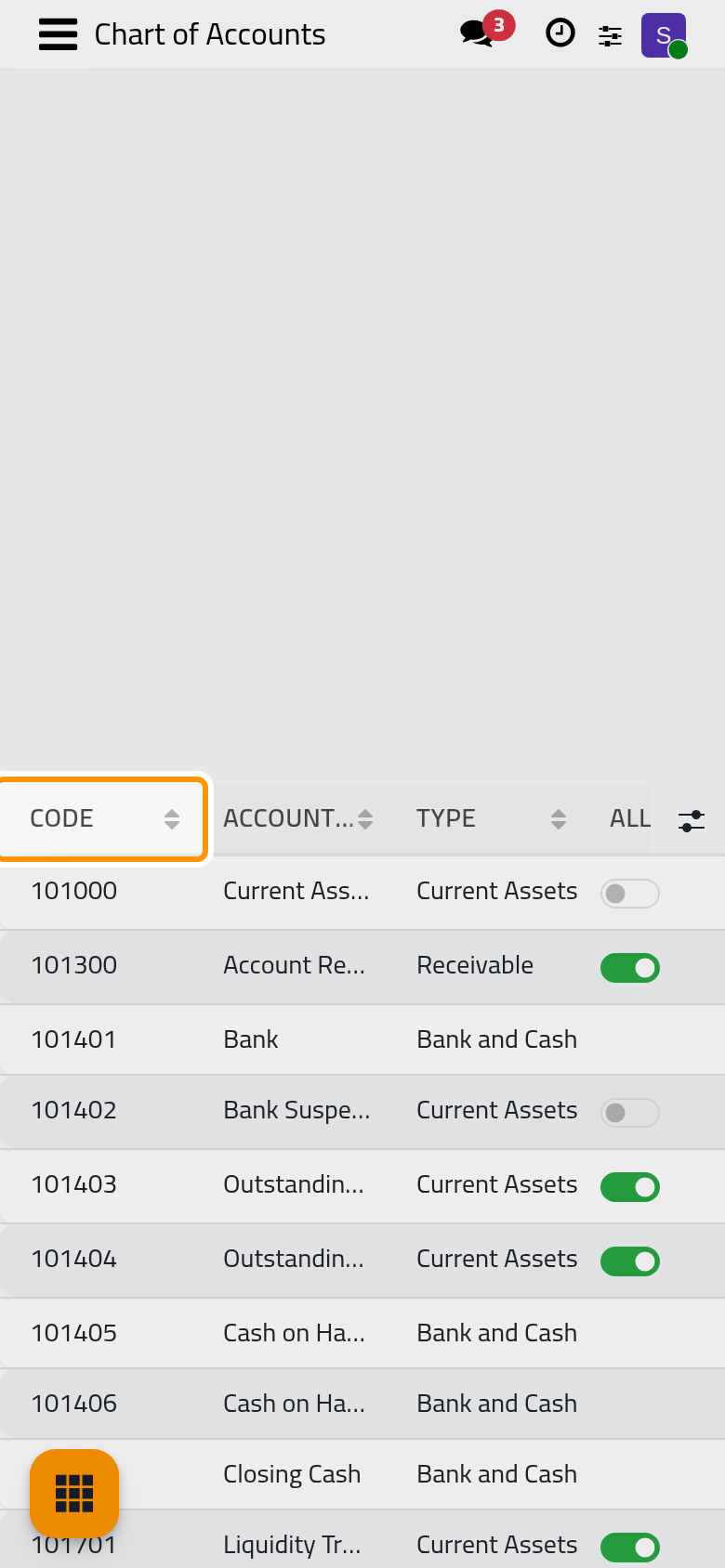
Open . Every amount the company records lands on one of these accounts. The list shows the Code, the Account Name, the Type (what the account is: receivable, bank and cash, income, expenses) and Allow Reconciliation.
Step 3: the taxes
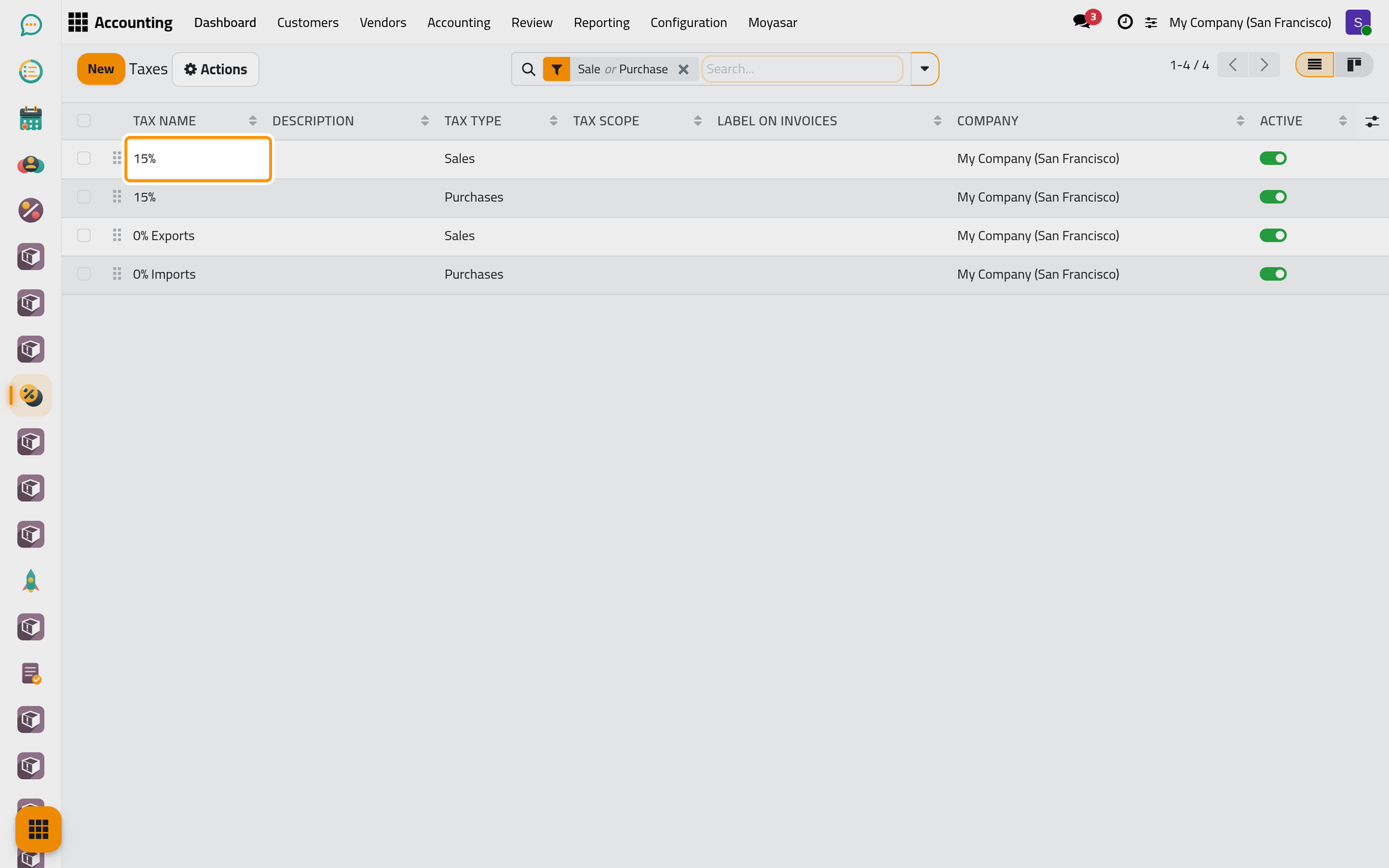
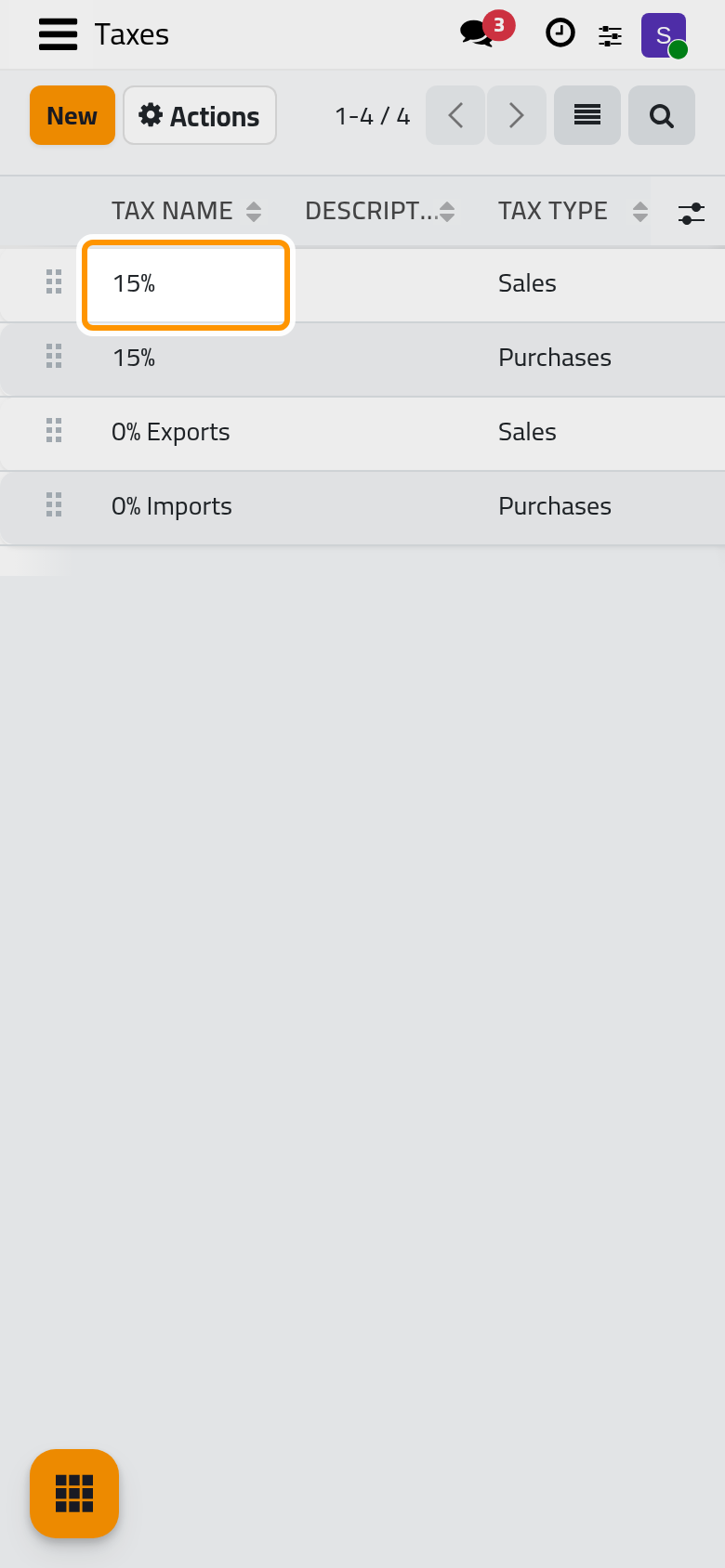
Open . Each line is a tax of the package, named by its rate (Tax Name) and marked for Sales or for Purchases (Tax Type). The two 15% lines are the usual rate, one for each side; the 0% lines are the exempt cases.
Step 4: the journals
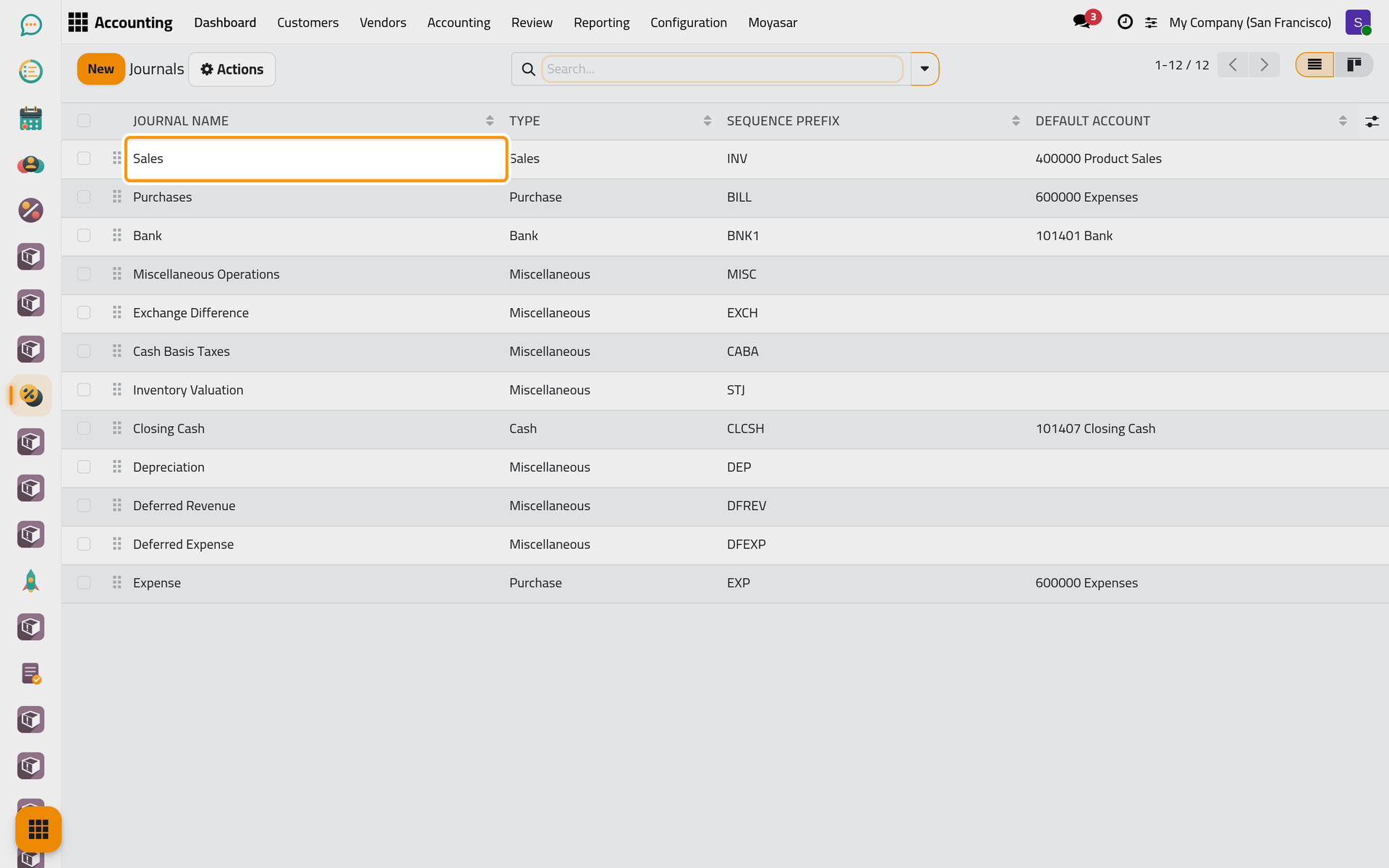
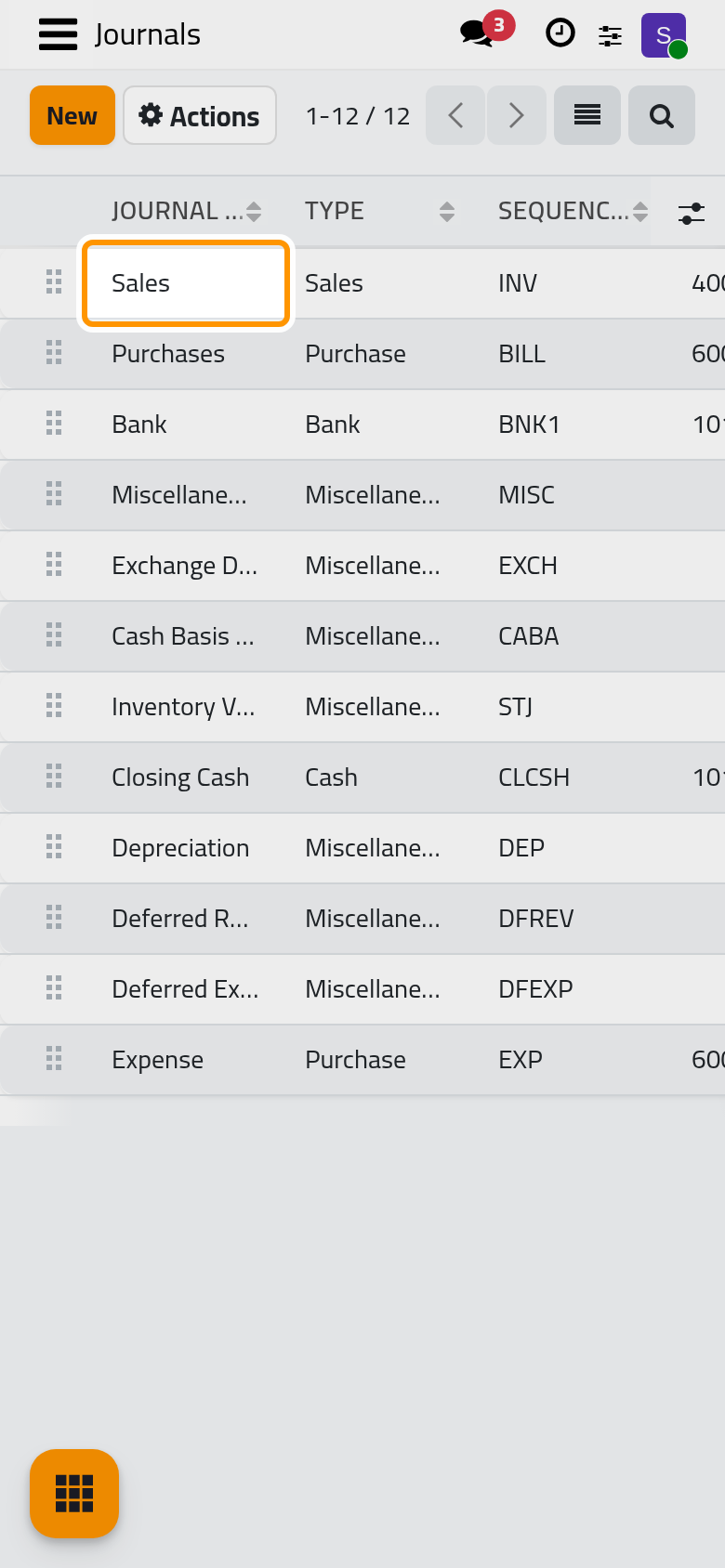
Open . A journal is a book in which entries of one kind are recorded, Sales for the customer invoices: the Type says which kind, the Sequence Prefix starts the numbers of its entries, and the Default Account is where its lines go unless told otherwise.
Step 5: the settings
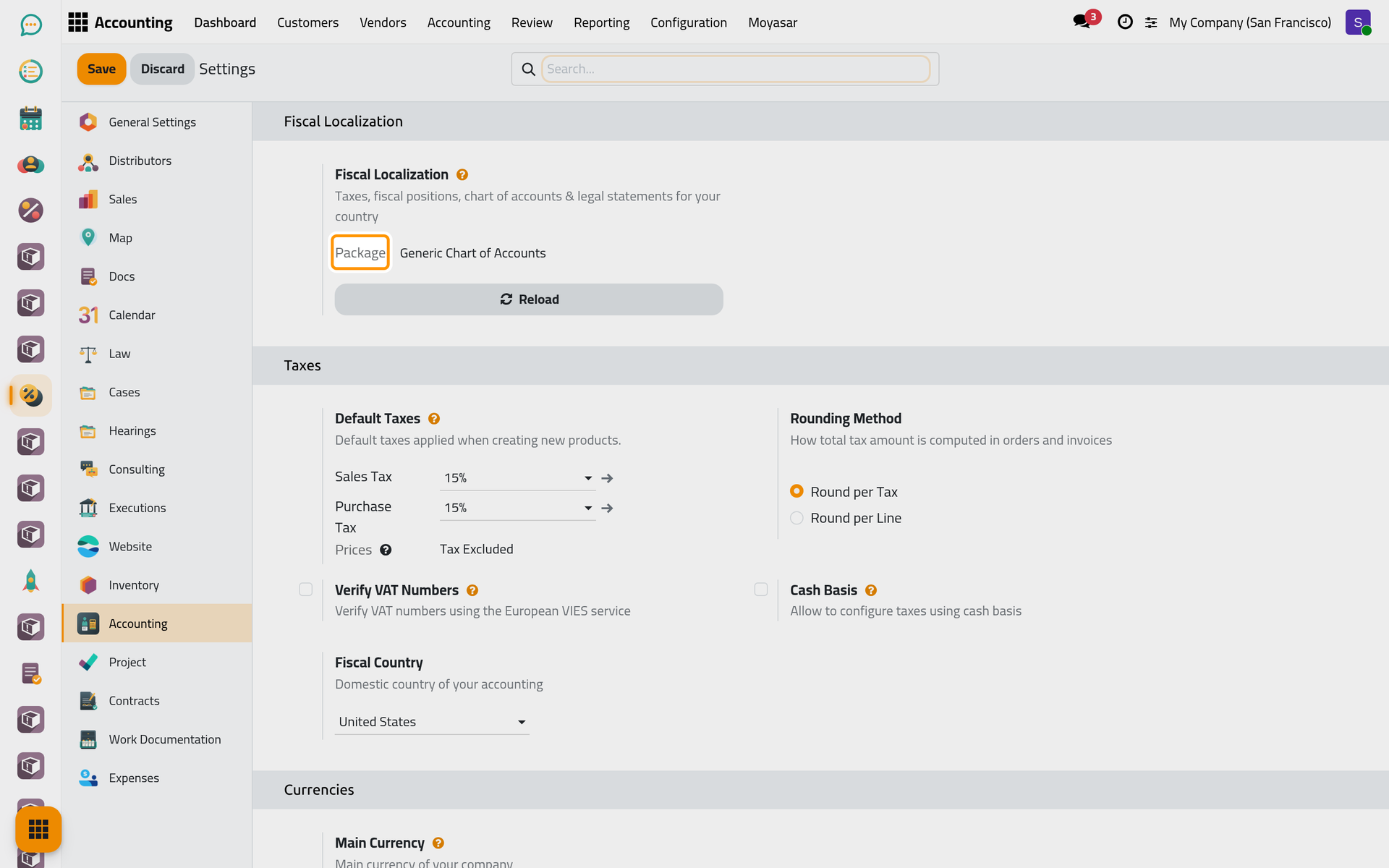
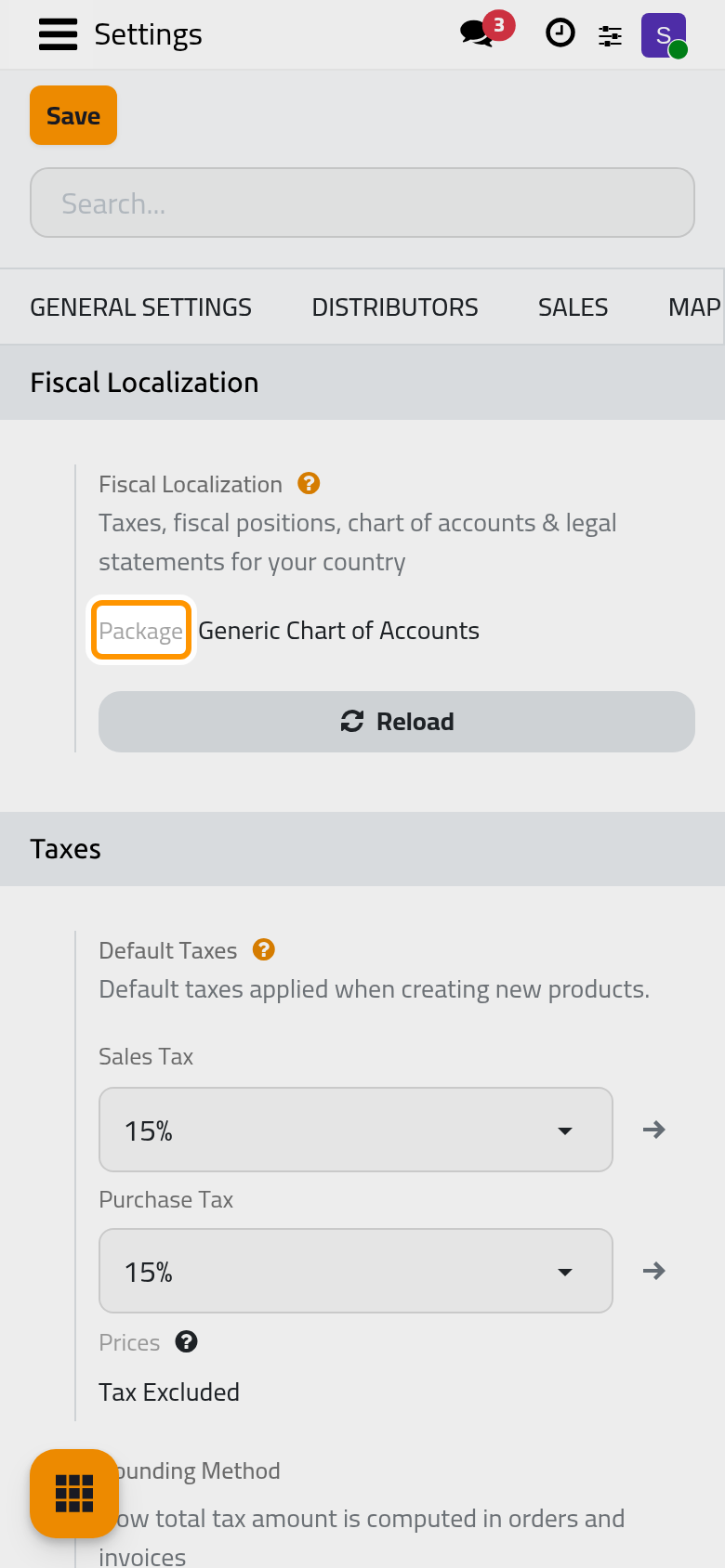
Open . In Fiscal Localization, the Package is the country's chart, taxes and reports installed for the company. Below it, Default Taxes names the taxes put on new products, Main Currency the currency of the books, and Fiscal Year the Last Day of the year.
What you have seen
Accounts, taxes and journals come from the package and are ready; the settings say which of them are used by default. The user guide takes each of them in turn: Review the chart of accounts, Set the default taxes, Create a journal, Define the fiscal year and Accounting settings.
Was this page helpful?
Thank you for your feedback.