How-to
Review the chart of accounts
On this page
The chart of accounts is the list of every account the company can post to. The localization package fills it on day one; most companies only add a few accounts of their own.
Before you start
- You need the Administrator access right on Accounting to add or change an account. The other accounting access rights read the chart.
- Choose the Package before adding accounts (see Accounting settings): it can no longer change once an entry is posted.
Read the chart
- Open .
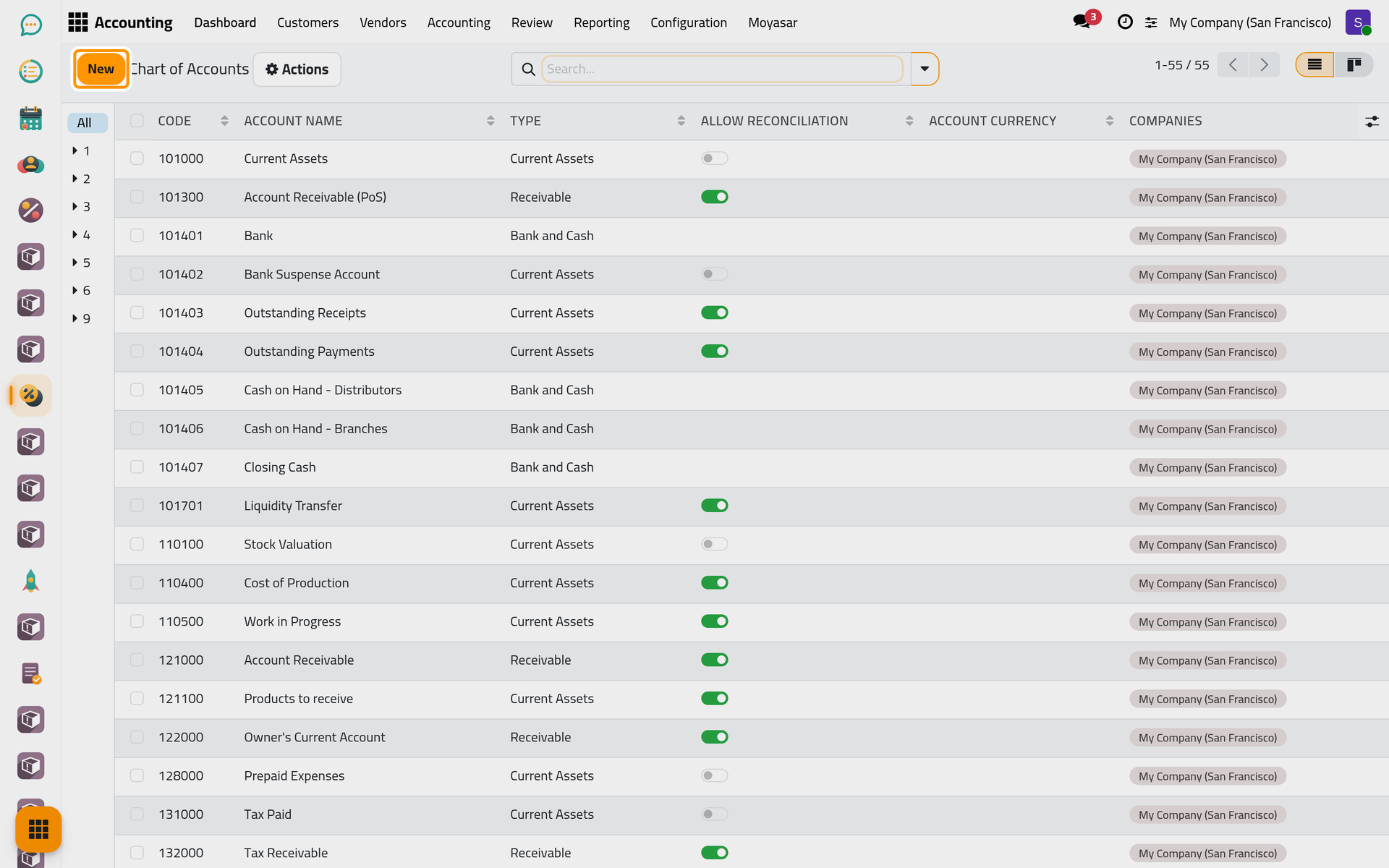
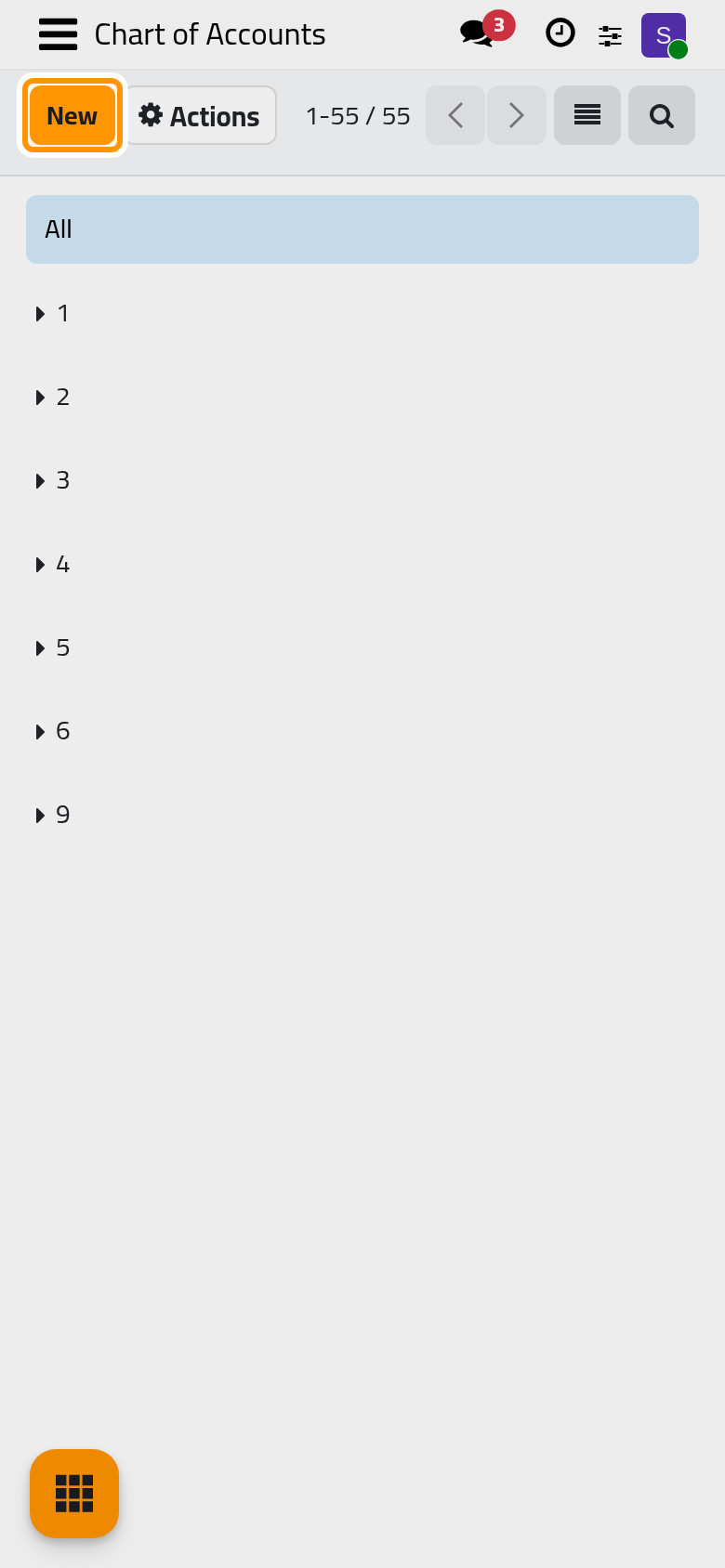
- Each line is an account. The Code orders the chart (assets first, then liabilities, equity, income and expenses), the Account Name says what it holds, the Type decides how the account behaves in the reports and on documents, and Allow Reconciliation is on for the accounts whose lines are matched against each other, such as receivables and payables.
- Type a code or a word of the name in the search box to find an account. New, above the list, adds one.
Add an account
- Click New.
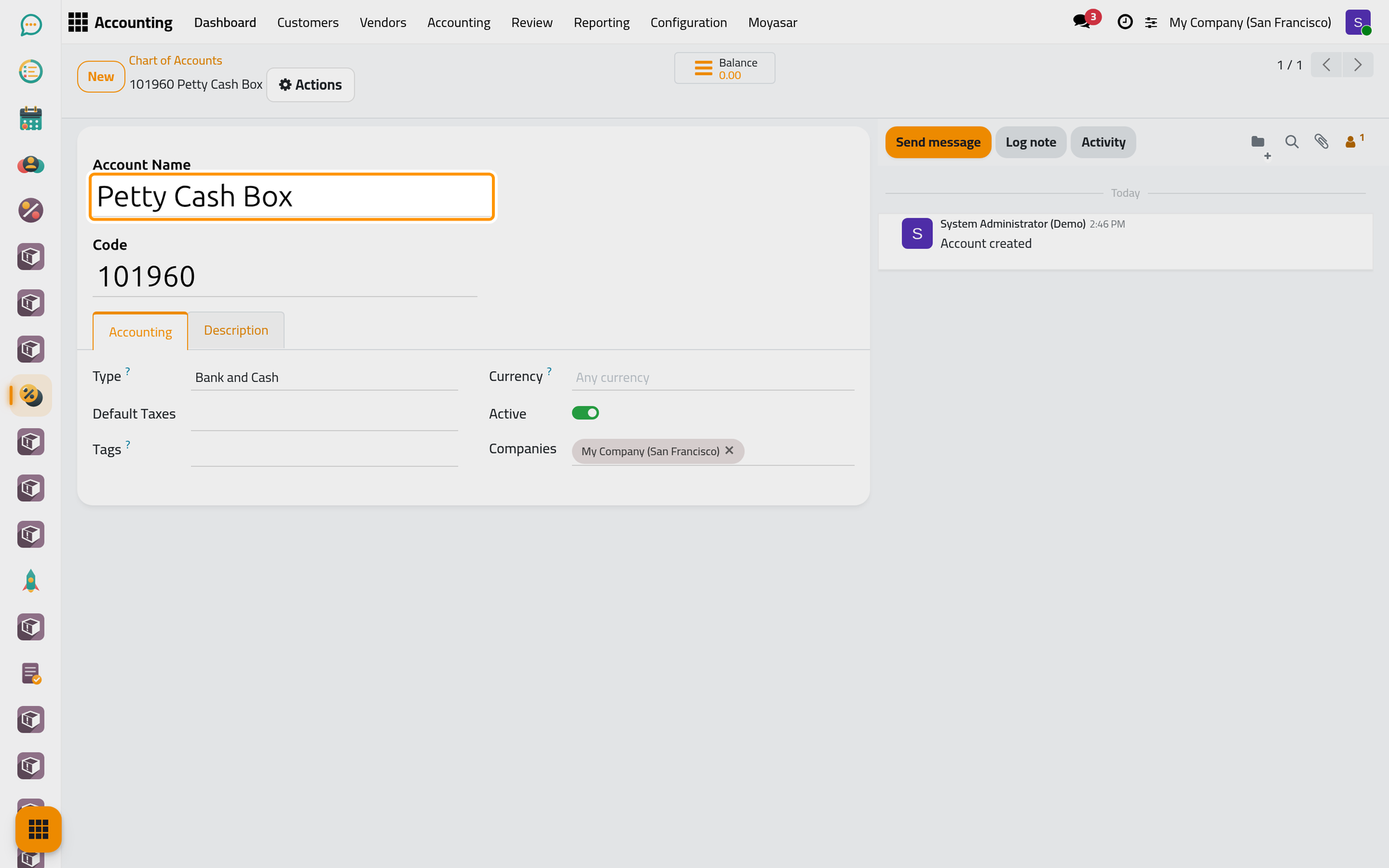
- Type the Code, following the numbering of the chart: a cash box next to the bank accounts takes a code in the same range.
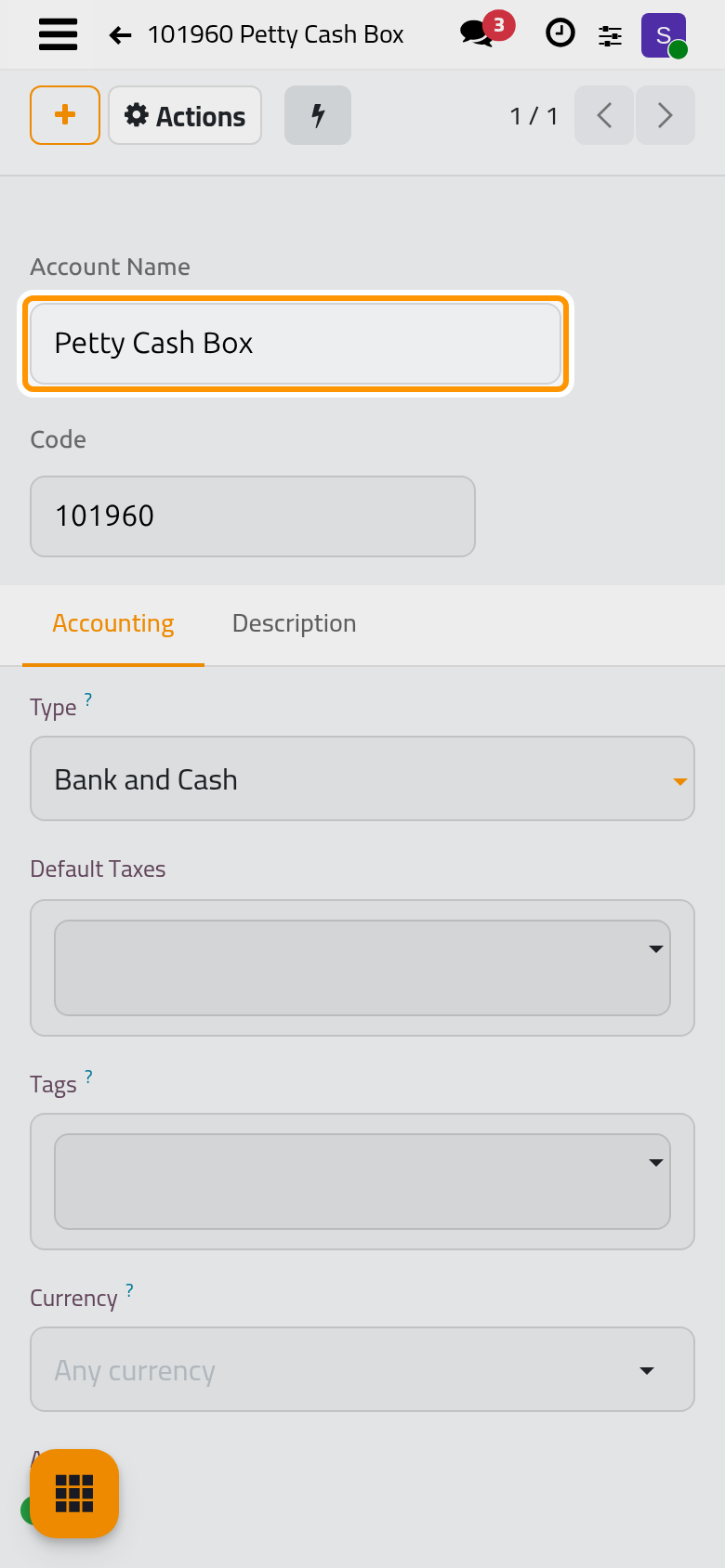
- Type the Account Name and choose the Type. The type is the one choice that matters: Bank and Cash for a cash box, Expenses for a cost, Income for a revenue.
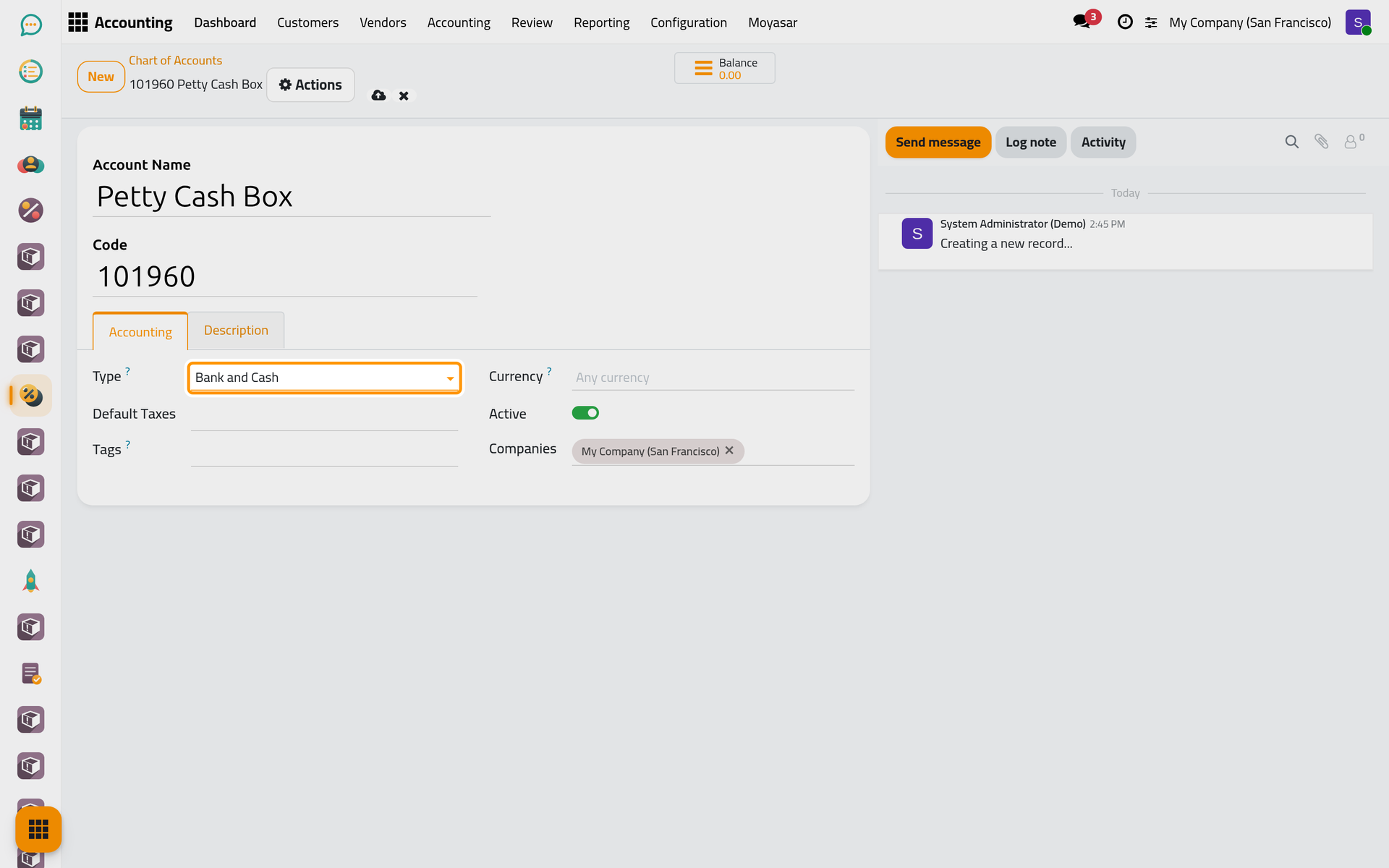
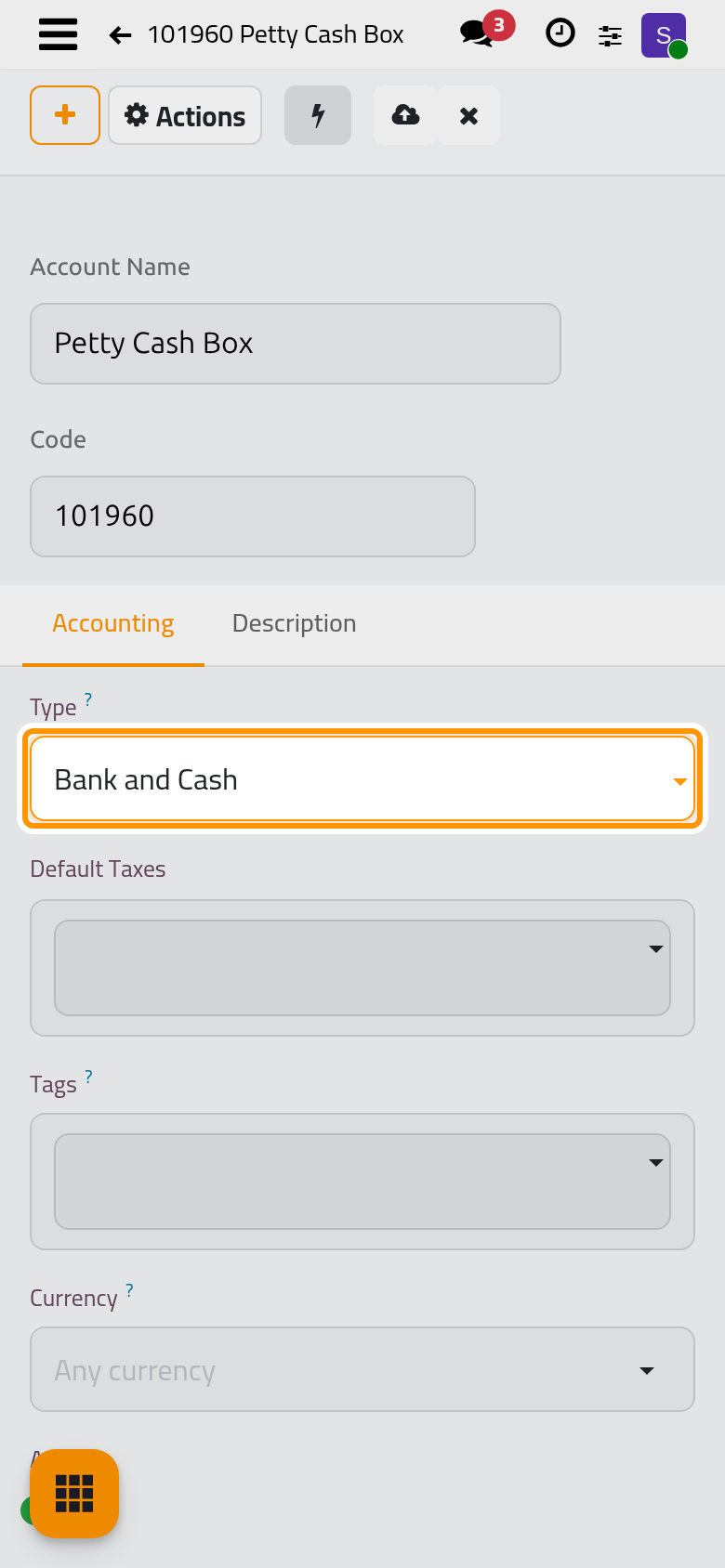
- Click the cloud icon Save manually. The account joins the chart at its code.
FAQ
Can I delete an account?
Only while nothing was posted on it. An account with entries is archived instead: it leaves the lists and keeps its history.
Why are the codes six digits long?
It is the package's numbering; keep it, so that new accounts sort with the ones they belong to. The Saudi package, for example, numbers every account with six digits and ships its names in Arabic.
I cannot find New.
Your access right on Accounting reads the chart but does not change it; ask an administrator for the Administrator access right.
Was this page helpful?
Thank you for your feedback.