How-to
Define the fiscal year
On this page
Reports and closing work on the fiscal year. Most companies close on 31 December, and one setting says so. A first year that starts in the middle of the year, or a change of closing date, needs a year of its own length: that is what Fiscal Years is for.
Before you start
- You need the Administrator access right on Accounting.
Set the last day of the year
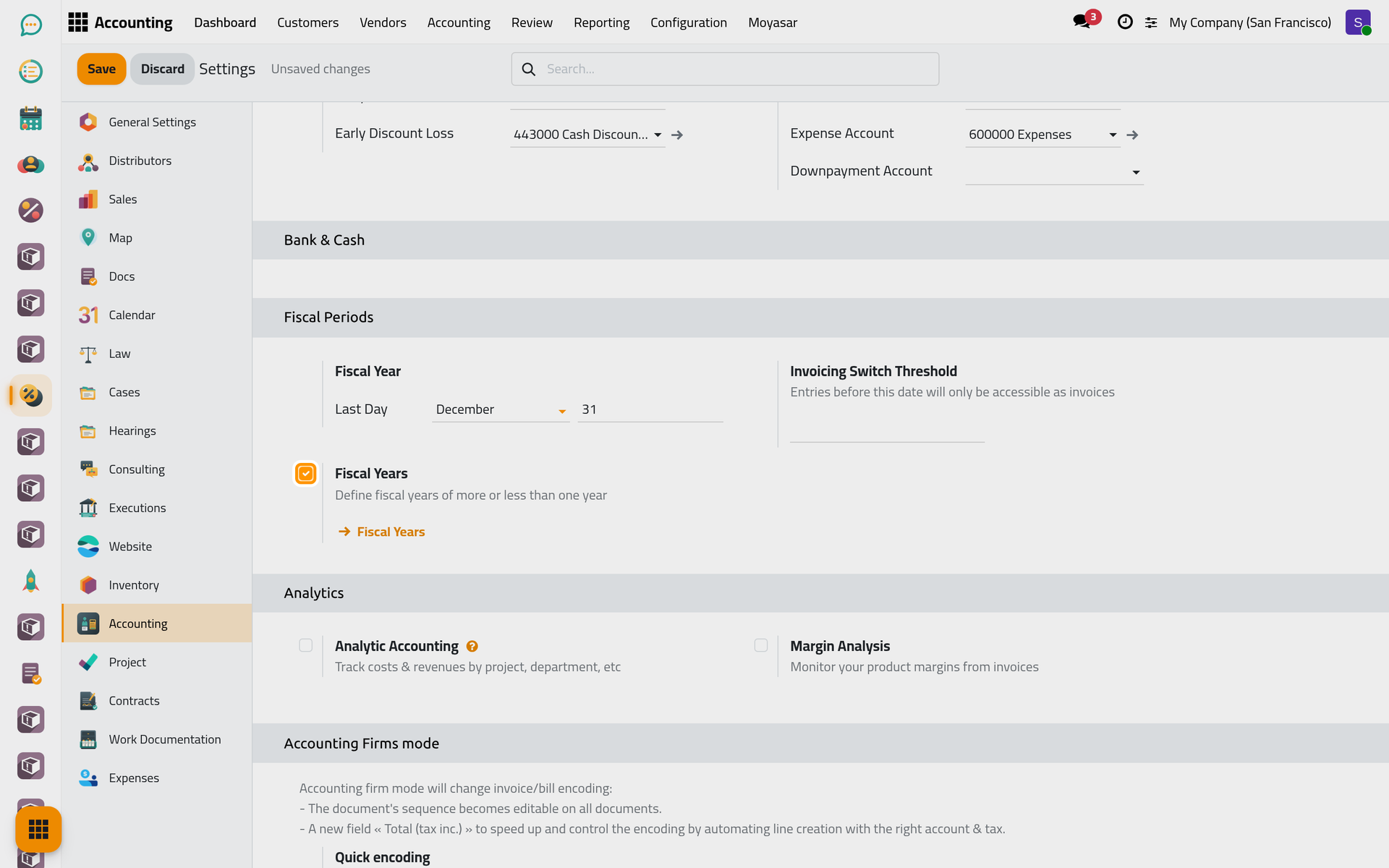
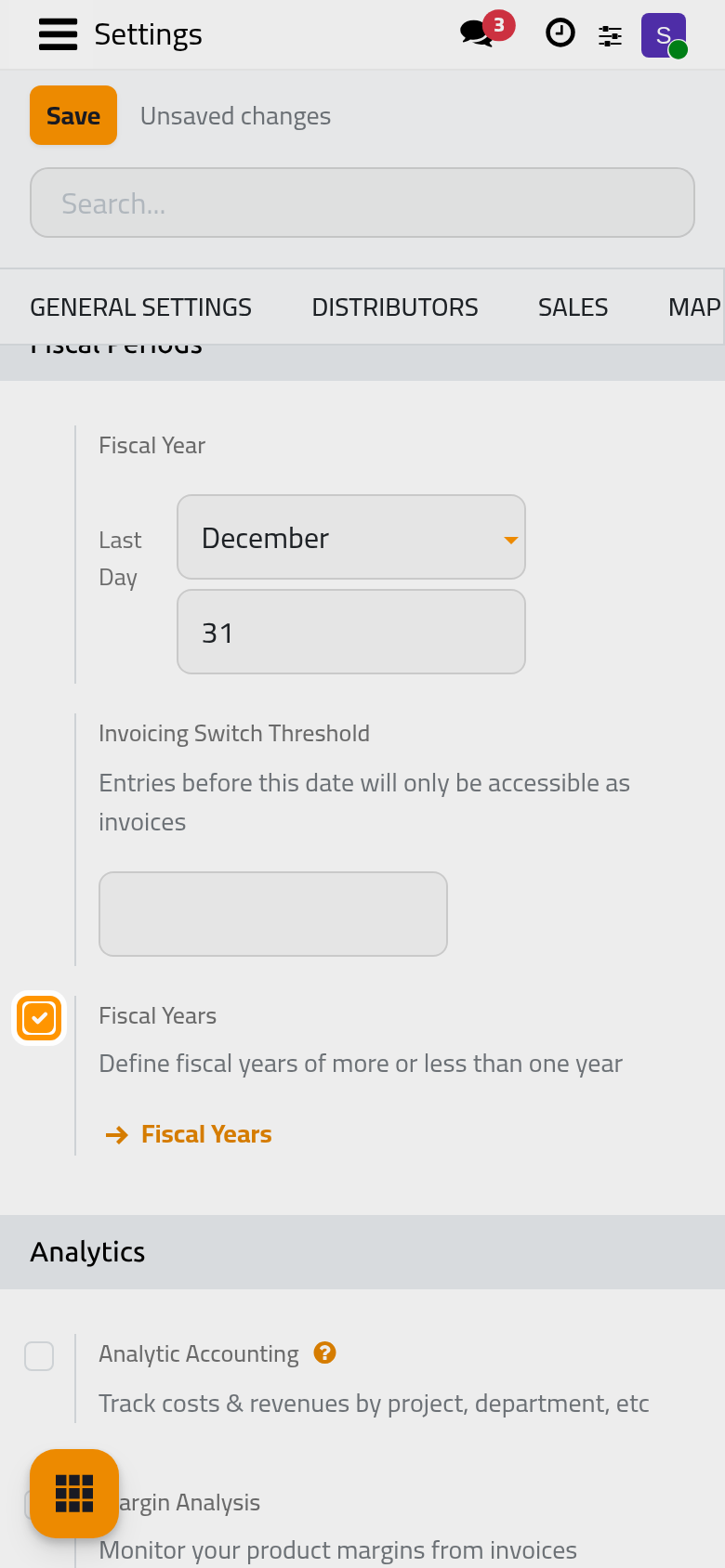
- Open and find Fiscal Year.
- Last Day takes the month, then the day: December and 31 for a calendar year.
- Click Save.
Record a year of a different length
- In the same place, tick Fiscal Years and click Save. A Fiscal Years link appears under the option, and joins the configuration.
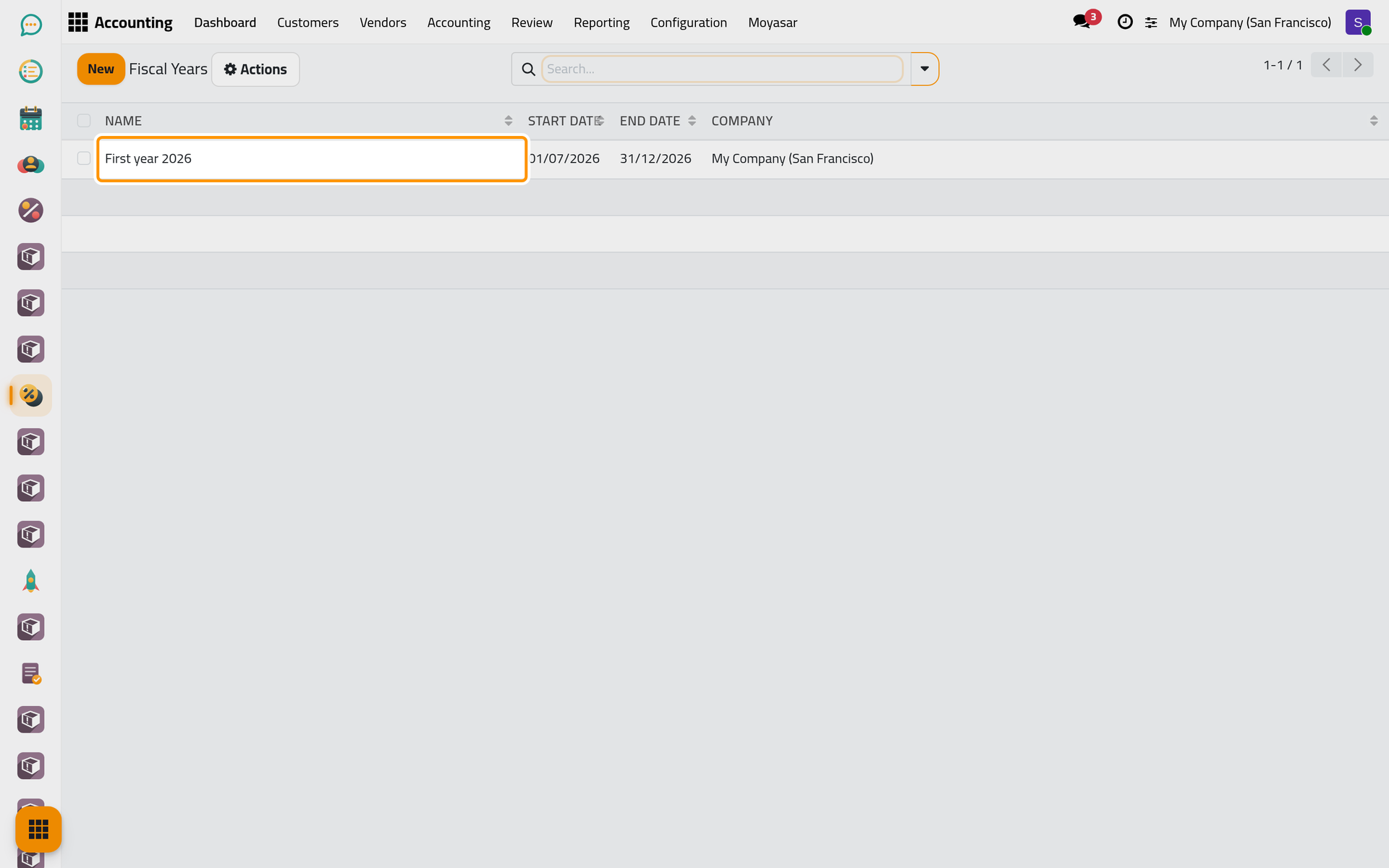
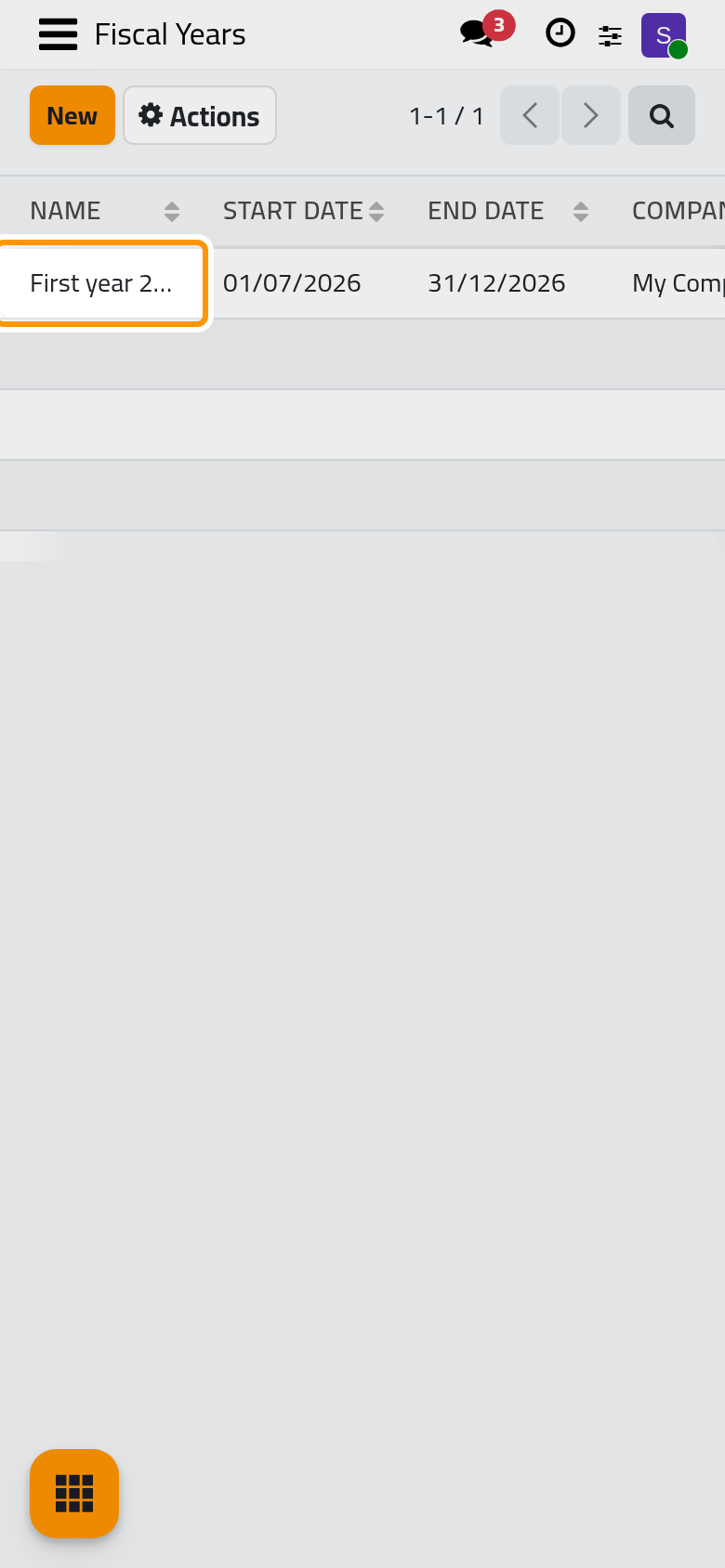
- Open and click New.
- Type a Name, the Start Date and the End Date. The end cannot come before the start, and two years of the same company cannot overlap.
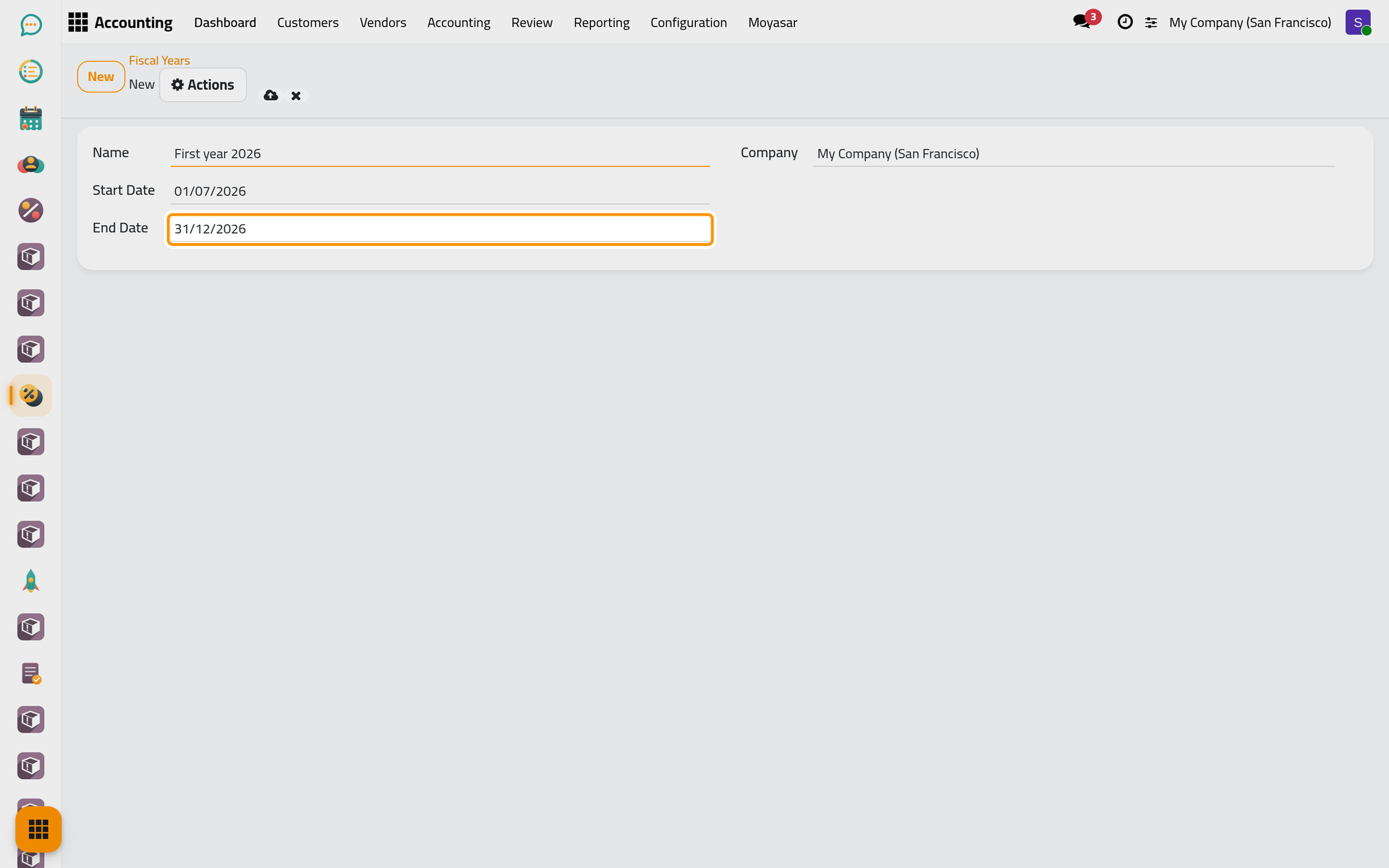
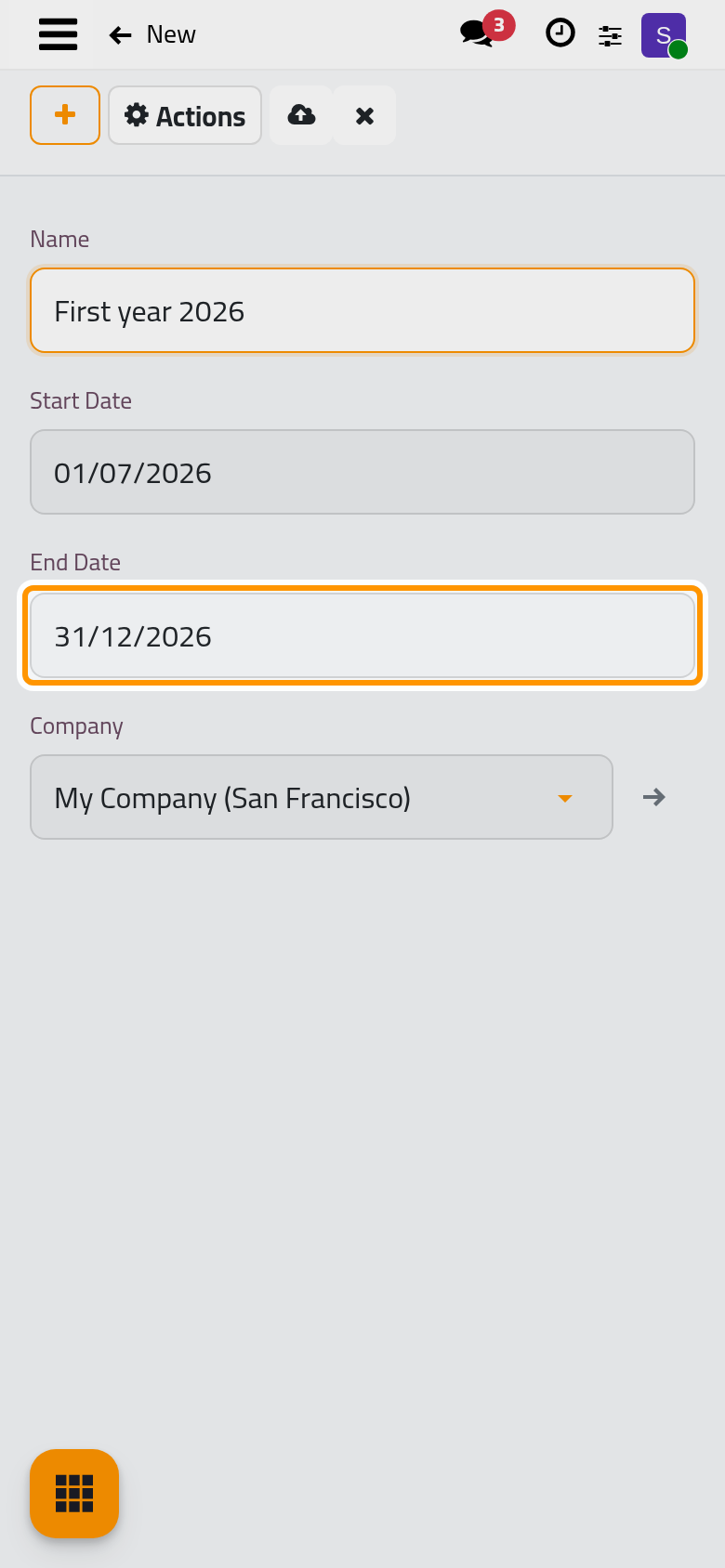
- Click the cloud icon Save manually. From now on, the reports and the closing follow this year for the dates it covers; outside it, the Last Day rules.
FAQ
Do I need a record for every year?
No. Only a year that differs from the regular one needs a record; a normal year is computed from Last Day.
The system refuses my year.
Its dates cross another fiscal year of the company, or its end comes before its start. Adjust the dates of one of the two years.
Fiscal Years is ticked, but I cannot open the list.
Opening fiscal years needs an accounting access right; adding or changing them needs the Administrator access right on Accounting.
Was this page helpful?
Thank you for your feedback.