Work Documentation settings
On this page
Work Documentation has one group of options, Approval Workflow, with one setting. It is enough: the rest of the behaviour, who approves what, is decided on the document types.
Before you start
- Changing settings needs the Administrator role (Role on the user's Access Rights tab).
- The setting is kept per company: in a database with several companies, choose the company at the top of the screen before changing it.
Approval Deadline (days)
Open .
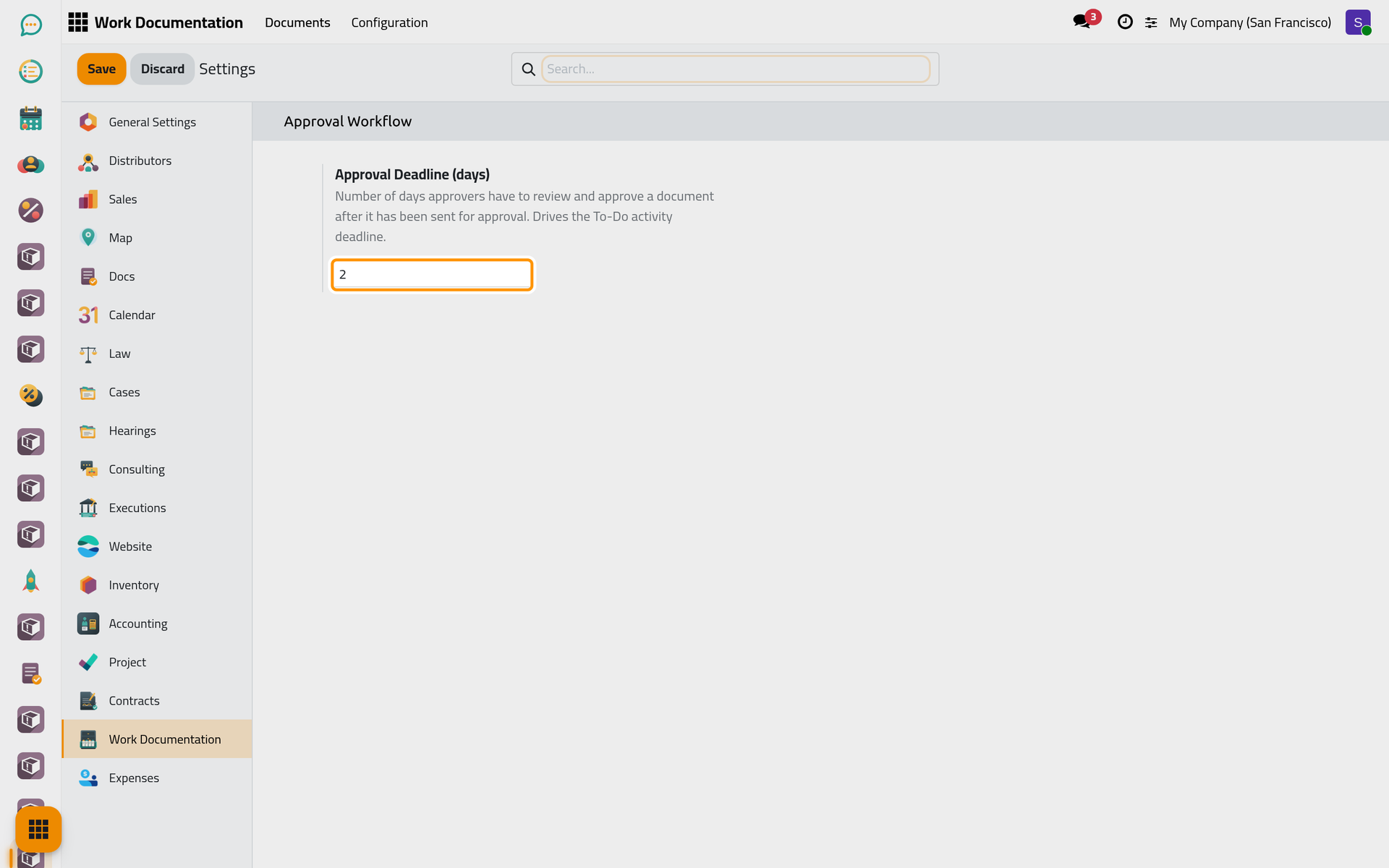
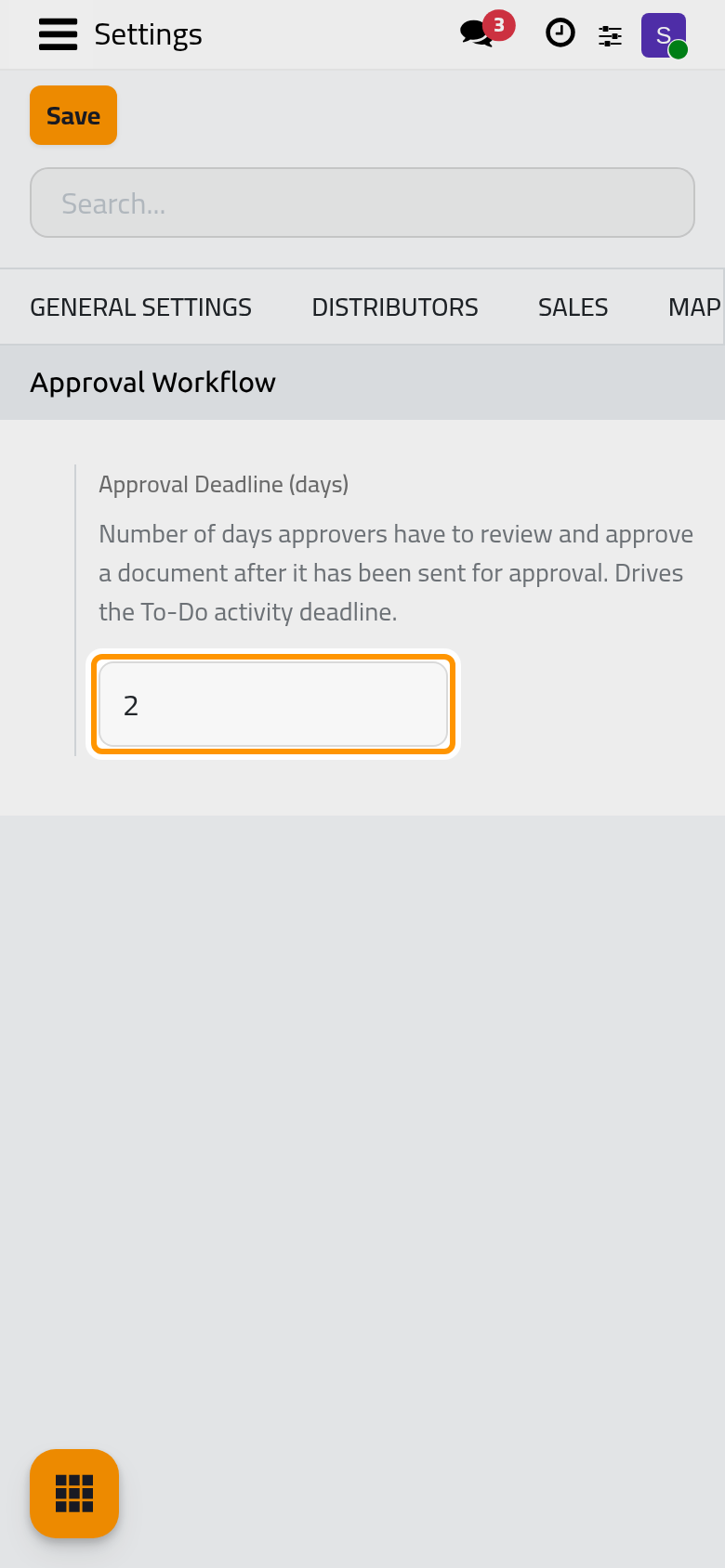
The number of days approvers have to review a document after it is sent. It sets the deadline of the to-do each approver receives: a document sent today with 2 is due the day after tomorrow. The default is 2, and an empty value or 0 behaves as 2.
It applies to the documents sent after the change; the to-dos already created keep their deadline.
Click Save.
FAQ
Where do I decide who approves?
On each Document Type, explained in Set up document types and approvers.
What happens when the deadline passes?
Nothing by itself: the to-do turns late in the approver's activities and stays until the document is approved or rejected. Work Documentation automations lists what the app does on its own.
Was this page helpful?
Thank you for your feedback.