How-to
Write with a template
On this page
A template holds the text that repeats from one document to the next: the headings of an internal memo, the opening of a memorandum, the sections of a weekly report. Picking it on a document copies that text into the body, where you complete it.
Before you start
- The Document Templates menu is shown to users with the Manager: All Documents access right. Every user of Work Documentation can pick a template on a document.
Prepare the template
- Open and click New.
- Type the name of the template in the title box (it reads e.g. Weekly Status Report until you write), then write the text in the Content tab: its headings, its tables and the places left to fill.
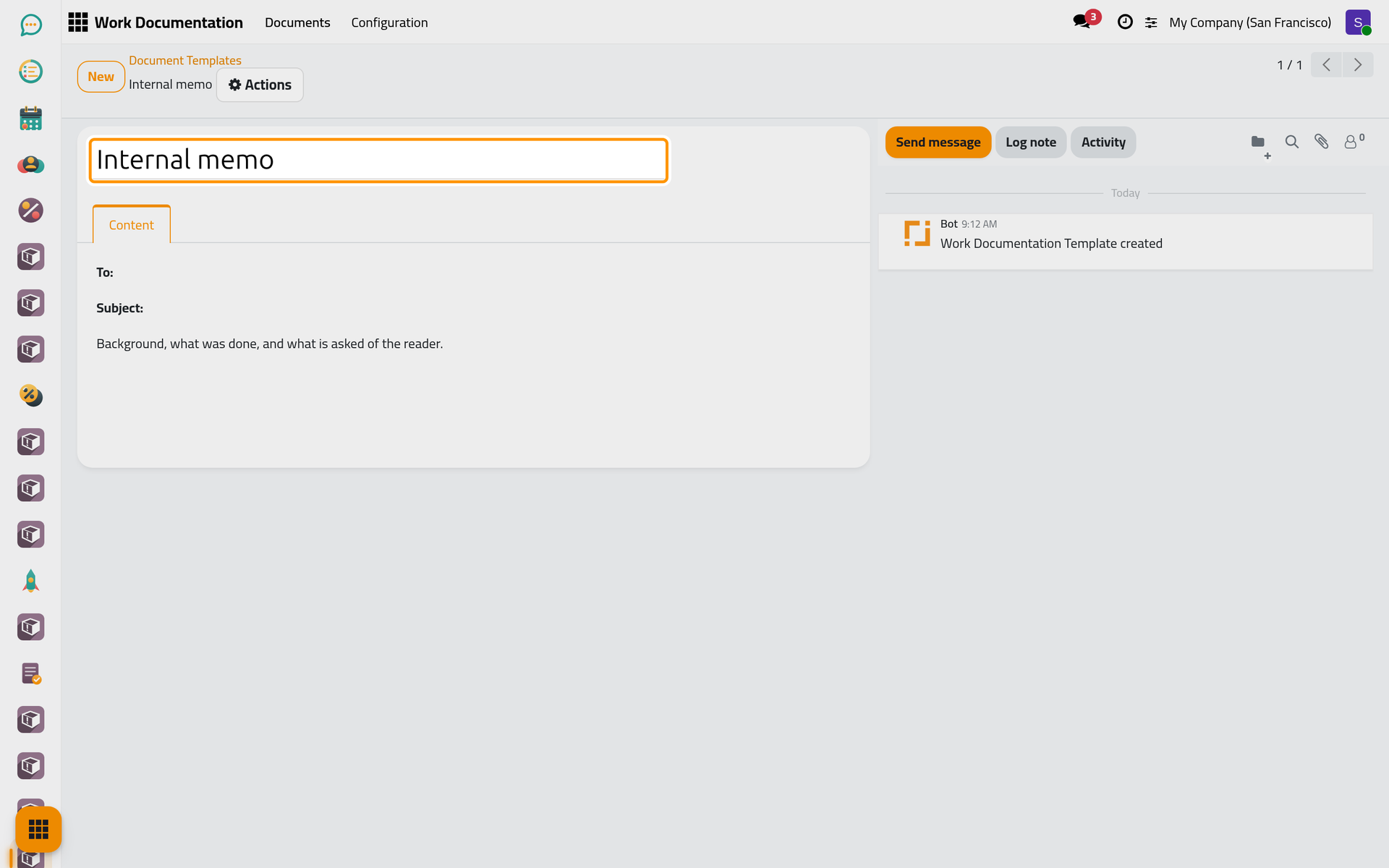
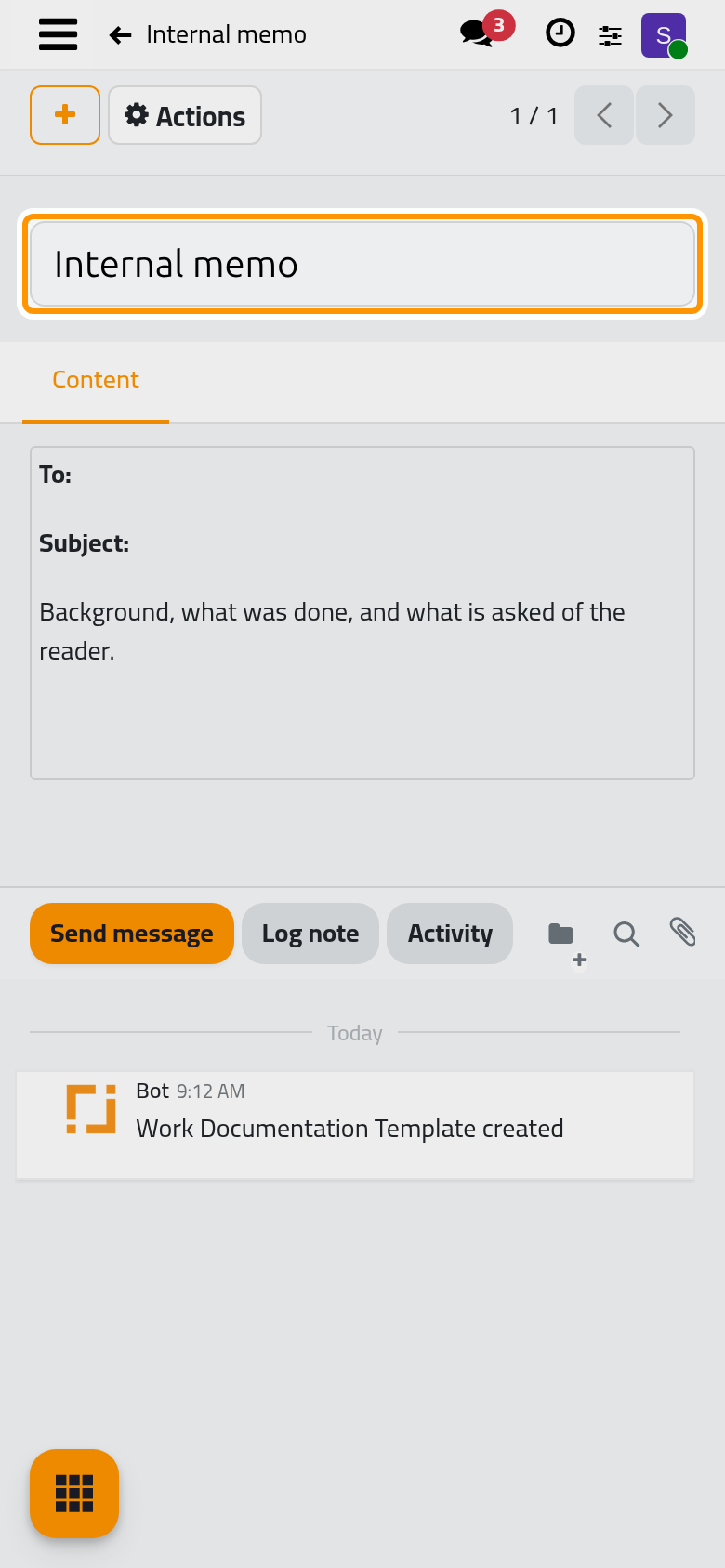
- Click Save manually.
Start a document from it
- Open , click New and choose the Template.
- The Content tab is filled with the template's text. Complete it, then fill the Subject and the Type as usual.
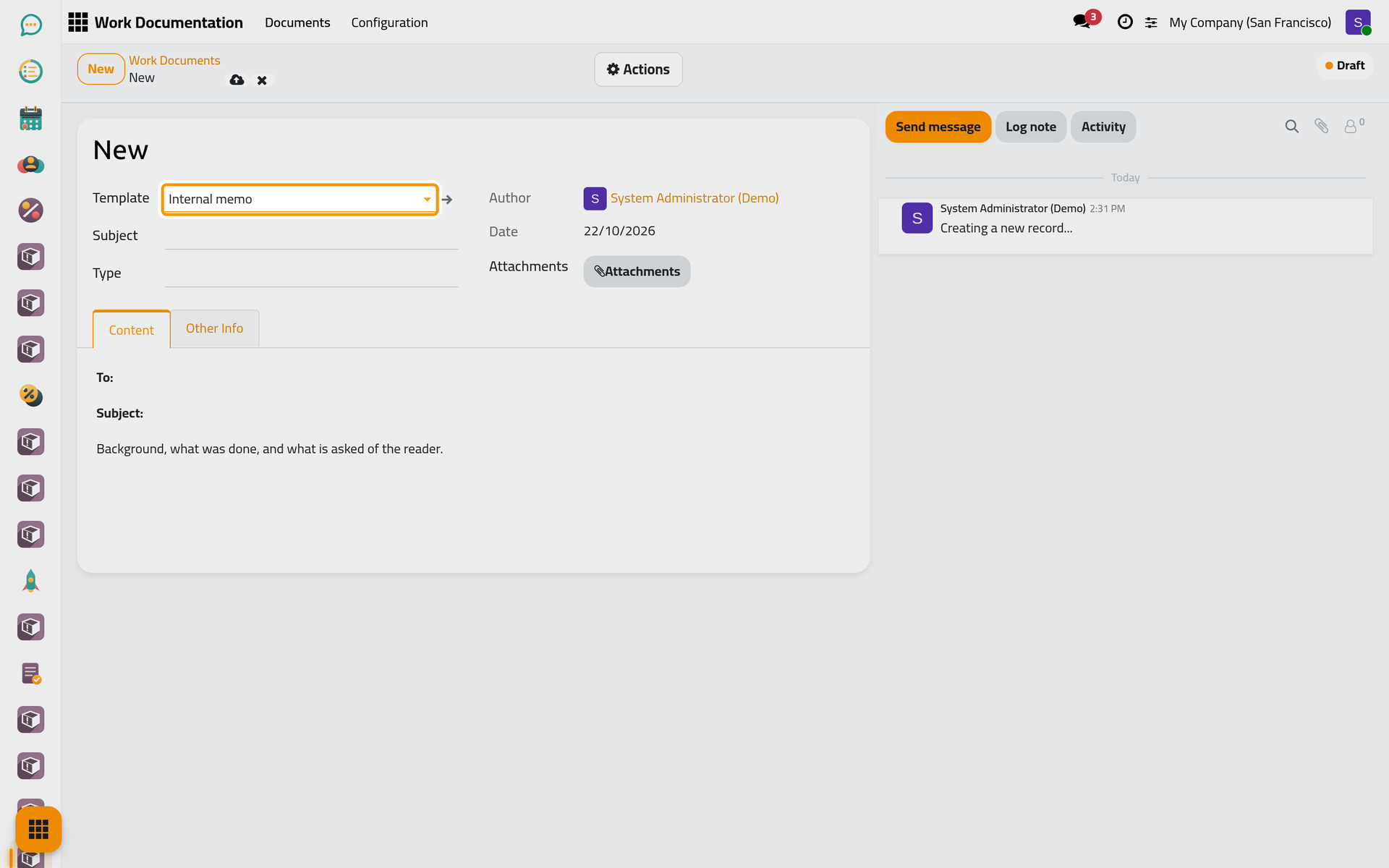
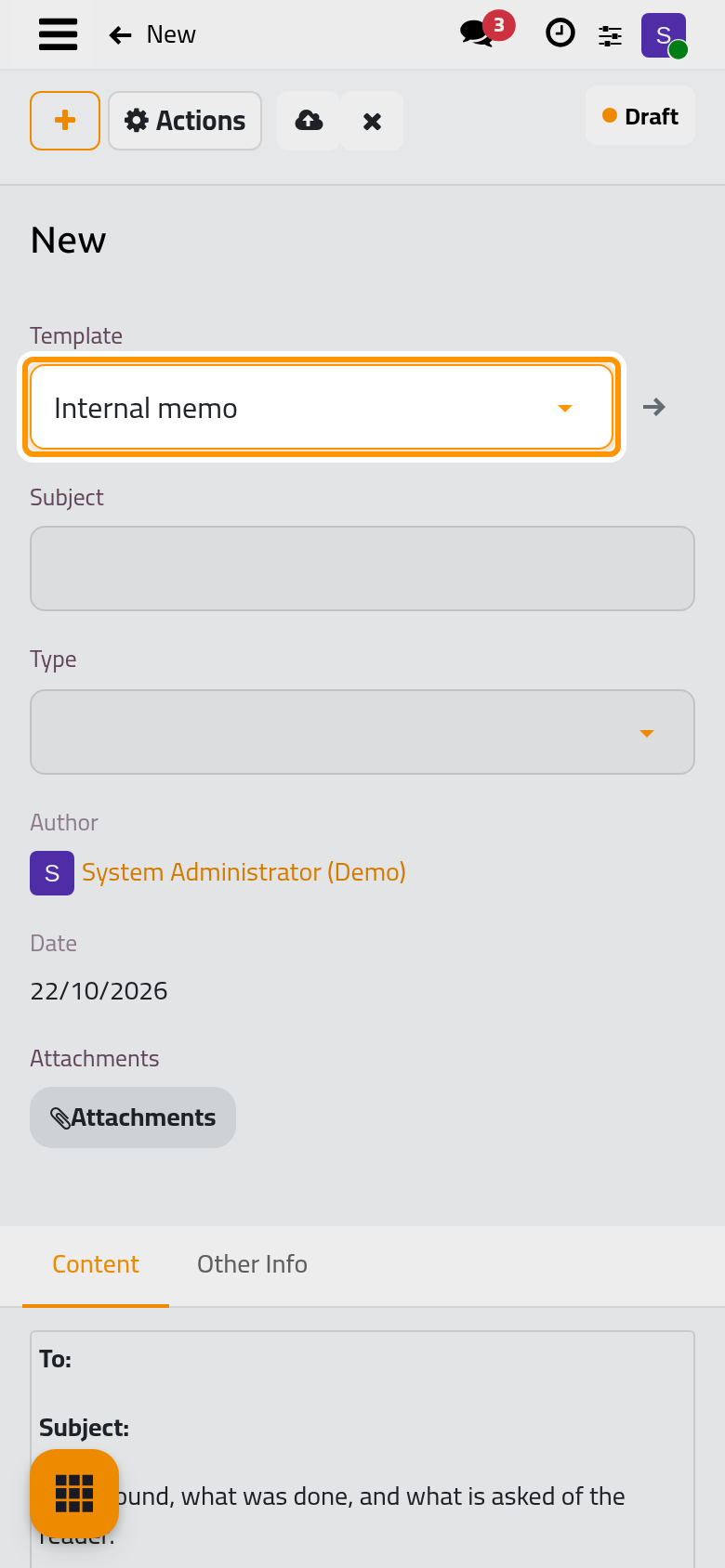
The text is copied, not linked: changing the template later leaves the existing documents as they are, and editing the body of a document never changes the template.
FAQ
I picked the wrong template.
Pick another one: its text replaces the body. Anything you had already written is replaced too, so pick the template before writing.
Can a template choose the type?
No. A template carries text only; the type and its approval rule are chosen on the document.
Was this page helpful?
Thank you for your feedback.