Approve or reject a document
On this page
When a document is sent, each approver of its type gets a to-do "Review and approve the work documentation" with a deadline. The approver opens the document and decides: approve, or reject with a reason.
Before you start
- You need the Manager: All Documents access right on Work Documentation. An approver without it sees the document and the to-do, but Approve and Reject are not offered.
- Only a document Waiting for Approval can be approved or rejected.
Find the documents waiting for you
Open . The list opens on My Documents; remove that filter and choose Waiting Approval to see every document that waits. Your to-dos also lead to the documents from the activities menu at the top of the screen.
Approve
- Open the document and read its Content and Attachments.
- Open the Actions menu and choose Approve.
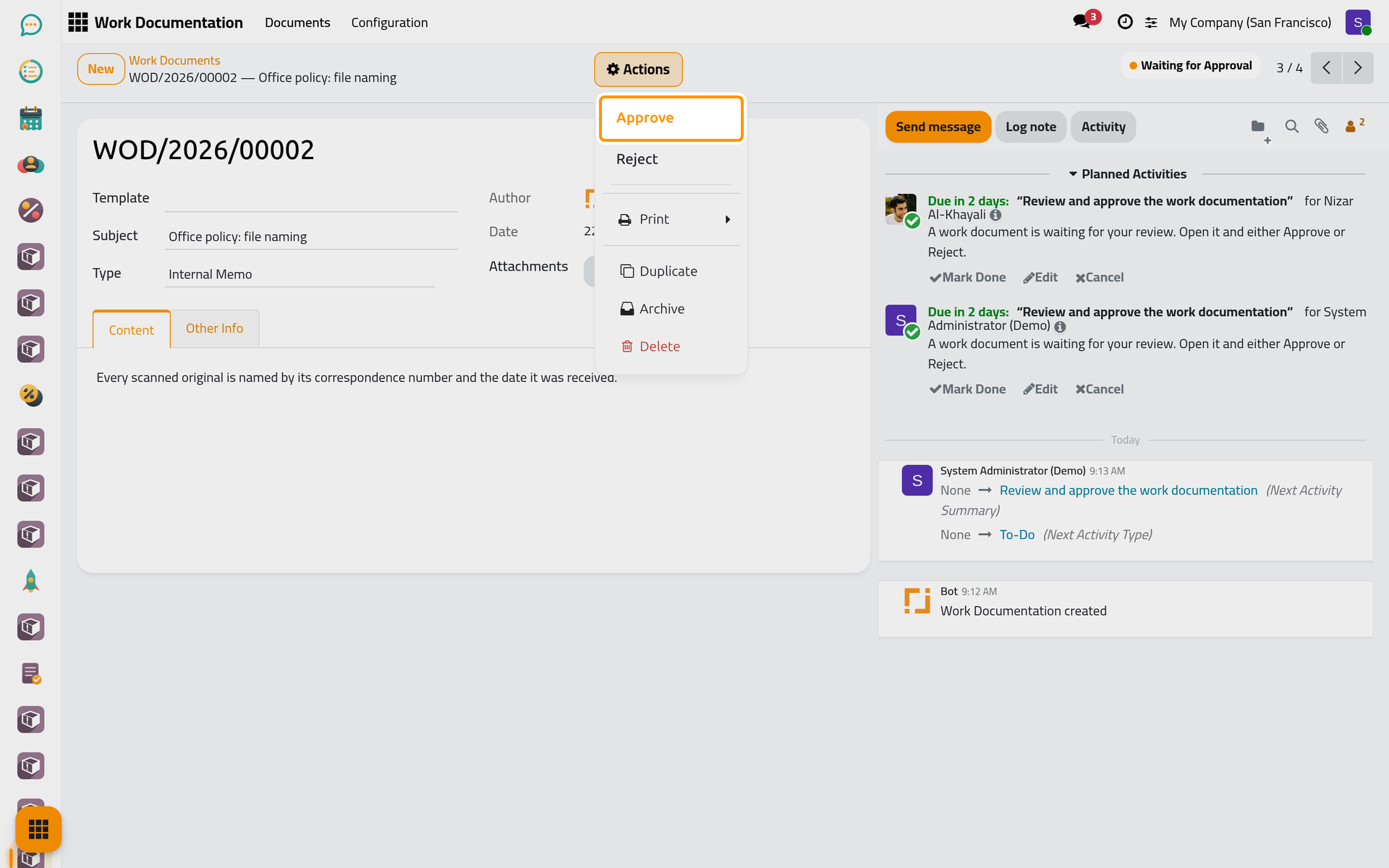
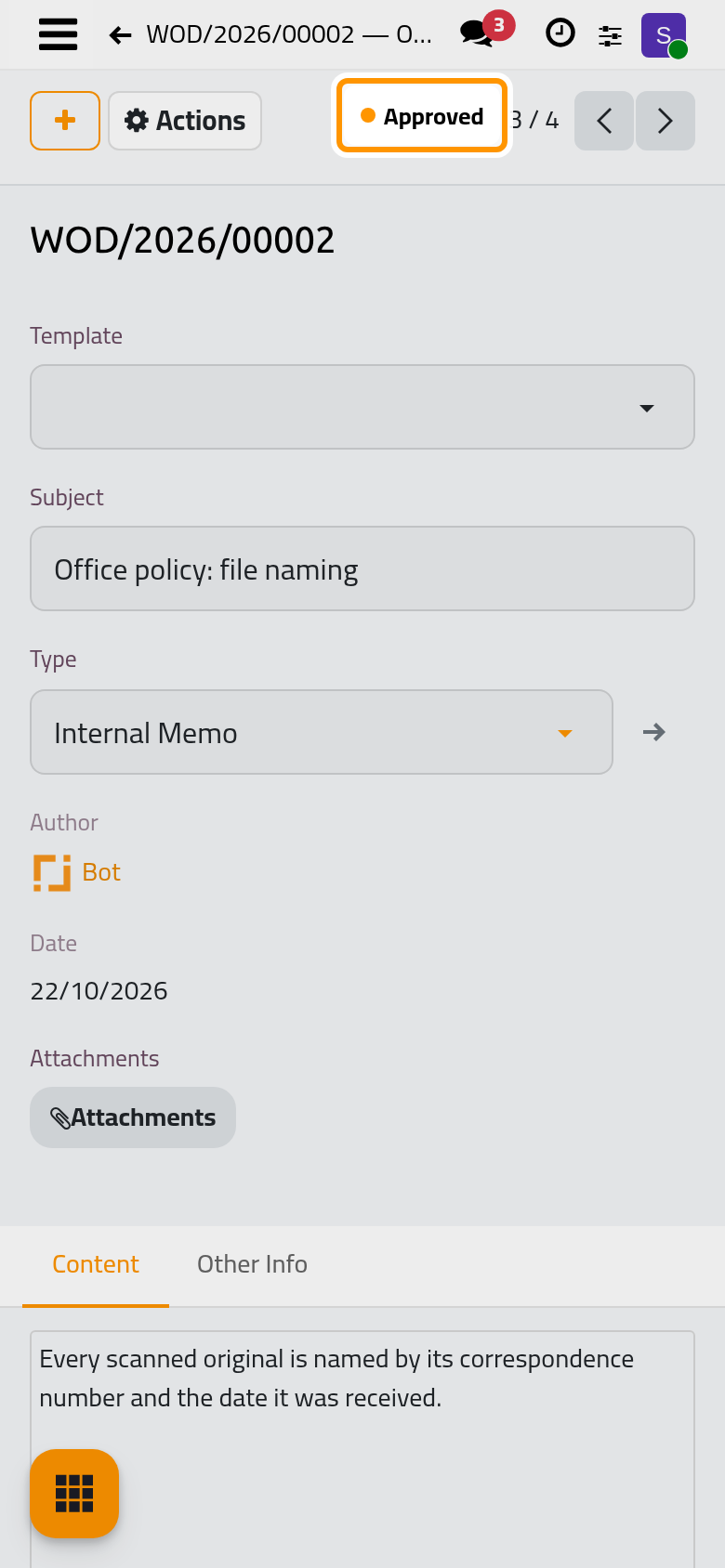
On a phone the same Actions button sits in the bar at the top of the form; the picture shows the desktop.
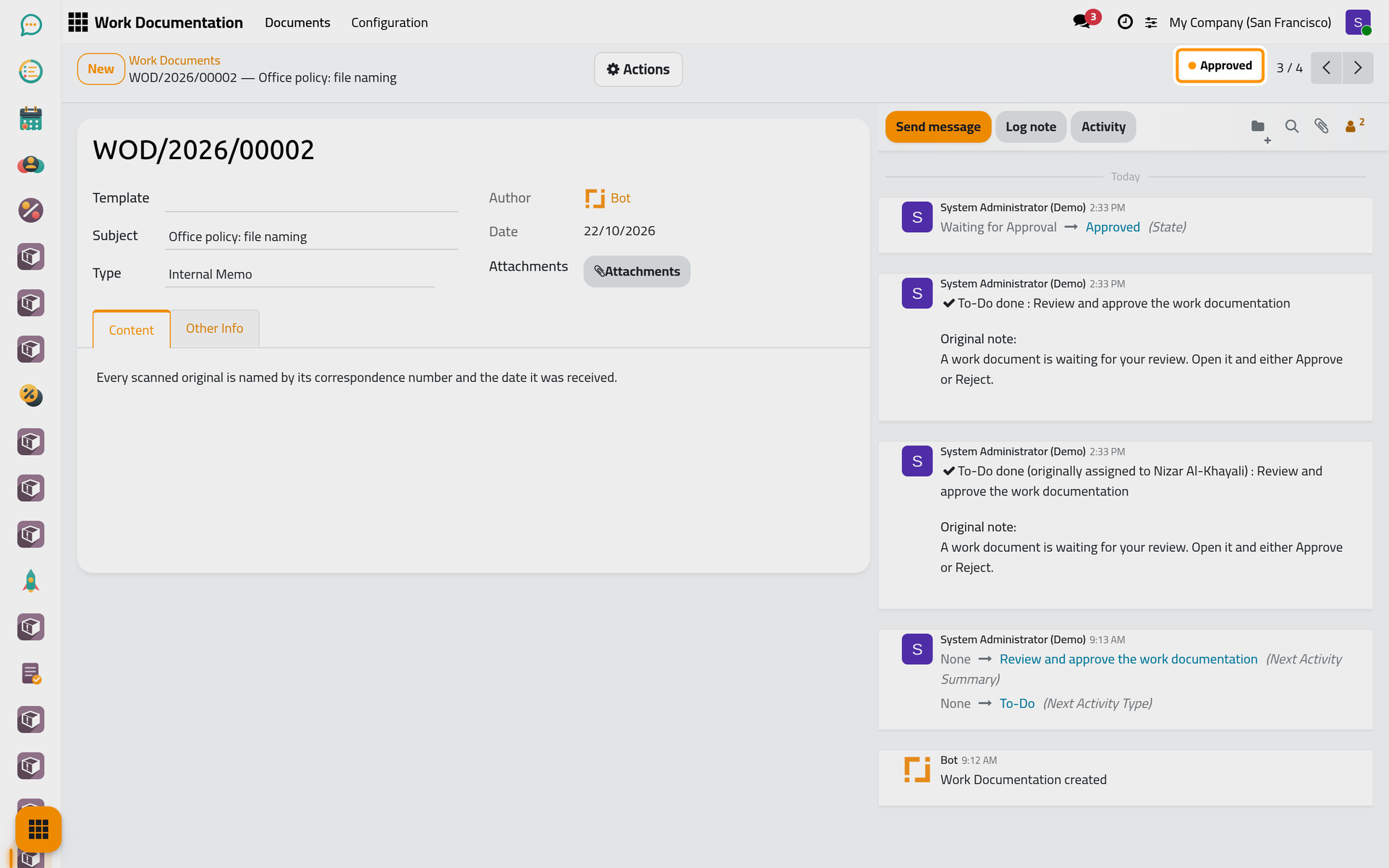
- The status becomes Approved and the to-do is closed for every approver.
Reject
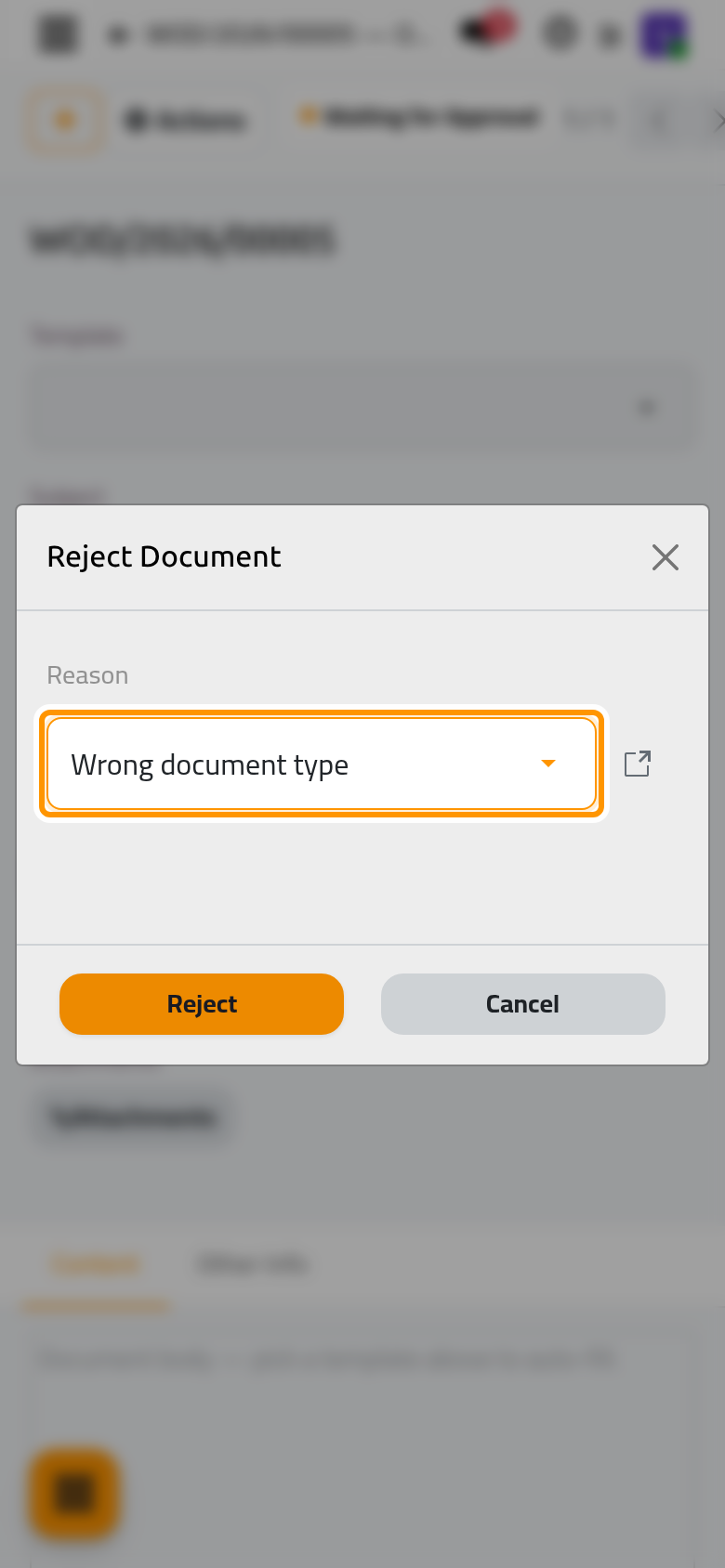
- Open the Actions menu and choose Reject. The window Reject Document asks for the Reason.
- Pick the reason and click Reject.
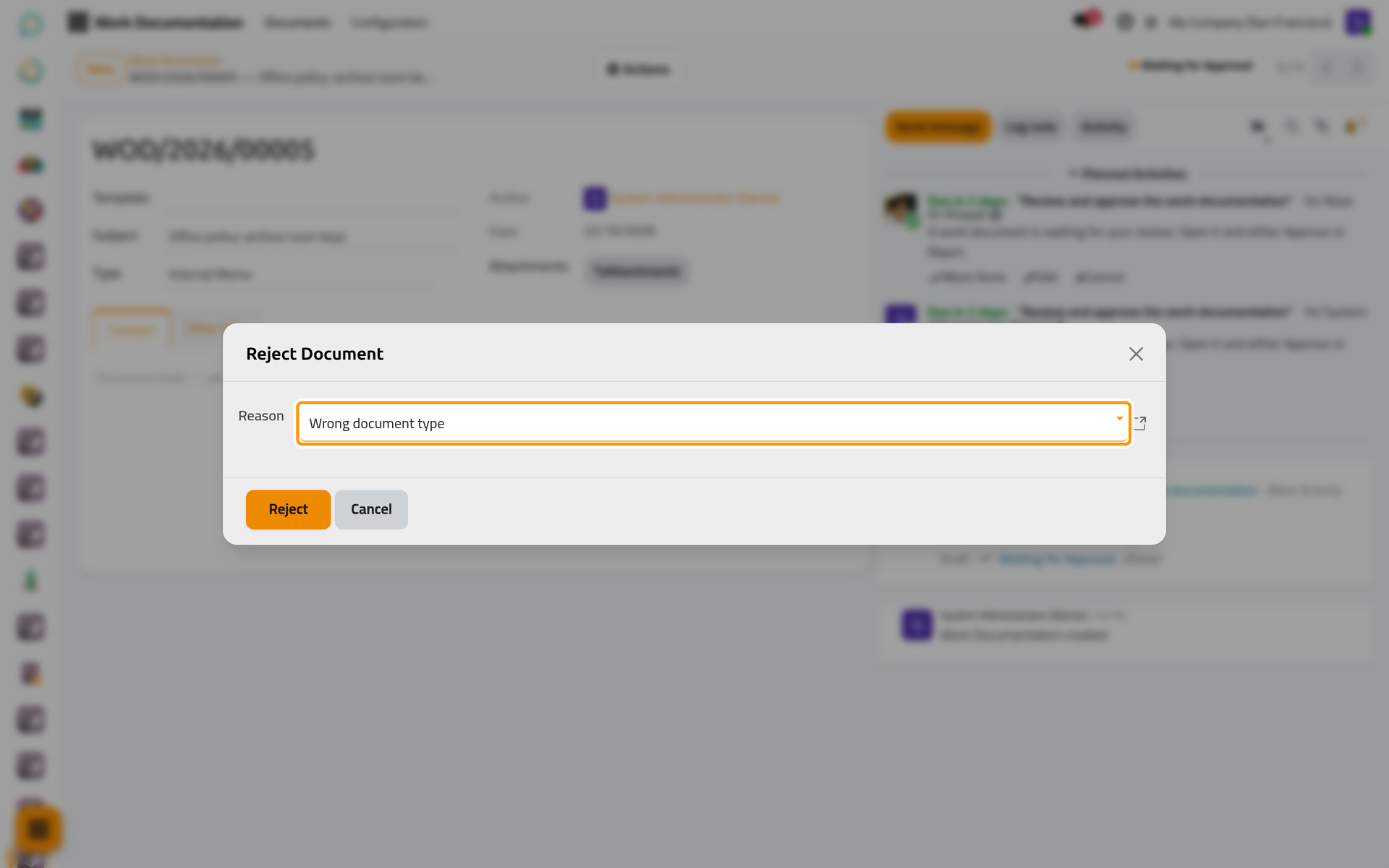
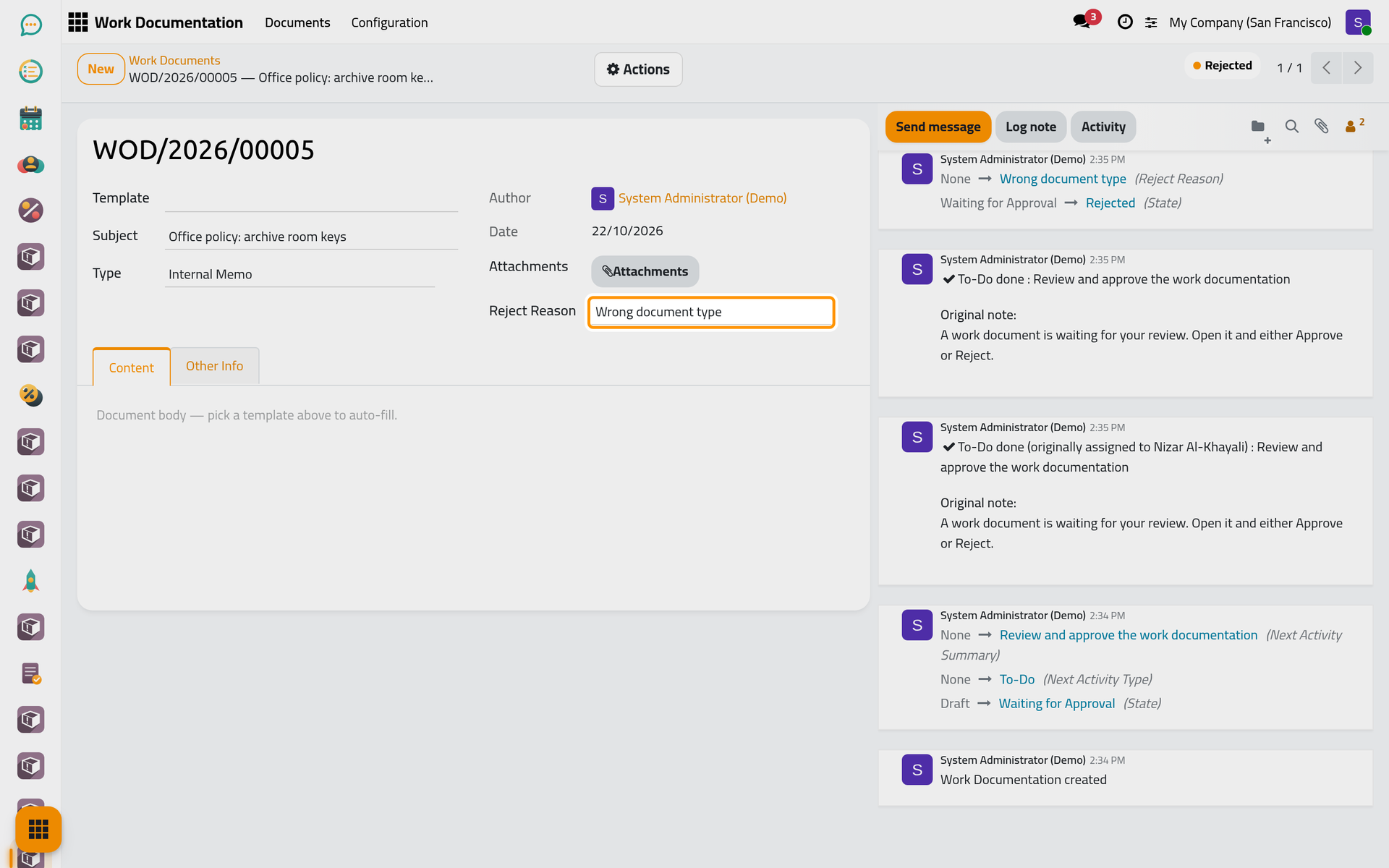
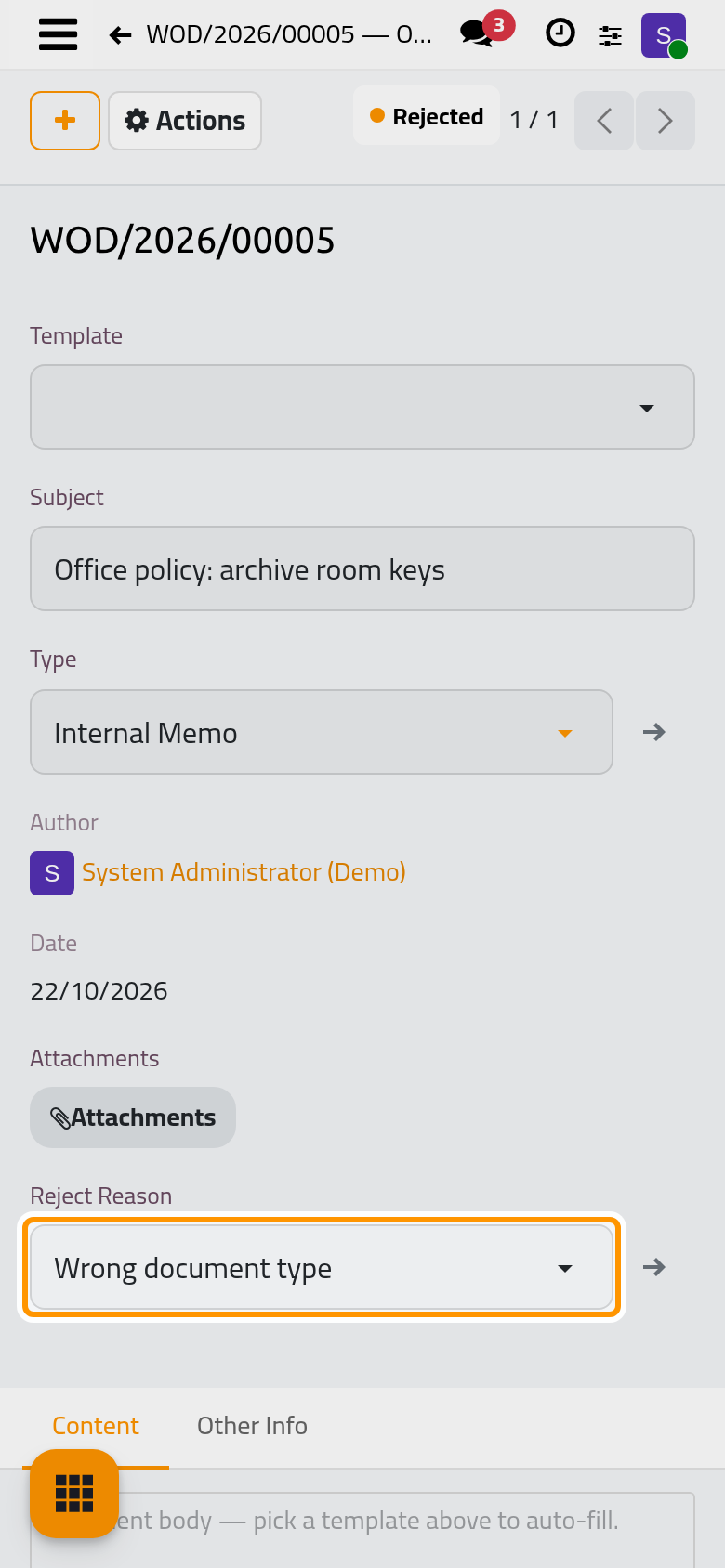
- The status becomes Rejected, the Reject Reason shows on the document, and the to-dos are closed.
The list of reasons
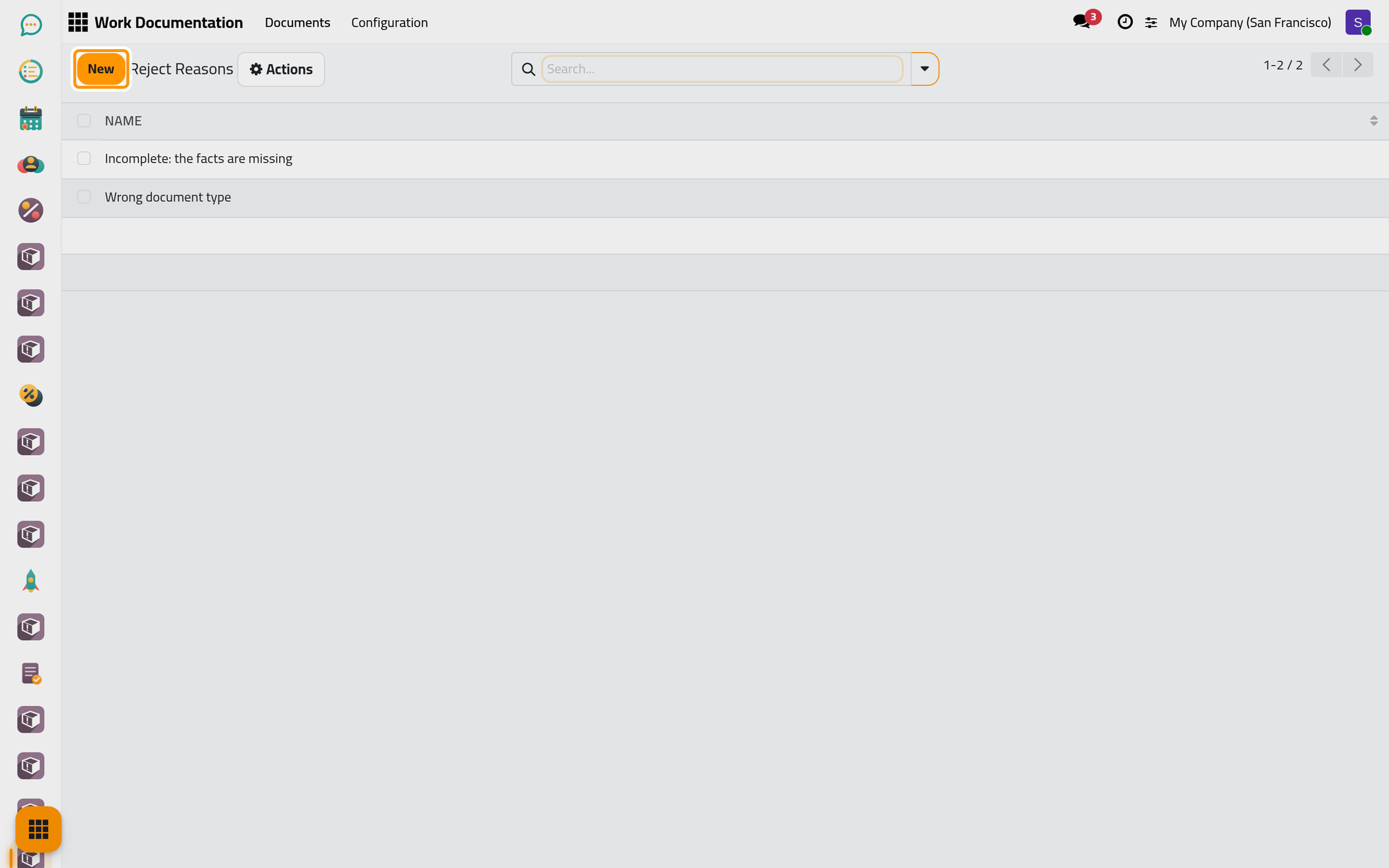
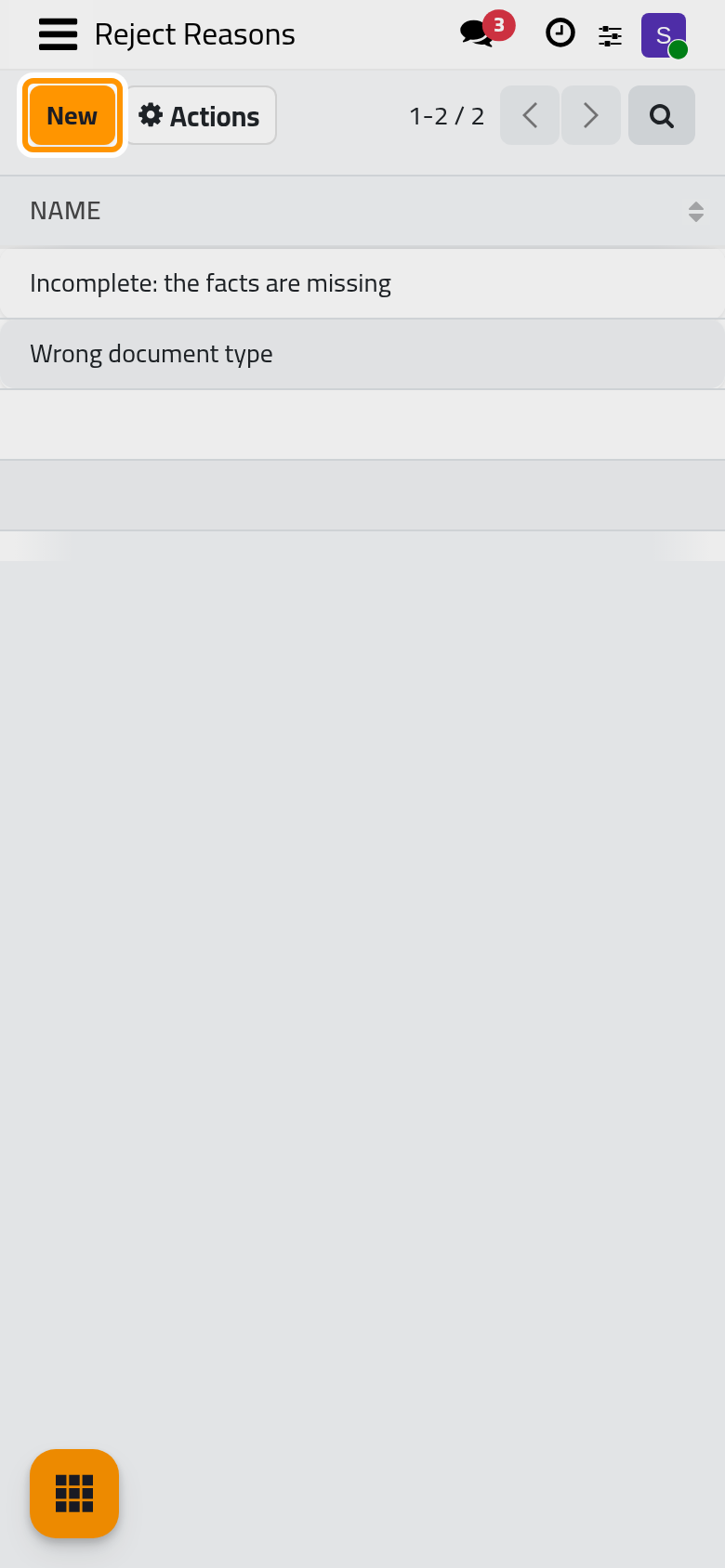
The reasons offered in the window come from , a list that managers edit in place, one line per reason.
FAQ
Can the author fix a rejected document?
No. A rejected document stays rejected, and an approved one stays approved. The author duplicates it (Actions › Duplicate): the copy starts as a draft with today's date, the user who made it as Author, and the subject, type and body of the original.
I approved by mistake.
There is no undo. The chatter keeps who approved and when; tell the author if the work must be redone, and the new version will be a duplicate.
Was this page helpful?
Thank you for your feedback.