How-to
General settings: emails, integrations and tools
On this page
These options connect Jaah to e-mail and to outside services, and give administrators their maintenance tools. Most can stay as they are.
Before you start
- Changing settings needs the Administrator role (Role on the user's Access Rights tab).
Emails
Open and find the Emails box.
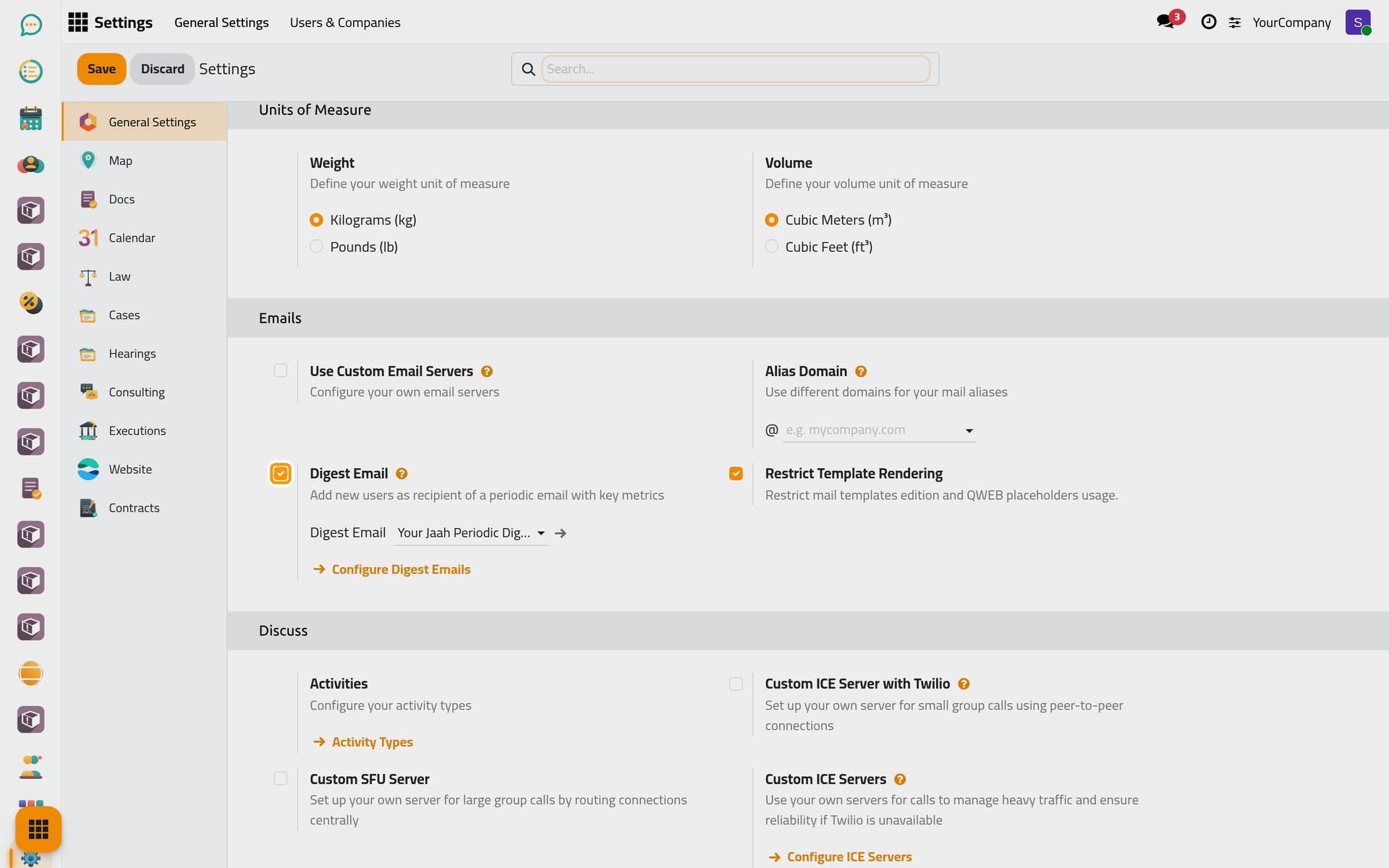
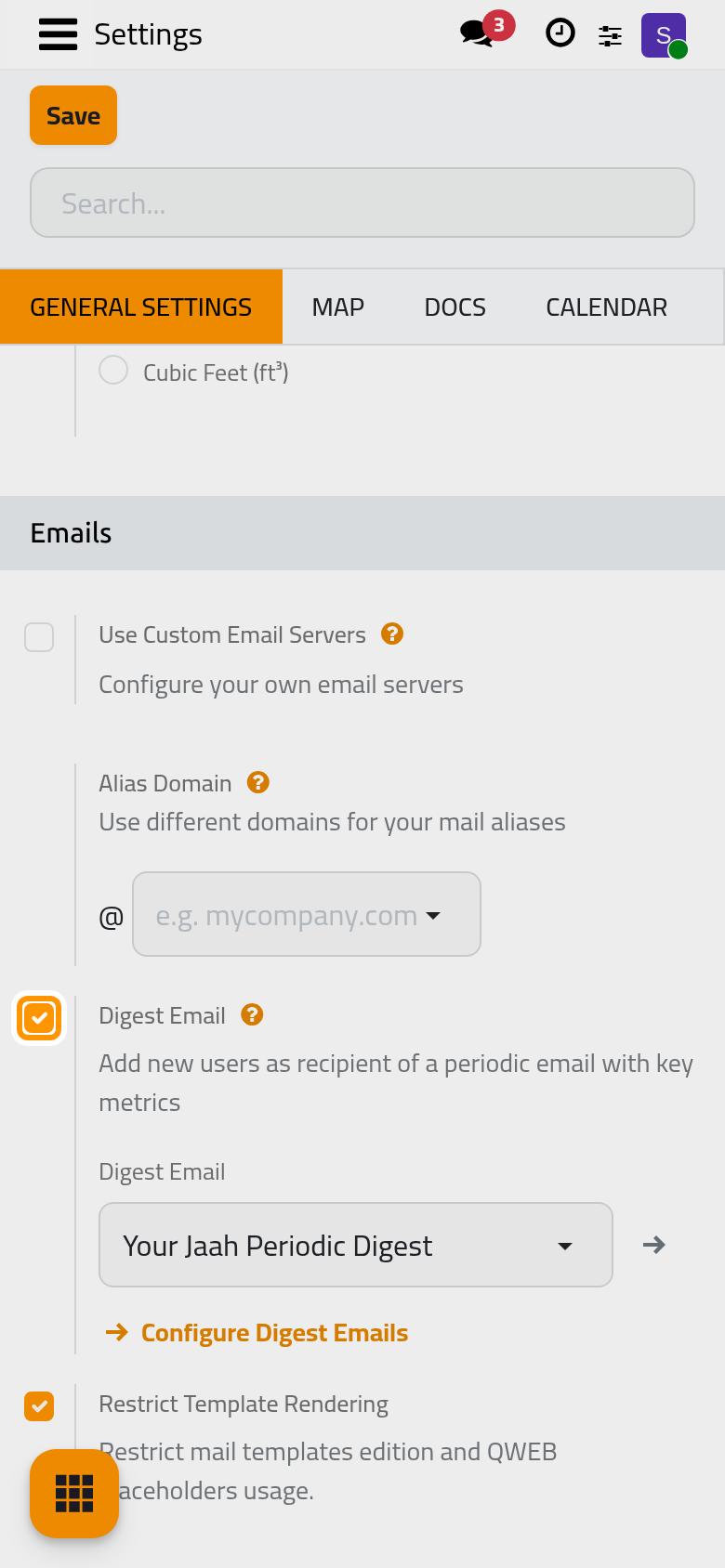
- Use Custom Email Servers: sends and receives e-mail through your own servers instead of the default ones. See Email: outgoing and incoming servers.
- Alias Domain: the domain of the addresses that receive e-mail into records, such as replies to a document.
- Use a Gmail Server and Use an Outlook Server: connect a Gmail or Outlook account as the server, with the identifiers of that account.
- Digest Email: on by default; new users receive a periodic e-mail summing up key figures. Turn it off to stop adding them.
- Restrict Template Rendering: on by default; only administrators may edit the dynamic parts of e-mail templates. Keep it on.
Discuss
- Activities: opens the activity types (call, meeting, to-do) your users plan.
- Custom ICE Server with Twilio, Custom SFU Server and Custom ICE Servers: your own servers for audio and video calls, needed only for heavy call traffic.
- Klipy GIF API key: a key to offer animated pictures in messages.
- Message Translation: a translation key so users can translate a message in a click.
Services you connect
The Integrations box connects outside services. Each stays off until you need it:
- Mail Plugin: lets the mail plugins of e-mail programs read and create records.
- Unsplash Image Library: on by default; free photos to pick from when you add an image to a page.
- Geolocation: on by default; places contacts on a map from their address.
- Enable reCAPTCHA and Cloudflare Turnstile: protect the website's forms from spam.
- Google Address Autocomplete: suggests full addresses while you type one.
- Google and Outlook calendars: in the Calendar settings, let users synchronise their calendar.
Performance
- Profiling enabled until: turns on a measuring tool until the date set, for a developer looking into slowness. Leave it empty.
Recycle Bin
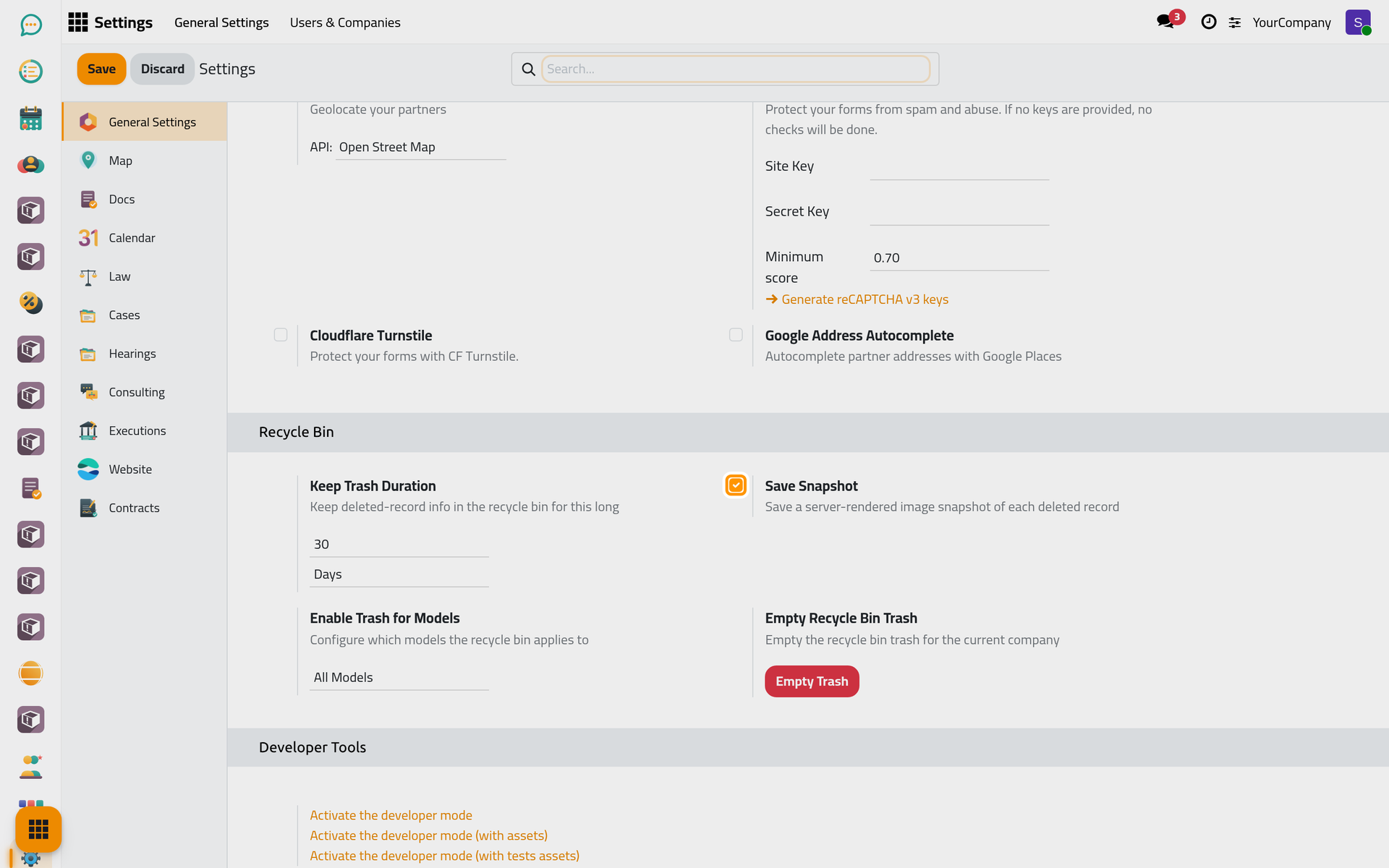
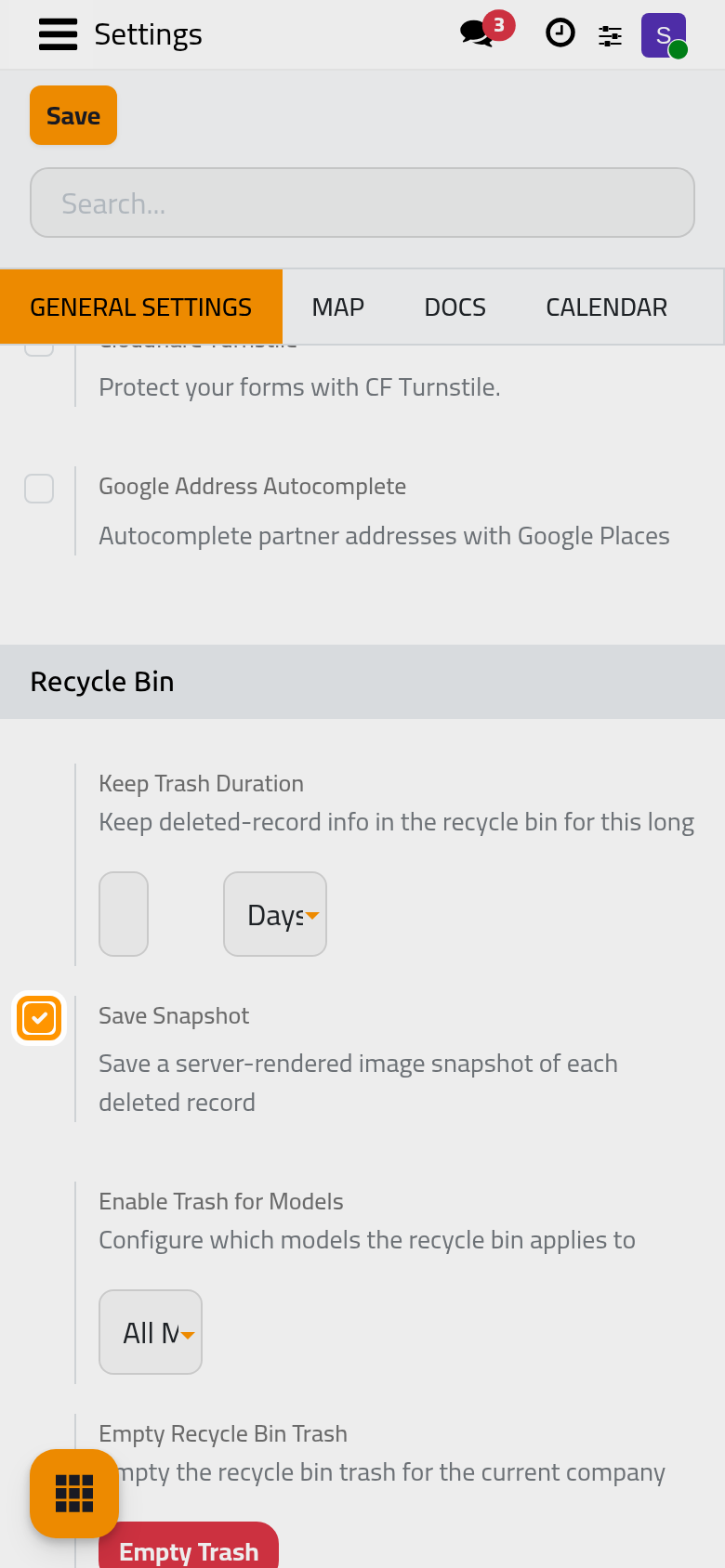
- Keep Trash Duration: how long a deleted record stays in the recycle bin before it is gone for good, 30 days by default, in days, months or years.
- Save Snapshot: on by default; keeps a picture of each deleted record as it looked.
- Enable Trash for Models: which records go to the recycle bin: all of them by default, only the sections you list, or all except the sections you list.
- Empty Recycle Bin Trash: Empty Trash deletes for good everything in the recycle bin of the current company. It cannot be undone.
Developer Tools
Activate the developer mode shows the technical menus. See Developer mode and the technical menus.
Click Save to apply your changes.
FAQ
A deleted record must come back.
Open the recycle bin before the Keep Trash Duration ends and restore it there. After that, or after Empty Trash, it is gone.
Was this page helpful?
Thank you for your feedback.