Executions settings
On this page
The executions options sit in three boxes of the Executions tab of the settings: Features, Automation and Emails. The e-mails to clients are off until you turn them on.
Before you start
- Changing settings needs the Administrator role (Role on the user's Access Rights tab).
Features and Automation
Open .
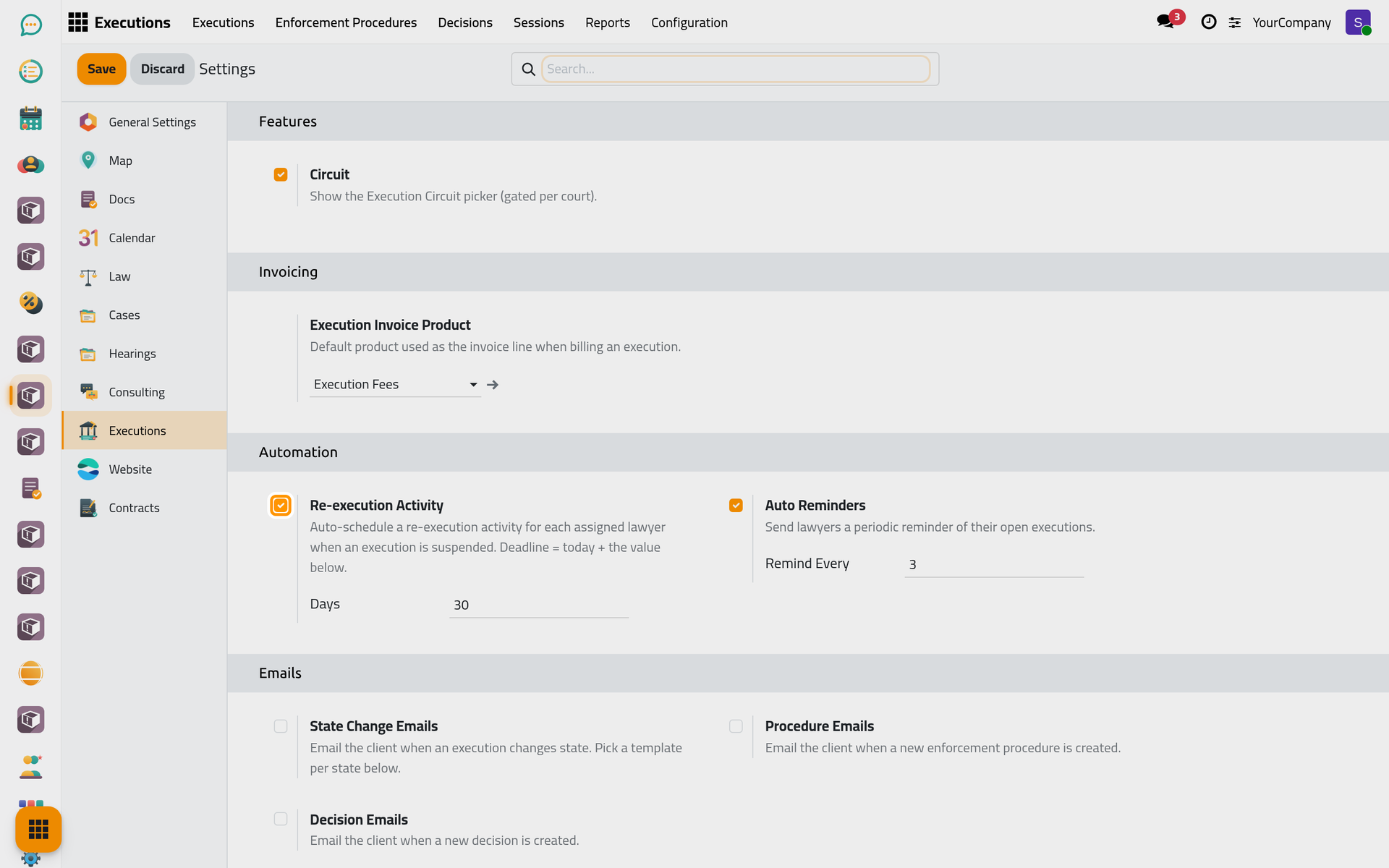
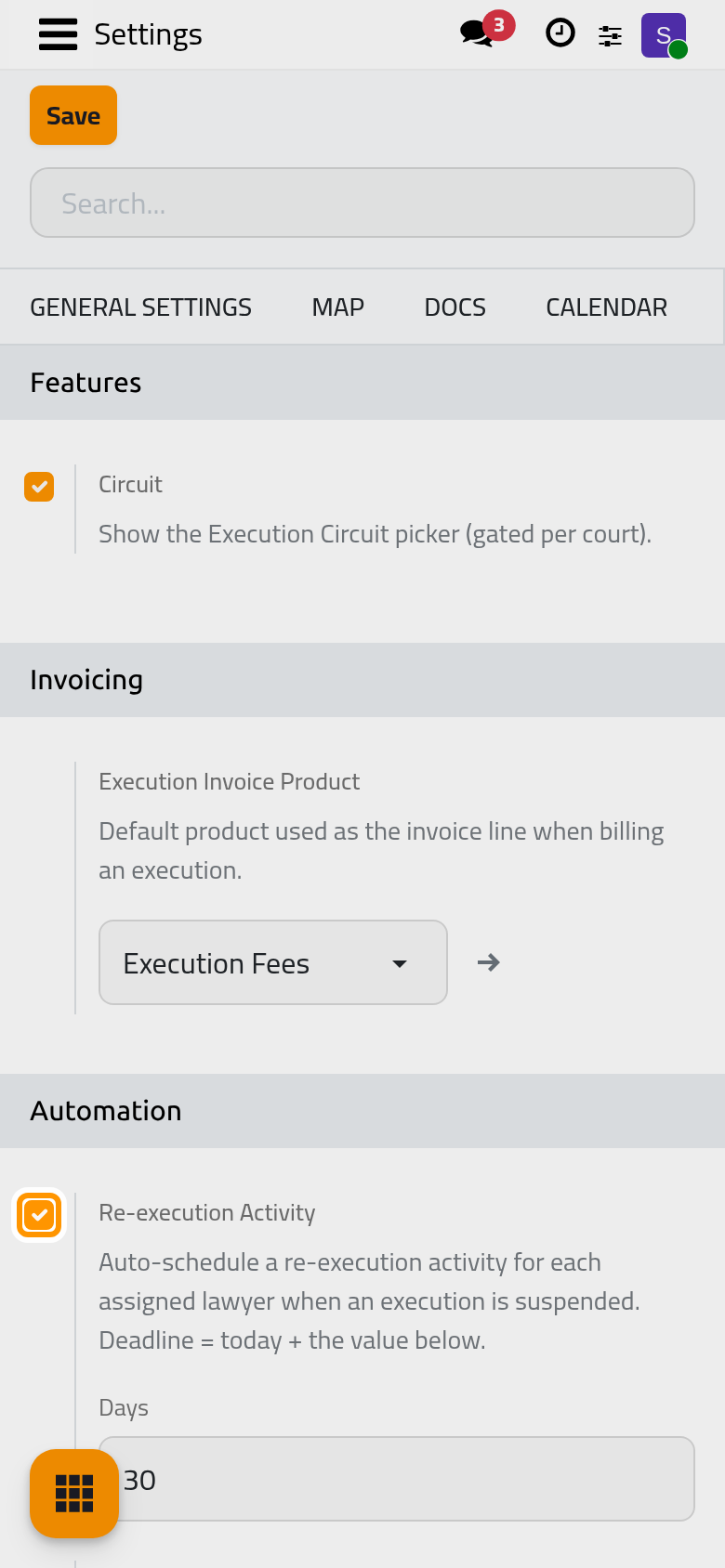
Circuit
On by default. The execution file then shows the circuit of the execution court, to record which circuit handles it. Turn it off if your execution courts have no circuits.
Re-execution Activity
On by default. When an execution is suspended, each of its lawyers gets a to-do to resume it, due after the number of Days below (30 by default).
Auto Reminders
On by default. Each lawyer regularly receives an e-mail listing their executions that are not finished, every Remind Every days (3 by default).
Emails
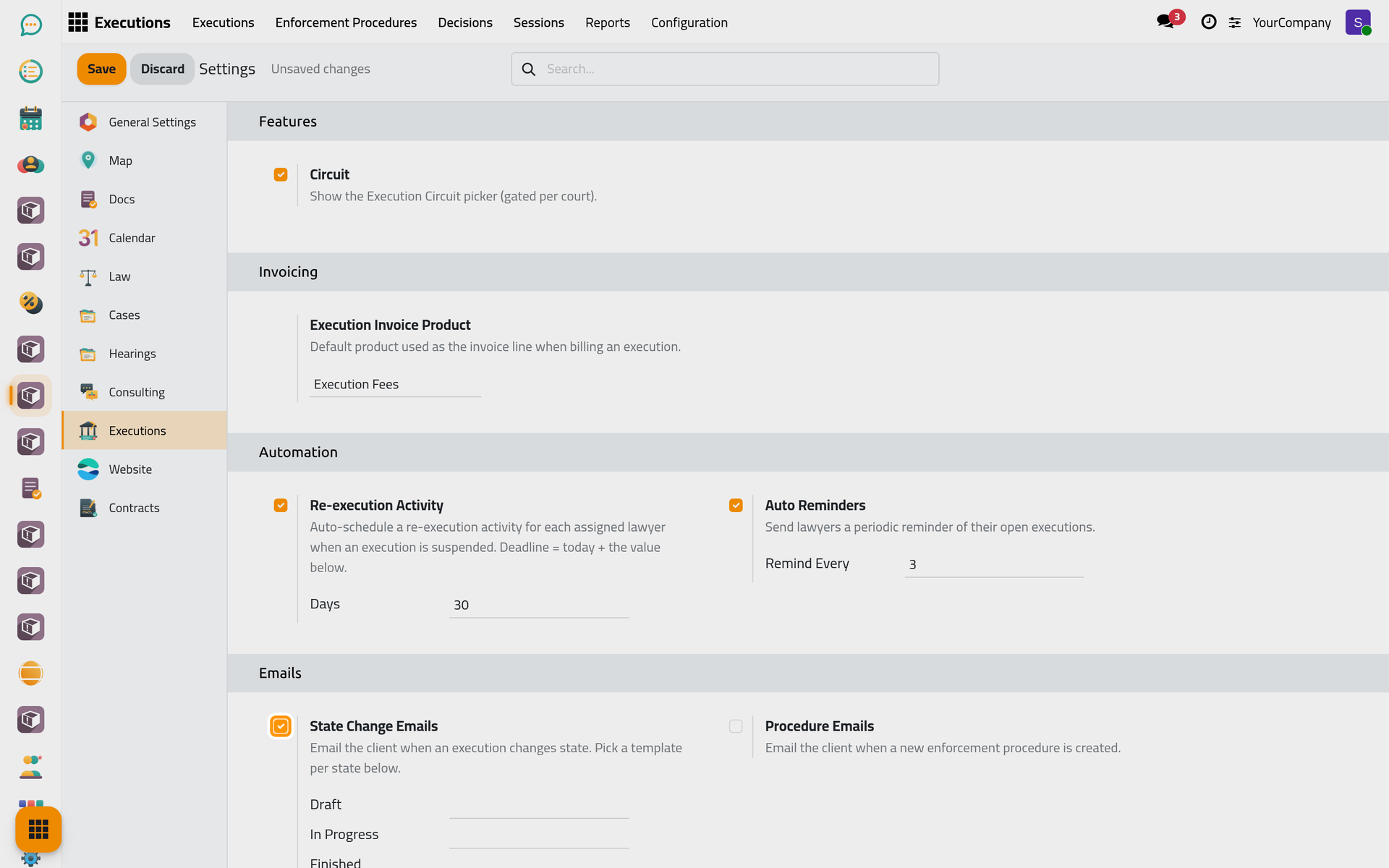
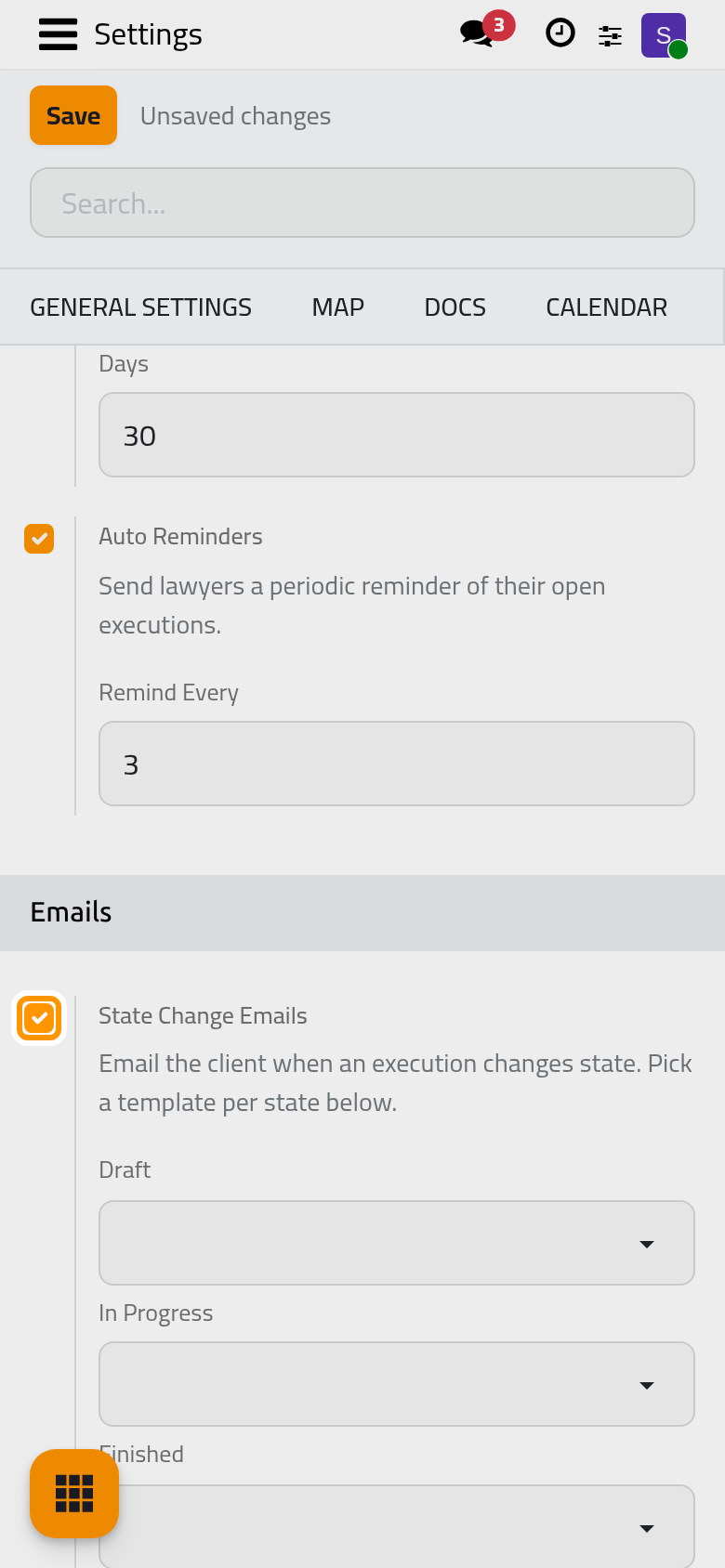
State Change Emails
Off by default. Turn it on to e-mail the client each time an execution changes state. Below it, choose the template sent for each state: Draft, In Progress, Finished, Suspended and Rejected. A state with no template sends nothing.
Procedure Emails
Off by default. Turn it on to e-mail the client when a new enforcement procedure is recorded, with the Template chosen below it.
Decision Emails
Off by default. Turn it on to e-mail the client when a new decision is recorded, with the Template chosen below it.
Click Save to apply your changes.
FAQ
Where do I set the product of execution invoices?
In the Invoicing box of the same tab, explained in Record collections and bill the file.
Which tasks run by themselves?
The page Executions automations lists every to-do, e-mail and daily job of Executions.
Was this page helpful?
Thank you for your feedback.