Revise, close or cancel a budget
On this page
Once a budget is in service, its lines are what was promised. Its lines stay editable while it is open, but a changed amount leaves no trace, so the budget offers a revision: a copy that replaces it while the original stays readable. All the actions below are in the Actions menu of the budget and need the Administrator access right on Accounting.
Issue a revision
- Open and open the budget, here Marketing events, second half 2026 (8,000.00 planned).
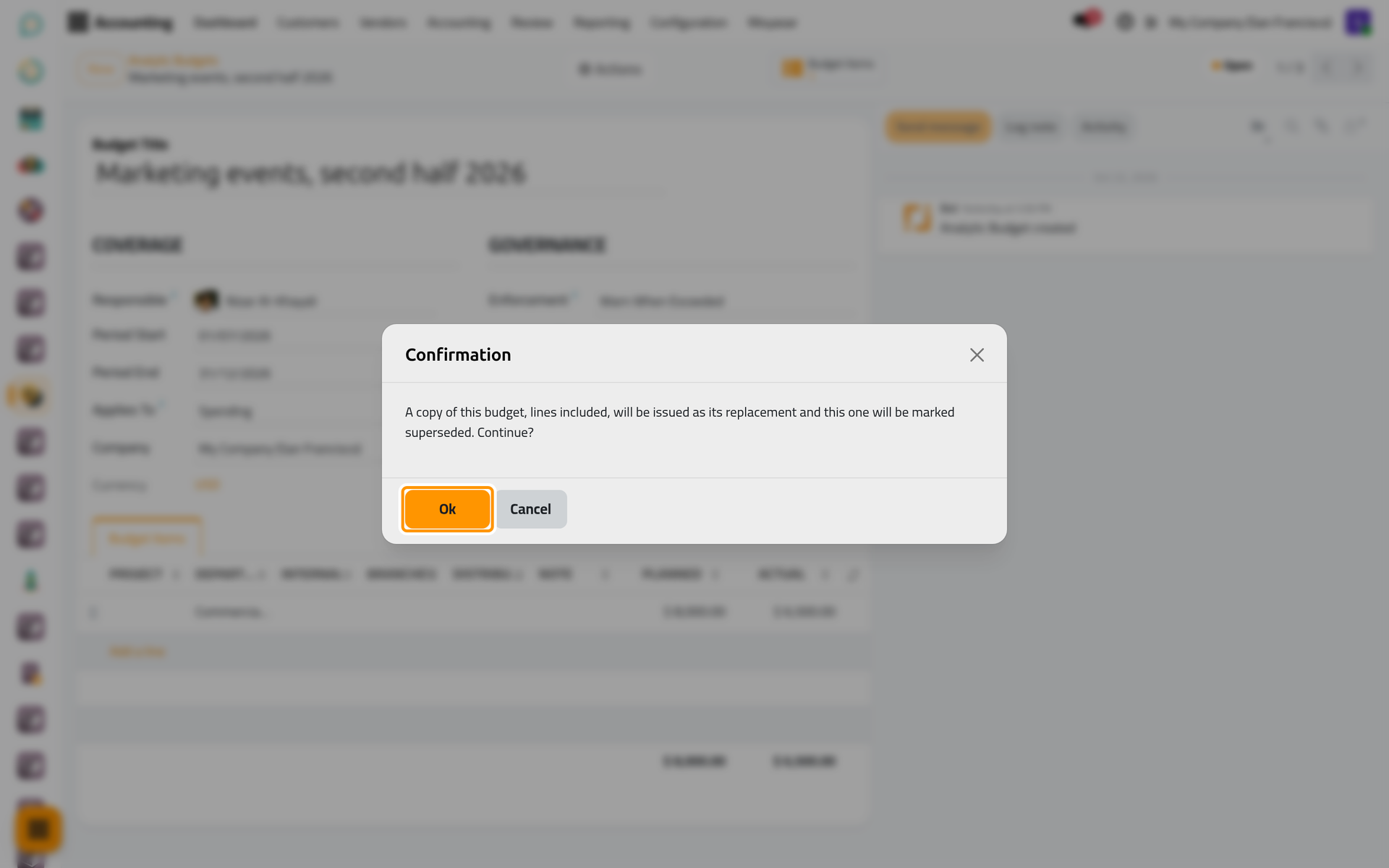
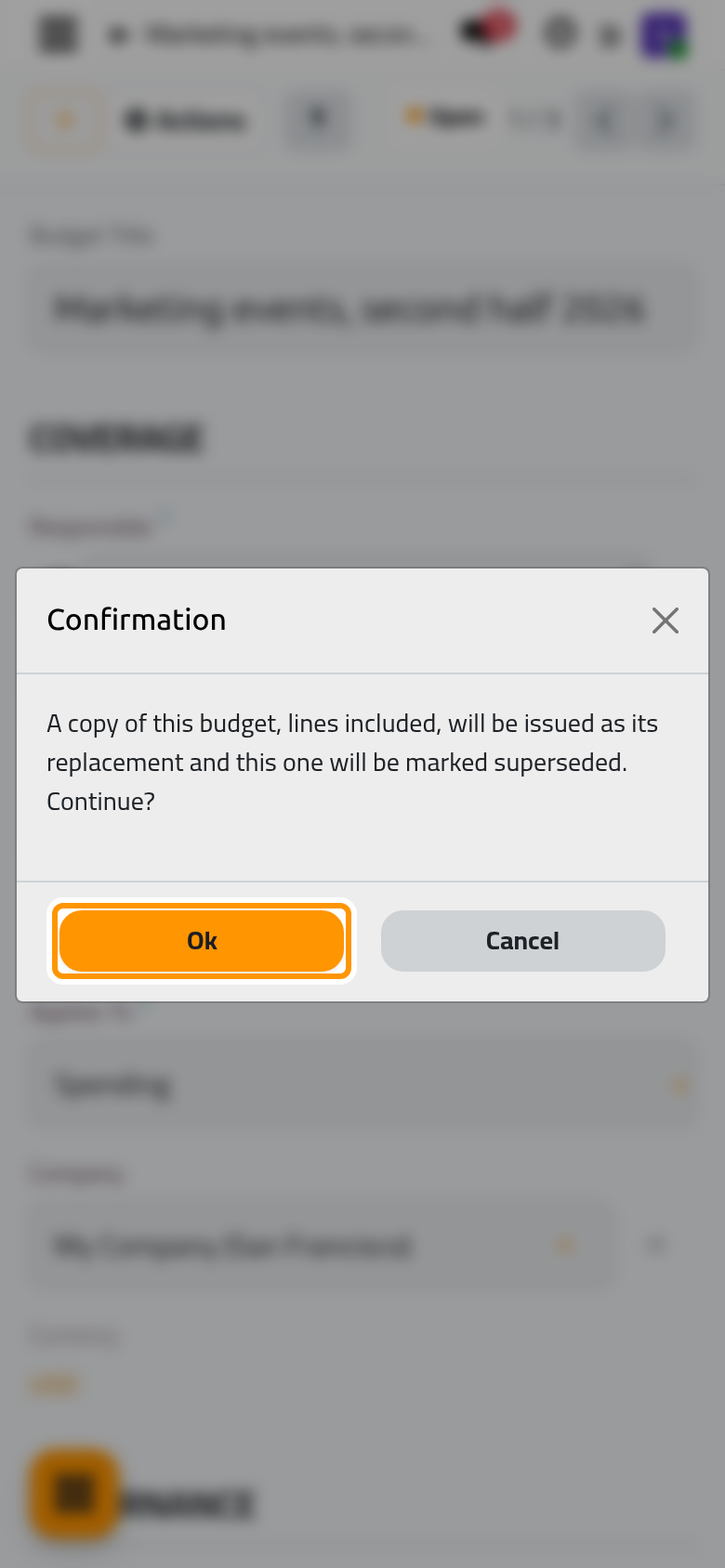
- Open Actions and choose Issue Revision, then Ok in the confirmation.
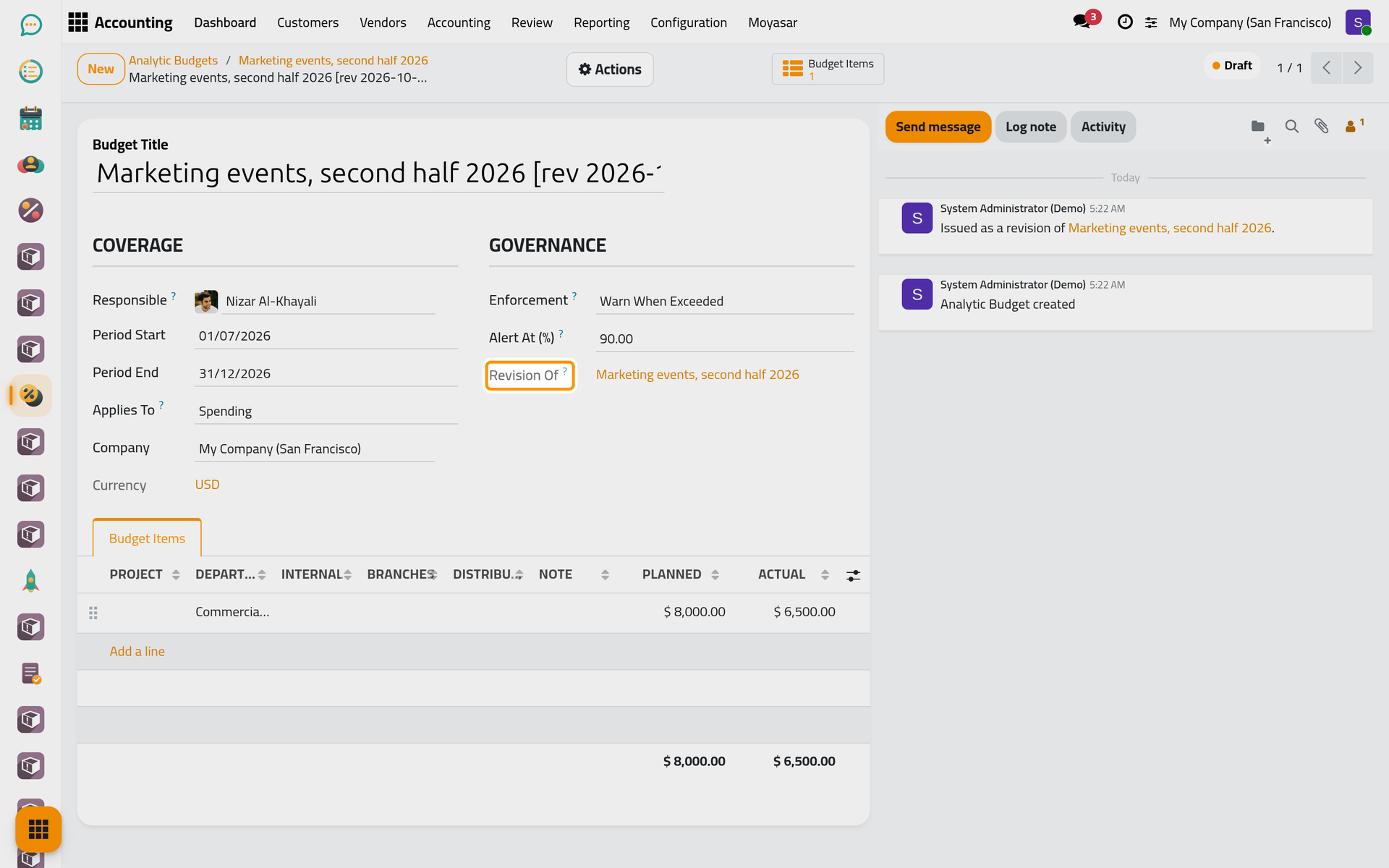
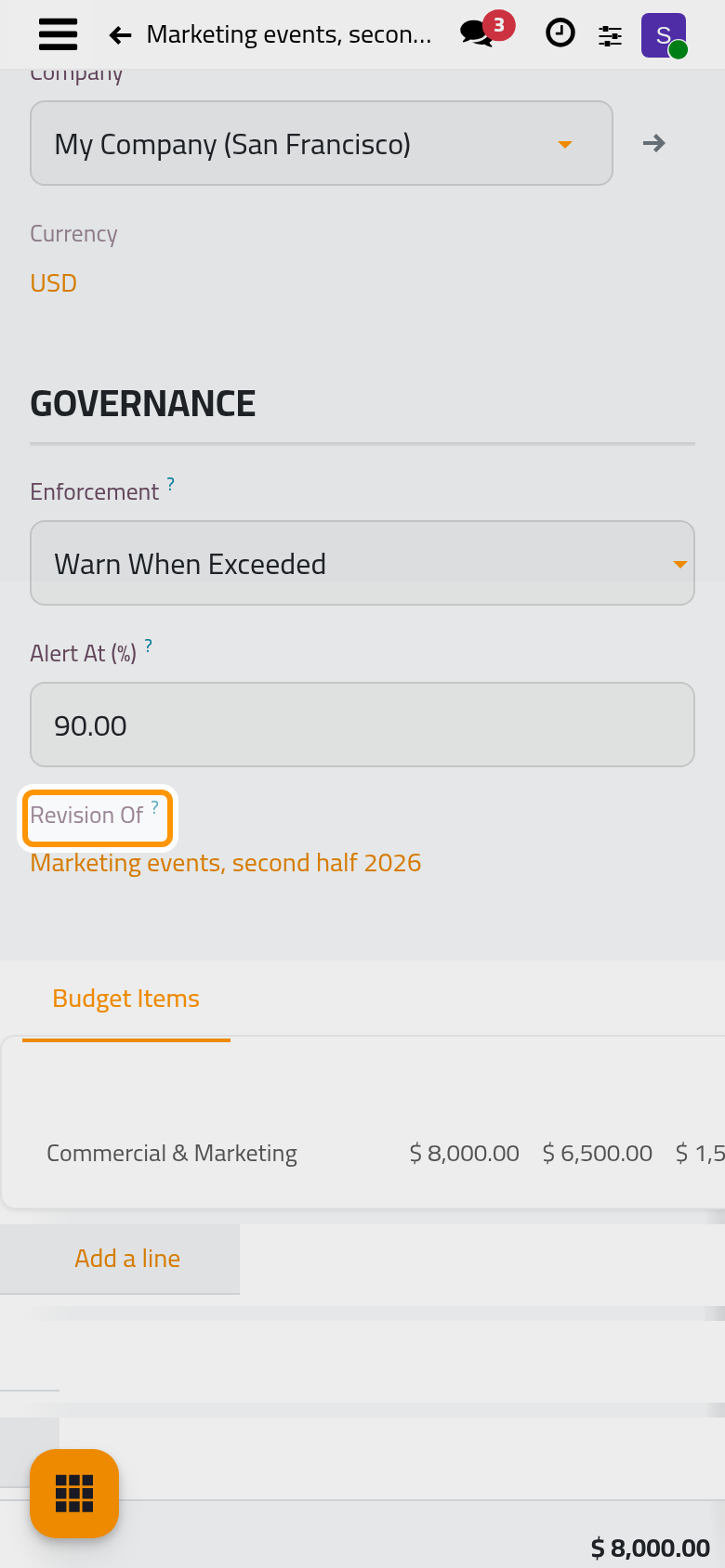
- The revision opens in Draft: the same period, settings and lines, a title ending with
[revand the date and time of issue, and a Revision Of field that links back to the original. Both budgets record the link in their messages.
- Change what has to change: here the Commercial & Marketing line goes to
12000. Then open Actions and choose Put in Service. The revision is Open and reads its actual amount from the books again.
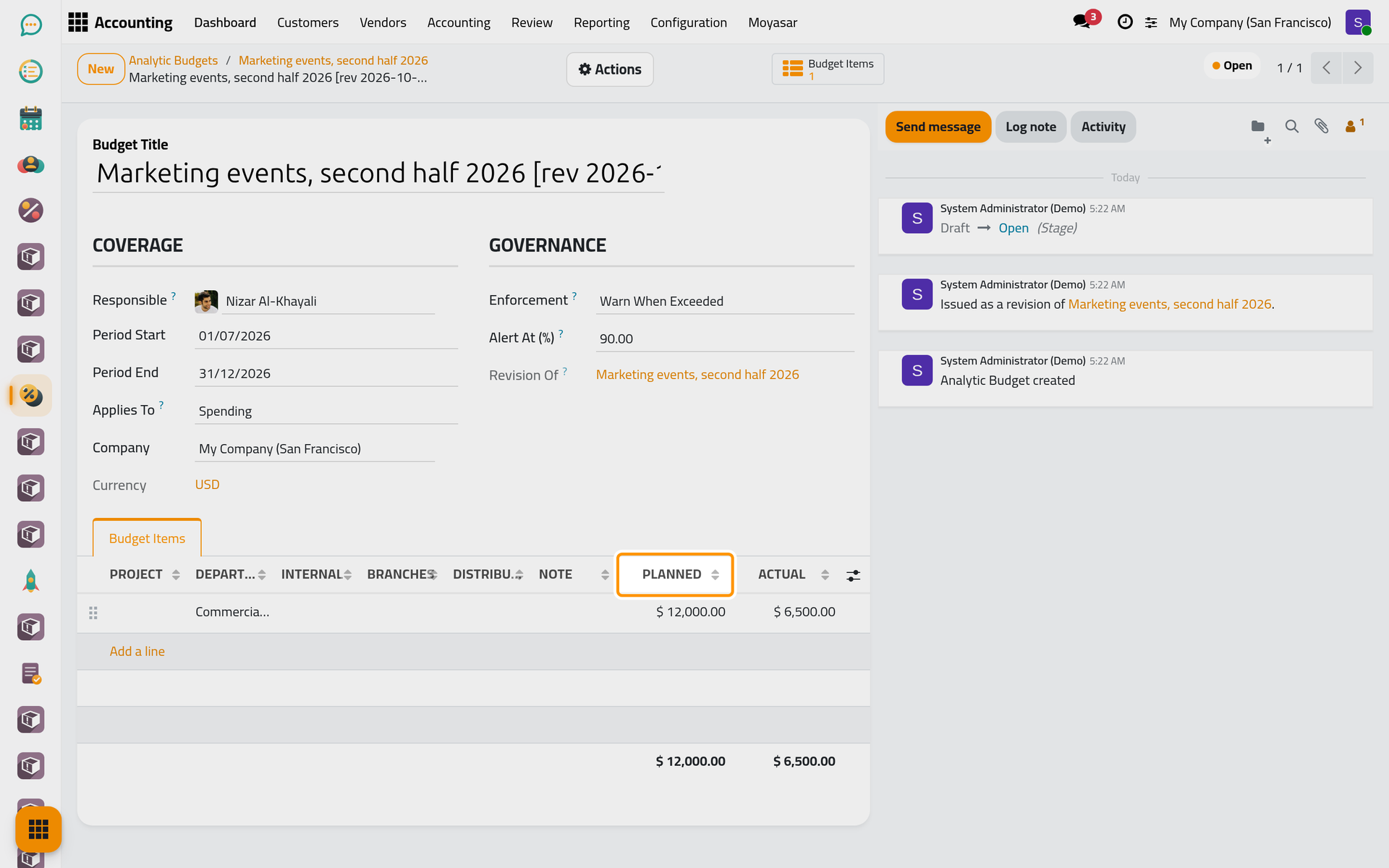
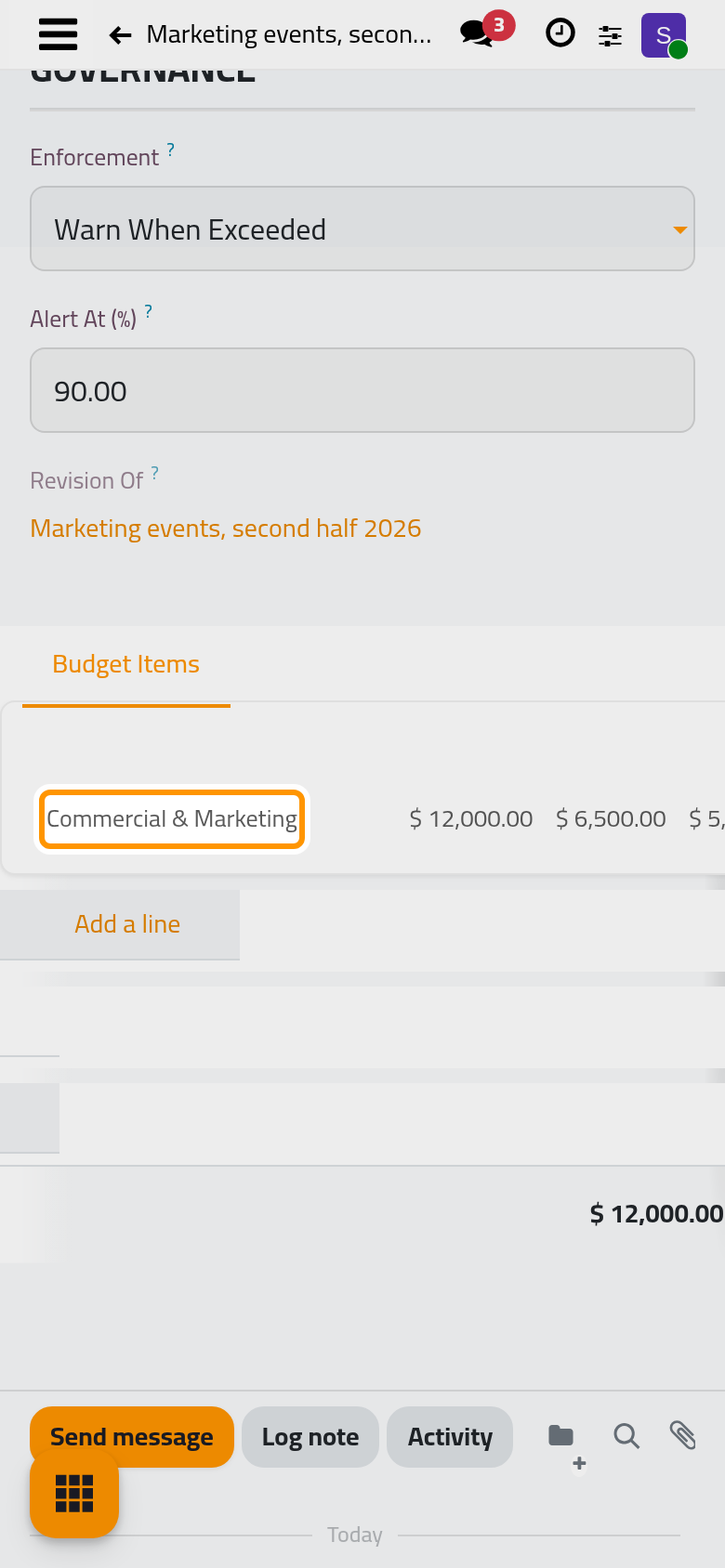
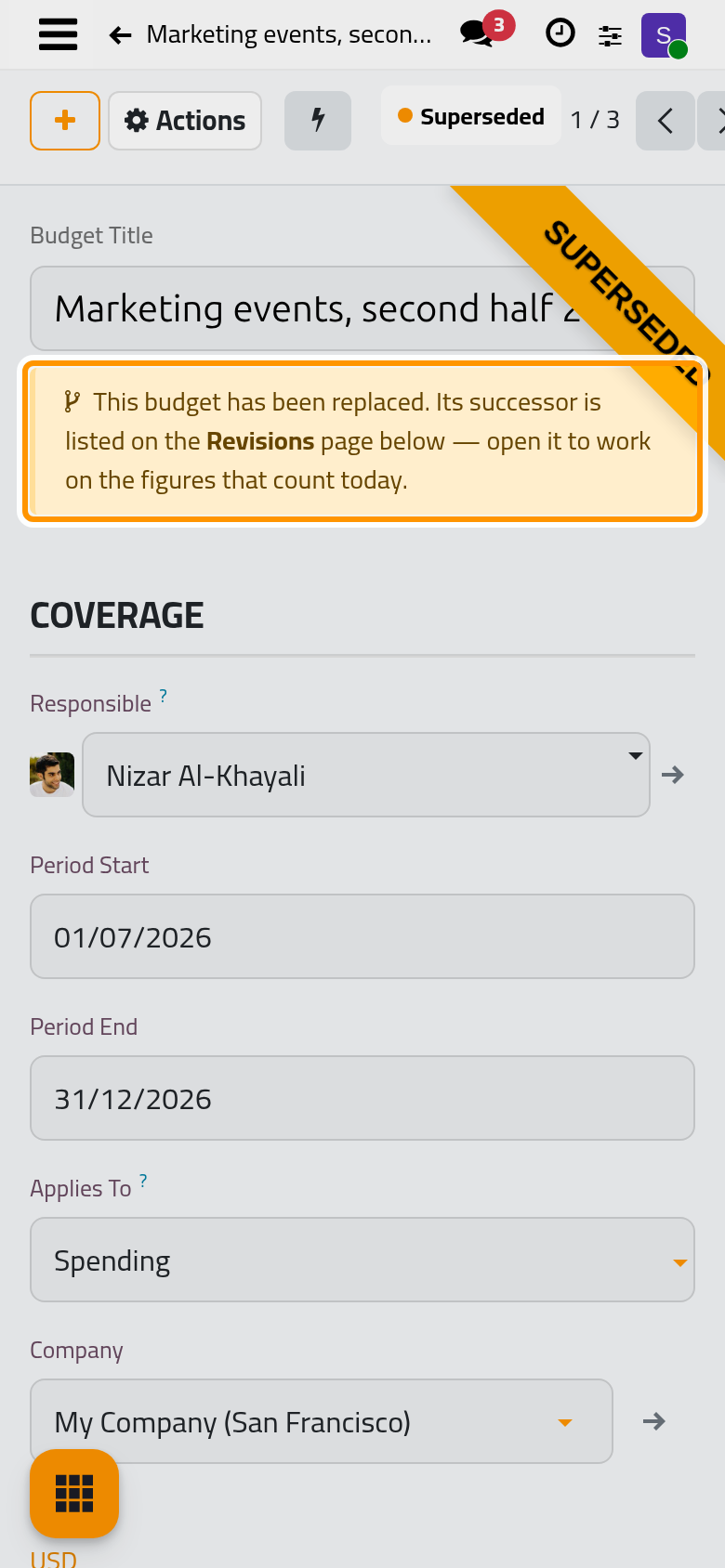
The original is now Superseded: a ribbon says so, a notice points to its successor, and its lines can no longer be changed.
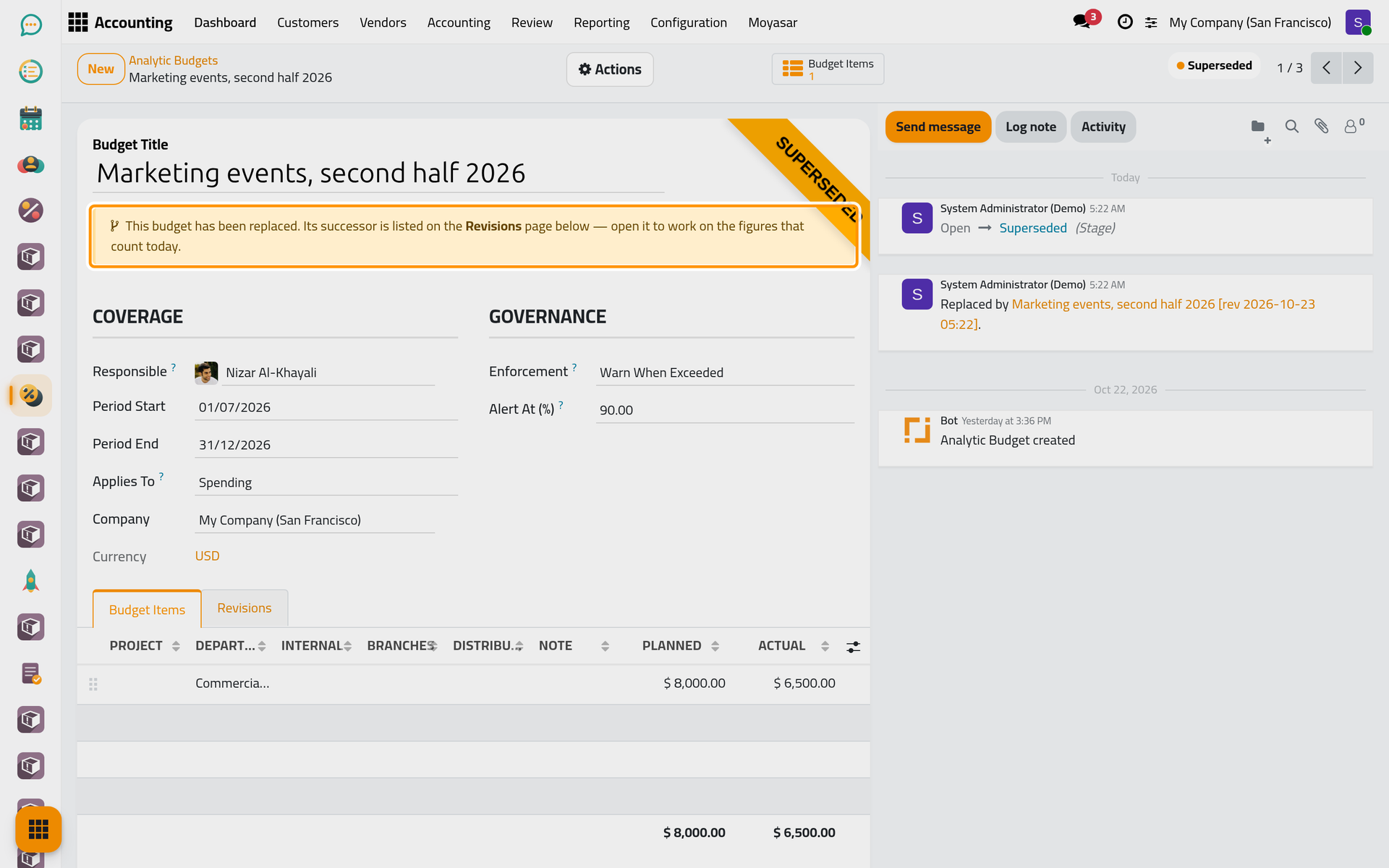
Its Revisions tab lists the budgets issued to replace it, with their period, planned and actual totals and stage.
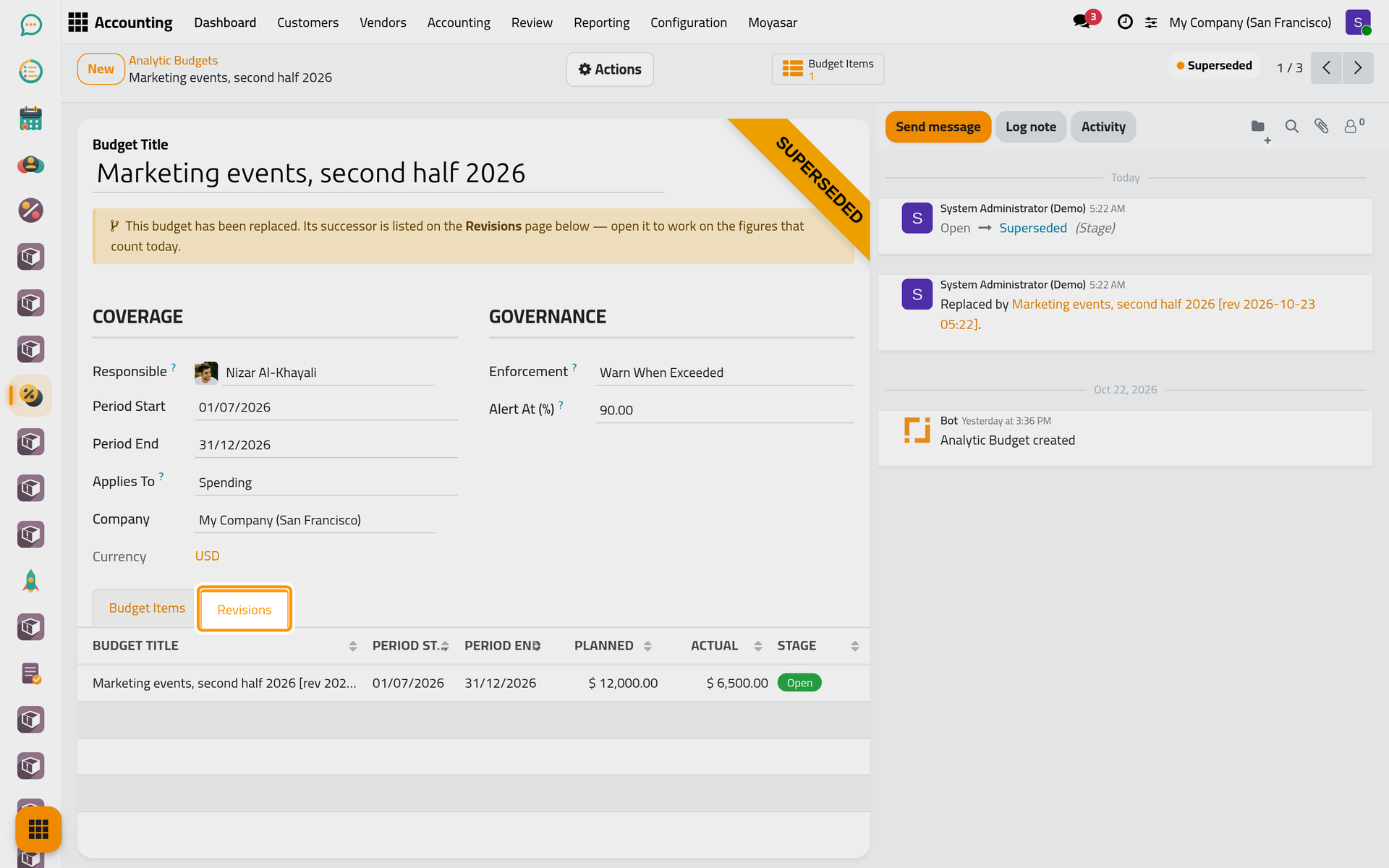
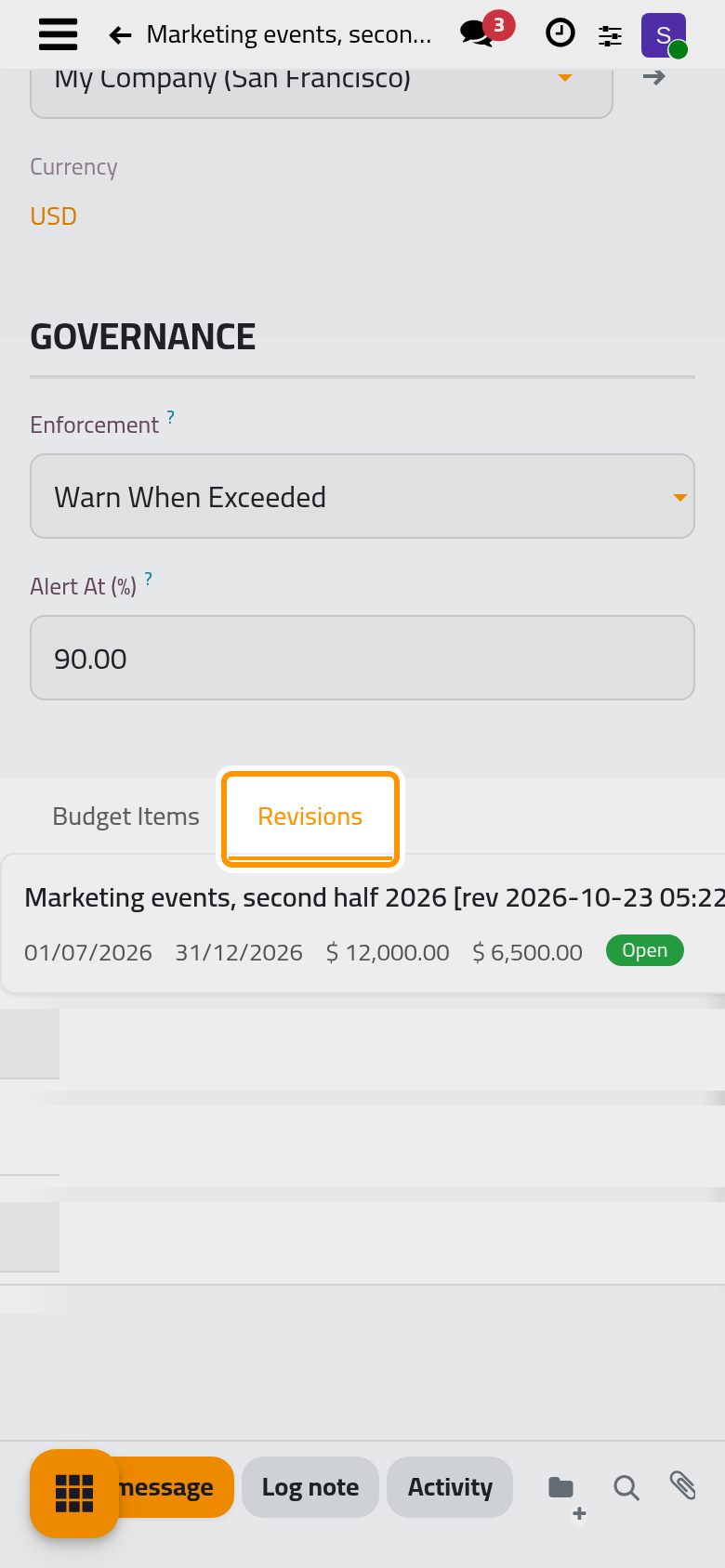
Put the revision in service soon after issuing it: in between, the original is superseded and the revision is a draft, so neither appears under the Budgets in Service filter of the budget lines.
Close a budget
When the period is over, open Actions and choose Close Budget on the open budget. Its stage becomes Closed and its lines can no longer be changed. The actual amounts still follow any late entry dated inside the period.
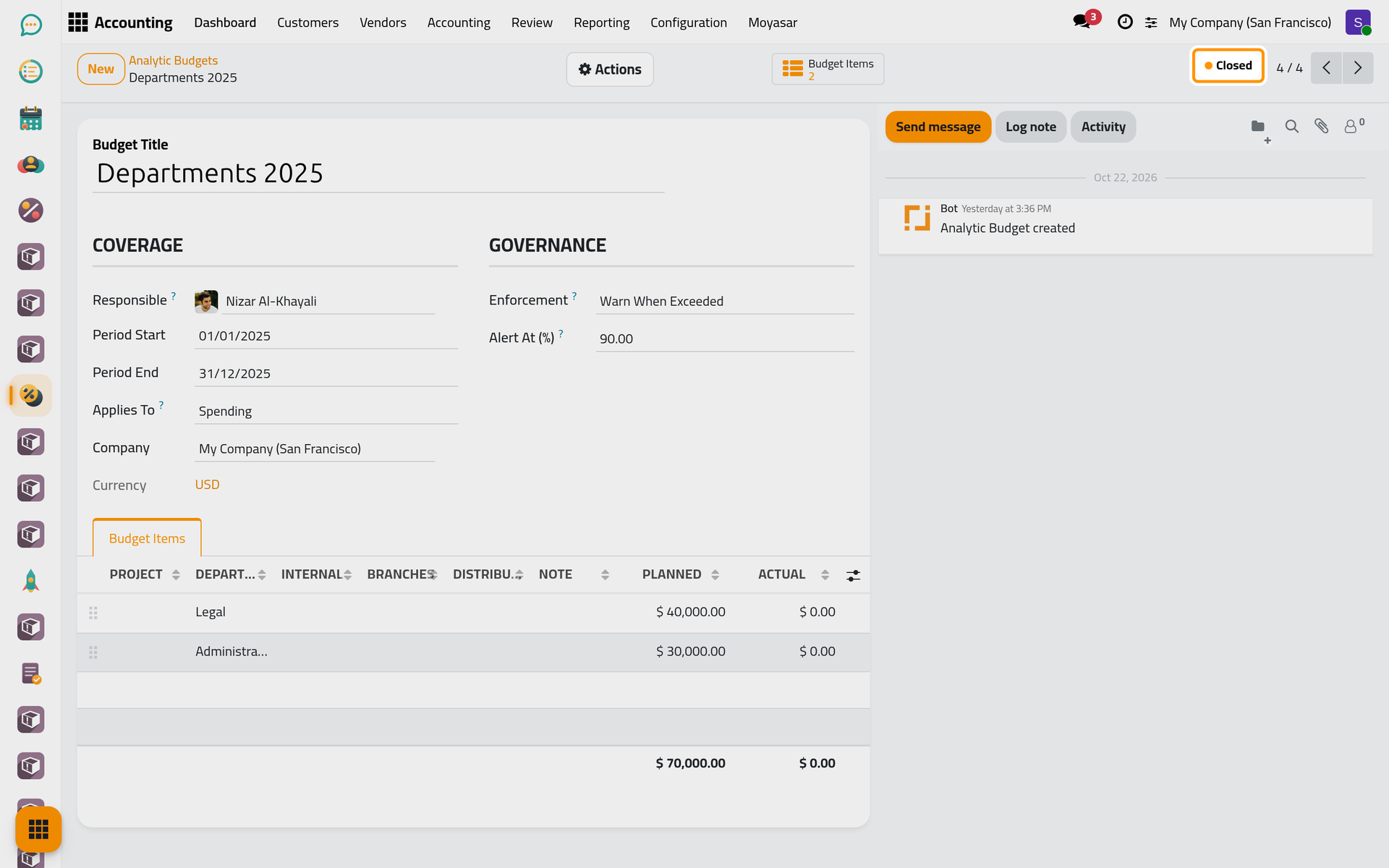
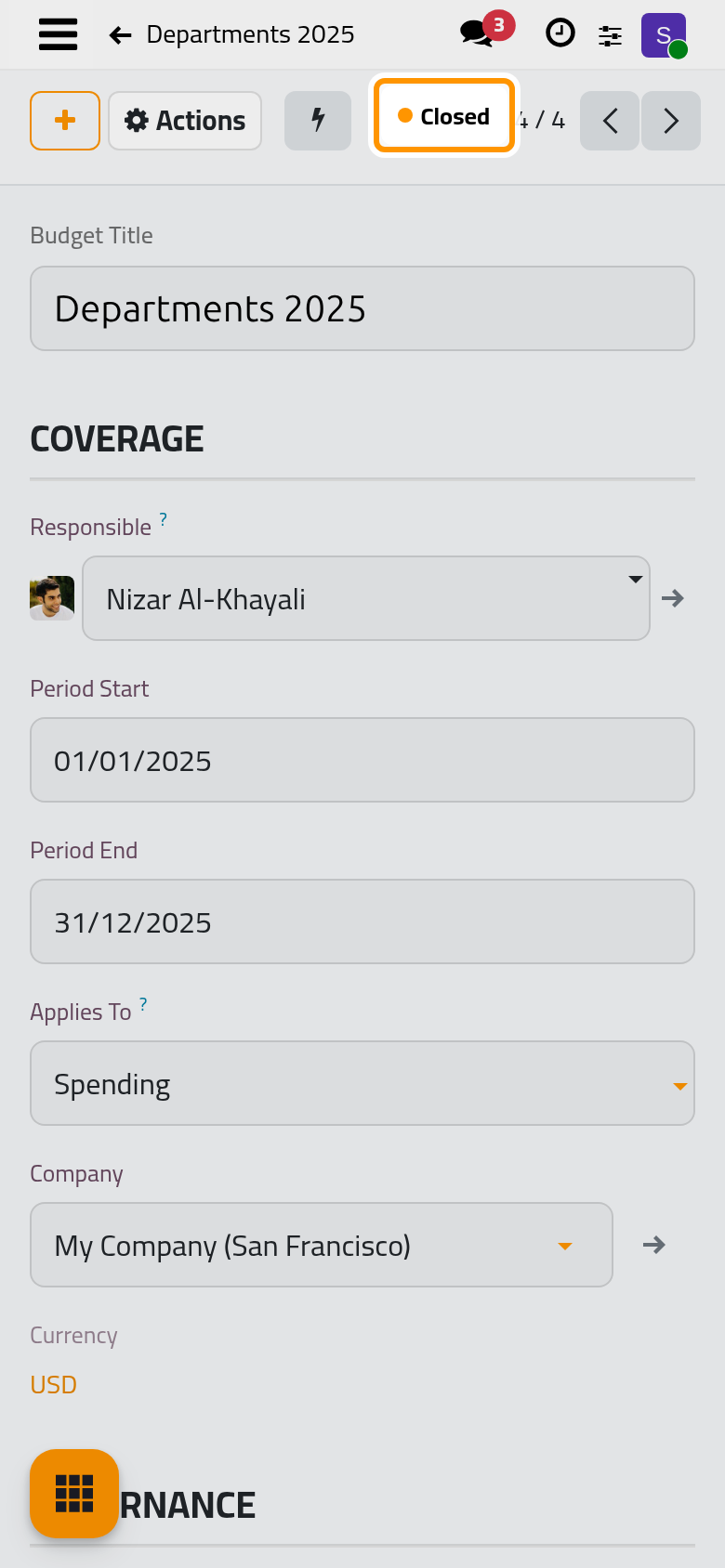
Back to Draft, in the same menu, returns an open, superseded or closed budget to Draft so that its lines can be edited; it is read again from the books when it is put back in service.
Cancel a budget
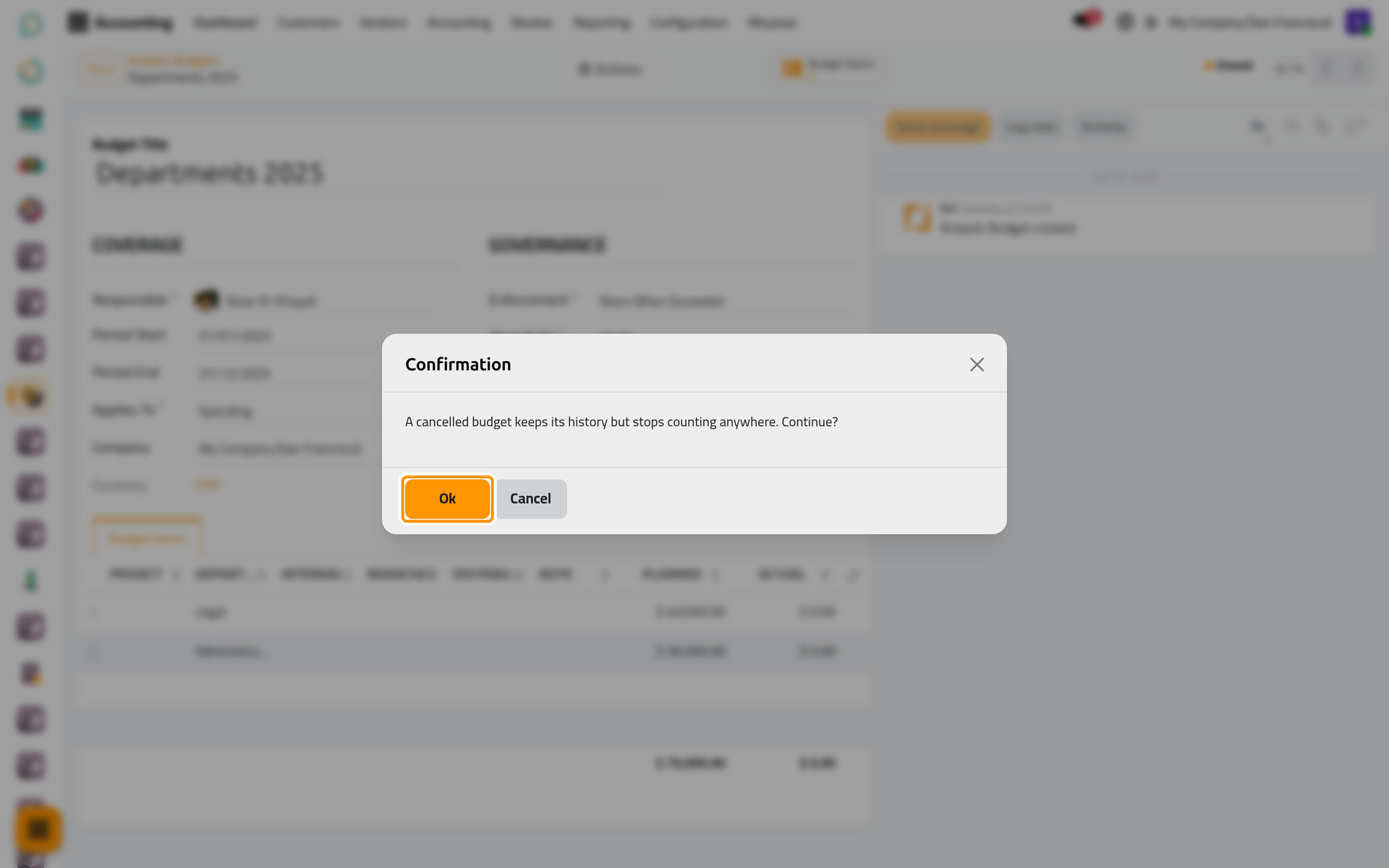
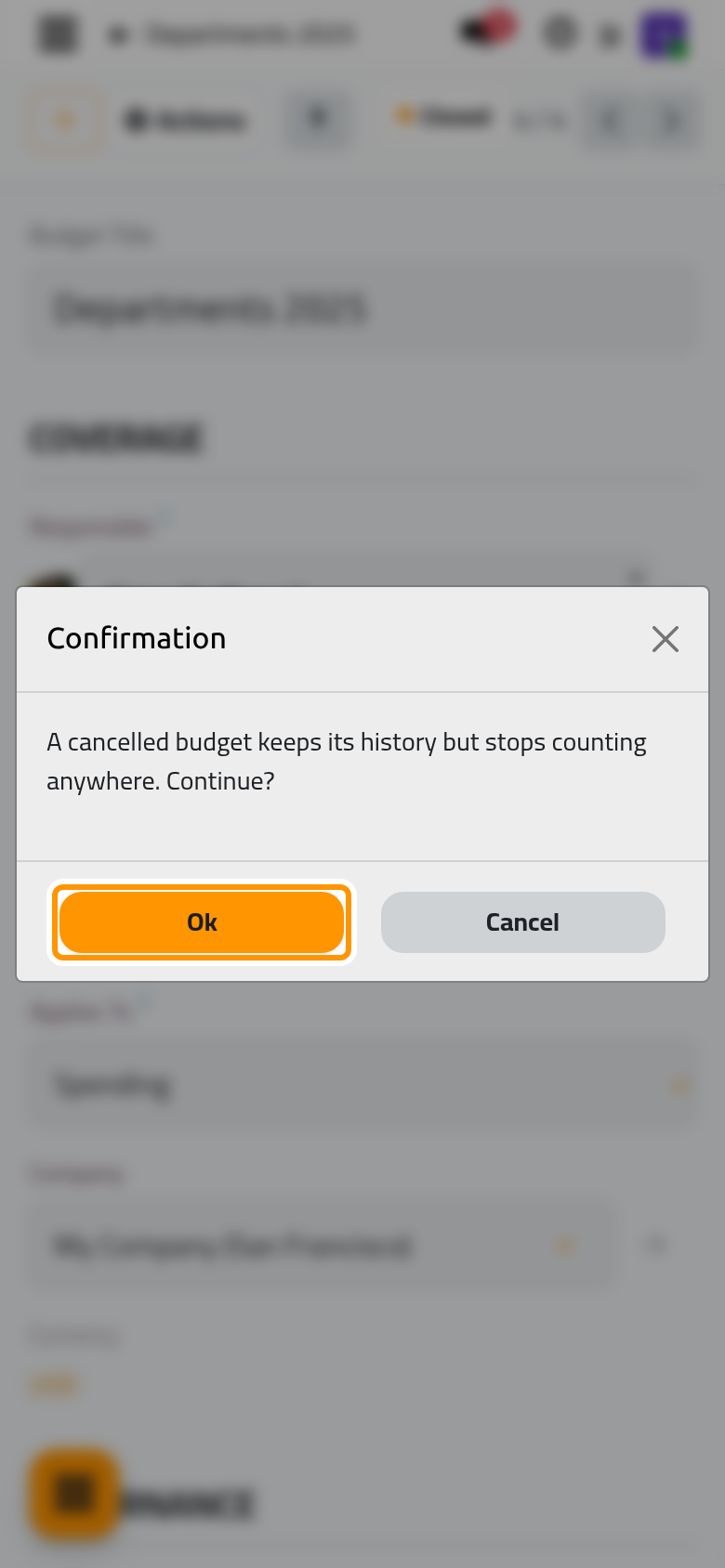
A budget that should never have counted is cancelled, not deleted. Open Actions, choose Cancel, and confirm with Ok: the confirmation reads A cancelled budget keeps its history but stops counting anywhere. A Cancelled ribbon marks it, its lines stay read-only, and it cannot be brought back to draft or revised.
FAQ
Can I delete a budget?
Delete, in Actions, works only on a budget in Draft or cancelled; on any other stage it is refused with a message asking you to cancel the budget instead. On the current version, deleting a budget that has lines stops on a Missing Record message and the budget stays, so cancel it.
Can I revise a revision?
Yes. Each revision is replaced in turn, and the title keeps one [rev mark with the date of the latest revision instead of piling them up.
Can I change an open budget without a revision?
Yes. The title, dates, Applies To, Enforcement and Alert At (%) of an open budget, and its lines, stay editable. A change to the title, the dates, Applies To or Enforcement is recorded in the budget's messages; a changed line amount is not. Use a revision when the first figures must stay on record.
Was this page helpful?
Thank you for your feedback.