Generate budgets in one step
On this page
Typing twelve monthly budgets with seven departments each is slow. The Budget Generator creates them in one step: one budget for every whole period of the span you give, and inside each budget one line for every combination of the analytic accounts of the plans you pick. The lines start at zero; you then type the amounts.
Before you start
- The generator is in the configuration menu and needs the Administrator access right on Accounting.
- The analytic plans you pick must hold accounts for the current company. On the demo company, Departments has seven.
Generate the budgets
- Open . A window opens with Date Range on one side and Breakdown on the other.
- In From and To, give the span: 01/01/2027 and 31/12/2027. Under Repeat, choose Quarter by Quarter. Month by Month gives twelve budgets for a year, Year by Year (the default) one.
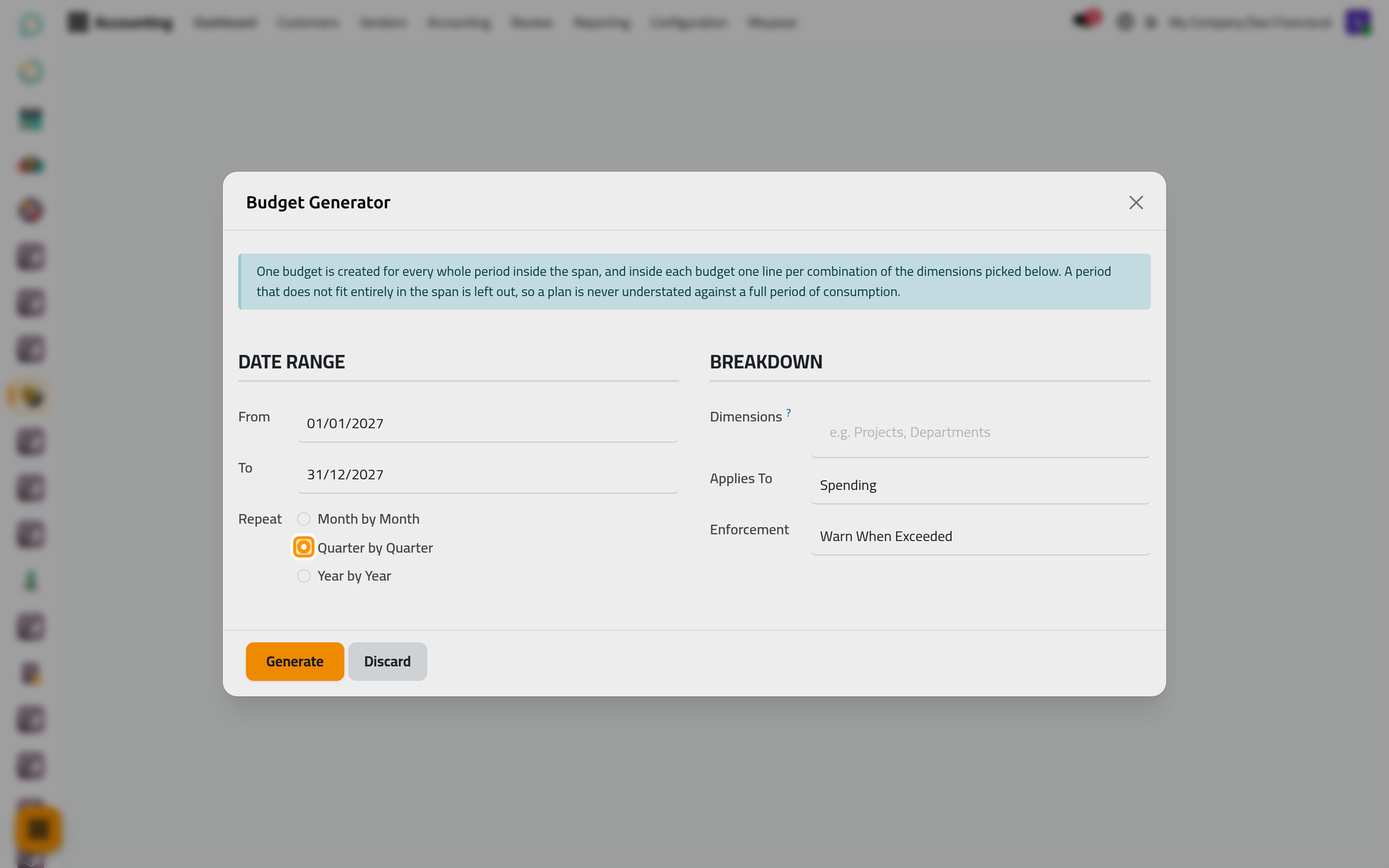
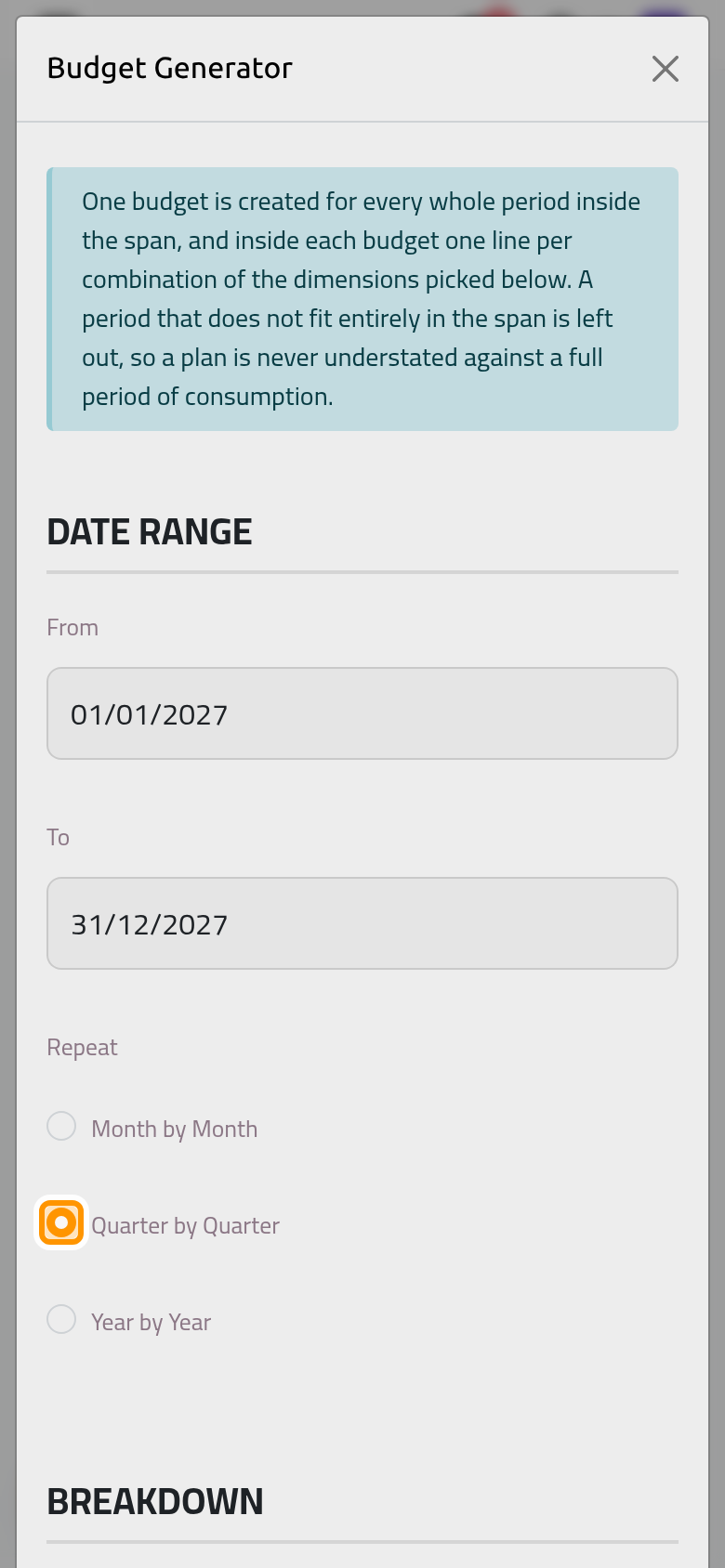
- In Dimensions, pick Departments. Each analytic account of the plan gets its own line in every budget. Picking two plans multiplies them: with Departments and a plan of ten projects, each budget holds seventy lines, one per department and project.
- Keep Applies To on Spending for costs, and choose the Enforcement the budgets should record. Both are copied to every budget created.
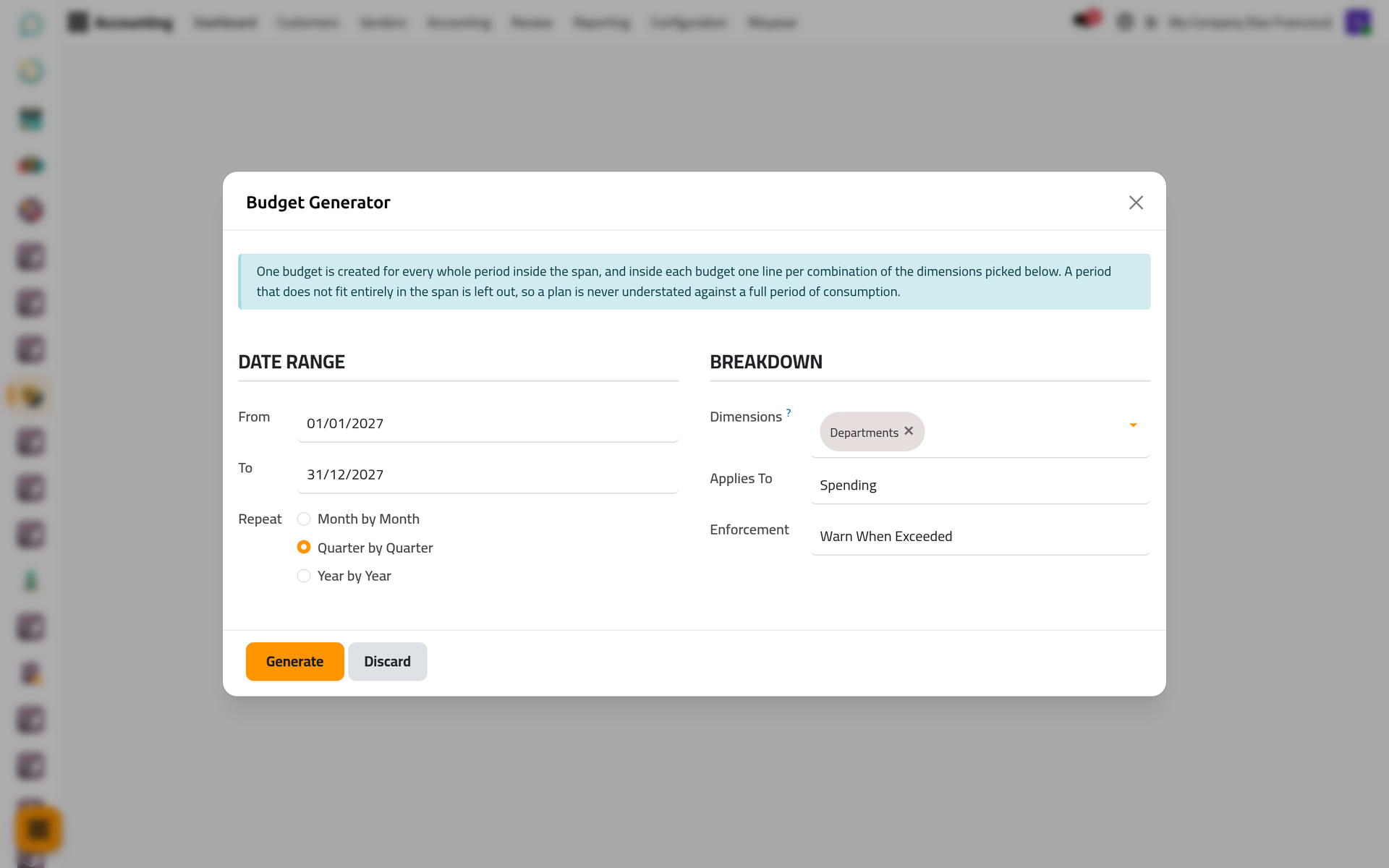
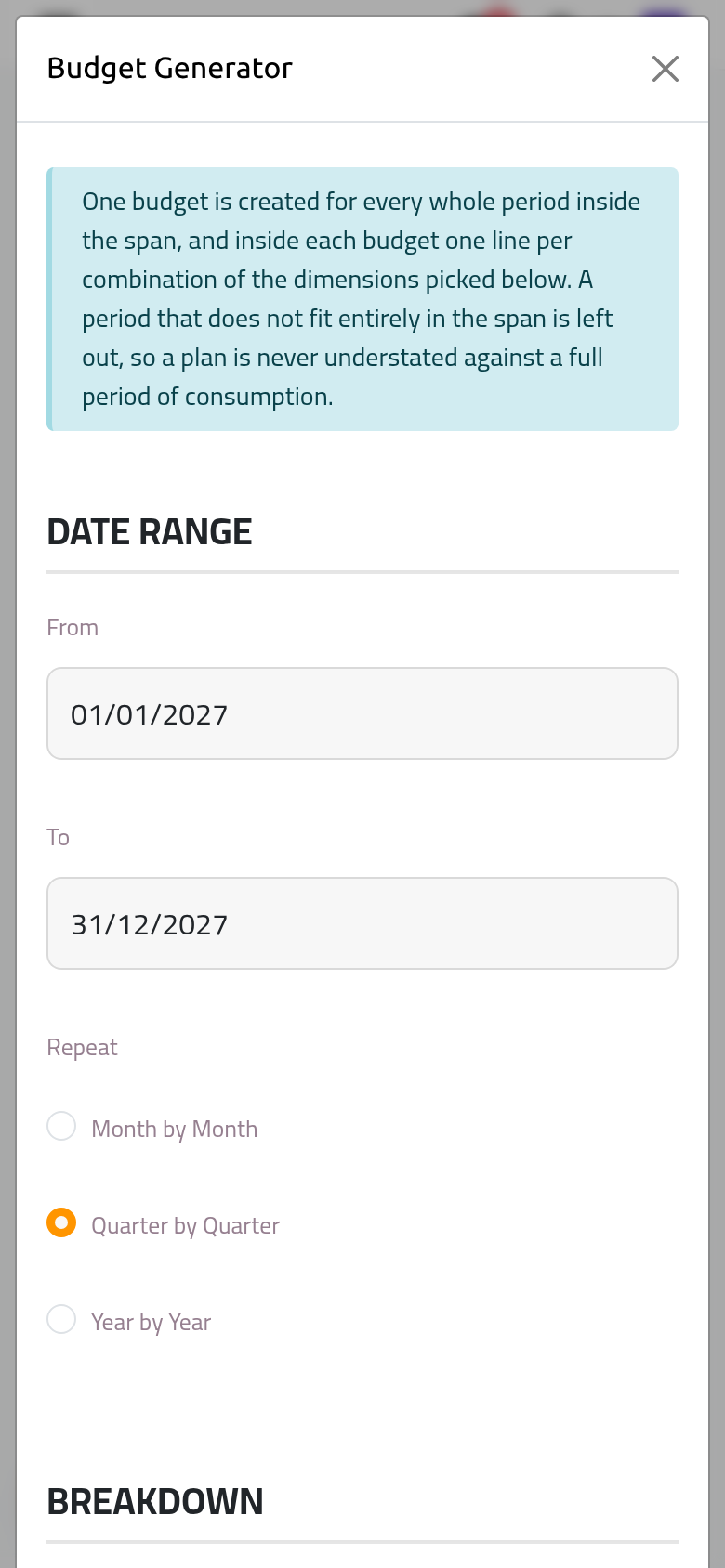
- Click Generate. The Generated Budget Lines list opens, grouped by budget: Budget Q1 2027 to Budget Q4 2027, seven lines each, all at zero.
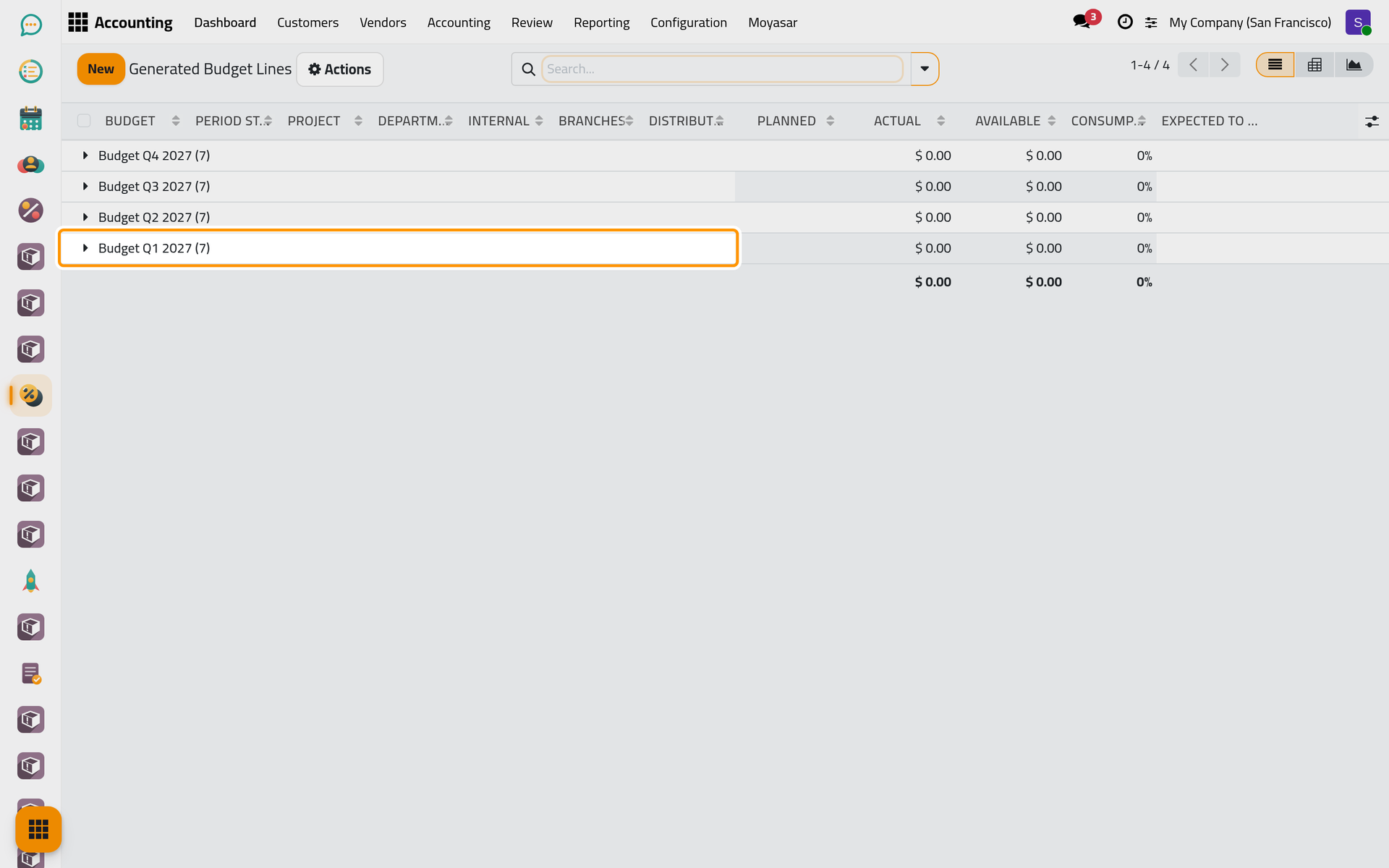
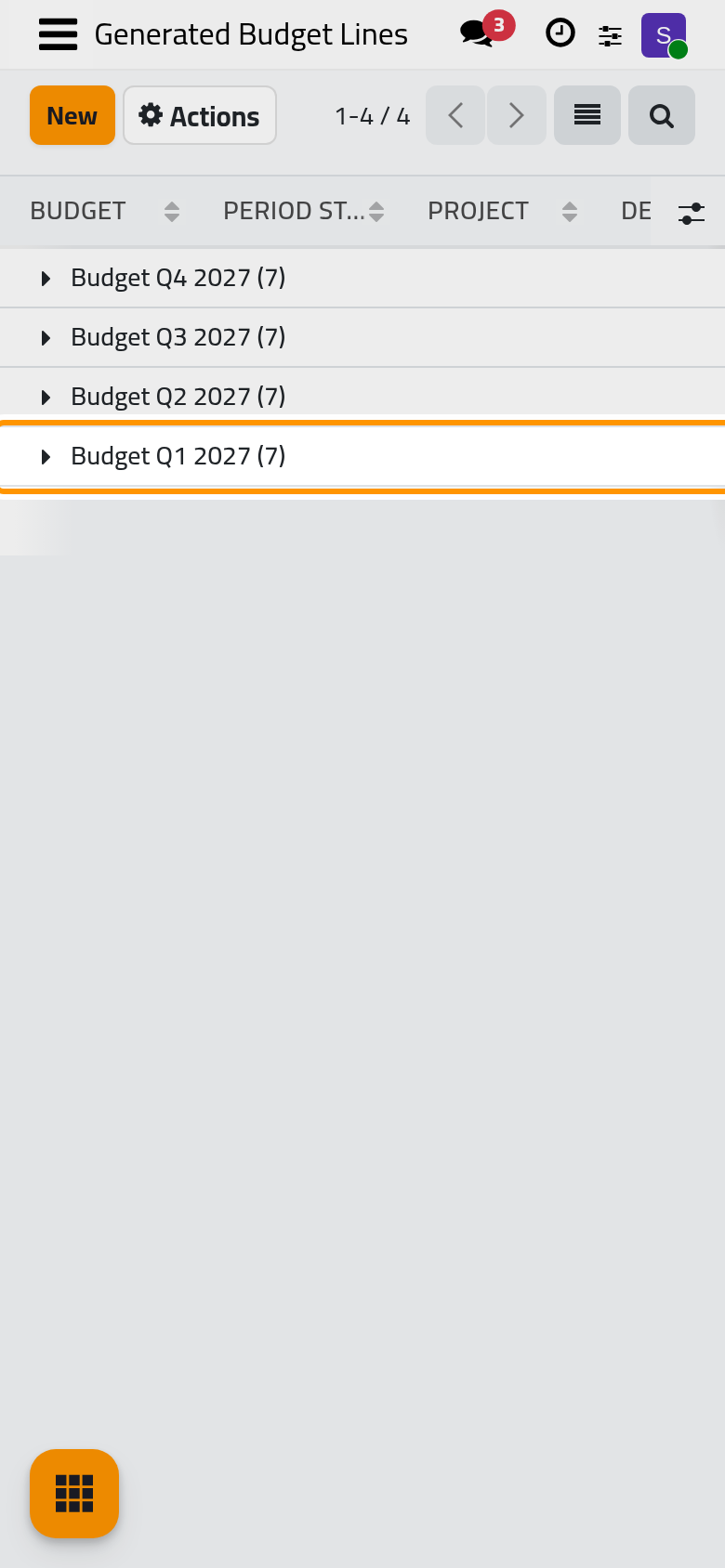
The budgets are named after their period (Budget 2027, Budget Q1 2027, Budget January 2027) in the language of the person who generates them. They are created in Draft, for the current company, with you as Responsible and the usual Alert At (%) of 90.
Type the planned amounts
- Open and open Budget Q1 2027.
- In the Budget Items tab, click the Legal line and type its Planned amount, here
12000. Do the same for the other departments. - Click the cloud icon Save manually.
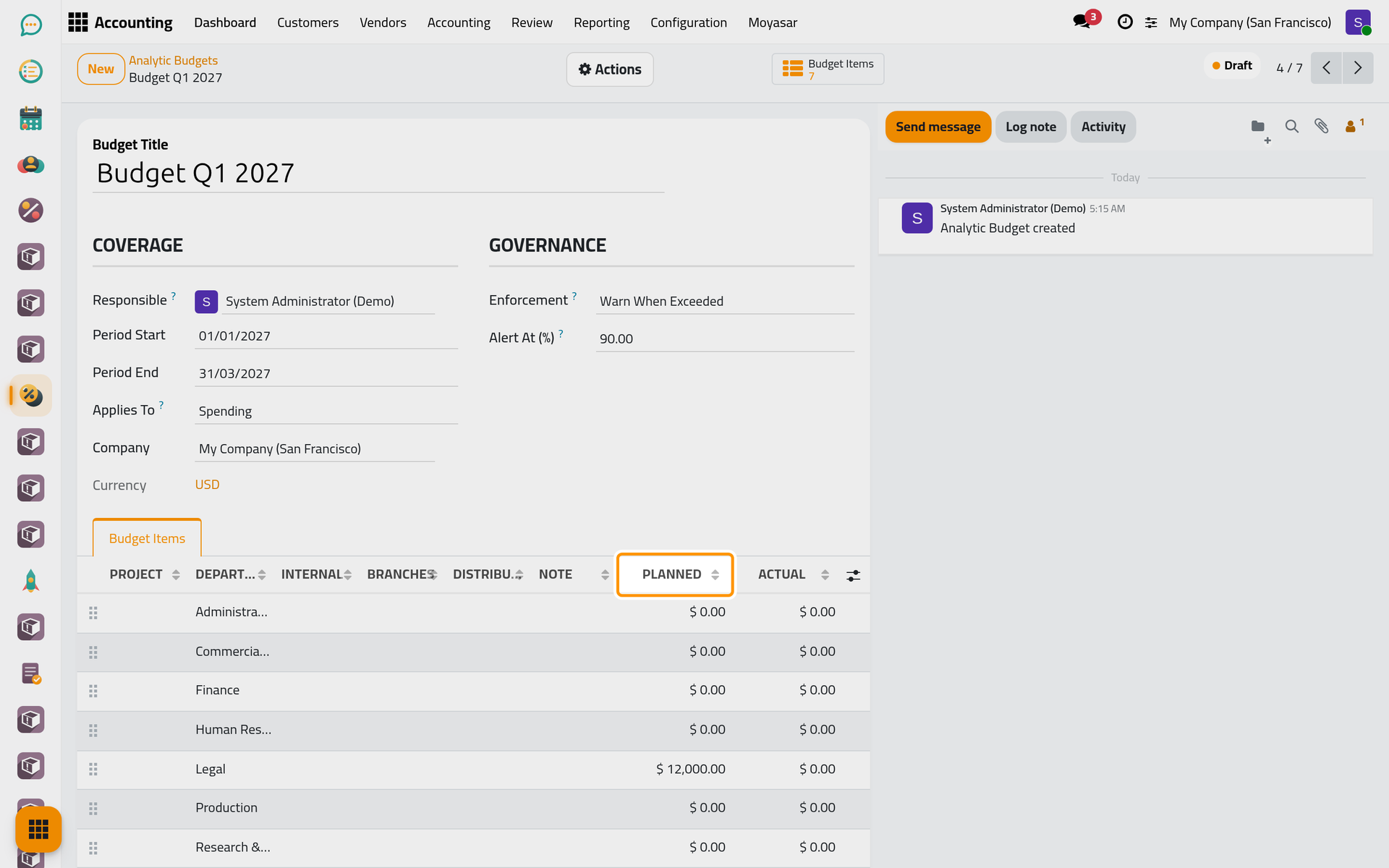
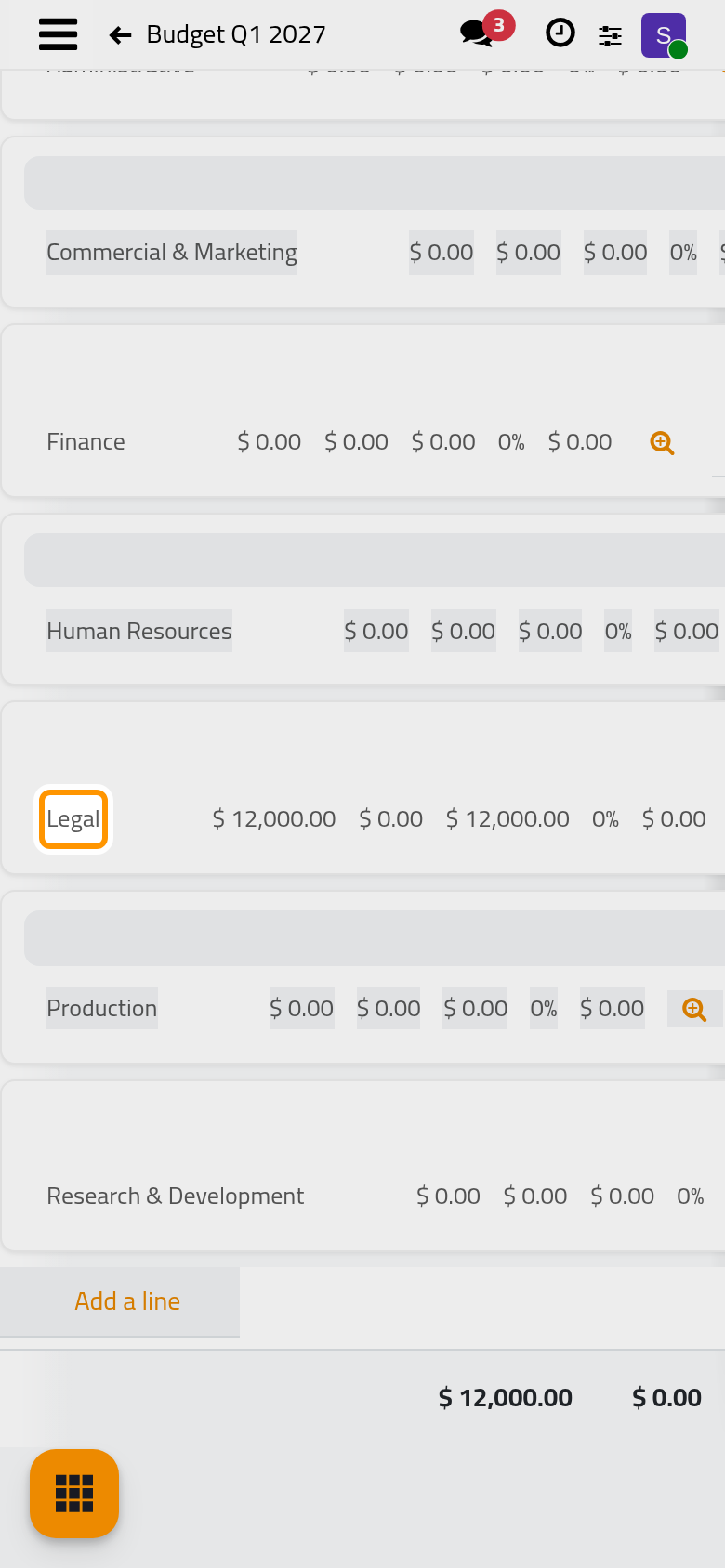
When the amounts are agreed, open Actions and choose Put in Service on each budget, as in Your first budget. A line left at zero turns red, over budget, at the first expense it counts.
What the generator leaves out
- Only whole periods inside the span: a span from 15/01/2027 to 31/12/2027 with Quarter by Quarter starts at the second quarter, because the first one does not fit entirely. A span too short for a single period creates nothing and says so.
- One run creates at most 5,000 lines. Above that, the generator stops before creating anything and asks for a shorter span, a longer period or fewer dimensions.
- A plan with no analytic account for the current company stops the run with a message that names it.
FAQ
What if I run the generator twice for the same year?
It creates a second set of budgets; nothing checks for the first. Two budgets may watch the same department, and each shows the whole spending, so keep one set: open the extra budgets and choose Cancel in Actions.
Can I add a line the generator did not create?
Yes. A generated budget is an ordinary draft: Add a line in its Budget Items tab works as in any budget.
Can I generate budgets for a project instead of a department?
Pick the plan that holds your projects in Dimensions. Any analytic plan of the database can be chosen, alone or with others.
Who can use the Budget Generator?
Only the Administrator access right on Accounting sees its menu. The Read-only access right sees the budgets it creates, not the generator.
Was this page helpful?
Thank you for your feedback.