Follow client and vendor balances
On this page
- Before you start
- See what each client owes, by age
- Read what the firm owes its vendors
- Follow one partner entry by entry
- Prepare the statement a client asks for
- List the overdue invoices
- FAQ
- A client paid, but still shows in the aged receivable.
- Can I send the statement by e-mail from the report?
- Why are the figures different from yesterday's?
"Who owes us what, and since when?" The five reports under Partner Reports answer it from the receivable and payable accounts. They read the invoices and payments already recorded; recording them is done in Customer invoices and Vendor bills and expenses.
Before you start
- You need the Read-only or the Administrator access right on Accounting.
- The aged reports and the follow-up report give a balance on one day: with Custom Range, type that day in As of.
See what each client owes, by age
- Open .
- In Date, choose Custom Range and type the day in As of, here 31/10/2026.
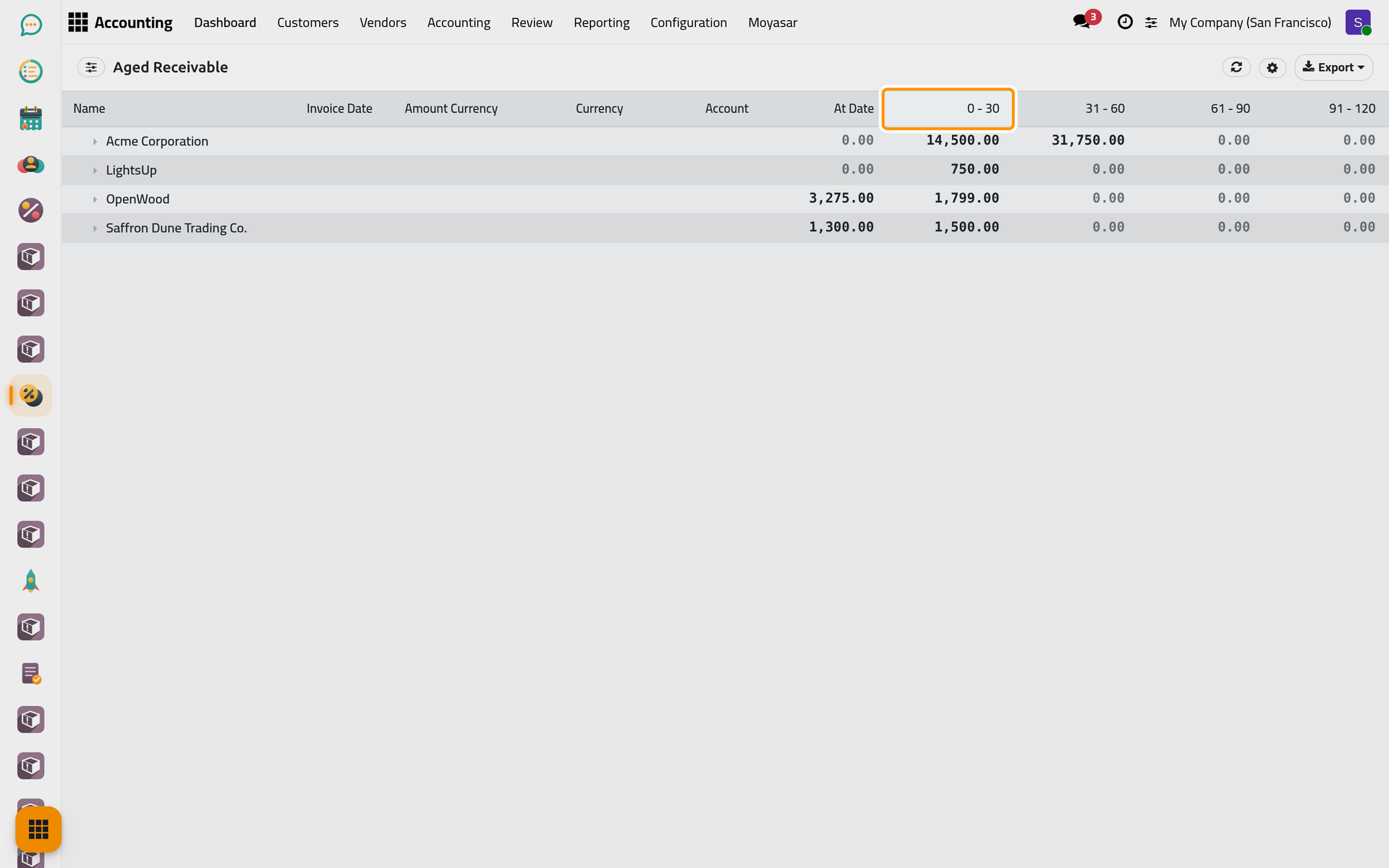
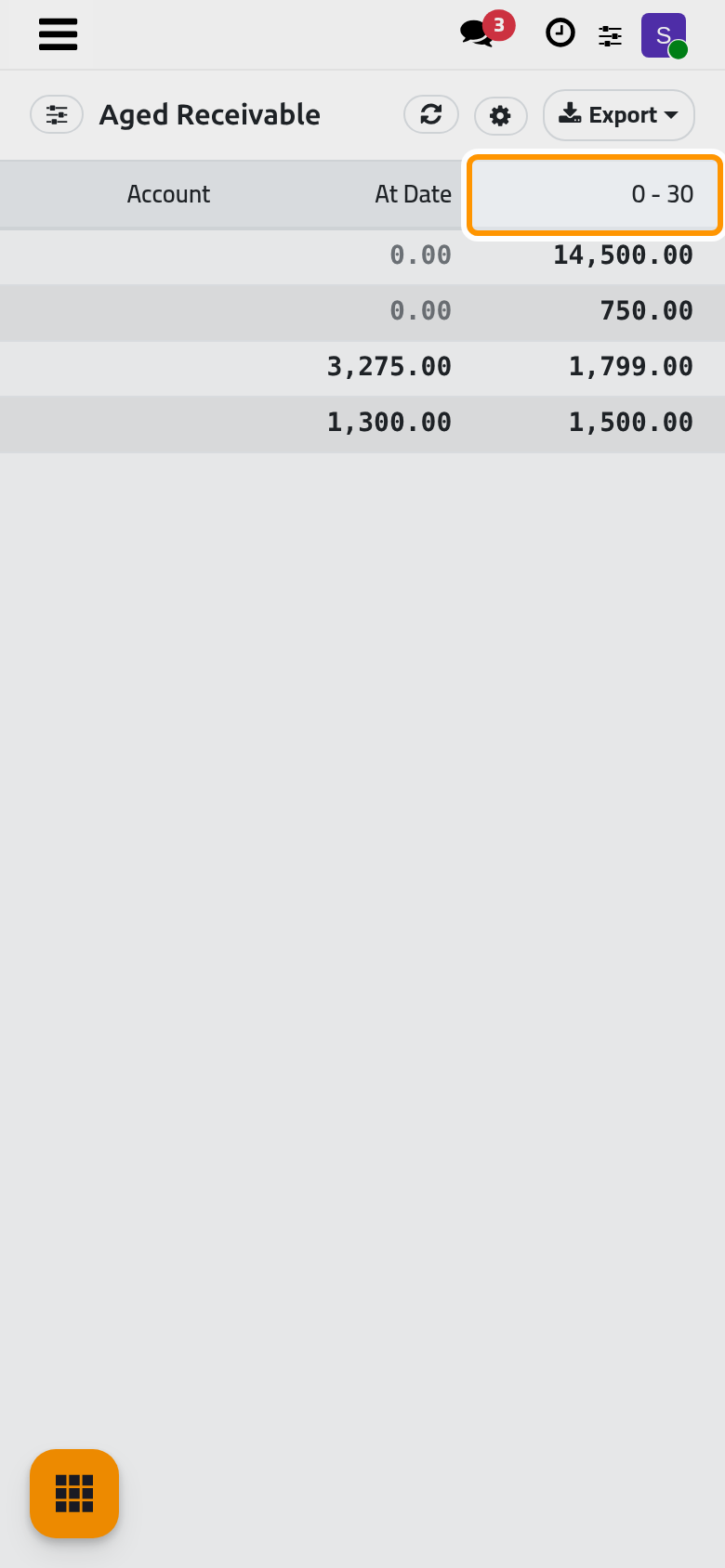
- Read one line per client. At Date holds what is not due yet on that day; 0 - 30 to 121 - 150 hold what is overdue by that many days past the due date, Older what is later still, and Total the whole.
Click a client to unfold its invoices. Aging Interval (days) at the bottom of the panel changes the width of the buckets; today the column titles keep the 30-day labels while the figures follow the new width.
Read what the firm owes its vendors
is the same report for the vendors: one line per vendor, the bills not yet due under At Date and the overdue ones by age.
Follow one partner entry by entry
- Open and choose the period.
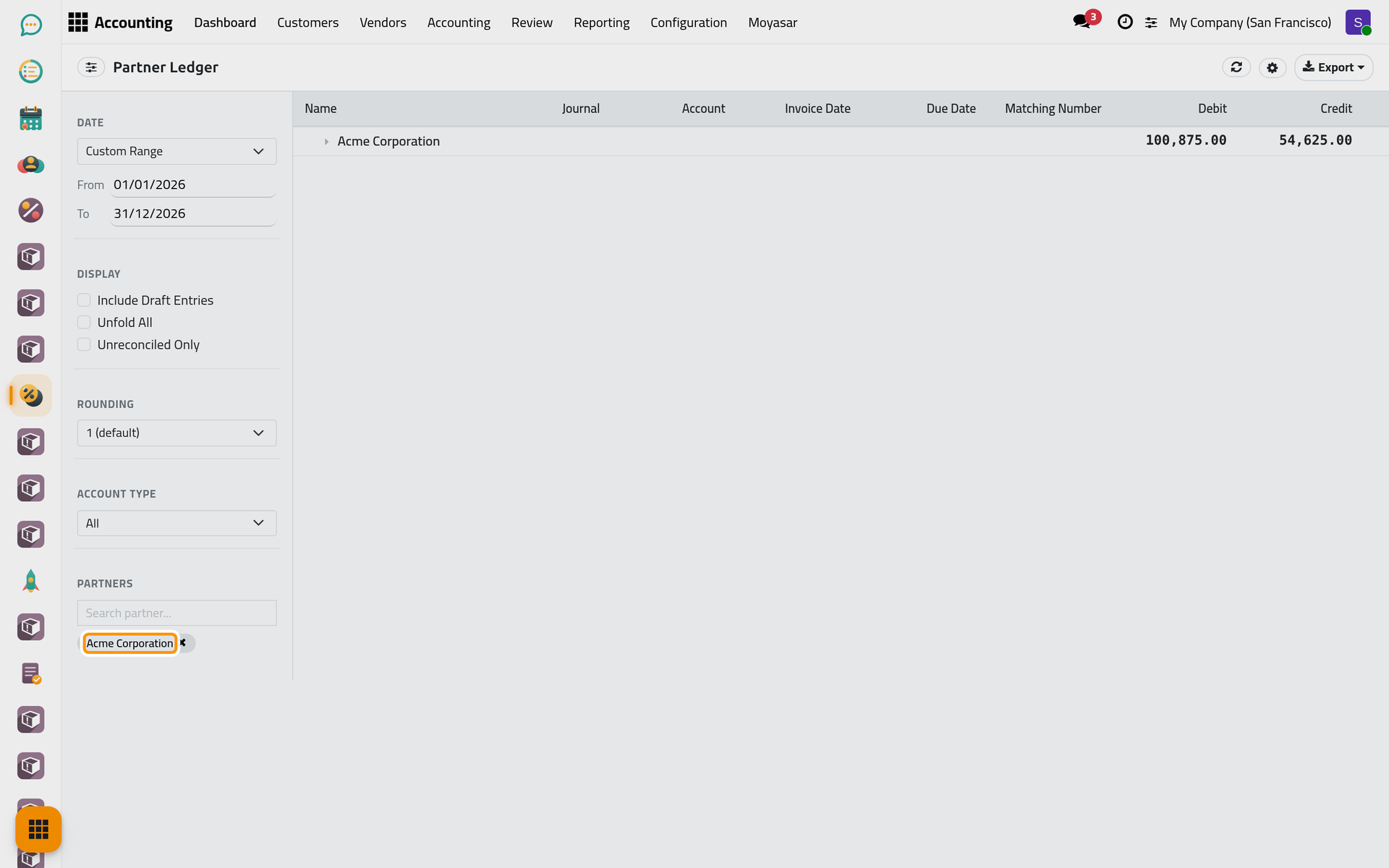
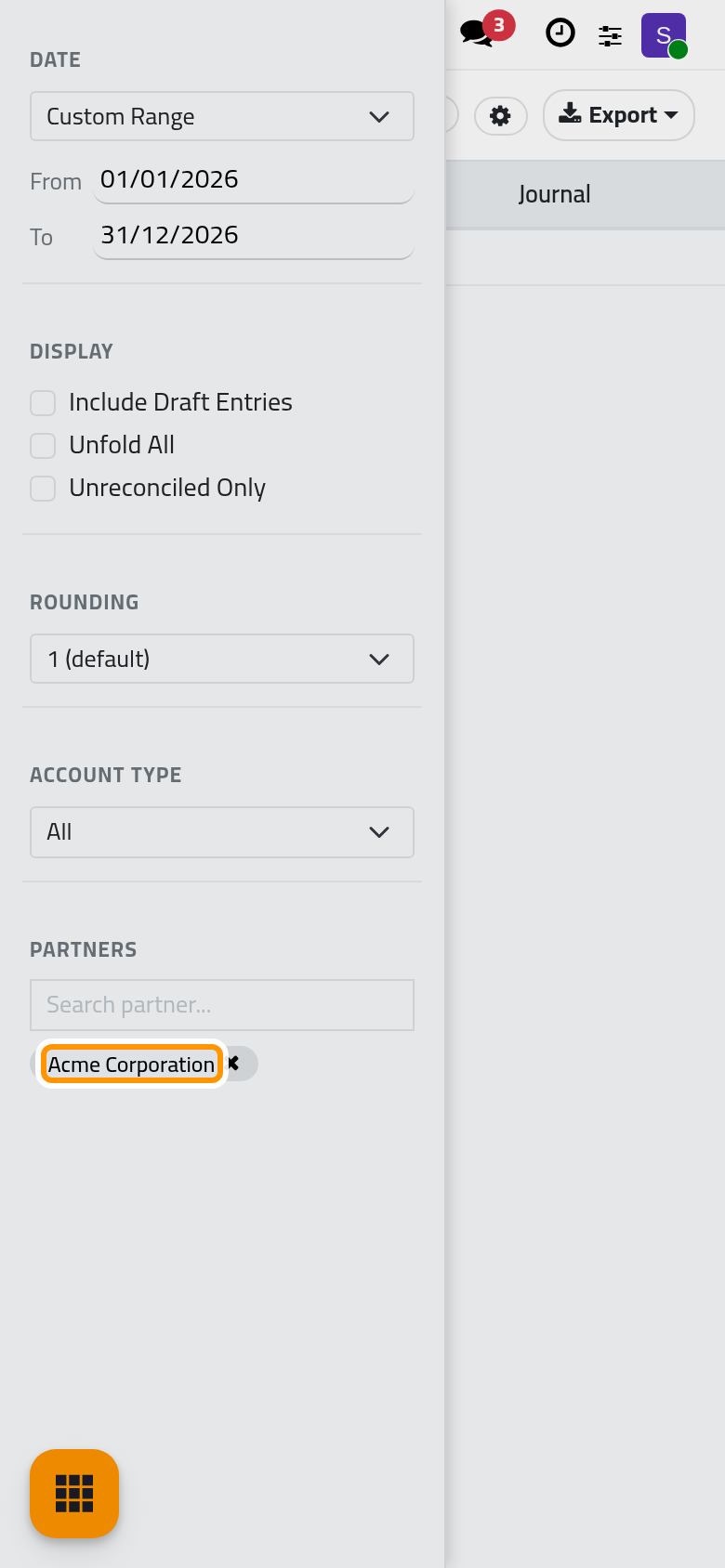
- In Partners, type a few letters in Search partner..., then click the name in the list. The partner becomes a tag; the × on the tag removes it.
- Unfold the partner to read each item with its Journal, Account, Invoice Date, Due Date, Matching Number, Debit, Credit and Balance.
Account Type keeps All, only Receivable or only Payable. Unreconciled Only leaves out the items already fully matched with a payment, so what remains is still open.
Prepare the statement a client asks for
- Open and choose the period.
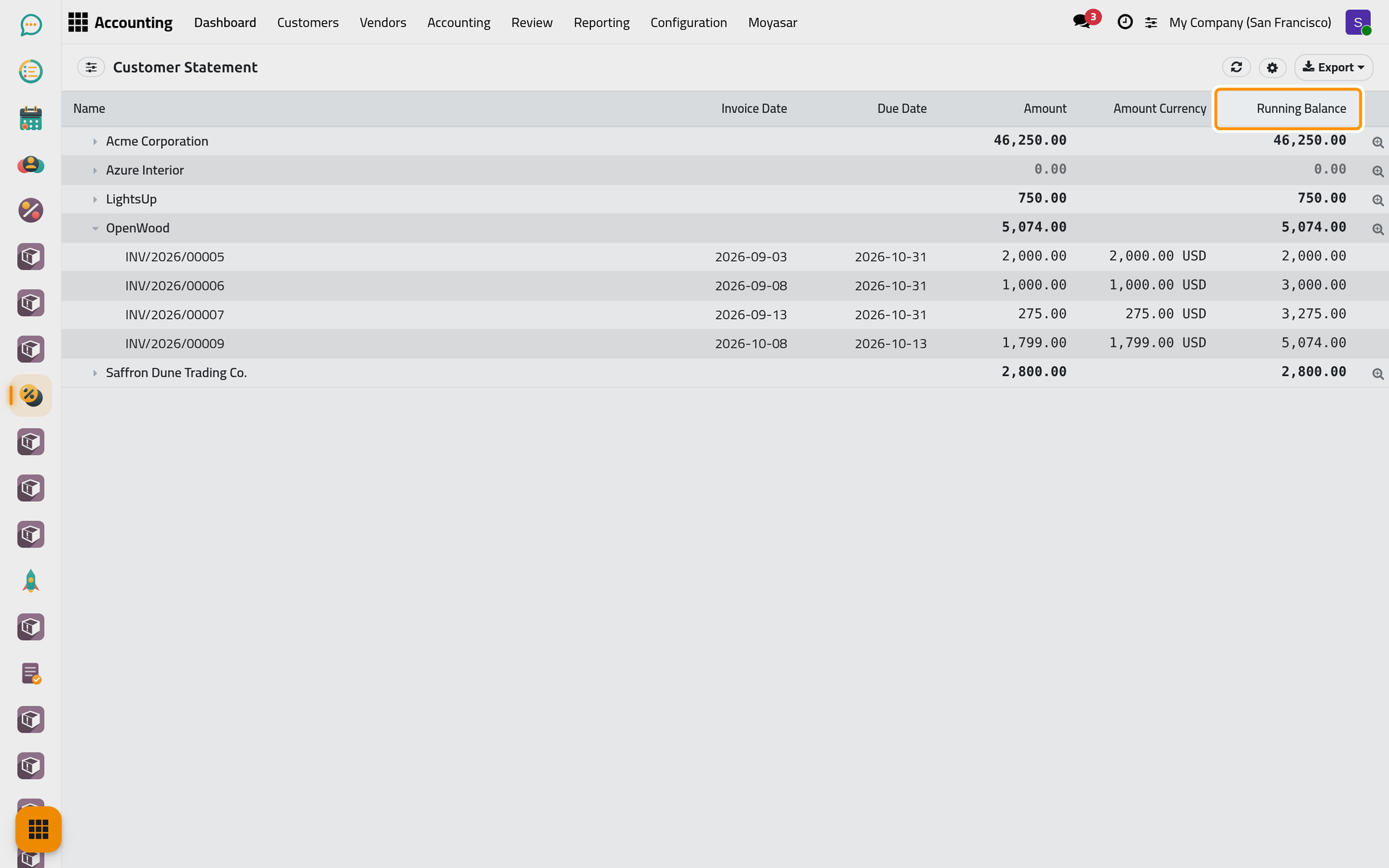
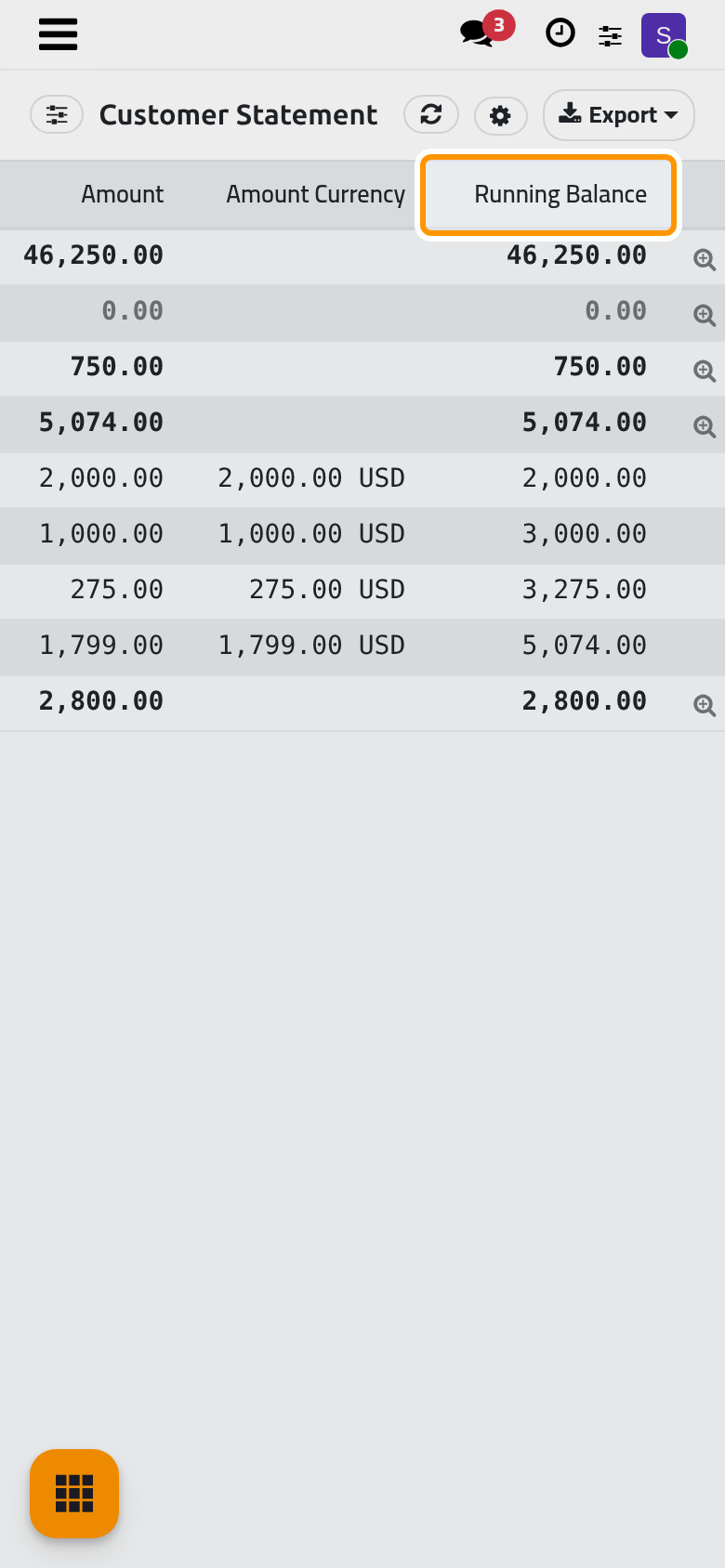
- Choose the client in Partners, then unfold the client: each invoice shows its Invoice Date, Due Date, Amount and the Running Balance after it.
- Click Export, then PDF, and send the file to the client yourself: the report sends nothing.
List the overdue invoices
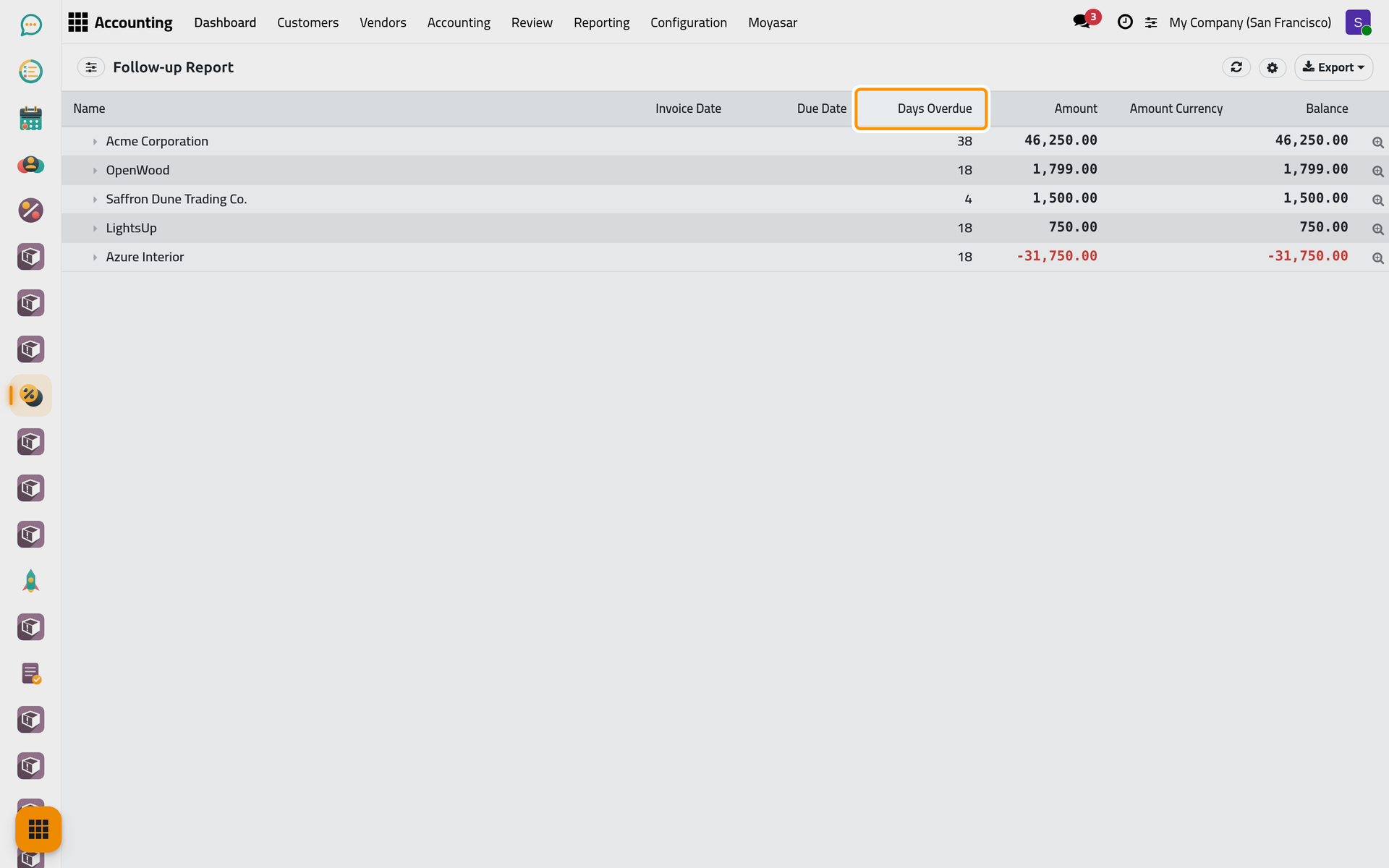
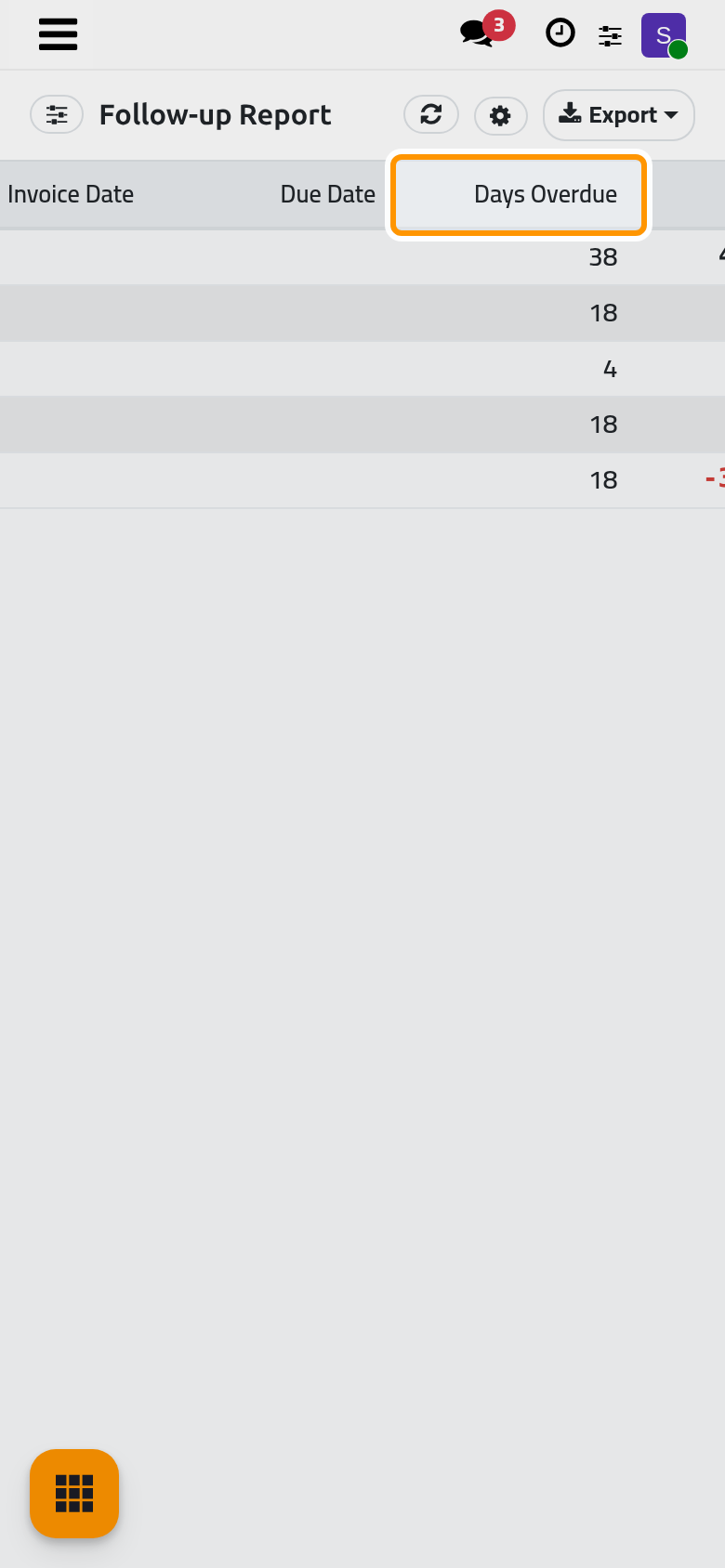
keeps only what is past its due date on the As of day, client by client, with Days Overdue. It is a list to call or write to the clients from; it sends no reminder by itself.
FAQ
A client paid, but still shows in the aged receivable.
The payment is recorded but not matched with the invoice. Matching is done in Banks, cash and currencies; until then the payment and the invoice both stay open.
Can I send the statement by e-mail from the report?
No. Export it as PDF and attach it to your message.
Why are the figures different from yesterday's?
The day in As of decides the ages: the same invoice moves to an older bucket as the days pass. Type the same date to compare.
Was this page helpful?
Thank you for your feedback.