Prepare the tax and period-end figures
On this page
At the end of a return period the accountant needs the tax figures, and at the end of a month the open foreign-currency amounts at today's rate. The tax report sits under Taxes & Fiscal; the period-end reports sit under Review, in Regularization Entries.
Before you start
- You need the Read-only or the Administrator access right on Accounting. Posting the revaluation entry needs Show Full Accounting Features.
- The currency reports appear only for users with Multi Currencies, once a second currency is active. Currencies and their rates are kept in Banks, cash and currencies.
Read the tax report
- Open . The screen names it Generic Tax report.
- In Date, choose Custom Range and type the first and last days of the return period, here the fourth quarter of 2026.
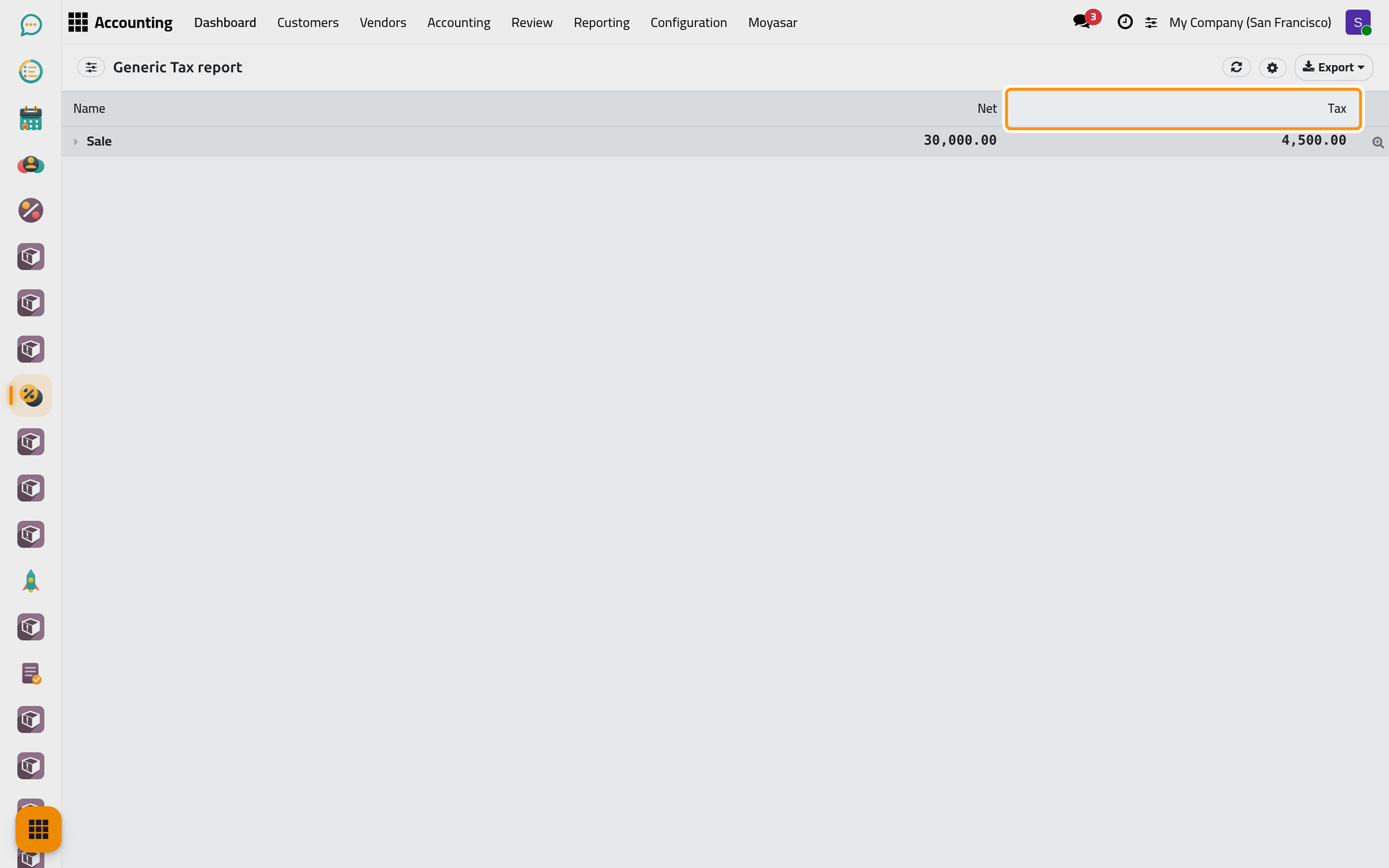
- Read Sale and, when the period holds taxed bills, Purchase, each with its Net amount and its Tax. Unfold a line to see the taxes it adds up.
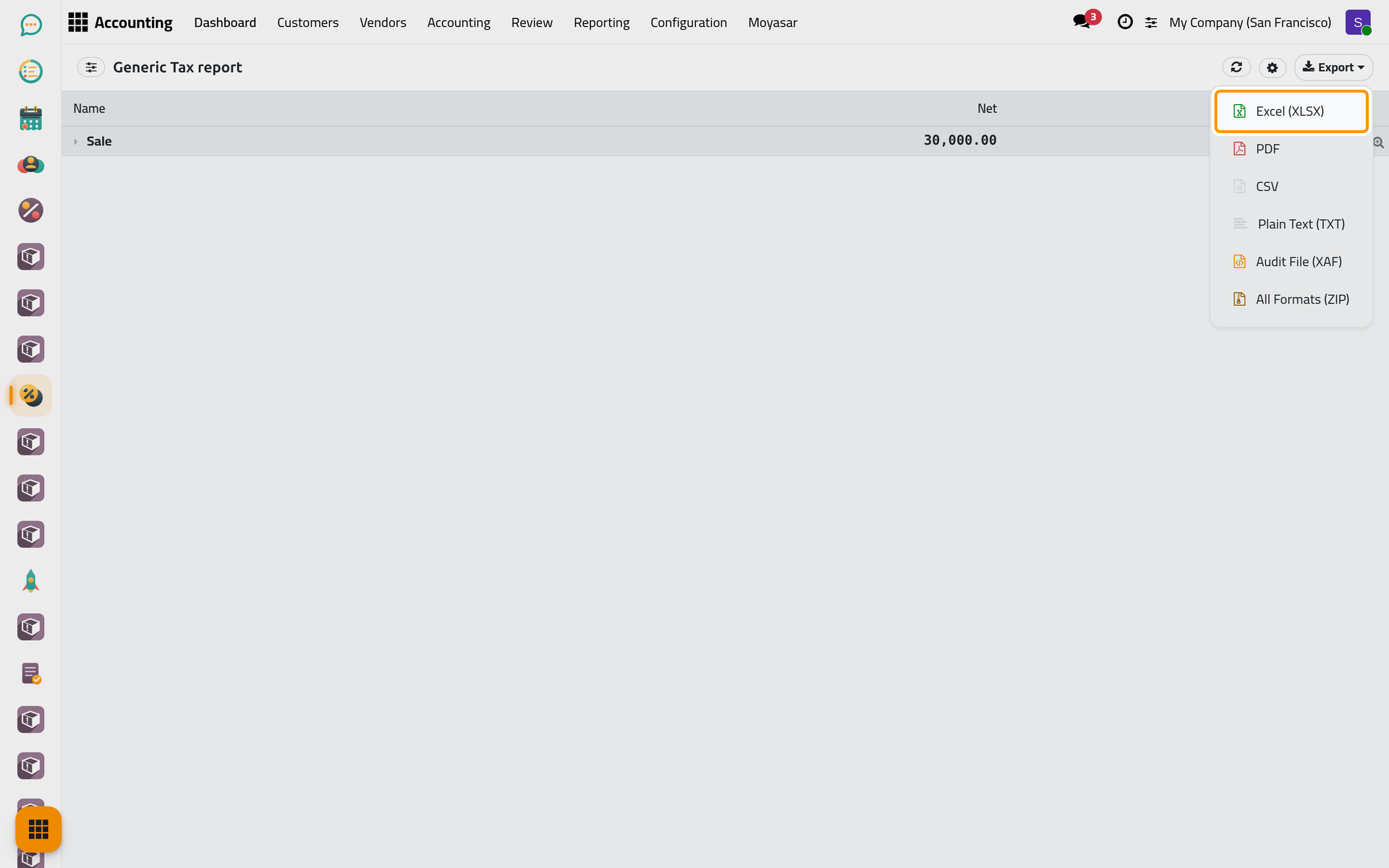
- Click Export, then Excel (XLSX), to keep the figures you file.
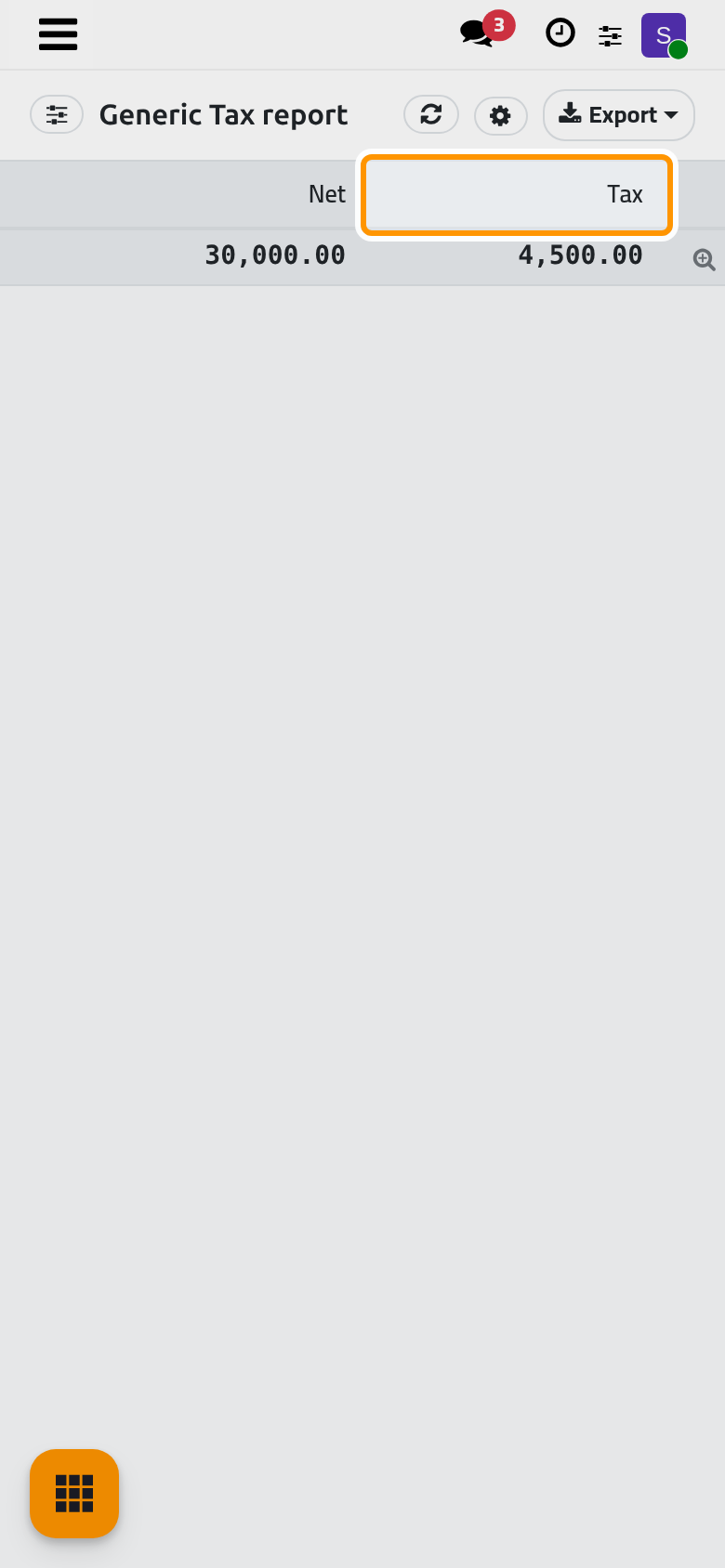
On a phone, Export stays at the top right of the report.
The e-invoice of a Saudi company is covered in E-invoicing (ZATCA); the tax figures of its return are read in the tax report above.
Check the unrealized currency gains and losses
- Open .
- Choose Custom Range and type the closing day in As of.
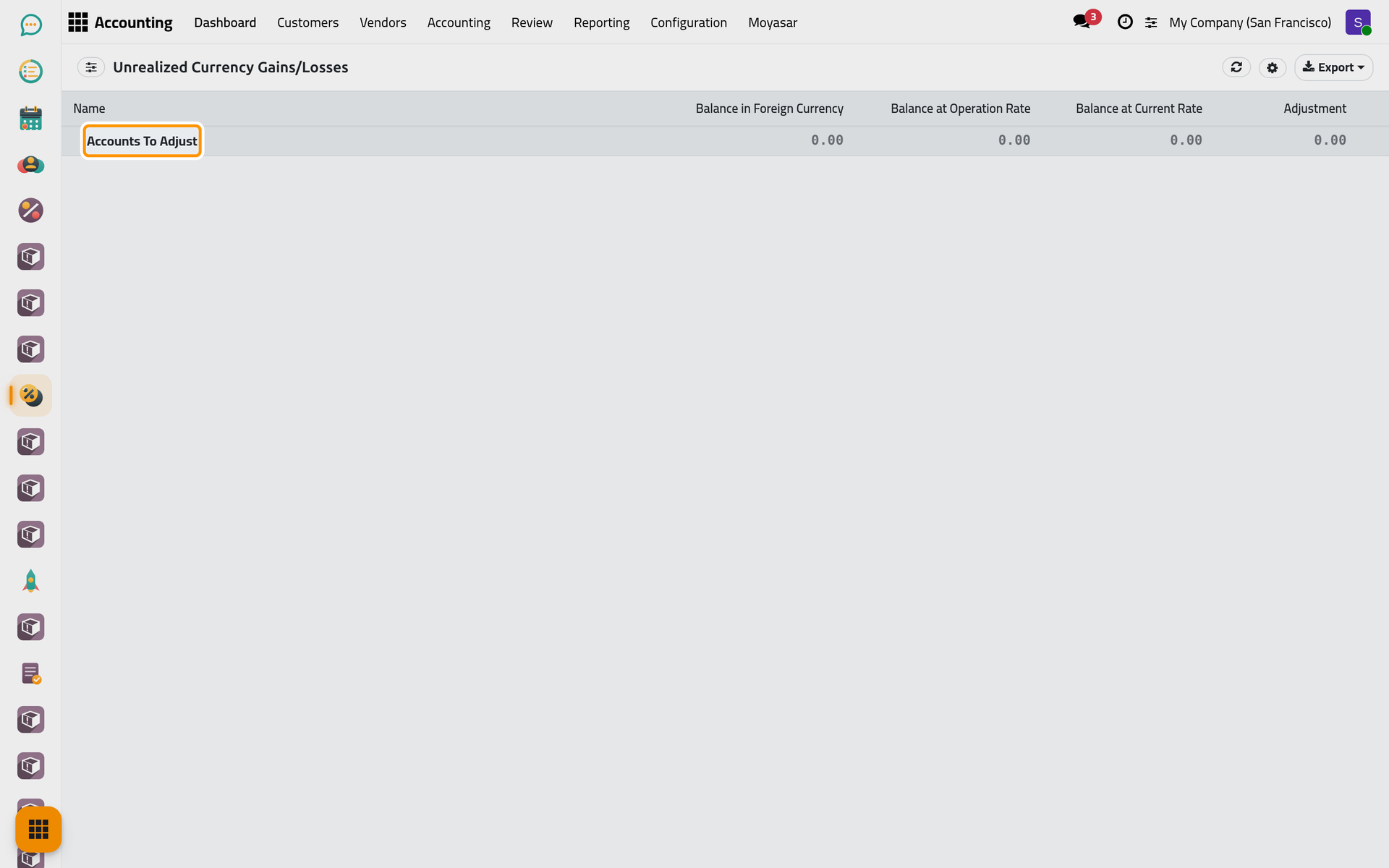
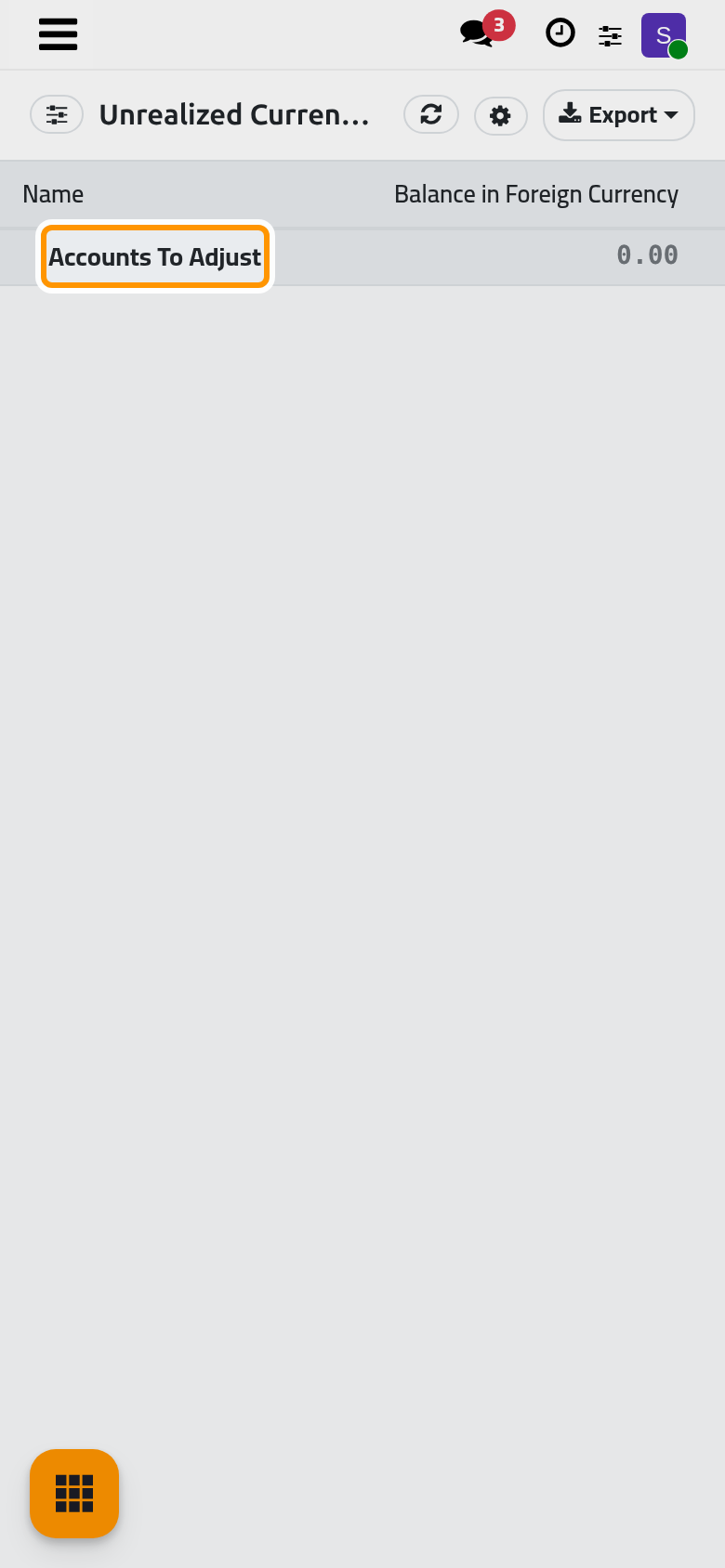
- Under Accounts To Adjust, each account with open amounts in a foreign currency shows its Balance in Foreign Currency, its Balance at Operation Rate, its Balance at Current Rate and the Adjustment between the two. On the demo company nothing is open in a foreign currency, so the line reads 0.00.
Post the revaluation entry
- Open . The window Post Unrealized FX Gain / Loss opens.
- Check the Revaluation Date (today by default), choose the Journal, the Exchange Loss Account and the Exchange Gain Account. Preview lists each account, its currency and the amount.
- Click Post Provision Entry. One entry is posted on that date, gains on one account and losses on the other, and opens. When nothing needs revaluing, a message says so and nothing is posted. Cancel closes the window.
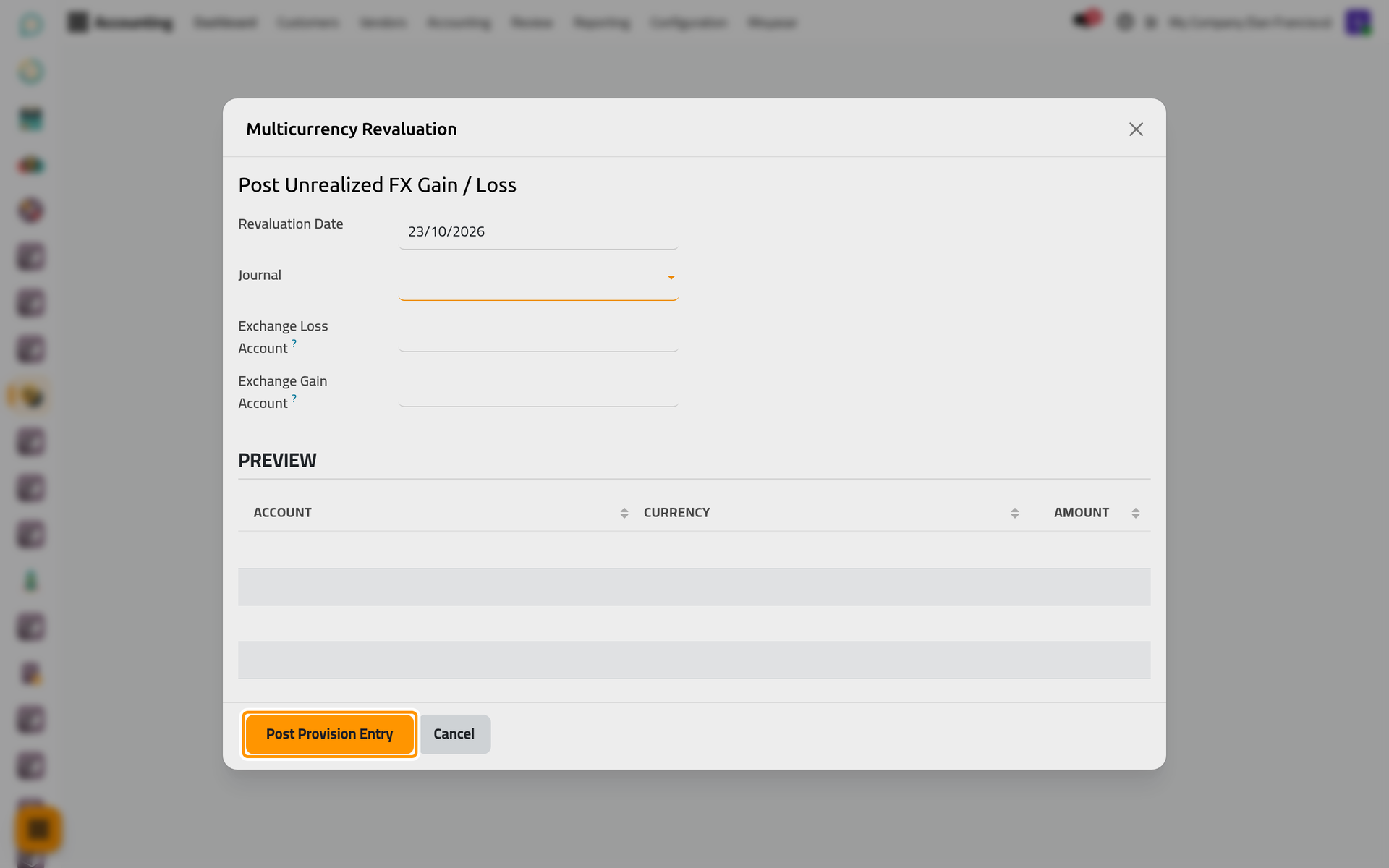
The window was taken on a computer; on a phone the buttons sit at the bottom of the window.
Deferred revenues and expenses
and show one line each. Today they add up every income and current liability account (revenues) or every expense, prepayment and current asset account (expenses), not only deferred amounts: do not read them as deferrals. The deferred entries themselves are set in Accounting settings.
EC Sales List
serves companies that sell to businesses in other countries of the European Union. A company outside the European Union does not need it; today it lists customers of any country.
FAQ
The tax report opens on the whole year.
Every report opens on This Year. Type the dates of your return period in Custom Range.
I do not see Unrealized Currencies.
Only one currency is active, or you lack Multi Currencies. An administrator activates a second currency; see Banks, cash and currencies.
Is the revaluation entry reversed next month?
No. The window posts one entry and nothing more; reverse it yourself at the start of the next period if your practice requires it.
Was this page helpful?
Thank you for your feedback.