Read the financial statements
On this page
The financial statements answer the owner's questions: did the firm earn money over the period, what does it own and owe, where did the cash go. They all sit under Statement Reports, with the Executive Summary under Management.
Before you start
- You need the Read-only or the Administrator access right on Accounting.
- Choose the period as Read your first report shows: Custom Range in Date, then the dates.
Count the draft entries
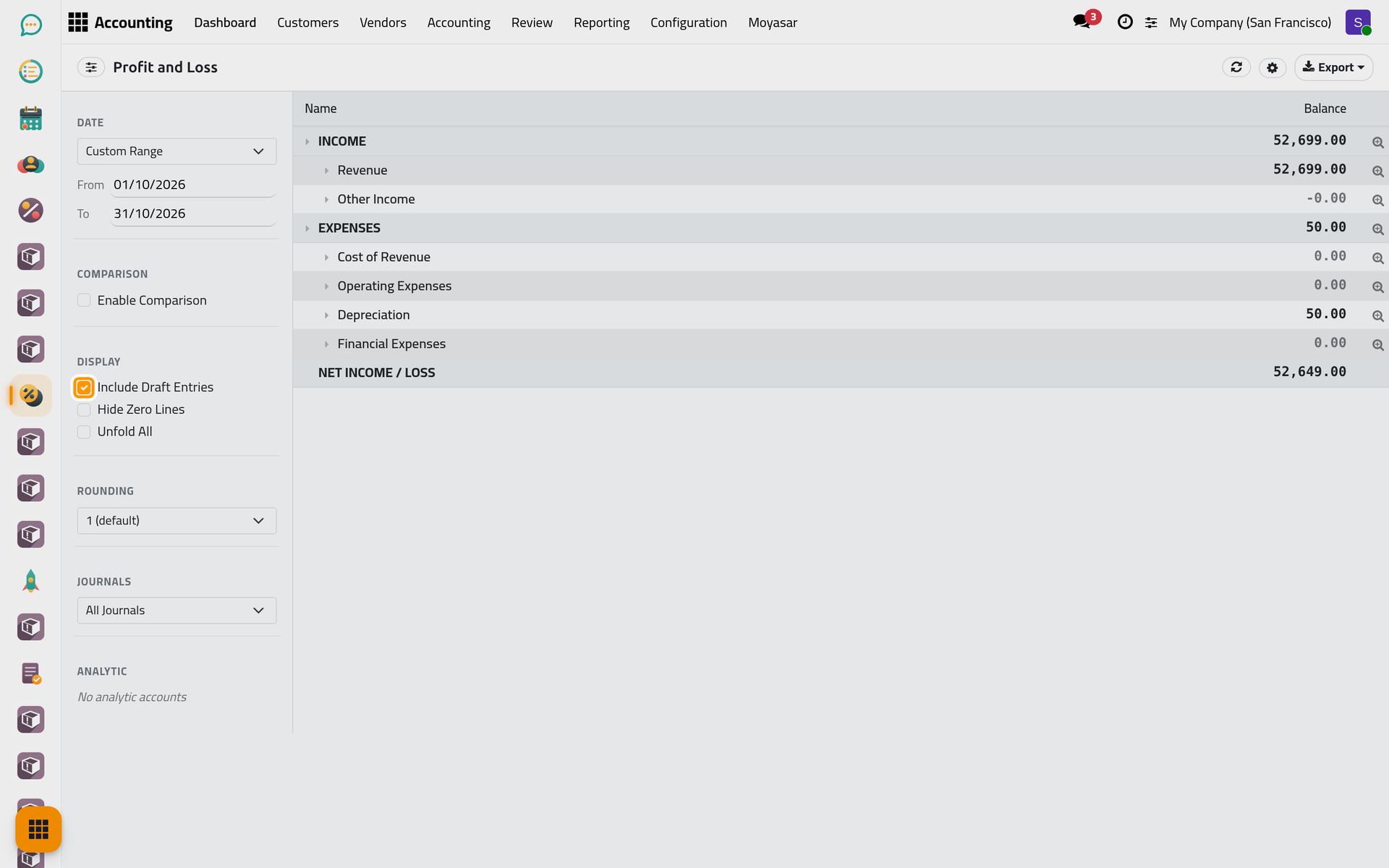
- Open and choose the period, here October 2026. The report shows INCOME, then EXPENSES, then NET INCOME / LOSS for the period.
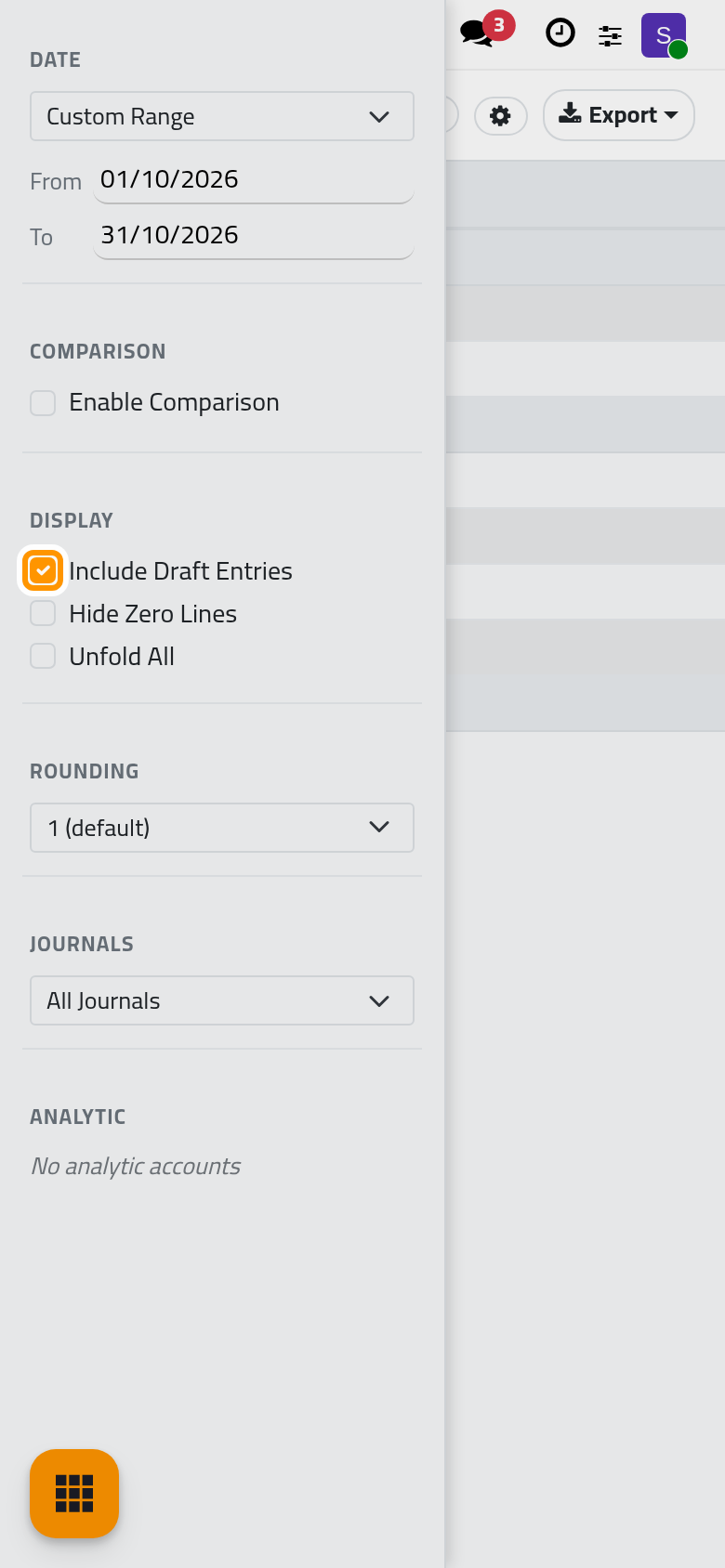
- In Display, tick Include Draft Entries.
The statements count only posted entries by default. With the box ticked, an invoice not yet confirmed counts too: the draft invoice of Harbor Light Advisory joins Revenue for October. Untick the box to come back to the posted figures, the ones the books will keep.
Round the figures
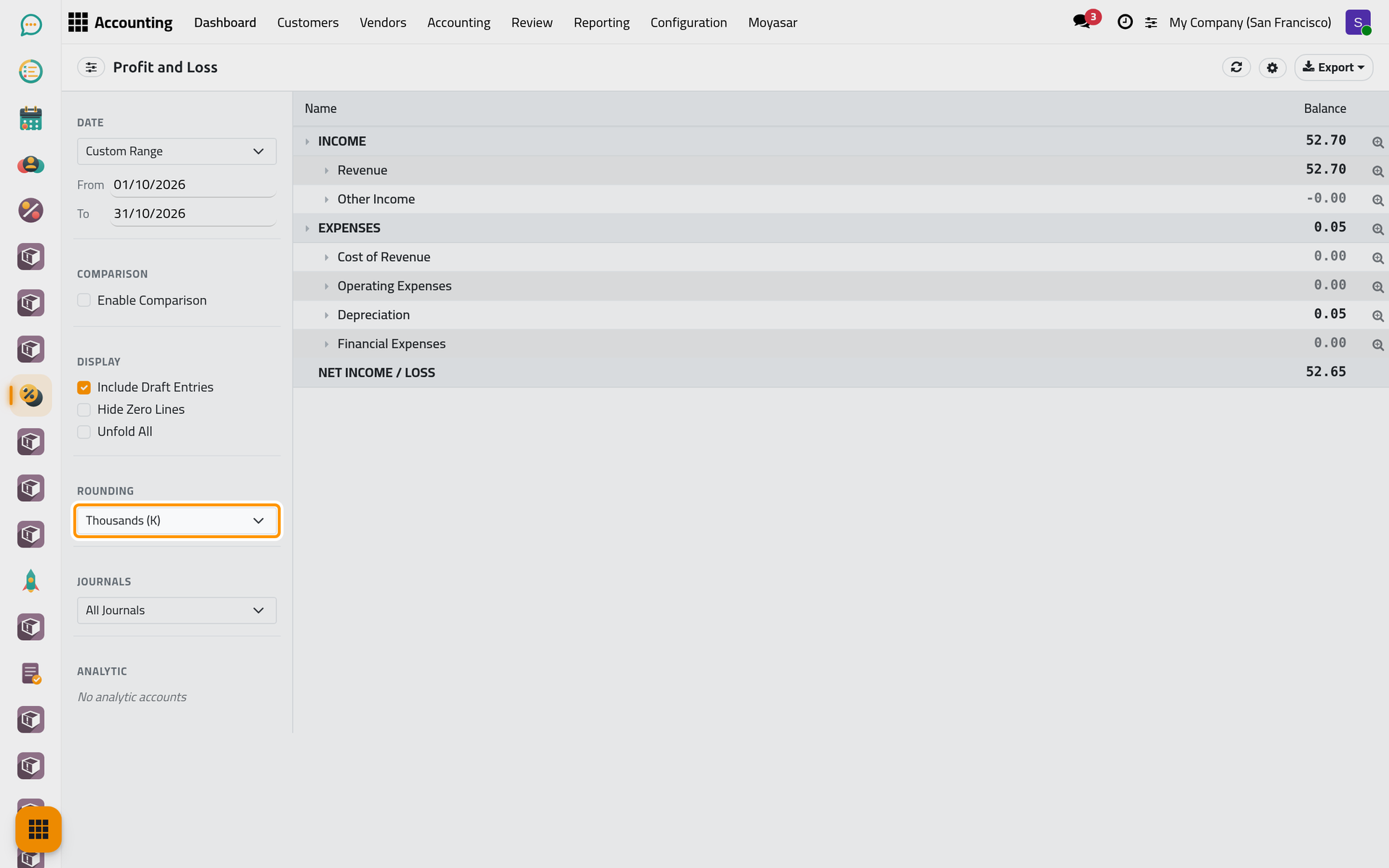
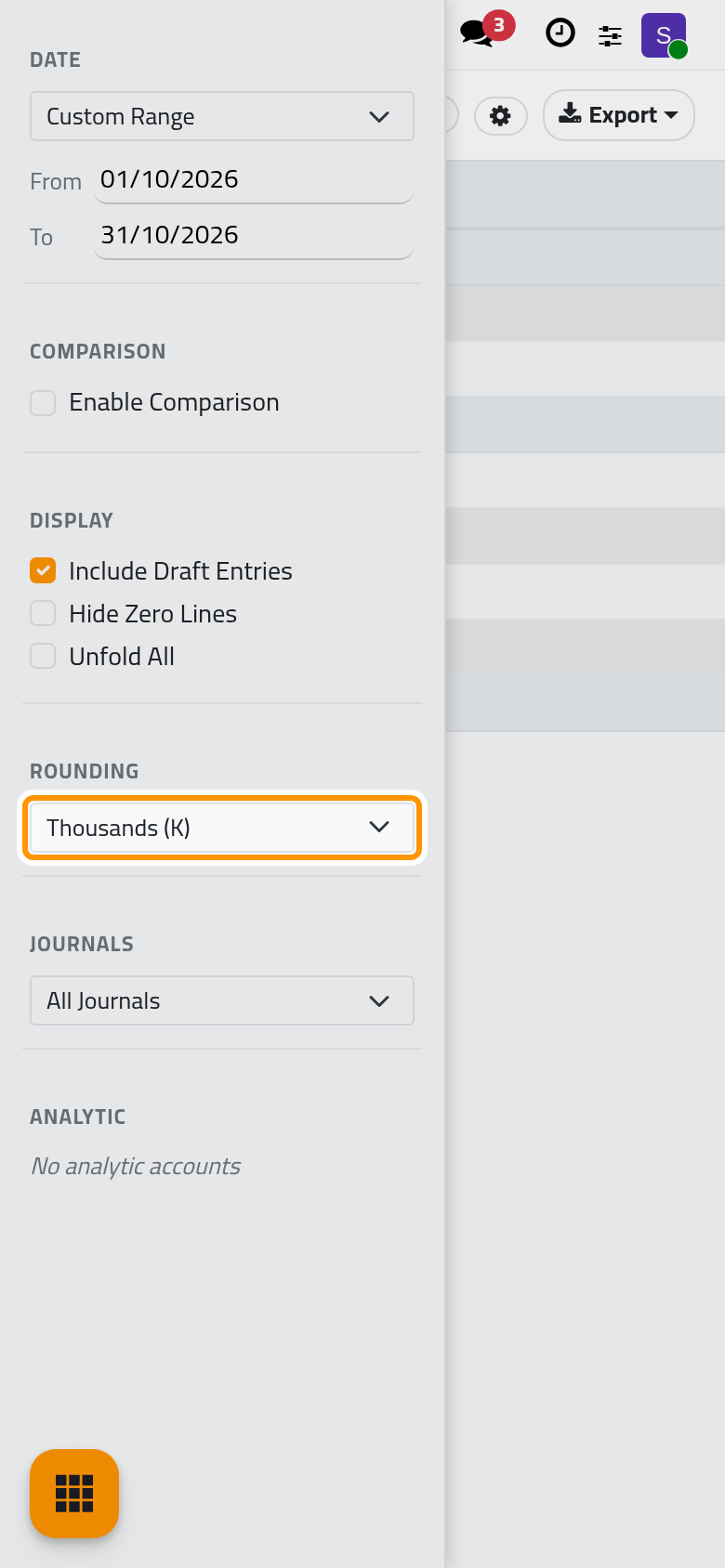
In Rounding, choose Thousands (K) or Millions (M): every figure is divided, 54,384.45 becomes 54.38. 1 (default) gives back the exact amounts. The exports keep the rounding of the screen.
The balance sheet
Open . It gives the balances at one date: with Custom Range the box is As of, and a choice such as This Year means the last day of that year. The lines are ASSETS, LIABILITIES, EQUITY and LIABILITIES + EQUITY; OFF BALANCE SHEET ACCOUNTS shows only when such an account holds a balance.
Today the EQUITY lines and LIABILITIES + EQUITY read 0.00 whatever the entries: the screen does not compute them (the total stays at 0.00 even when LIABILITIES holds a balance), so the two sides do not meet. Read the result of the year on the Profit and Loss; the asset and liability lines give the balances of their accounts.
The cash flow statement
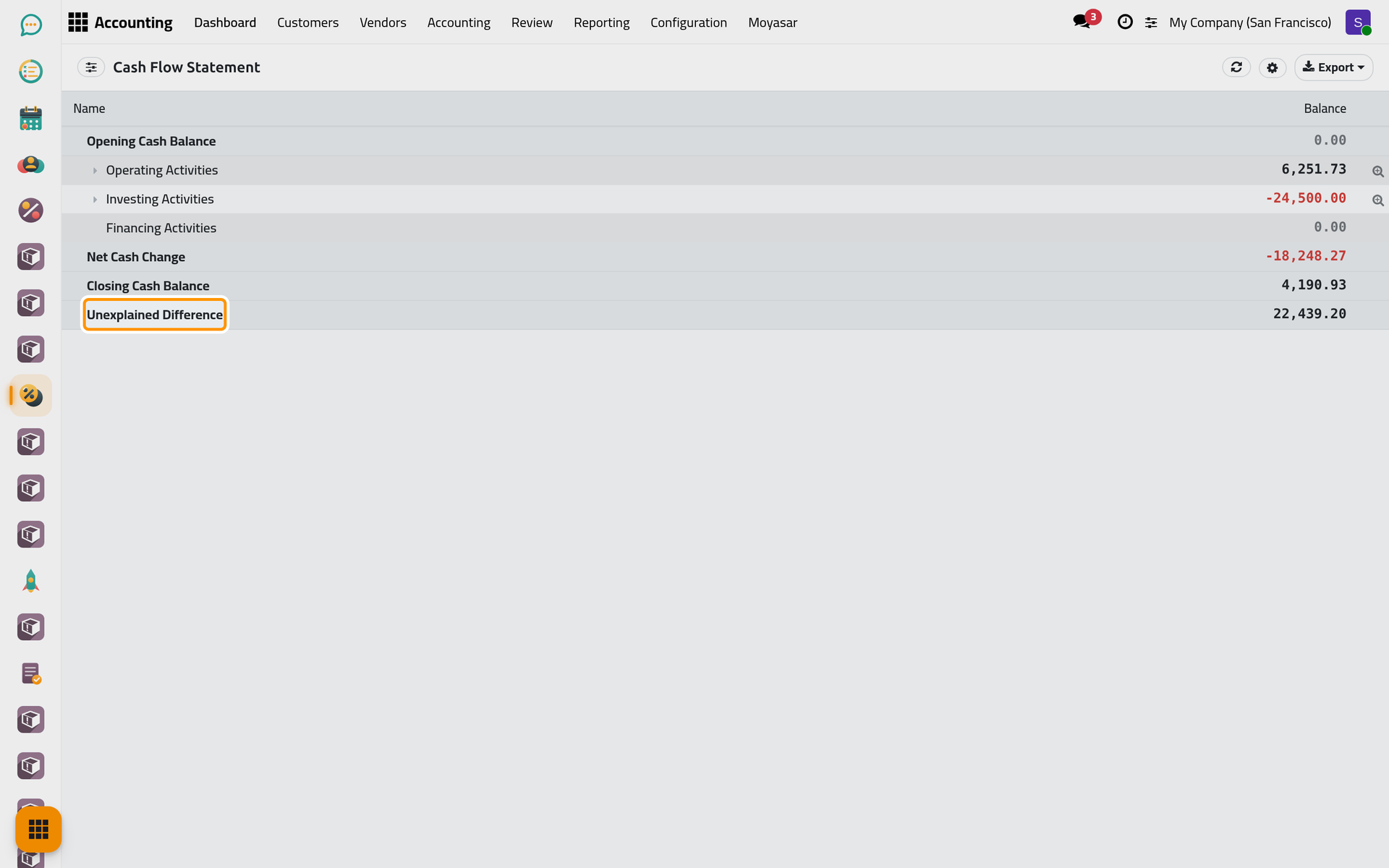
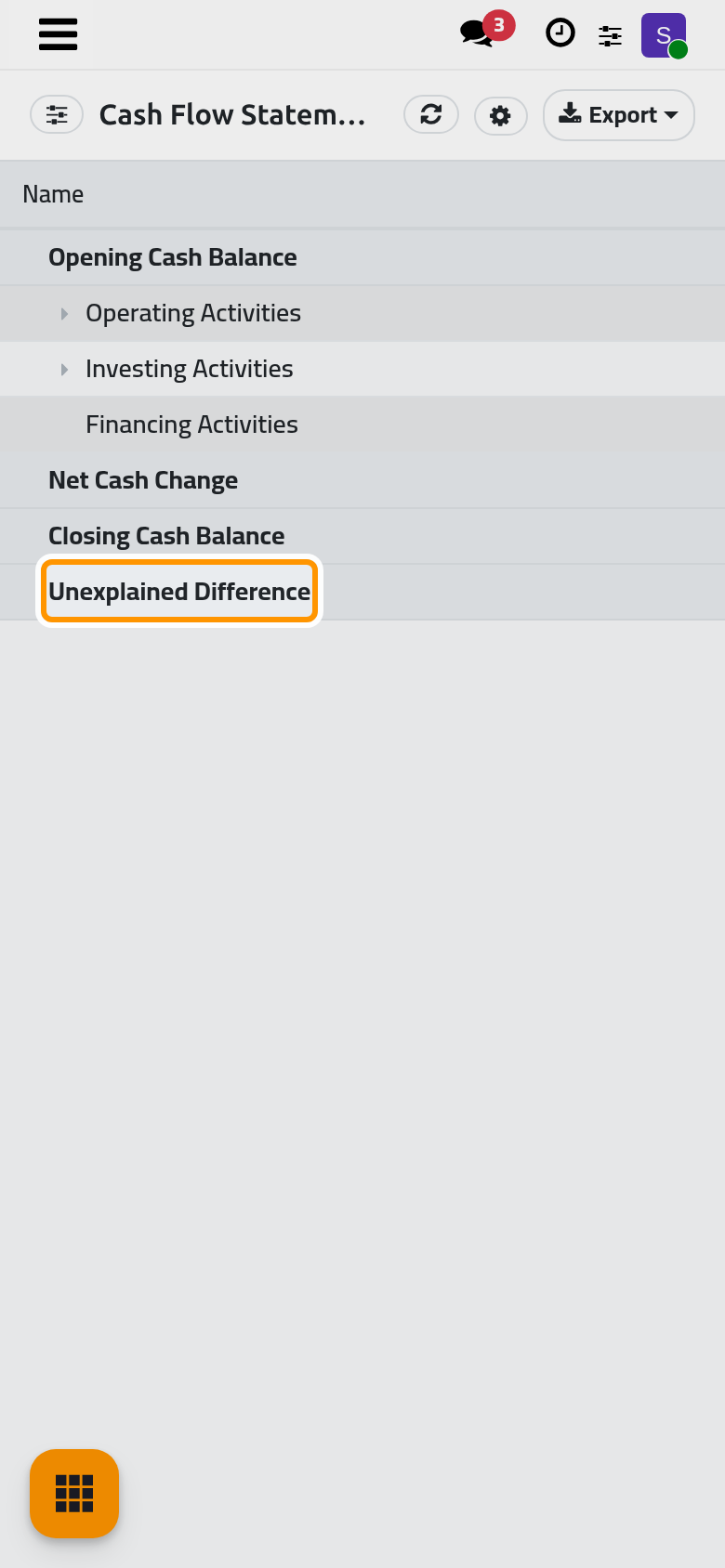
Open . It goes from the Opening Cash Balance to the Closing Cash Balance of the period through Operating Activities, Investing Activities and Financing Activities. Each amount is sorted by the tag its account carries in the chart of accounts (operating, investing or financing); what no tag explains appears as Unexplained Difference. The tags are set on the accounts, see Review the chart of accounts.
The executive summary and the annual statements
is meant to give cash, profitability and balance sheet in a few lines. Today its Revenue, Net Income and BALANCE SHEET lines read 0.00: take these figures from the full statements.
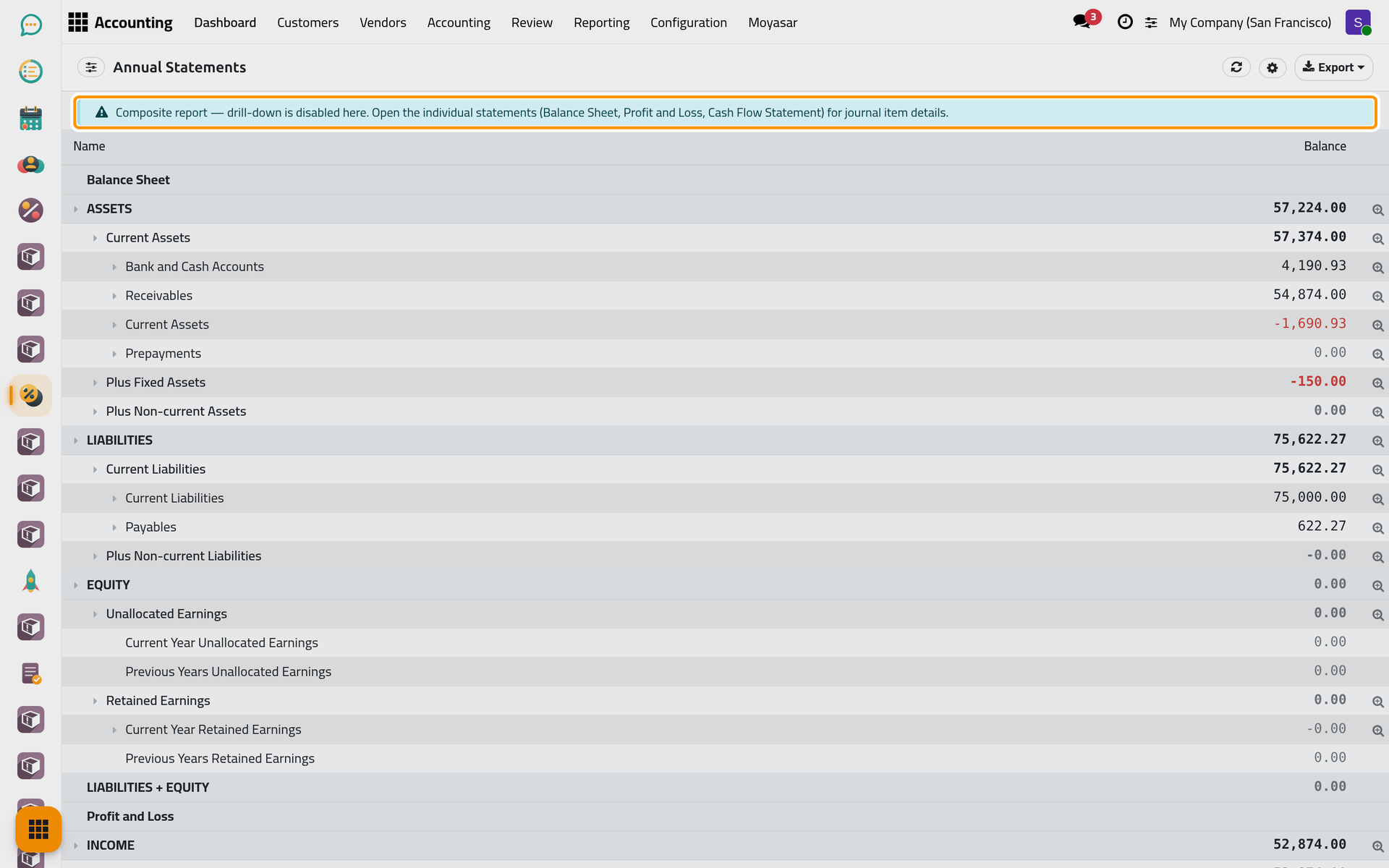
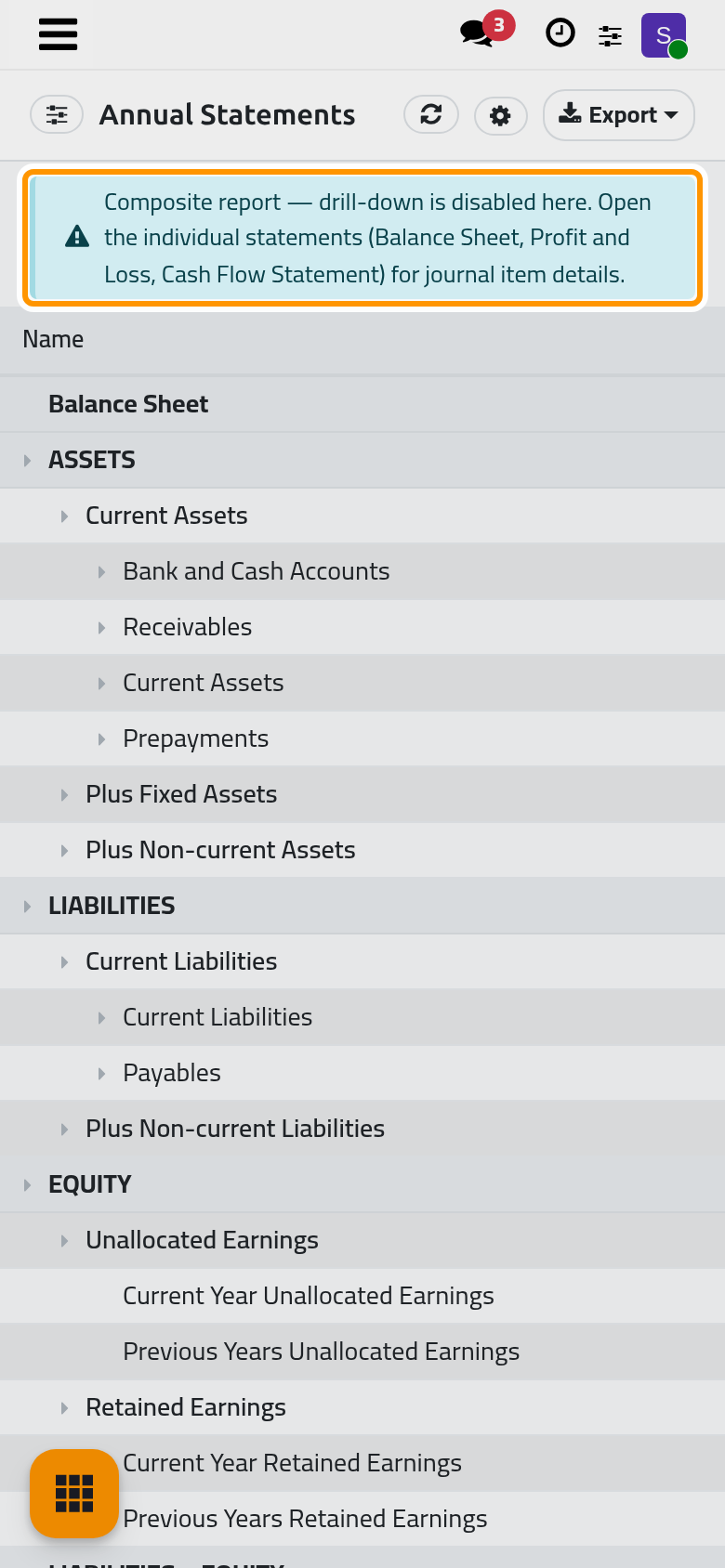
puts the balance sheet, the profit and loss and the cash flow one under the other, so one export gives the three. A notice says that the lines do not open the journal items here: open the statement itself for that.
FAQ
An invoice I just entered is missing from the report.
It is still a draft. Tick Include Draft Entries to count it, or confirm the invoice.
Can I put two periods side by side?
Enable Comparison in Comparison adds a column per earlier period, but today these columns read 0.00 on every line. Open the report once for each period, or export each period to Excel.
Why does every report open on This Year?
The screen opens each report on This Year. Choose your period in Date; a custom range keeps the dates you type.
Was this page helpful?
Thank you for your feedback.