Keep currency rates up to date
On this page
An invoice in a foreign currency is converted into the company's currency at the rate of its date. The rates are fetched every day from public sources, the providers, with no paid service.
Before you start
- You need the Administrator access right on Accounting.
- Turn on Automatic Currency Rate Update in Banks, cash and currencies settings: without it the providers never run on their own.
Activate the currencies
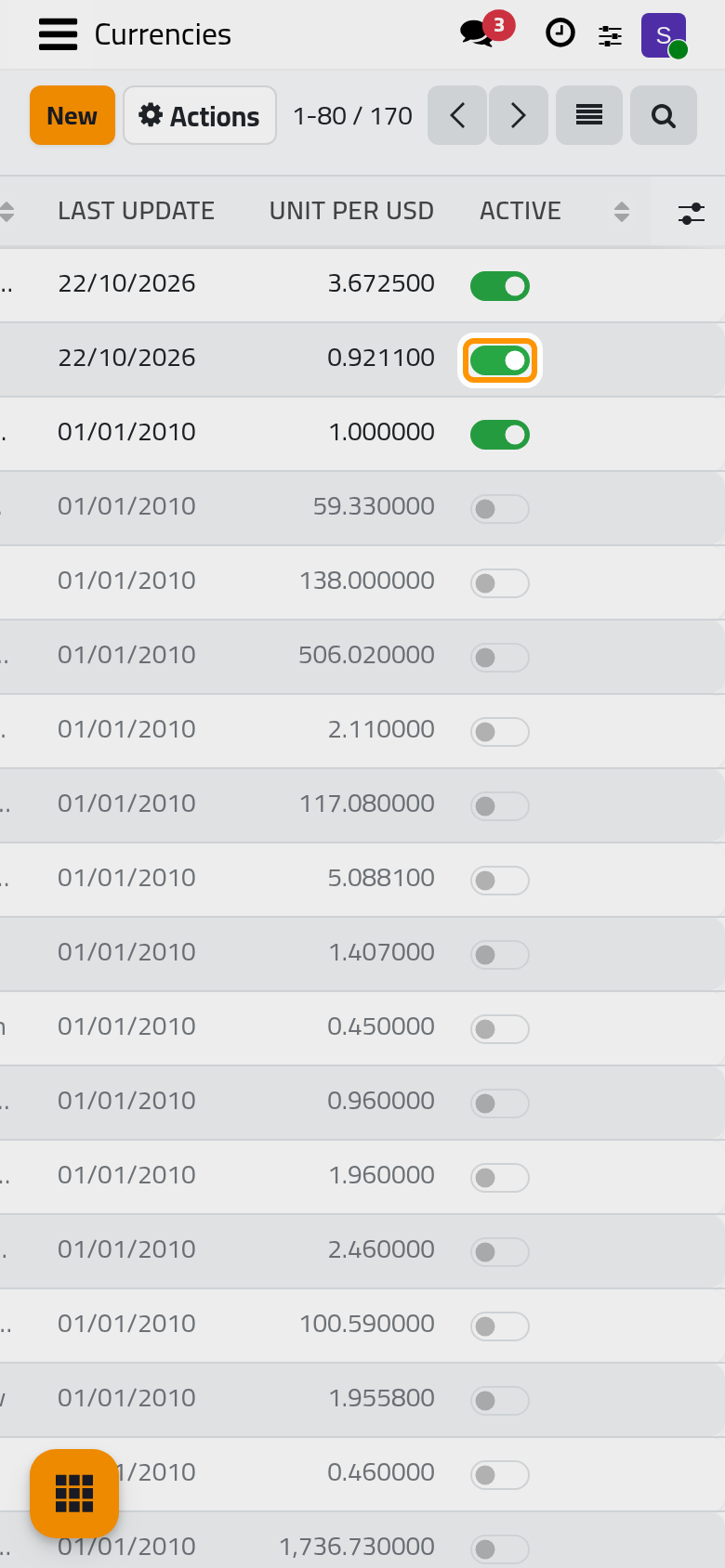
- Open , search for the currency by its code and switch on the toggle at the end of its line.
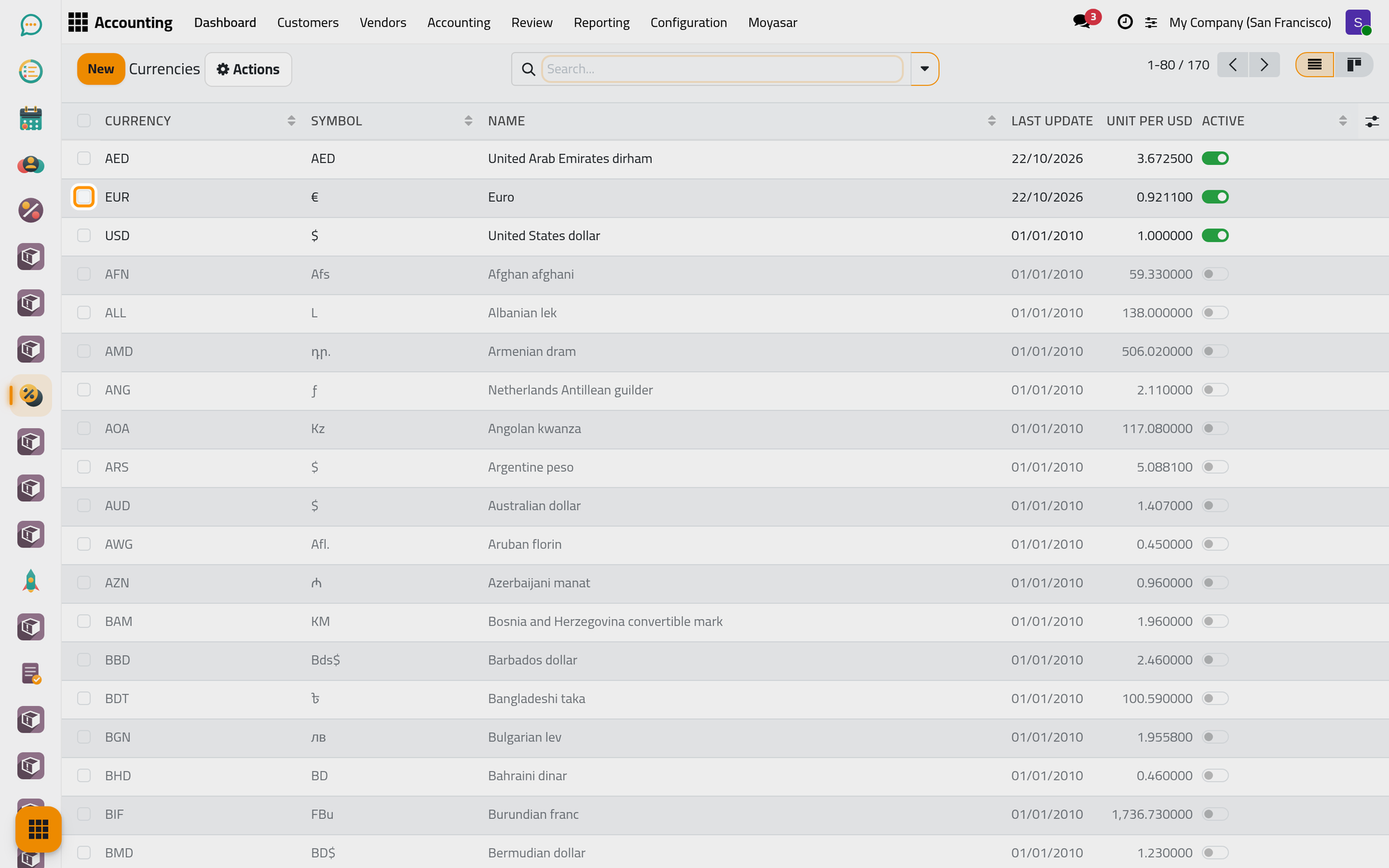
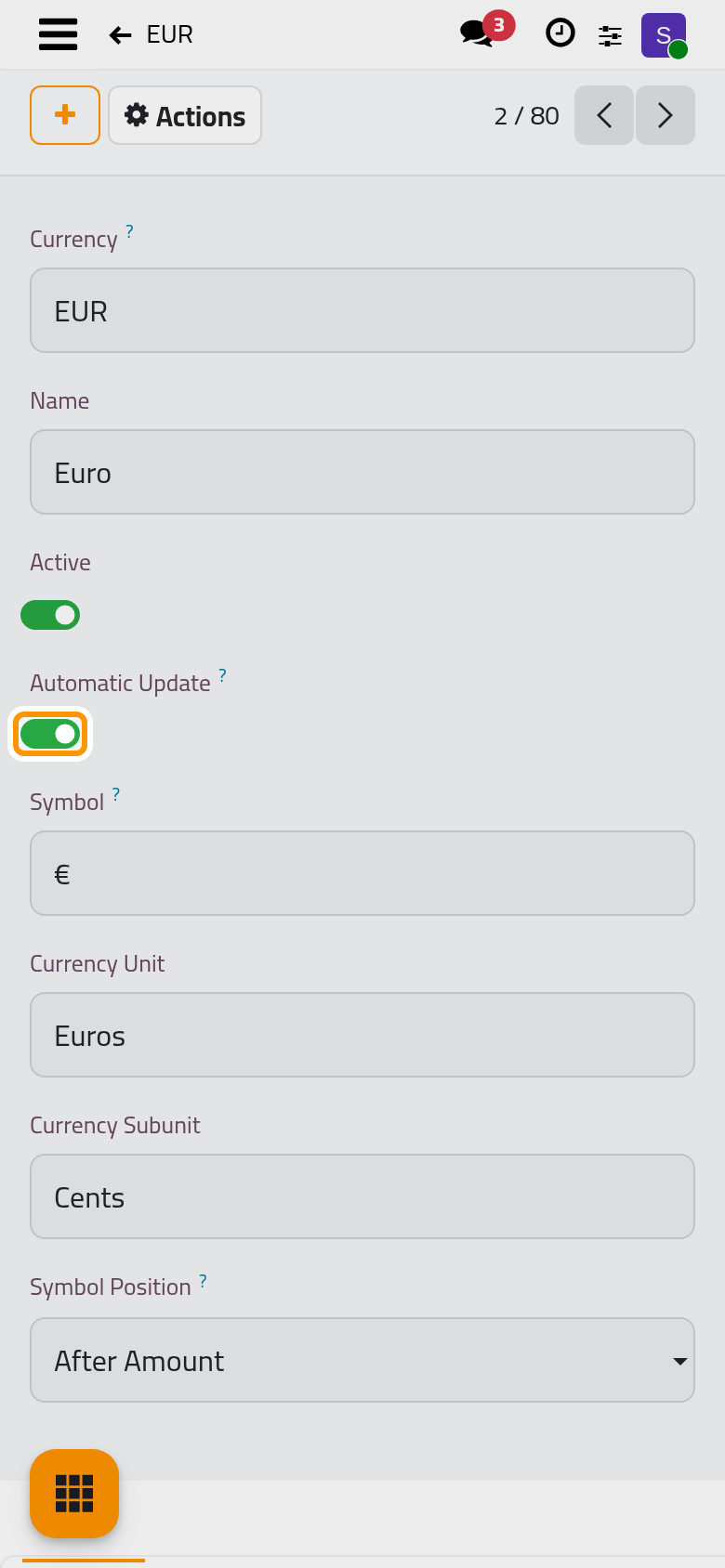
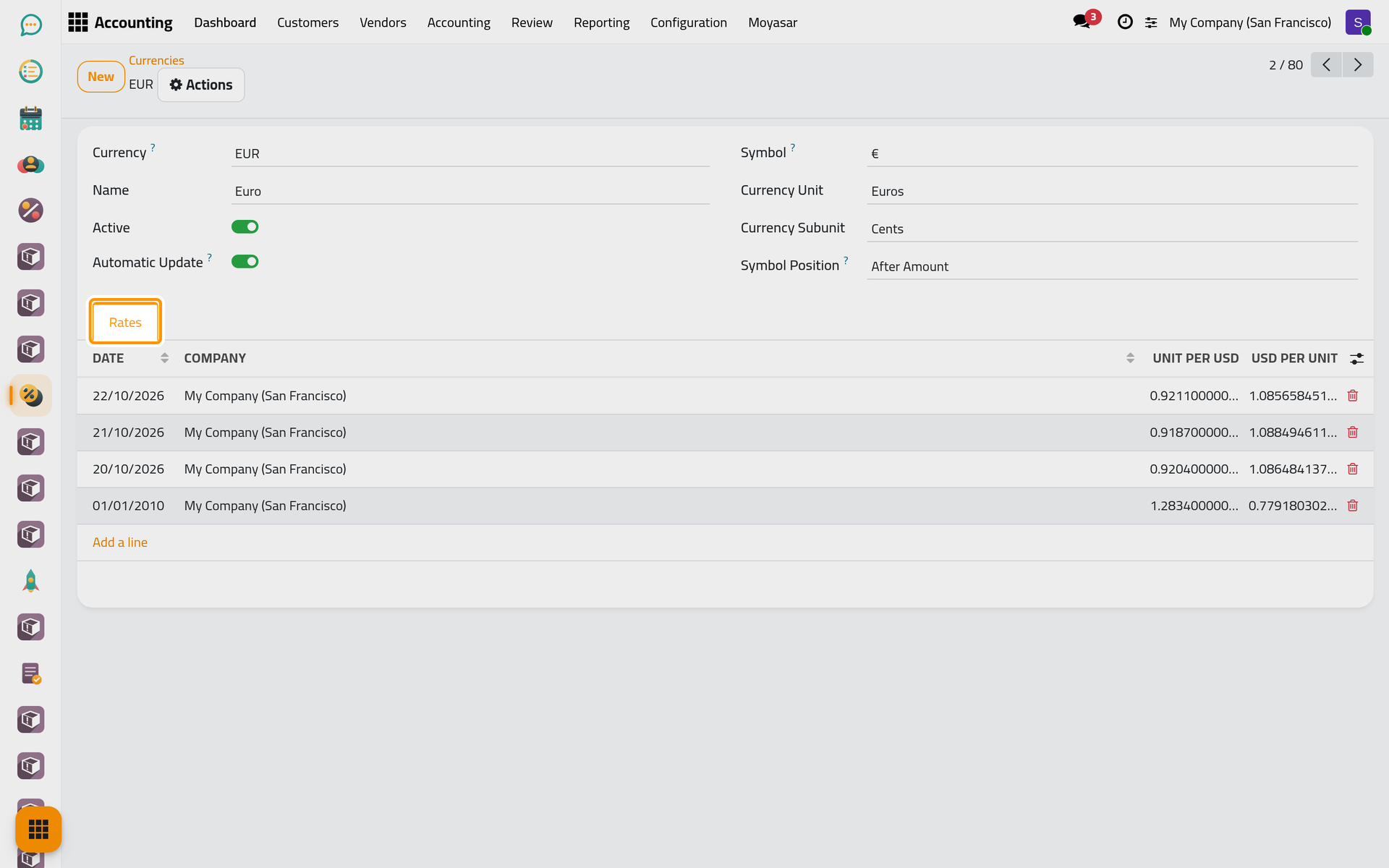
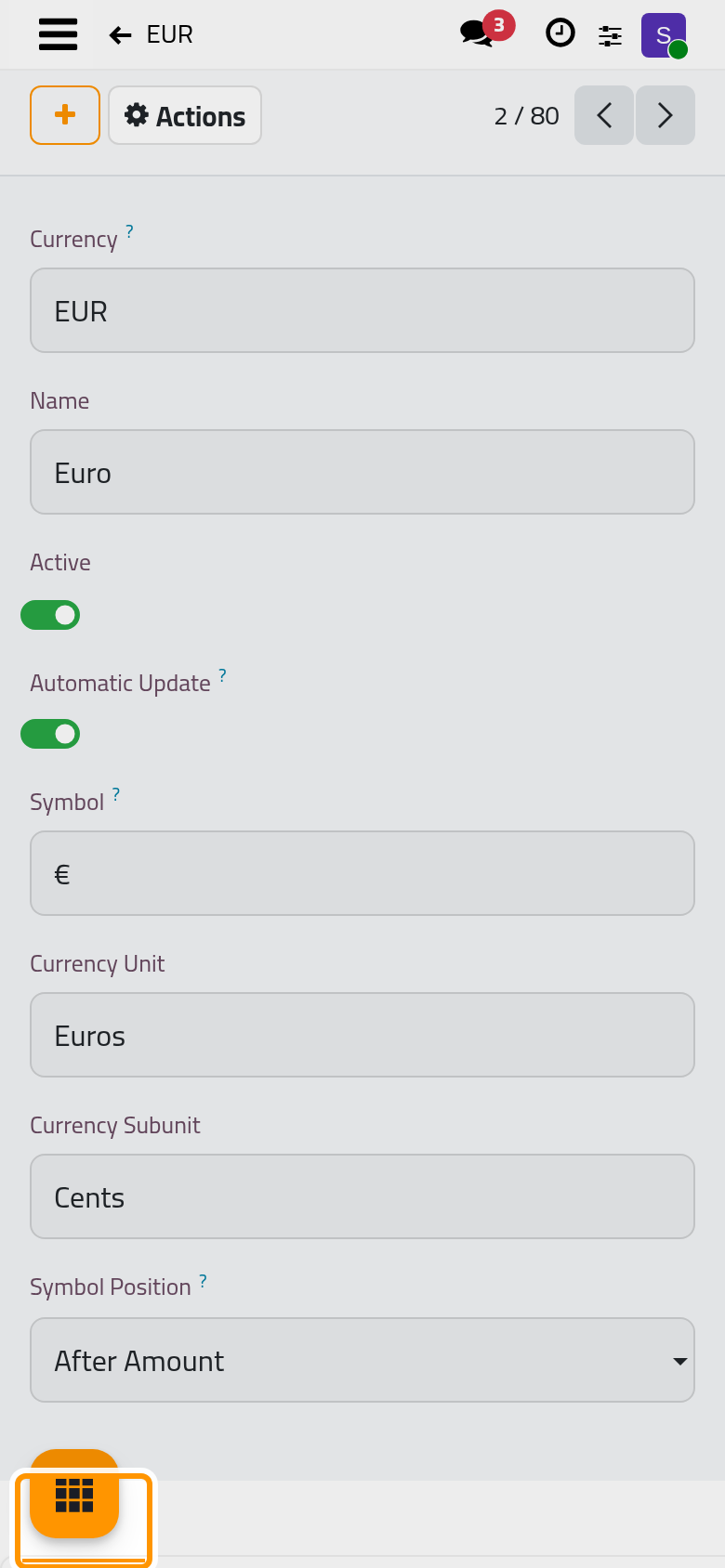
- Click the currency. Automatic Update is on by default, so the daily update fetches its rate; turn it off for a currency whose rate you type yourself, or a provider will replace your rate of the day.
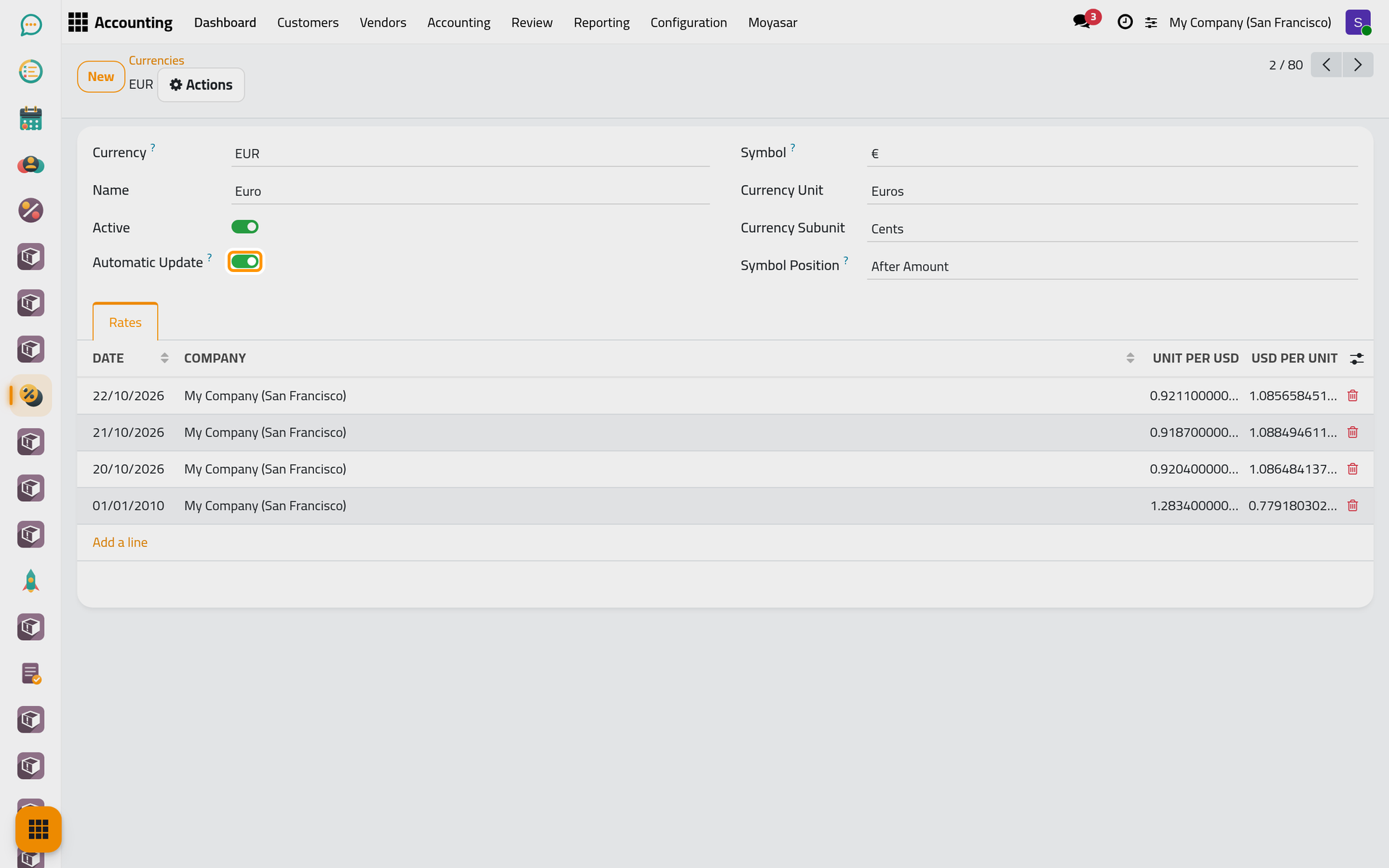
- The Rates tab lists one rate per Date and Company, in units of the currency for one unit of the company's currency (Unit per USD) and the other way round. Add a line types a rate by hand.
Order the providers
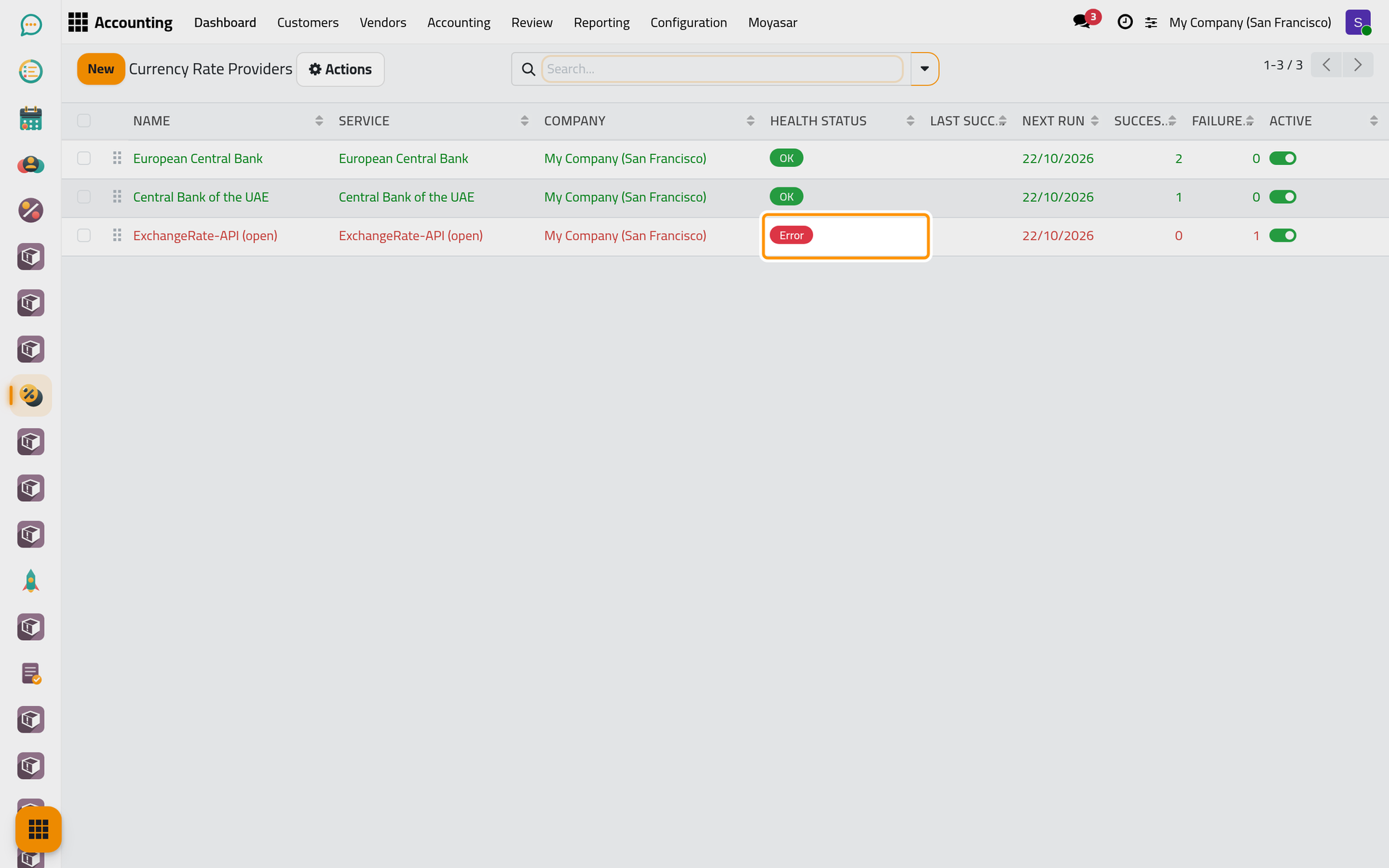
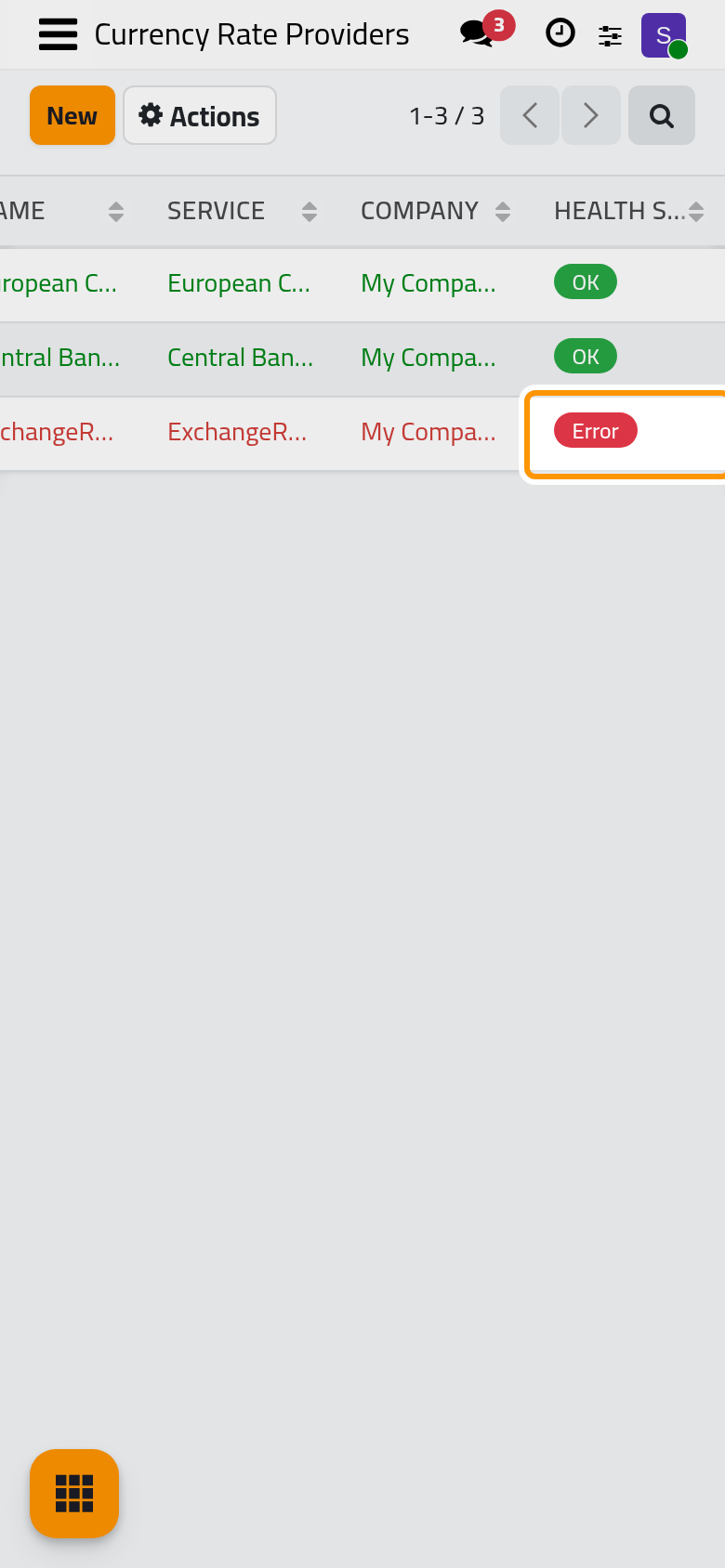
Open . Each company has its own providers. The order of the list is the priority: each currency is taken from the first provider that supports it, and the next ones are asked only for the currencies still missing. Drag a line by its handle to change the order. Health Status reads OK, Warning when failures outnumber successes, Error when the last call failed, or Idle before the first run.
Open a provider:
- Service: the source. The European Central Bank publishes about 30 currencies, the Central Bank of the UAE about 80 with the Gulf ones, ExchangeRate-API (open) about 160. Frankfurter (ECB JSON), the European Central Bank's rates in another format, is not set up by default: click New in the list to add it.
- Sequence: the priority as a number, lower first.
- Update Every: one Day(s) by default; with Week(s) or Month(s), the provider runs when Next Run comes.
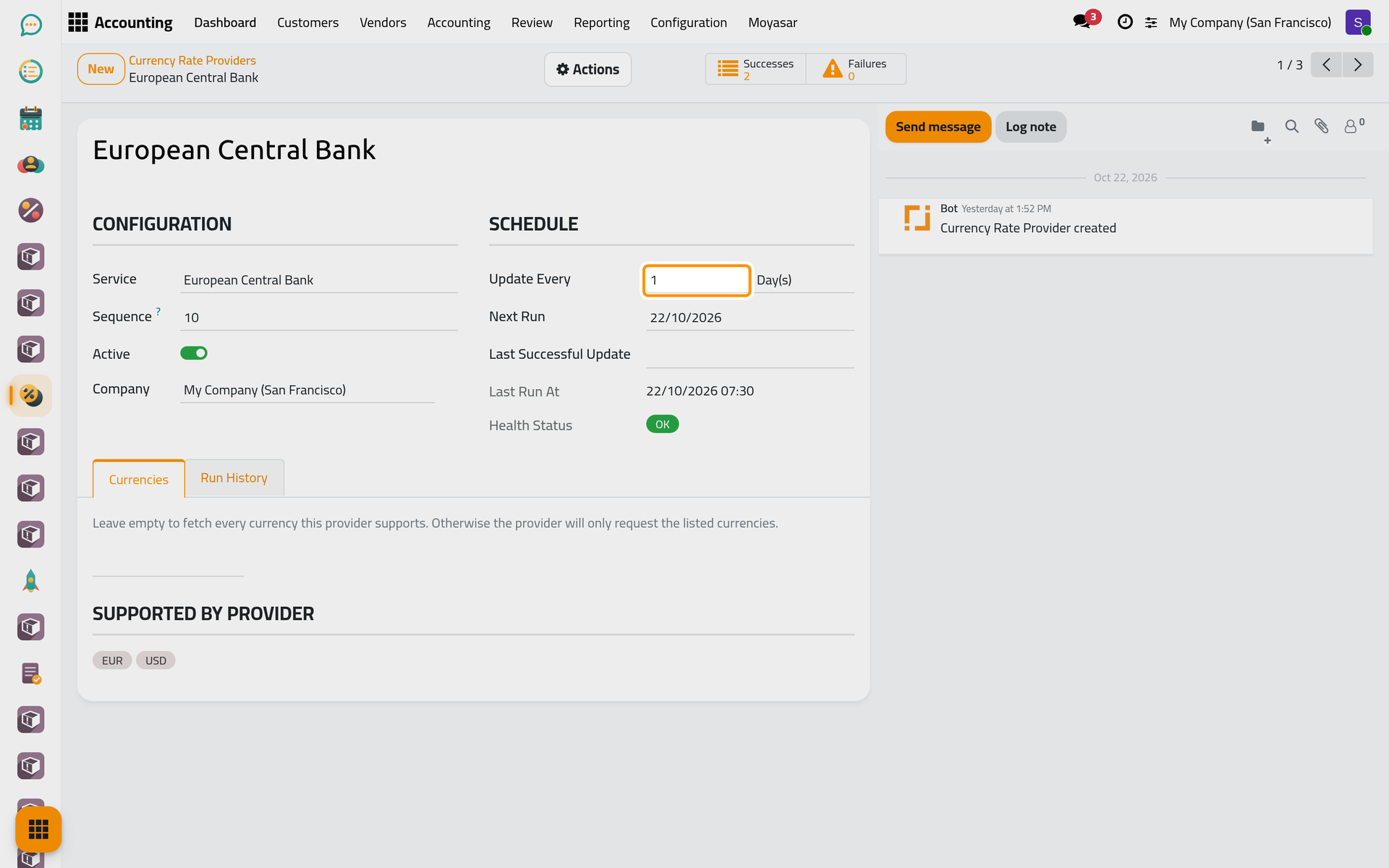
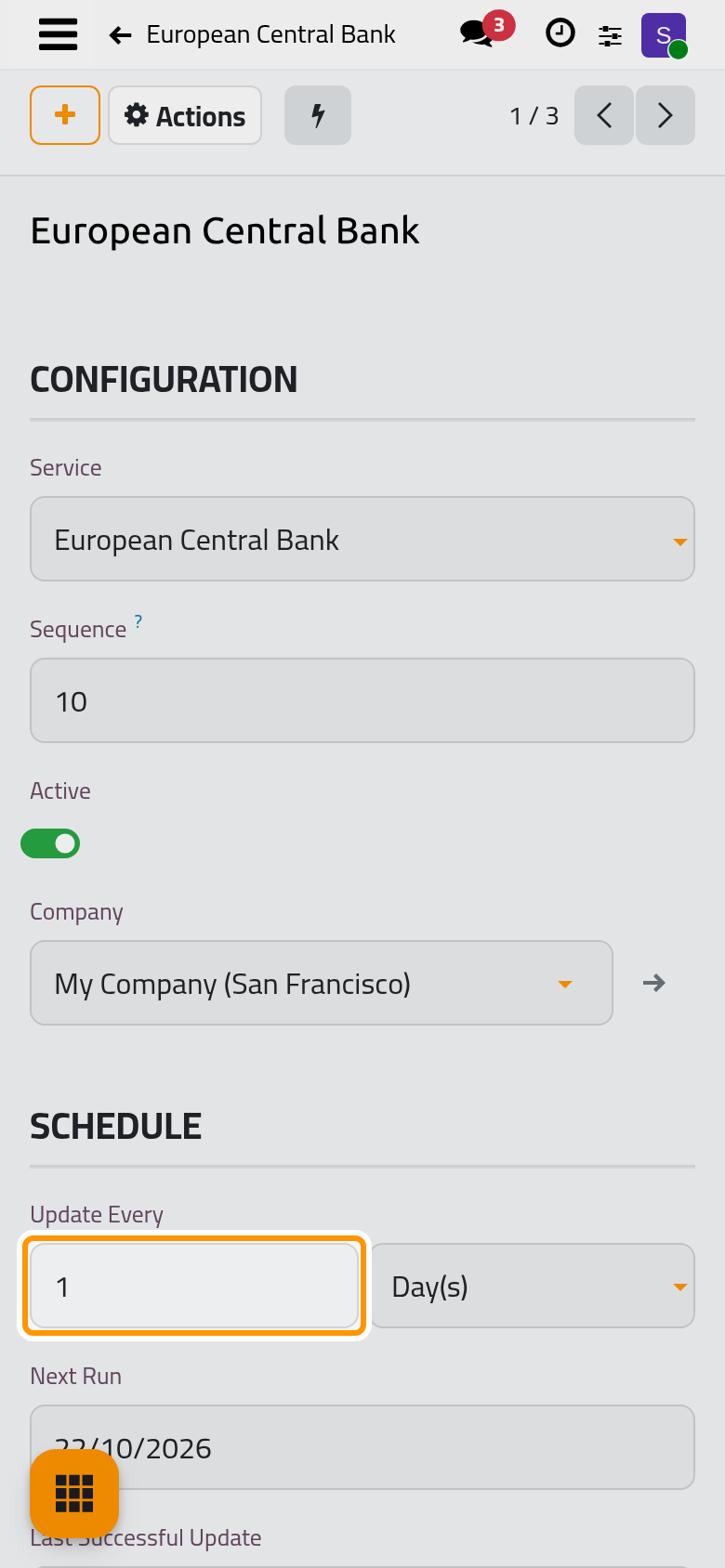
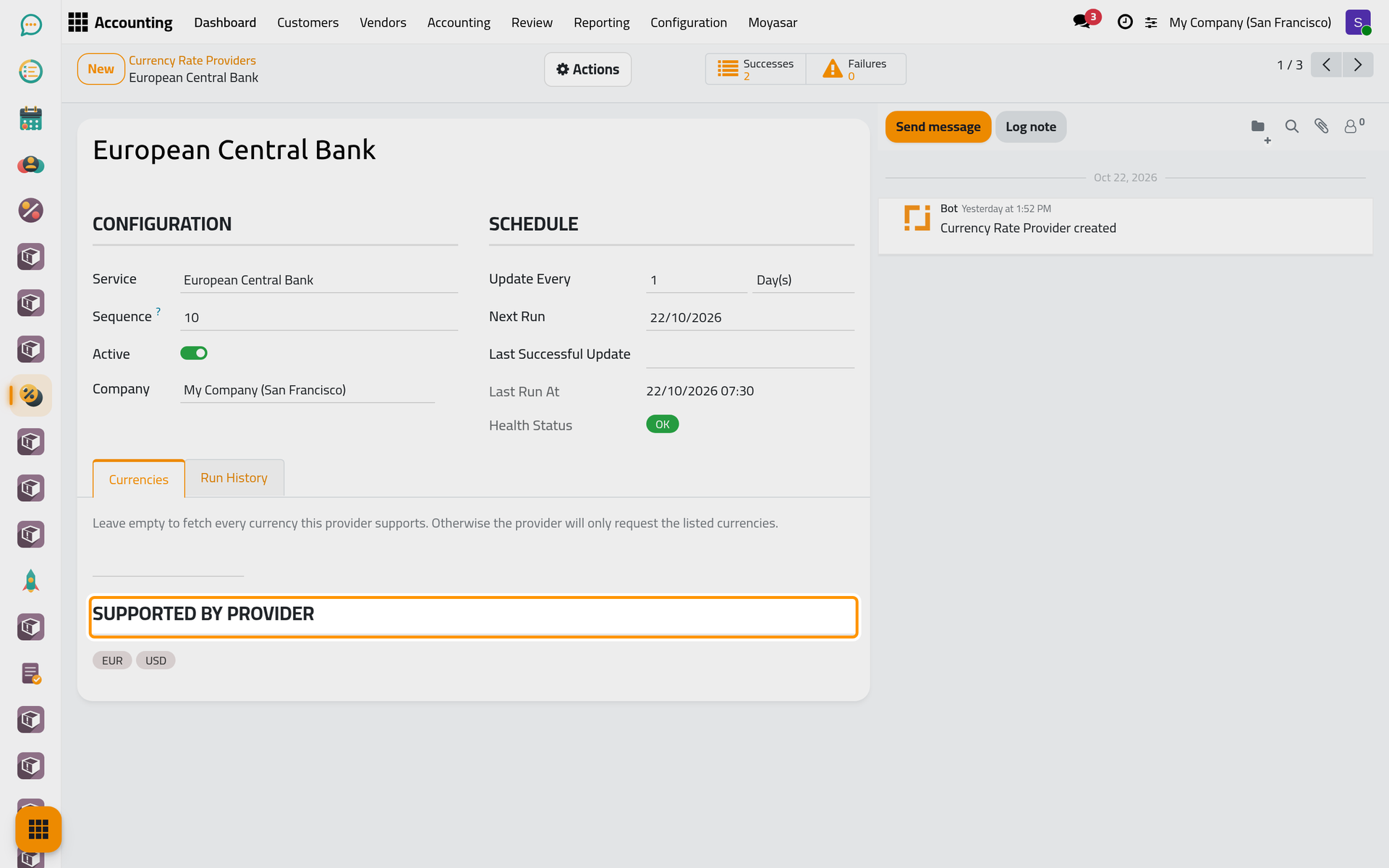
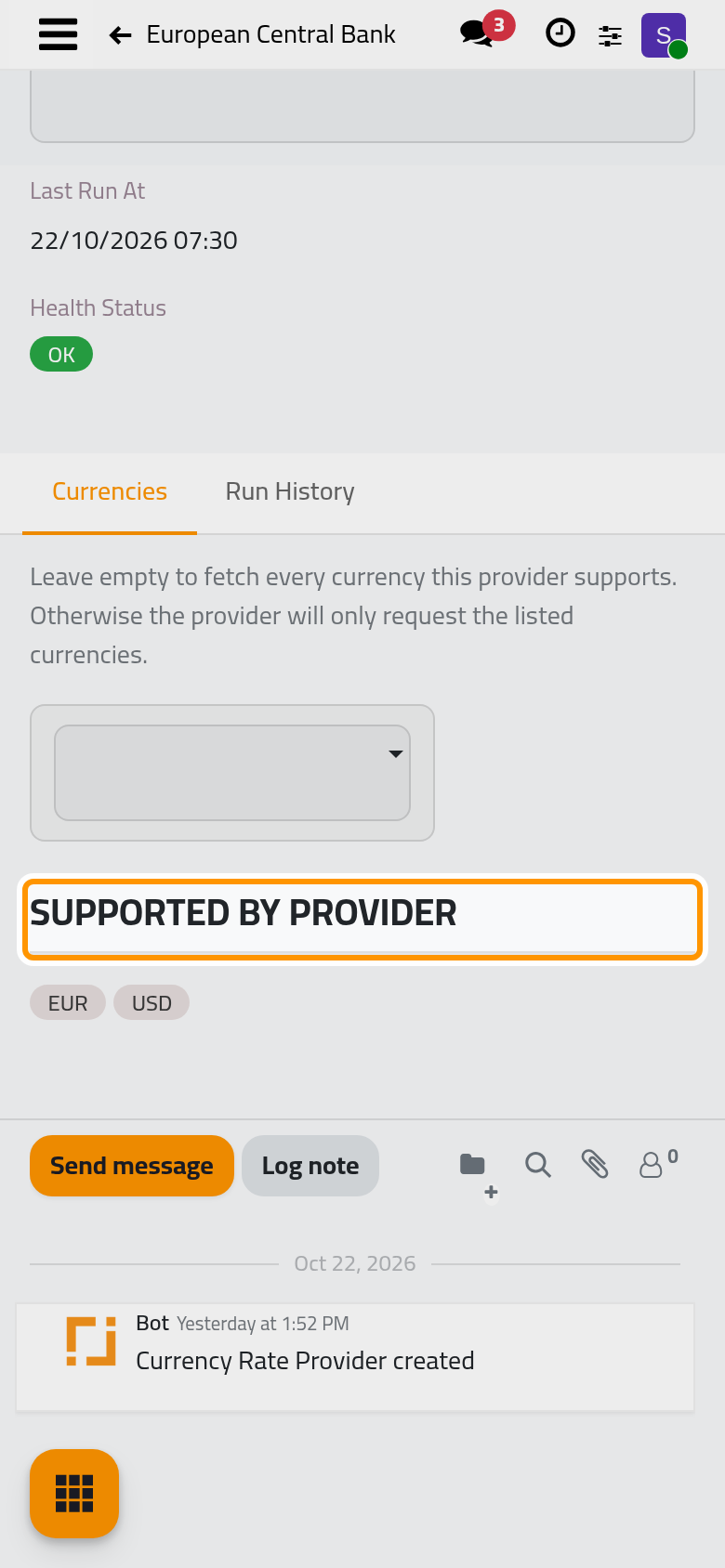
The Currencies tab limits the provider to some currencies; leave it empty to fetch all it supports. Supported by Provider shows which of your active currencies it can give. After a failure, a Last Error tab shows the message.
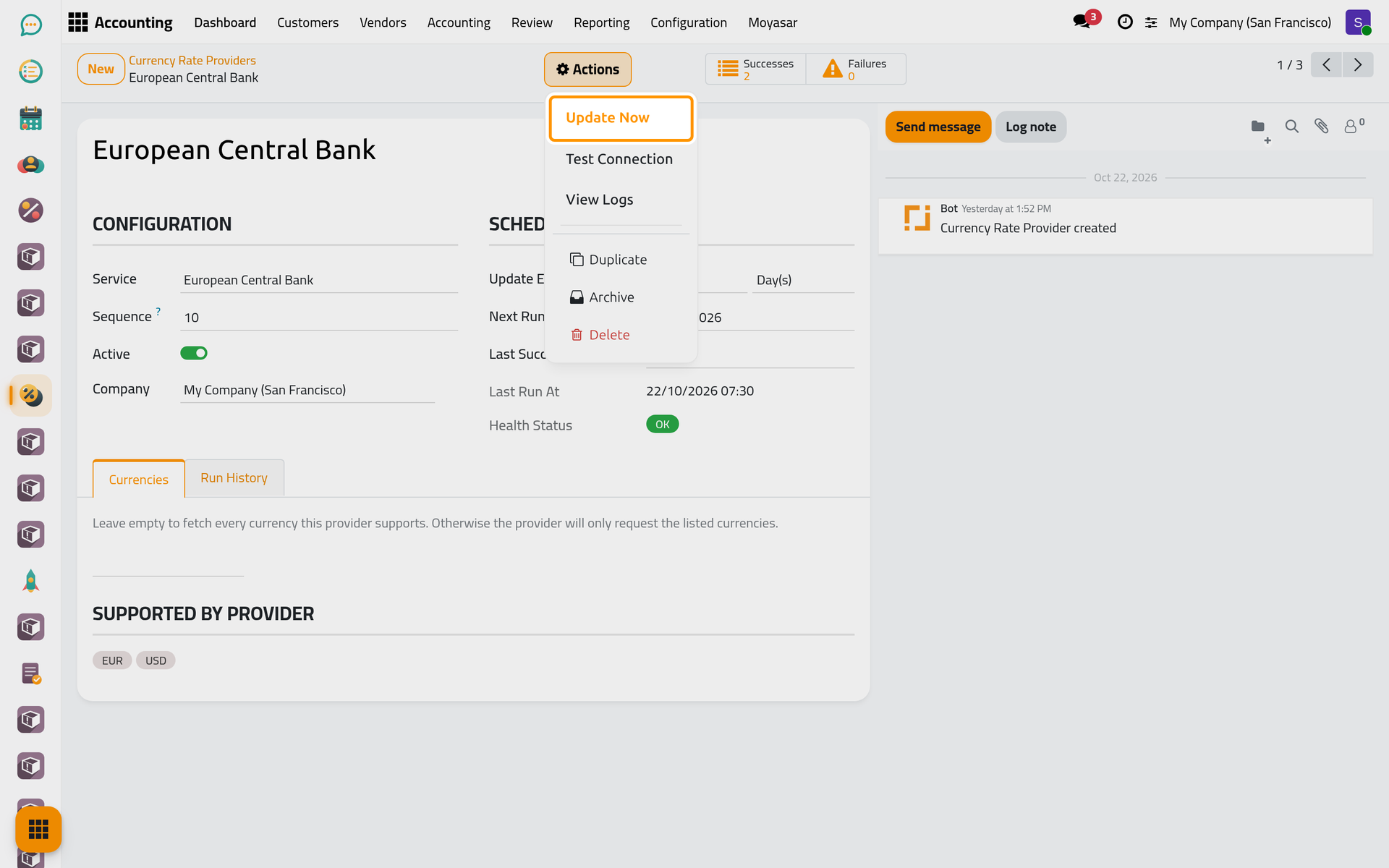
The Actions menu, at the top of the form on a phone too, holds Update Now, which fetches today's rates from this provider only, Test Connection, which asks the source without writing anything and answers Connection OK or Connection Failed with the reason, and View Logs.
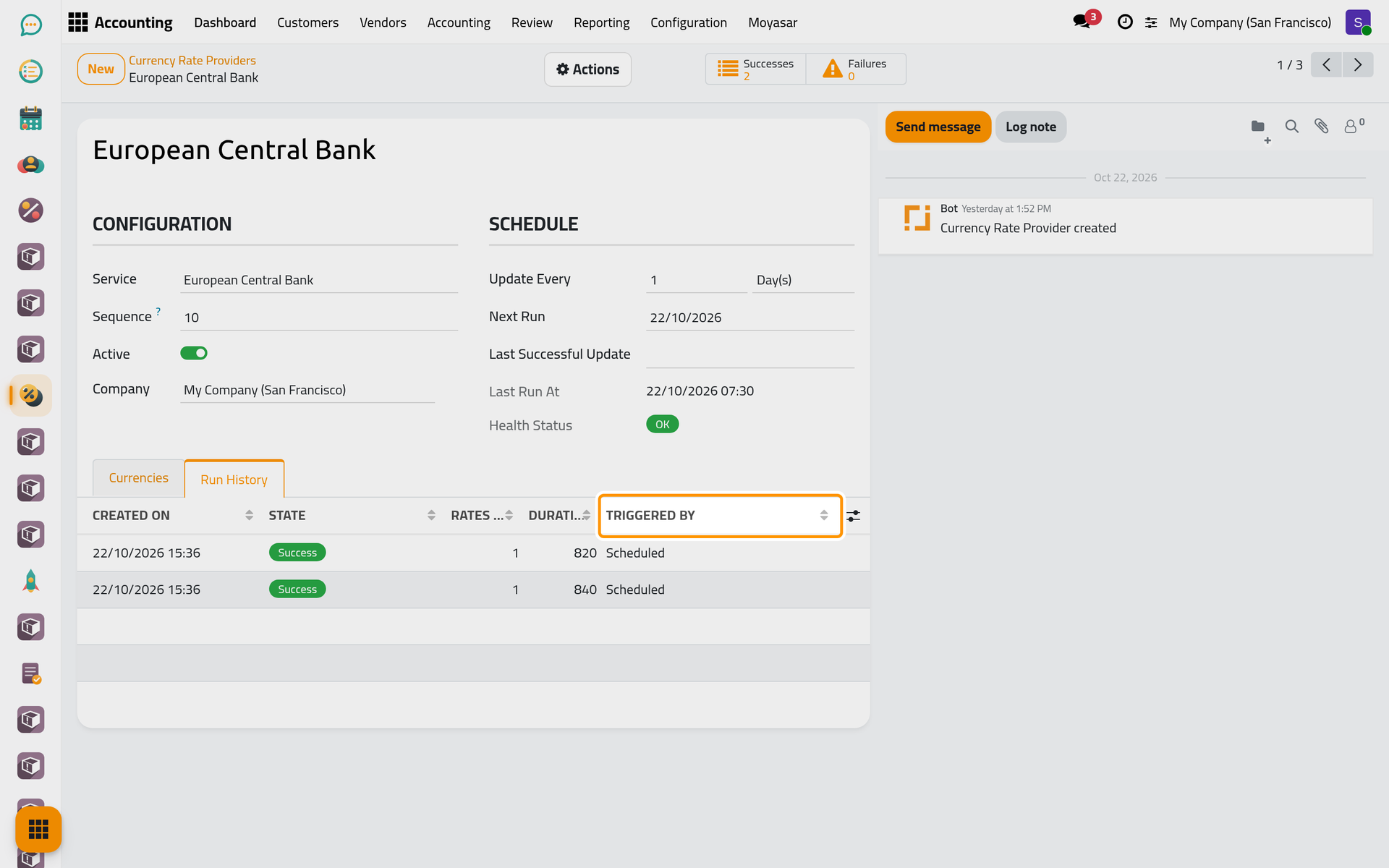
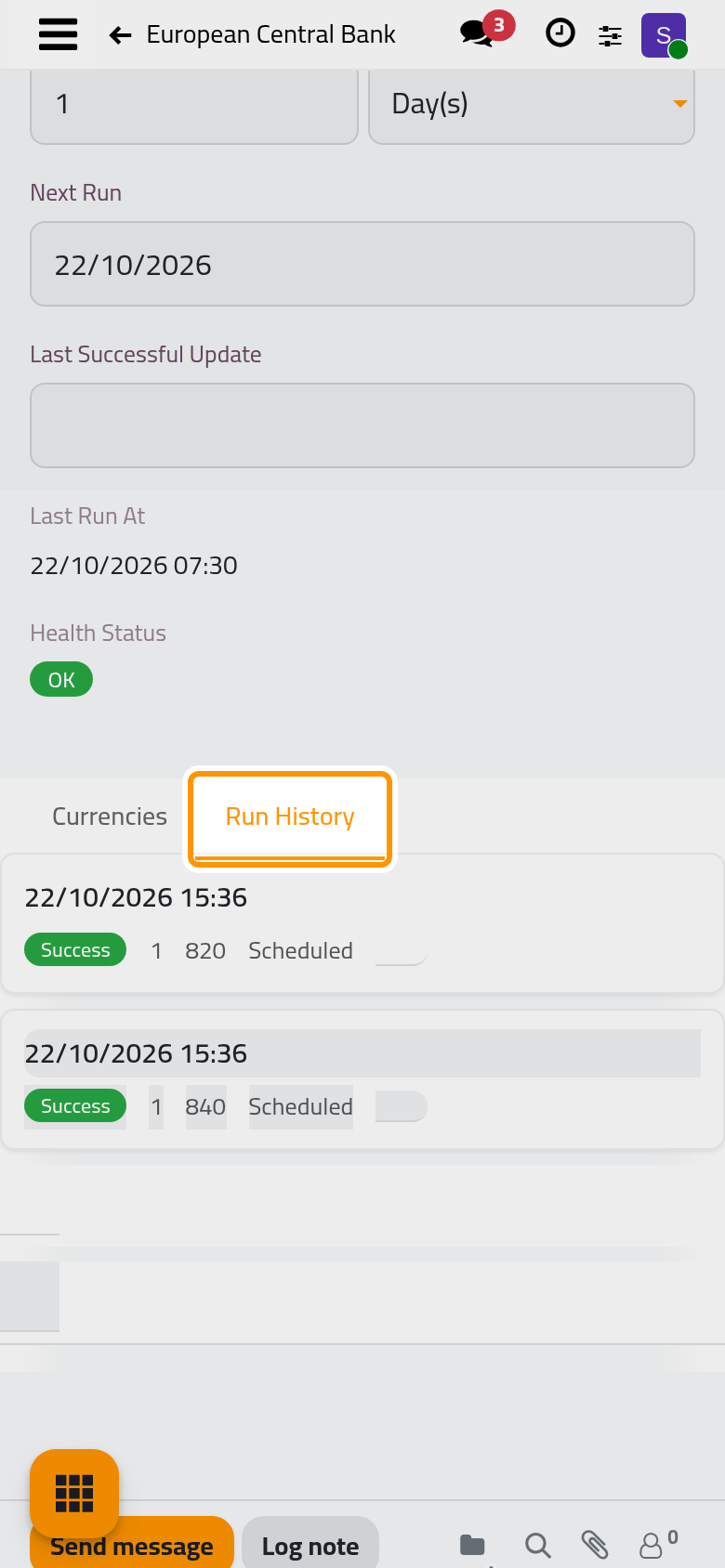
The Run History tab lists each run with its State, Rates Written and Triggered By: Scheduled, Manual, Test or Backfill.
Fill in past dates
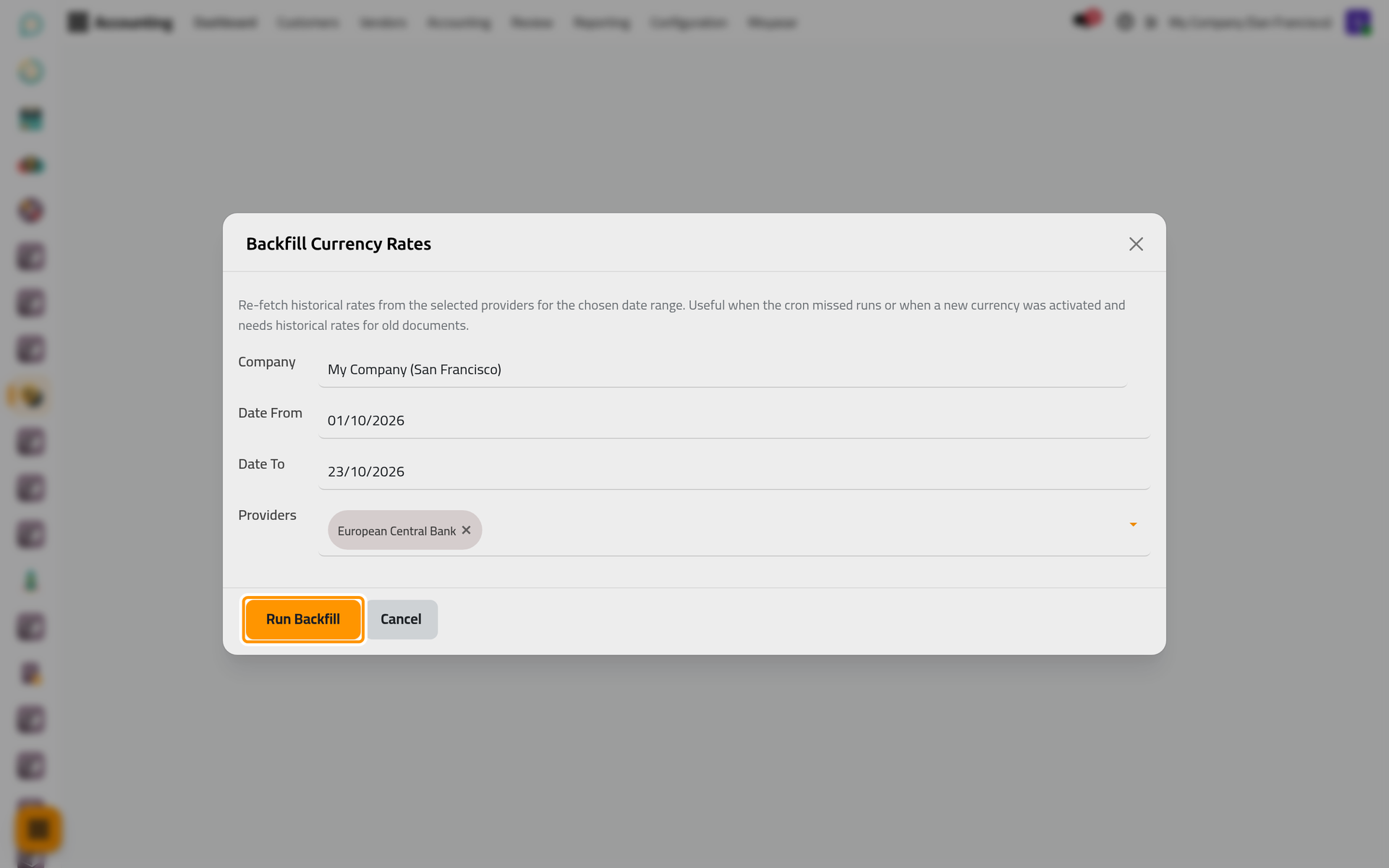
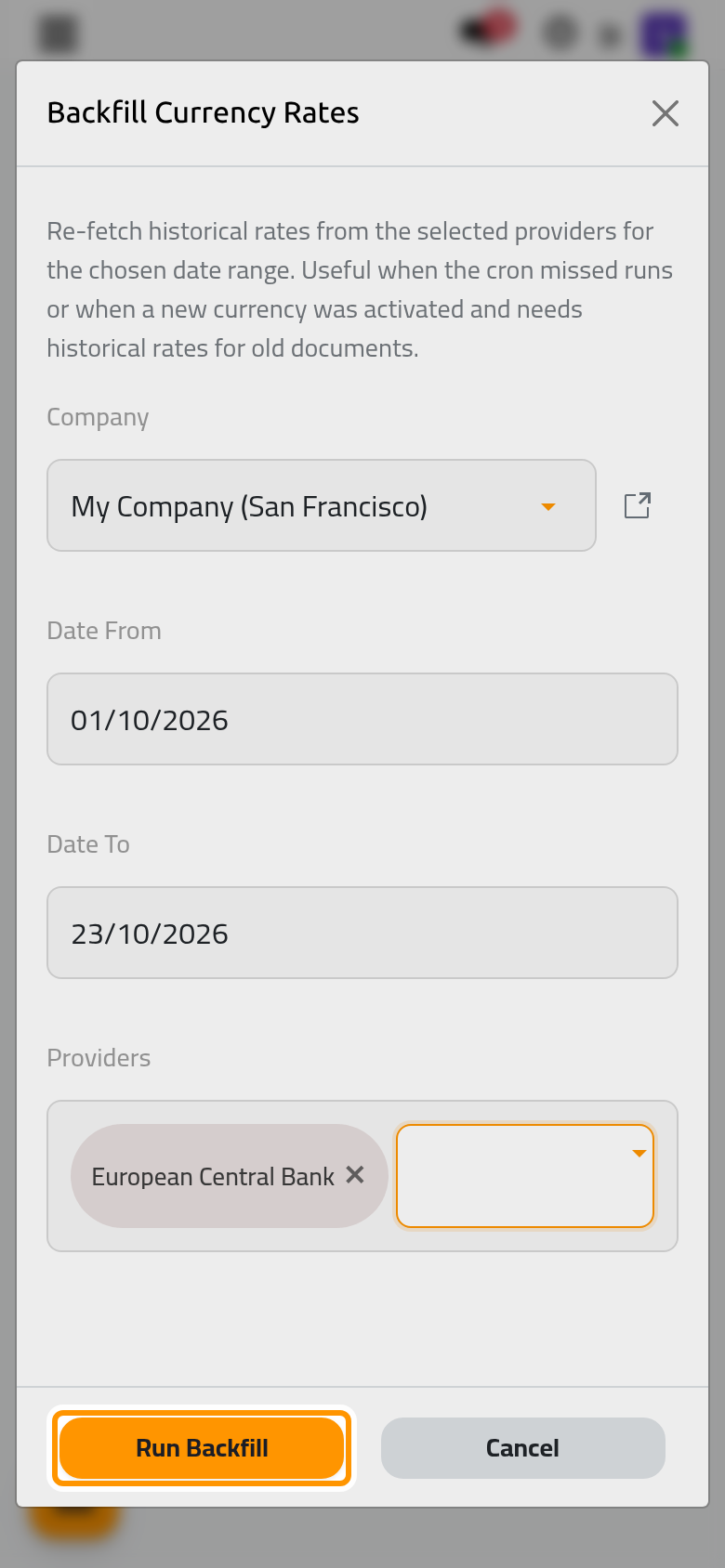
For a currency activated late, or after days without updates, open . Choose Date From, Date To and the Providers, then click Run Backfill; the message Backfill Completed tells how many currencies were updated. Only the European Central Bank and Frankfurter give past days; the other two give the latest day only.
Read the log
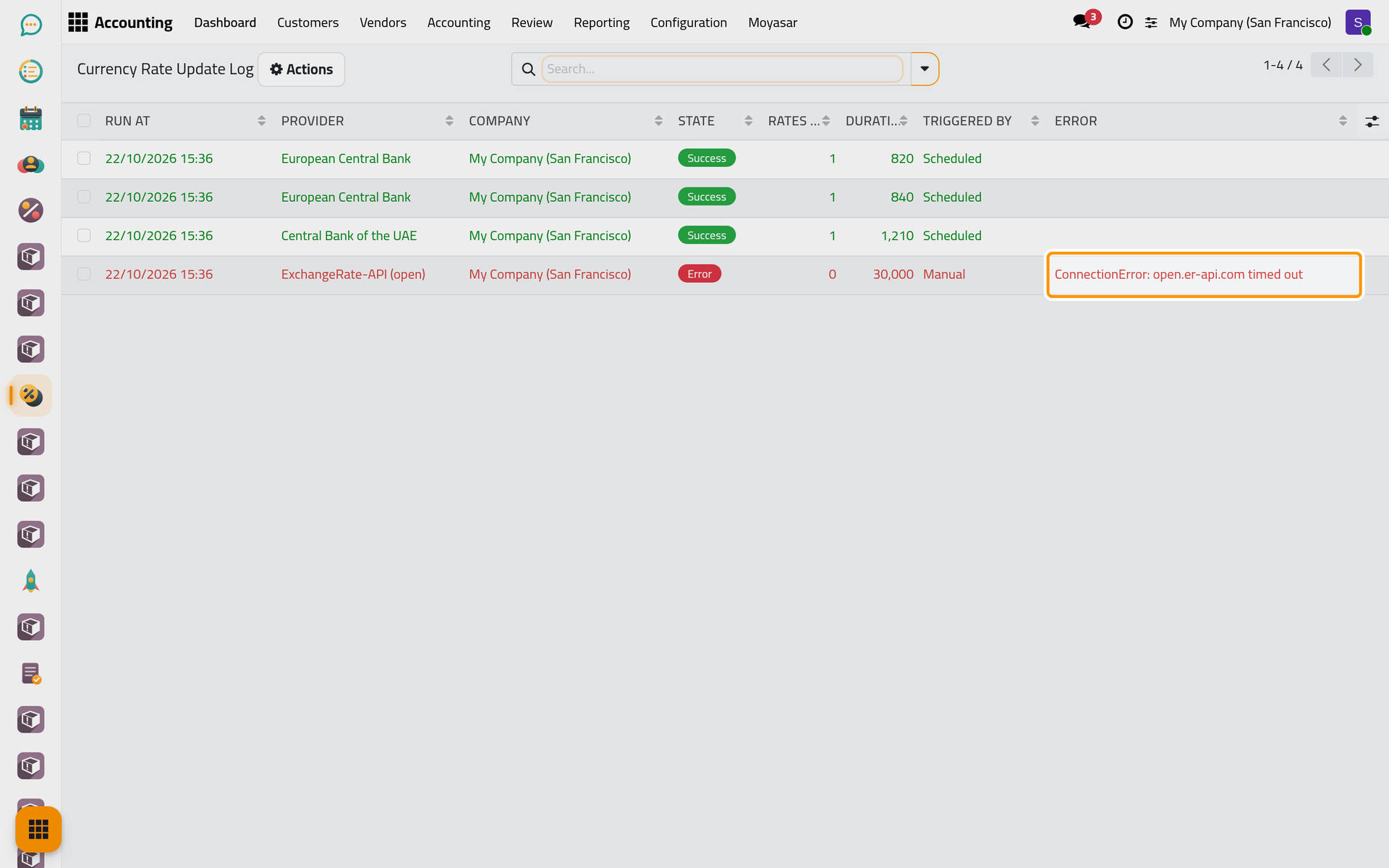
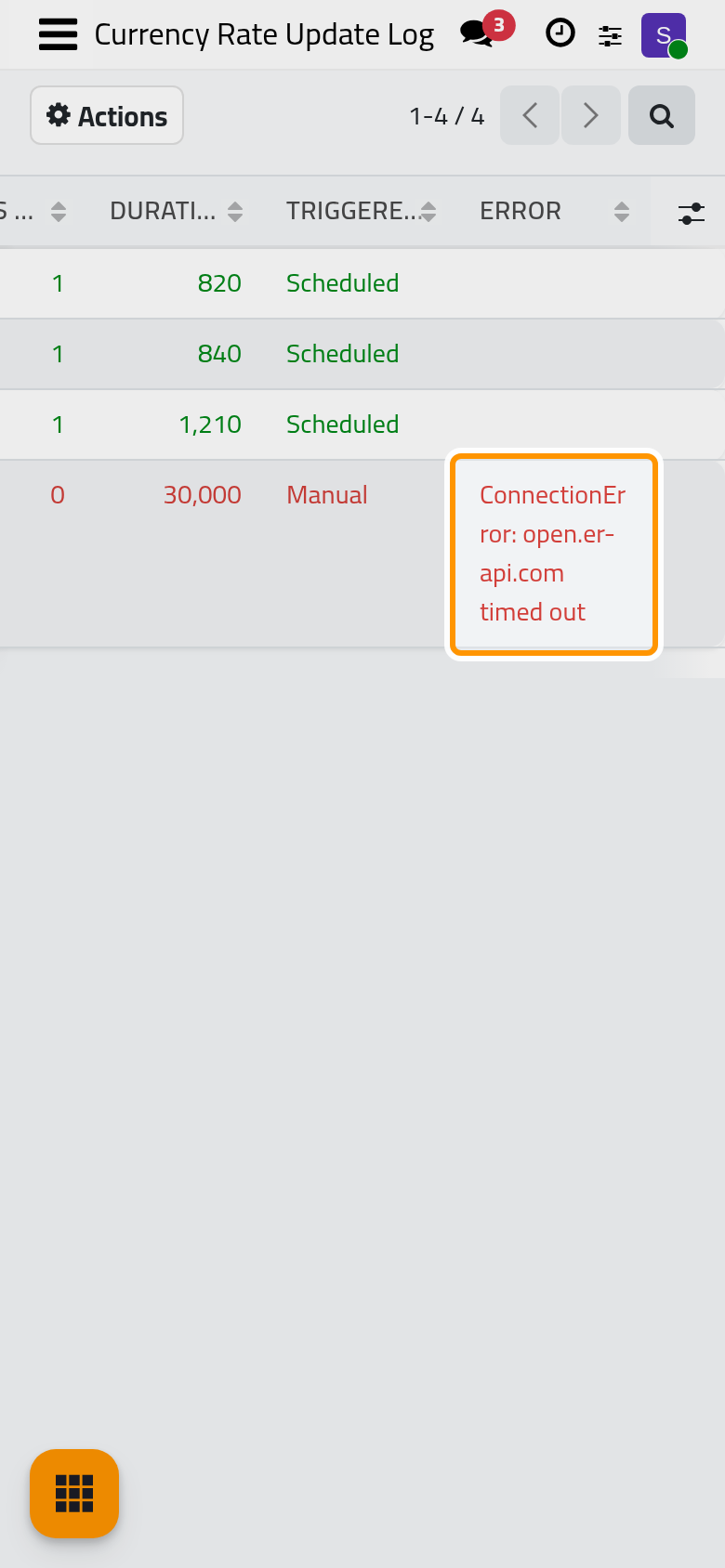
Open . Each line is one run of one provider, with its State (Success, Partial or Error), Rates Written, Triggered By and the Error message when there is one. The Error filter keeps the failed runs. Lines older than 30 days are deleted every week: see Banks, cash and currencies automations.
FAQ
A currency has no rate for today. Why?
Check in this order: the automatic update is on in the settings; the currency is active with Automatic Update on; a provider of your company supports it (Supported by Provider); the log shows no Error for today.
My company keeps its books in a currency the European Central Bank does not publish.
The European Central Bank then writes no rate, and its log line reads Success with no rate written; the next provider in the list gives the rates. The Central Bank of the UAE and ExchangeRate-API both publish the Gulf currencies.
Was this page helpful?
Thank you for your feedback.