Banks, cash and currencies settings
On this page
The options of this app sit on the Accounting settings page, in the Currencies and Default Accounts groups. Open . The rest of the page, the main currency included, is explained in Accounting settings.
Before you start
- Changing the settings needs the Administrator access right on Accounting.
- The settings belong to the current company; switch company before changing them for another one.
Currencies
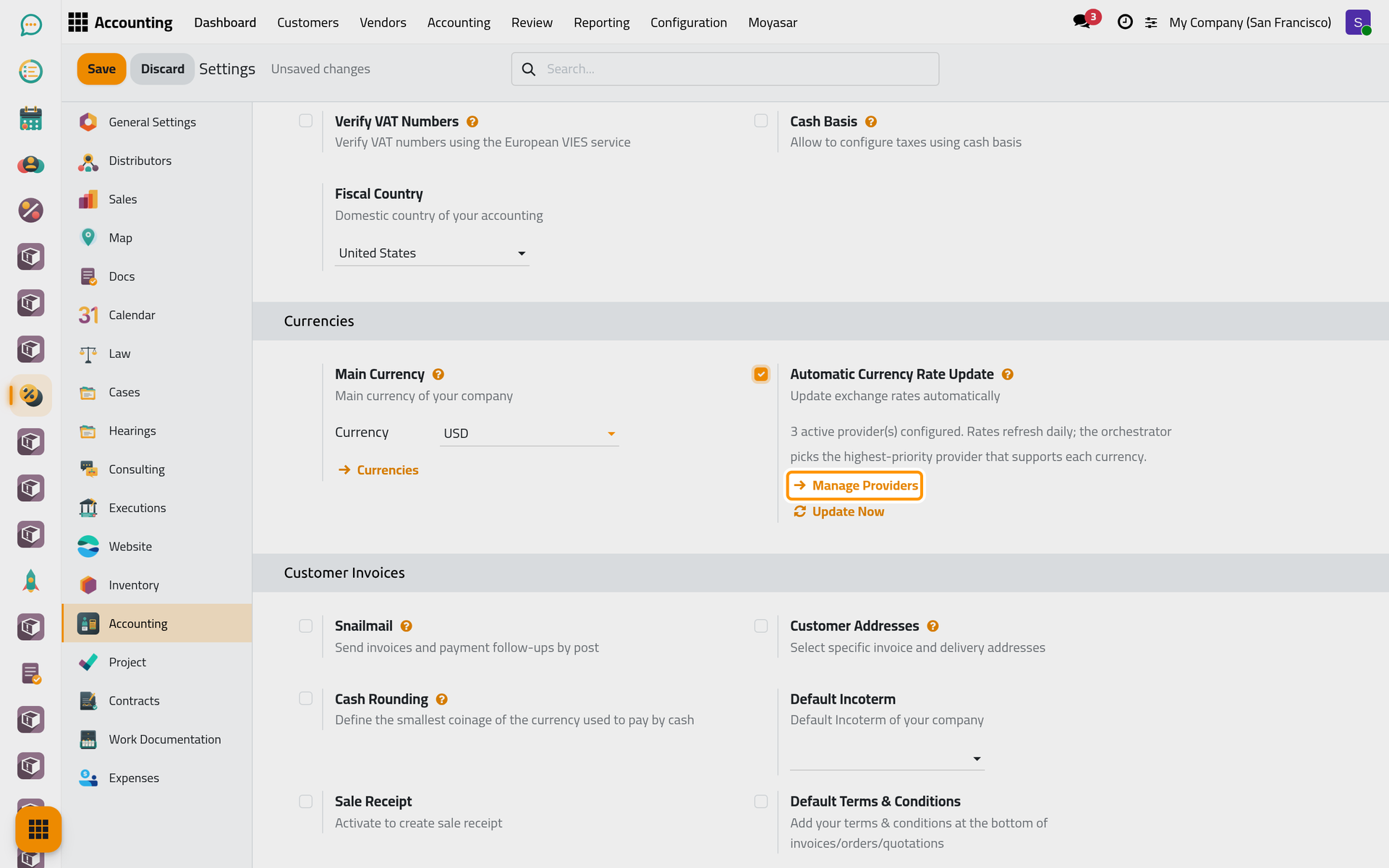
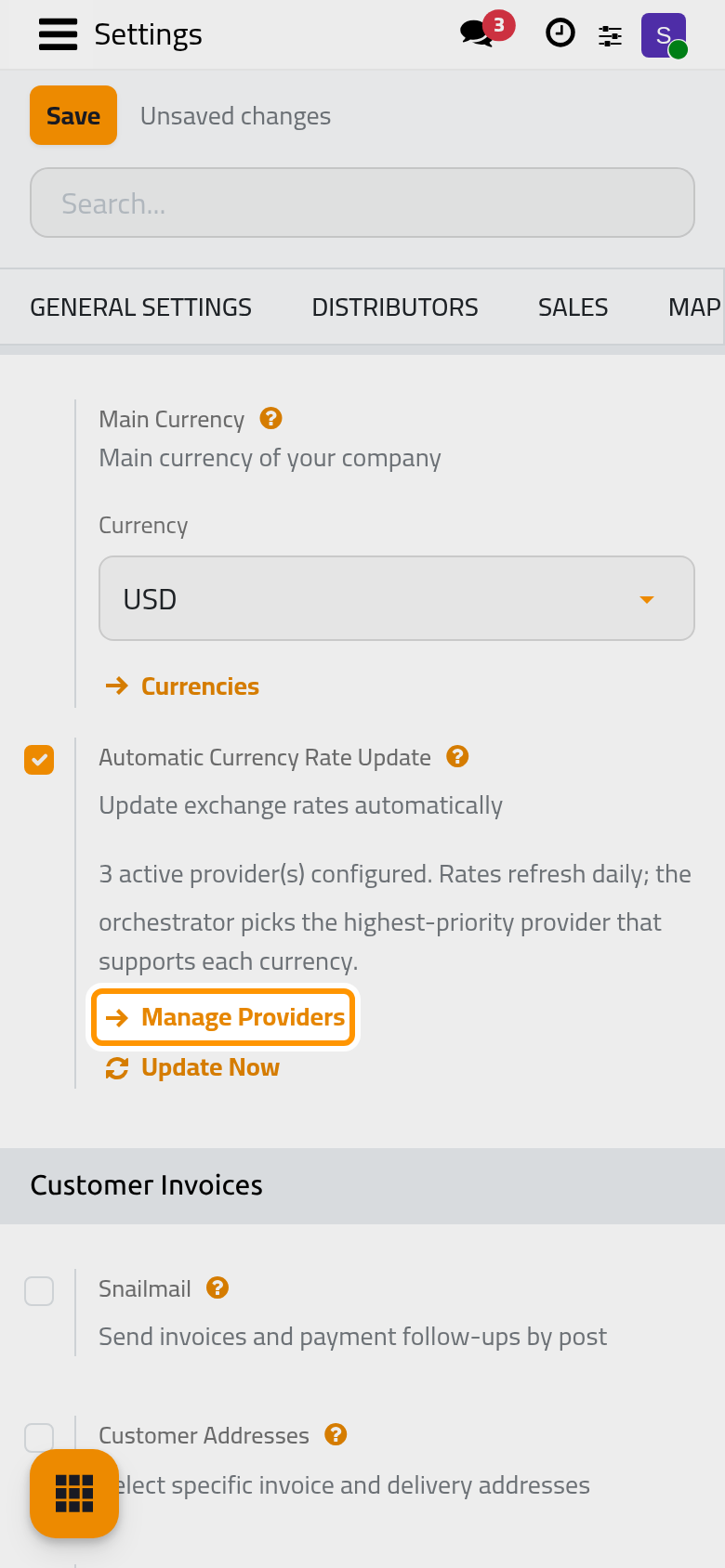
Automatic Currency Rate Update
Shown with the line Update exchange rates automatically, once more than one currency is active (activating a second currency in makes the option appear). Off by default, for every company.
When it is on, the daily scheduled update fetches the rates of the active currencies whose Automatic Update is on, from the active providers of the company in their order of priority. When it is off, nothing is fetched on its own; Update Now on a provider still works.
Once it is ticked, a line below counts the active providers of the company and two links appear:
- Manage Providers opens the providers of this company: see Keep currency rates up to date.
- Update Now runs all the active providers of the company at once, in their order, and answers Currency Rates Updated, or No Providers when none is active.
Click Save to apply the change.
Default Accounts
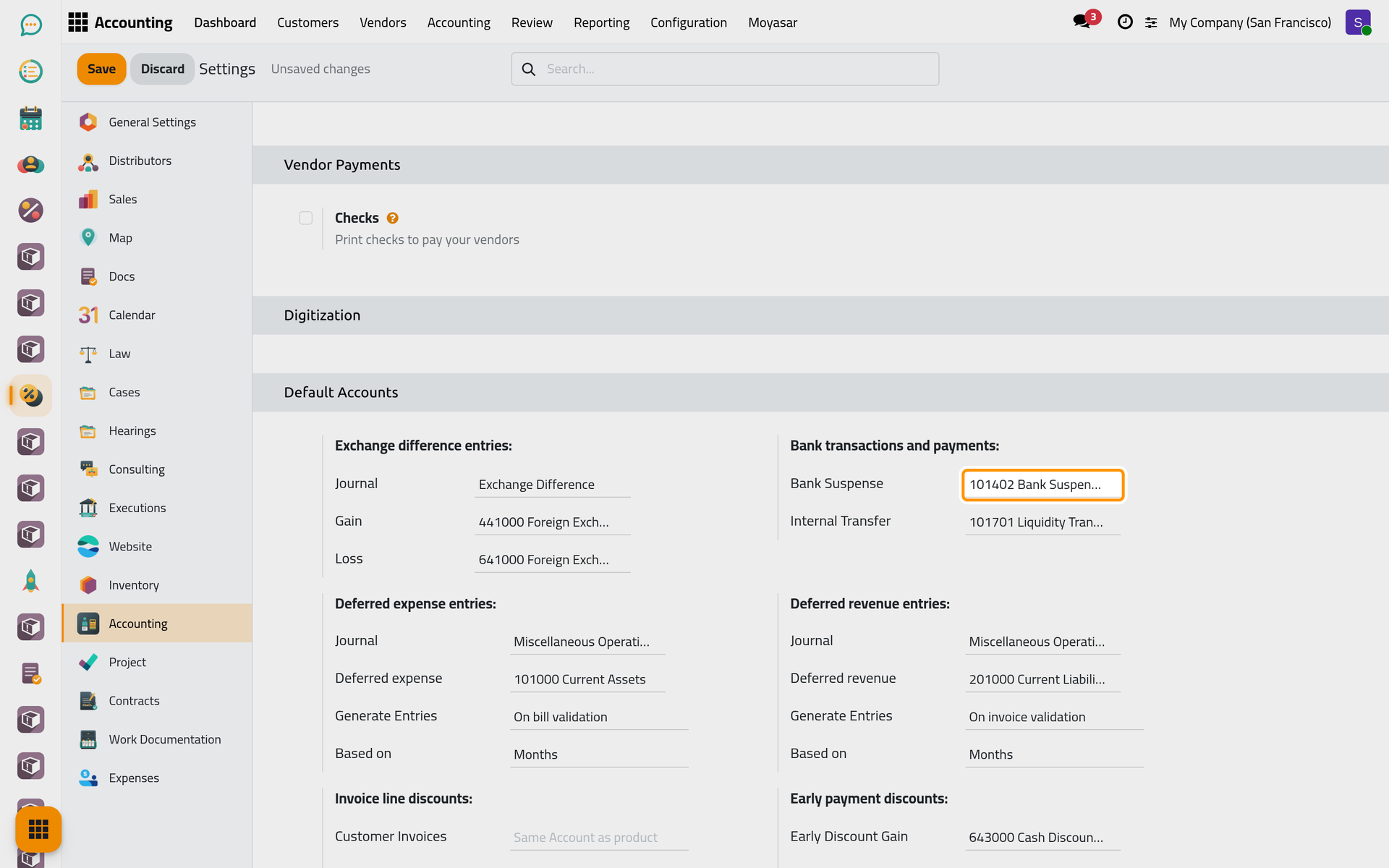
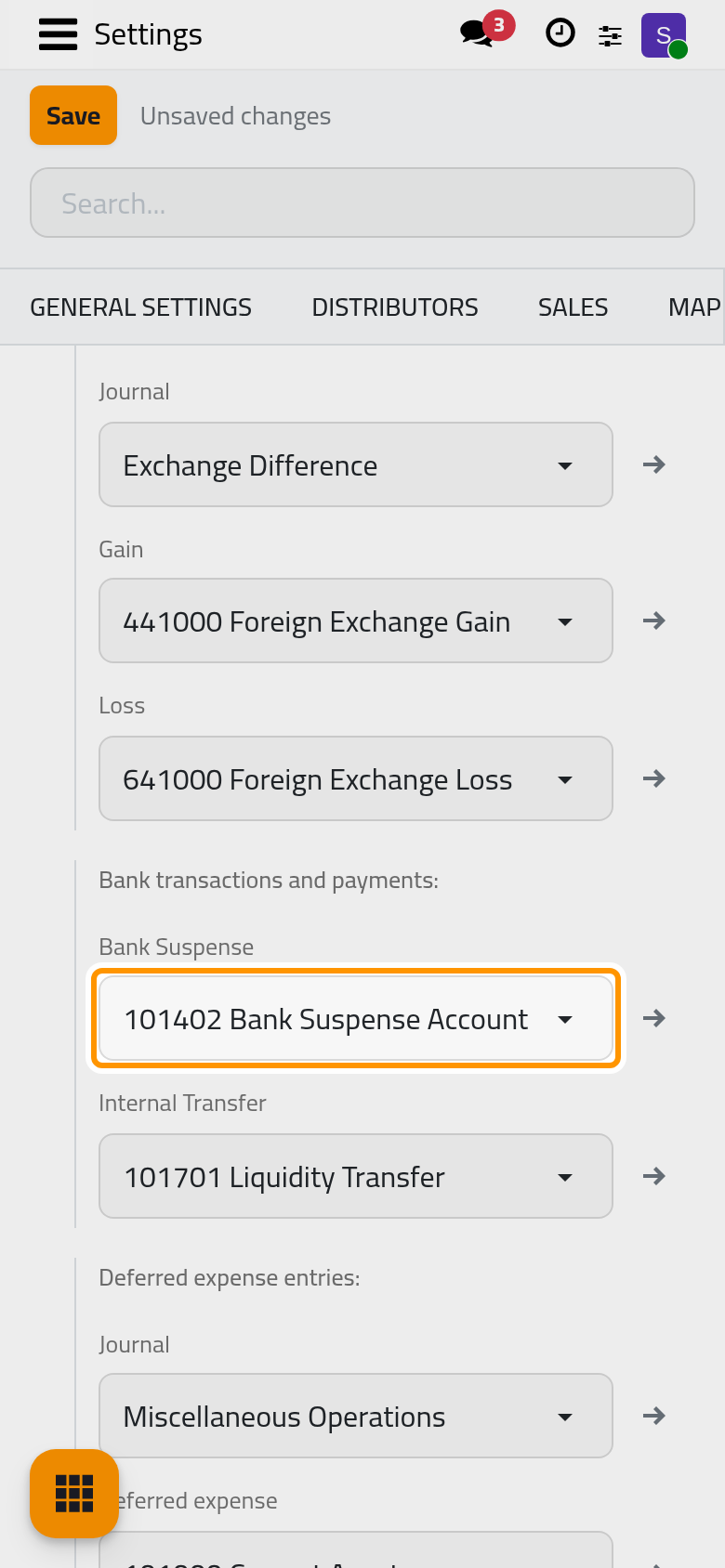
Bank transactions and payments
- Bank Suspense: the account on which a bank transaction waits until it is matched with what it pays or collects. New bank and cash journals take it as their suspense account.
- Internal Transfer: the account money passes through when it moves between two of the company's own bank or cash accounts, so that the transfer leaves one journal and reaches the other.
Both are filled when the package is installed; change them only with your accountant.
Exchange difference entries
Shown when more than one currency is active. When an invoice or a bill in a foreign currency is paid at a rate different from the one of its date, the difference is recorded in the Journal chosen here, on the Gain account or on the Loss account. The revaluation of open foreign amounts at the end of a period is covered in Accounting reports.
FAQ
I do not see Automatic Currency Rate Update.
Only one currency is active: activate another one in . The settings page also needs the Administrator access right.
Does ticking it fetch the rates at once?
No. The first rates arrive with the next daily run of the update. Click Update Now under the option to fetch them right away.
Which tasks run by themselves?
The page Banks, cash and currencies automations lists the daily update of the rates and the weekly cleaning of its log.
Was this page helpful?
Thank you for your feedback.